
7 Best Content Marketing Automation Tools I Tested in 2026


I evaluated several content marketing automation tools across real campaign workflows. Here are the 7 that earn their place and where each one genuinely wins.
7 best content marketing automation tools: Quick comparison
All prices reflect annual billing. Prices may vary by contact count, seat count, or plan configuration. Check each vendor's pricing page to confirm current rates.
How I tested these content marketing automation tools
I ran each tool against the workflows a content marketing team actually depends on: publishing for organic search, running email campaigns, coordinating a content calendar, and managing social distribution.
I evaluated each tool on five criteria:
- Features: how well each tool handles the core content workflow it claims to automate
- Usability: whether the tool feels fast or fights you on every action
- Integrations: how cleanly it connects with the rest of a typical marketing stack
- Pricing: the real value of free tiers vs. paid plans
- Use cases: which kinds of teams does the tool genuinely fit
7 best content marketing automation tools
1. HubSpot: Best for content + email + CRM in one platform
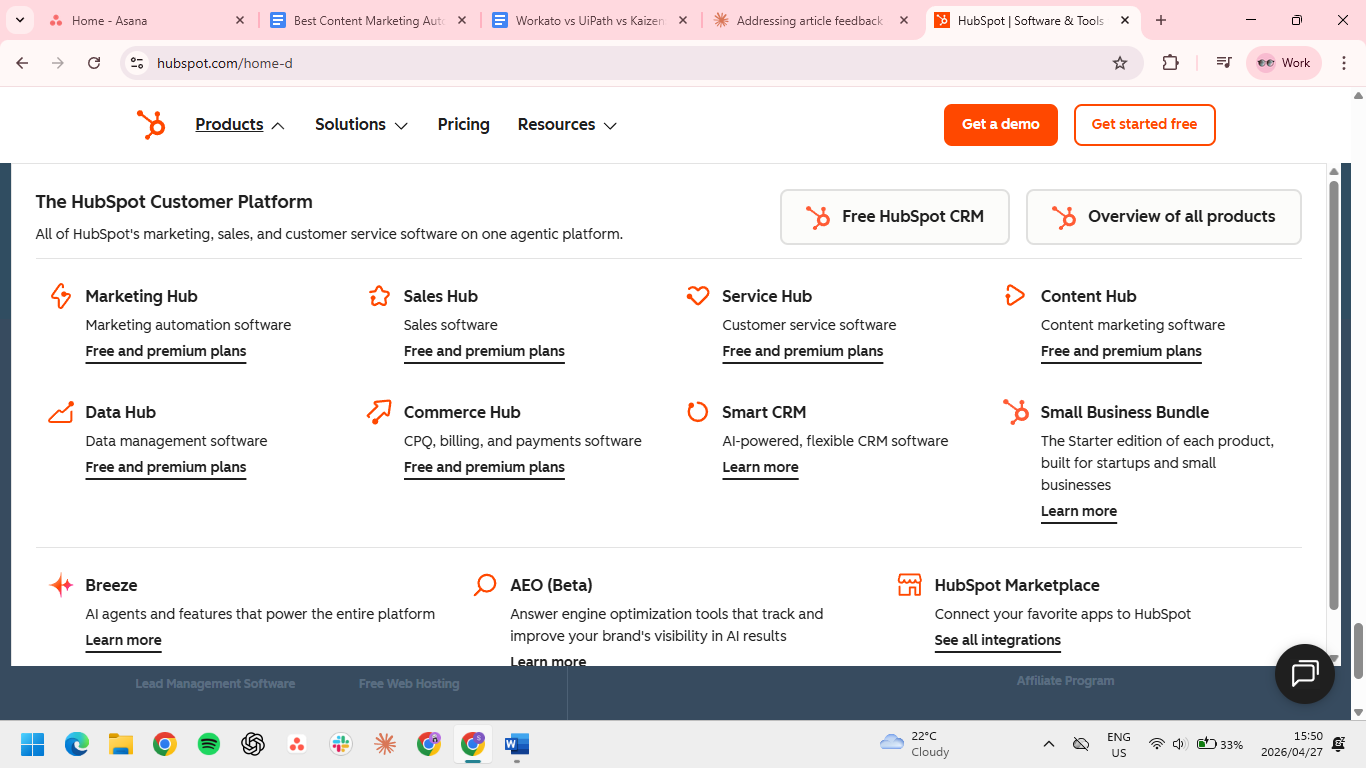
What it does: HubSpot combines content management, email automation, lead nurturing, and CRM in one platform.
Best for: Marketing teams running content, email, and CRM together with under 2,000 marketing contacts.
HubSpot is still the default for inbound-heavy teams. The free CRM is genuinely useful, and the workflow builder is the cleanest in the category. The content-to-lead-to-CRM handoff happens without exporting a CSV between tools.
Key Features
- Workflow builder: drag-and-drop automation across email, lead scoring, and contact management.
- Content hub: native CMS, blog, and landing page builder with built-in SEO recommendations.
- Reporting dashboard: attribution from blog post to closed deal in one view.
Pros
- The free CRM actually does the job; I ran real lead data through it for six weeks before hitting a paywall, and the upsell prompts never interrupted the work.
- Having content, email, and CRM in one place saved more time than any individual feature. The gains came from not switching tabs every five minutes.
- You can trace a blog post to a closed deal without touching a line of code or filing a ticket with your dev team.
Cons
- The "marketing contacts" definition is the real trap. An old list segment can pull you into a higher tier without you noticing.
- You'll hit a tier-gate within the first month. A/B testing required jumping into a full plan.
- Landing pages show HubSpot's age. Anything outside the template grid needed developer help; the opposite of why you'd buy a no-code platform.
What users say
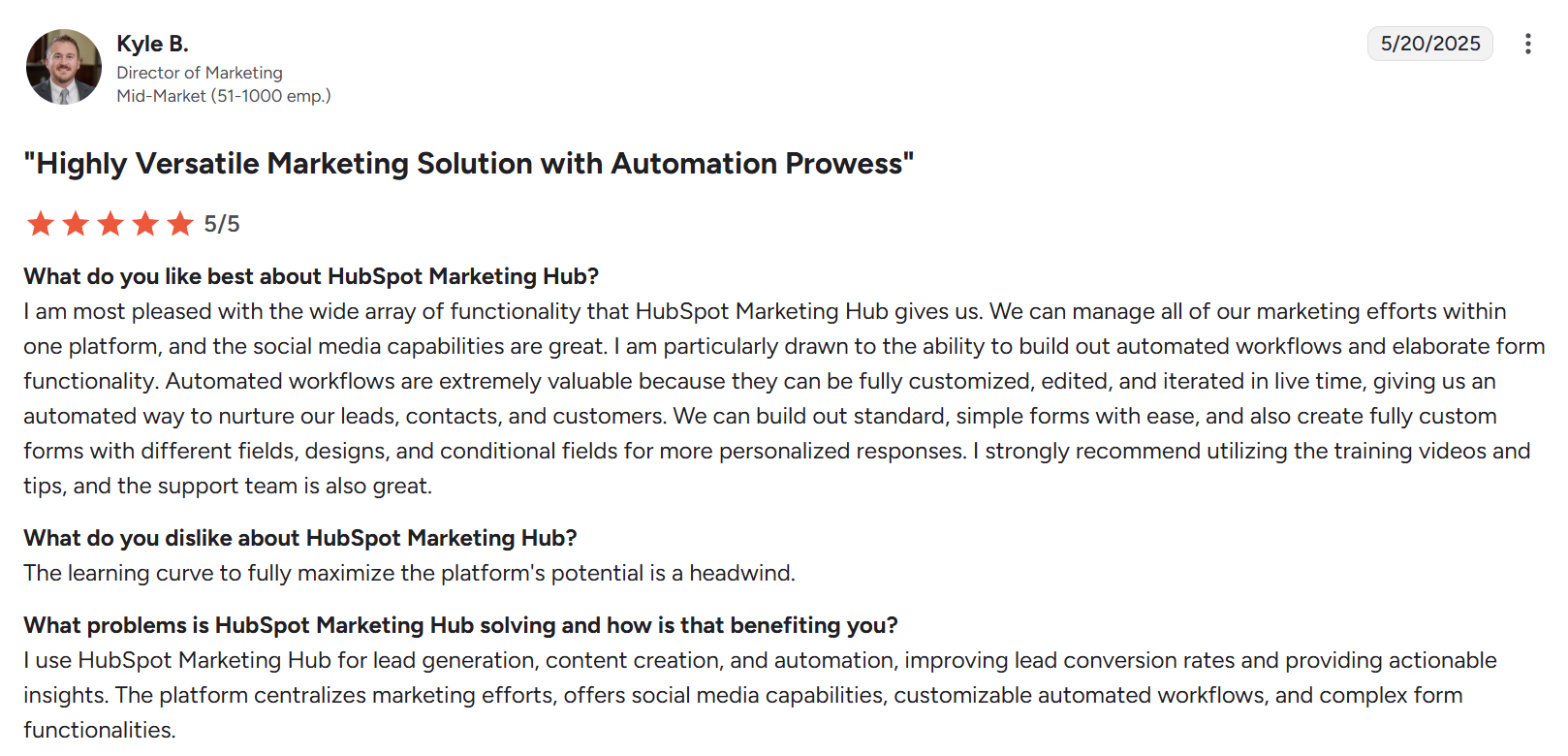
“Automated workflows … can be fully customized, edited, and iterated in live time.” — Kyle B., Director of Marketing via G2
”Pricing becomes a major factor as your contact list grows.” — JT M., agency owner via G2
Pricing
- Free for up to 2 users. No credit card required.
- Starter $20/seat/month or $9/seat/month annual; includes 1,000 marketing contacts
- Professional $890/month or $800/month annual (3 Core Seats included); includes 2,000 marketing contacts; $3,000 one-time onboarding fee
- Enterprise $3,600/month annual (5 Core Seats included); includes 10,000 marketing contacts; $7,000 one-time onboarding fee
- Additional Core Seats: $45/month (Professional), $75/month (Enterprise)
Bottom Line
HubSpot is the strongest inbound platform until you cross 2,000 marketing contacts. That's when the Professional plan's base price jumps to $890/month.
2. ActiveCampaign: Best for SMB email automation
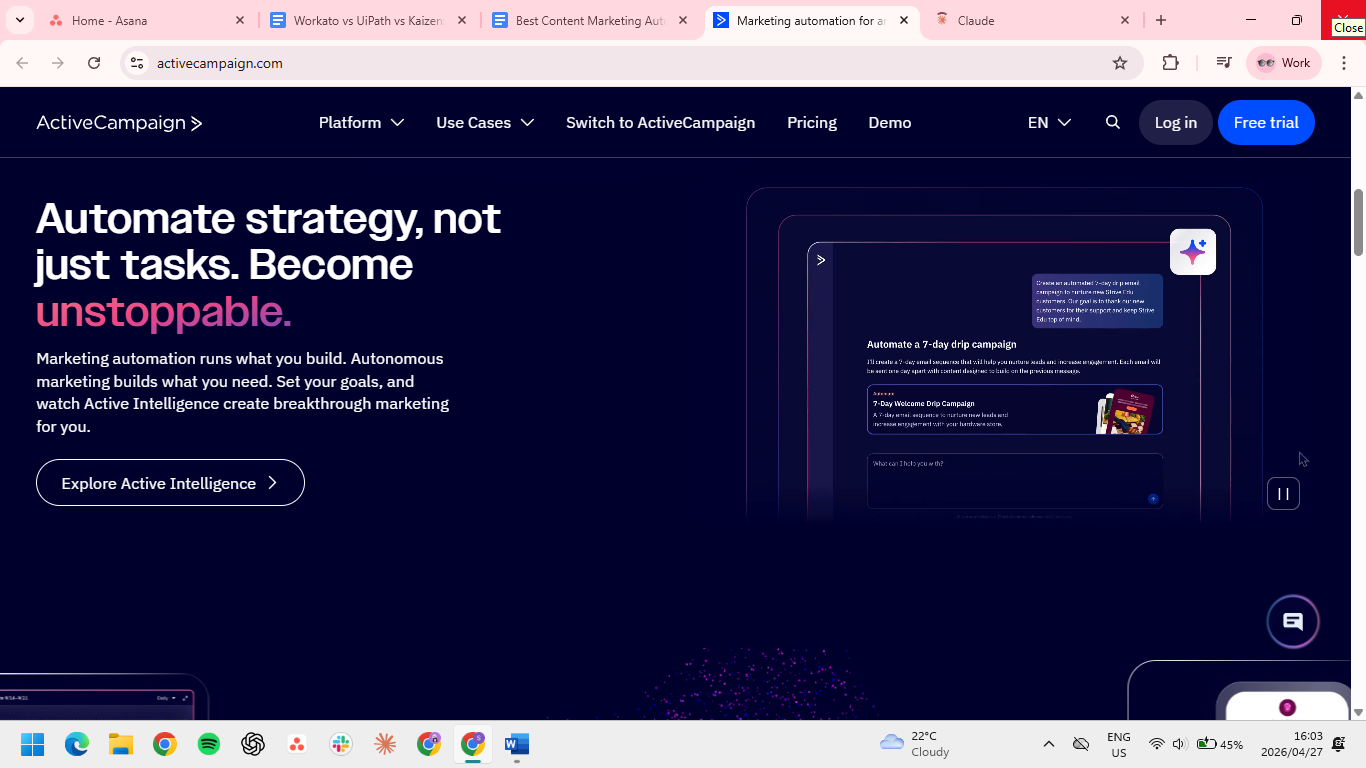
What it does: ActiveCampaign combines email marketing, automation sequences, and a basic CRM at SMB pricing.
Best for: Small-to-mid teams running email-led marketing with an existing CMS.
ActiveCampaign gives you serious email automation without the HubSpot price tag: most users find the automation builder sharper, and pricing scales linearly with contact count.
Key Features
- Automation builder: visual flow editor for nurture sequences, drip campaigns, and behavioral triggers.
- CRM and sales automation: lightweight CRM with deal pipelines, scoring, and task automation.
- Predictive sending: AI-based send time optimization for individual recipients.
Pros
- Complex multi-trigger logic just works. The "opens email AND visits pricing in 7 days" sequence built itself in the visual editor without a single conditional.
- The bundled CRM is good enough to actually use. I ended up running my full deal pipeline through it and cut a $50/month tool from my stack.
- Open rates climbed 4-6 points after migrating from a cheaper provider, without changing a single subject line.
Cons
- The email builder feels like 2018 Mailchimp. I caught myself drafting in another tool and pasting HTML in just to avoid it.
- Reporting buries the metrics you check most. Open rates and A/B data sit two clicks deep, which adds up fast across multiple campaigns.
- Cloning a campaign creates a mess instead of a copy. Duplicates land in random places, which made A/B testing on seasonal campaigns harder than it should be.
What users say
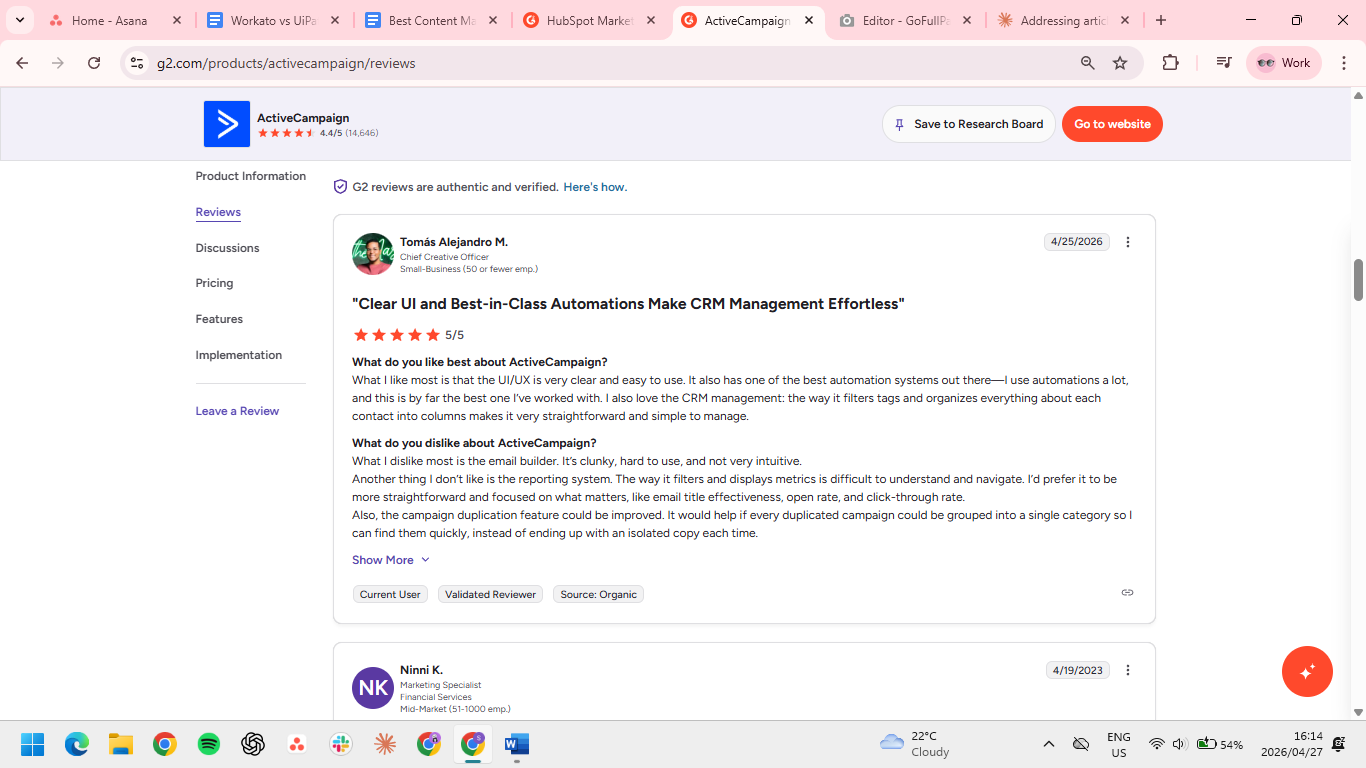
“The way it filters tags and organizes everything about each contact into columns makes it very straightforward.” — Tomás Alejandro M., Chief Creative Officer via G2
“I often had to search around for specific conversion data on email flows.” — Rahman A., marketing specialist via Capterra
Pricing
Pricing below is for the Email plan (1,000 contacts, billed annually). ActiveCampaign also offers WhatsApp and Email + WhatsApp plans at separate rates.
- Starter $15/month annual; 1 user
- Plus $49/month annual; 1 user
- Pro $79/month annual; 3 users
- Enterprise $145/month annual; 5 users
- Prices scale with contact count.
Bottom Line
The automation depth and deliverability gains are why teams stay. The dated email builder is what they put up with to keep them.
3. Semrush: Best for SEO-driven content marketing
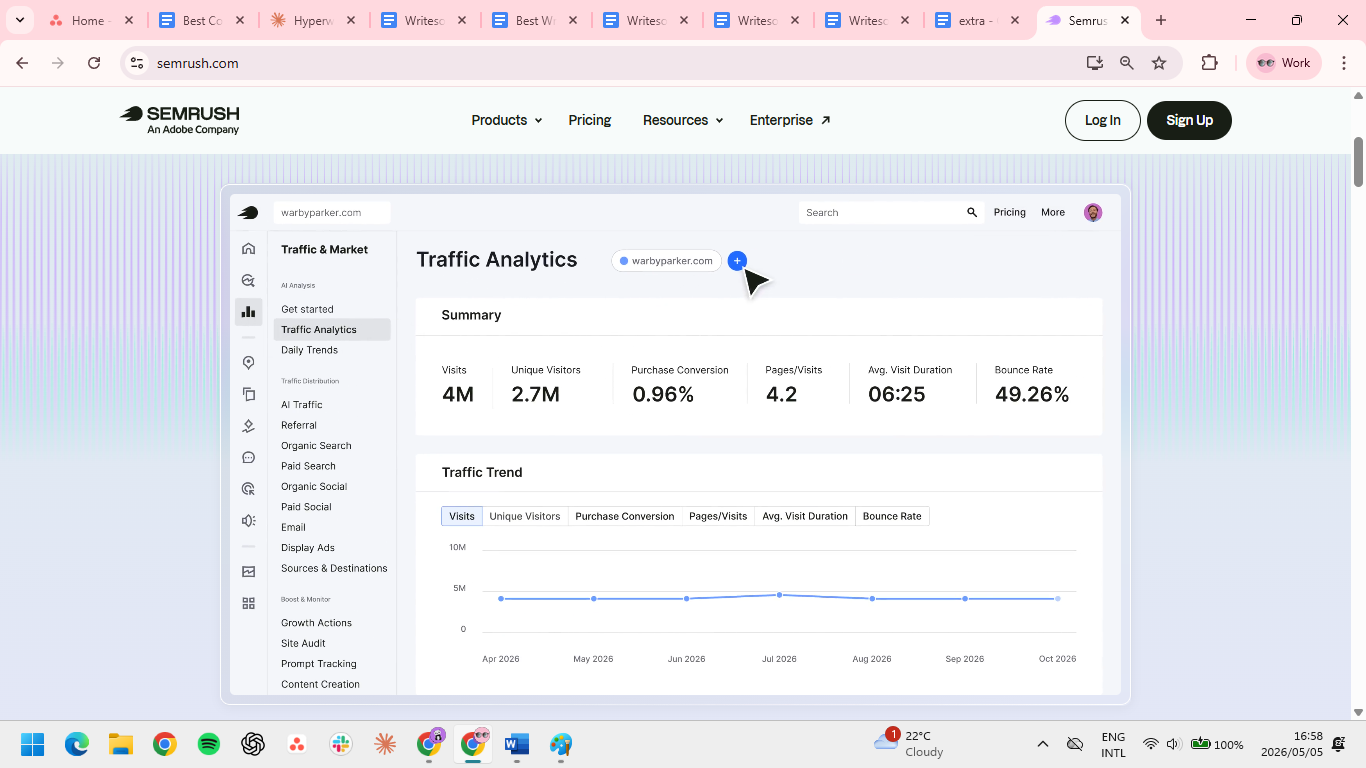
What it does: Semrush is an SEO and content marketing platform with keyword research, competitor analysis, content optimization, and rank tracking in one stack.
Best for: Teams publishing for organic search who need keyword data, briefs, and on-page recommendations in one place.
Semrush is the most complete option for teams whose content marketing lives or dies by search rankings. The Content Marketing Toolkit ties topic research directly to writing recommendations, which removes the need to stack Ahrefs, Surfer, and a standalone rank tracker.
Key Features
- Keyword research: full-volume database with intent classification, SERP feature tracking, and competitor keyword gaps.
- Content Marketing Toolkit: topic research, brief generation, SEO Writing Assistant, and post-performance tracking.
- Position tracking: daily ranking updates across keywords, competitors, and SERP features.
Pros
- Stack consolidation is the real reason teams stay despite the price. Semrush replaced Ahrefs, Surfer, and a rank tracker without making any of those workflows worse.
- Briefs inside the Writing Assistant changed how often I actually used SEO data. Recommendations sit in the editor while you write.
- The backlink and competitor data are among the strongest parts of the platform. I caught a competitor's traffic spike from a single linkable asset and replicated the angle within a week.
Cons
- The $139.95 monthly entry price is a hard first bill for solo creators who haven't yet stacked enough SEO subscriptions to justify it.
- Most new users land on keyword research and rank tracking and end up paying for everything else. I used maybe a third of the platform after three months.
- The Writing Assistant pushes toward keyword stuffing if you follow it literally.
- Semrush volume numbers and Google Search Console rarely match. Use Semrush to spot opportunities and GSC to measure what's actually happening.
What users say
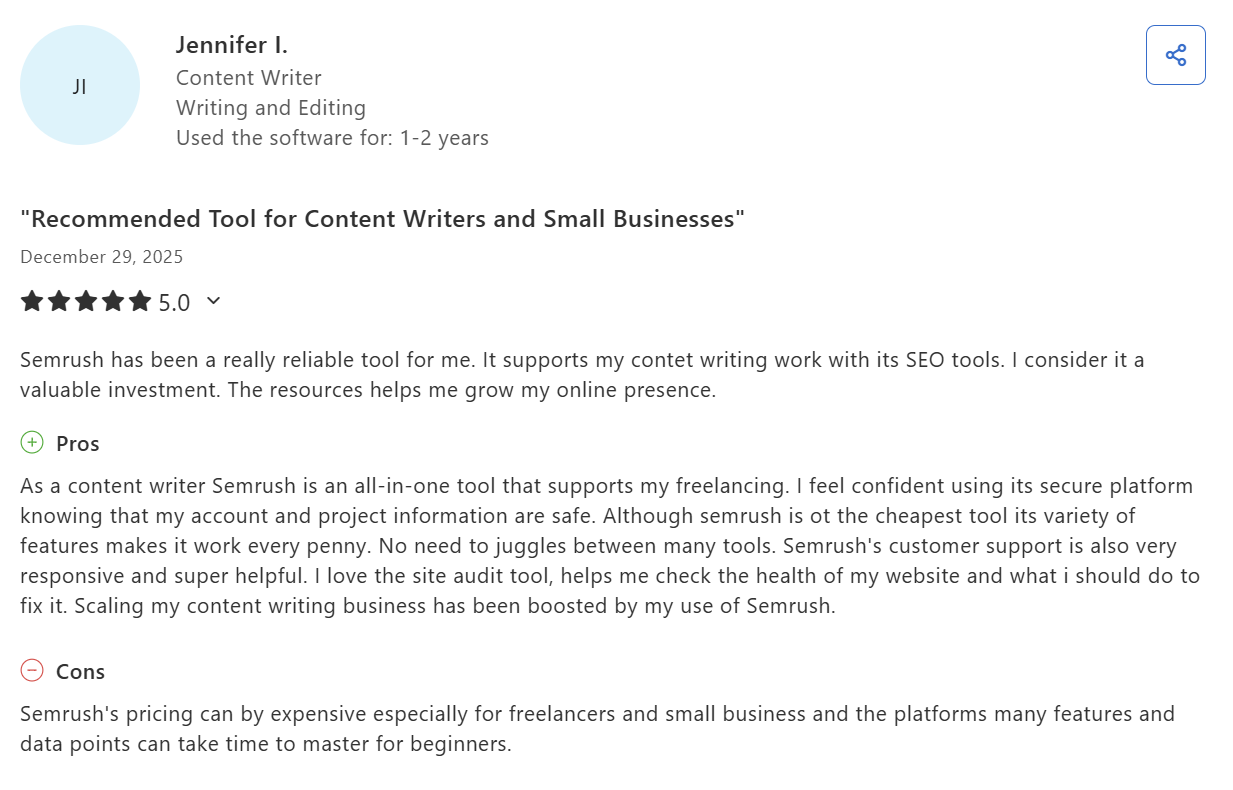
“It supports my content writing work with its SEO tools.” — Jennifer I., Content Writer via Capterra
“Keyword volume and traffic estimates can also occasionally feel inflated compared to what we see in Google Search Console.” — Mitchell O., VP of Sales and Acquisition via G2
Pricing
Pricing below is for the SEO Classic plan. Semrush also offers separate plans for AI Visibility, Social, Local SEO, and more.
- Pro at $139.95/month or $117.33/month billed annually
- Guru at $249.95/month or $208.33/month billed annually
- Business at $499.95/month or $416.66/month billed annually
- Add-ons include Additional Users (from $45/month), Lead Generation ($90/month), Base Report ($10/month), and Pro Report ($20/month).
Bottom Line
Semrush is worth the $139.95 when it replaces other SEO subscriptions instead of adding to them. The platform rewards consolidation and punishes everyone who buys it as a first SEO tool.
4. Jasper: Best for long-form SEO content at scale
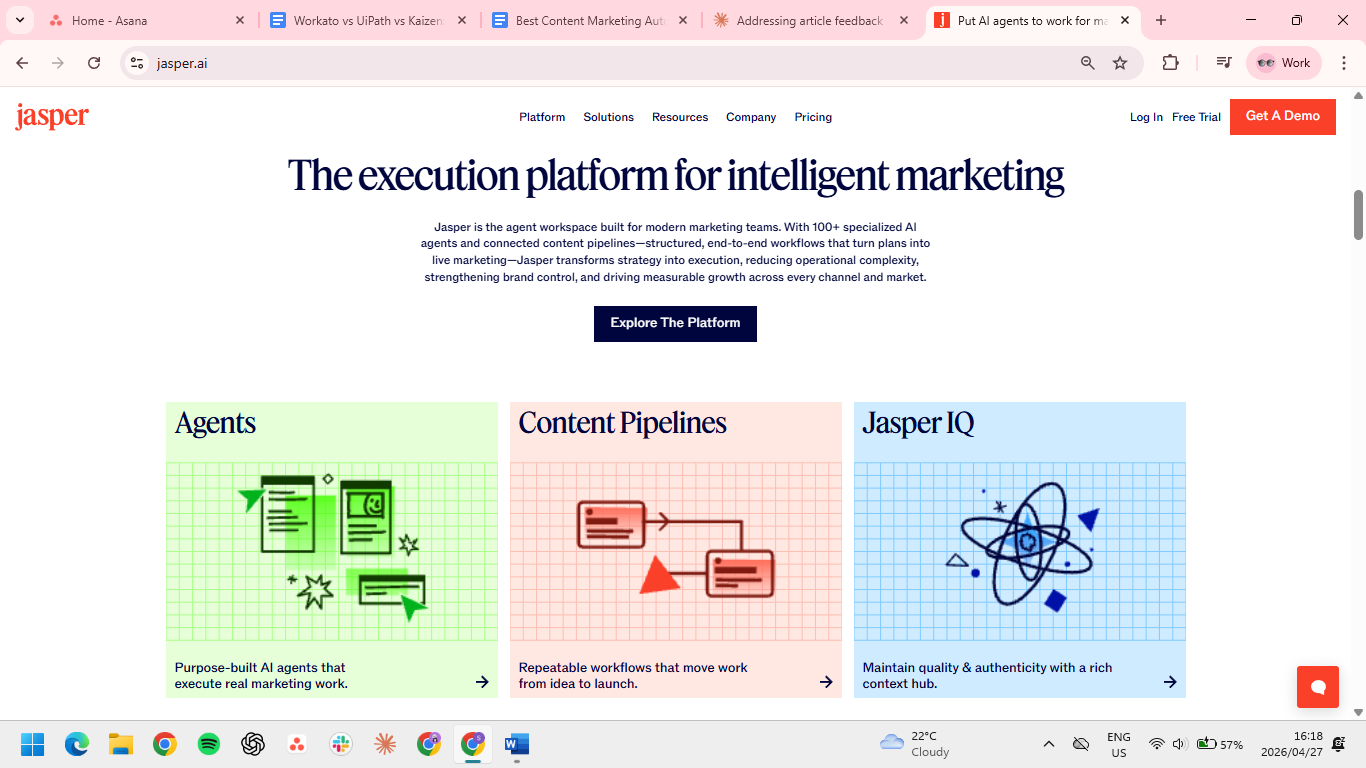
What it does: Jasper is an AI writing platform built for marketing teams producing long-form, SEO-optimized content.
Best for: Content teams producing 20+ articles per month with defined brand guidelines.
Jasper's brand voice training, Surfer SEO integration, and multi-user campaign workflows make it the most complete option for agencies and in-house teams running real production volume.
Key Features
- Brand voice: upload past content or style guides to train consistent tone across writers.
- Surfer SEO integration: keyword research and content optimization built into the editor.
- Campaign workflows: multi-step content production for blog series, landing pages, and email sequences.
Pros
- The Surfer integration puts keyword recommendations inside the Jasper editor (you'll still need an active Surfer subscription).
- Brand voice held up across multiple writers without having to rewrite for tone, which is normally where ghostwritten content gives itself away.
- Long-form coherence is where Jasper pulls ahead. It held a thread through a 2,400-word piece without me stitching sections together.
Cons
- Seven days isn't long enough to evaluate brand voice. Real comparison output only showed up by day five.
- Fabricated stats on technical content are common enough that every research-heavy piece needs a full fact-check pass.
- Brand voice training degrades over time; after six weeks of fresh inputs, I had to retrain from scratch.
- Five writers on annual billing comes to $295/month, hard to justify for a team shipping 8-12 articles a month.
What users say
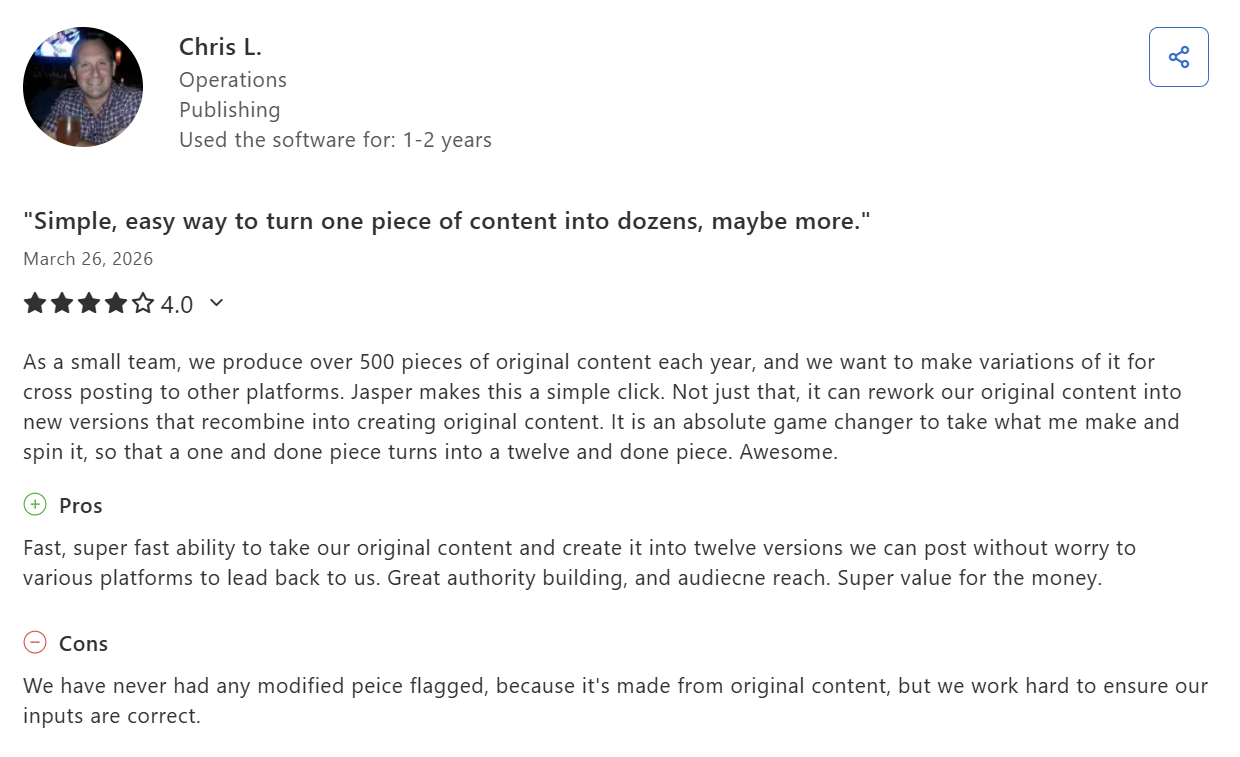
“Super fast ability to take our original content and create it into twelve versions.” — Chris L., publishing operations via Capterra
“It requires heavy editing for quality output.” — Roddy T., manager in leisure, travel, and tourism via Capterra
Pricing
- 7-day trial only, no free plan
- Pro plan at $69/seat/month or $59/seat/month billed annually
- Business plan – custom pricing
Bottom Line
Jasper earns its per-seat cost at agency volume and feels overpriced at anything less. The seven-day trial isn't long enough to test brand voice, so plan to run it on real production work from day one.
5. CoSchedule: Best for marketing calendar and content ops
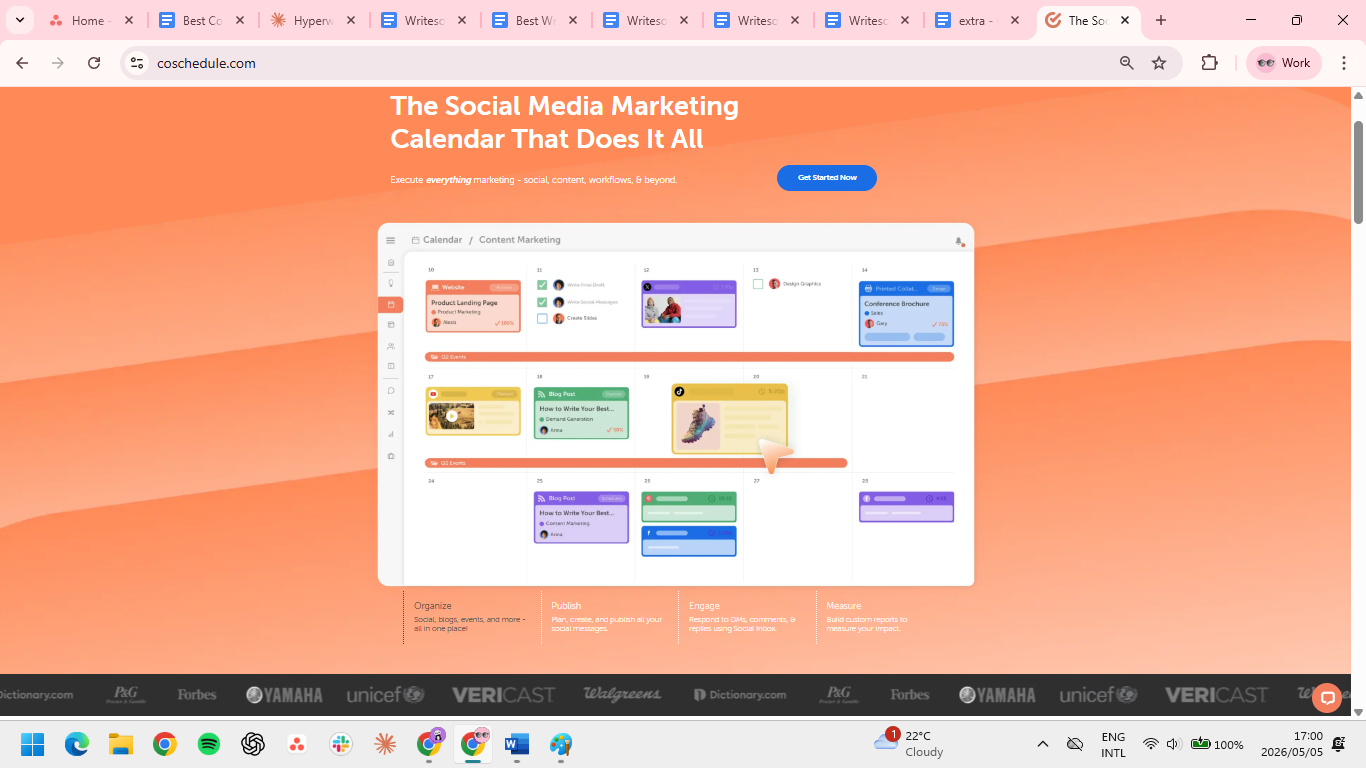
What it does: CoSchedule is a marketing calendar and content operations platform that coordinates content, social, and campaign workflows in one view.
Best for: Teams that need a single calendar for blog content, social posts, email, and campaign launches.
CoSchedule sits in the operations layer. Where HubSpot and ActiveCampaign run the lead journey, CoSchedule runs the schedule everything else lives on. The free Marketing Calendar covers 1 user, enough to test the platform and map out a content schedule before committing to a paid tier.
Key Features
- Marketing Calendar: unified view of content, social, email, and campaigns with drag-and-drop scheduling.
- Content Calendar: editorial workflows with statuses, assignments, and asset management.
- Headline Studio: title scoring built into the workflow for SEO and emotional impact.
Pros
- The free tier held up for a full quarter before I hit any real limits.
- Headline Studio leveled up our junior writers' titles. The SEO, emotional impact, and readability breakdown gave them a framework for why a title works.
- The Zapier-based Asana integration earned its keep. Two-directional triggers keep the calendar current without manual updates.
Cons
- CoSchedule's social queue lacks the per-channel controls and publishing speed I needed. I moved back to Buffer after a month.
- The jump from free to $19/user/month annual felt steep for capabilities I only needed occasionally.
- Reporting is thin. I ended up pulling performance data from each channel directly.
What users say
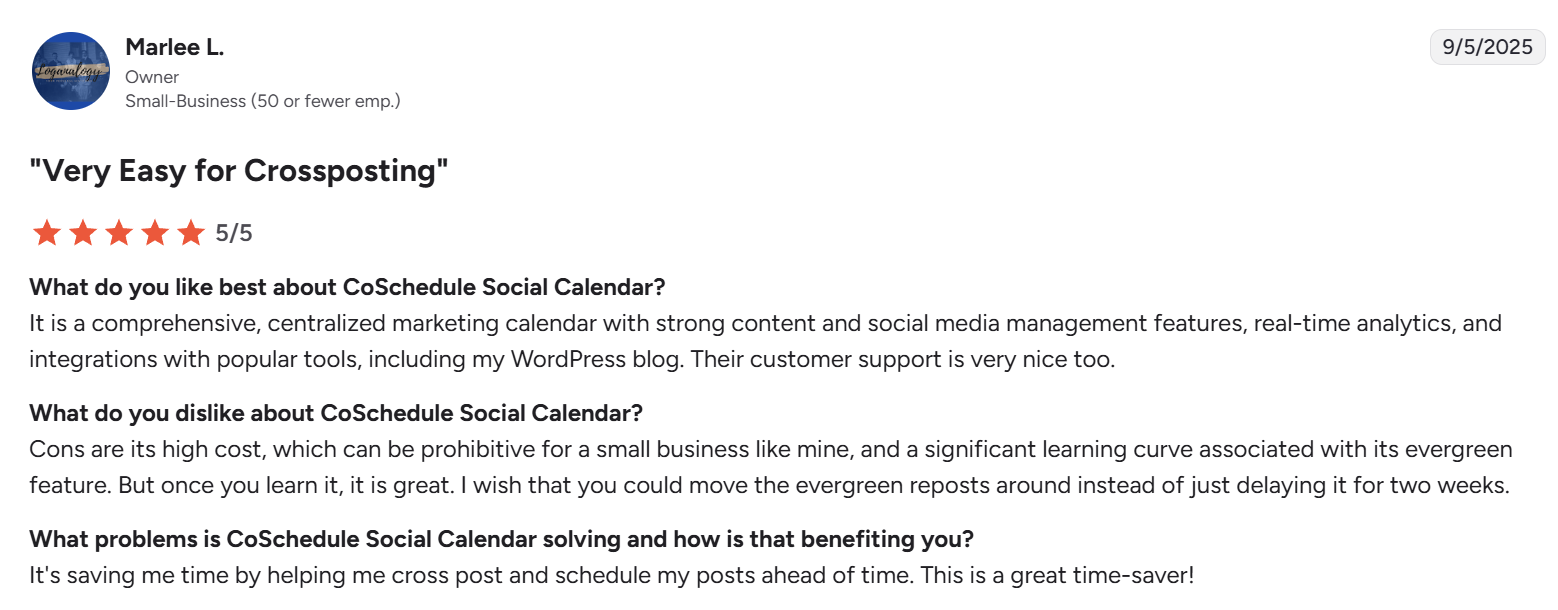
“Strong content and social media management features, real-time analytics, and integrations with popular tools.” — Marlee L., small business owner via G2
“I found it difficult to keep track of what platforms had posts scheduled on a specific date.” — Camila C., marketing manager via G2
Pricing
- Free Marketing Calendar for 1 user
- Social Calendar at $29/month or $19/user/month billed annually
- Agency Calendar at $69/month or $59/user/month billed annually
- Content Calendar and Marketing Suite – custom pricing
Bottom Line
Start on the free Marketing Calendar and until the single-user limit becomes the bottleneck. The paid tiers earn their price for calendar visibility, not for execution depth in any single channel.
6. Buffer: Best for cross-channel social scheduling
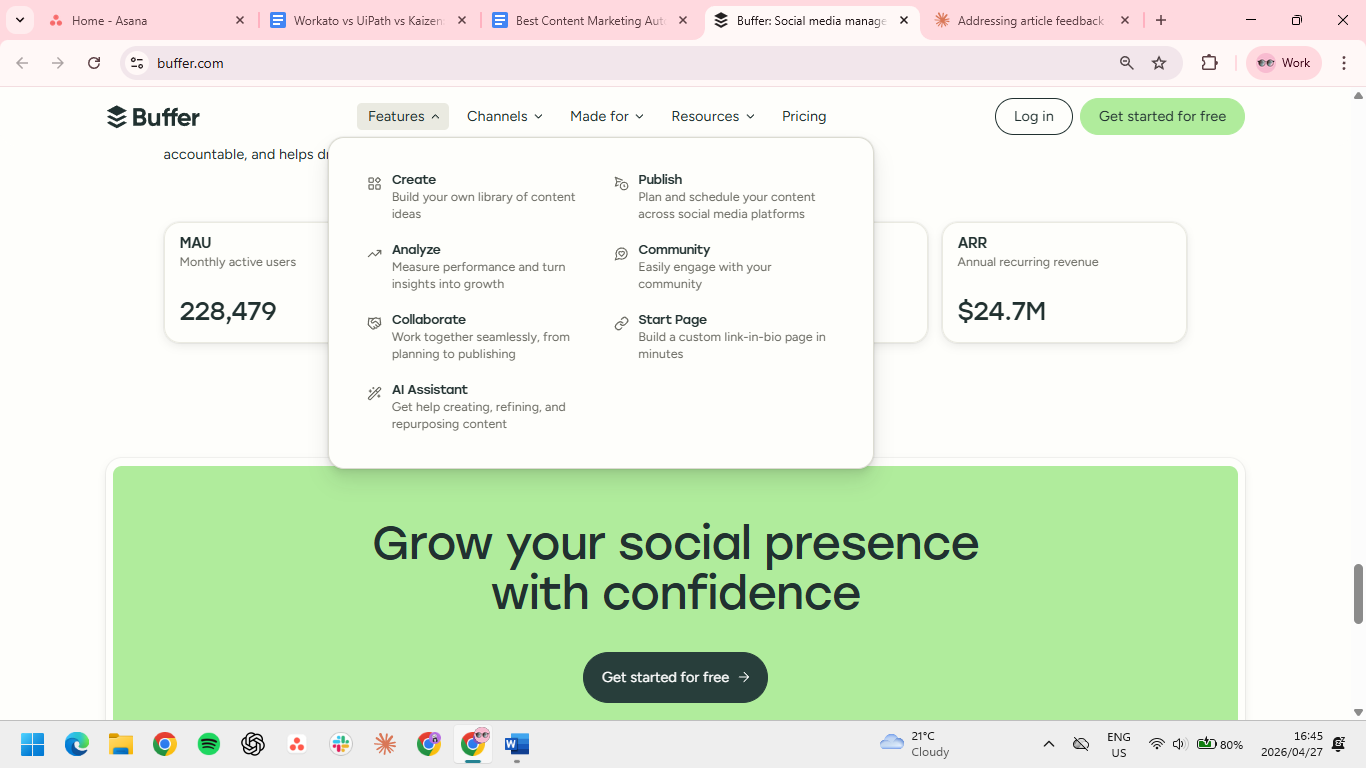
What it does: Buffer is a social media scheduling tool that handles cross-platform posting, content calendars, and basic analytics.
Best for: Content teams scheduling across LinkedIn, X, Instagram, and Facebook without paying for a full social suite.
Buffer does one thing well: scheduling social content across channels without the bloat of a full social suite. The queue-based system is fast, the calendar view actually reflects reality, and per-channel pricing means you only pay for what you post to. It's the tool most teams should start with before deciding they need something bigger.
Key Features
- Cross-platform scheduling: queue and schedule posts across LinkedIn, X, Instagram, Facebook, Pinterest, and TikTok.
- Content calendar: drag-and-drop calendar view for visual planning.
- AI assistant: generate post variations and adapt content for each platform.
Pros
- The free plan covers three channels with 10 queued posts each, enough to run a real month of scheduling before committing a card.
- Per-channel pricing means you only pay for what you actually post to. Four channels at $20/month is less than half what Sprout charges for the same coverage.
- Onboarding a contractor takes one screenshare. I handed a freelancer access and a brand voice doc, and they were publishing within the hour.
Cons
- No approval workflow, role-based permissions, or audit trail. Fine for one person, but the minute three people share an account, ghost posts start appearing.
- No desktop alerts for failed posts. I missed a failed Instagram post for two days because I wasn't on mobile.
- Tagging accounts requires jumping back into the native channel after scheduling, which doubles the workflow for any post mentioning a partner or person.
What users say
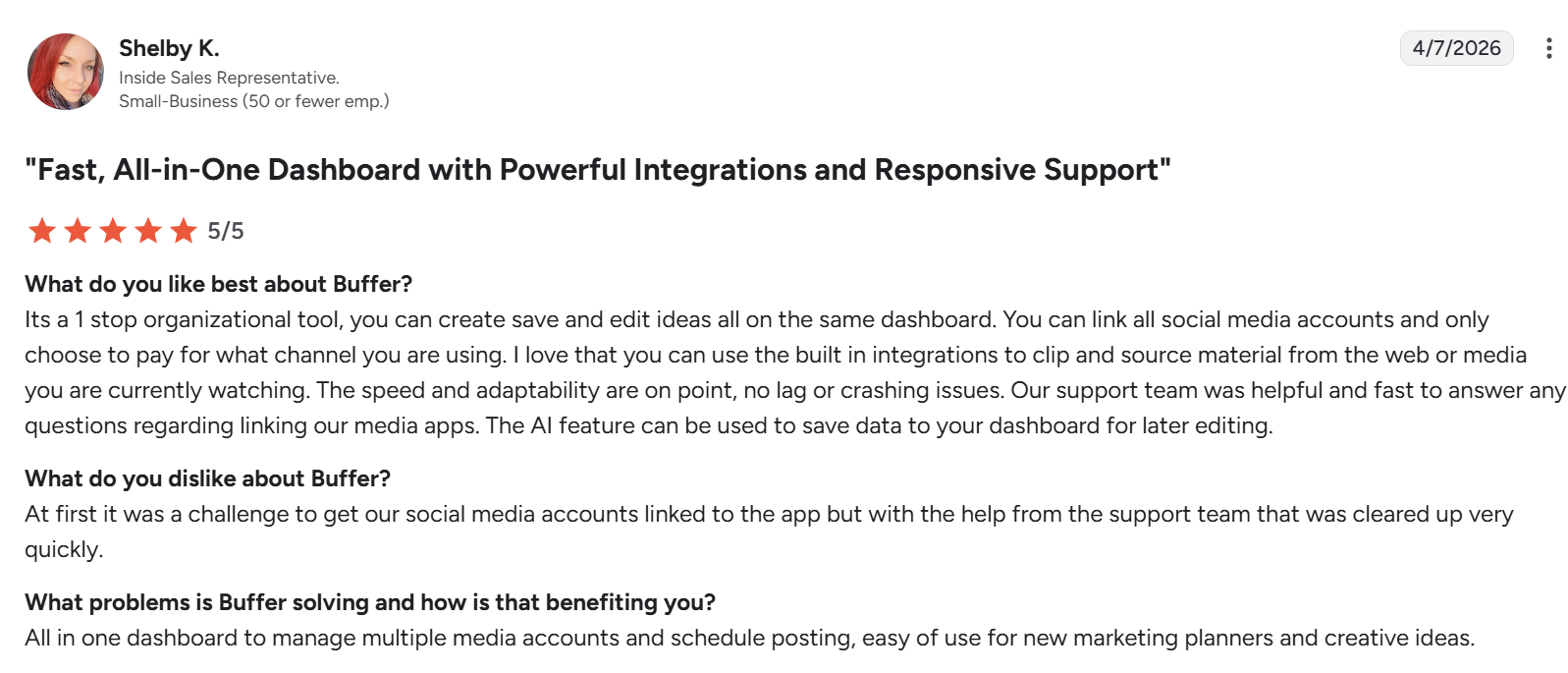
“The speed and adaptability are on point, no lag or crashing issues.” — Shelby K., inside sales representative via G2
“It did not provide some features like mentioning the page or person on our social media posts.” — Visal K. Performance Marketing Manager via G2
Pricing
- Free plan for 3 channels with 10 scheduled posts per channel
- Essentials at $5/channel/month ($60/year on annual)
- Team at $10/channel/month ($120/year on annual); includes unlimited team members and approval workflows
Bottom Line
Buffer is the cleanest scheduler at the cheapest price for teams of one or two. Start looking elsewhere the moment three people share the account, because that's when the missing approval workflows and audit trail stop being acceptable.
7. Sprout Social: Best for enterprise social and customer engagement
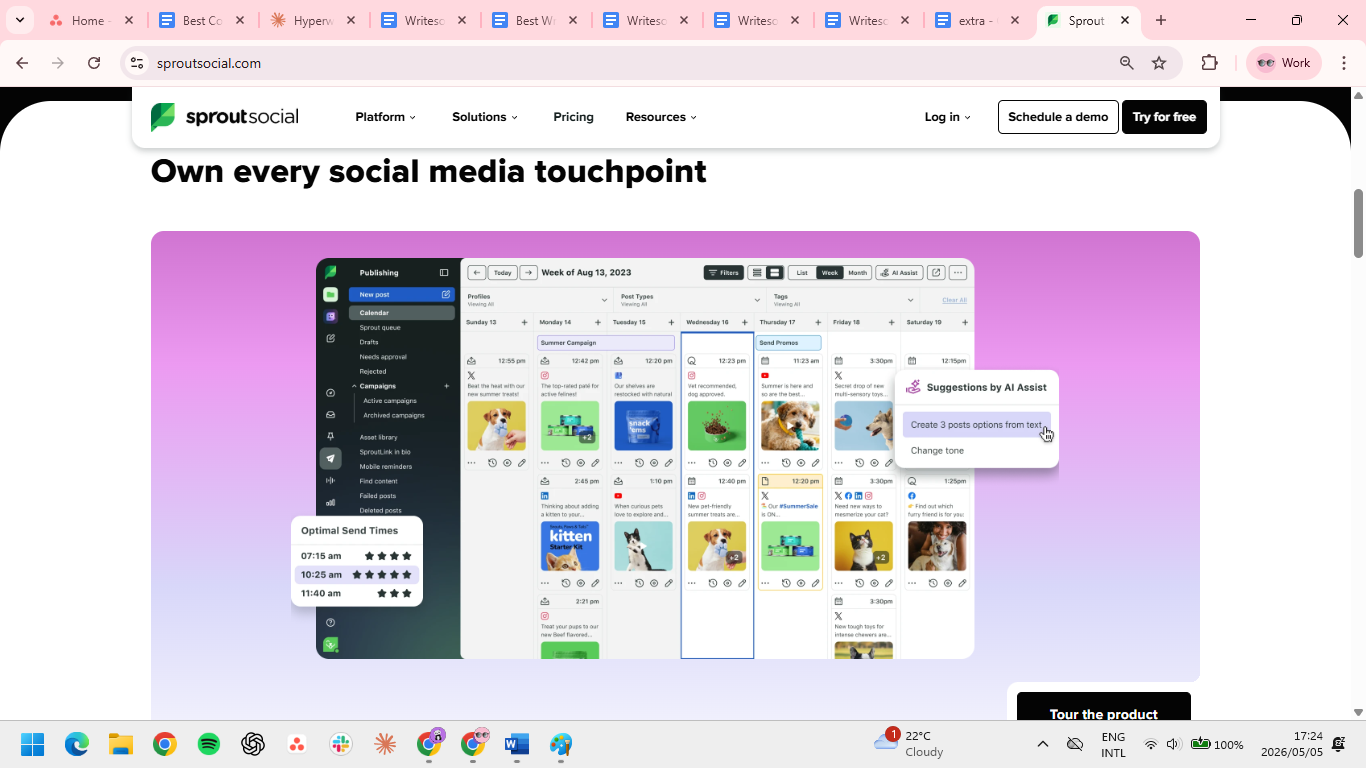
What it does: Sprout Social combines social scheduling, analytics, social listening, and customer engagement in one enterprise-grade platform.
Best for: Mid-market and enterprise teams using social as a customer service and brand channel, not just a publishing channel.
Sprout Social is the upgrade path from Buffer once social becomes a service channel. The Smart Inbox consolidates messages, mentions, and comments across every connected network into one queue your team can actually work from.
Key Features
- Smart Inbox: unified inbox for messages, comments, and mentions across LinkedIn, X, Instagram, Facebook, and TikTok.
- Social listening: brand mentions, sentiment, and competitor activity tracked across the open social web.
- Reporting: cross-channel analytics with scheduled exports and stakeholder-ready dashboards.
Pros
- The Smart Inbox justifies the price for service teams: DMs, comments, and mentions across LinkedIn, Instagram, and X in one queue.
- Custom dashboards delivered to Slack on a schedule. My exec team stopped asking for spreadsheets.
- The listening add-on caught a brand mention spike that turned into a small PR win we'd have missed otherwise.
Cons
- At $199/seat, most teams end up capping licenses and putting everyone else on view-only to keep costs manageable.
- Half the listening features sit behind a higher tier or add-on. Budget more than the Standard price if listening is the reason you're here.
- Per-seat pricing changes how teams work. Anyone without a license loses real-time context on customer conversations, so service quality clusters around whoever holds a seat.
What users say
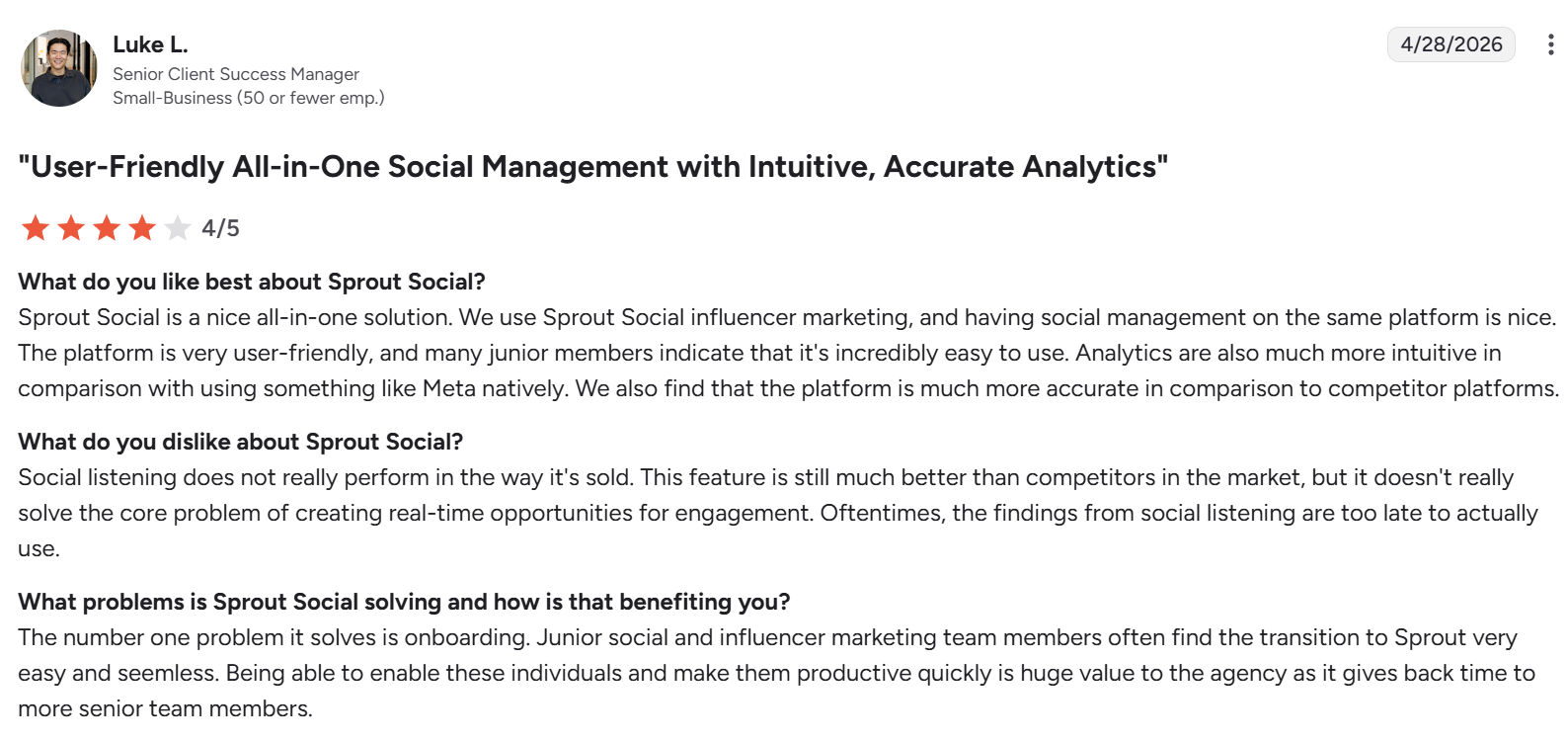
“Junior social and influencer marketing team members often find the transition to Sprout very easy and [seamless].” — Luke L., Senior Client Success Manager via G2
“It can get quite expensive if you require several user licenses and have a large number of social handles.” — Zach P., Marketing Coordinator via Capterra
Pricing
- Standard $249/seat/month or $199/seat/month annual
- Professional $399/seat/month or $299/seat/month annual
- Advanced $499/seat/month or $399/seat/month annual
- Enterprise – custom pricing
Bottom Line
Sprout earns the $199/seat once your team is replying to DMs and comments daily. If social is still a publishing checklist, Buffer covers the same ground at a fraction of the cost.
Which content marketing automation tool should you choose?
The right pick depends on what's slowing your team down today.
Choose HubSpot if you:
- Need content, email, and CRM talking to each other without a CSV export in between
- Have under 2,000 marketing contacts and want to grow into the platform
- Want attribution from blog post to closed deal without involving a developer
Choose ActiveCampaign if you:
- Run email-led marketing and need automation logic that goes beyond basic drip sequences
- Already have a CMS and just need a serious automation engine on top
- Want HubSpot-level automation depth at a fraction of the price
Choose Semrush if you:
- Publish for organic search and need keyword research, briefs, and rank tracking in one place
- Are currently paying for Ahrefs, Surfer, and a rank tracker separately
- Have the budget to consolidate your SEO stack rather than add to it
Choose Jasper if you:
- Ship 20+ long-form articles a month and need consistent output across multiple writers
- Spend more time rewriting for tone than editing for substance
- Already use Surfer SEO and want it embedded in your writing workflow
Choose CoSchedule if you:
- Coordinate blog, email, social, and campaigns across a team and need one calendar that reflects all of it
- Need editorial workflows with statuses and assignments, not just a content queue
- Want calendar visibility more than deep execution features in any single channel
Choose Buffer if you:
- Need clean, reliable social scheduling without paying for features you won't use
- Manage a small number of channels and want costs to scale predictably as you add more
- Are a team of one or two who needs to onboard contractors fast
Choose Sprout Social if you:
- Use social as a customer service channel, not just a publishing channel
- Need a unified inbox where your team can manage DMs, comments, and mentions at volume
- Have the budget for $199+/seat/month annual and a team that will actually live in the tool
Skip this category entirely if:
- You publish fewer than two pieces of content a month; a free Notion workspace covers your needs
- Your bottleneck is writing speed, not distribution; fix the content problem before automating it
Final verdict
Most teams don't need all seven of these; they need one that solves their biggest bottleneck right now.
If content distribution is the problem, start with Buffer or Sprout Social. If organic search is the bottleneck, Semrush.
If you're producing high content volume and struggling with consistency, Jasper. If you need your marketing, sales, and CRM data in one place, HubSpot is the only tool on this list that gets you there.
Get the tool that fixes your most expensive problem first. You can add the rest as the team grows.
If slow daily writing is your real bottleneck
The tools above handle campaign infrastructure. What they don't touch is the writing that fills most of your actual day: replies, follow-ups, LinkedIn comments, internal updates, and Slack messages.
HyperWrite is built for that layer. The Chrome extension reads your open tabs and suggests sentence completions inline as you type across Gmail, Google Docs, and LinkedIn. Personas learn your voice from past writing samples, so suggestions sound like you, not a generic AI.
Install the Chrome extension and spend a morning on real emails. You'll know after one inbox session whether it fits.
Frequently asked questions
What is the best content marketing automation tool for small businesses?
The best content marketing automation tool for small businesses is ActiveCampaign for email-led teams, or HubSpot's free CRM tier for teams that need content and CRM together. Both deliver core automation features at SMB pricing without the enterprise complexity or per-seat cost of larger platforms.
Do I need an enterprise platform like HubSpot for marketing automation?
No, you don't need an enterprise platform for marketing automation unless your contact list exceeds 2,000 active leads or you're running coordinated campaigns across multiple regions. For smaller teams, ActiveCampaign plus a content tool like Jasper or HyperWrite covers most of the same ground at a fraction of the cost.
Can AI tools replace traditional marketing automation platforms?
No, AI tools cannot replace traditional marketing automation platforms because they serve different functions. Marketing automation platforms manage lead capture, nurture sequences, and CRM. AI tools accelerate the work that happens inside those workflows. The two are complementary.
What is the cheapest content marketing automation tool?
The cheapest content marketing automation tool is Buffer's free plan, which covers three social channels with no payment required. HubSpot and CoSchedule also offer free tiers worth testing before committing to a paid plan.

HyperWrite is the AI writing assistant that learns your style. It handles drafting, editing, and researching so you can focus on ideas.
- Autocompletes sentences as you type
- Works inside Google Docs & Gmail
- Adapts to your personal writing style
- 500+ AI tools for any writing task

Powerful writing in seconds
Improve your existing writing or create high-quality content in seconds. From catchy headlines to persuasive emails, our tools are tailored to your unique needs.