
Best AI Tools for Product Managers in 2026

Most of a PM's week disappears into PRDs, meeting notes, and stakeholder updates, work that good AI handles in minutes, yet most PMs are still doing manually. These AI tools for product managers are the ones that actually change that.
7 best AI tools for product managers: Quick comparison
Pricing based on monthly billing, verified from official vendor pages as of June 2026.
How we picked these AI tools for product managers
McKinsey's State of AI 2025 report found 88% of organizations now use AI in at least one business function, up from 78% a year earlier. The question is which tools earn a seat in your workflow.
To do this, every platform was evaluated against the same criteria:
- PM-fit: Built for product work, or adopted widely enough by PMs that the use case is well-established.
- Output quality: Produces something usable (a first draft, a cited answer, or a structured summary) rather than output you'd scrap and redo from scratch.
- Workflow integration: Fits into where the work already happens, rather than adding a context switch that costs more time than it saves.
- Pricing transparency: Costs that make sense for individual PMs or small teams without a procurement process.
7 best AI tools for product managers
1. ChatPRD: Best for writing PRDs and specs at scale
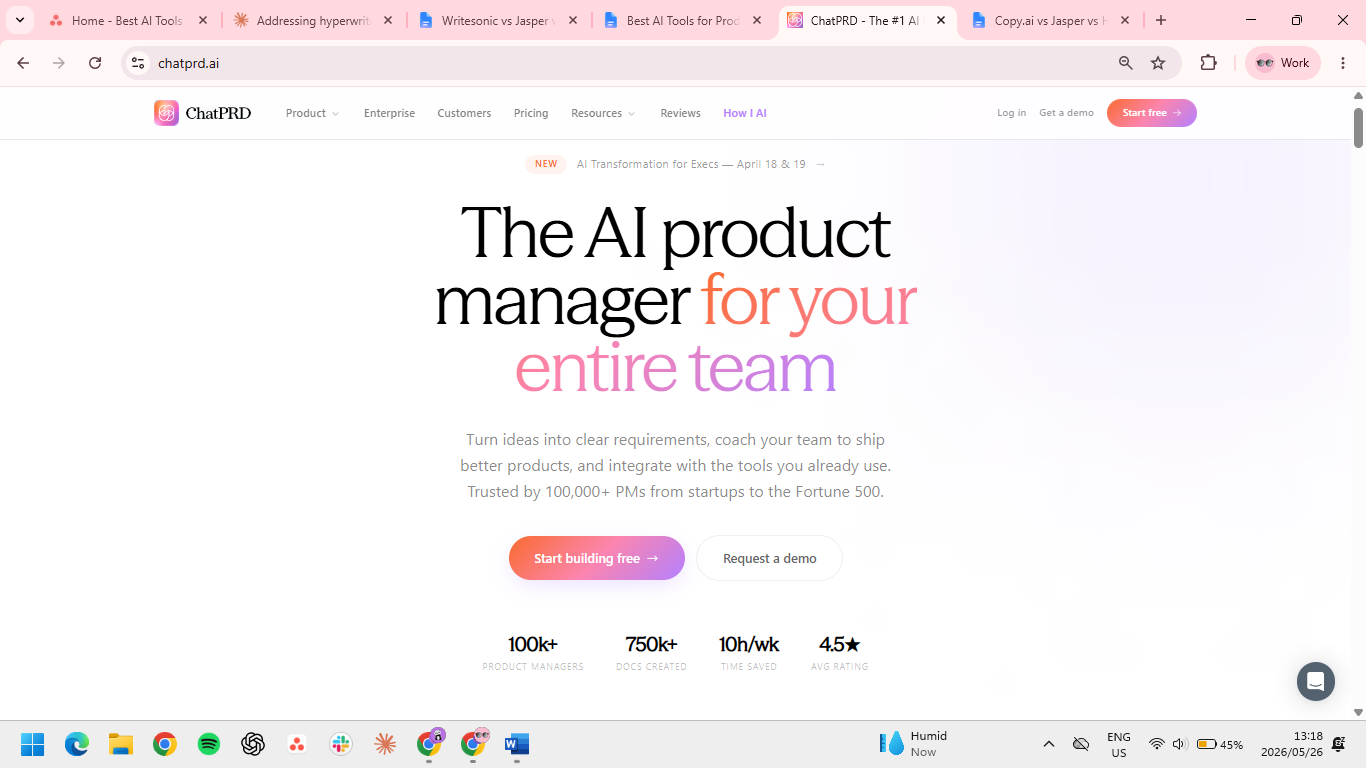
Best for: PMs who write specs weekly and want a purpose-built tool rather than ChatGPT plus a custom prompt.
ChatPRD is trained on thousands of real PRDs and produces structured first drafts (problem, hypotheses, success metrics, edge cases) that a general LLM can't match without heavy prompting.
Key features
- PRD-trained model: Output follows the structure that engineering and design teams want to read.
- Custom templates: Save your team's PRD format and reuse it across docs.
- Sectional refinement: Improve specific sections (success metrics, technical considerations) without regenerating the whole doc.
- PM-specific prompting: Built-in prompts for opportunity assessments, one-pagers, and product strategy memos.
- Export to Notion, Confluence, Google Docs: Drafts land where your team works.
Pros
- ✅ Specialized output beats generic LLMs for PRD structure.
- ✅ Affordable for most individuals and teams
- ✅ Templates reduce setup issues and delays.
Cons
- ❌ Generic specifics still need your customer insight to fill in.
- ❌ Less useful for PMs who write few PRDs.
- ❌ Limited beyond the PRD use case.
What users say
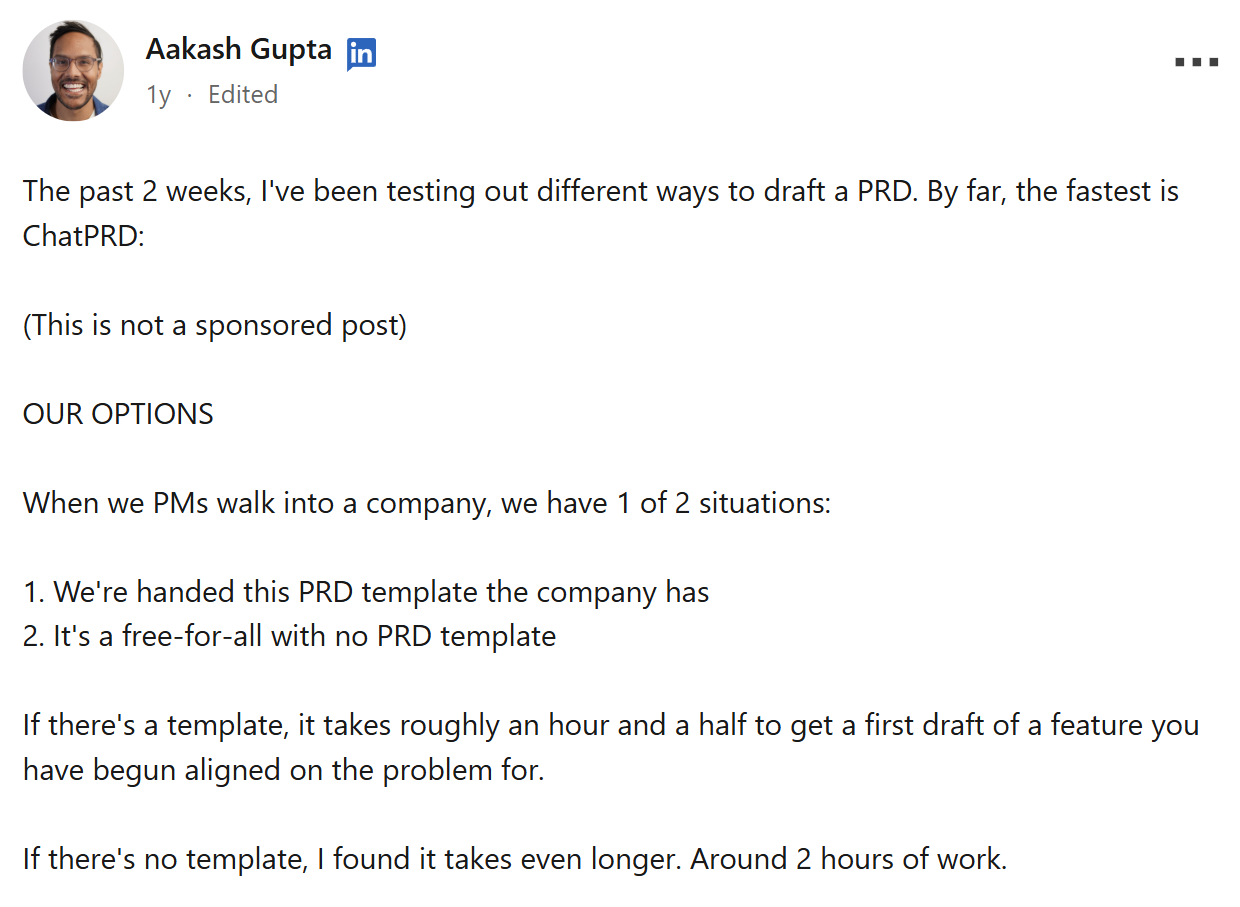
“With ChatPRD, I've found you can actually draft your PRD in ~30 minutes.” — Aakash Gupta via LinkedIn
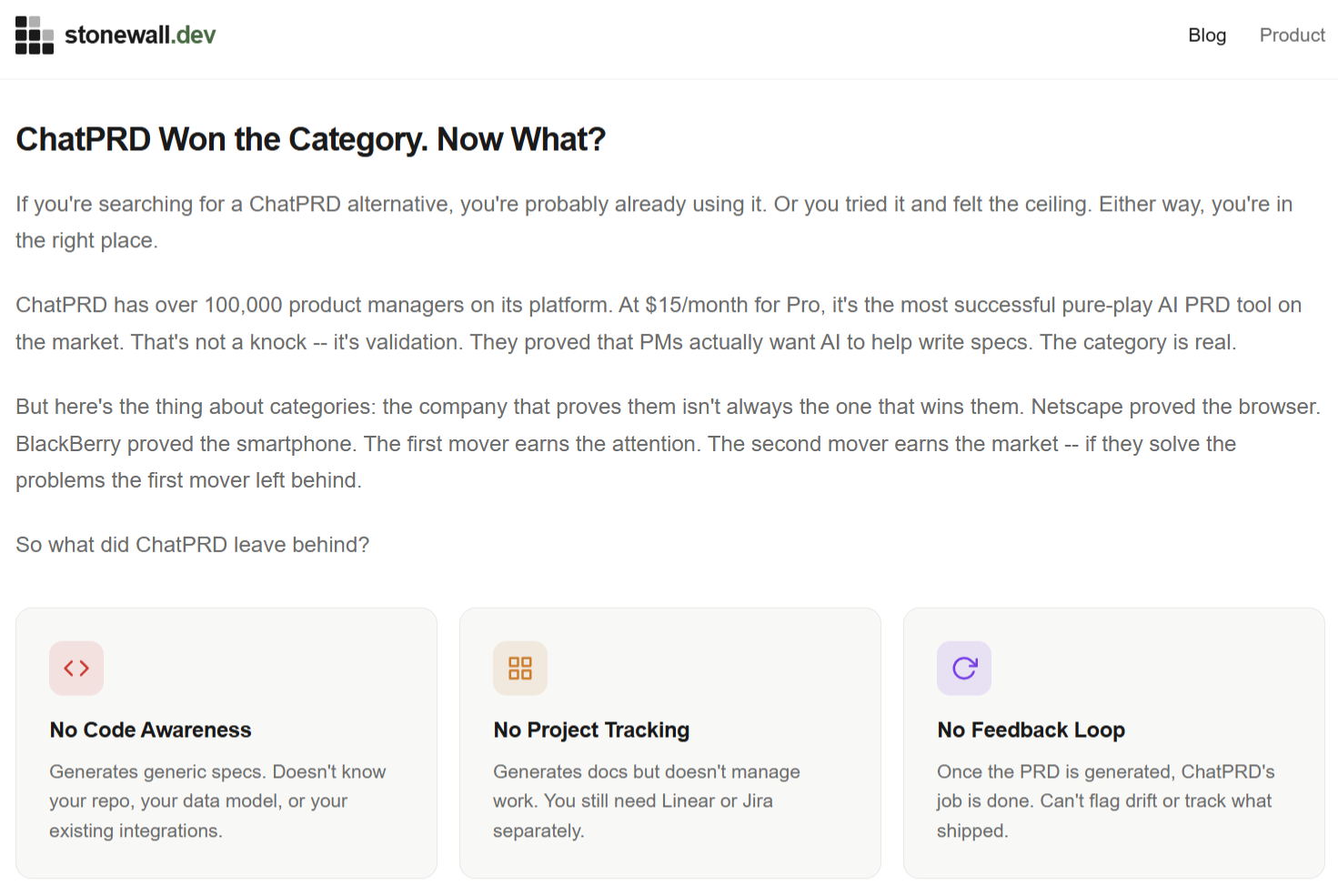
“Once ChatPRD generates your PRD, its job is done. It has no idea what happens next.” — Stonewall ChatPRD review
Pricing
- Free plan available
- Pro (Unlimited AI-powered docs) $19/month or $15/month with annual billing
- Teams (Collaborate & share knowledge) $39/seat/month or $29/seat//month with annual billing
Bottom line
The break-even is roughly one PRD a week. Below that, a general LLM with a saved prompt covers the same ground. Above it, ChatPRD's template reuse compounds faster than the subscription cost.
2. v0 by Vercel: Best for UI prototyping in plain text
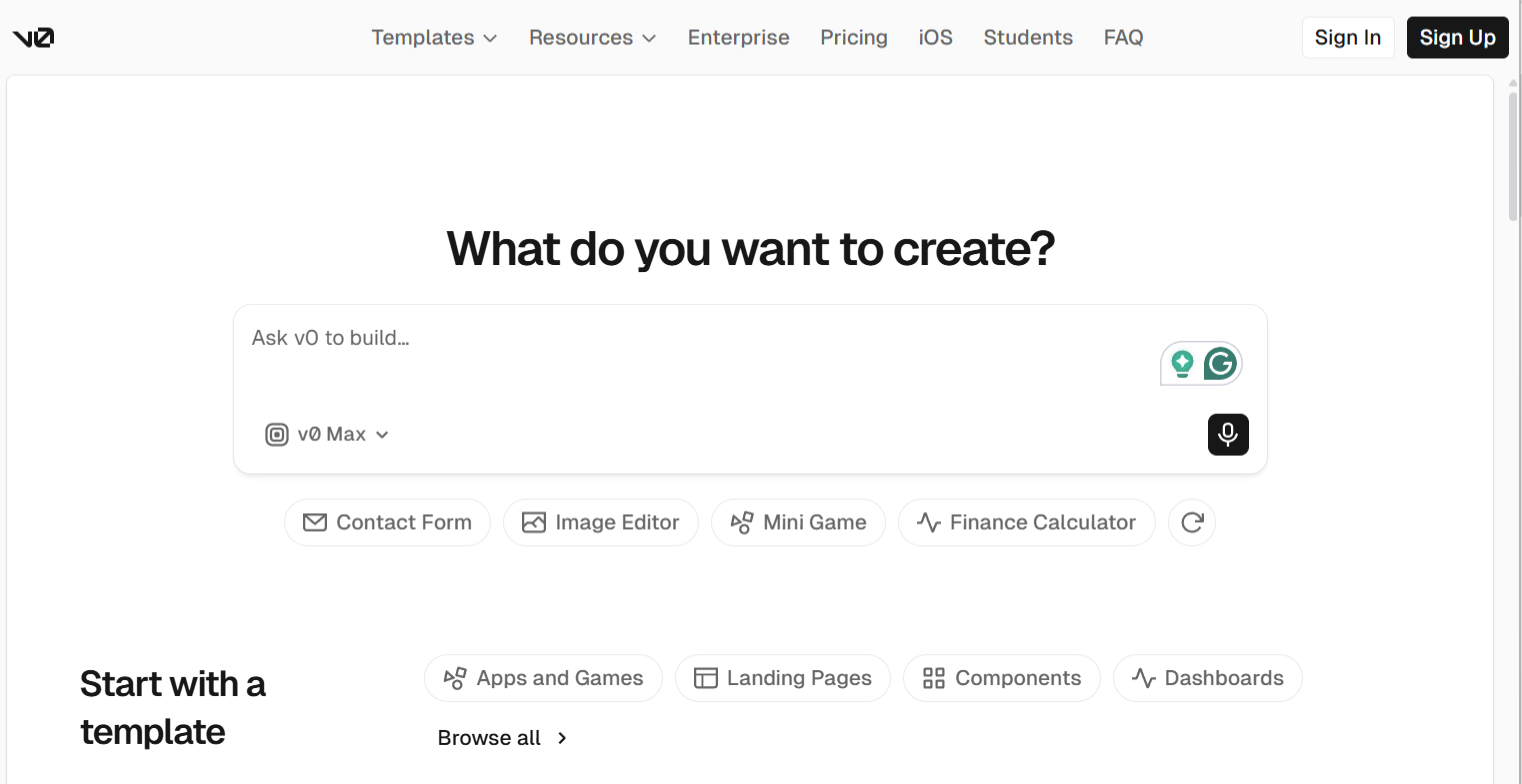
Best for: PMs who want to validate a feature concept before pulling design and engineering in.
v0 by Vercel lets PMs describe a UI in plain English and get back production-quality React and Tailwind code in seconds. It’s the fastest path from "here's an idea" to "here's a clickable thing." It generates UI components and full pages from natural-language prompts, with code you can fork, iterate on, or hand to engineering.
Key features
- Plain text to React: Describe a UI, get usable code immediately.
- Tailwind and shadcn defaults: Output uses the design conventions most engineering teams already work with.
- Iterative editing: Refine specific elements without regenerating from scratch.
- Forkable sandboxes: Share a working prototype link with stakeholders for feedback.
- Component library integration: Generate against your existing design system on paid tiers.
Pros
- ✅ Fastest tool for going from idea to working UI.
- ✅ Strong defaults that look professional out of the box.
- ✅ Stakeholder demos become much cheaper to produce.
Cons
- ❌ Output is demo-quality and not production-ready.
- ❌ Less useful for non-web UI (mobile native, internal tools).
- ❌ "Works in v0" doesn't mean technically feasible at scale.
What users say
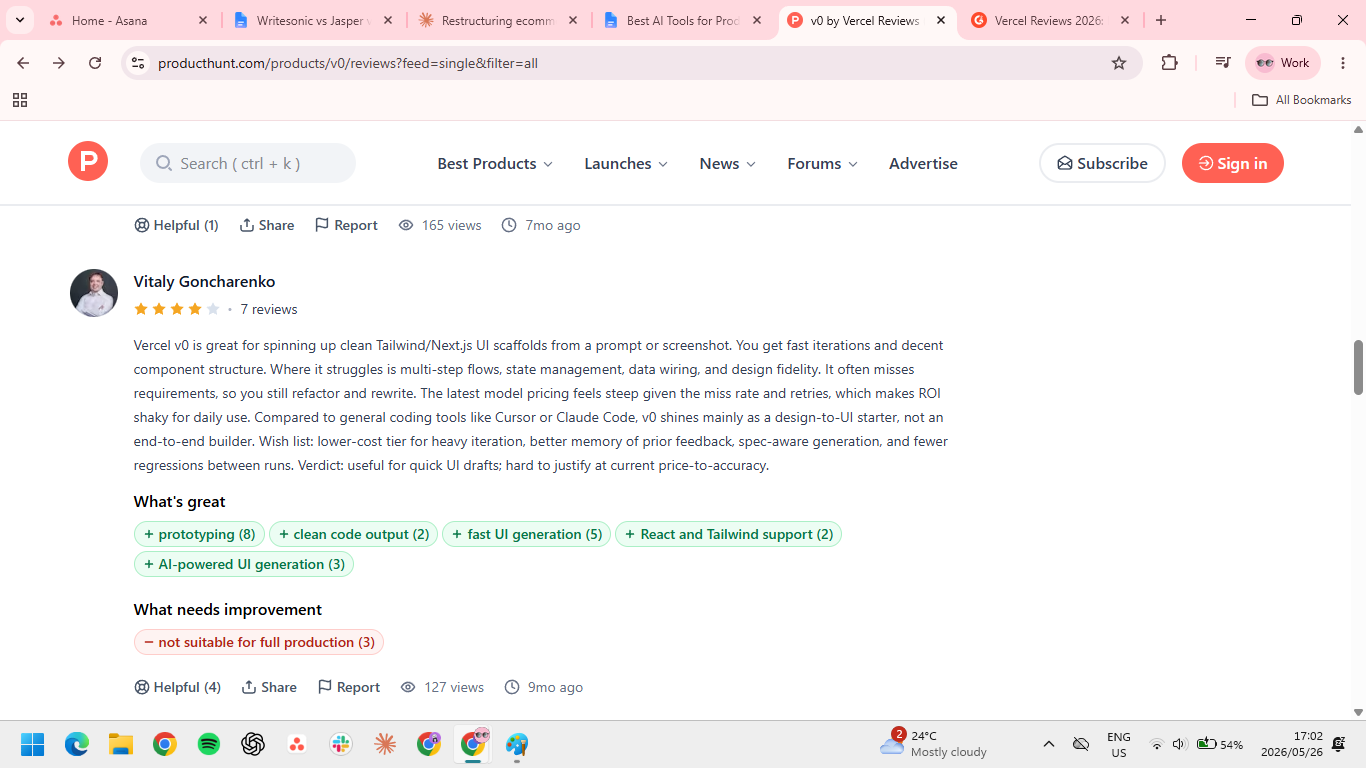
“Where it struggles is multi-step flows, state management, data wiring, and design fidelity.” — Vitaly Goncharenko via Product Hunt
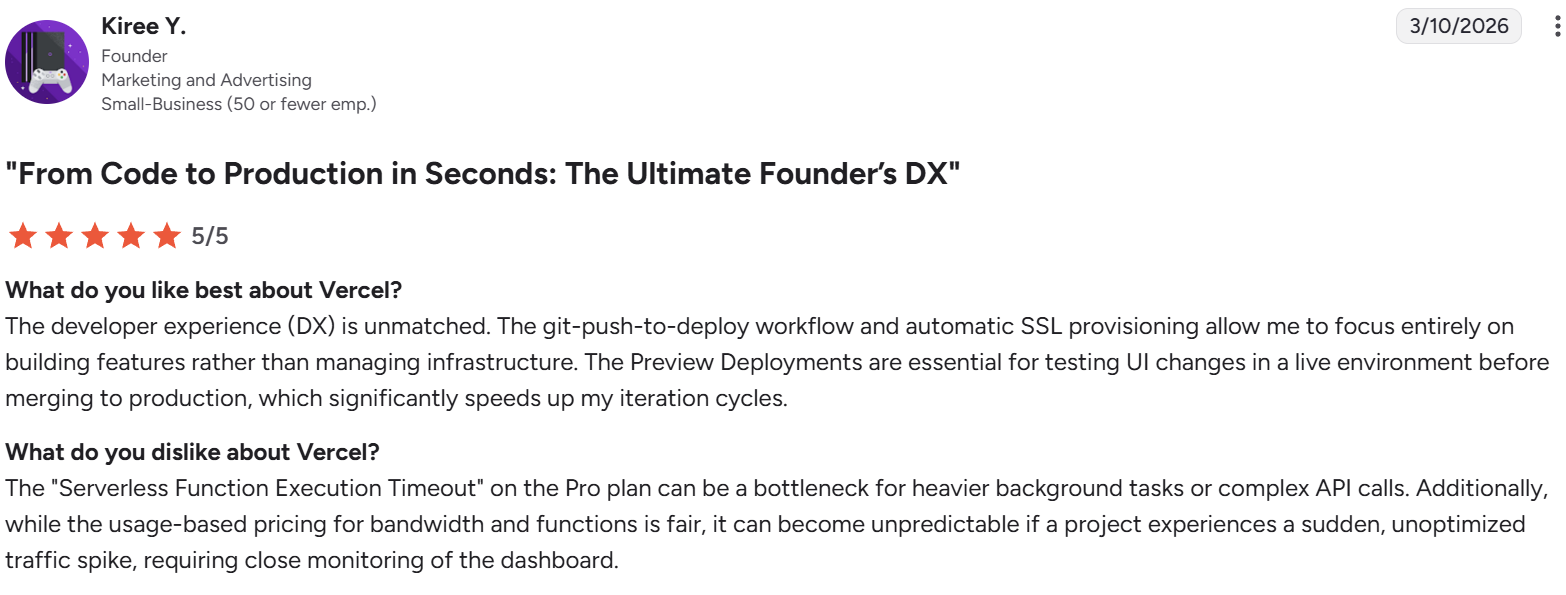
“The git-push-to-deploy workflow and automatic SSL provisioning allow me to focus entirely on building features rather than managing infrastructure.” — Kiree Y., a founder in marketing and advertising via G2
Pricing
- Free plan available
- Team $30/user/month
- Business $100/user/month
- Enterprise: custom pricing
Bottom line
Treat the output as a working spec for engineering. The win is the conversation v0 enables with your engineering team. PMs who hand v0 prototypes to engineers as "here's what I mean" see the value.
3. Dovetail: Best for user research synthesis
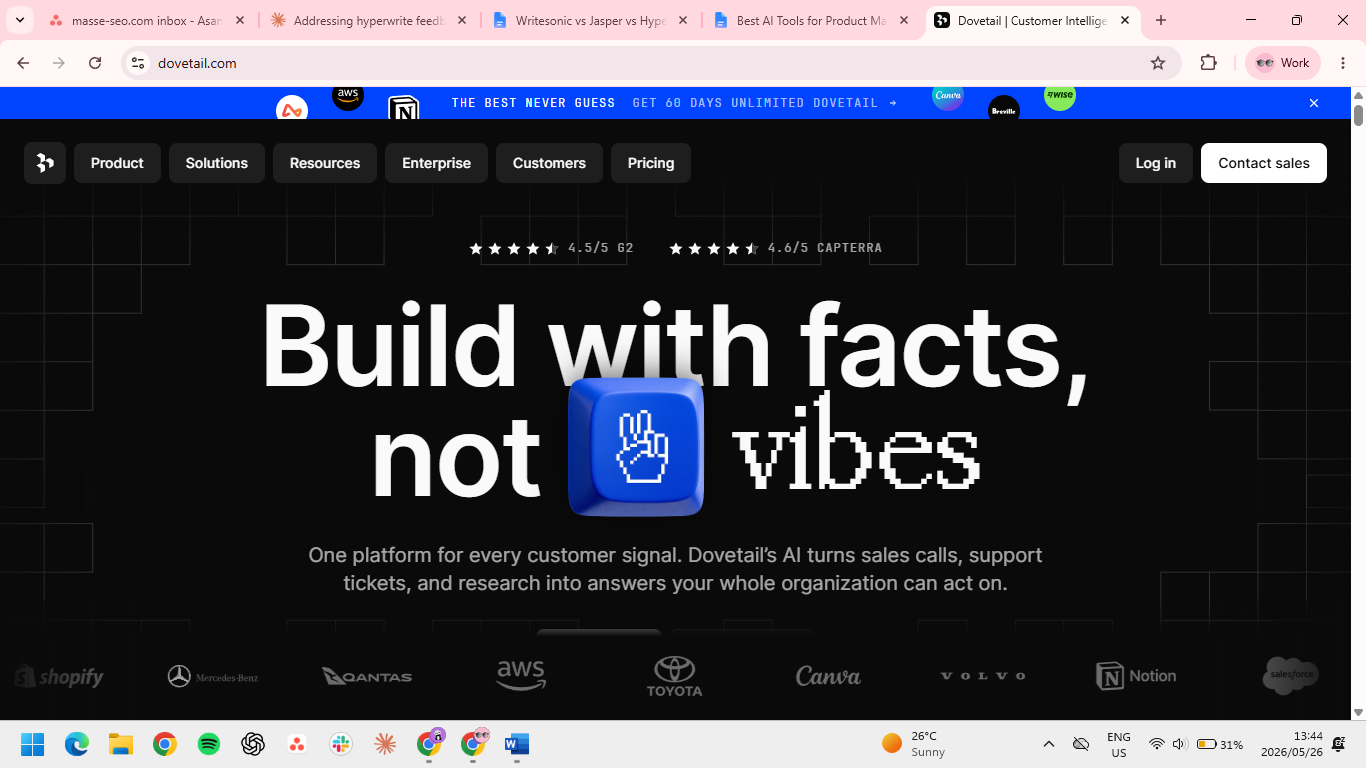
Best for: PMs running ongoing user research who need fast synthesis without losing rigor.
Dovetail uses AI to tag themes across your interview library, surface patterns, and generate cited summaries on demand. Tags and analyzes user research data (interviews, surveys, feedback) using AI, with searchable transcripts and pattern detection.
Key features
- AI theme tagging: Auto-tags transcripts by topic, sentiment, and user segment.
- Cited summaries: Ask a question, get an answer backed by specific quotes from real interviews.
- Pattern detection: Surfaces themes you missed across dozens of interviews.
- Research repository: Central library so insights don't get lost in individual decks.
- Integrations: Connects with Zoom, Microsoft Teams, and call recording tools for auto-import.
Pros
- ✅ Cuts synthesis time from days to hours.
- ✅ Repository prevents insight loss across studies.
- ✅ Cited summaries beat vibes-based research output.
Cons
- ❌ AI tags are only as good as your interview quality.
- ❌ Pricing requires a sales call.
- ❌ Overkill for occasional research.
What users say
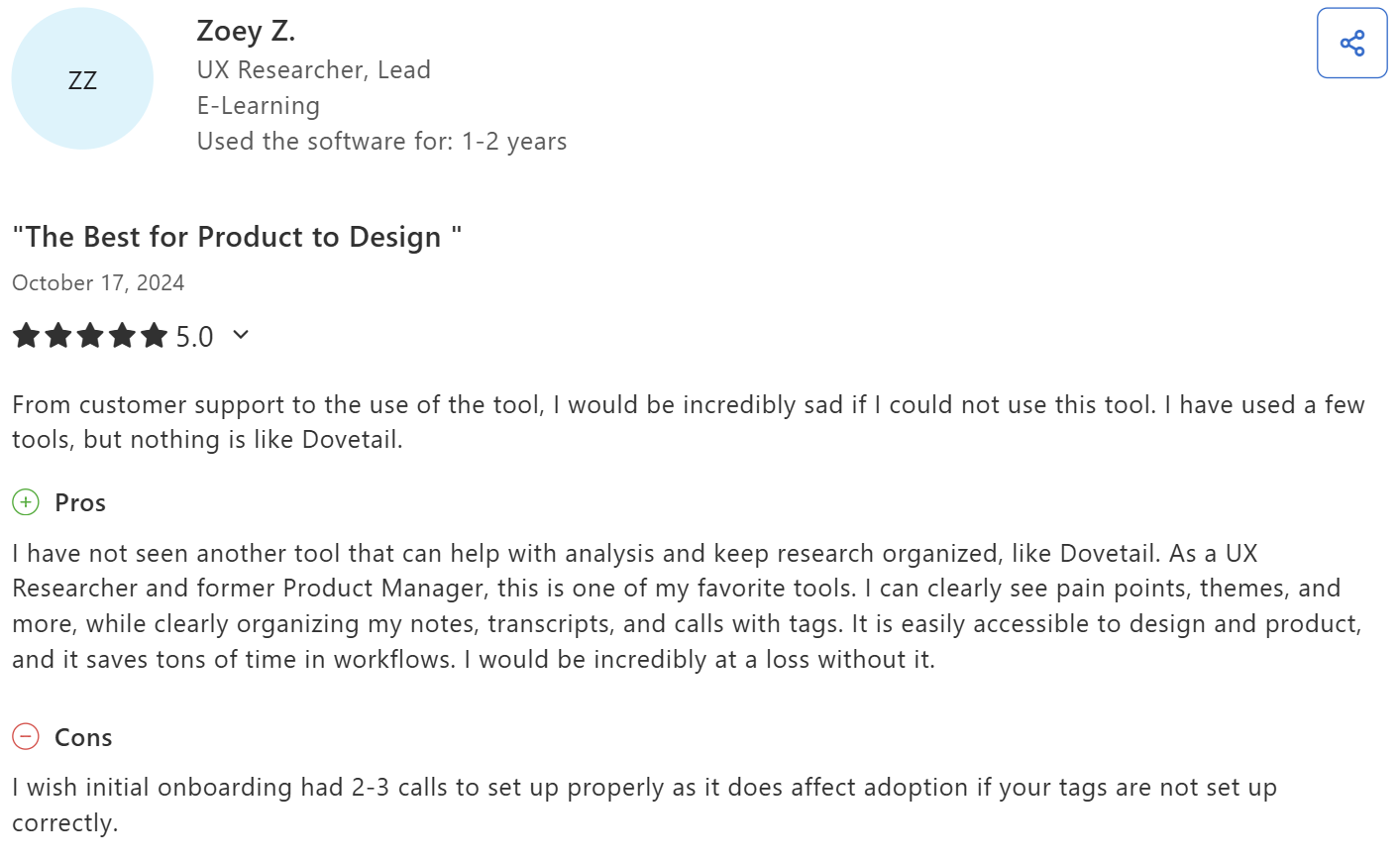
“I can clearly see pain points, themes, and more, while clearly organizing my notes, transcripts, and calls with tags.” — Zoey Z., Lead UX Researcher in e-learning via Capterra
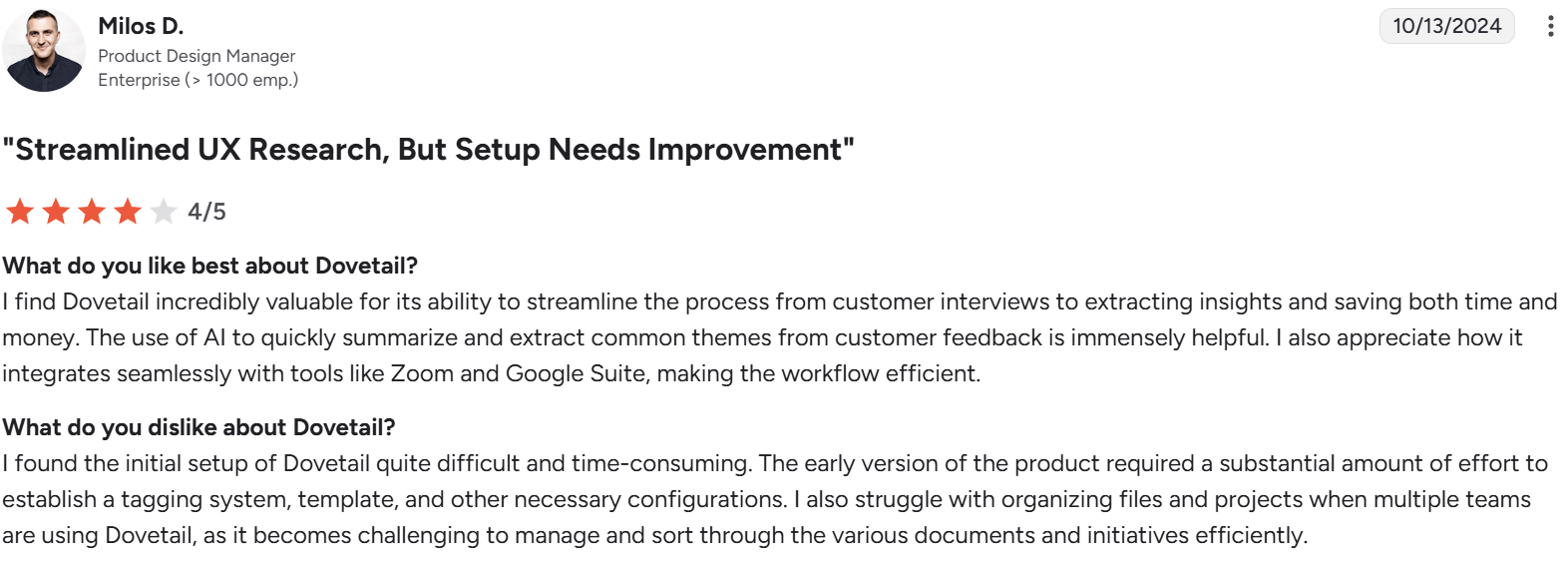
“I found the initial setup of Dovetail quite difficult and time-consuming.” — Milos D., a product design manager via G2
Pricing
- Free plan available
- Enterprise: custom pricing
Bottom line
Worth the price for teams running ten or more interviews a month. At lower volume, a general LLM handles synthesis for free. The repository value compounds only when data accumulates faster than your memory can hold.
4. Granola: Best for meeting intelligence without the bot
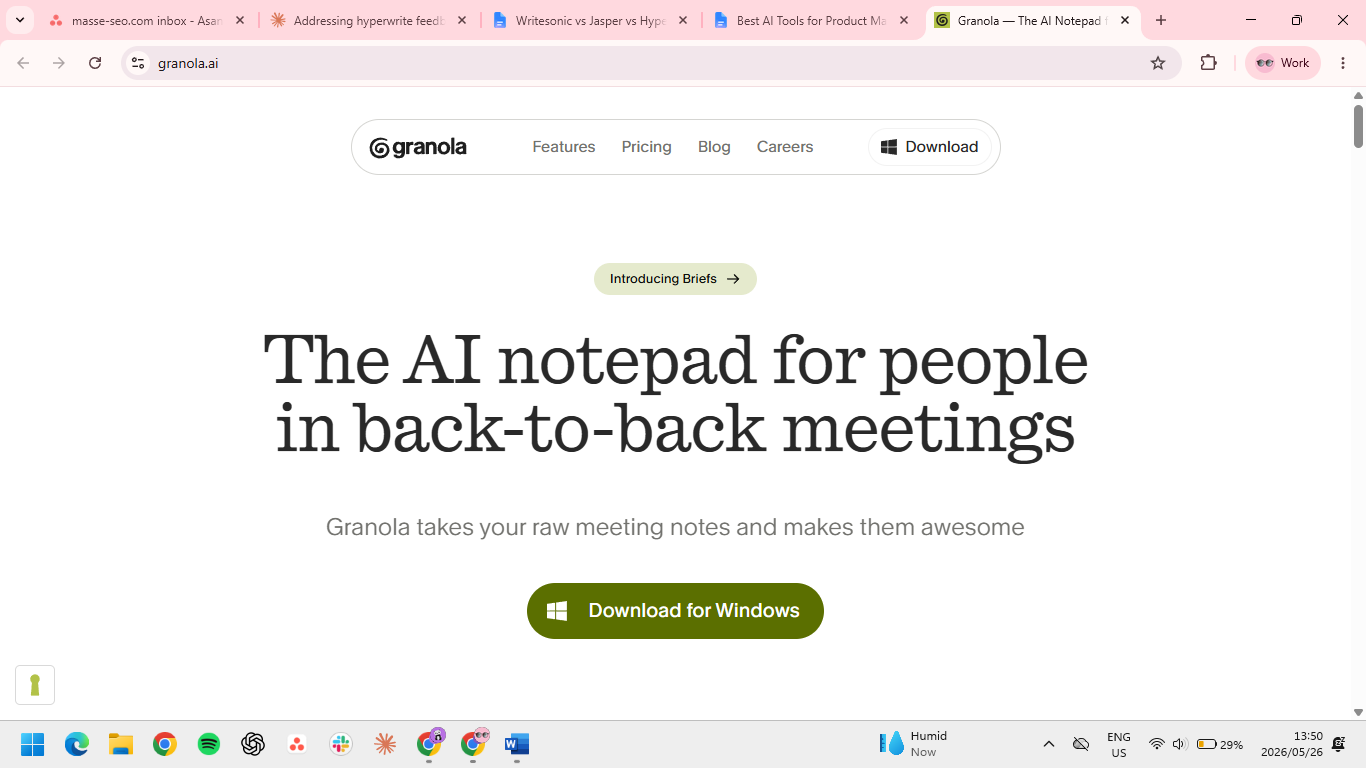
Best for: PMs in customer calls or internal meetings most of their day.
Granola listens in the background, transcribes everything, and produces structured notes (decisions, action items, follow-ups) without a robotic bot joining the call. It captures and structures meeting notes automatically using AI, working in the background without joining the meeting as a participant.
Key features
- Background transcription: Records and transcribes without a bot showing up in the meeting.
- Structured notes: Auto-generates decisions, action items, and questions raised, instead of just a raw transcript.
- Pre-meeting prep: Pulls context from your calendar and past notes into a prep brief.
- Editable templates: Customize note structure for sales calls, internal reviews, or customer research.
- Search across meetings: Find "what did we decide about pricing in Q2?" across your whole meeting history.
Pros
- ✅ No bot in the call keeps conversations natural.
- ✅ Structured output beats raw transcripts for review.
- ✅ Saves hours per week for meeting-heavy PMs.
Cons
- ❌ Mac-first; Windows support is newer and less polished.
- ❌ Local storage means notes don't sync across devices by default.
- ❌ Doesn't replace a CRM for customer call logging.
What users say
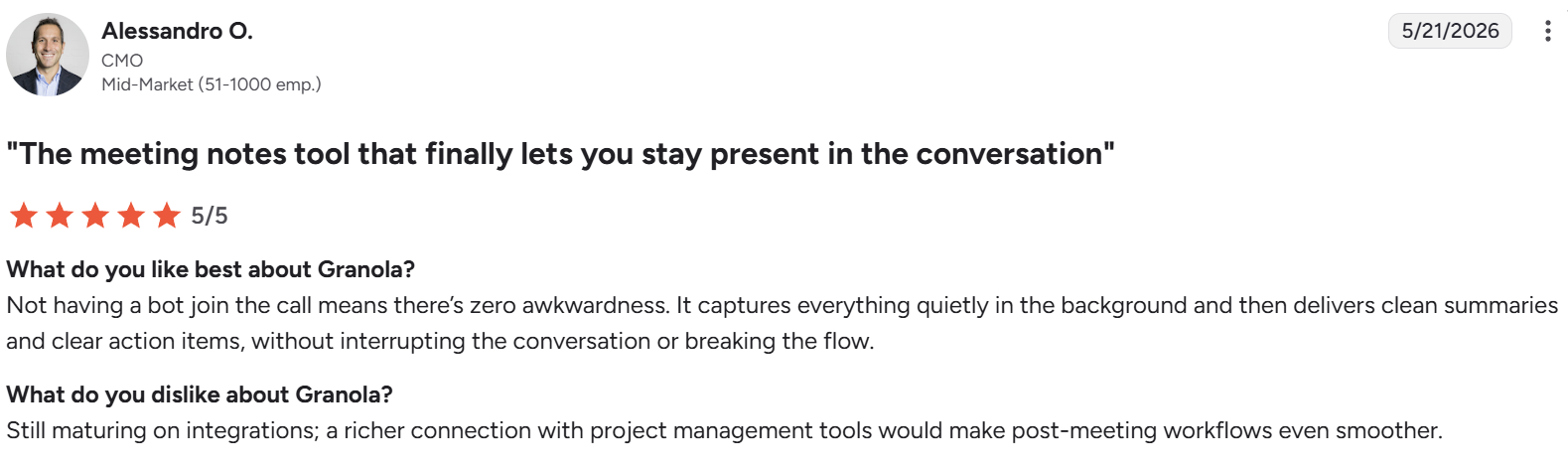
“Not having a bot join the call means there’s zero awkwardness.” — Alessandro O., CMO, via G2
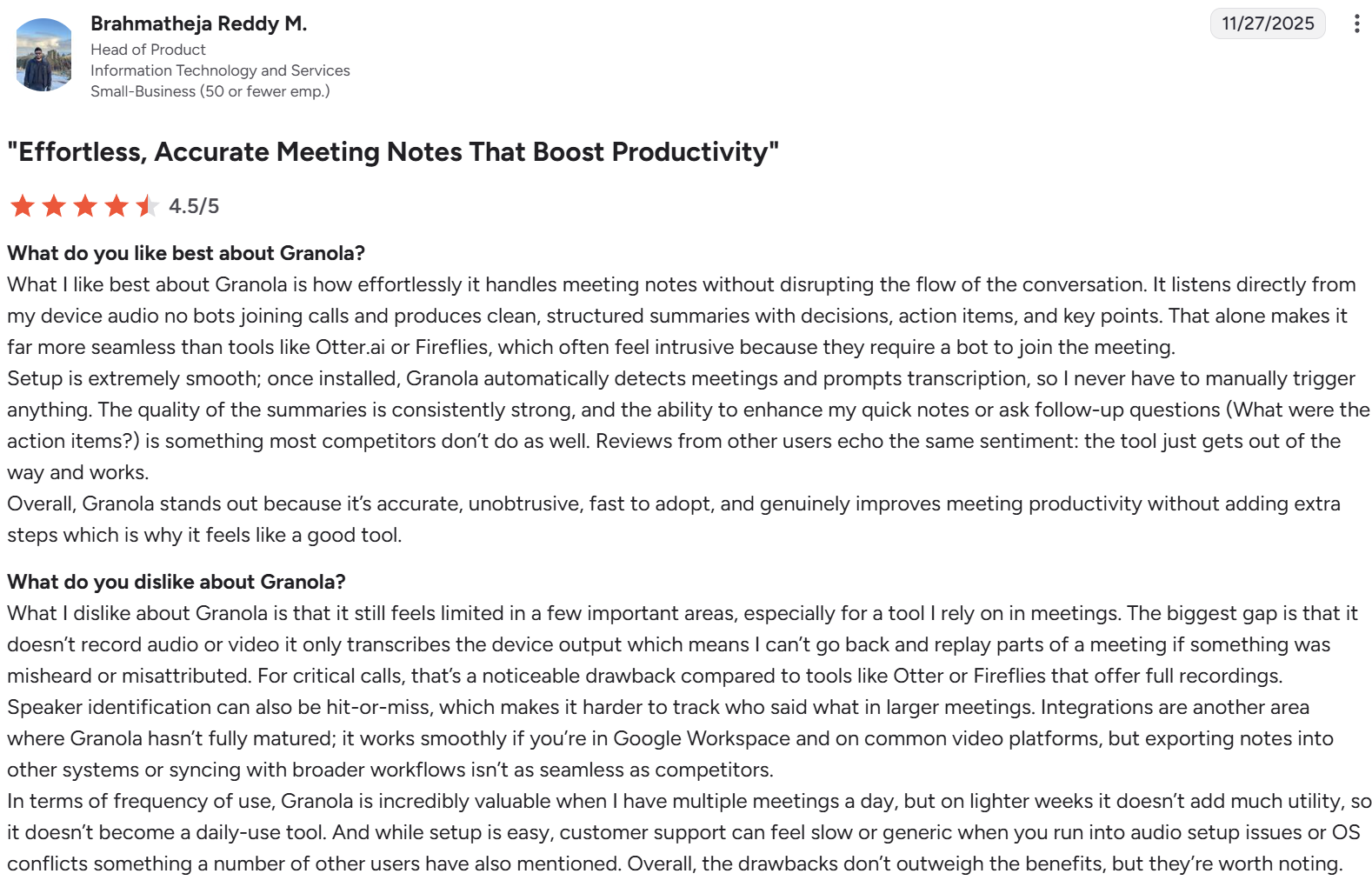
“The biggest gap is that it doesn’t record audio or video it only transcribes the device output.” — Brahmatheja Reddy M., a Head of Product in IT services via G2
Pricing
- Basic: free
- Business $14/user/month
- Enterprise $35/user/month
Bottom line
Most PMs who try Granola keep it. The no-bot capture is what gets the first install. The summaries are what keep it open three months later. If you wouldn't read your own meeting notes back, this tool fixes that for you.
5. Perplexity: Best for market and competitive research
Best for: PMs doing market sizing, competitive analysis, regulatory research, or technical exploration.
Perplexity gives LLM answers grounded in real web sources, with citations you can click to verify. Faster than search, more reliable than a chatbot. It combines LLM reasoning with real-time web search and citations, so every answer points back to its sources.
Key features
- Cited web answers: Every claim links to its source.
- Pro Search: Multi-step research that pulls from many sources before answering.
- Spaces: Save research projects with shared context across queries.
- File upload: Combine your own docs (competitor PDFs, research reports) with web search.
- Focus modes: Restrict search to academic papers, social media, or specific source types.
Pros
- ✅ Citations make verification fast.
- ✅ Pro Search handles multi-step research well.
- ✅ Free tier covers most light research needs.
Cons
- ❌ Doesn't replace deep reading of primary sources.
- ❌ Citations are accurate but not always representative.
- ❌ Less useful for proprietary or paywalled information.
What users say
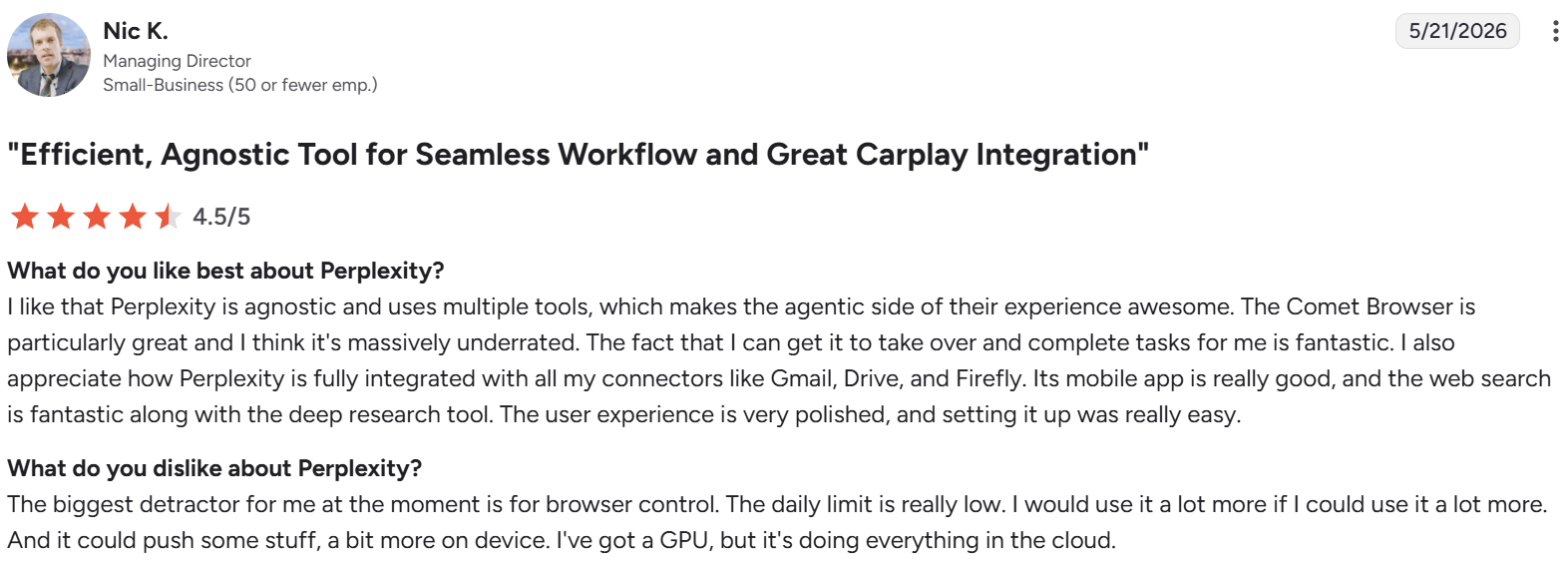
“Perplexity is fully integrated with all my connectors like Gmail, Drive, and Firefly” — Nic K., a managing director in a small business, via G2
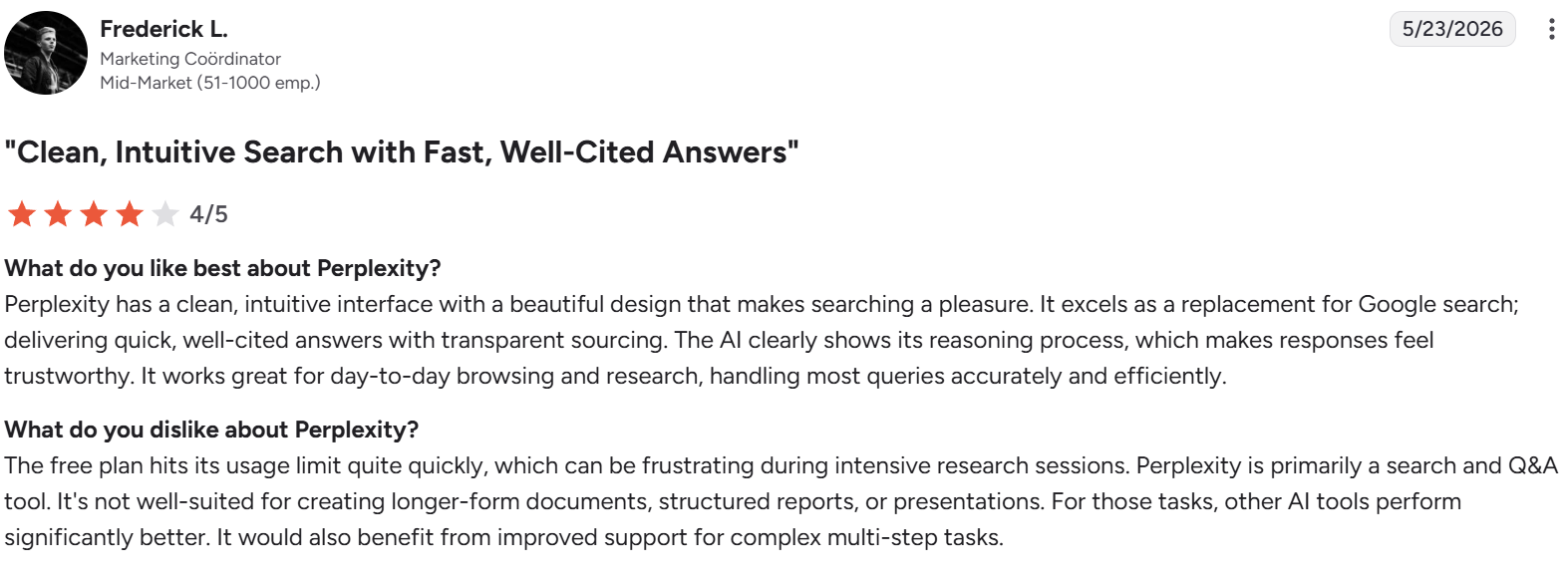
“It's not well-suited for creating longer-form documents, structured reports, or presentations.” — Frederick L., a marketing coordinator, via G2
Pricing
- Free plan available
- Pro $20/month/seat or $17/ month/seat with annual billing or $200/year paid upfront
- Max $200/month or $167/month with annual billing or $2,000/year paid upfront
- Enterprise Pro $40/month/seat or $34/ month/seat with annual billing or $400/year paid upfront
- Enterprise Max $325/month/seat or $271/ month/seat with annual billing or $3,250/year paid upfront
Bottom line
Perplexity earns its place in every PM stack at the free tier. Pro is only worth the spend if you're already paying for other research tools it can replace.
6. HyperWrite: Best for stakeholder communication across tabs
Best for: PMs whose writing load is fragmented across Slack, Gmail, Linear, Jira, Notion, and the CRM.
HyperWrite works across every tab in your browser and suggests sentence completions as you type, drawing context from the message you're writing and the tabs you have open. It provides real-time, context-aware writing assistance through a Chrome extension, with persona-matched output that sounds like you.
Key features
- TypeAhead cross-tab suggestions: Sentence completions appear as you type, in any tab.
- Personas: Trains on your past writing so suggestions match your voice, not generic AI output. Useful for PMs who write the same types of messages repeatedly across different stakeholders.
- AutoWrite paragraph generation: Full-paragraph drafts for any topic or format, without switching tools.
- AI Document Editor: A collaborative writing workspace for longer drafts — decision memos, post-mortems, RFPs — that keeps everything in one place.
- AI Tools library: Hundreds of pre-built tools for email responses, summarization, and more, plus the ability to build custom tools for recurring PM workflows.
Pros
- ✅ Lives inside every tab, no context switching.
- ✅ Persona-matched output sounds like you and doesn’t mimic generic AI tones.
- ✅ Faster than ChatGPT-style reasoning models for short, in-context writing.
Cons
- ❌ TypeAhead works in the browser, so it doesn't help when you're writing in desktop apps like Figma, Notion desktop, or a native email client.
- ❌ Not a PRD tool; pair with ChatPRD for that.
- ❌ Best value for heavy writers; lighter users may not need it.
What users say
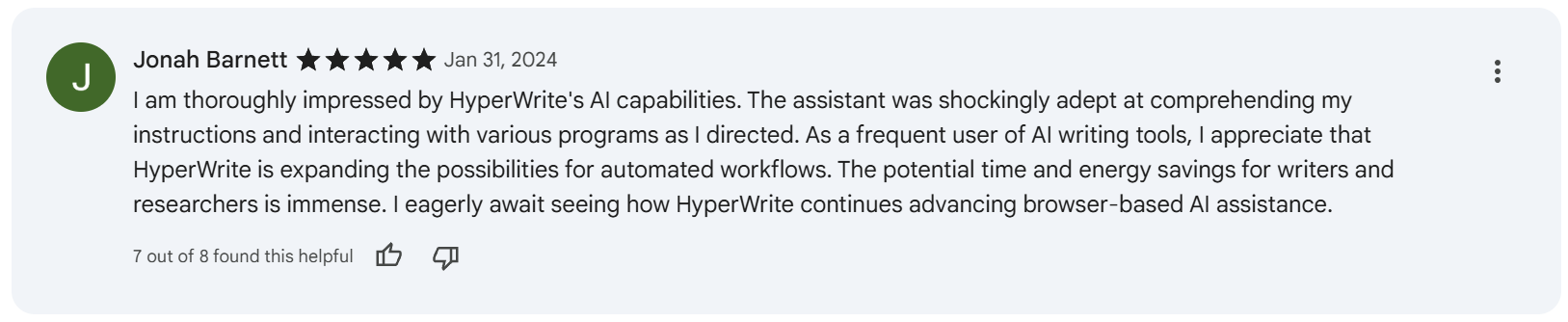
“The assistant was shockingly adept at comprehending my instructions and interacting with various programs as I directed.” — Jonah Barnett via Chrome Web Store

“I would like this to be able [to] work on Microsoft products.” — Hodo Hassan via Chrome Web Store
Pricing
- Free plan available
- Premium at $19.99/month or $16/month with annual billing
- Ultra $44.99/month or $29/month with annual billing
Bottom line
The Chrome extension format is what makes HyperWrite work. For PMs whose day lives in Gmail, Slack web, Linear, and your CRM, the cross-tab persistence is the moat no other tool replicates.
7. Claude
Best for: Every PM, for the dozen ad-hoc questions and drafts that don't justify opening another tool.
Claude is the strongest general-purpose assistant for product management work. It handles long-form reasoning, careful writing, document analysis, and the messy in-between tasks that don't fit a specialized tool, with output that needs less editing than competing LLMs.
Key features
- Projects: Save persistent context for recurring workflows like quarterly planning, customer interviews, or PRD review.
- File analysis: Upload docs, CSVs, screenshots, and PDFs for structured review and synthesis.
- Code interpretation: Run quick data analysis without leaving the chat.
- Voice mode: Talk through ideas verbally and get text responses back.
- Artifacts: Generates standalone documents, code, and visualizations you can edit and reuse.
Pros
- ✅ Strongest LLM for long-form reasoning and careful writing.
- ✅ Generous free tier covers most daily PM use.
- ✅ Output requires less editing than competing models.
Cons
- ❌ Purpose-built tools still outperform on specific jobs like PRDs.
- ❌ Smaller plugin ecosystem than ChatGPT.
- ❌ One more tab to switch into, which fragments focus.
What users say
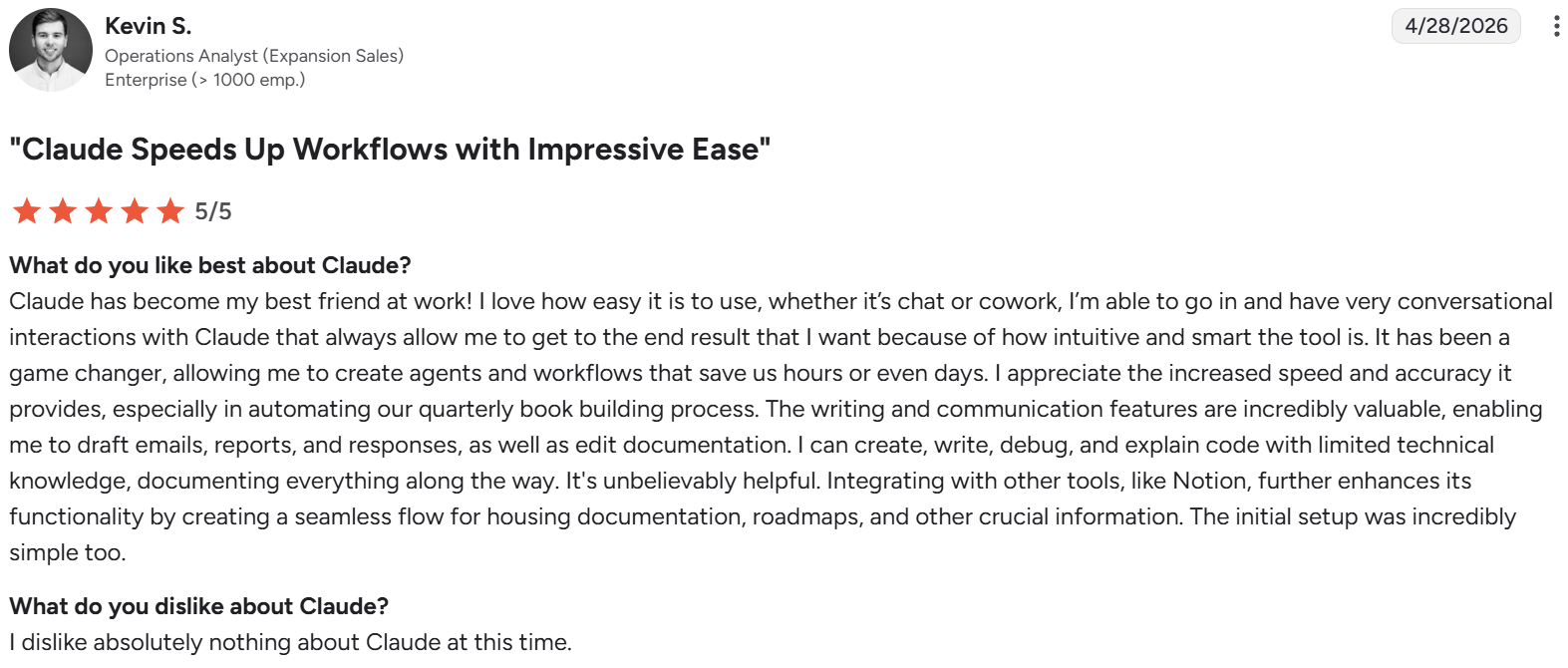
“It has been a game changer, allowing me to create agents and workflows that save us hours or even days.” — Kevin S., an operations analyst via G2
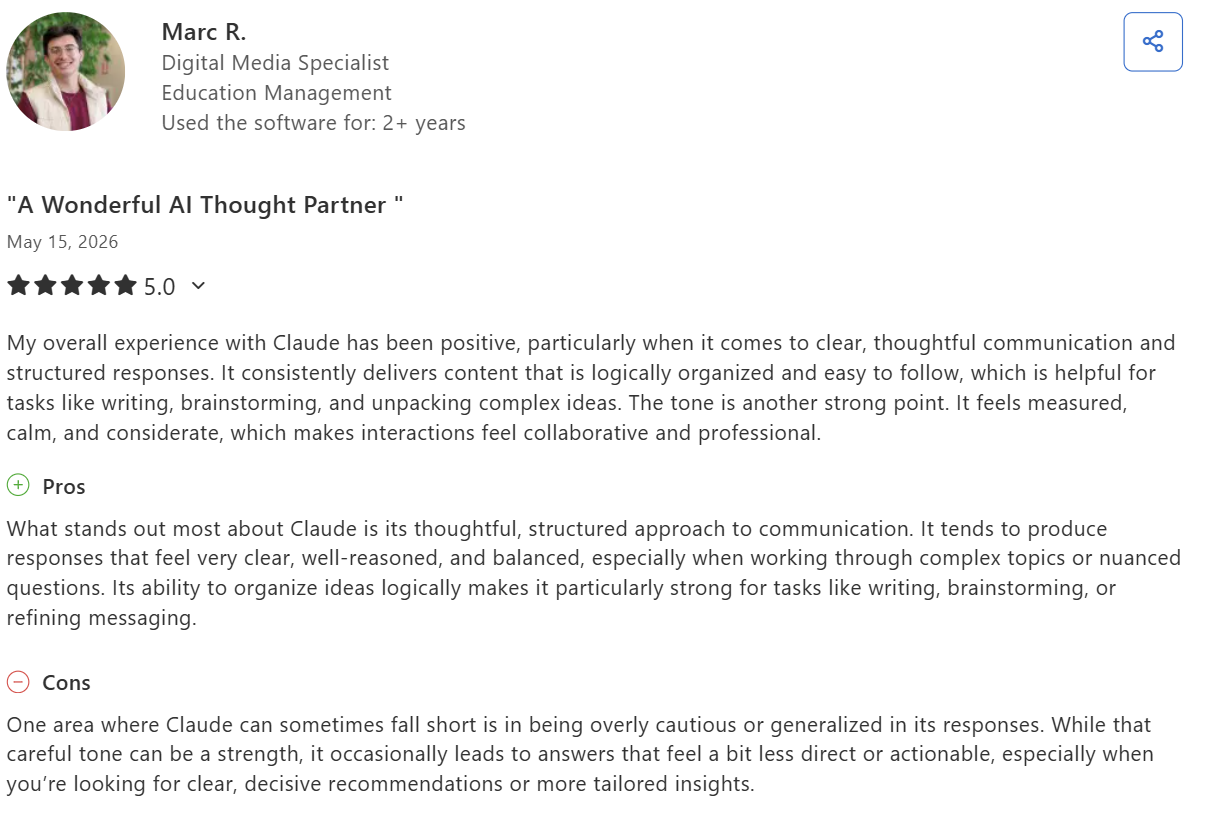
“One area where Claude can sometimes fall short is in being overly cautious or generalized in its responses.” — Marc R., a digital media specialist, via Capterra
Pricing
- Free plan available
- Pro $20/month or $17/ month with annual billing
- Max from $100/month
- Team: from $30/seat/month (monthly) or $25/seat/month (annual), 5-seat minimum
- Enterprise: custom pricing
Bottom line
Claude's edge is long-form reasoning, careful writing, and document analysis. For PMs spending most of their AI time in those workflows, the output quality saves enough editing time to make it the default tab.
Which AI tool for product managers should you choose?
Choose ChatPRD if you:
- Write PRDs weekly, and want a tool purpose-built for product documentation
- Have a defined PRD template you reuse across docs
- Want specialized output beyond what a general LLM produces
Choose v0 if you:
- Want to validate UI concepts before pulling design and engineering in
- Need stakeholder demos that look professional out of the box
- Work primarily in web UI
Choose Dovetail if you:
- Run continuous discovery and synthesize interviews frequently
- Need a research repository that prevents insight loss across studies
- Want cited summaries backing your research output
Choose Granola if you:
- Spend most of your week in customer calls or internal meetings
- Want structured notes without a bot joining your calls
- Work primarily on a single Mac and don't need cross-device sync
Choose Perplexity if you:
- Do regular market, competitive, or regulatory research
- Need citations to verify what AI tells you
- Want a single tool for both quick lookups and multi-step research
Choose HyperWrite if you:
- Spend hours a day writing across Slack, Gmail, Linear, Jira, and the CRM
- Want suggestions that match your voice
- Lose more time to context-switching than to drafting itself
Choose Claude if you:
- Want a single daily-driver LLM for ad-hoc work
- Don't yet write enough PRDs or run enough research to justify specialized tools
- Need a starting point before adding specialized tools to the stack
The writing gap most PM stacks miss
PRDs and prototypes are a small slice of what a PM actually writes. The bulk of the load falls into Slack updates, hiring notes, investor follow-ups, decision memos, and Linear escalations. None big enough to open ChatPRD for, but together it eats hours.
That's where HyperWrite fits. TypeAhead works across every tab in your browser, suggesting sentence completions as you type. Personas read your past writing, so suggestions sound like you. For longer drafts, AutoWrite and the AI Tools library handle decision memos, post-mortems, and RFPs without switching tools.
If that's where your week disappears, try TypeAhead free with the HyperWrite Chrome extension.
Frequently asked questions
What is the best AI tool for product managers overall?
The best AI tool for product managers overall depends on the work you spend the most time on. For PRD-heavy roles, ChatPRD. For prototyping-led PMs, v0. For research-heavy work, Dovetail. For most PMs juggling cross-functional comms, a general LLM plus HyperWrite for in-browser writing covers about 80% of daily AI use.
Do product managers really need AI tools?
Yes, product managers really need AI tools in 2026. The gap between AI-augmented and non-AI workflows is now wide enough that opting out costs hours per week, and most PMs at growing companies already use at least one AI tool daily. Start with one tool for your biggest time sink rather than five at once.
Can AI replace product managers?
No, AI can't replace product managers in 2026. AI handles documentation, synthesis, and prototyping well, but product management is fundamentally about deciding what to build and why, which requires customer judgment, organizational context, and trade-off reasoning that AI doesn't have. AI replaces only the mechanical parts of the job.
How much should I spend on AI tools as a PM?
Most PMs spend $50 to $150 a month across their AI stack. A reasonable starter setup is $20 for a general LLM, $20 for HyperWrite, $20 for Perplexity, and one specialized tool ($5 to $30) for your biggest workflow. Add more only when you can name the hours saved.

HyperWrite is the AI writing assistant that learns your style. It handles drafting, editing, and researching so you can focus on ideas.
- Autocompletes sentences as you type
- Works inside Google Docs & Gmail
- Adapts to your personal writing style
- 500+ AI tools for any writing task

Powerful writing in seconds
Improve your existing writing or create high-quality content in seconds. From catchy headlines to persuasive emails, our tools are tailored to your unique needs.