

Between back-to-back lectures, group projects, and midnight study sessions, staying on top of readings, notes, and deadlines feels like a full-time job. Which apps actually help you stay organized, improve focus, and raise your GPA? This guide to the Best Study Tips for College Students sorts through note-taking apps, flashcard systems, task managers, Pomodoro focus tools, and study planners so you can quickly find reliable, easy-to-use solutions that boost productivity and reduce stress.
To help with that, HyperWrite's AI writing assistant drafts study plans, summarizes readings, and turns messy notes into clear outlines so you can test apps faster, build study schedules, and stay focused to get better grades with less stress.
Summary
- Study apps are widely adopted, with over 70% of students reporting they help organize study schedules and turn short pockets of time into productive review sessions.
- Students who use study apps report a 30% increase in productivity, a gain that shows up as fewer all-nighters and faster iteration on drafts.
- A problem-driven approach to tool selection matters; the guide groups 51 study apps into clear categories so students can pick one specific fix instead of juggling many options.
- Adoption succeeds when users commit; the typical pattern breaks once a small set of tools is used consistently for at least 3 weeks, reducing decision paralysis.
- Effective study systems attack three core bottlenecks at once, by centralizing tasks and deadlines, filtering and highlighting relevant resources, and providing short, repeatable prompts to sustain focus.
- Practical study techniques keep workloads manageable, for example, limiting new flashcards to about 20 per day and converting lecture content into roughly 30 targeted cards per session to avoid review overload.
This is where HyperWrite's AI writing assistant fits in: it drafts study plans, summarizes readings, and turns messy notes into clear outlines, compressing research-to-draft time.
Why Every Student Needs Study Apps
.jpg)
Study apps are essential because they solve the everyday bottlenecks that eat up students’ time:
- They keep resources in one place
- Make study time predictable
- Let you learn on your schedule so you can work faster and with less stress.
They improve productivity, sharpen organization, and turn chaotic study sessions into repeatable workflows that you can refine over weeks and semesters.
How Do Study Apps Make Studying More Convenient And Accessible?
Apps turn pockets of idle time into real study time. You can review a flashcard set between classes, pull up a lecture transcript on a bus, or search journals from your phone instead of hunting through the library stacks.
The Blaze Today Blog in 2025 reports that “Over 70% of students find study apps helpful in organizing their study schedules.” That level of adoption means scheduling and access solve a real friction point. When study materials are everywhere and reliable, you stop wasting time reconciling sources and start using minutes for learning.
How Do Apps Adapt To Different Learning Styles So You Actually Remember More?
Apps let you pace the work: rewatch a short explainer, drill a concept with spaced repetition, or quiz with AI-generated flashcards until recall becomes automatic. The same report notes that “Students who use study apps report a 30% increase in productivity.”
In practice, that looks like:
- Fewer all-nighters
- More deliberate review sessions
- Faster first drafts
You can iterate on understanding more quickly than rebuilding it from scratch each week.
What Real Problems Do Study Apps Resolve For Overburdened Students?
Balancing coursework, jobs, and extracurriculars leaves little margin for error. The pattern is consistent across introductory seminars and heavy upper-division courses: competing deadlines and scattered notes create information overload, which sparks distraction and last-minute panic.
Study apps attack that chain at three points:
- They centralize tasks and deadlines
- Filter and highlight the most relevant resources
- Provide small, repeatable prompts that keep focus
That combination changes behavior, turning chaotic catch-up into steady progress.
The Fragmentation Fix: Streamlining Research Integrity and Drafting Speed
Most students cobble together research with bookmarks, screenshots, and messy drafts because it feels quicker, but that familiar approach fragments work and wastes hours reconciling sources.
As assignments multiply, context:
- Gets lost
- Citations break
- Drafting stalls
Platforms like HyperWrite provide an alternative path:
- AutoWrite speeds first drafts
- Scholar AI surfaces citation-backed research
- TypeAhead finishes context-aware sentences
- A Chrome extension
- An AI document editor keeps research and writing connected
It compresses the research-to-draft-to-cite workflow while preserving source integrity.
How Do Study Apps Build Skills That Matter After College?
Using study apps isn’t just about getting better grades; it trains you in digital literacy:
- Evaluating sources quickly
- Structuring arguments
- Collaborating asynchronously
When students adopt these tools, their study routine shifts from reactive to iterative. That habit scales with courses and careers, because the same skill set that speeds a research paper also speeds a project brief or a lab report.
Building Your Digital Tool Belt: Matching Integrated Systems to Specific Workflows
Picture a study system as a reliable tool belt, each serves a purpose:
- Scheduling
- Focused practice
- Source capture
- Feedback tools
When they live together, the whole process becomes predictable, and you can trade frantic effort for steady, measurable progress.
That solution sounds solid, but the next question is where to start and which tools actually fit specific study workflows.
Related Reading
- Study Tips for College
- When Is the Best Time to Study for a Test
- What Is the Hardest Thing to Study in College
- Can AI Solve Math Problems
- How to Study in Med School
- Types of Study Methods
- How Long Should You Study for a Test
- How to Study for a Math Test
- Study Tips for High School
- Study Tips for Middle School
- Study Strategies for High School Students
51 Best Study Apps for College Students

This curated list groups the 51 best study apps into clear categories so you can pick the right tool for the exact study problem you face.
Each entry gives a quick verdict so you can try it tonight:
- Who does it help most
- Why it works
- Practical features
- Platform notes
- One concrete tip
1. HyperWrite: AI-First Writing And Research Partner For Faster, Cleaner Drafts
Best For
Students who need faster first drafts and citation-aware writing.
Why It Helps
When you stall at a blank page, HyperWrite finishes thoughts with context-aware suggestions and pulls citation-backed research so you don’t lose momentum chasing sources. It fits into every stage of a paper, from quick outlines to polished sentences, so drafting becomes iterative rather than agonizing.
Key Features
- AutoWrite to generate structured paragraphs
- TypeAhead for sentence completions that match your voice
- Scholar AI for citation-backed research snippets
- Chrome extension for web-wide drafting
Availability
- Web
- Chrome extension
- AI document editor
Tip
Use AutoWrite to make a 400-word first draft, then edit for clarity: speed produces options, not mistakes.
2. Goodnotes: Natural Handwriting, Neat Digital Notebooks
Best For
Students who prefer handwriting and want searchable notes.
Why It Helps
Many classes demand:
- Sketches
- Formulas
- Margin notes
GoodNotes lets you write freely, convert handwriting to text, and keep everything in nested folders so your notes don’t scatter across apps.
Key Features
- Smooth Apple Pencil ink and shape tools
- Handwriting recognition and search
- PDF annotation and image import
- Notebook and folder organization
Availability
- iPad
- iPhone
- MacOS
Tip
Create one “lecture” notebook per course and tag pages by week for fast retrieval.
3. Notion: All-In-One Study Workspace And Course Database
Best For
Students who want one place for:
- Notes
- Tasks
- Project trackers
Why It Helps
When courses pile up, Notion lets you build a lightweight course hub that links:
- Readings
- Deadlines
- Group docs
You can contextualize travels with your notes instead of hiding in another tab.
Key Features
- Custom databases for assignments and readings
- Templates for study planners and lecture notes
- Inline media embeds and collaborative pages
Availability
- Windows
- Mac
- iOS
- Android
- Web
Tip
Clone a weekly study planner template and update it every Sunday to keep a predictable routine.
4. Notability: Handwriting-First App Built Around Audio-Synced Notes
Best For
Students who need audio capture alongside sketches and written notes.
Why It Helps
Lectures move fast and details vanish; Notability records audio and locks each sentence to a timestamp so you can jump back to the exact moment you wrote a thought.
Key Features
- Audio recording with note sync
- Smooth Apple Pencil support and drawing tools
- PDF import and annotation
Availability
- iPad
- iPhone
- MacOS
Tip
Record selective segments, not entire classes, and add short bullet summaries on the same page.
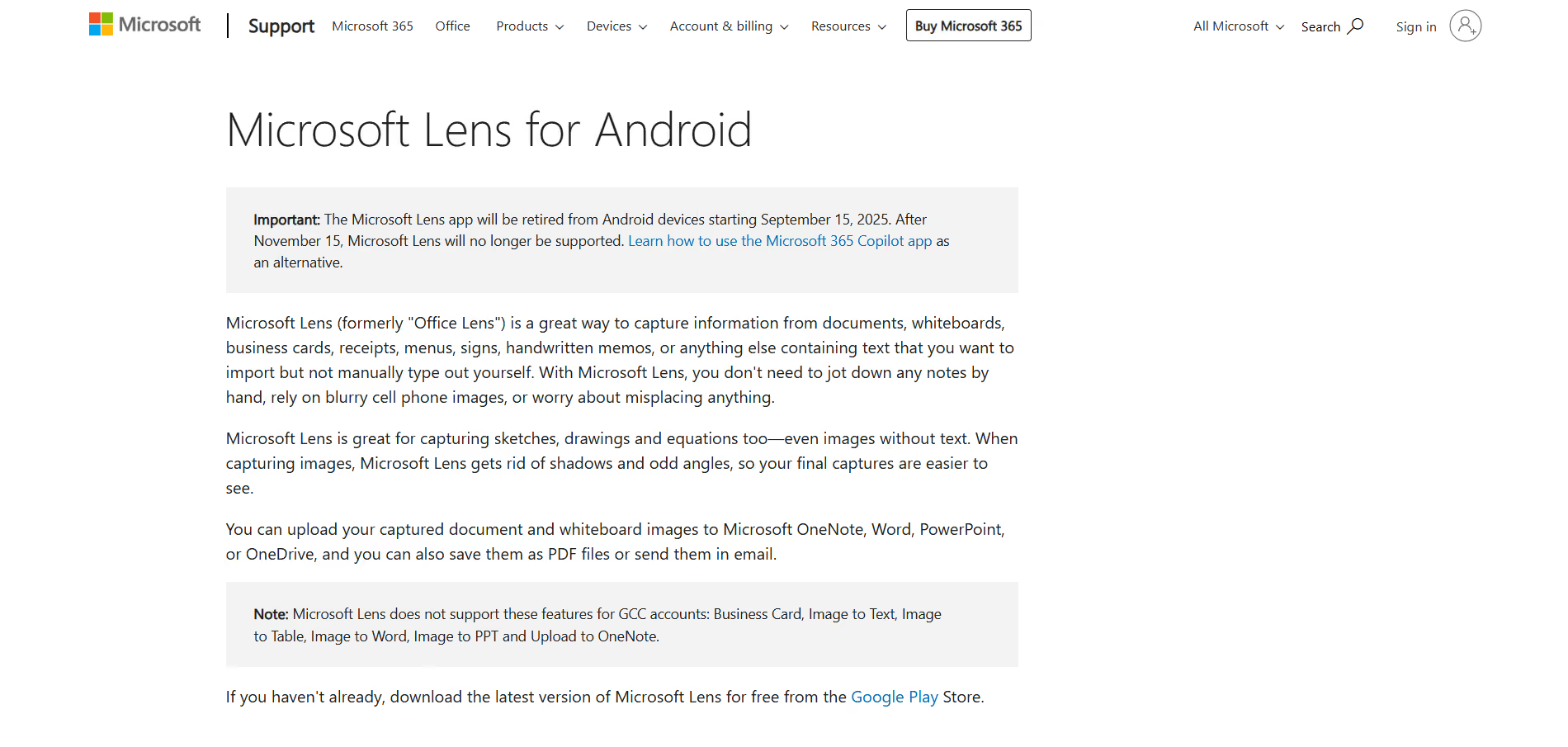
5. Office Lens: Quick-Scanning OCR for Whiteboards And Handouts
Best For
Students who collect lots of paper and whiteboard photos.
Why It Helps
Snap messy slides or whiteboards, convert them to searchable text with OCR, and avoid the endless retype-and-forget cycle that eats study time.
Key Features
- OCR conversion to editable files
- Save to OneNote, Word, PowerPoint, PDF
- Auto-crop and perspective correction
Availability
- iOS
- Android
- Windows
Tip
Scan after class and add tags or a one-line summary before saving, while the context is fresh.
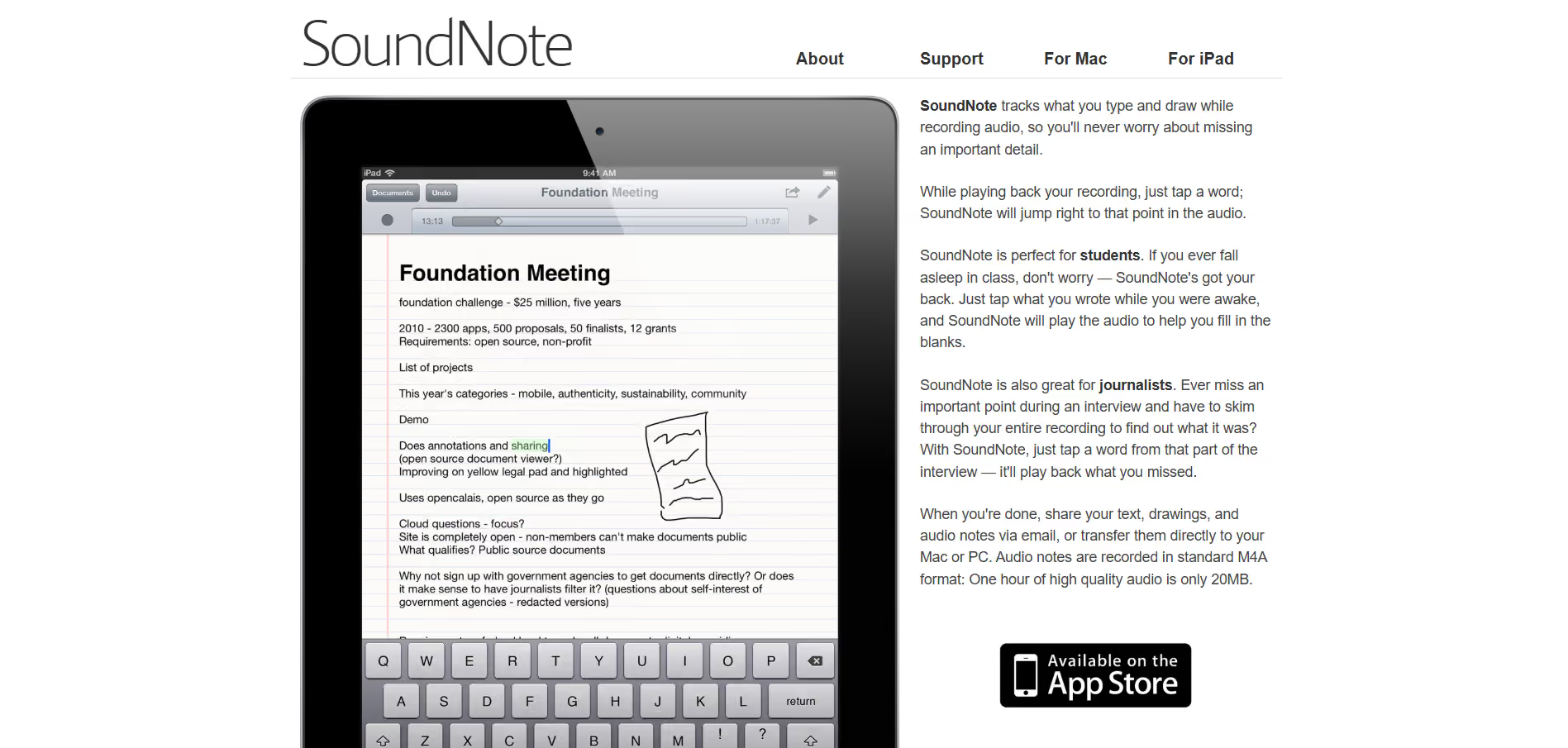
6. Soundnote: Type, Draw, And Record In Sync
Best For
Note-takers who want the exact moment of the lecture tied to written notes.
Why It Helps
When details matter, SoundNote’s tap-to-jump audio feature gets you right back to the sentence that triggered the recording, which makes review efficient and evidence-based.
Key Features
- Synchronized audio and notes
- Tap-to-jump playback from any word or drawing
- Export notes and audio easily
Availability
- iPad
- MacOS
Tip
Mark “key idea” lines during class and only replay those markers during review.
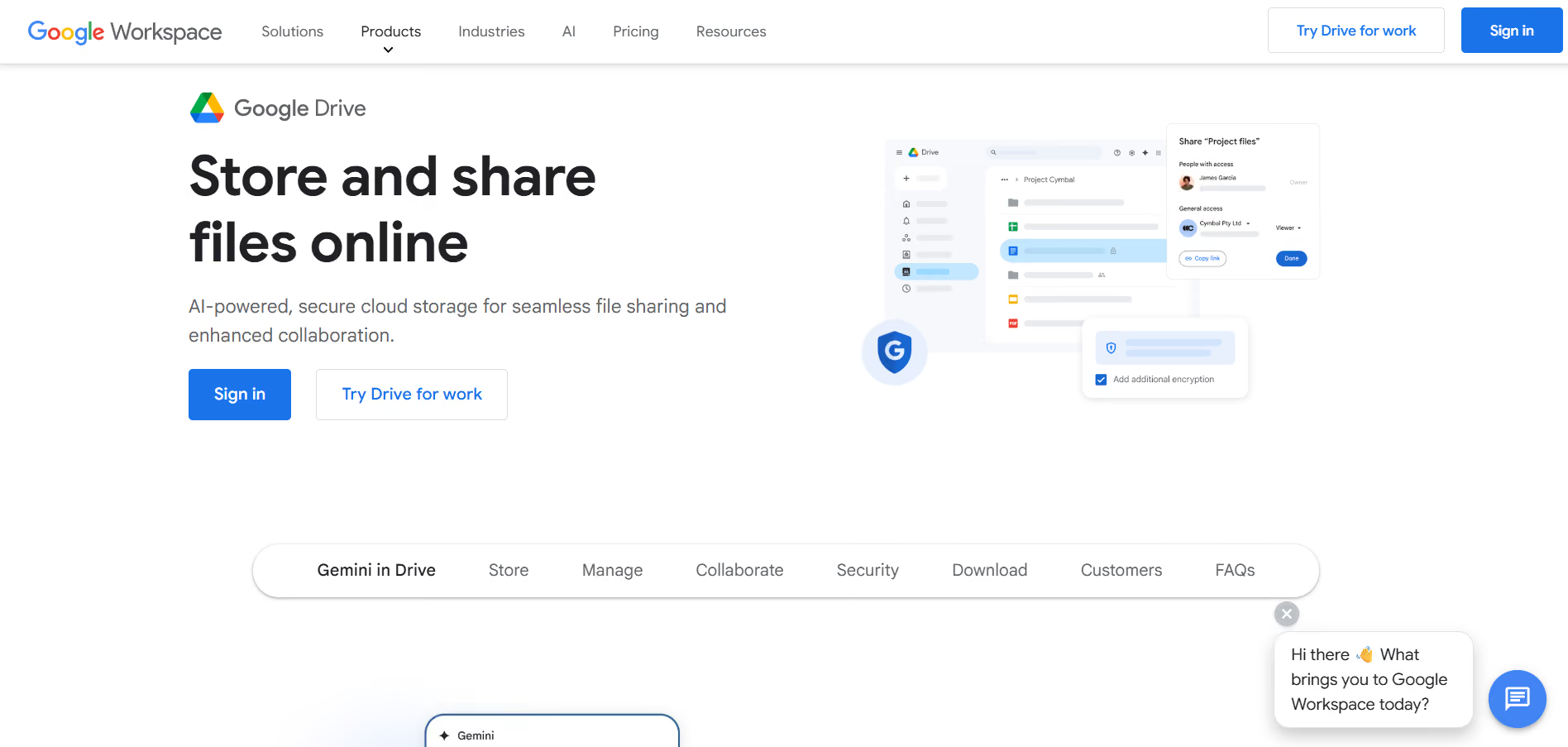
7. Google Drive: Cloud Storage That Keeps Your Files Accessible
Best For
Students who collaborate and need reliable file syncing across devices.
Why It Helps
Group projects and scattered drafts become manageable when your files live in a shared place with version history and permissions, so you stop emailing attachments.
Key Features
- File sharing and granular permissions
- Docs, Sheets, Slides integration
- Version history and offline access
Availability
- Web
- iOS
- Android
- Desktop sync clients
Tip
Create a shared project folder for each group, with a clear README that names roles and deadlines.
8. Google Calendar: Simple, Shareable Scheduling And Reminders
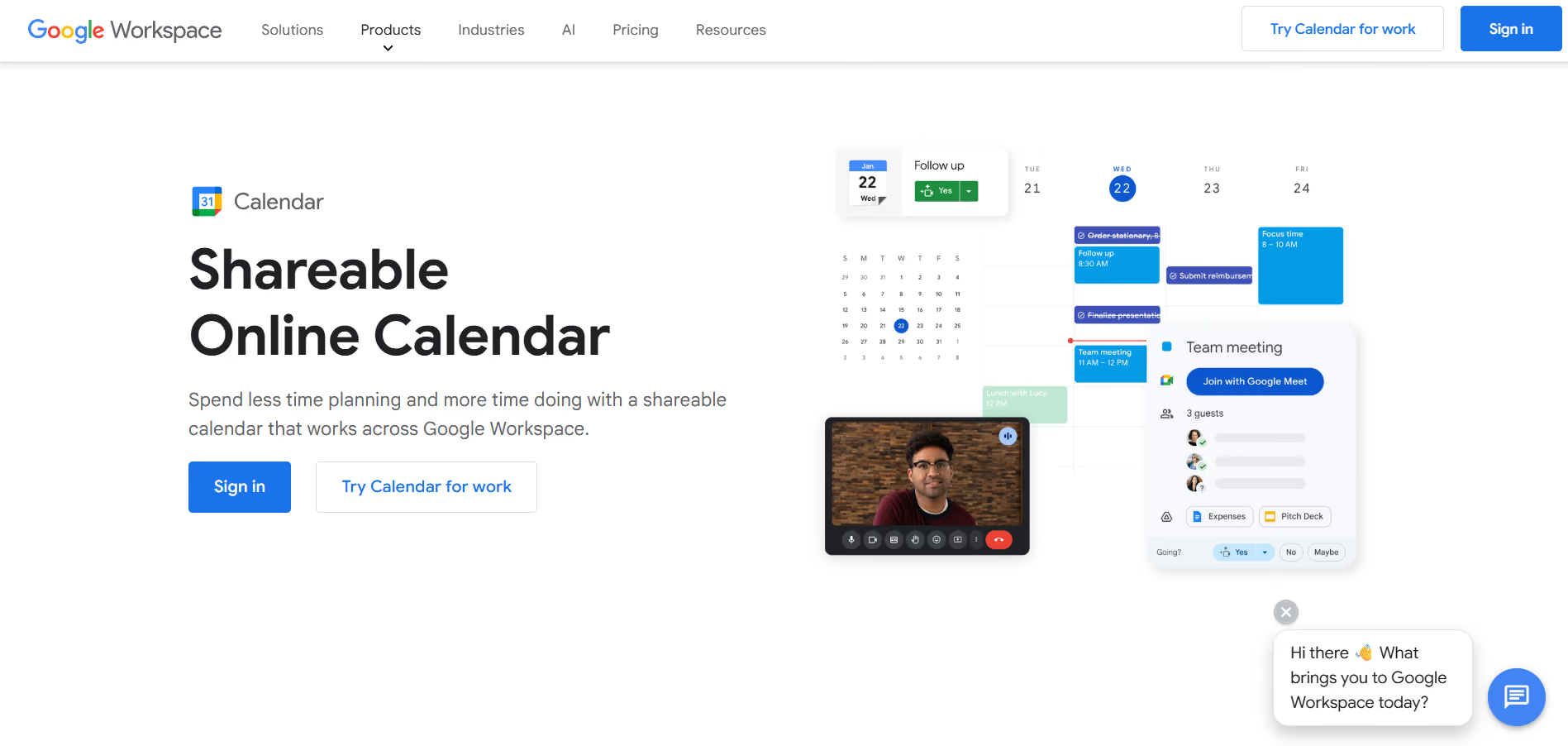
Best For
Students are:
- Balancing classes
- Part-time work
- Group meetings
Why It Helps
When deadlines overlap, color-coded calendars and shared invites prevent double-booking and make meeting logistics painless.
Key Features
- Multiple calendars and colour coding
- Event invites and notifications
- Task integration and recurring events
Availability
- Web
- iOS
- Android
Tip
Block study sessions as calendar events so you protect focused time like any other commitment.
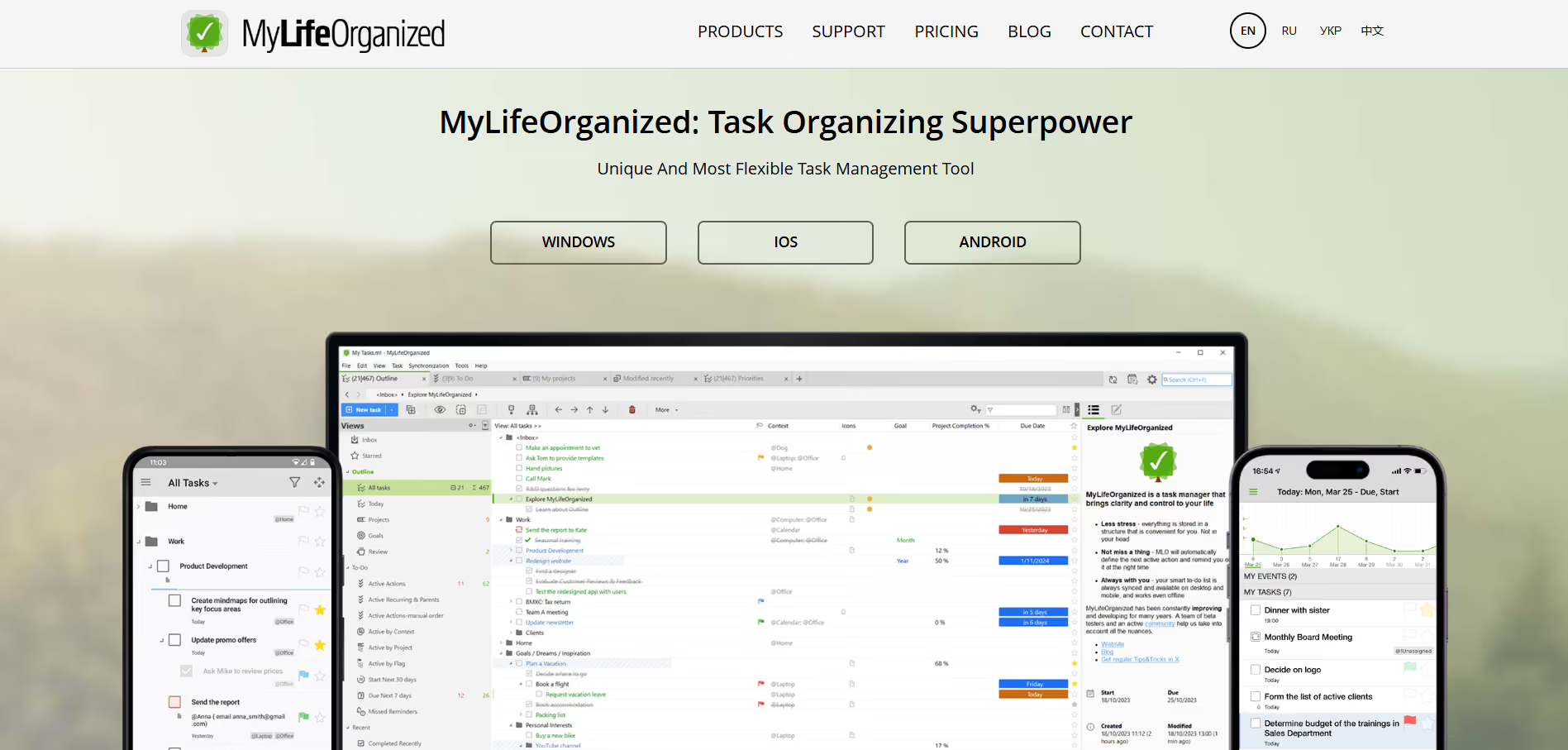
9. MyLifeOrganized (MLO): Task Hierarchies For Multi-Step Assignments
Best For
Students who break big projects into many subtasks.
Why It Helps
Complex assignments fail when subtasks aren’t visible; MLO’s outline hierarchy makes every small step explicit, so you track dependencies instead of guessing what’s next.
Key Features
- Nested task outlines and smart lists
- Location-based reminders
- Autosuggested smart lists and email-to-task creation
Availability
- Windows
- MacOS
- iOS
- Android
- Web
Tip
Break a single assignment into at least five actionable subtasks and estimate time for each.
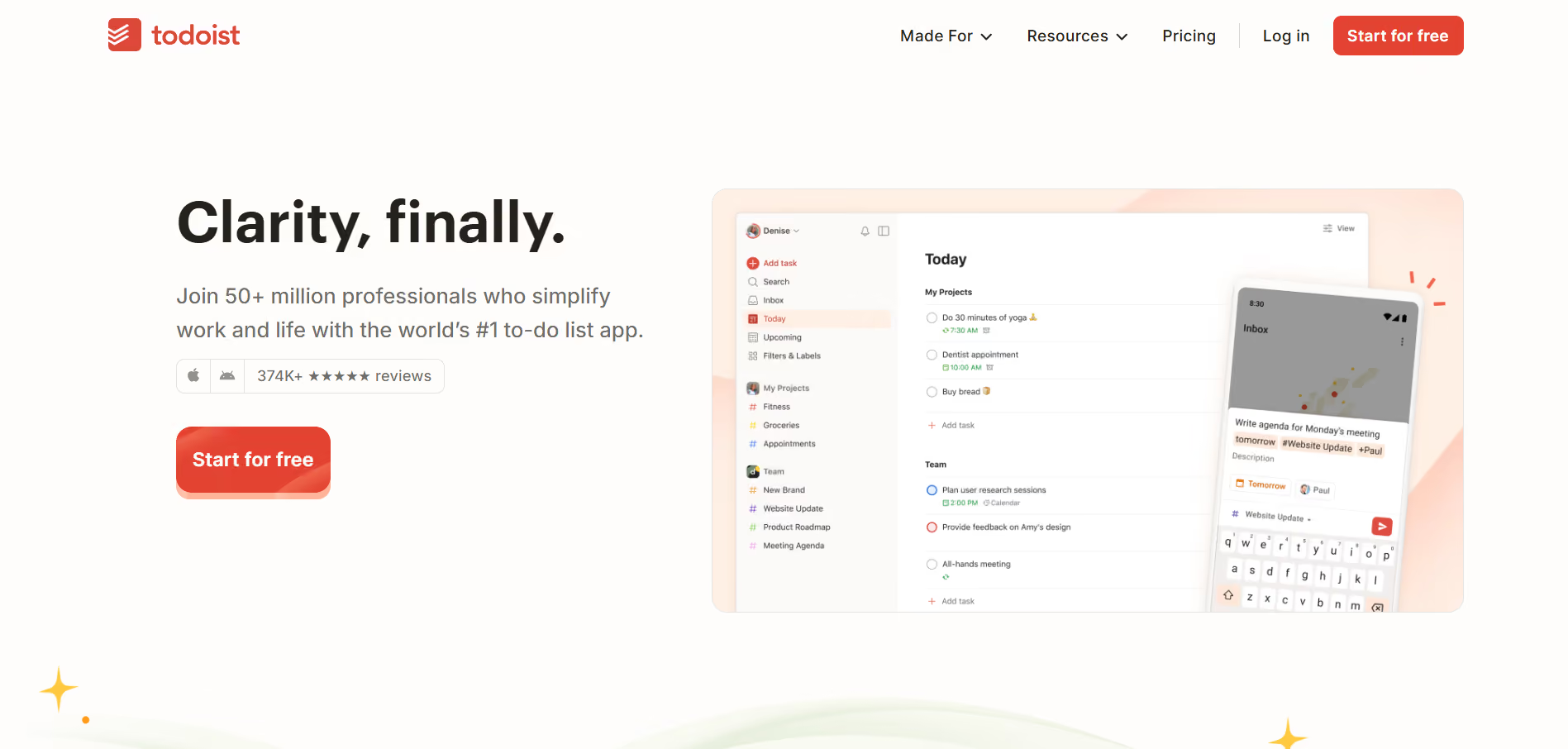
10. Todoist: Clean Task Lists And Recurring Habits
Best For
Students are building study habits and recurring routines.
Why It Helps
Repetition makes study automatic, and Todoist’s recurring dates and priority views turn habit goals into repeatable prompts.
Key Features
- Recurring tasks and priority labels
- Today and Upcoming views
- Integrations with calendars and automation tools
Availability
- Web
- iOS
- Android
- MacOS
- Windows
- Browser extensions
Tip
Use the “Next 7 days” view each Sunday to batch plan your week.
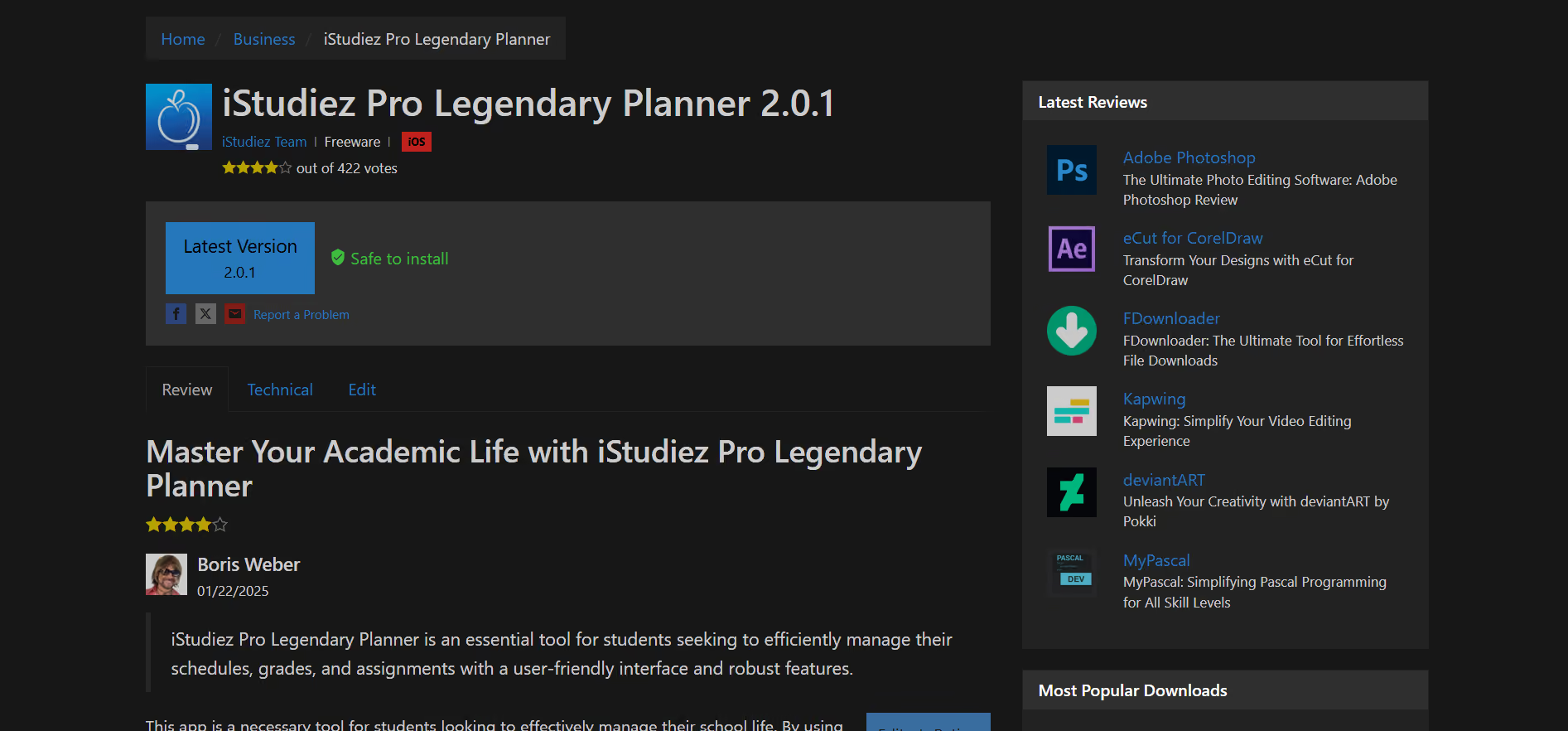
11. iStudiez Pro: Planner And Grade Tracker For Academic Performance
Best For
Students who want to track in one app their:
- Classes
- Assignments
- GPA
Why It Helps
Grades and deadlines feel abstract until you visualize them; iStudiez Pro makes the course timeline and grade impact visible so you prioritize effectively.
Key Features
- Class schedule and assignment tracker
- Grade calculator with percentage and letter systems
- Widgets for quick glance info
Availability
- iPhone
- iPad
- macOS
- Windows
- Android
Tip
Enter syllabus weights at the semester start to estimate how each assignment shifts your GPA.
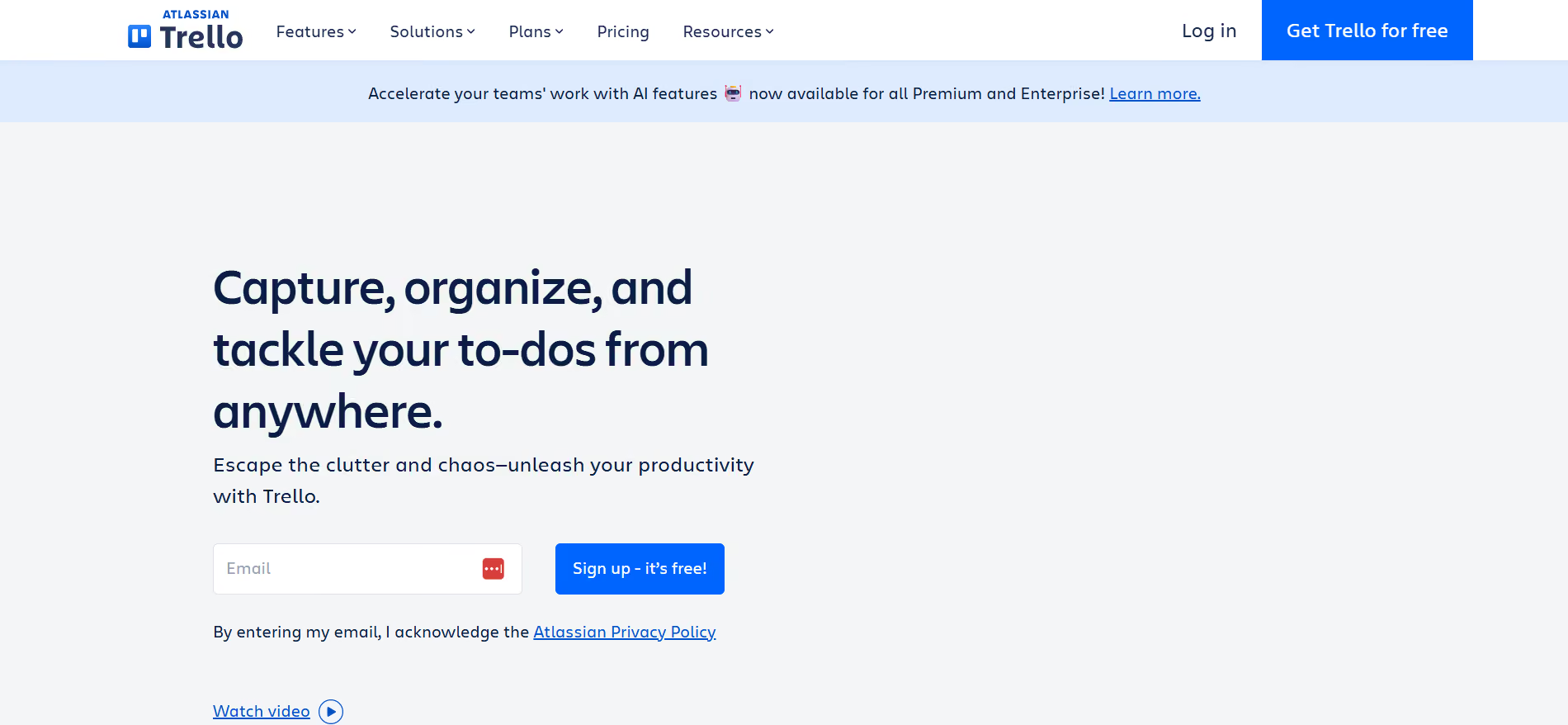
12. Trello: Visual Cards And Boards For Project Workflows
Best For
Group projects and visual task planners.
Why It Helps
Trello turns tasks into drag-and-drop cards, assisting teams to see status at a glance and reducing fragmented communication.
Key Features
- Boards, lists, and cards with attachments
- Labels, checklists, and due dates
- Power-Ups for calendars and automations
Availability
- Web
- iOS
- Android
- Desktop apps
- Browser extensions
Tip
Use one board per group project and lock a weekly sprint card to coordinate short, focused work slices.
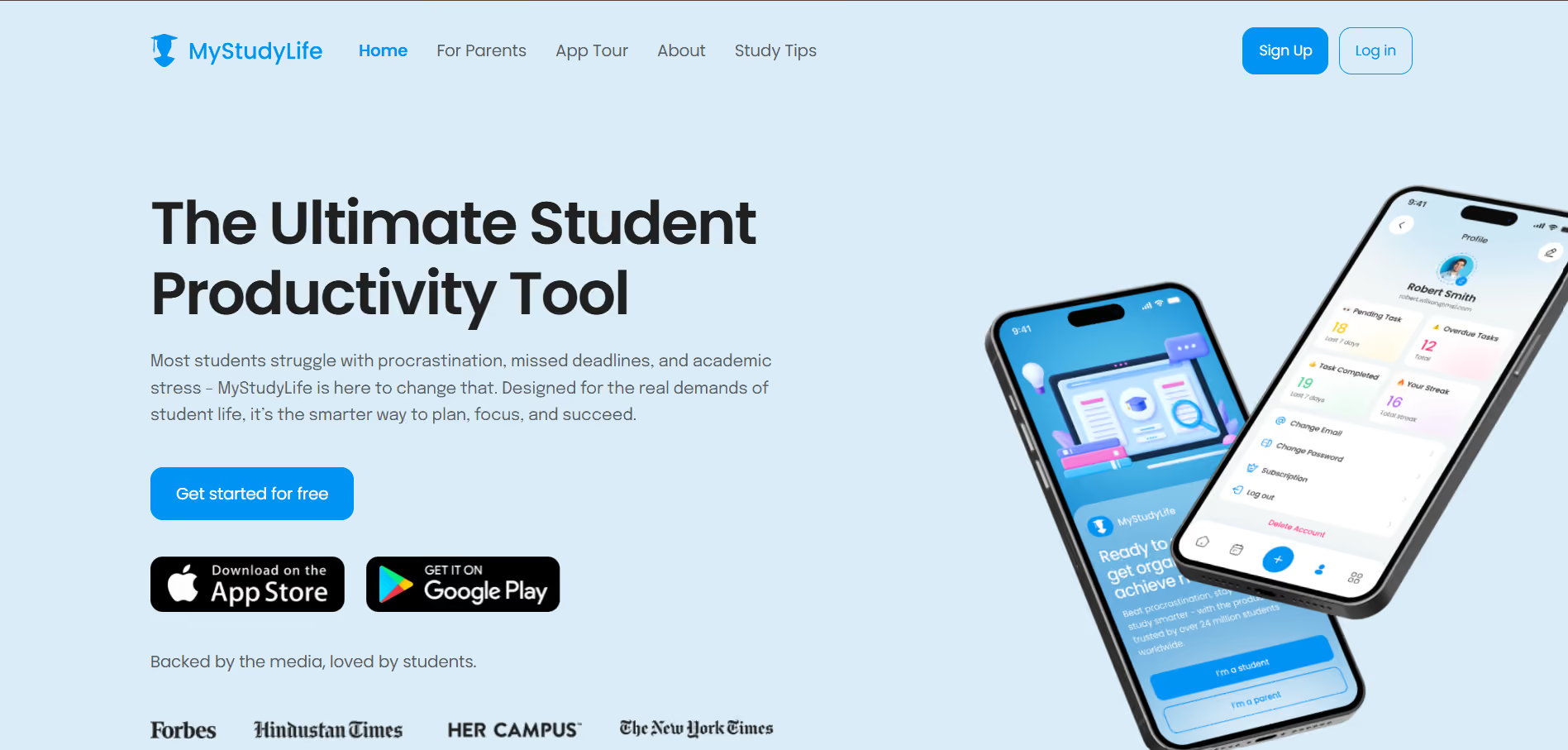
13. MyStudyLife: Semester-Aware Planner With Class Scheduling
Best For
Students who want a planner that understands semesters and term dates.
Why It Helps
Regular to-do apps do not account for term dates and holidays.
MyStudyLife:
- Schedules classes
- Tracks tasks
- Prevents reminders during breaks so you actually rest.
Key Features
- Class and exam scheduling by term
- Percentage completion on tasks
- Cross-device sync and reminders
Availability
- Web
- iOS
- Android
Tip
Enter official term dates and holidays so the app stops nudging you when you are off campus.
14. Chegg Study: Step-By-Step Solutions And Fast Expert Help
Best For
Students who need worked examples and quick Q&A for homework.
Why It Helps
When you get stuck on a problem at 10 p.m., Chegg’s solution library and expert answers get you unstuck faster than waiting for office hours.
Key Features
- Extensive library of worked solutions and walkthroughs
- Photo-based question scanner
- Expert Q&A with fast response times
Availability
- Web
- iOS
- Android
Tip
Use the step-by-step solutions to reverse engineer problem types, not to copy answers.
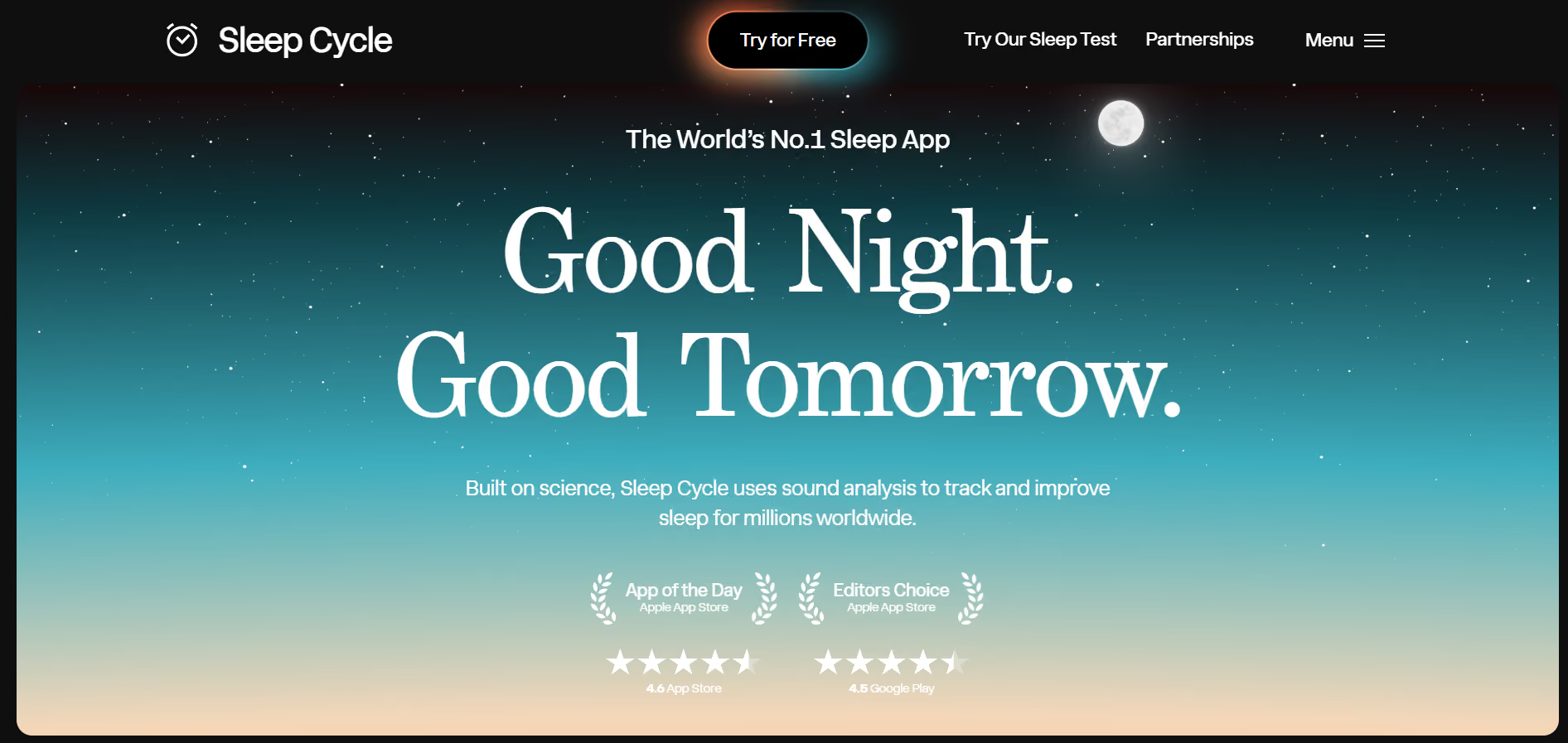
15. Sleep Cycle: Track Sleep And Wake In Lighter Sleep Phases
Best For
Students are trying to improve sleep quality and morning energy.
Why It Helps
Tired mornings wreck study days; Sleep Cycle finds lighter sleep phases to wake you gently and supplies data you can use to adjust bedtime routines.
Key Features
- Sleep cycle analysis via sound or movement
- Graphs and insights on sleep quality
- Smart alarm that wakes in light sleep
Availability
- iOS
- Android
Tip
Try consistent wind-down routines for two weeks and compare Sleep Cycle graphs before changing habits.
16. Quizlet: Flashcards, Practice Tests, And Study Tracking
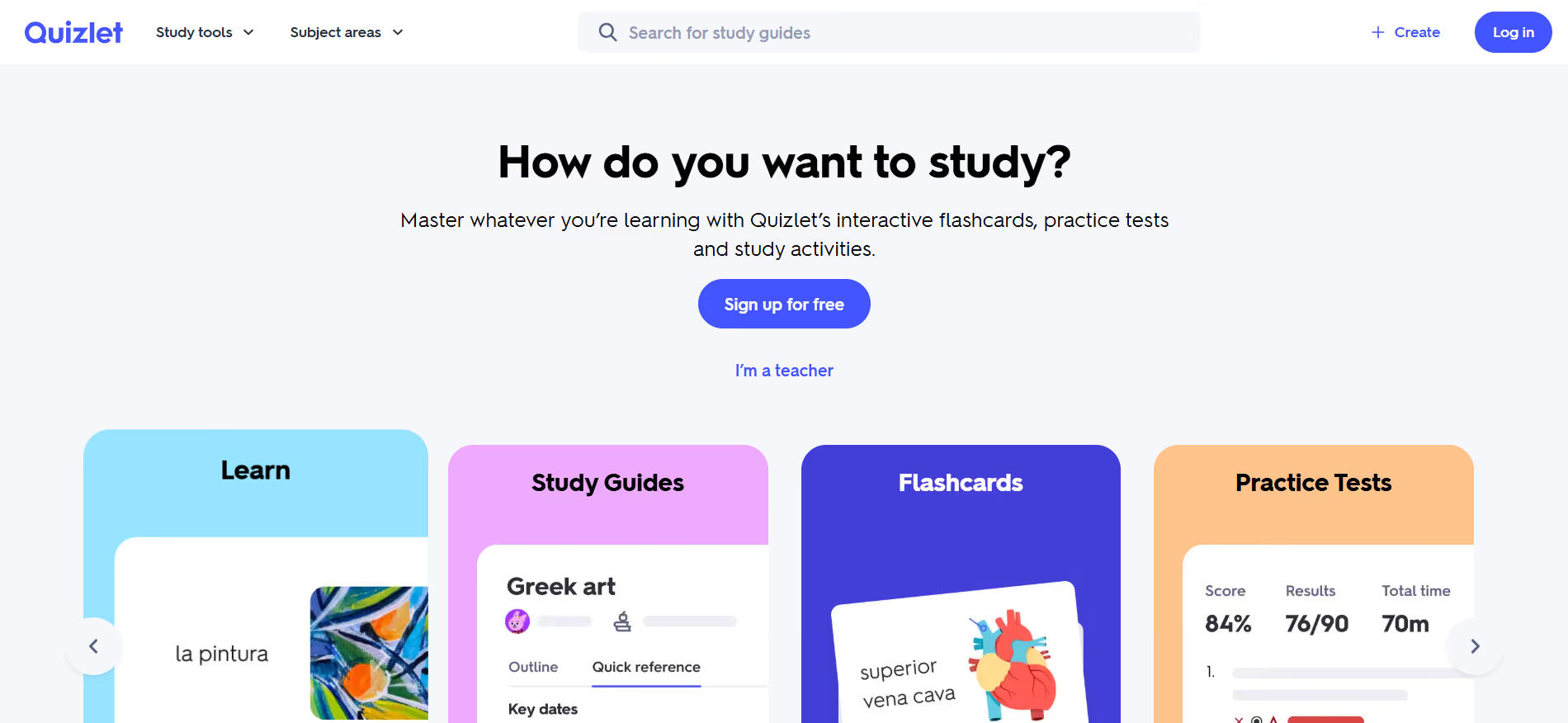
Best For
Memorization-heavy courses and quick, mobile review.
Why It Helps
Flashcards force active recall, and Quizlet scales that practice across devices and existing public decks, so you spend time testing, not formatting.
Key Features
- Flashcards and Learn mode with spaced repetition
- Practice tests and matching games
- Extensive public deck library and sharing
Availability
- Web
- iOS
- Android
Tip
Convert your lecture notes into 30 targeted cards per session, then use daily review bursts to reinforce them.
17. Anki: Custom Spaced Repetition With Powerful Scheduling
Best For
Long-term memorization, such as:
- Languages
- Formulas
- Medical facts
Why It Helps
Anki’s SRS algorithm times reviews precisely to cement memories, so you study less and retain more across semesters.
Key Features
- Highly configurable spaced repetition schedule
- Support for images, audio, and cloze deletions
- Millions of shared decks to jumpstart study
Availability
- Windows
- macOS
- Linux
- iOS (paid)
- Android (free third-party)
Tip
Keep new card inflow limited to 20 per day to avoid review overload.
18. GoConqr: Mind Maps, Flashcards, And Quizzes In One Suite
Best For
Visual learners who want to connect ideas and test knowledge.
Why It Helps
Complex topics become manageable when you map relationships and then test them, and GoConqr bundles those tools so you don’t switch between apps during review.
Key Features
- Mind map creator and flashcard builder
- Quiz maker and slide notes
- Resource sharing and community content
Availability
- Web
- iOS
- Android
Tip
Convert a long lecture into a single mind map, then build a 20-question quiz from its nodes.
19. SimpleMind: Fast, Aesthetic Mind Mapping For Brainstorming
Best For
Students who prefer free-form idea organization and visual outlines.
Why It Helps
When you need to structure an essay or project, SimpleMind lets you move nodes around until the argument feels right, which clarifies next steps.
Key Features
- Free-form and auto-layout modes
- Drag-and-drop organization and styling
- Export to images and PDFs
Availability
- iOS
- Android
- Windows
- macOS
Tip
Start with a central thesis node, then force yourself to make exactly five supporting nodes to tighten the argument.
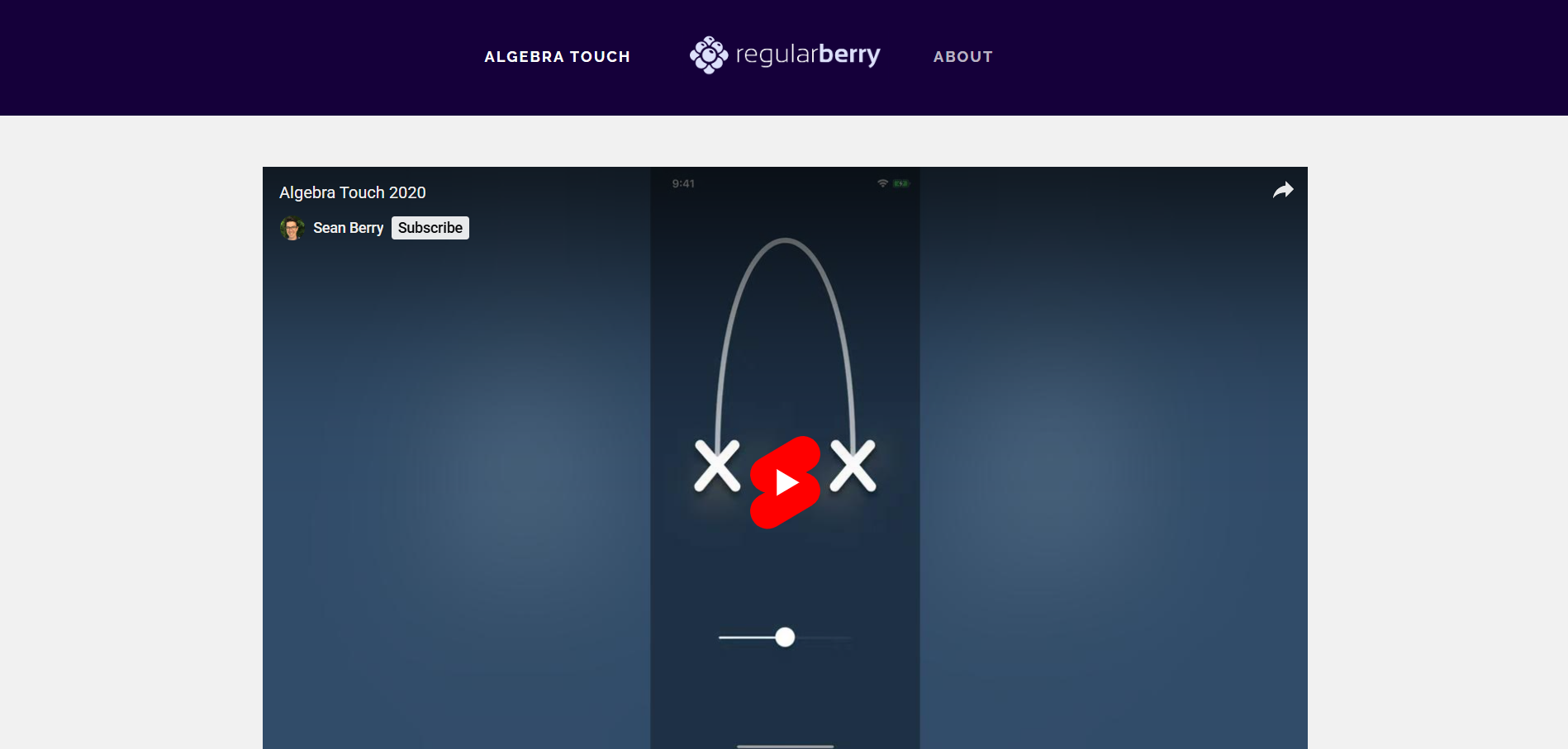
20. Algebra Touch: Interactive Algebra Practice Through Touch
Best For
Middle and early high school students, or anyone relearning the basics of algebra.
Why It Helps
Manipulating equations interactively turns abstract steps into tactile learning experiences, reducing intimidation and accelerating fluency.
Key Features
- Touch-based manipulation of expressions
- Step-by-step feedback and challenge mode
- Topic-focused lessons like factoring and exponents
Availability
iOS
Tip
Use the “make your own problem” feature to create practice aligned with homework.
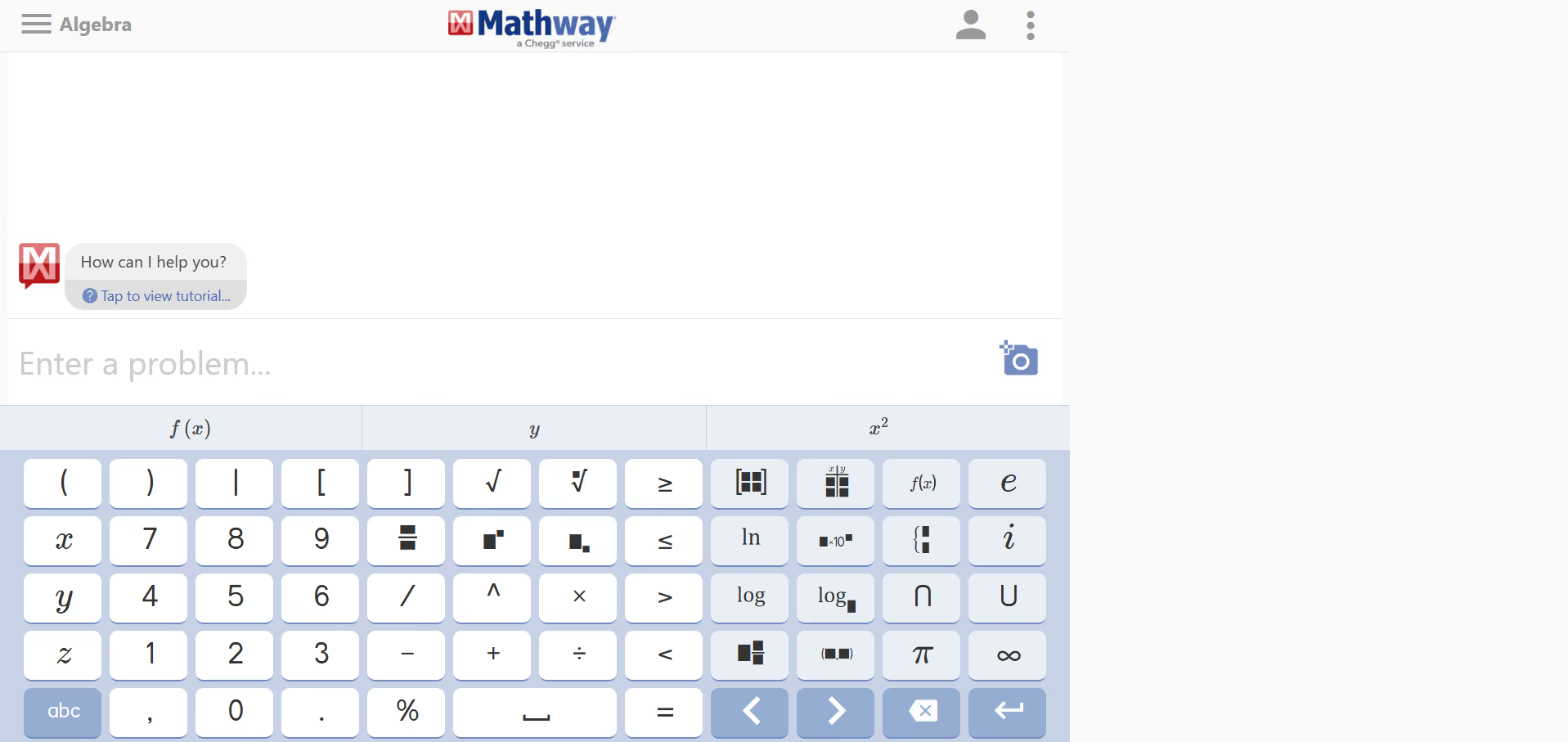
21. Mathway: Instant Solutions And Step-By-Step Math Help
Best For
Students who need on-demand math explanations at any level.
Why It Helps
When a problem blocks progress, snapping a photo or typing it into Mathway gives immediate steps so you can learn the process without waiting for help.
Key Features
- Photo and typed problem solvers
- Wide subject coverage from algebra to calculus
- Step-by-step walkthroughs (premium features)
Availability
- Web
- iOS
- Android
Tip
After getting a solution, rework the problem yourself before looking at the steps to test your understanding.
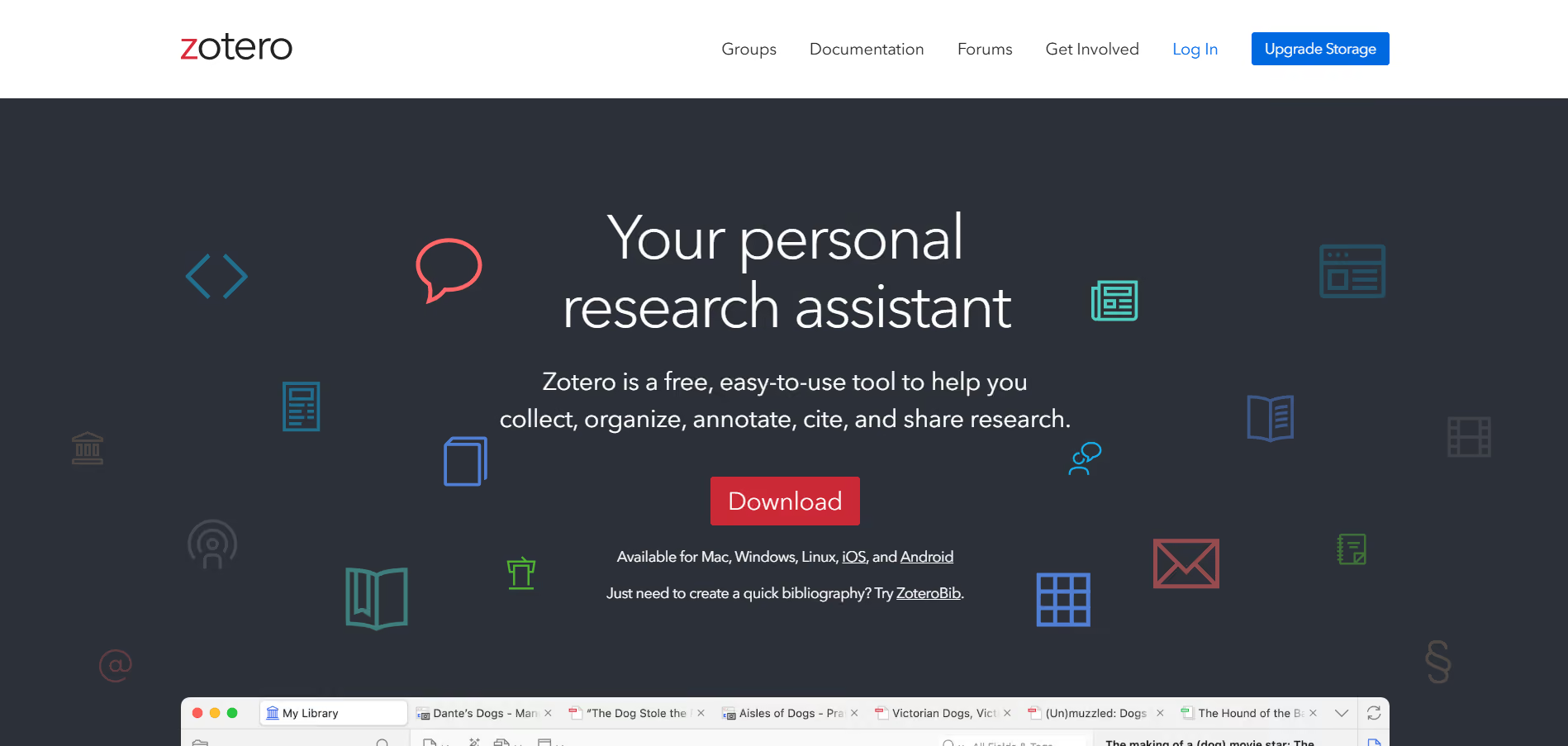
22. Zotero: Capture, Organize, And Cite Academic Sources Cleanly
Best For
Research-heavy students and anyone writing scholarly papers.
Why It Helps
Reference management is tedious and error-prone; Zotero captures sources from the browser, organizes them into collections, and generates citations so you avoid late-night formatting headaches.
Key Features
- One-click save from browsers and databases
- Collections, tags, and notes
- Citation generation in multiple styles and PDF annotation
Availability
- Windows
- macOS
- Linux
- Browser connector
Tip
Create a per-paper Zotero collection at the start and save every source there as you read.
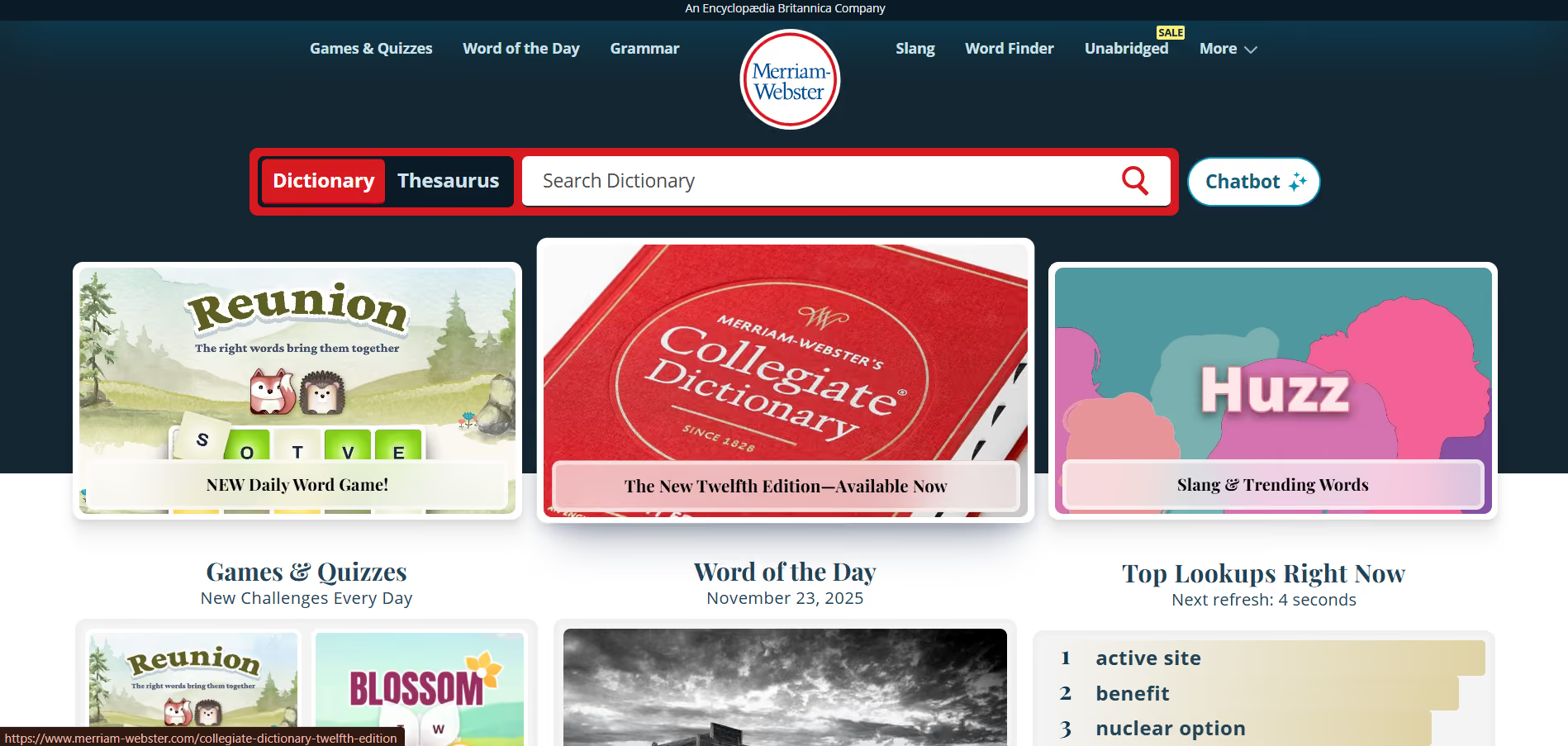
23. Merriam-Webster: Reliable Definitions And Usage Tools
Best For
Students polishing:
- Vocabulary
- Writing
- Comprehension
Why It Helps
A fast dictionary with audio pronunciations, example sentences, and word games lets you verify usage and build precise language during writing sessions.
Key Features
- Voice search and audio pronunciations
- Word of the Day and quizzes
- Example sentences and synonyms
Availability
- Web
- iOS
- Android
- Apple Watch
Tip
Add unfamiliar words to a personal list and use them deliberately in a paragraph that day.
24. Oxford Dictionary: Deep, Authoritative Language Reference
Best For
Students working with multiple languages or advanced vocabulary.
Why It Helps
For translation tasks and nuance-sensitive writing, Oxford’s large dictionary set helps you find exact meanings and regional usage.
Key Features
- Multiple Oxford dictionaries bundled
- Audio pronunciations and topic-specific content
- Camera and voice search
Availability
- iOS
- Android
Tip
Use topic content to study subject-specific terminology before exams.
25. Grammarly: Real-Time Grammar, Clarity, And Tone Fixes
Best For
Students polishing essays and emails for clarity and tone.
Why It Helps
Minor grammar errors and tone mismatches cost credibility; Grammarly flags those quickly so you can focus on argument and evidence instead of punctuation.
Key Features
- Grammar and spell checks with clarity suggestions
- Tone detection and concision prompts
- Browser extension and document editor integrations
Availability
- Web
- iOS
- Android
- Browser extensions
Tip
Use Grammarly’s tone suggestions as a checklist, not a script, and edit to keep your voice.
26. Mint: Personal Finance That Keeps Your Budget Visible
Best For
Students managing limited income and expenses.
Why It Helps
Budgeting is a stressor that distracts from study; Mint consolidates accounts and tracks spending so you make fewer surprise decisions during finals week.
Key Features
- Automatic transaction categorization
- Budget creation and subscription monitoring
- Personalised financial insights
Availability
- Web
- iOS
- Android
Tip
Set a small weekly food budget and export a four-week average to set realistic expectations.
27. BigOven: Simple Meal Planning From Leftovers To Full Recipes
Best For
Students who want affordable, repeatable meals on a budget.
Why It Helps
Hunger derails study, and poor meal planning costs time; BigOven suggests recipes from what’s in your fridge and builds grocery lists so cooking is predictable and fast.
Key Features
- Recipe search and ingredient-based suggestions
- Meal planner and grocery list generation
- Recipe clipper and community sharing
Availability
- Web
- iOS
- Android
Tip
Plan three meals and two snacks per week to avoid decision fatigue when it comes to food.
28. Brain.fm: Music Engineered To Support Focus And Relaxation
Best For
Students who need background audio that supports attention.
Why It Helps
Ordinary music can hijack attention; Brain.fm uses neuroscience principles to create background music that nudges sustained focus without grabbing attention.
Key Features
- Focus, Relax, and Sleep modes
- Session timers and intensity settings
- Cross-platform streaming
Availability
- Web
- iOS
- Android
Tip
Use 50-minute focus sessions with short walks during breaks to reset attention.
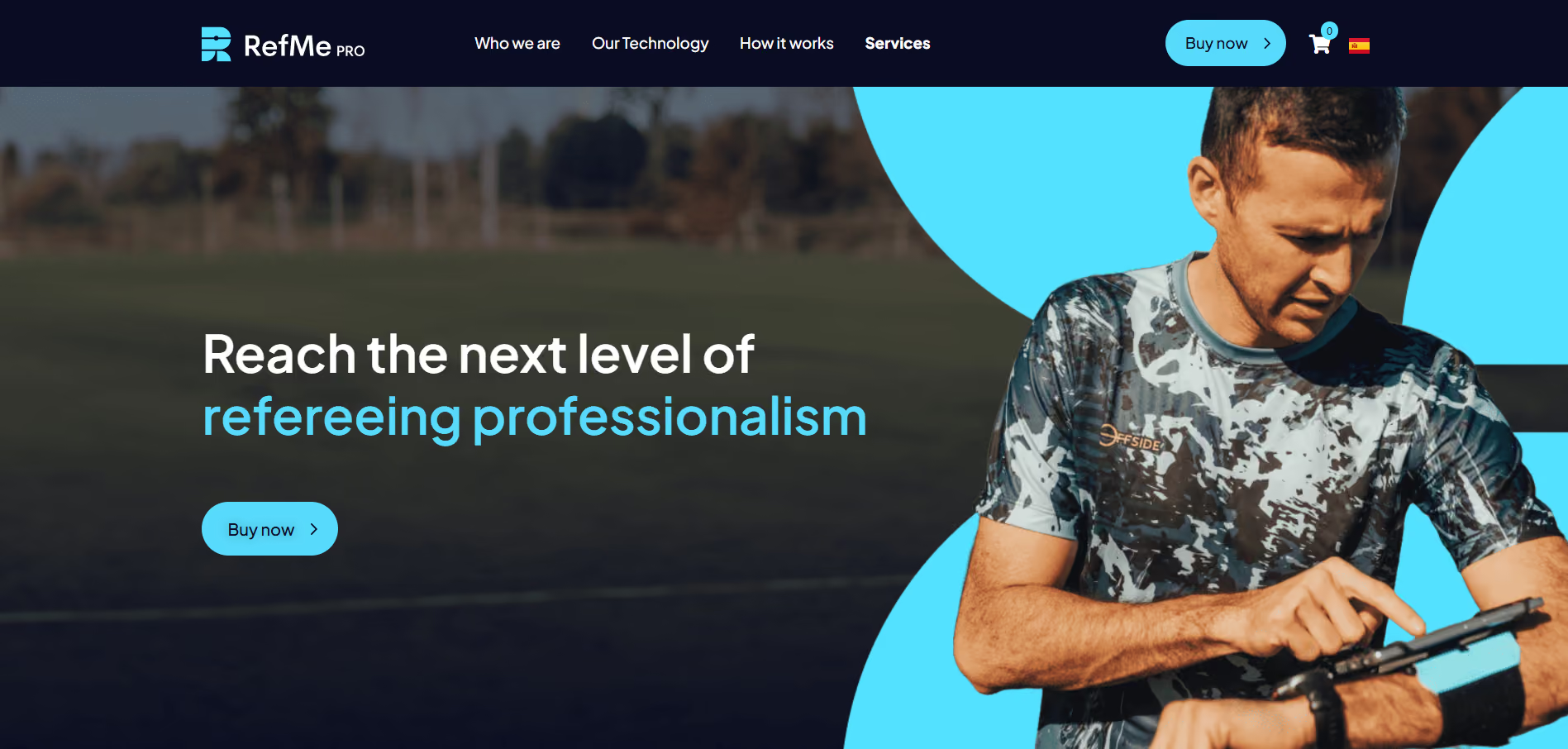
29. RefME: Reference Capture And Formatting For Academic Work
Best For
Students who dread citation formatting and bibliography assembly.
Why It Helps
Manual citation is error-prone; RefME scans ISBNs, captures DOIs, and exports references in dozens of styles so your bibliography is consistent and fast.
Key Features
- Barcode scanning and URL import
- Style export for APA, MLA, Chicago, and more
- Integration with writing tools
Availability
- iOS
- Android
- Web
Tip
Export references periodically rather than at the last minute to catch missing fields.
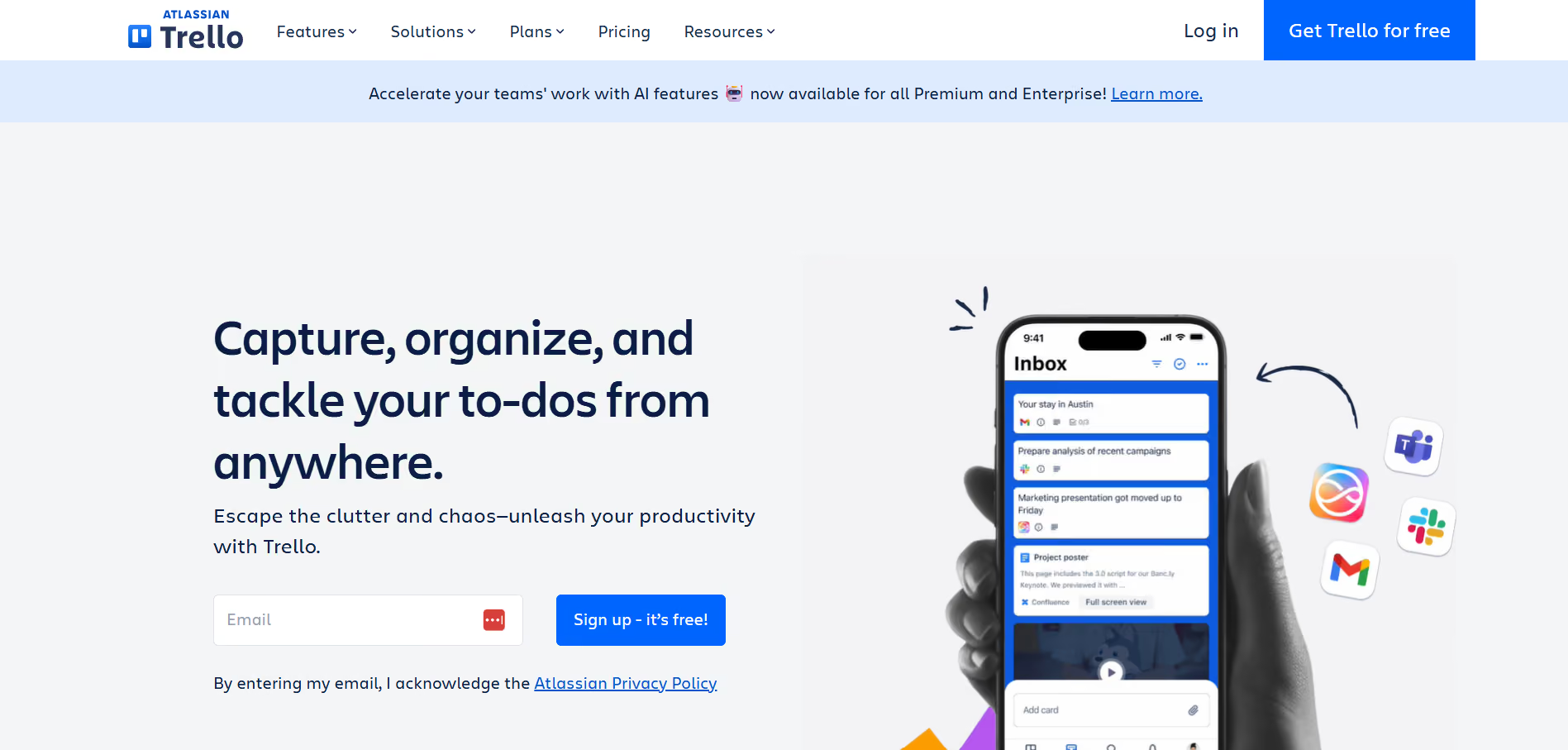
30. Trello (Duplicate entry noted earlier, but here with alternative angle): Board-Based Templates For Class Workflows
Best For
Students who want template-driven boards for recurring coursework.
Why It Helps
Templates reduce setup friction; use semester, lab, and reading templates so each new course gets a predictable structure without reinventing your board.
Key Features
- Templates for classes and projects
- Automation and calendar integration
- Attachments and member assignments
Availability
- Web
- iOS
- Android
- Desktop
Tip
Make a “Course Template” board and copy it each term to save setup time.
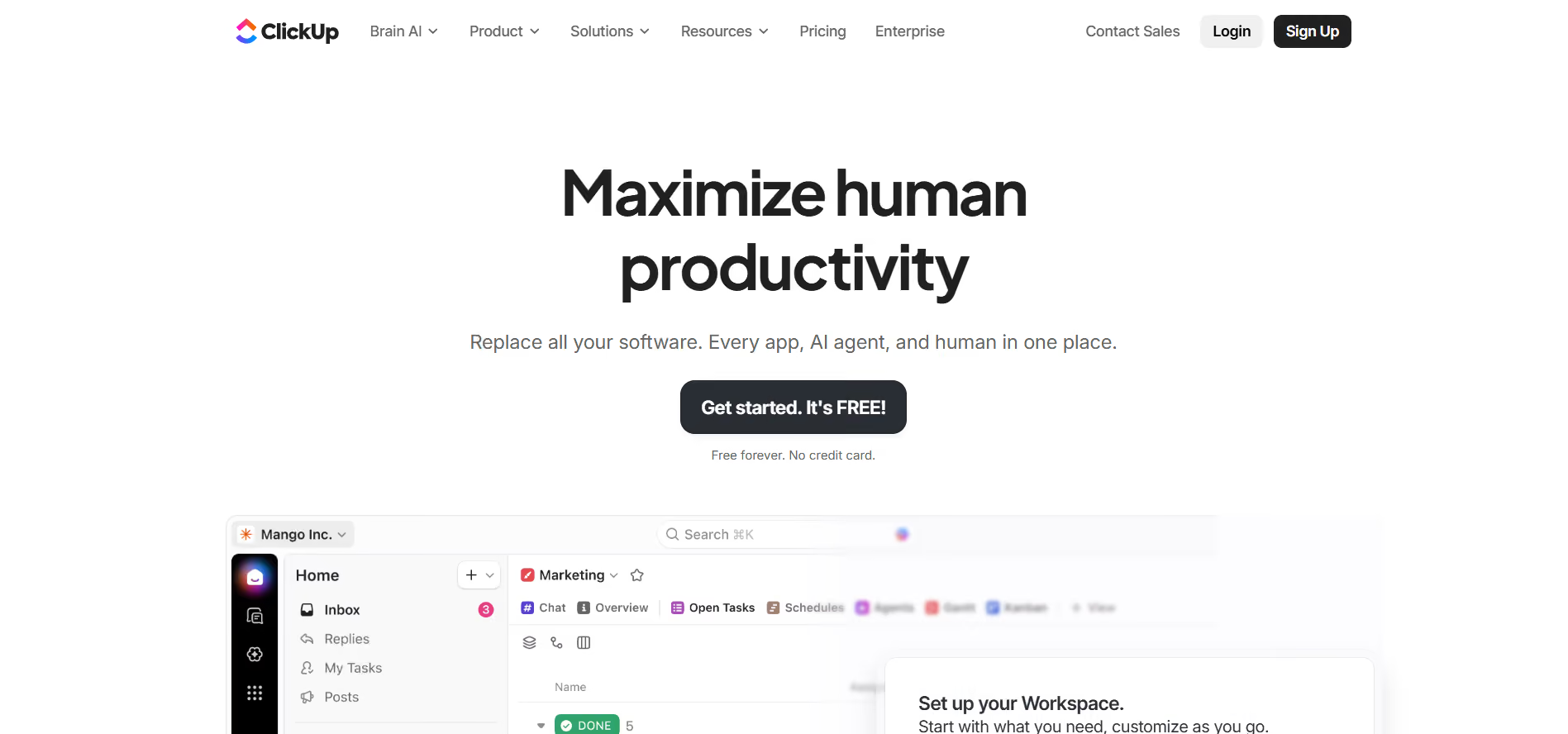
31. ClickUp: Flexible Project Management With Education Templates
Best For
Students juggling multiple projects and teamwork.
Why It Helps
ClickUp consolidates notes, tasks, and time tracking so you can hold one tool accountable for status instead of juggling multiple lists and chats.
Key Features
- Task views, time tracking, and docs
- Templates for study sprints and projects
- Integrations with Google Docs, Slack, and Zoom
Availability
- Web
- iOS
- Android
- Desktop
Tip
Use time tracking for one week to see where study hours actually go before optimizing.
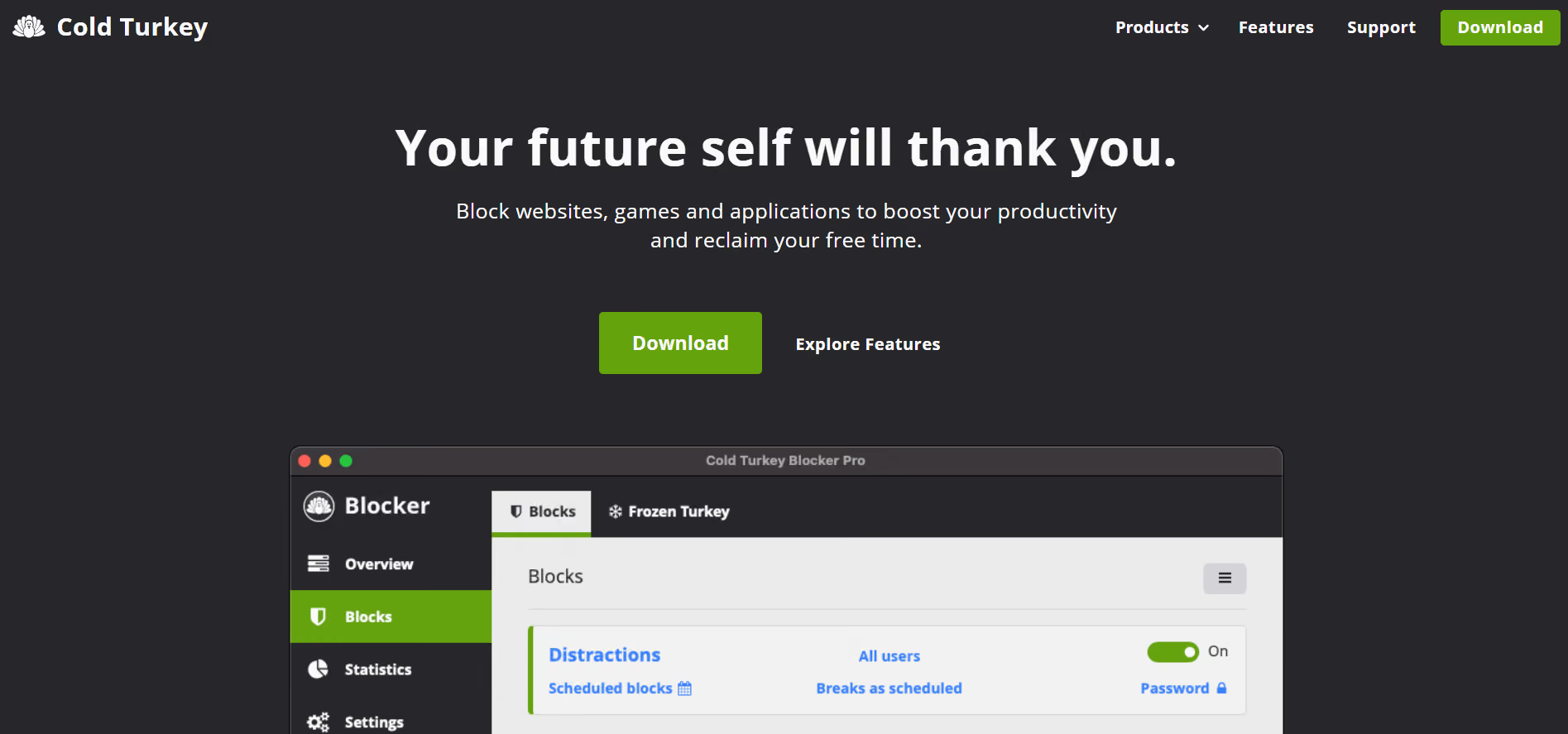
32. Cold Turkey: Brutal, Enforceable Distraction Blocking
Best For
Students who need strict site and app blocks during study windows.
Why It Helps
Partial willpower fails once you rationalize a short break; Cold Turkey locks sites and apps until the session ends, so you build uninterrupted focus.
Key Features
- Block lists by domain, keywords, or app
- Scheduled blocks and enforced lockouts
- Time usage reports
Availability
- Windows
- macOS
- Browser extensions
Tip
Start with 25-minute sessions, then test a 90-minute block to see where focus breaks.
33. Freedom: Cross-Device Blocking For Scheduled Focus
Best For
Students who work on:
- Phones
- Tablets
- Laptops
Why It Helps
Blocking on one device is useless if a distraction lurks on another; Freedom syncs blocks across devices so focus holds even when you switch gears.
Key Features
- Cross-device blocking and scheduling
- Session syncing and recurring plans
- Pause and whitelist controls
Availability
- Windows
- macOS
- iOS
- Android
- Chrome
Tip
Schedule recurring focus sessions aligned with your strongest energy windows.
34. Focus (Mac): Lightweight Website Blocking For MacOS
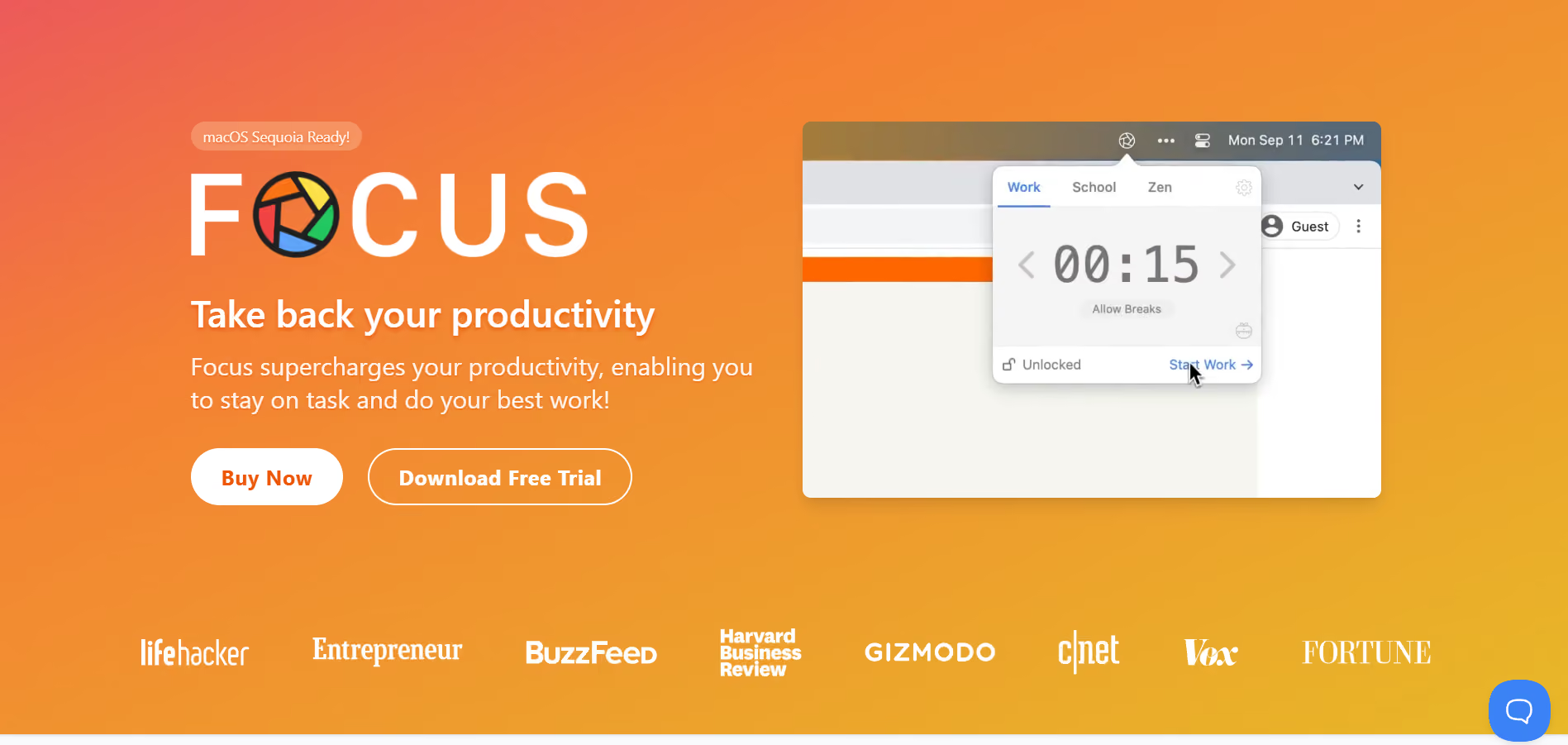
Best For
Mac users who want a minimal interface and built-in timers.
Why It Helps
Built-in timers and a focused UI reduce friction compared to bulky blockers, making it easier to adopt a consistent Pomodoro rhythm.
Key Features
- Website and app blocklists
- Built-in Pomodoro timers
- Quick toggles and scheduling
Availability
macOS
Tip
Use Focus’s Pomodoro preset and take longer breaks after four sessions.
35. Noisli: Mix Ambient Sounds To Mute Distracting Environments
Best For
Students who study in noisy public places or noisy dorms.
Why It Helps
Predictable ambient sound helps the brain filter out interruptions, and Noisli’s mixes give you a steady backdrop that supports concentration.
Key Features
- Customisable ambient sound mixing
- Chrome extension and online player
- Limited free streaming with paid unlimited option
Availability
- Web
- iOS
- Android
- Chrome extension
Tip
Build a signature mix you use consistently so your brain learns the cue for focus.
36. Forest: Gamified Focus That Rewards Sustained Attention
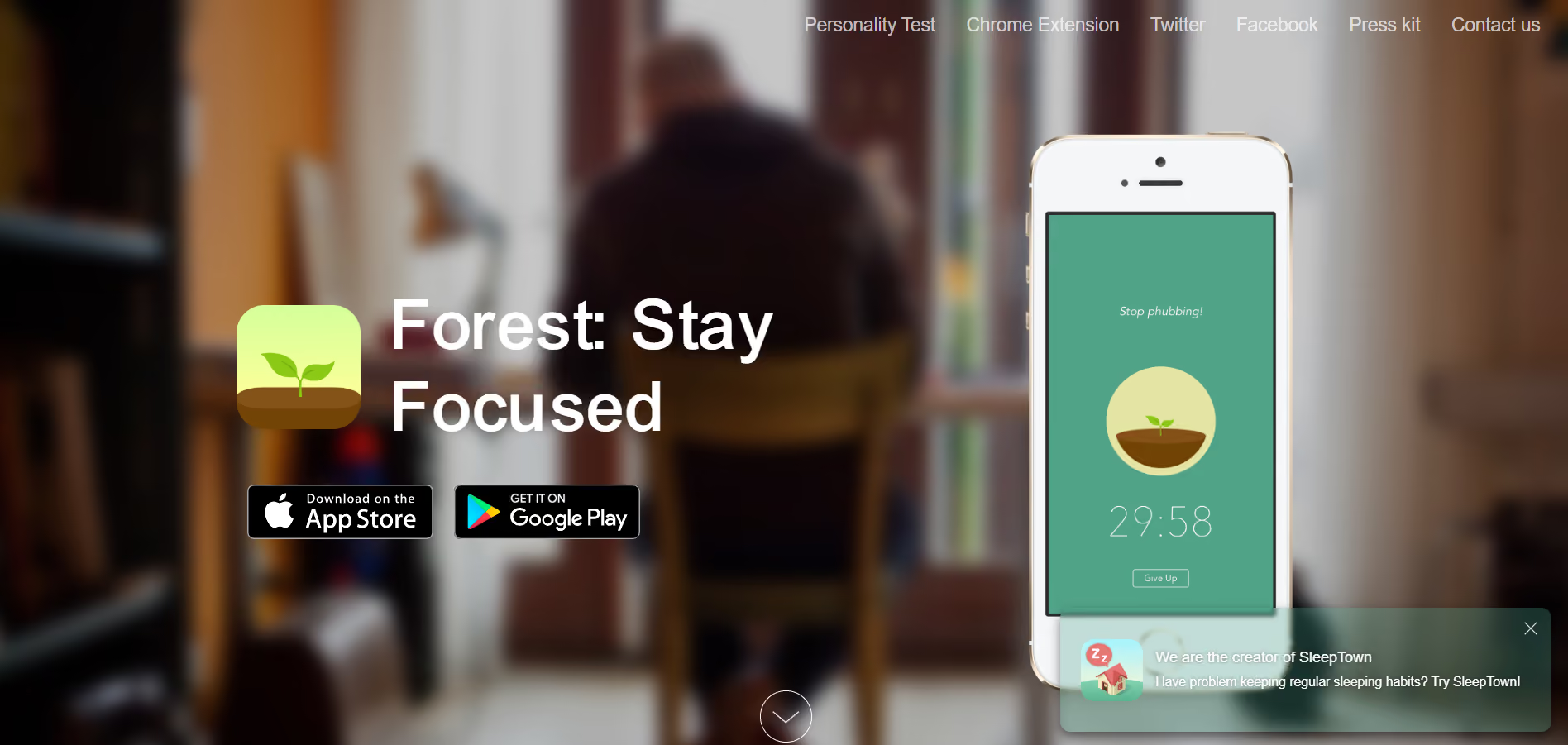
Best For
Students who respond to visual incentives and gentle accountability.
Why It Helps
Forest turns focus time into a growing forest; seeing progress over days builds a streak that nudges you away from quick phone checks.
Key Features
- Gamified tree planting while you focus
- Chrome extension and mobile timers
- Global tree-planting impact with premium
Availability
- iOS
- Android
- Chrome extension
Tip
Pair Forest with a short after-session review to cement what you accomplished.
37. Dictionary.com: Quick Lookups And Advanced Word Resources
Best For
Students who need fast definitions and context while writing.
Why It Helps
Accurate, quick lookups with origin info and usage save you time verifying word choice and tone in drafts.
Key Features
- Definitions, synonyms, and word origins
- Specialized medical and legal add-ons
- Offline access and cross-device sync
Availability
- iOS
- Android
- Web
Tip
Use example sentences to test whether a word fits your sentence rhythm.
38. Coursera: College-Level Courses And Supplementary Learning
Best For
Students who want structured course material from universities.
Why It Helps
When your syllabus skips a topic, Coursera provides a paced mini-course that fills gaps and gives extra practice from professors and graded assignments.
Key Features
- University course content and certificates
- Video lectures, quizzes, and graded assignments
- Specializations and professional certificates
Availability
- Web
- iOS
- Android
Tip
Audit a course during a light week to preview upcoming topics or reinforce weak areas.
39. Evernote: Clip, Tag, And Search Notes Across Formats
Best For
Students who collect diverse research materials, such as:
- Web clippings
- Photos
- Typed notes
Why It Helps
Evernote’s clipping and tagging system prevents research from becoming a scattered folder into the void; everything stays searchable and linked.
Key Features
- Web clipper and note tagging
- Notebook stacks and cross-note search
- PDF and image annotation
Availability
- Web
- iOS
- Android
- macOS
- Windows
Tip
Use one consistent tag schema for courses so search returns logical sets.
40. RefME (Duplicate earlier but framed differently): Fast Citation Capture And Export
Best For
Students who need citations on the fly during research.
Why It Helps
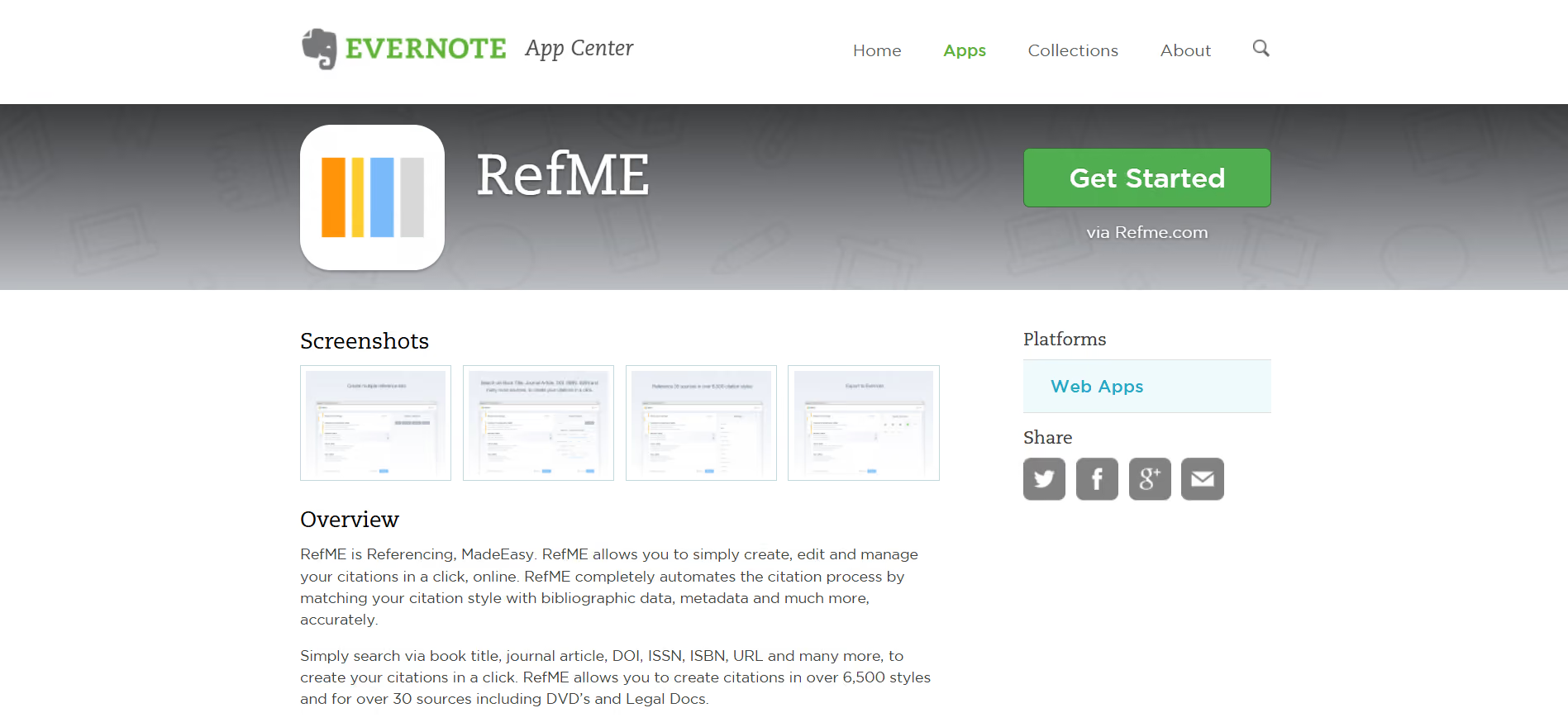
When you skim dozens of sources, RefME lets you capture citation metadata immediately so you never lose bibliographic context.
Key Features
- Barcode scanning and DOI capture
- Exports to reference managers and word processors
- Multiple citation styles
Availability
- iOS
- Android
- Web
Tip
Capture metadata immediately after a useful quote to prevent context loss.
41. Duolingo: Bite-Sized Language Practice With Gamified Lessons
Best For
Students learning a new language or keeping skills fresh.
Why It Helps
Short, daily drills make progress feel steady, and Duolingo’s streak incentives encourage consistent practice rather than sporadic cramming.
Key Features
- Short lessons, spaced practice, and streak tracking
- Listening, speaking, and translation exercises
- Leaderboards and reminders
Availability
- Web
- iOS
- Android
Tip
Do five minutes daily for maintenance; use focused grammar practice for deeper learning.
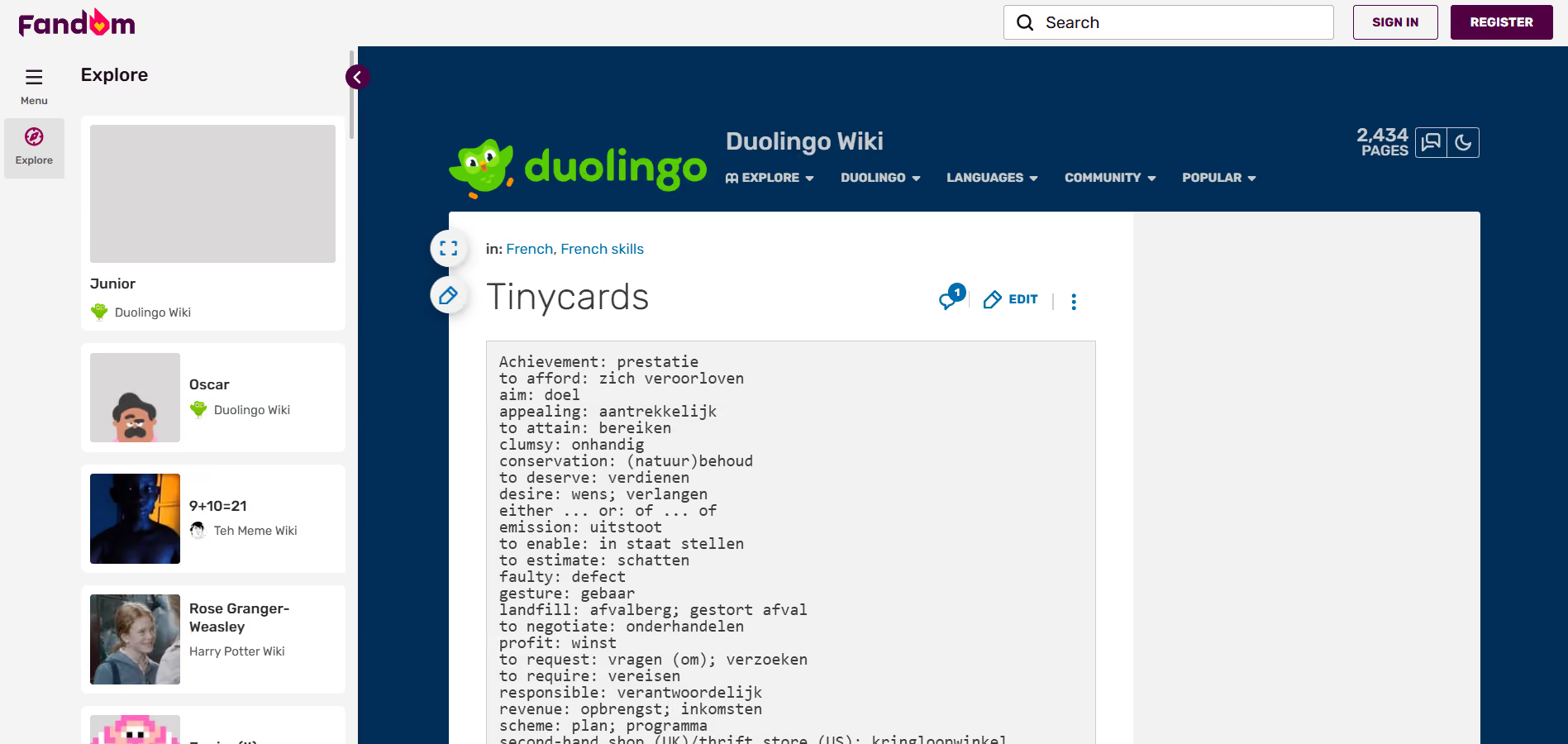
42. Tinycards: Flashcards In Playful, Bite-Sized Decks
Best For
Students who like gamified flashcard review.
Why It Helps
Short, visual sessions help you fit memory work into transitions like commutes and study gaps.
Key Features
- Deck creation and spaced review
- Visual, game-like interface
Availability
iOS (note: app availability may vary).
Tip
Turn one lecture’s key terms into a Tinycards deck and review it on repeat for 15 minutes.
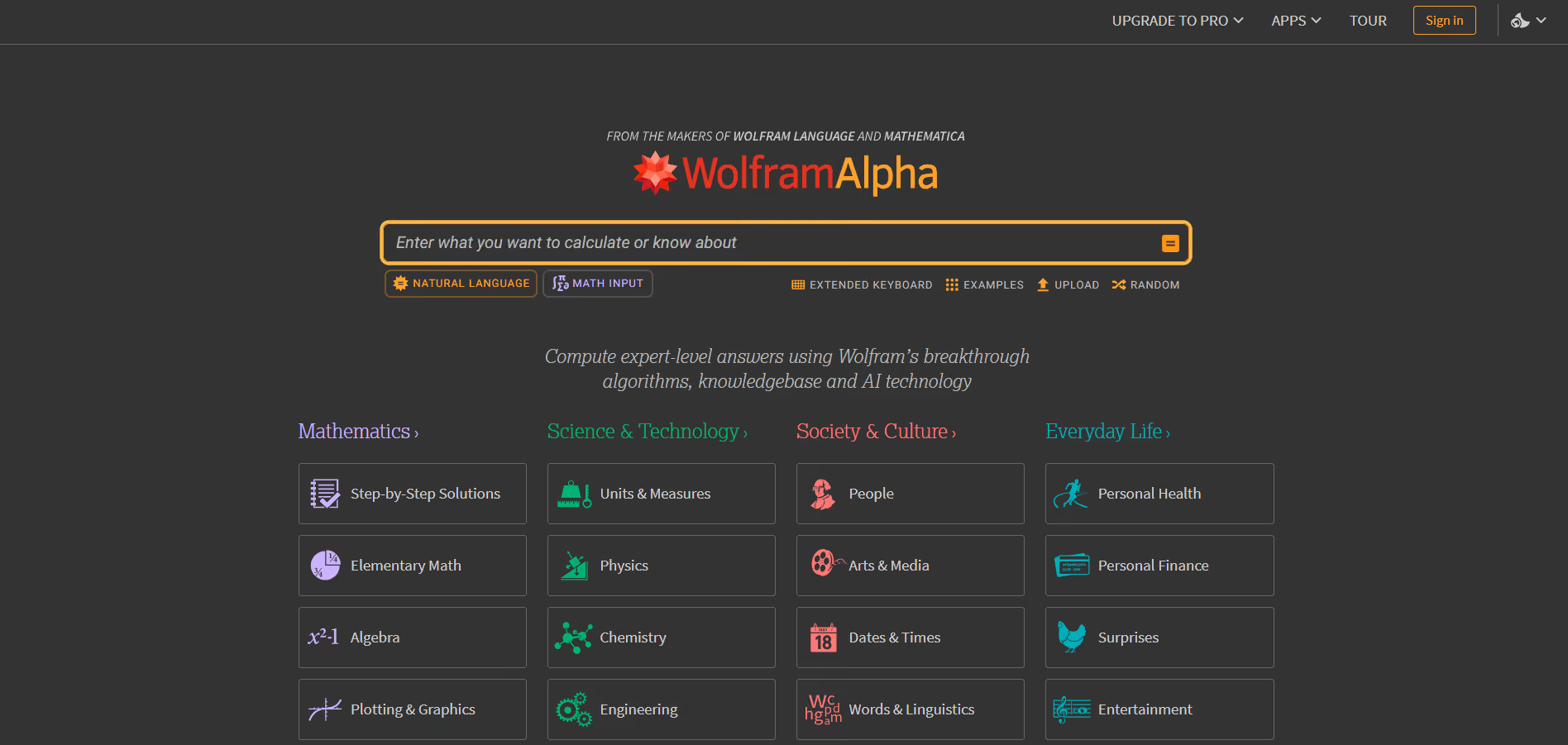
43. Wolfram Alpha: Computation And Data-Driven Answers
Best For
Students requiring symbolic math solutions and data queries.
Why It Helps
Complex computations and factual queries are handled with precision, so you can test hypotheses and verify results quickly.
Key Features
- Symbolic computation and step-by-step solutions
- Data queries across many domains
- Pro features for file upload and interactive widgets
Availability
- Web
- iOS
- Android
Tip
Use Wolfram to validate calculations, then recreate the steps on paper to learn the method.
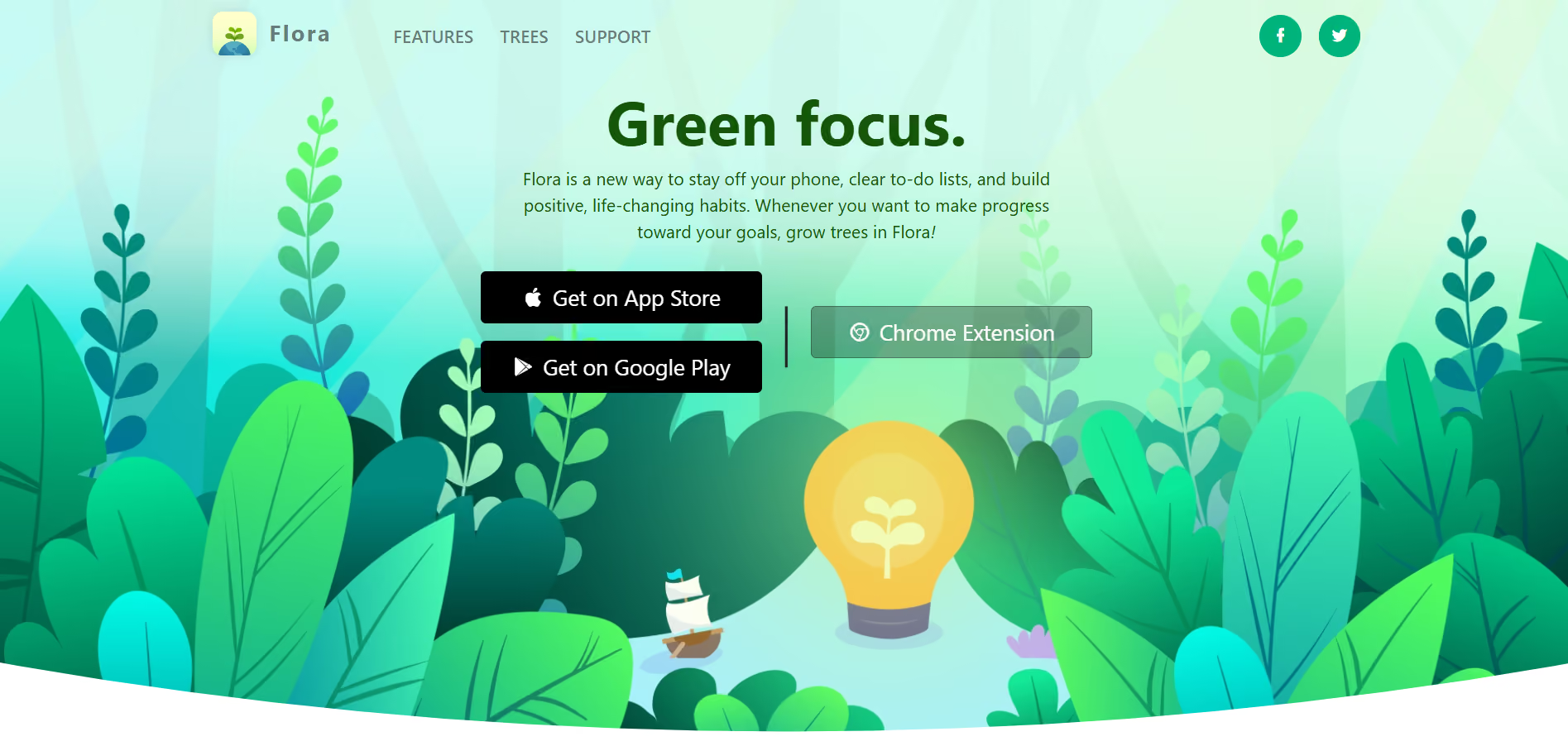
44. Flora: Focus With A Social Accountability Twist
Best For
Students who benefit from short sessions and gentle social pressure.
Why It Helps
Flora makes focus time visible, and social accountability via shared plant growth nudges you to stick to commitments when friends are watching.
Key Features
- Pomodoro-based sessions and plant growth
- Cross-device Chrome extension
- Progress tracking and history
Availability
- iOS
- Android
- Chrome extension
Tip
Start a shared Flora session with one study buddy and set a two-session weekly goal.
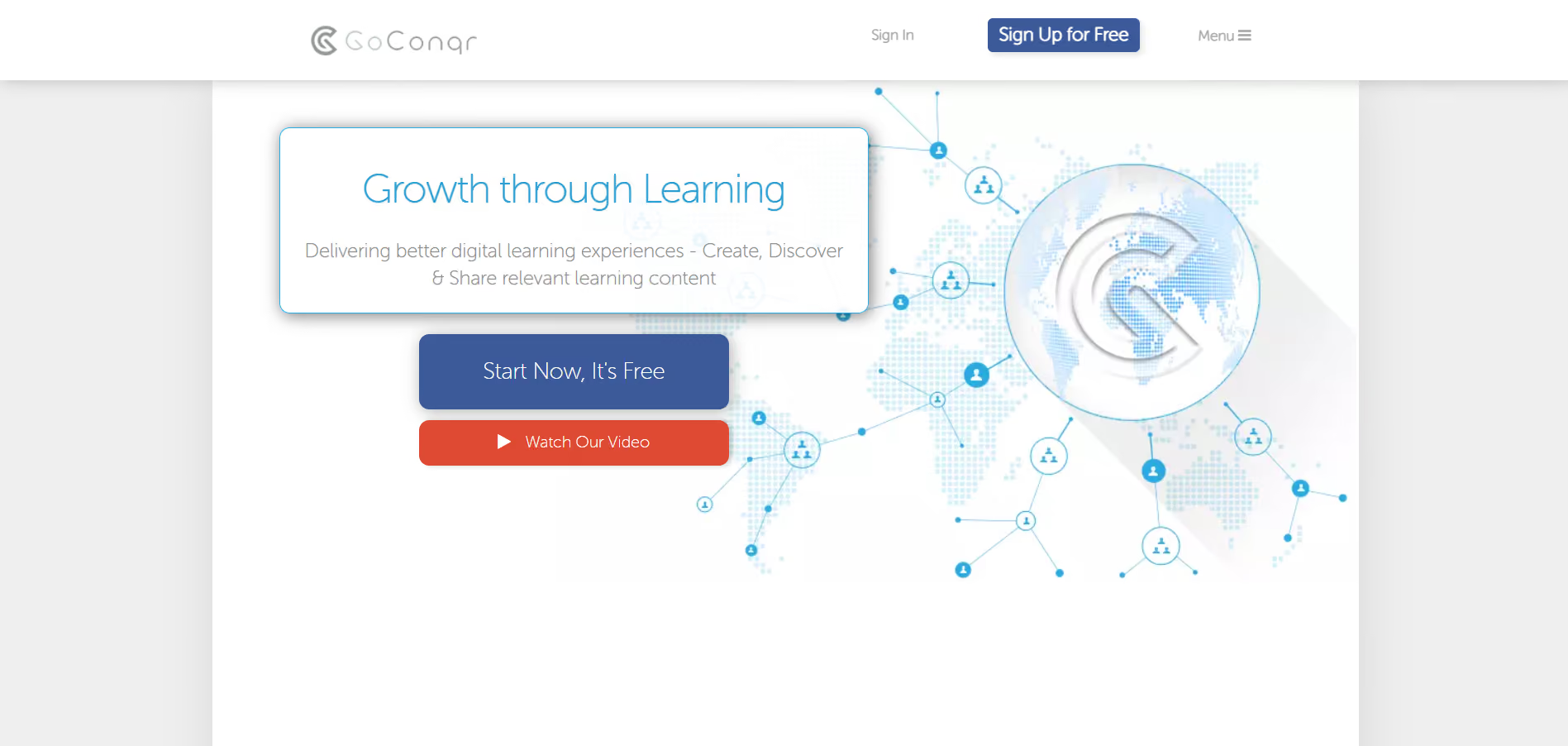
45. GoConqr (Duplicate but emphasized as cross-platform): Mind Maps And Collaborative Study
Best For
Groups that want shared study materials and visual study aids.
Why It Helps
Group study succeeds when materials are shared and editable; GoConqr lets teams co-create mind maps and quizzes to study in sync.
Key Features
- Collaborative mind maps and quizzes
- Resource sharing and progress tracking
Availability
- Web
- iOS
- Android
Tip
Assign map nodes to group members, then quiz each other on the assigned nodes.
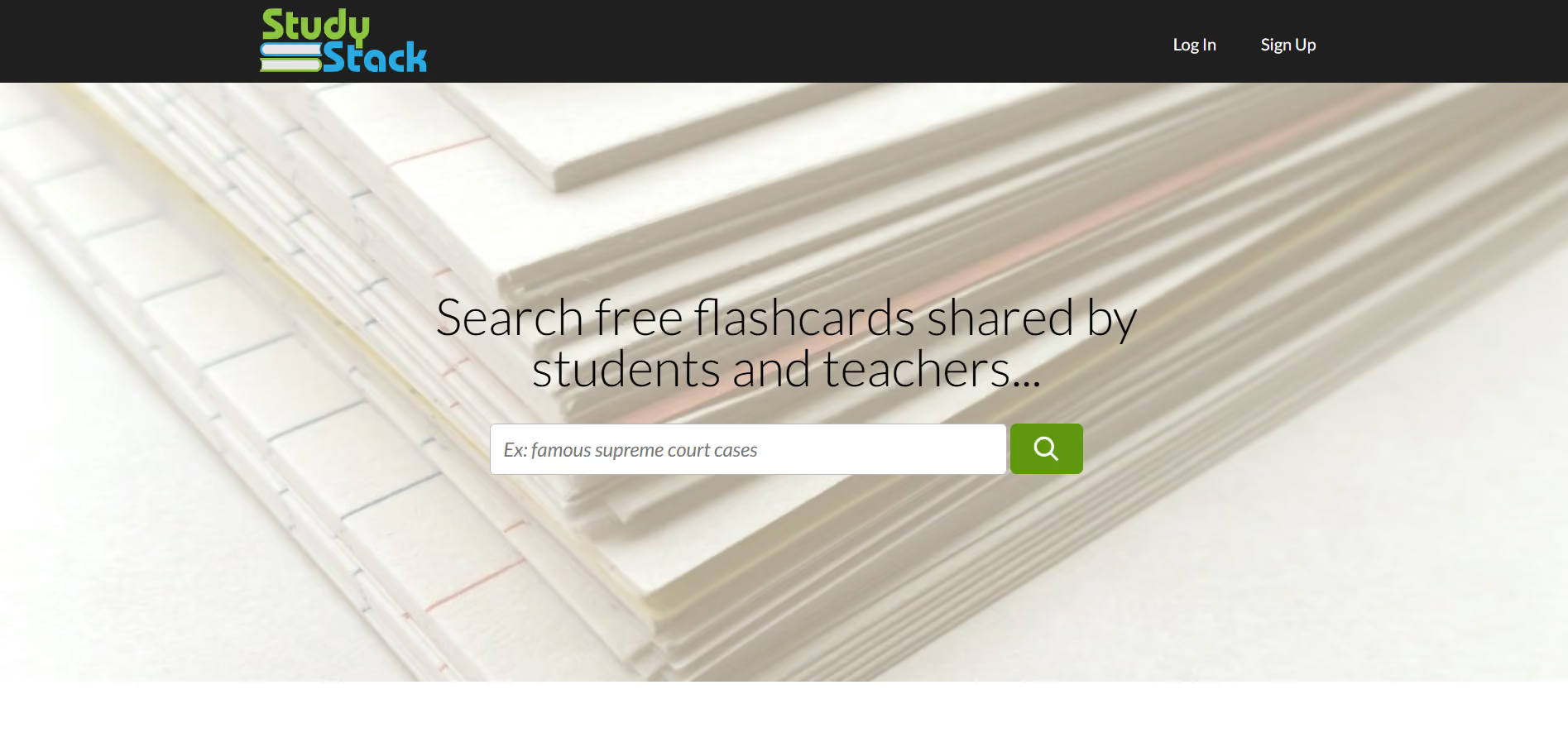
46. StudyStack: Flashcards Plus Games For Varied Practice
Best For
Students who learn better with mixed practice formats.
Why It Helps
Static flashcards get stale; StudyStack adds crosswords, scrambles, and matching to keep rehearsal active and engaging.
Key Features
- Flashcards, interactive games, and progress tracking
- Topic organization and printable sets
Availability
Web
Tip
Alternate game modes every other study session to avoid habituation.
47. Khan Academy: Free Lessons For Foundational Concepts
Best For
Students reinforcing prerequisite knowledge or filling gaps.
Why It Helps
Clear, scaffolded lessons and practice problems help you repair weak spots so you enter higher-level classes with confidence.
Key Features
- Video lessons, practice problems, and mastery tracking
- Progress dashboards and skills maps
Availability
- Web
- iOS
- Android
Tip
Use mastery challenges to diagnose weak subskills before tackling problem sets.
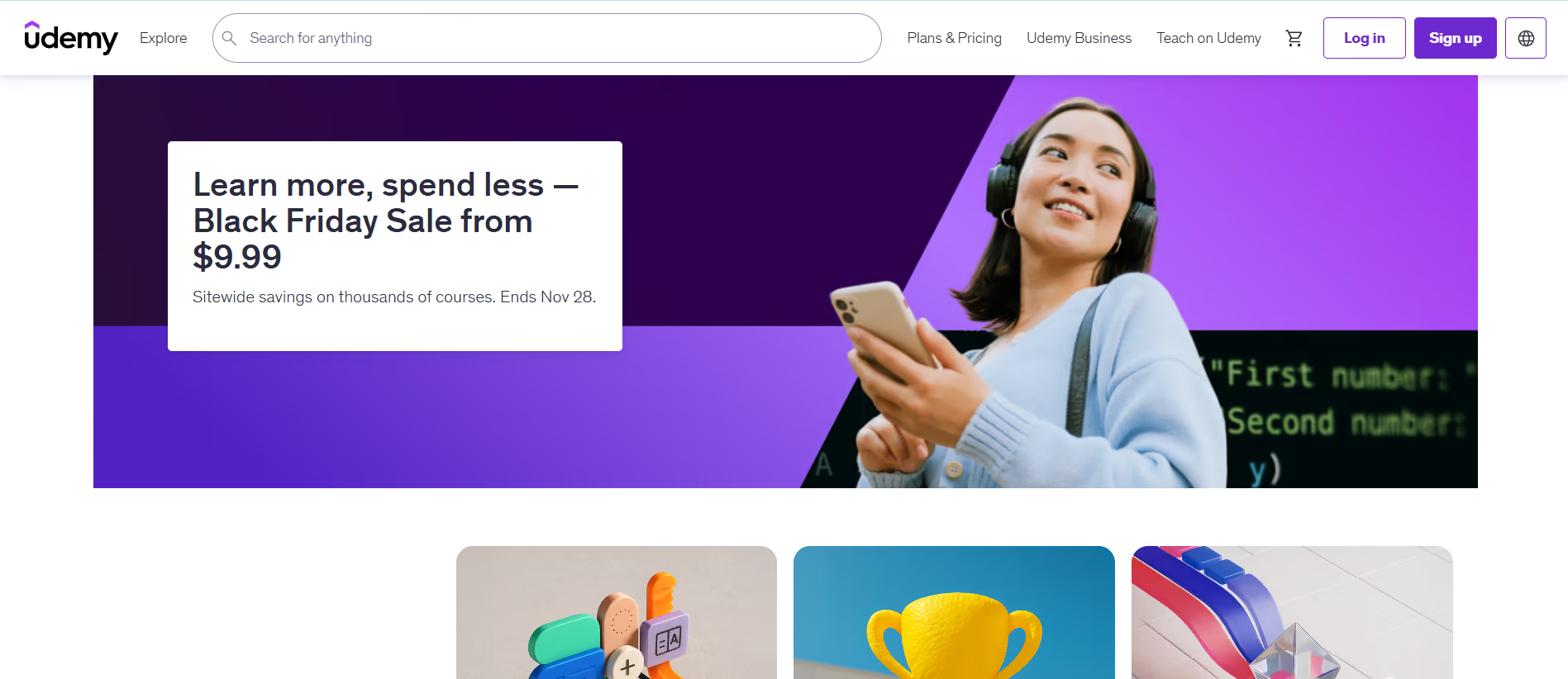
48. Udemy: Skill-Focused Courses On Niche Topics
Best For
Students seeking practical skills outside the classroom, such as coding or design.
Why It Helps
Short courses let you pick targeted skills on demand, so you can learn exactly what a project or internship requires without a semester-long commitment.
Key Features
- Wide course catalog and lifetime access
- Project-based classes and downloadable resources
Availability
- Web
- iOS
- Android
Tip
Read reviews and watch preview lectures before buying to judge instructor fit.
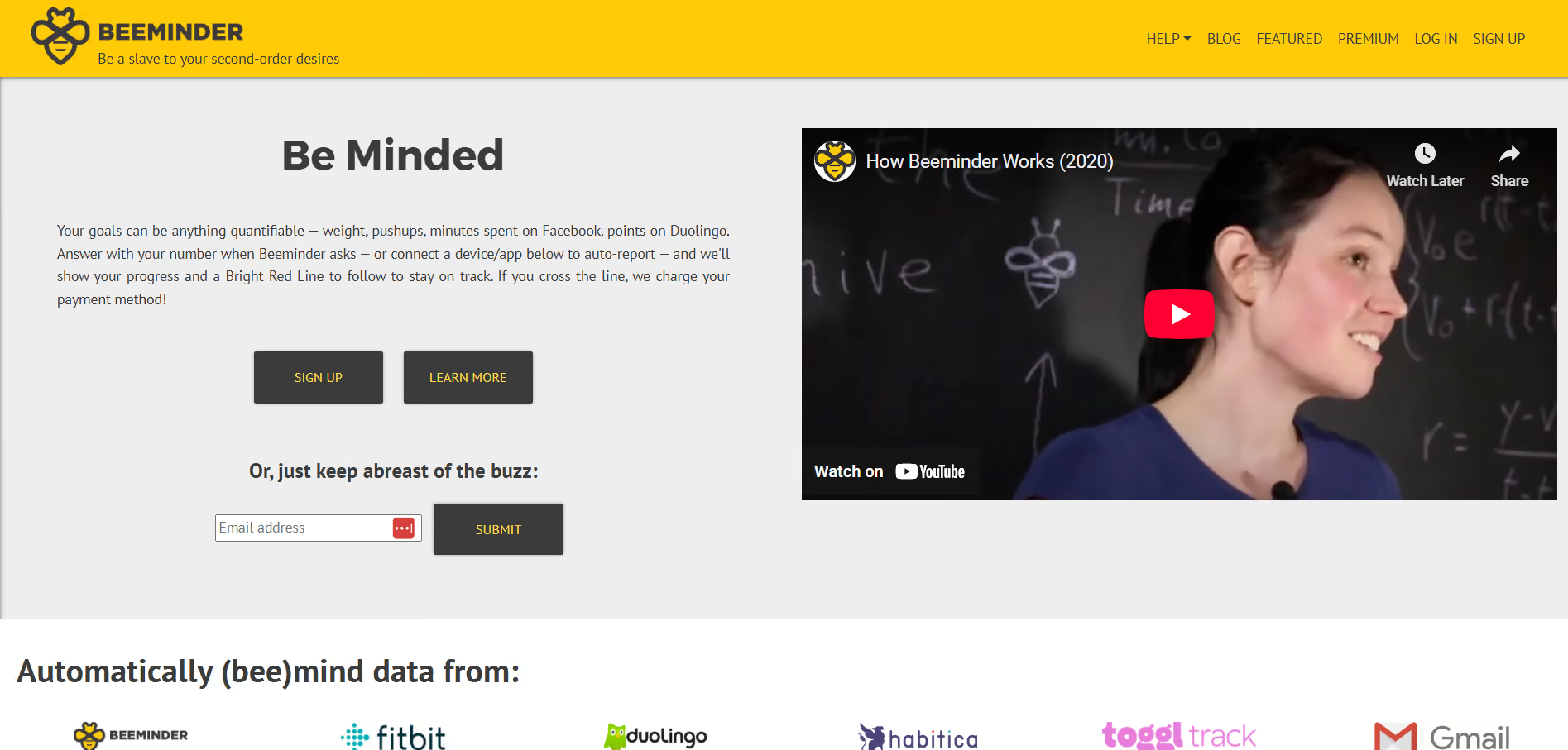
49. Beeminder: Commitment Contracts That Cost You If You Fail
Best For
Students who respond to financial stakes and clear graphs.
Why It Helps
For tasks you keep procrastinating on, Beeminder turns commitment into a measurable curve and real consequences, which can be the push you need to build a new habit.
Key Features
- Goal graphs with monetary stakes
- Integrations with tracking tools and manual inputs
- Clear progress visualization
Availability
- Web
- iOS
- Android
Tip
Start with a tiny pledge and increase only after you consistently hit the target.
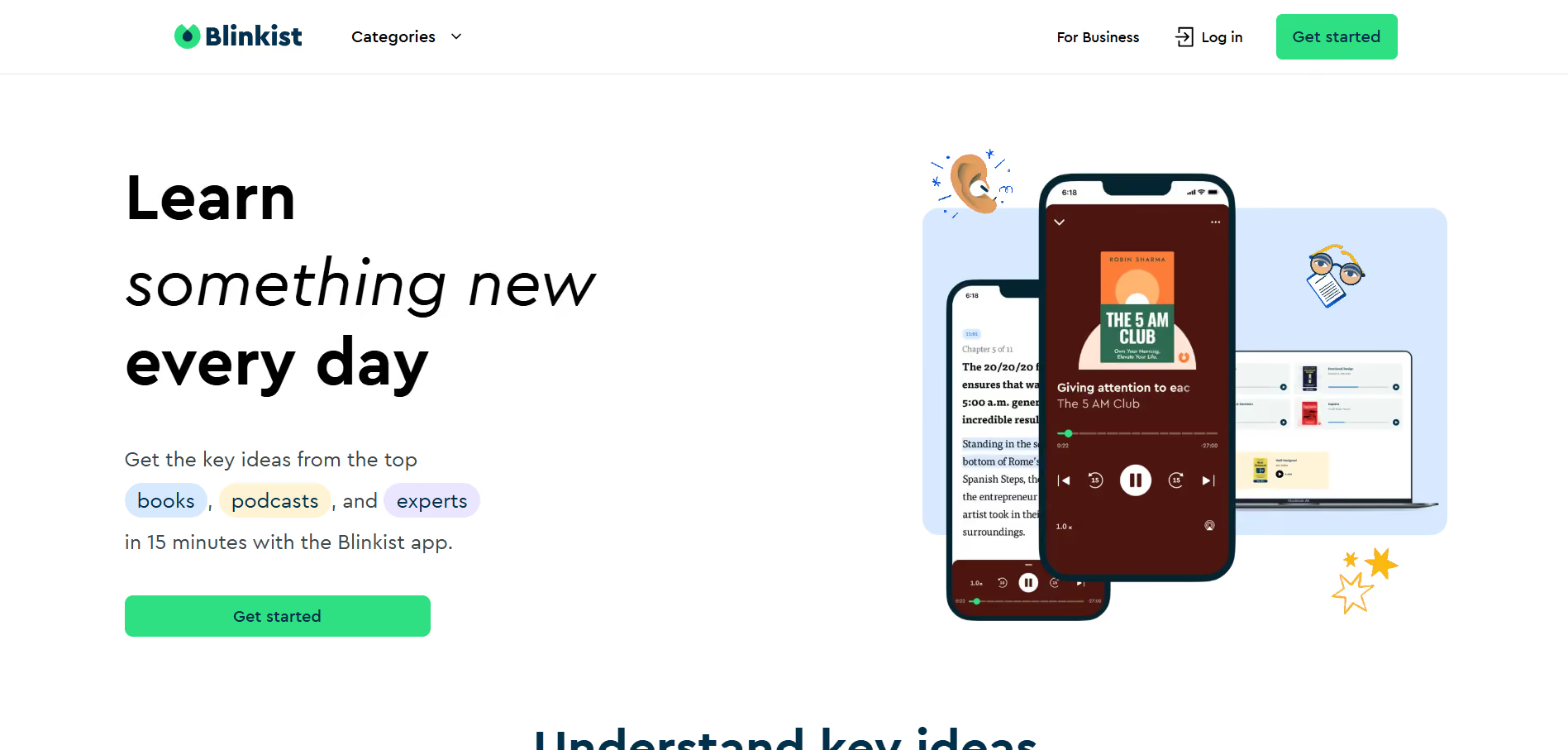
50. Blinkist: Fast Non-Fiction Summaries For Quick Concept Intake
Best For
Students who want rapid overviews and portable ideas.
Why It Helps
When you need an idea quickly for a paper or presentation, Blinkist compresses long books into core takeaways so you can reference relevant concepts without a multi-hour read.
Key Features
- 15-minute book summaries in text and audio
- Curated collections and highlights
Availability
- Web
- iOS
- Android
Tip
Use Blinkist to surface a supporting idea, then follow the original source for citation and depth.
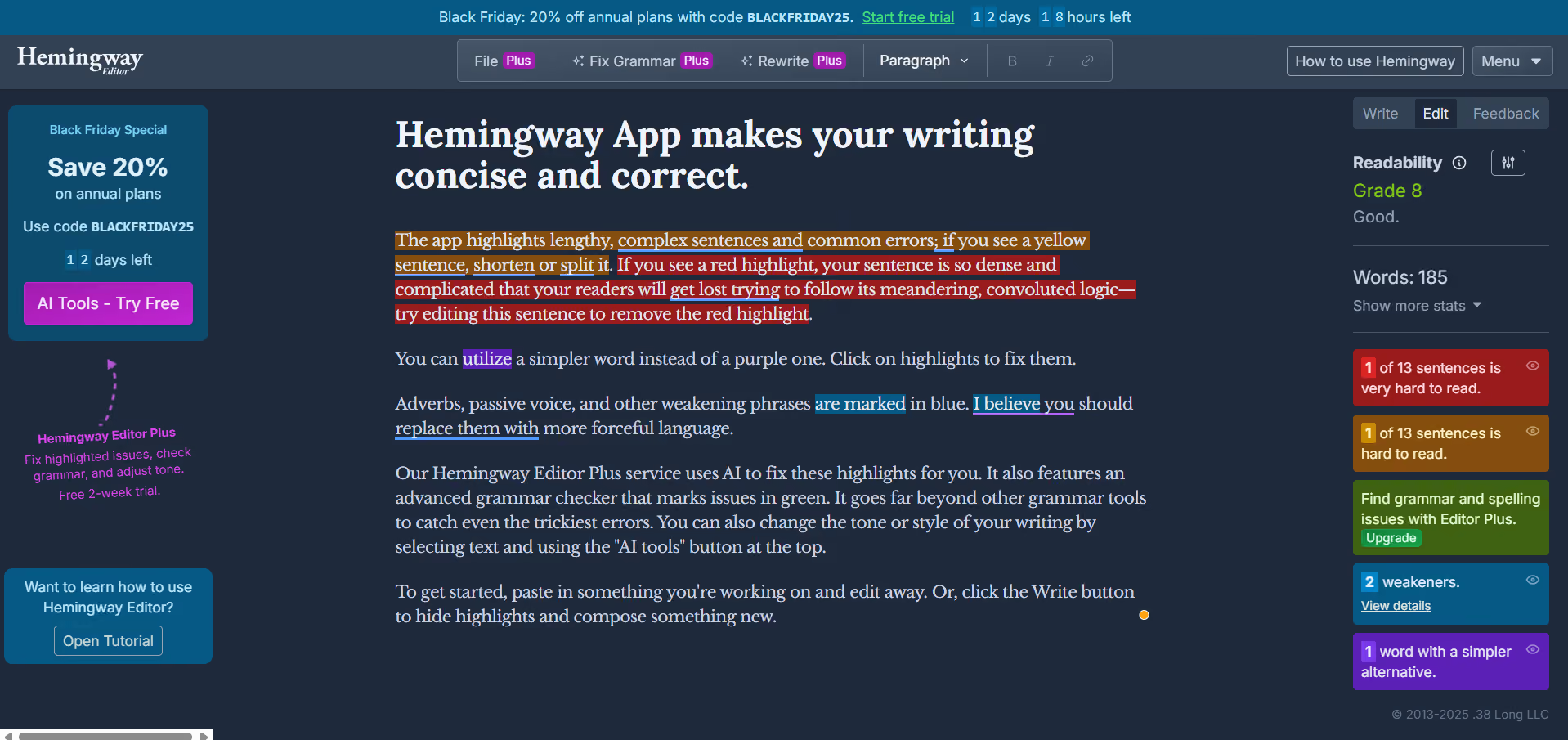
51. Hemingway App: Clarity And Readability Checks For Crisp Prose.
Best For
Students who want punchy, direct writing.
Why It Helps
Long, convoluted sentences dull arguments; Hemingway highlights hard-to-read passages and suggests simpler alternatives so you edit for clarity fast.
Key Features
- Readability scoring and sentence-level highlights
- Passive voice and adverb detection
- Export options for a clean copy
Availability
- Web
- Desktop apps
Tip
Run your draft through Hemingway one pass, then only fix the three most highlighted issues to preserve your voice.
Overcoming Choice Paralysis: A Minimalist Approach to Study Tool Adoption
This list pulls together tools across:
- Note-taking
- Productivity
- Flashcards
- Time management
- Focus
- Planning
- Collaboration
- Subject-specific apps
It tries to match the app to a real, named study problem so you can try one specific fix tonight.
The pattern I see across courses and majors is simple and stubborn: students get overwhelmed by too many options, which creates adoption paralysis and wasted time deciding rather than doing; that pattern breaks when a small set of tools fits a single workflow and is used for at least three weeks.
For more curated comparisons, check summaries like Scholarly Blog’s “51 Best Study Apps for College Students” and Student Houses Segovia’s “51 Best Study Apps for College Students,” which show how other students structure similar toolkits.
From Friction to Flow: Compressing Research and Drafting Time with Integrated AI
Most students draft and cite in fragmented steps because it feels familiar and requires no new setup, which works at first. As assignments multiply, that same approach fragments sources and adds hours reconciling references and rewriting disjointed drafts.
Solutions like HyperWrite provide:
- AutoWrite
- TypeAhead
- Scholar AI
Writing and research live together, reducing the friction of switching tools and compressing research-to-draft time into a single flow.
The next step reveals how AI can make your drafts sound like you while cutting hours of research time, and it changes how you start every paper.
Related Reading
- How Many Hours Do College Students Study per Week
- Good Study Habits for College
- Study Habits for High School
- How to Study the Night Before an Exam
- How to Study for Finals in High School
- Different Study Techniques
- How to Study for a Final Exam
- How to Create a Study Schedule
- Scientifically Proven Study Methods
Try our AI Writing Assistant to Write Natural-sounding Content
I know how exhausting it feels to face a deadline with a half-formed draft; if you want a low-risk experiment, try HyperWrite and see whether it stops late-night panic, backed by a Customer Satisfaction Report showing a 95% satisfaction rate among users.
Create a free account and judge for yourself. Many students and professionals report stronger early drafts in practice, according to a User Feedback Survey, in which 85% of users reported improved content quality.
Related Reading

HyperWrite is the AI writing assistant that learns your style. It handles drafting, editing, and researching so you can focus on ideas.
- Autocompletes sentences as you type
- Works inside Google Docs & Gmail
- Adapts to your personal writing style
- 500+ AI tools for any writing task

Powerful writing in seconds
Improve your existing writing or create high-quality content in seconds. From catchy headlines to persuasive emails, our tools are tailored to your unique needs.