
Grammarly Reviews: What Real Users Like and Hate in 2026


We analyzed Grammarly reviews across real writing workflows to see where it actually holds up. Here’s where it saves time, where it gets in the way, and whether it’s worth $144 a year.
What is Grammarly?
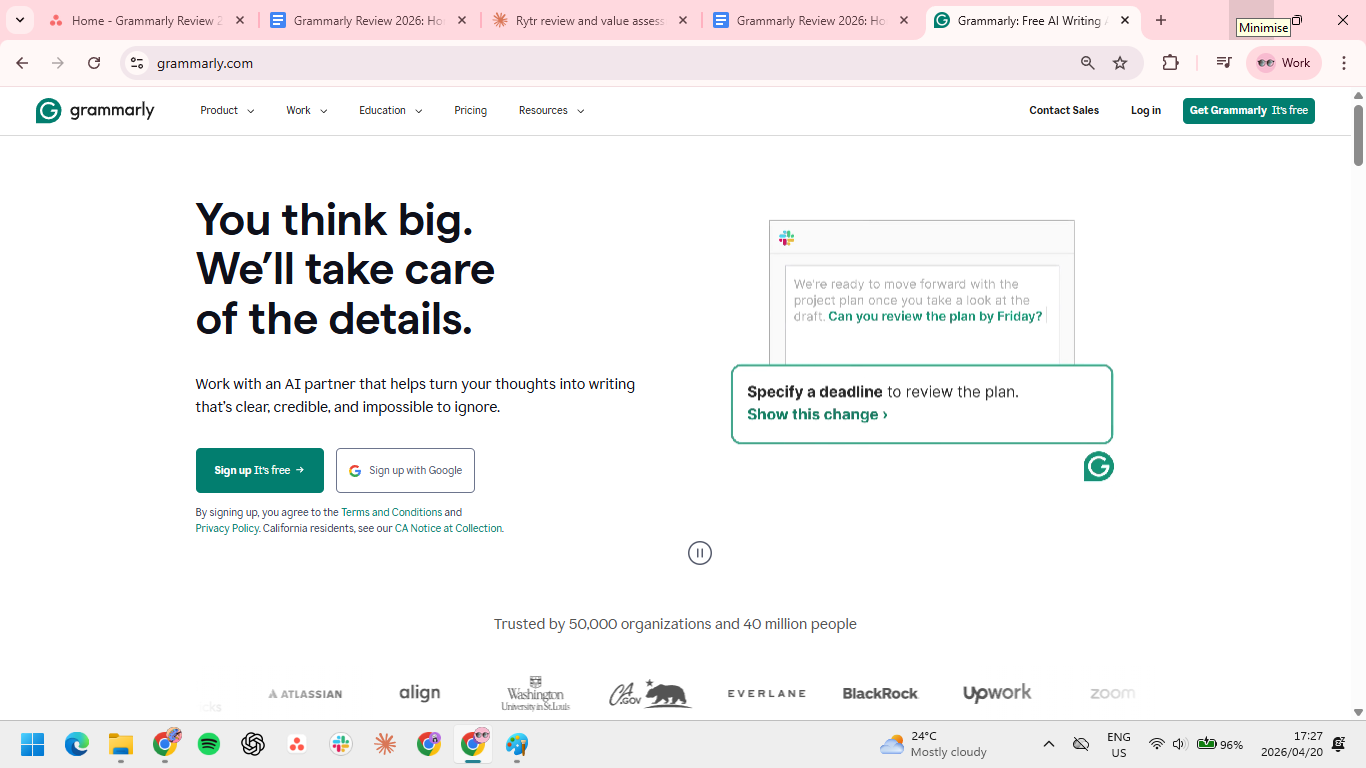
Grammarly is a writing assistant that edits your text in real time across apps like Gmail, Google Docs, and Slack. It catches grammar errors, suggests clearer phrasing, and flags tone issues as you type, so you can fix writing without leaving your workflow.
It’s built for people who write constantly and can’t afford small mistakes, like sending client emails with unclear tone or publishing content with avoidable errors.
Beyond basic grammar, Grammarly also adds plagiarism checks, tone detection, and AI-generated rewrites, though most suggestions focus on improving what you’ve already written, not helping you start from scratch.
Grammarly features
Grammarly covers more than basic spellcheck, but not every feature carries equal weight in daily use.
Real-time grammar and spelling (Free)
Grammarly scans your writing as you type in tools like Gmail, Google Docs, and Slack, catching issues like comma splices, missing articles, and subject-verb agreement errors before you hit send. If you’re sending 30+ emails a day or updating shared docs under deadline, this removes the need for a final proofread pass.
The limitation is scope. It only fixes what’s already on the page. If you’re staring at a blank reply or struggling to phrase something clearly, this feature doesn’t help you move forward.
Tone detection (Pro)
Grammarly analyzes how your message might land and flags when it reads as too blunt, passive, or unclear. This is important in client-facing work, like pushing back on scope or delivering critical feedback without sounding aggressive.
That said, suggestions often default to neutral, corporate-safe language. If you write with a distinct voice or intentional edge, you’ll spend time ignoring or undoing those recommendations.
Full-sentence rewrites (Pro)
Instead of just flagging issues, Grammarly suggests complete rewrites to make sentences clearer or more concise. This helps when you’re cleaning up dense writing, like technical documentation or reports written by non-native English speakers.
The downside is loss of voice. Rewrites tend to standardize phrasing, which can make strong, intentional writing feel generic if you accept suggestions without editing them.
Plagiarism detection (Pro)
Grammarly compares your text against web pages and academic databases, highlighting matches and linking to sources. For content teams publishing at scale or agencies reviewing freelance work, this replaces the need for a separate plagiarism tool.
For most professionals writing internal emails, proposals, or Slack messages, this feature would most likely sit unused.
Generative AI (Free, Pro)
Grammarly now includes built-in generative AI that helps you draft, rewrite, and expand text directly inside apps like Gmail, Docs, and Slack. You can prompt it to write replies, shorten paragraphs, or adjust tone without leaving your workflow, which helps when you need a quick starting point or fast revision.
It works best as a drafting assistant. The output is structurally clean but predictable, so you’ll still need to edit for specificity, voice, and intent. Free users get limited prompts each month, while Pro raises that cap enough for daily use.
Grammarly pricing
Grammarly runs on a freemium model with paid tiers. The free plan is genuinely usable; it's not a stripped-down trial. Pro is where most professionals land, while Enterprise is a narrow use case.
Which plan should you choose?
- Free: Start here if you just need grammar, spelling, and basic AI help. The 100 monthly AI prompts cover roughly 3-4 interactions per day, which is enough to test whether the premium features fit your workflow before paying.
- Pro: The right pick for individual professionals and teams up to 149 seats. Pro now covers what Grammarly previously split between Premium and Business, including full-sentence rewrites, tone suggestions, plagiarism detection, style guides, and team analytics. You get real value from annual billing at $12/month.
- Enterprise: Only relevant if your organization requires SSO/SAML, HIPAA compliance, or a dedicated account manager. Everything else is covered by Pro.
What real users say in Grammarly reviews
Pros
- Works everywhere, without switching tools. Grammarly sits in every text field you use. No copy-pasting, no tab switching. One G2 reviewer who edits high volumes daily said it “works other places on the browser that I write… and helps me catch any typos.”
- Free plan is genuinely useful. 100 AI prompts and full grammar checking at no cost is a real offer, not a trial designed to frustrate you into upgrading. A Director of Operations in consumer goods noted on G2 that the prompts helped create communication “in much less time” than writing manually.
- Best for non-native English speakers. Grammarly's ability to flag subtle errors, tone mismatches, and formality issues makes it disproportionately valuable for people writing professionally in a second language.
- Plagiarism checker is solid. Checking against web content and academic databases in one tool removes the need for a separate subscription.
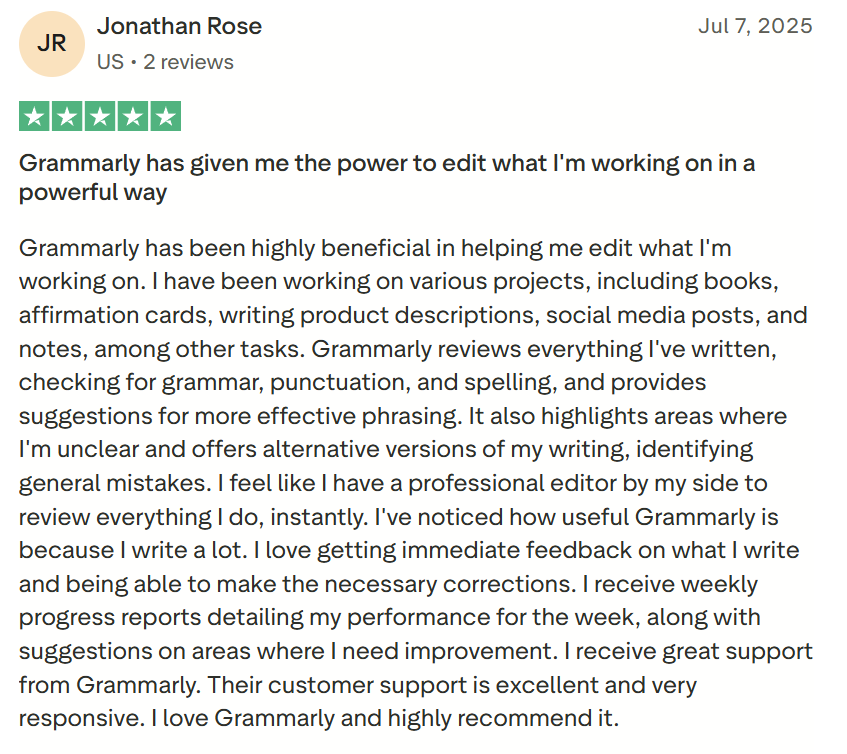
- Real-time feedback, zero workflow interruption. Suggestions appear inline as you type, so you stay in your document, email, or Slack message instead of stopping to edit. As Jonathan Rose wrote on Trustpilot, it feels like “a professional editor by my side to review everything I do, instantly.”
Cons
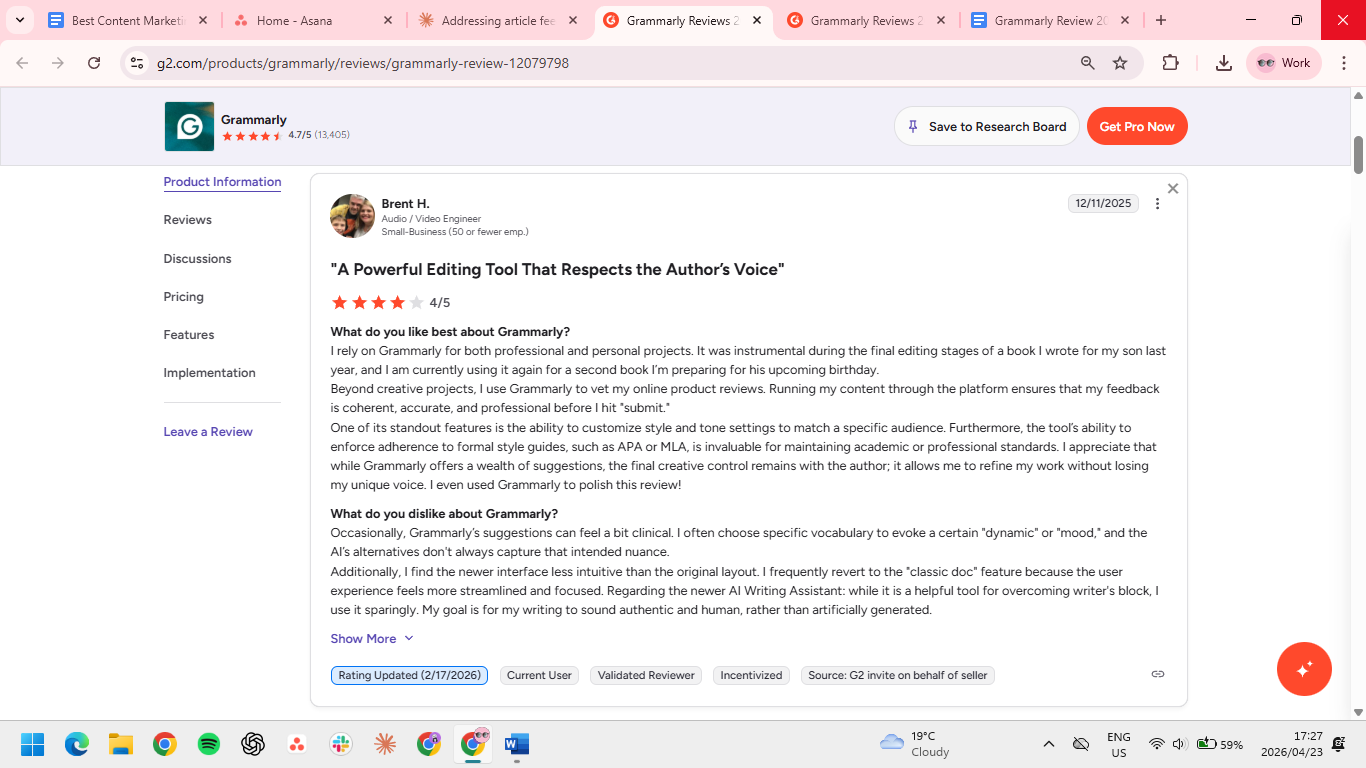
- Over-corrects intentional stylistic choices. Grammarly frequently flags fragments and unconventional punctuation that writers use deliberately. Brent H. called the suggestions "a bit clinical," noting Grammarly's alternatives often missed the mood or dynamic he was going for.
- Desktop app reliability issues. The desktop app lags, crashes, and forces browser workarounds.
- Pro strips your voice. Writers with a strong voice often find the suggestions make their writing sound less like them. As Yaswanth Reddy S., Associate Software Engineer, noted on G2, Grammarly can push writing toward a “neutral corporate style,” stripping away personality.
- No refund policy. Once you're billed, that's final. The free plan is comprehensive enough to evaluate the tool, but it's worth spending real time there before committing to an annual plan.
- 100 AI prompts/month on free is limiting. If you want to use generative AI features for drafting and rewriting regularly, 100 prompts run out fast. Pro's 2,000/month is the practical threshold for daily use.
- Generative AI is average. It produces competent but generic text. It's a useful shortcut for first drafts, but not a replacement for deliberate writing. A Product Manager, David Serna M., said Grammarly is “lacking the contextual part that makes AI really powerful,” especially as other tools integrate deeper AI capabilities.
Is Grammarly right for you?
Grammarly isn't built for every writer. Here's who gets real value from it, and who should look elsewhere.
Grammarly works well for:
- Writers shipping high volumes of professional correspondence daily
- Non-native English speakers who need tone and formality corrections
- Students and academics who want plagiarism detection with editing
- Anyone in high-stakes contexts where typos damage credibility
Skip Grammarly if you:
- Write with a distinct voice you don't want flattened
- Need help drafting content, not just cleaning it up
- Want real-time prediction across tabs, not after-the-fact correction
The best Grammarly alternative for professional writers: HyperWrite
Grammarly cleans up what you've already written. HyperWrite helps you write it in the first place.
TypeAhead works as you type, predicting your next sentence in Gmail, Google Docs, Slack, or wherever you're working. It pulls context from your open tabs so suggestions actually fit the conversation or document in front of you.
Personas takes it further. Where Grammarly's rewrites push toward corporate-neutral phrasing, Personas learns from your own writing samples and generates suggestions that sound like you, rather than a cleaned-up version of everyone else.
Unlike Grammarly, which works only on text you've already typed, HyperWrite works across every tab in your browser simultaneously, so whether you're replying to an email while referencing a Google Doc and a CRM entry, you have context-aware assistance the whole time.
Also read: 14 Grammarly Alternatives Tested and Ranked in 2026
Final verdict: Is Grammarly worth it?
Grammarly is worth it if you need a reliable correction layer. It catches what you miss, works everywhere without friction, and the free plan is genuinely useful for anyone who just needs cleaner copy.
But if your writing problem isn't errors but getting words down faster, drafting under pressure, or keeping your voice intact, Grammarly won't solve that. It fixes what you've written. It doesn't help you write it.
For writing that moves forward as you type instead of just getting cleaned up after, try TypeAhead free with the HyperWrite Chrome extension. It predicts your next sentence across every tab in your browser, in your voice.
Frequently asked questions
Is Grammarly free?
Yes, Grammarly is free. The free plan includes real-time grammar, spelling, and punctuation checking, plus a monthly AI prompt allowance, with no credit card required. It covers the basics well enough to use indefinitely.
Is Grammarly Pro worth it?
Grammarly Pro is worth it if you write professionally every day and need more than basic grammar fixes. Pro adds full-sentence rewrites, tone suggestions, and plagiarism detection, features that make a real difference for high-volume writers but are overkill for casual use. If your bigger need is drafting faster in your own voice, HyperWrite is worth a look first.
Does Grammarly work on Microsoft Word?
Yes, Grammarly works on Microsoft Word for both Windows and Mac. It provides the same real-time suggestions you get in the browser, delivered through the Grammarly desktop app rather than a separate Office add-in.
Does Grammarly offer refunds?
No, Grammarly does not offer refunds on Pro plan subscriptions. You keep access until the end of your billing period after cancelling, but no money is returned. The free plan is comprehensive enough to evaluate the tool properly before committing to a paid plan.

HyperWrite is the AI writing assistant that learns your style. It handles drafting, editing, and researching so you can focus on ideas.
- Autocompletes sentences as you type
- Works inside Google Docs & Gmail
- Adapts to your personal writing style
- 500+ AI tools for any writing task

Powerful writing in seconds
Improve your existing writing or create high-quality content in seconds. From catchy headlines to persuasive emails, our tools are tailored to your unique needs.