


Compose AI is a handy free autocomplete extension, but its free tier runs out fast, it locks you to one model, and it only works in the browser, which sends a lot of writers looking. Here are five Compose AI alternatives worth considering, matched to what it leaves out.
TL;DR: Which Compose AI alternative should you choose?
- Choose HyperWrite if you want real-time autocomplete that learns your voice and works across every browser tab.
- Choose Grammarly if you want a cross-app editing layer that polishes grammar, clarity, and tone as you write.
- Choose Rytr if you want cheap, template-driven short-form generation with a permanent free plan.
- Choose Jasper if you're a team producing on-brand long-form content at volume.
- Choose ChatGPT if you want a flexible, general-purpose model for any writing task at a flat price.
- Stick with Compose AI if you want free, lightweight autocomplete for quick email replies and don't need voice matching or a desktop app.
Why look for Compose AI alternatives?
Compose AI does the basics well: it autocompletes sentences as you type, rephrases text, and drafts quick email replies inside your browser. The limits show up once you lean on it daily:
- The free tier caps you fast. Free use runs out at about 1,500 words a month, so heavy writers hit the paywall within days and have to move to the Premium or Ultimate plan.
- It's browser-only. The extension works where Chrome does, so it won't follow you into desktop apps, and it processes your text in the cloud rather than on your device.
- One default model. You write with whatever model Compose AI assigns, with no option to pick a different engine for tone or quality.
- Autocomplete, without voice matching. It predicts the next few words, but it won't learn your personal style, so the output reads generic without editing.
The 5 best Compose AI alternatives: At a glance
Pricing based on annual billing, accurate as of July 2026. Verify current rates with each vendor.
The 5 best Compose AI alternatives
1. HyperWrite

HyperWrite is the closest direct replacement for Compose AI's core idea: autocomplete as you type. What sets it apart is voice: it's built to match how you write, so its suggestions need far less cleanup than Compose AI's before they sound like you.
Best for: Writers who liked Compose AI's autocomplete but want suggestions that sound like them across every tab.
Key features
- TypeAhead. Real-time sentence completions inside any browser tab, drawing on the context of everything you have open.
- Personas. Voice-matched AI trained on your writing samples, so drafts read like you wrote them.
- AI Tools. A library of pre-built tools for rewrites, summaries, and outlines, plus custom tools for tasks you repeat.
Pros
✅ Suggestions appear in line as you type, so you never stop to open a separate tool.
✅ Immediate usefulness from day one, with suggestions that hold up while Personas learn your voice.
✅ Unlimited completions on the paid tier remove the word cap that sends people past Compose AI.
Cons
❌ Browser-specific, so writers who work mostly in desktop software get less from it.
❌ Personas need a few writing samples before the voice matching gets accurate.
❌ It writes alongside you, so a long, structured report still needs you steering section by section.
Pricing
- Free plan available
- Premium: $19.99/month, or $16/month billed annually
- Ultra: $44.99/month, or $29/month billed annually
2. Grammarly

Grammarly sits on top of your writing and catches grammar, clarity, and tone issues in real time, everywhere you type. It's the one tool here built to refine what you've already written rather than draft it for you.
Best for: Writers who want polished, correct writing across every app more than they want generation.
Key features
- Cross-app editing. Inline suggestions in Gmail, Docs, Slack, LinkedIn, and Word, with no copy-paste.
- Generative AI. The Pro tier drafts emails, rewrites paragraphs, and adds a plagiarism checker.
- Authorship view. Marks which parts of a document were AI-written, useful where disclosure matters.
Pros
✅ Corrections appear as you type, catching mistakes in the moment instead of in a later review pass.
✅ One account follows you everywhere, from your inbox to your docs to your social drafts.
✅ The free tier alone outperforms most paid grammar checkers, so upgrading is optional for many.
Cons
❌ Corrects more than it creates, so writers who need drafts generated will still reach for another tool.
❌ Suggestions skew formal, which can sand the personality out of casual or creative writing.
❌ Over-relying on it homogenizes your style and pushes everyone into the same tidy register.
Pricing
- Free plan available (100 AI prompts a month)
- Pro: $30/month, or $12/month billed annually
- Enterprise: custom
3. Rytr

Rytr covers the same autocomplete ground as Compose AI and adds the full-draft generation that Compose AI charges extra for, at one of the lowest prices of any tool here. It's the budget pick for turning out short-form content fast.
Best for: Freelancers and small teams producing short-form content daily on a tight budget.
Key features
- Unlimited generation. The Unlimited plan removes the character cap for as much short-form copy as you need.
- 40+ templates and 20+ tones. Pre-built use cases for ads, emails, product descriptions, and social posts.
- Built-in plagiarism checker. Runs originality checks inside the tool, so you skip paying for a separate one.
Pros
✅ At $7.50/month, it's one of the cheapest unlimited AI writers for fast, short-form content generation.
✅ Ready to use immediately, with no prompting skills or setup to figure out first.
✅ The free plan can run real tasks, so you can test it properly before spending anything.
Cons
❌ Quality drops off on longer content, where the output repeats and reads generic past a few paragraphs.
❌ Leans on template patterns, so it's weaker when you need an original angle or a distinctive voice.
❌ Output is often flagged by AI detectors, so public content needs editing to read as human-written.
Pricing
- Free plan available (10,000 characters a month)
- Unlimited: $9/month, or $7.50/month billed annually
- Premium: $29/month, or $24.16/month billed annually
4. Jasper
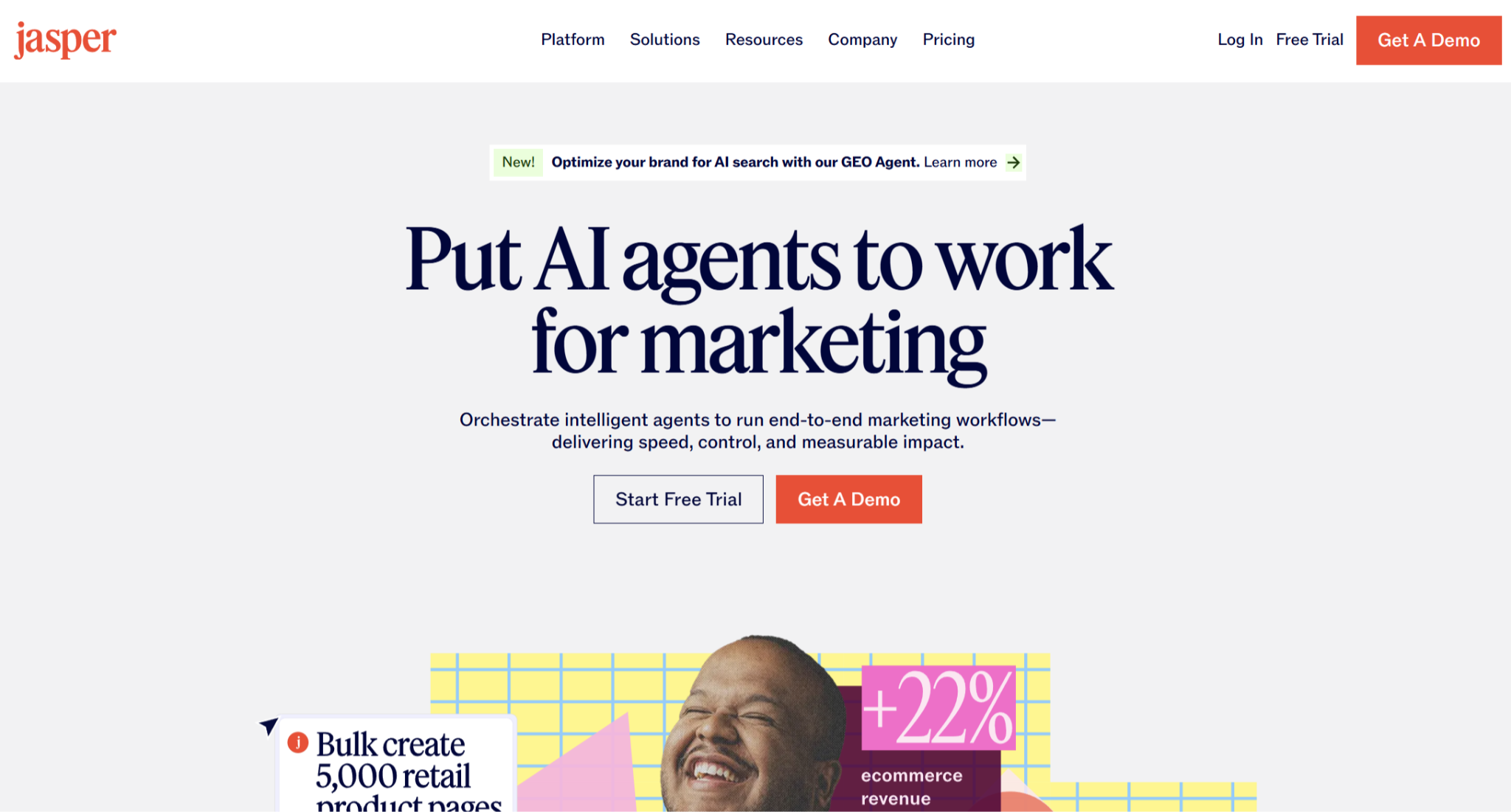
Jasper is the step up for teams that outgrew a lightweight autocomplete tool. It sits at the enterprise end of this list, built for marketing teams that treat content as a pipeline rather than for individuals who just want to finish a sentence faster.
Best for: Marketing teams and agencies producing high volumes of consistent, on-brand content.
Key features
- Brand Voice. Trains on your content so output stays on-brand across a whole team.
- Campaigns. Turns one brief into a full set of assets in a single pass: blog, emails, social, and ads.
- SEO and GEO tools. Score your draft for search and AI-answer visibility and flag gaps against top-ranking pages, inside the editor.
Pros
✅ Output holds up across full articles, where lighter tools tend to drift.
✅ Less editing needed on long-form output, drafts land closer to publish-ready.
✅ Built to scale with a content team, it holds tone steady as more writers come on board.
Cons
❌ No middle tier sits between the single-seat plan and custom Business pricing, so small teams have nowhere natural to land.
❌ Priced for teams, so a solo writer pays for collaboration features they may not use.
❌ Overkill for short-form copy, so the extra power sits idle unless you're producing long-form regularly.
Pricing
- Pro: $69/month, or $59/month billed annually (7-day free trial)
- Business: custom pricing
5. ChatGPT

ChatGPT is the flexible generalist many writers already reach for, and at a flat $20/month it covers far more than autocomplete. It drafts, edits, brainstorms, and reasons through almost any writing task without templates, so it fits writers who want one capable tool rather than a browser add-on.
Best for: Writers who want a single, general-purpose AI for any task rather than an in-browser autocomplete.
Key features
- GPT-5.6. OpenAI's current flagship model handles drafting, editing, and analysis across any writing task.
- Custom GPTs. Save a setup for a repeatable task, a format, or a tone, and reuse it without re-prompting.
- Web browsing and file analysis. It pulls in live information and reads documents you upload.
Pros
✅ One $20 plan covers drafting, research, and edits that would otherwise take several subscriptions.
✅ Deep Research pulls sourced, cited reports in minutes, so you have the background before you draft.
✅ Canvas gives you a side-by-side editor, so you can revise a draft in place instead of scrolling through a chat thread.
Cons
❌ Good output takes prompting skill, since there's no guided structure to lead you to a result.
❌ Your Plus chats may train OpenAI's models unless you opt out, a concern for sensitive work.
❌ Works in its own window, so using it inside another app means copy-pasting.
Pricing
- Free tier available
- Go: $8/month
- Plus: $20/month (no annual discount)
- Pro: $100/month or $200/month
- Business: $25/seat/month
How to evaluate Compose AI alternatives
The right pick depends on which Compose AI limit pushed you to look. A few questions narrow it down:
- Autocomplete or generation: If you want the write-alongside-you feel, HyperWrite is closest. If you want to generate full drafts, Rytr, Jasper, or ChatGPT fit better.
- Writing or editing: HyperWrite, Rytr, Jasper, and ChatGPT create content, while Grammarly polishes what you've already written.
- Data sensitivity: Most of these process text in the cloud, so check each tool's data handling before using it on confidential work.
- Budget: Rytr and HyperWrite start under $20, ChatGPT is a flat $20, and Jasper sits at the top for team features.
- Pairing tools: A common setup is one generator (Rytr, Jasper, or ChatGPT) for drafts plus Grammarly for the final read.
The closest alternative for Compose AI's autocomplete: HyperWrite
Compose AI's suggestions are fast, but they read generic, so you end up rewriting them to sound like you. HyperWrite's Personas feature fixes that. It learns from your past writing, so the TypeAhead extension completes sentences in your voice across Gmail, Docs, and any tab.
When a draft needs structure, its Blog Wizard lays out an outline first, so you write faster through the rest of your day.
Tired of autocomplete that sounds like everyone else? Try TypeAhead free to see how quickly the suggestions start sounding like you.
Frequently asked questions
Are there any free Compose AI alternatives?
Yes, several Compose AI alternatives have free plans. HyperWrite, Grammarly, and Rytr all offer free tiers, and ChatGPT has a capable free version. These free plans usually cap usage, so heavy writers tend to upgrade, but they let you test each tool on real work before paying.
What is the best Compose AI alternative for autocomplete?
HyperWrite is the best Compose AI alternative for autocomplete. Its TypeAhead feature predicts your next sentence in real time inside any browser tab, the same write-as-you-type experience Compose AI offers, but it also learns your voice through Personas.
Does Compose AI work in desktop apps?
No, Compose AI works only in the browser through its Chrome extension, so it doesn't follow you into desktop apps. Alternatives like Grammarly run across Mac, Windows, and mobile as well as the browser, and ChatGPT has dedicated desktop and mobile apps if you need writing help outside Chrome.
Why do people switch to Compose AI alternatives?
People switch to Compose AI alternatives mainly because the free tier is small, it only runs in the browser, and it locks you to one model. Writers who want voice matching, desktop support, or a more capable model move to alternatives like HyperWrite, Grammarly, or ChatGPT that close those gaps.

HyperWrite is the AI writing assistant that learns your style. It handles drafting, editing, and researching so you can focus on ideas.
- Autocompletes sentences as you type
- Works inside Google Docs & Gmail
- Adapts to your personal writing style
- 500+ AI tools for any writing task

Powerful writing in seconds
Improve your existing writing or create high-quality content in seconds. From catchy headlines to persuasive emails, our tools are tailored to your unique needs.