
8 Best AI Writing Tools for 2026 Matched to Your Workflow


You installed ChatGPT, tried it for a week, and now three coworkers are recommending three different tools instead, each swearing theirs is the one that finally works.
That scattered advice isn't wrong so much as answering a different question than the one you're asking.
The best AI writing tools below are matched to the job and the team size each one suits, along with where each one falls short, so you can skip the trial-and-error most people go through first.
8 best AI writing tools: TL;DR
- HyperWrite: Best for drafting in your own voice without a new platform to learn.
- ChatGPT: Best free all-rounder for research, outlines, and drafts.
- Claude: Best for long-form writing that holds its tone.
- Gemini: Best free general-purpose AI writer with Google Workspace built in.
- Jasper: Best for enterprise teams keeping a consistent brand voice at volume.
- Writesonic: Best for teams tracking SEO and AI search visibility together.
- Copy.ai: Best for marketing teams automating content into broader GTM workflows.
- Grammarly: Best for a consistent editing pass across everything you write.
How these AI writing tools were reviewed
Every AI-powered writing tool here was assessed against its own current documentation and pricing pages, since several of these products changed significantly in 2026 and older reviews online no longer describe what they currently do.
Five factors determined which top AI writing tools and apps made the list, all centered on how they fit real content workflows.
- What it's built for now. Some of these tools have repositioned since last year, and using the old positioning would be misleading.
- Output quality. Whether a draft reads like a person wrote it or needs rebuilding from scratch.
- Team size fit. A solo writer and a twenty-person content team need different tools even for the same task.
- Learning curve and setup. Some tools work in minutes, others need onboarding and procurement.
- Price against what you get. What a free tier allows, and what the next tier up buys.
8 best AI writing tools: Quick comparison
Pricing accurate as of September 2026.
1. HyperWrite: Best for drafting in your own voice
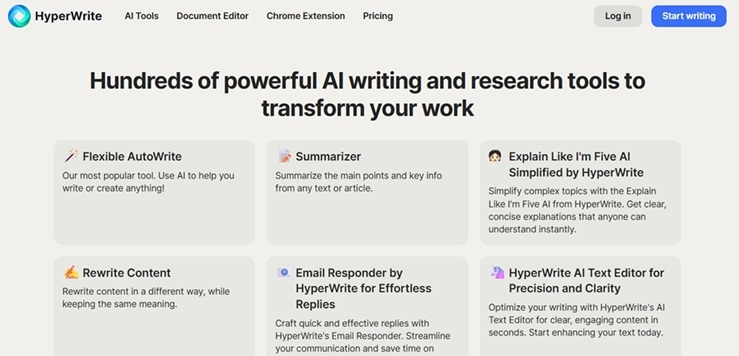
What it does: Drafts, edits, and completes your writing across chat, a document editor, and every browser tab, all in your own voice.
Best for: Individual writers who want a complete AI writing platform without a workflow to configure or a team of contributors to manage.
HyperWrite is a full AI writing platform built around your own voice, so drafts come out closer to how you write and stay that way across every tool in the account. When you set up reusable voice profiles via Personas, drafts come out closer to how you write, so there's less rewriting to sound like you and less generic AI polish to strip out.
Key features
- TypeAhead. Real-time sentence completion in any browser tab, pulling context from your other open tabs.
- AI Writing Assistant. A chat interface for research, outlines, and drafting.
- AI Document Editor. A dedicated workspace for longer pieces, with revisions and comments in one place.
- AI Tools Library. Prebuilt tools for outlines, rewrites, and summaries, plus custom tools you build.
Pros and cons
Pros
✅ Chat, drafting, editing, and browser suggestions all live in the same account.
✅ Personas keeps output close enough to your register that the usual rewrite pass for generic drafts mostly disappears.
✅ A free plan and a browser extension mean no onboarding stands between you and writing.
Cons
❌ Personas save per-user voice profiles, without the team-wide brand voice enforcement a group of contributors needs.
❌ Optimization and AI-citation monitoring both stay manual.
What users say
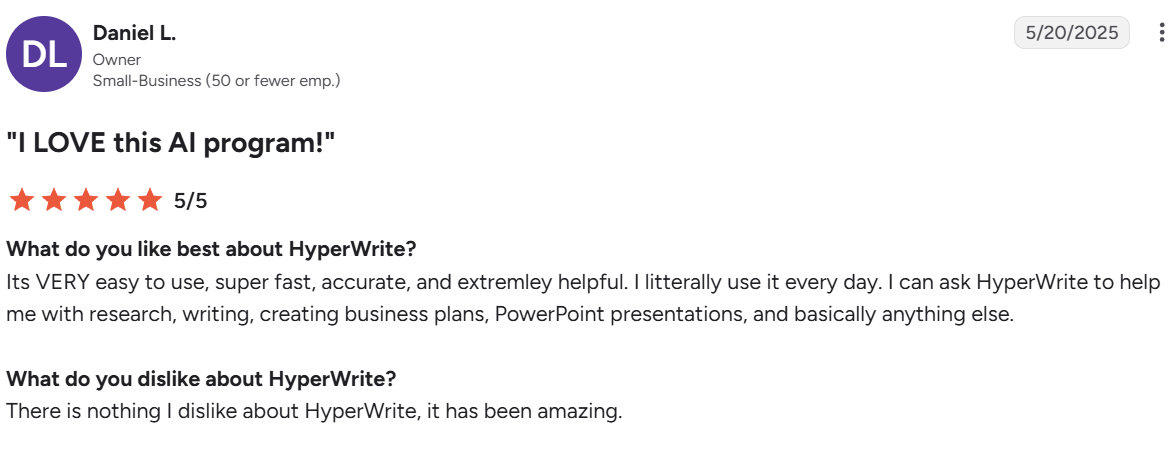
“[It's very] easy to use, super fast, accurate, and extremely helpful.” — Daniel L., owner, G2
“This extension has saved me so much time.” — Scott Mallonee, Chrome Web Store
Pricing
- Free plan available
- Premium: $16/month billed annually or $19.99 monthly
- Ultra: $29/month annually or $44.99 monthly
Bottom line
HyperWrite is the pick for an individual who wants a complete writing platform without needing to build a workflow first.
Check out the full Writesonic vs Jasper vs HyperWrite breakdown for how all three compare on team-scale needs.
2. ChatGPT: Best free all-rounder
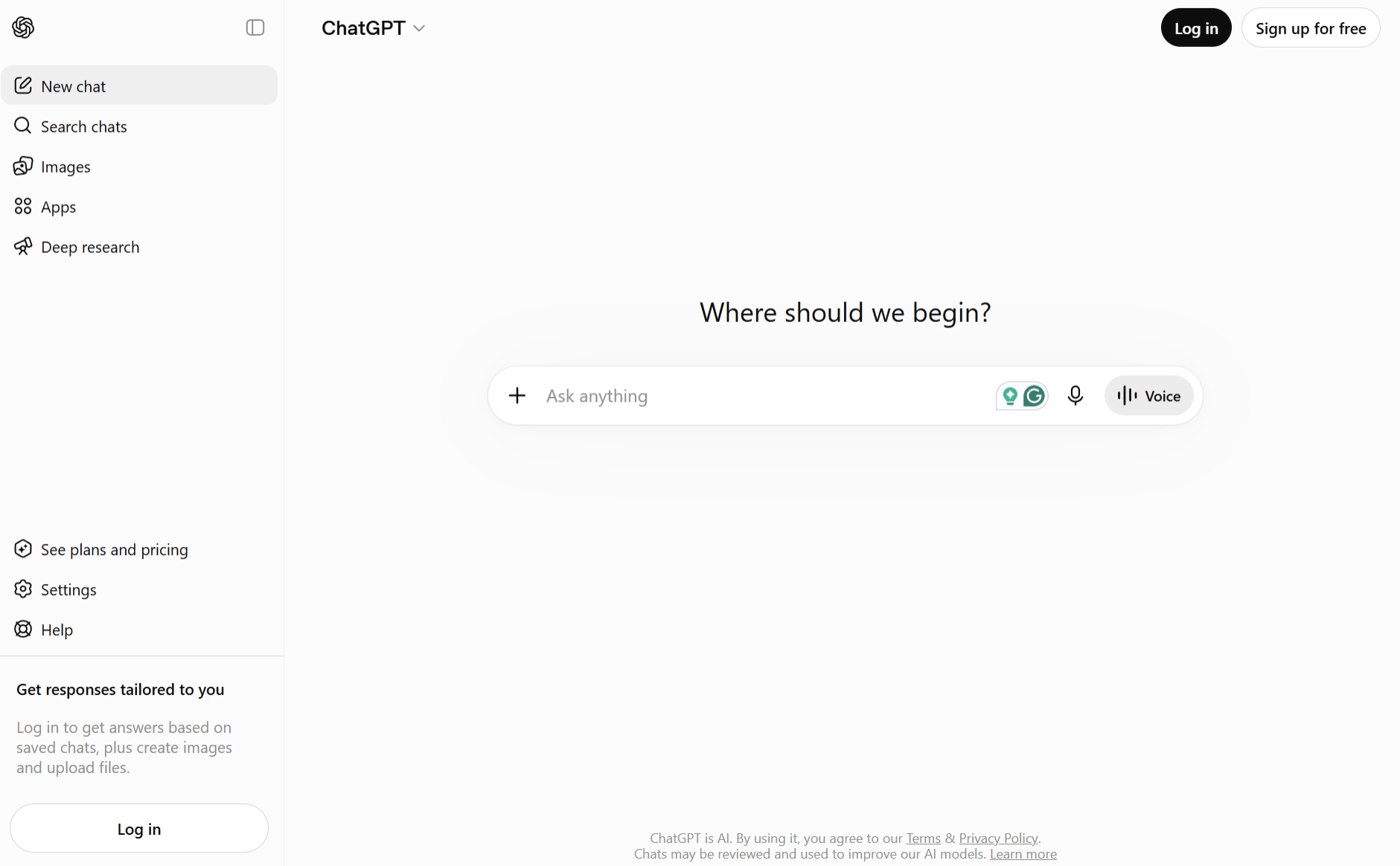
What it does: Handles research, outlines, drafting, and rewriting from a single chat interface.
Best for: Anyone who wants one tool covering the whole writing process without a separate app per task.
ChatGPT remains the default entry point into AI writing, largely because the free tier is capable enough that many people never look elsewhere. Most writers who try one AI tool try this one first, and the reason has less to do with any single feature than with the sheer size of the free tier itself.
Key features
- Deep Research. Multi-step web research returned as a cited report.
- Custom GPTs. Saved setups that hold your style and structure across sessions.
- File analysis. Drafts from an uploaded transcript, brief, or study.
Pros and cons
Pros
✅ Ideas, research, and a first draft happen without exporting between apps.
✅ Everyday writing tasks are covered without a card on file.
✅ Someone has usually already built and shared the exact workflow you're trying to set up.
Cons
❌ Output reads generic unless you invest time in prompting.
❌ A full-length article wanders in tone without section-by-section prompting.
What users say
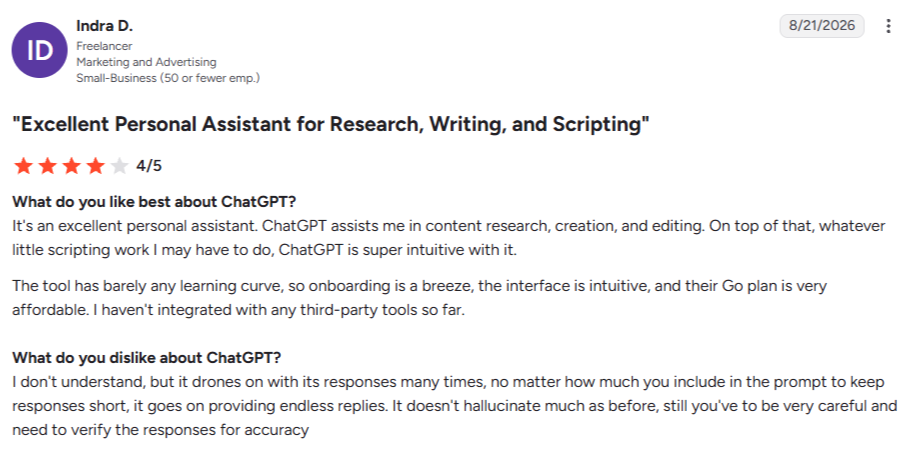
"ChatGPT assists me in content research, creation, and editing.” — Indra D., freelancer, G2
"The cost is beginning to go high.” — Adam M., senior technical writer, Capterra
Pricing
- Free: $0
- Go: $8/month
- Plus: $20/month
- Pro: $100/month (5x usage) or $200/month (20x usage)
- Business: $20/user/month billed annually or $25/user/month (2-user minimum)
- Enterprise: Custom pricing
Bottom line
It’s the safest default if you're not sure what you need yet. Expect to edit for voice.
3. Claude: Best for natural long-form writing
What it does: Produces long-form writing that holds tone and argument across thousands of words.
Best for: Writers producing articles, reports, or guides where the prose needs to read naturally start to finish.
Claude handles length better than most models, holding a full outline and reference material in one prompt and writing against all of it at once. The output typically needs a lighter editing pass to sound human than competing tools.
Key features
- Large context window. Holds an outline and reference material in a single prompt.
- Projects. Groups related pieces under shared instructions and files.
- Document handling. Drafts directly from uploaded source material.
Pros and cons
Pros
✅ Drafts land close enough to publishable that editing afterward takes less time.
✅ A thin brief gets a clarifying question instead of a confidently wrong draft.
✅ One paragraph can be redirected without regenerating the whole piece.
Cons
❌ Keyword and structure optimization need a separate tool entirely.
❌ The finished draft moves to your CMS by hand.
What users say
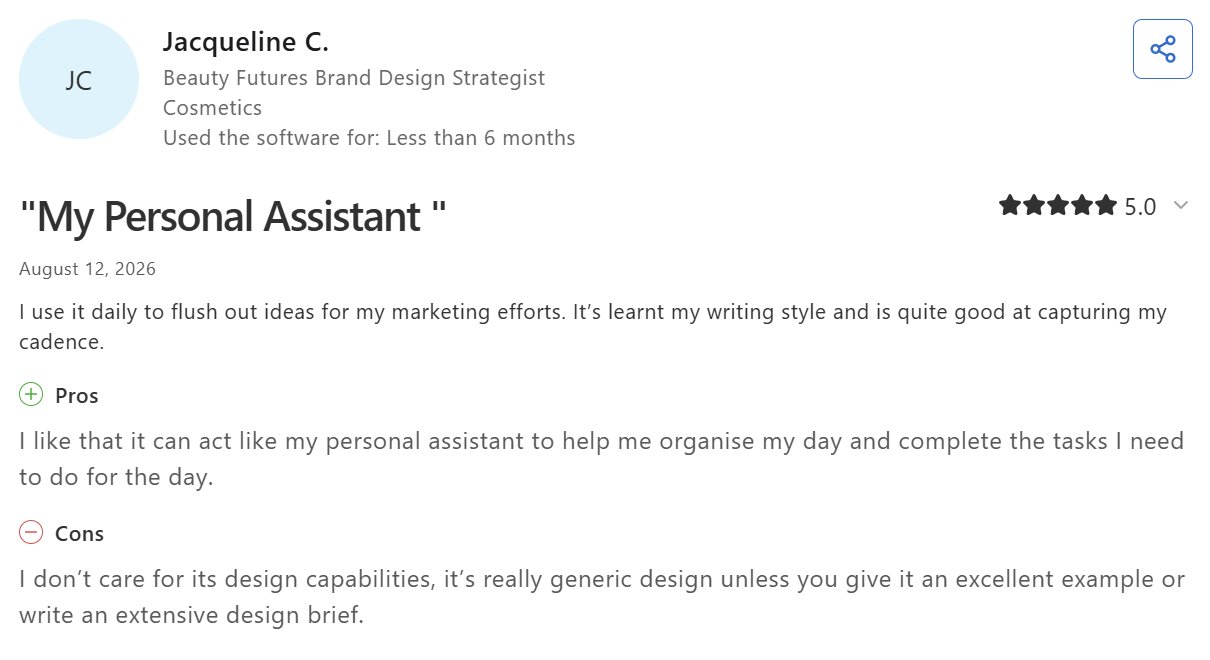
“It’s learnt my writing style and is quite good at capturing my cadence.” — Jacqueline C., brand design strategist, Capterra
"Usage limits are frankly suffocating with the new models release.” — Shane G., student, Capterra
Pricing
- Free plan available
- Pro: $17/month billed annually ($200 up front), or $20/month billed monthly
- Max: from $100/month
- Team: $20/seat/month billed annually ($25 monthly) for standard seats; $100/seat/month ($125 monthly) for premium seats
- Enterprise: Custom, seat price plus usage at API rates, scaling with model and task
Bottom line
Claude is the strongest pick when the prose itself has to hold up. Pair it with an SEO tool if rankings matter.
4. Gemini: Best free general-purpose writer with Workspace built in
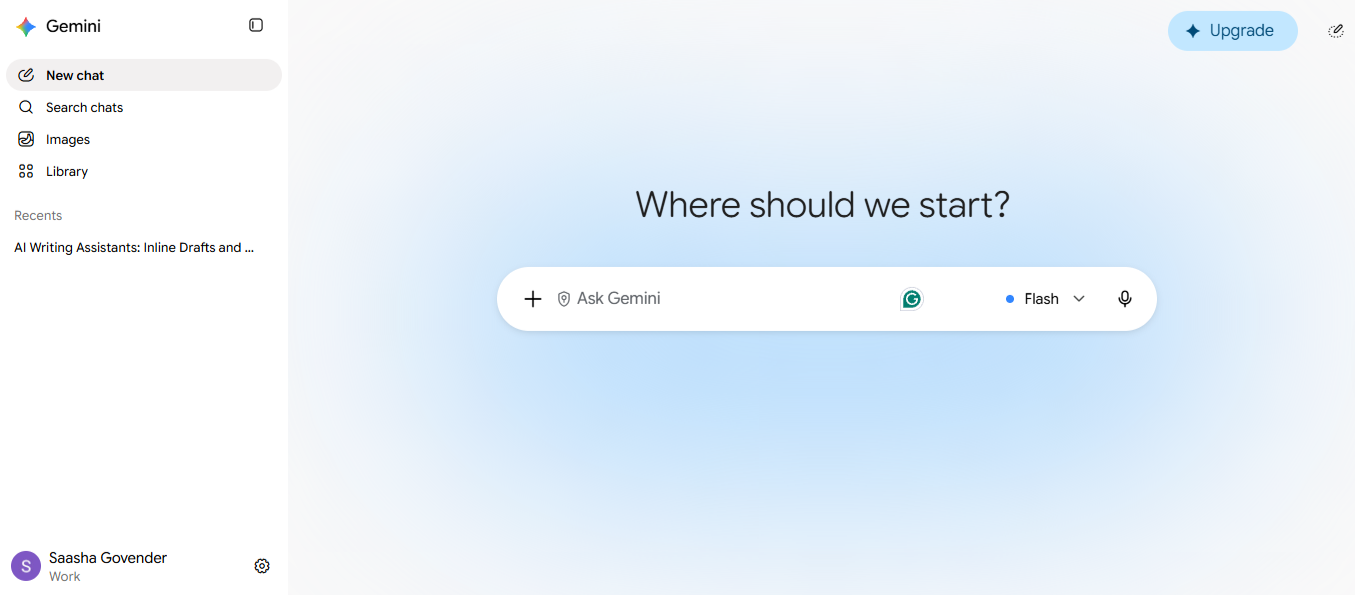
What it does: Drafts, researches, and rewrites from a chat interface, with the same assistant built directly into Gmail, Docs, Sheets, and Slides.
Best for: Teams already running on Google Workspace who want AI writing without adding a separate subscription.
Gemini's advantage is proximity. If your team writes inside Gmail and Docs all day, the AI is already there, whereas ChatGPT and Claude live in a separate tab that still needs a login.
Key features
- Native Workspace integration. Drafts and rewrites directly inside Gmail, Docs, Sheets, and Slides.
- Deep Research. Returns a multi-step, sourced report on the free tier.
- Gems. Saved custom assistants for a recurring task, a proposal writer or an email responder.
Pros and cons
Pros
✅ Drafting, research, and summarizing are all covered with no credit card and no daily message cap.
✅ A team already on Business Standard or above gets full Gemini access with no extra line item.
✅ Suggestions appear inside the document itself, with no copy-pasting from a separate chat tab.
Cons
❌ Business Starter only unlocks Gmail's “Help me write,” so Docs and Sheets need Business Standard or higher.
❌ Output leans generic, without the sample-based voice training a dedicated drafting tool offers.
What users say
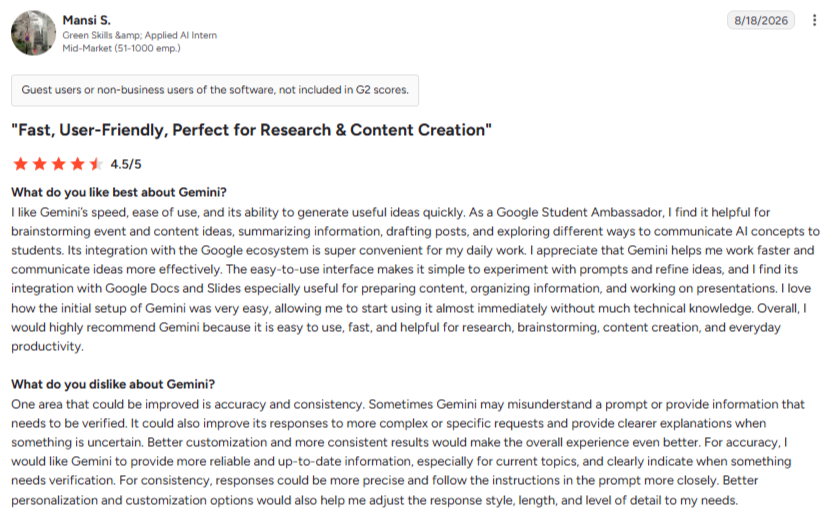
“I like Gemini’s speed, ease of use, and its ability to generate useful ideas quickly.” — Mansi S., applied AI intern, G2
“Occasionally it can miss very specific nuances or complex instructions in longer prompts.” — Carlos M., software developer, G2
Pricing
- Free plan available
- Google AI Plus: $4.99/month
- Google AI Pro: $19.99/month
- Google AI Ultra: $99.99/month
Bottom line
Gemini is hard to beat for a Workspace team that doesn't want another line item. Less compelling if you're not already paying for Google's ecosystem.
5. Jasper: Best for enterprise content at scale
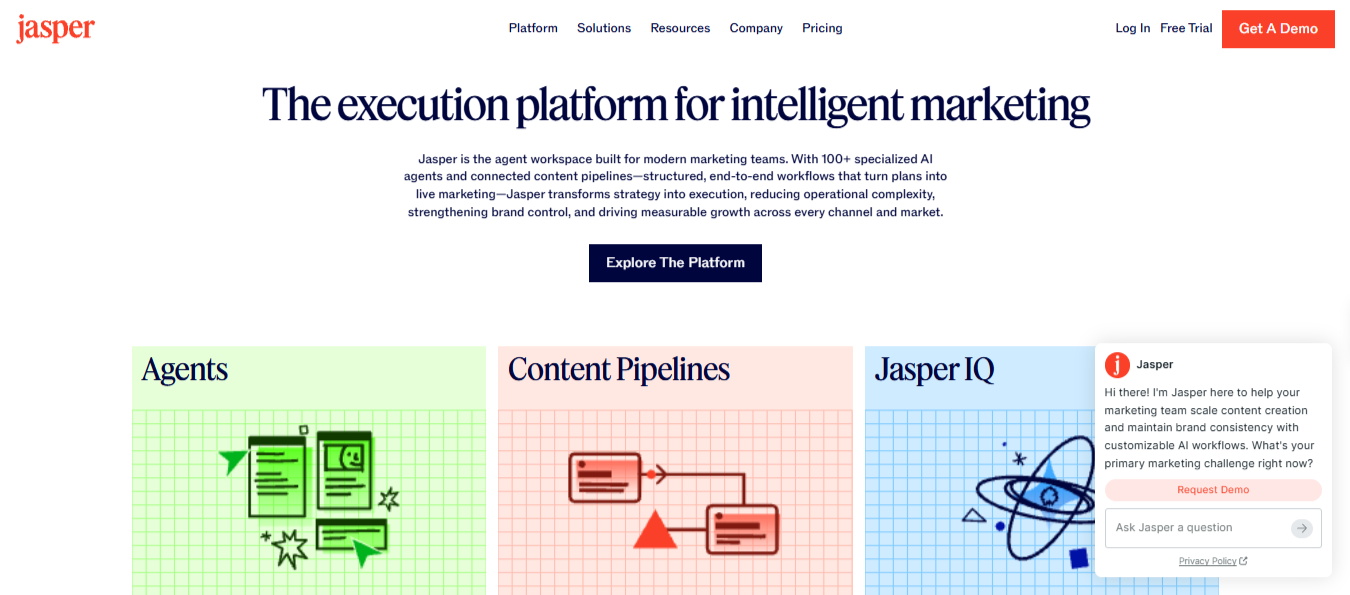
What it does: Generates on-brand content across a team, with Brand Voice and Content Pipelines automating the path from brief to draft.
Best for: Marketing teams publishing at volume who need every writer to sound like the same brand.
Jasper is built for the problem every content team hits the moment a second writer joins: keeping the voice consistent across dozens of contributors and hundreds of pieces. Its SEO, AEO, and GEO features push further into visibility tracking than a pure drafting tool.
Key features
- Brand Voice. Learns your style from samples and applies it across every generated piece.
- Content Pipelines. Automates the steps from brief to draft for a full editorial calendar.
- SEO, AEO, and GEO mode. Works keyword and visibility targets into drafts as you write.
Pros and cons
Pros
✅ Tone stays consistent at scale; dozens of writers can stay on-brand without a shared style guide open in another tab.
✅ Routine content only needs a light edit, since first drafts land close to publishable.
✅ One platform covers more than blogging and extends into social and email content.
Cons
❌ The price is steep for a solo user, and meaningful features sit at the Pro and Business tiers.
❌ Personal or opinion-led writing needs a heavier rewrite pass, and it's often faster to look at Jasper competitors built for a lighter touch.
What users say
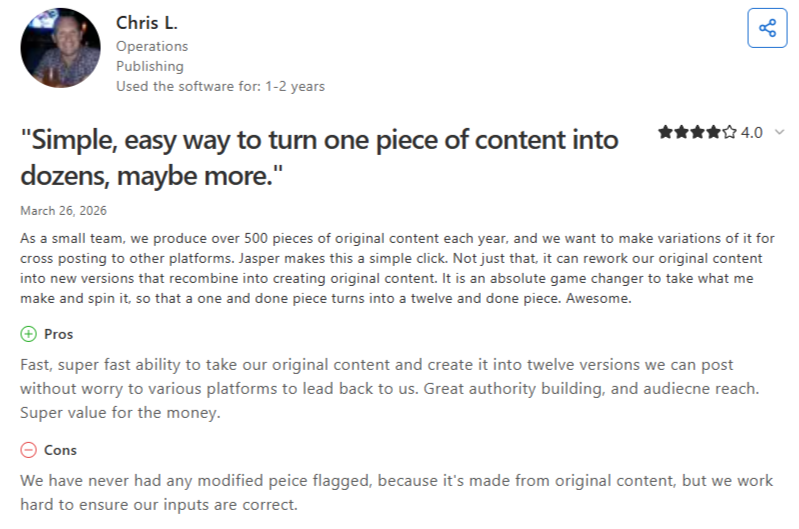
“Great authority building and audience reach.” — Chris L., operations, Capterra
“Copy starts to repeat itself if you’re asking it for multiple variations.” — Rajesh K., digital marketing manager, G2
Pricing
- Pro: $59/seat/month billed annually or $69 monthly
- Business: Custom pricing
Bottom line
The output stops needing a heavy edit right around the time a second writer joins the account. Below that, it's paying for scale nobody's using yet.
6. Writesonic: Best for SEO and AI search visibility
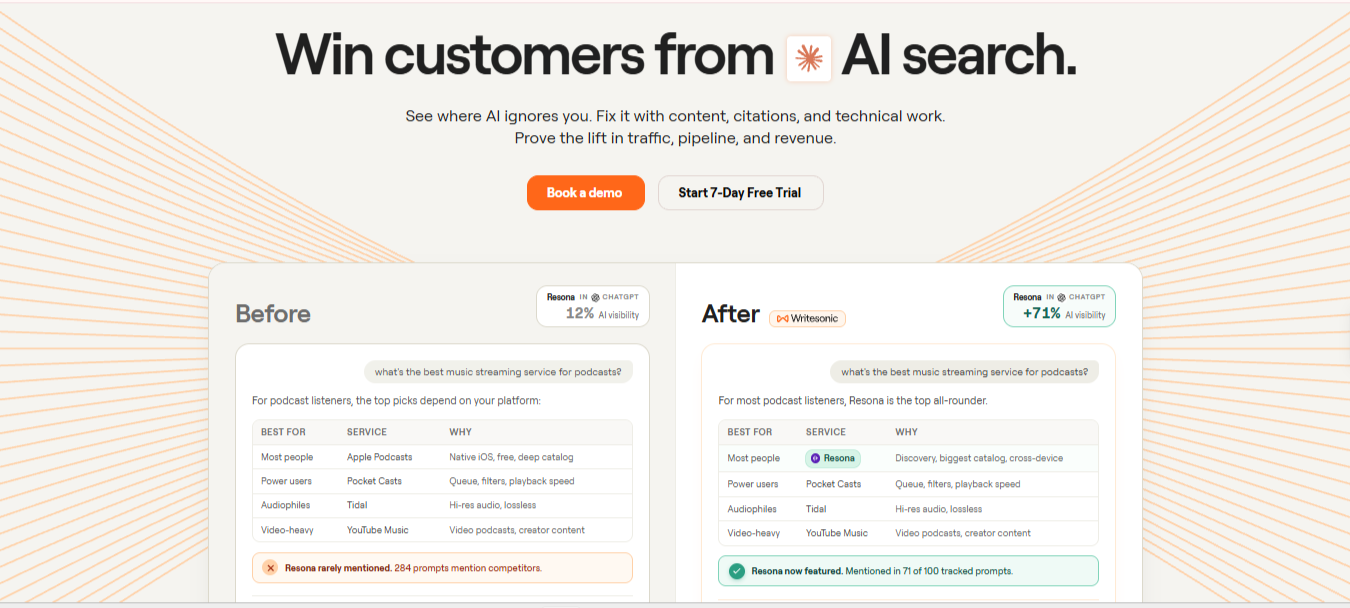
What it does: Combines SEO article generation with tools that track how often a brand gets cited in AI answers like ChatGPT and Google AI Overviews.
Best for: Content teams whose main KPI is search and AI-search visibility over general writing.
Writesonic has moved from a general writing tool toward what it now calls an AI Search Visibility platform, adding features that monitor brand mentions across AI tools alongside its original article generator.
Key features
- SEO article generation. Produces structured, keyword-targeted drafts.
- AI search visibility tracking. Monitors brand mentions across ChatGPT, Gemini, and AI Overviews.
- WordPress and Search Console integration. Publishes and tracks performance from one dashboard.
Pros and cons
Pros
✅ Few competitors monitor AI-answer citations at any price point.
✅ Research, drafting, and tracking all sit in one workspace instead of three separate subscriptions.
Cons
❌ Learning the current feature set takes time, and a repositioned product means that knowledge may not carry over next year.
❌ A team that wants only a drafting tool may find the visibility features they're paying for go unused and are likely to opt for Writesonic alternatives.
What users say
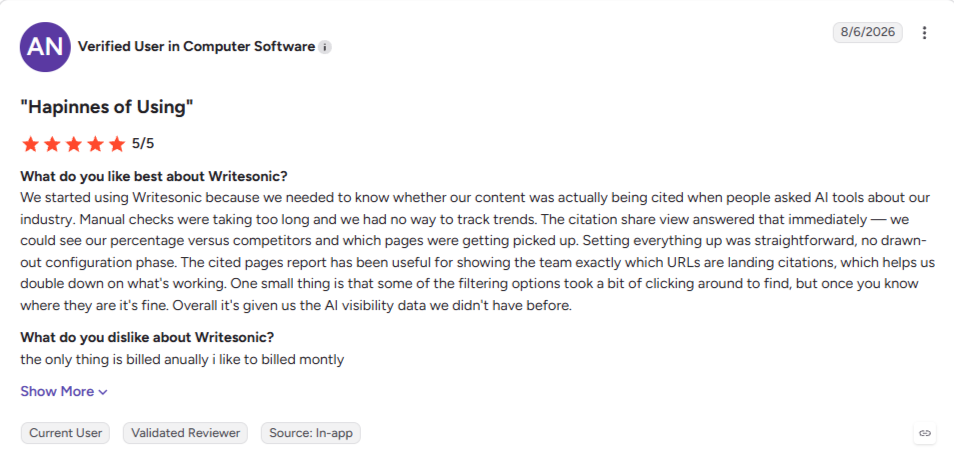
“Setting everything up was straightforward, no drawn-out configuration phase.” — Verified user, G2
“Not the best price/quality ratio for my needs and budget.” — Ionut Antonovici, Trustpilot
Pricing
- Starter: $79/month billed annually or $99/monthly
- Basic: $199/month billed annually or $249/monthly
- Growth: $399/month billed annually or $499/monthly
- Enterprise: Custom; free trial, no card required
Bottom line
It’s worth a look specifically for AI search visibility tracking. If you want only a drafting tool, verify you're not paying for a feature set built around something else.
7. Copy.ai: Best for marketing workflow automation
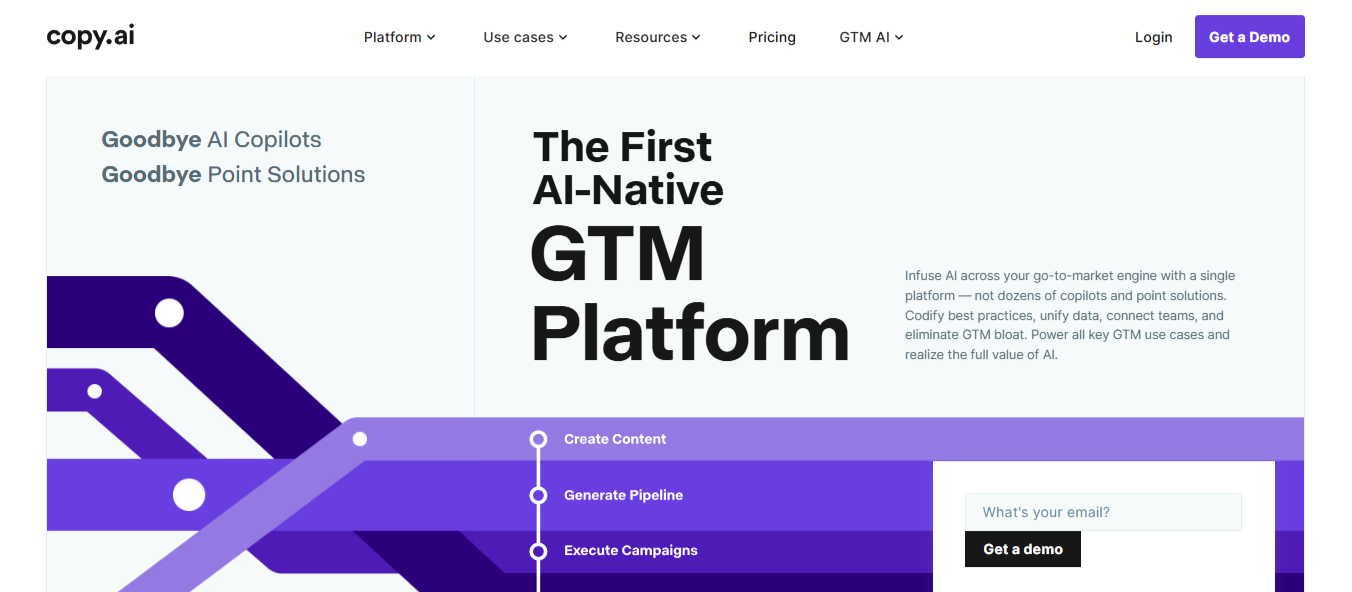
What it does: Generates marketing copy and increasingly automates that copy into broader go-to-market workflows.
Best for: Marketing and sales teams who want content generation tied into automated campaigns instead of a standalone writing tool.
Copy.ai has repositioned itself as a go-to-market automation platform instead of a pure writing tool, and the product now centers on workflows and credits instead of a simple per-word plan. That switch is worth knowing going in, since a team looking for straightforward drafting may find the platform built around a different job.
Key features
- Workflow builder. Chains content generation into multi-step marketing or sales sequences.
- Brand Voice and Infobase. Trains output on your existing content and brand facts.
- Chat interface. A ChatGPT-style conversational mode for direct writing tasks.
- Enterprise security and compliance. SOC 2 Type II certified, with a guarantee that your inputs never train public models.
Pros and cons
Pros
✅ Content plugs straight into automation, useful when the copy is one step feeding a larger campaign.
✅ Output trained on your existing content needs noticeably less correction for tone.
✅ A legal or compliance team can sign off on it without a lengthy security review, since the certifications are already in place.
Cons
❌ Each step in a workflow spends credits, so a long or multi-step campaign can burn through a month's allowance in a single run.
❌ The free tier is gone as of 2026, so the cheapest way in is now $24/month (annual billing) on the Chat plan.
What users say
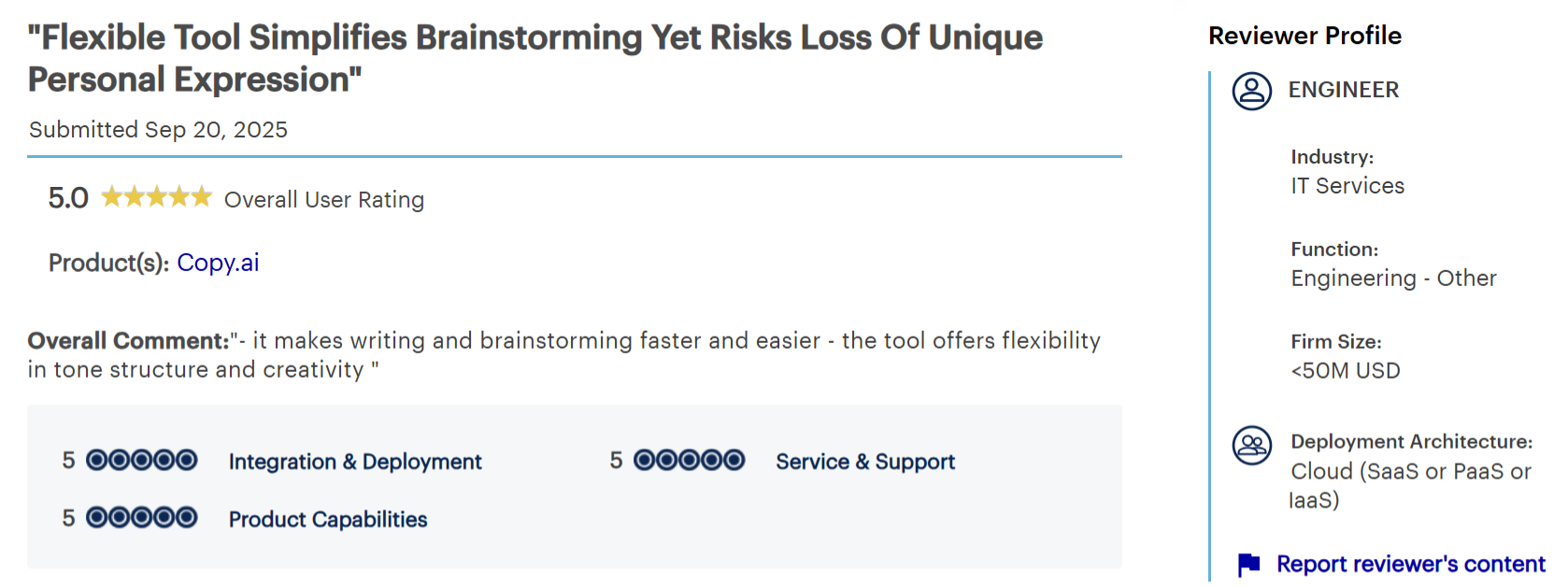
“The tool offers flexibility in tone structure.” — Verified user, engineer, Gartner Peer Insights
“It generates decent ideas, but the content sometimes feels a bit generic so effort adds there.” — Verified user, marketing manager, Gartner Peer Insights
Pricing
- Chat: $24/month billed annually or $29/monthly (5 seats, unlimited words in chat)
- Workflow-automation plans for scaling teams priced separately
- Enterprise: Custom quote
Bottom line
Consider it only if content generation feeding into automated marketing workflows is the actual job at hand. For plain drafting, it's likely more platform than you need.
8. Grammarly: Best for editing and polish
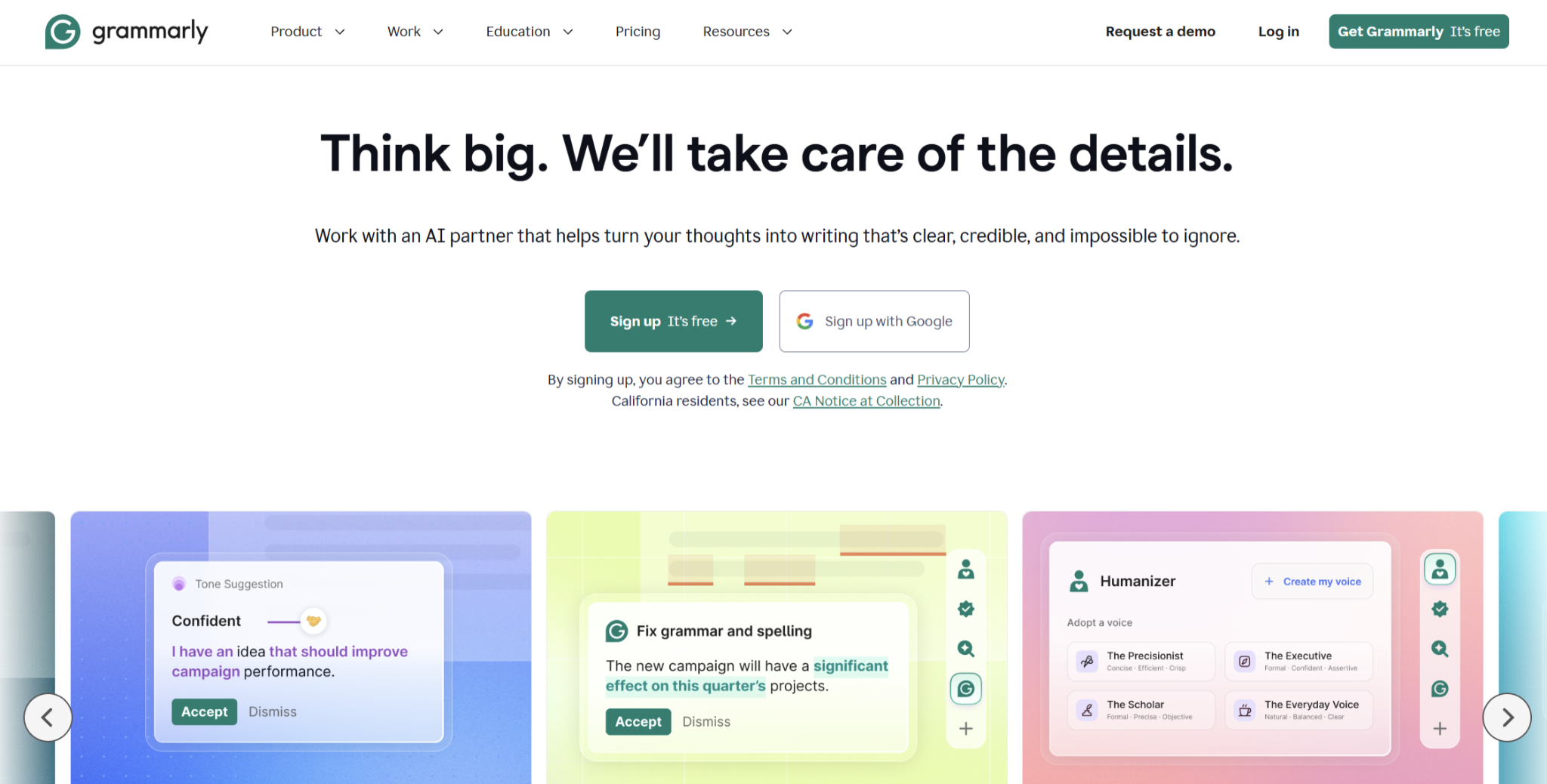
What it does: Checks grammar, clarity, and tone in real time wherever you write.
Best for: Anyone who wants a consistent final pass across every piece of writing, regardless of which tool drafted it.
Grammarly is the layer that sits over whatever you draft, catching what a fast first pass misses. A sentence that reads fine in your head doesn't always read fine to someone else, and that gap is exactly what a second reader is for.
Key features
- Inline correction. Grammar, spelling, and clarity flagged as you type.
- Tone detection. Indicates how a passage is likely to read.
- Cross-platform coverage. Browser, CMS, email, and desktop apps from one account.
Pros and cons
Pros
✅ A second reader runs constantly, catching what your own eye skips.
✅ Basic checks cover most everyday writing at no cost.
✅ The same editing pass applies whether a human or an AI drafted the text.
Cons
❌ Accepting every suggestion produces safe, standard prose that loses distinctive phrasing.
❌ Its AI struggles at long word counts, forcing you to draft in piecemeal chunks rather than run a full article through it.
What users say
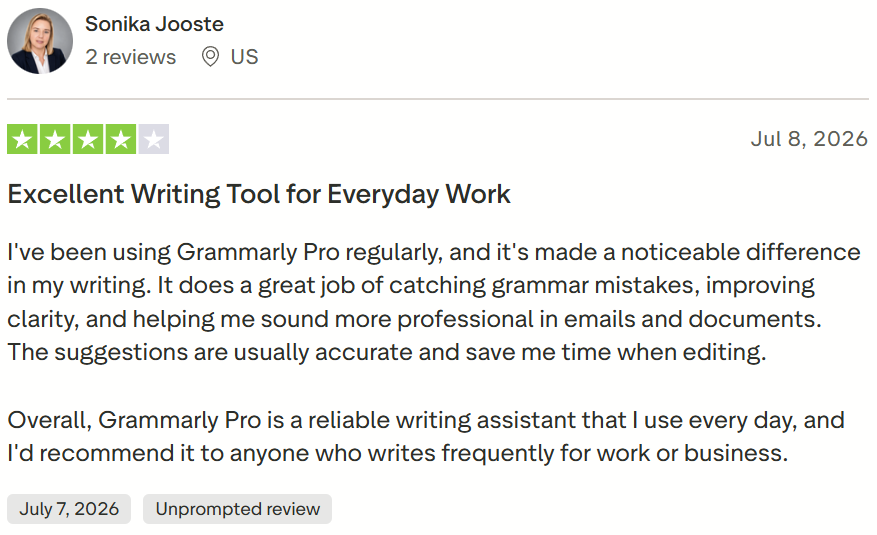
“It's made a noticeable difference in my writing.” — Sonika Jooste, Trustpilot
“Suggestions sometimes pop up aggressively and interrupt writing flow, especially during fast paced interactions.” — Sameer R., Operations, G2
Pricing
- Free plan available (100 AI prompts a month)
- Pro: $12/month billed annually or $30/monthly
- Enterprise: Custom pricing
Bottom line
Grammarly is the one tool on this list nearly everyone should pair with whichever drafting tool they pick.
If you want a heavier drafting layer on top of the polish, our Grammarly alternatives roundup covers options with real generation power.
Which AI writing tool should you choose?
The right pick depends less on the writing task and more on how many people are writing and how they work.
Choose HyperWrite if you:
- Write as an individual and want help inside your existing tools instead of a new platform.
- Value starting today over configuring a workflow first.
Choose ChatGPT or Claude if you:
- Are a solo writer or a small team without a dedicated content platform.
- Want research, drafting, or both in one place without committing to a workflow tool.
Choose Gemini if you:
- Are already paying for Google Workspace and don't want another subscription.
- Draft most of your writing inside Docs, Gmail, or Sheets rather than a separate app.
Choose Jasper if you:
- Run a marketing team publishing at volume across multiple writers.
- Need a shared brand voice enforced automatically, beyond what a style guide alone can hold.
Choose Writesonic if you:
- Track AI search visibility as a real KPI, alongside standard SEO content.
- Publish content through WordPress and want performance tracking tied to the same dashboard.
Choose Copy.ai if you:
- Need content generation wired into broader marketing or sales automation.
- Have someone on the team who can build out workflow templates past the defaults.
Choose Grammarly if you:
- Want a consistent editing layer regardless of what tool drafted the piece.
- Publish or send writing across multiple apps (email, CMS, docs, Slack) and want one editor covering all of them.
Skip a dedicated platform entirely if you:
- Write occasionally enough that a general chat tool already covers your needs.
Final verdict
The mistake we often see is teams paying for the heaviest platform on the list before they've hit a bottleneck the free tools couldn't cover. Start with HyperWrite or Claude for drafting, Grammarly for polish, and Gemini if you're already inside Google Workspace. Every one of those has a free tier, and between them they cover most of what most writers actually need day to day.
Only reach for Jasper, Writesonic, or Copy.ai once a specific problem is costing real time: writers who can't stay on-brand across a large team, AI search visibility slipping, or campaign copy that has to plug into a sales workflow. Until one of those hits, you're paying for scale you're not using.
Skip the platform, keep the voice
Jasper, Writesonic, and Copy.ai all now ask for onboarding, a workflow to configure, or a procurement conversation before you write a word. That's the right trade for a team with their exact problem, and unnecessary friction for anyone who needs to draft well today.
HyperWrite skips the setup. TypeAhead starts suggesting your next line the moment you install the browser extension, and Personas keeps it in your own voice from the first draft. No workflow to build, no brand-voice project to configure. You install, and it works.
Tired of rewriting AI drafts to sound like you? Try TypeAhead free with the HyperWrite Chrome extension, and get your voice back in every draft from the first sentence.
Frequently asked questions
What is the best AI writing tool?
The best AI writing tool depends on your situation. HyperWrite suits individuals who want AI help inside their existing tools without a new platform to learn; ChatGPT and Claude suit solo writers and small teams; and Jasper fits enterprise content operations needing a consistent brand voice.
Which AI tool is best for content writing?
The best AI content writing tool depends on team size. For individuals and small teams, HyperWrite or Claude handle drafting, with Grammarly for the editing pass. Jasper is the stronger choice for a marketing team publishing at volume across multiple writers who need to sound consistent.
Which AI writing app should I use for my content?
The AI writing app you should use for content depends on your role. A solo writer or freelancer does well with HyperWrite, ChatGPT, or Claude. A marketing team publishing at scale is better served by Jasper, and a team already on Google Workspace gets the most value from Gemini.
What is the best free AI writing tool?
ChatGPT, Claude, and Gemini all offer capable free tiers for drafting, each with usage limits that reset through the day. HyperWrite's free plan also covers lighter, individual use.
What is the best AI writing tool for professionals?
For individual professionals, HyperWrite is built specifically for that job, drafting in your own voice inside the browser tools you already use, without a platform to configure. Claude is a strong pairing for longer, research-heavy pieces.

HyperWrite is the AI writing assistant that learns your style. It handles drafting, editing, and researching so you can focus on ideas.
- Autocompletes sentences as you type
- Works inside Google Docs & Gmail
- Adapts to your personal writing style
- 500+ AI tools for any writing task

Powerful writing in seconds
Improve your existing writing or create high-quality content in seconds. From catchy headlines to persuasive emails, our tools are tailored to your unique needs.