
7 Best AI Writing Tools for Education in 2026


A teacher with 180 reports to write and three weekends to do it needs the mechanical parts of that work handled faster. The question is which tools take actual work off that pile without handing over the professional judgment that makes the feedback worth reading.
Teachers who use AI weekly save an average of 5.9 hours, according to Gallup and the Walton Family Foundation, which adds up to roughly six weeks across a school year.
The best AI writing tools for education earn that time back on the writing itself, from lesson materials to parent emails, and the seven below are matched to the job each does best.
7 best AI writing tools for education: TL;DR
- HyperWrite: Best for keeping your voice across reports and parent emails.
- Grammarly for Education: Best for institution-wide writing support.
- MagicSchool: Best for the broadest all-in-one teacher toolkit.
- ChatGPT: Best all-rounder for lesson materials and admin writing.
- Brisk Teaching: Best for giving written feedback inside Google Docs.
- Diffit: Best for adapting the same material to different reading levels.
- NotebookLM: Best for turning your own curriculum documents into a draft.
How these AI writing tools were reviewed
This list narrows to writing tools specifically. Quiz builders, engagement platforms, and pure integrity checkers do useful work, but they answer a different question than "what helps with the writing," so they're left out.
Each tool was assessed on five criteria specific to a school setting.
- The writing job it does. Drafting, feedback, differentiation, and revision are separate tasks with different winners.
- Student data and privacy. Whether a tool is built for institutional use, and what it does with uploaded work.
- Teacher control. Whether the tool keeps professional judgment with the educator or replaces it with a generated score.
- Setup and rollout. What a single teacher can start today versus what needs district approval.
- Price and free tiers. What educators get without a budget line, and what the paid tier adds.
7 best AI writing tools for education: Quick comparison
Pricing based on annual plans; verified as of September 2026.
1. HyperWrite: Best for writing in your own voice

What it does: Speeds up your writing across the browser and your documents, with Personas keeping every draft in your own voice.
Best for: Educators writing reports, references, and parent communication that has to sound like them.
A parent can tell the difference between a note you wrote and one a template produced, even when both say the same thing. HyperWrite is built to keep your writing sounding like you across the platform.
Key features
- TypeAhead. Real-time sentence completion in any browser tab, with context from your open tabs.
- AI Writing Assistant. A chat interface for drafting and research.
- AutoWrite. Generates a full first draft from a short prompt.
- AI Document Editor. A dedicated workspace for drafting and editing longer pieces in one place.
- AI Tools Library. Prebuilt tools for email replies, rewrites, and summaries.
Pros and cons
Pros:
✅ A whole batch of reports still sounds like you, through a Persona you set up once.
✅ Suggestions show up inside the reporting portal or inbox you're already using.
✅ Chat, drafting, and editing live in one account instead of three separate tabs.
Cons:
❌ There's no rubric library, LMS integration, or student-facing controls.
❌ It's scoped to one educator's voice, without the admin controls a district-wide rollout would need.
What users say

“Its ability to search millions of articles, books, and databases far exceeds Google.” — Billy Elias, Chrome Web Store
“It's helped me tremendously with my schoolwork, assignments, discussion posts, and more.” — Dominique York, Chrome Web Store
Pricing
- Free plan available
- Premium: $19.99 monthly, or $16/month billed annually
- Ultra: $44.99 monthly, or $29/month billed annually
Bottom line
HyperWrite is the right fit for one educator writing a lot of personal correspondence. A whole institution needs Grammarly's rollout instead.
2. Grammarly for Education: Best for institution-wide writing support

What it does: Provides real-time grammar, clarity, and tone feedback to students and staff across an institution, with admin controls and licensing.
Best for: Schools and districts rolling out consistent writing support at scale.
Most licenses in this category are sold to individuals, one teacher, one account. Grammarly for Education flips that, pricing and managing access at the school or district level so coverage doesn't depend on who remembered to sign up.
Key features
- Real-time writing feedback. Grammar, clarity, and tone flagged as students write.
- Institutional licensing. Centrally managed accounts across a school or district.
- Cross-platform coverage. Works in browsers, Google Docs, and desktop apps.
- AI detection. Flags text that reads as AI-generated in student submissions.
Pros and cons
Pros:
✅ A student's surface errors get caught before submission, so your own marking time goes to ideas and argument instead.
✅ Access doesn't depend on which families can afford a subscription at home.
✅ Corrections come with an explanation, so the same mistake shows up less over time.
Cons:
❌ Accepting every suggestion flattens a student's voice into safe, uniform prose.
❌ There's no published per-seat price to budget against before you request a quote.
What users say
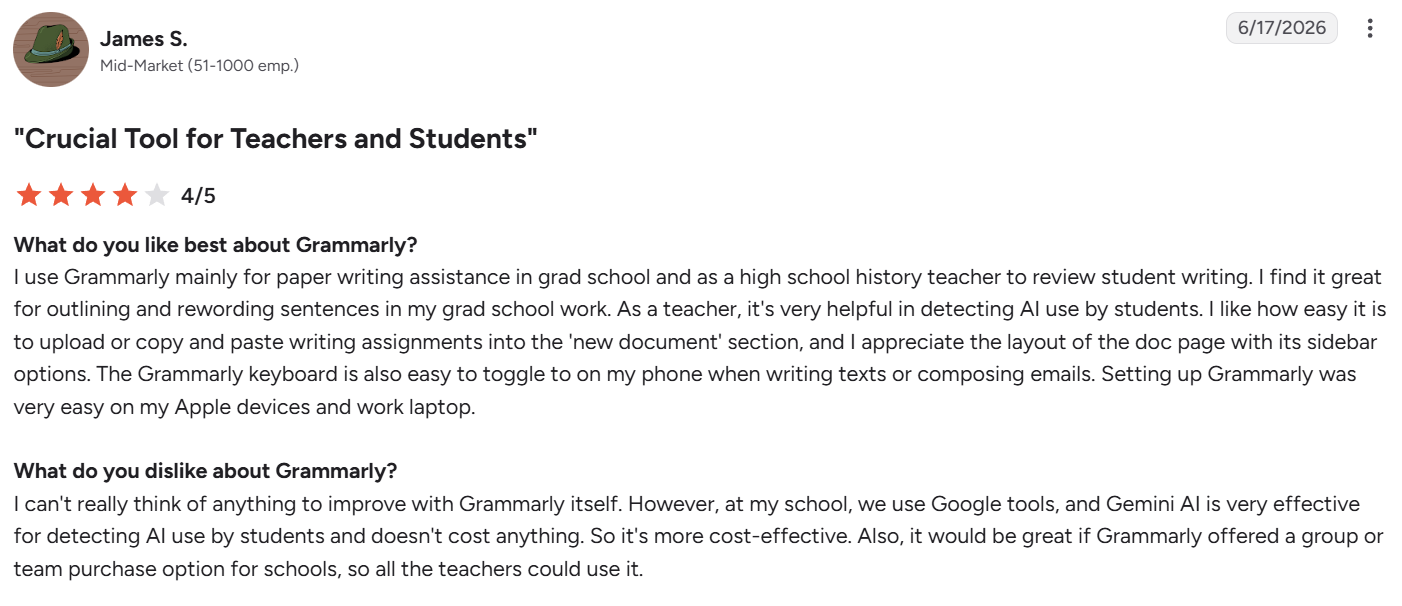
“I find it great for outlining and rewording sentences in my grad school work.” — James S., G2
“Often, the button is over the top of what you are writing.” — Jennifer P., Trustpilot
Pricing
Grammarly for Education does not publish standard institutional pricing. Costs depend on your school's size, student enrollment, and the specific deployment features required.
Bottom line
It’s worth the procurement process once a district decides consistent writing support matters more than leaving it to individual teachers.
3. MagicSchool: Best for the broadest all-in-one teacher toolkit
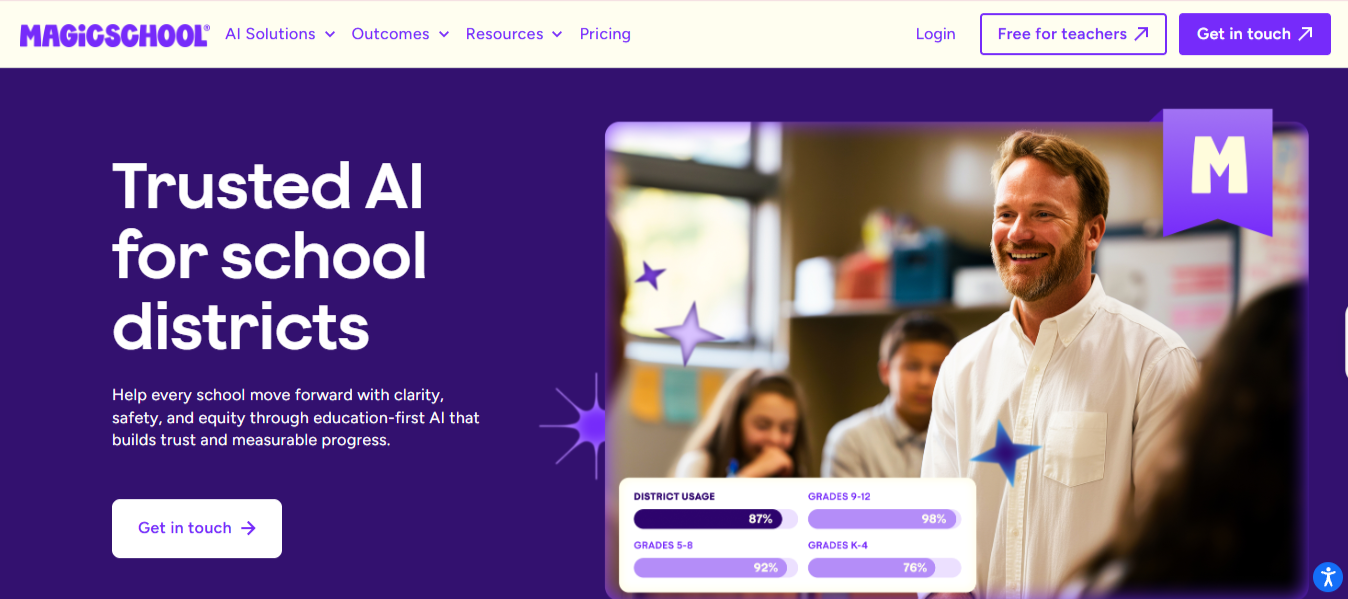
What it does: An all-in-one education platform bundling 80+ AI tools for lesson plans, rubrics, IEP drafts, assessments, and family messages, plus supervised student-facing tools.
Best for: Teachers or districts who want one platform covering the full range of teacher writing instead of stitching several tools together.
Most single-purpose tools solve one part of a teacher's writing load and leave the rest scattered across other apps. MagicSchool's catalog is built wide on purpose, one login covering lesson prep, IEP drafts, and parent messages that would otherwise mean three separate subscriptions.
Key features
- 80+ purpose-built tools. Lesson plans, rubrics, IEPs, and family communication, each tuned to education workflows.
- Raina. A teacher-tuned chatbot for quick drafting questions.
- Supervised Student Rooms. Student-facing AI with teacher-set guardrails and visibility.
- District dashboards. Enterprise-tier usage tracking and access management.
Pros and cons
Pros:
- ✅ One subscription replaces the lesson-planning, IEP-drafting, and family-messaging tools a teacher would otherwise juggle separately.
- ✅ The free tier covers everyday classroom use without a credit card.
- ✅ FERPA-compliant design keeps student data inside the platform's own guardrails instead of a general chatbot with none built in.
Cons:
- ❌ A wide catalog is the whole pitch, so a teacher who needs just one job, differentiation, say, pays for a lot of unused surface area.
- ❌ Supervised Student Rooms still put AI directly in front of students, which some districts will want to review closely before turning on.
What users say
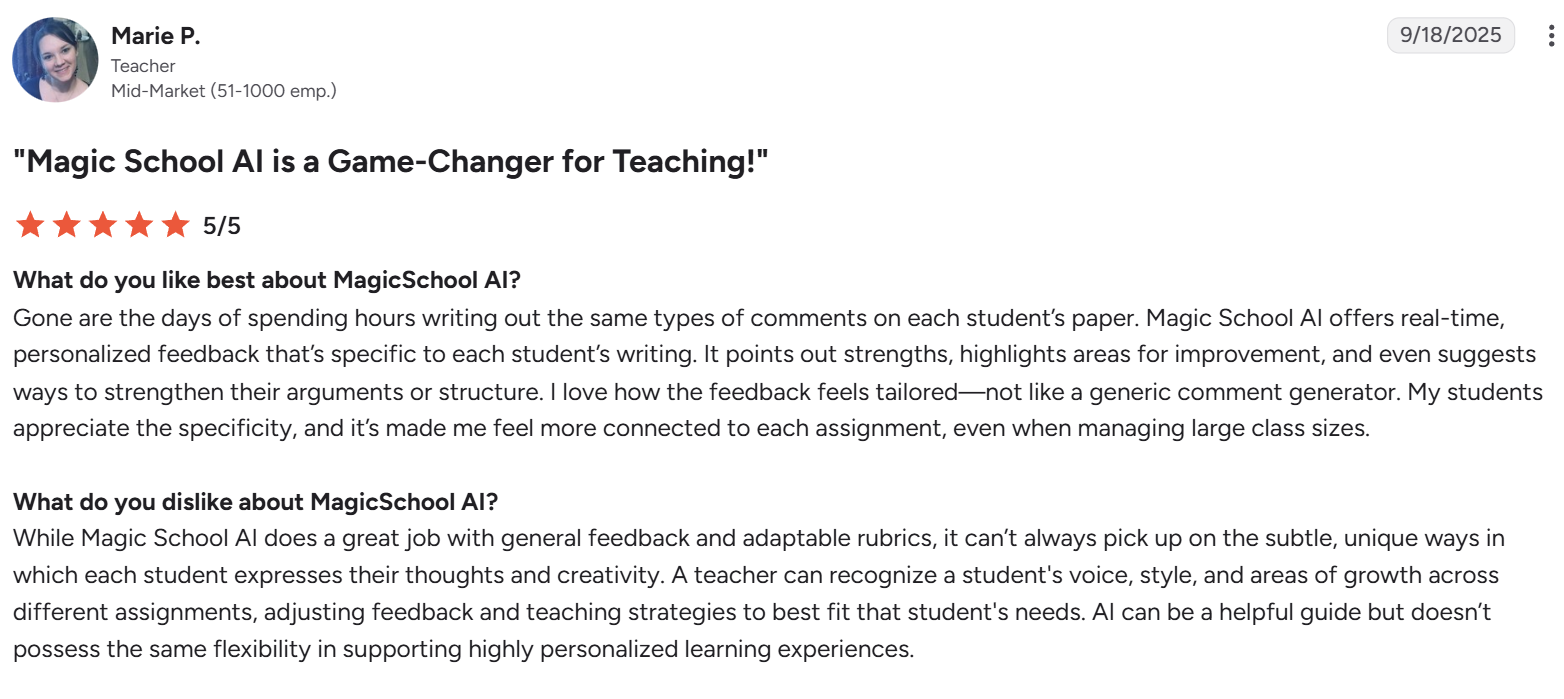
“Magic School AI offers real-time, personalized feedback that’s specific to each student’s writing.” — Marie P., teacher, G2
“Occasionally it doesn't go as in depth on the skills you are looking to assess.” — Rachel A., 4th grade teacher, G2
Pricing
- Free plan available for individual teachers exploring AI with 80+ tools and no card required.
- Plus: $12.99/user monthly, or $8.33/user/month billed annually
- Enterprise: Custom-priced for schools and districts
Bottom line
Start here if the goal is one login instead of five separate subscriptions to manage and pay for. Go narrower the moment a single job, grading, differentiation, whatever it is, becomes the actual daily bottleneck.
4. ChatGPT: Best all-rounder for lesson materials
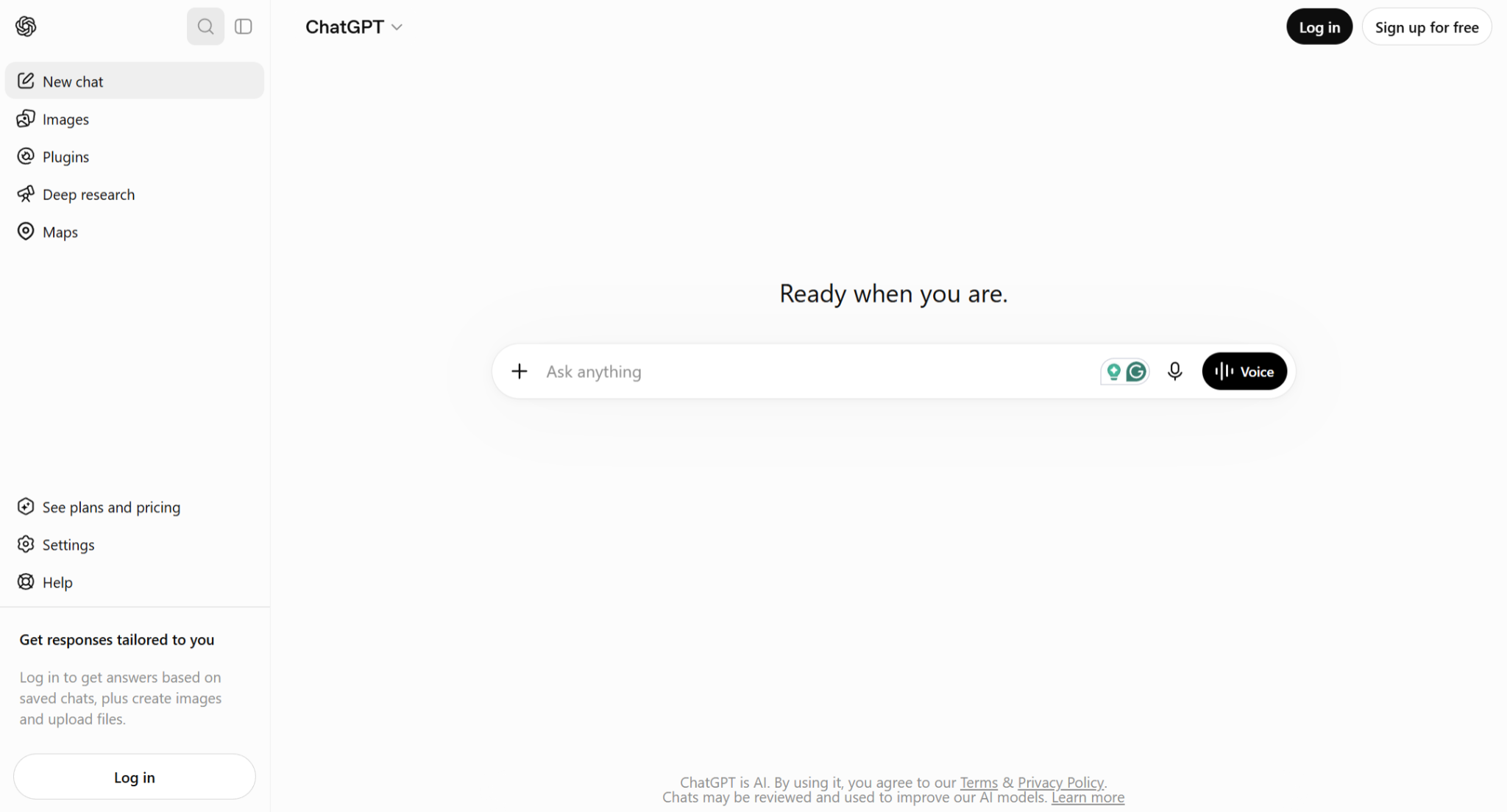
What it does: Drafts, rewrites, and researches from a chat interface, covering everything from parent emails to reading comprehension questions.
Best for: Teachers who want one flexible tool for the widest range of writing tasks.
Most of a teacher's writing falls into this category: too specific for pre-made materials, too small to justify a dedicated tool, and gone the moment the school day ends. ChatGPT's free tier absorbs that entire category at no cost, often the only option a teacher has without a budget line.
Key features
- Flexible drafting. Handles any writing task from a plain-language prompt.
- Custom GPTs. Saved setups that hold your subject, grade level, and tone.
- File analysis. Works from an uploaded text, rubric, or student sample.
- Deep Research. Returns a sourced report for lesson preparation.
Pros and cons
Pros:
✅ A rubric, a worksheet, and a parent email all come from the same chat window.
✅ Most everyday tasks fit inside the free tier without ever hitting a paywall.
✅ A teacher can start using it this afternoon, with no approval process first.
Cons:
❌ Output reads generic until you edit it for your class and your own voice.
❌ Consumer accounts aren't built for student data, so identifiable information should stay out of them.
What users say
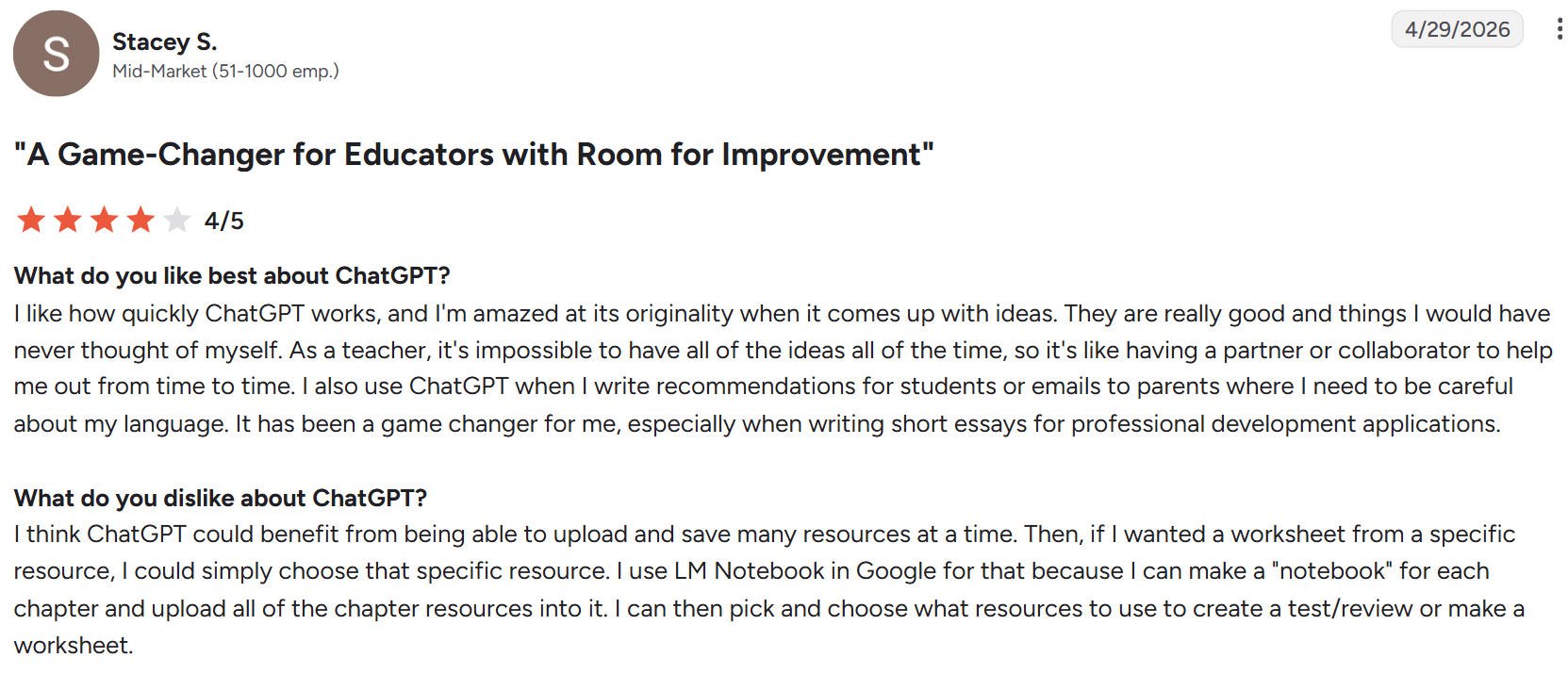
“It's like having a partner or collaborator to help me out from time to time.” — Stacey S., G2
“It can occasionally provide information that sounds confident but is incomplete or inaccurate.” — Brad A., firm administrator, Capterra
Pricing
- Free tier available
- Go: $8/month
- Plus: $20/month (no annual discount)
- Pro: $100/month (5x usage) or $200/month (20x usage)
- Business: $20/user billed annually or $25/user monthly (2-user minimum)
Bottom line
ChatGPT is the strongest free all-rounder for a teacher's own writing. Just keep anything carrying student names out of it.
5. Brisk Teaching: Best for feedback inside Google Docs
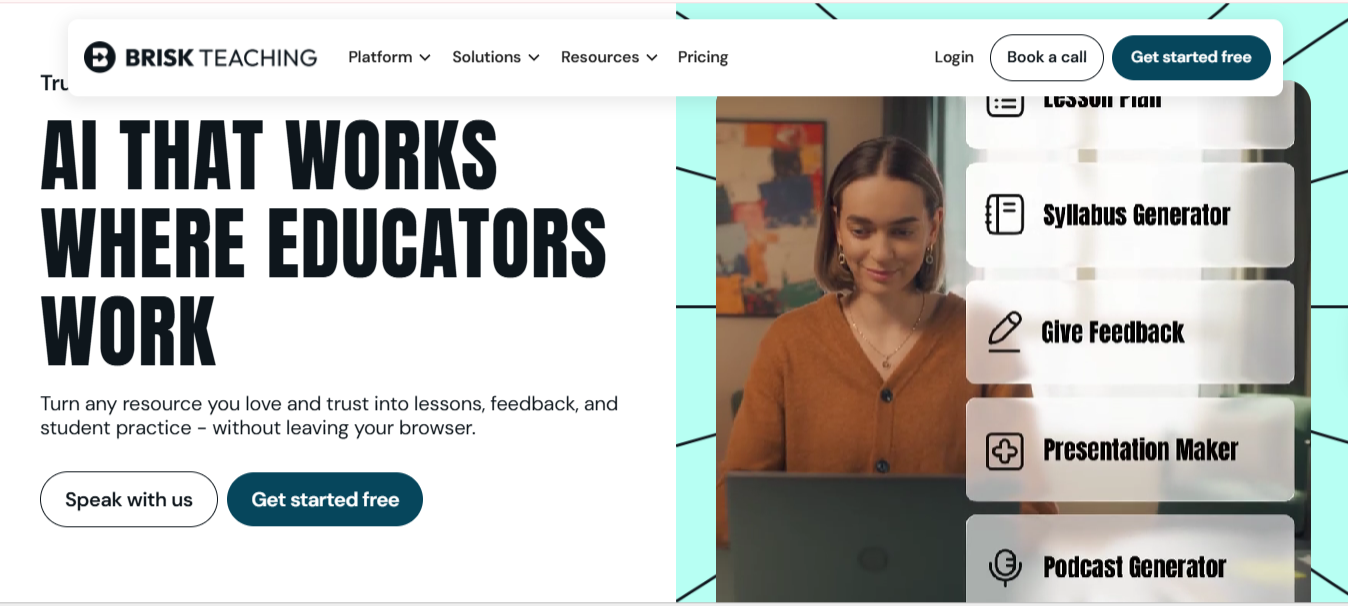
What it does: Runs as a Chrome extension that gives feedback, checks writing progress, and drafts materials directly inside Google Docs and other web tools.
Best for: Teachers already working in Google Workspace who mark student writing digitally.
A detection score tells you what a finished essay looks like. Brisk's writing history view shows how it was built, sentence by sentence over however many sessions.
Key features
- Inline feedback. Comments and suggestions added directly to student documents.
- Writing process view. Replays how a document was written over time.
- Resource generation. Creates rubrics, quizzes, and leveled texts from existing material.
- Chrome-based workflow. Runs inside the tools teachers already have open.
Pros and cons
Pros:
✅ Student work never has to leave the document to get marked.
✅ The writing history gives you a concrete record to walk through with a student when something looks off.
✅ The free educator tier is generous enough for a full teaching load.
Cons:
❌ Schools outside Google Workspace get little value from it.
❌ Its scope stays narrow to marking workflows, without the broader drafting a general tool handles.
What users say

“Brisk offers a variety of educational resources and interactive elements.” — Lyndsey Gresehover, Chrome Web Store
“Integrates perfectly with all the programs/websites/resources you already use as a teacher.” — Kelly Storey, Chrome Web Store
Pricing
- Free plan available
- Premium and Intelligence plans: Custom pricing
Bottom line
It’s the practical choice for a teacher already marking inside Google Docs. Look elsewhere if your school runs on something else.
6. Diffit: Best for adapting text to different reading levels
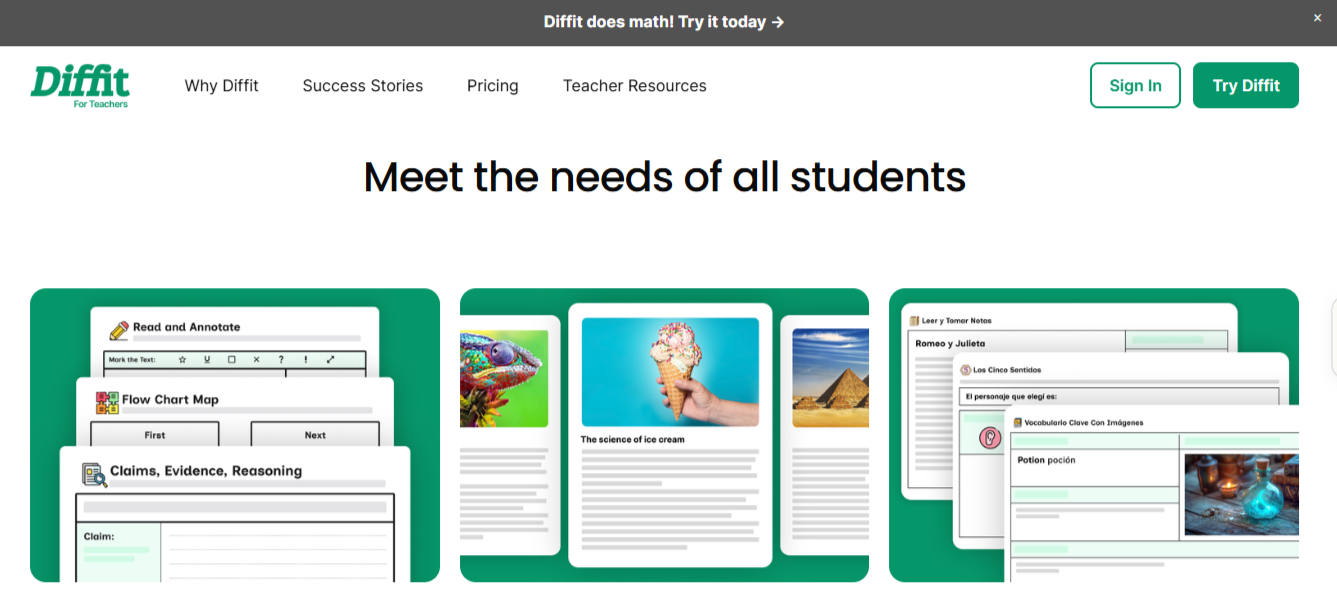
What it does: Converts any topic, article, or pasted text into reading-level-adjusted versions from roughly second grade through high school, with comprehension questions and vocabulary support attached.
Best for: Teachers differentiating the same lesson material across a class with a wide reading-level spread.
A student two grade levels behind and one two levels ahead often get handed the same worksheet, since writing a second version rarely makes it onto the list of things there's time for. Diffit closes that specific compromise.
Key features
- Reading-level adaptation. Generates the same content at multiple grade-level versions from one input.
- Bilingual output. Produces a native-language version alongside the English one for multilingual learners.
- Standards tagging. Tags generated activities to CCSS, NGSS, or a state standard, on paid tiers.
- Text Sets. Groups related readings across a unit with connected vocabulary and comprehension questions.
Pros and cons
Pros:
✅ One lesson topic becomes three or four reading-level versions without rewriting each one by hand.
✅ A multilingual learner gets a native-language version to reference alongside the English text.
✅ The free plan covers the core differentiation workflow in full.
Cons:
❌ Export to Google Classroom, Docs, or Slides sits behind the paid tier, so free users are downloading and uploading PDFs manually.
❌ The adaptation is all-or-nothing per reading level, so a specific vocabulary word you wanted kept still gets simplified along with everything else.
What users say
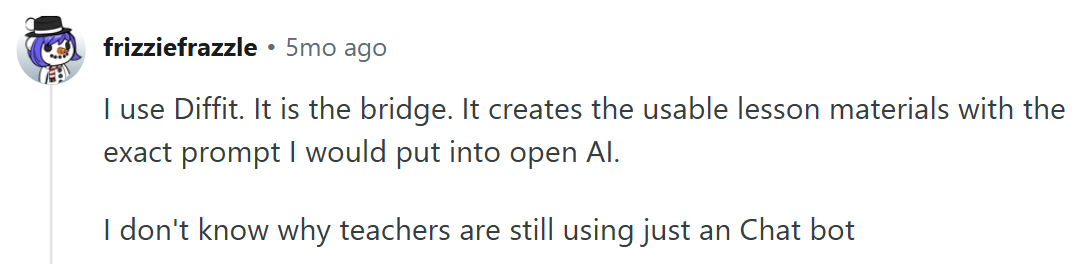
“It creates the usable lesson materials with the exact prompt I would put into [OpenAI].” — u/frizziefrazzle, Reddit
“Diffit helps with readings and has some diagrams to choose from.” — u/Minute-Cellist-740, Reddit
Pricing
- Free Basic plan
- Individual Teacher Monthly Premium Access: $14.99/month
- Individual Teacher Annual Premium Access: $149.99 a year
- Schools is a custom, quote-based annual rate tiered by student enrollment
Bottom line
The all-or-nothing leveling won't satisfy a teacher who wants to hand-pick which words get simplified. For most lessons, a ready-made second reading level is enough.
7. NotebookLM: Best for turning your own curriculum docs into a draft
What it does: A research tool, renamed Gemini Notebook in July 2026 but still commonly called NotebookLM, that only answers from documents, PDFs, or links you've explicitly uploaded, instead of a broader model's training data.
Best for: Building a lesson or unit summary from curriculum documents, prior-year materials, or a stack of readings you already have.
A department's shared curriculum folder is exactly the kind of scattered material NotebookLM (now Gemini Notebook) fits. Upload the standards document, last year's unit plan, and a few readings, and pull one synthesized answer instead of rereading each file separately before you draft anything new.
Key features
- Source-linked chat. Answers only from uploaded documents, with citations pointing to the exact passage.
- Audio and Video Overviews. Turns a stack of sources into a podcast-style or slide-style summary, useful for a prep-period listen.
- Large context window. Holds roughly a million tokens, enough for a full unit's worth of documents in one notebook.
Pros and cons
Pros:
✅ A unit summary traces back to the actual standards document and readings instead of a general model's guess at what's in them.
✅ The free tier covers everyday planning work, with 100 notebooks and 50 sources each, before any payment is needed.
✅ An Audio Overview condenses a stack of sources into a prep-period listen.
Cons:
❌ It never drafts inside your actual lesson-plan document, output stays as chat replies or notes you copy over yourself.
❌ Paid limits come bundled inside a Google AI subscription instead of sold standalone, which makes the real cost harder to isolate.
What users say
“Convert any web pages or documents you select into a very engaging video or podcast.” — Josef H., Trustpilot
“The AI is accurate on our sources, but sometimes rigid.” — Bindu Madhuri J., Graduate Assistant, G2
Pricing
- Free with a Google account
- Google AI Plus: $4.99/month, 200 notebooks max (100 sources per notebook)
- Google AI Pro: $19.99/month, 500 notebooks max (300 sources per notebook)
- Google AI Ultra: From $99.99/month, 500 notebooks max (600 sources per notebook)
Bottom line
This is the right pick once a department's existing documents are the raw material. It won't generate a lesson from nothing; that's ChatGPT or MagicSchool's job.
Which AI writing tool should you choose?
Choose HyperWrite if you:
- Write a lot of reports and parent emails that need to sound like you.
- Want chat, drafting, and editing in one account instead of three separate tabs.
- Want writing help inside the reporting portal or inbox you already work in.
Choose Grammarly for Education if you:
- Are rolling out writing support across a school or district.
- Want every student supported without relying on personal subscriptions.
Choose MagicSchool if you:
- Want one platform covering lesson plans, IEPs, rubrics, and family messages instead of several tools.
- Need FERPA-compliant guardrails before putting AI in front of students.
- Want supervised student-facing tools you can configure and monitor.
Choose ChatGPT if you:
- Want one flexible tool for materials, emails, and admin writing.
- Have no budget and need something usable today.
- Want to save custom setups that hold your subject, grade level, and tone.
Choose Brisk Teaching if you:
- Mark student writing inside Google Docs.
- Want to see how a draft was written, beyond a detection score.
Choose Diffit if you:
- Regularly adapt the same lesson for a wide reading-level spread.
- Teach multilingual learners who need a native-language version alongside the English text.
Choose NotebookLM if you:
- Need a lesson or unit draft built from documents you already have.
- Want answers that cite the exact passage in your own uploaded sources.
Skip a paid tool entirely if you:
- Write occasionally enough that a free tier already covers it.
Using AI responsibly in a classroom
Tools change faster than policy, so a few principles outlast any single product choice.
- Feed it evidence: AI should structure the observations you've already made about a student, never generate observations of its own.
- Treat detection scores as a starting point for a conversation: AI detectors produce false positives, and they misfire most on multilingual and neurodivergent writers, so a score alone settles nothing.
- Check your data policy before uploading student work: Consumer accounts and institutional accounts handle data differently, and identifiable student information belongs only in approved systems.
- Tell students what's allowed: Most schools still give teachers no formal guidance on AI, so setting explicit expectations for your own classroom does more than any tool setting, especially once you've settled where you personally land on whether students should use AI in the first place.
- Keep judgment with the teacher: A tool that removes mechanical work is useful; one that replaces professional judgment with a black-box score is one to avoid.
The best AI writing tools for students
Students need something different from teachers: support that builds a skill rather than replacing it. The test worth applying to any tool is simple. Does it explain itself, or just hand over a finished answer?
Grammarly is the best example of the first kind, since its corrections come with the reasoning, so the same mistake shows up less next time.
HyperWrite fits here too when it's used as an accelerator: Scholar AI pulls research from academic sources the student still reads and cites, and TypeAhead speeds up drafting while the student keeps doing the writing. The best AI for schoolwork covers the wider field.
A student who drafts an essay and uses a tool to catch weak transitions has learned something, which is the deeper case for why AI is good for students. One who generates the whole essay from a prompt skips that learning and the benefits of AI that come with it.
For school-wide guidance instead of a single classroom policy, AI apps for students are the better starting point.
Final verdict
Most schools overbuy here. HyperWrite for personal correspondence and ChatGPT's free tier cover a surprising amount of a teacher's writing load at little to no cost.
Add a specialist once a specific job justifies it: MagicSchool for a full district toolkit, Diffit for differentiation, Brisk for marking inside Google Docs, and NotebookLM once you're drafting from your own curriculum documents.
The best AI writing tools for education are the ones that match how your week runs, so start with the free tiers before committing a budget line to any of them.
Keep your voice through report season
Report writing is where the hours go, and where AI drafts most obviously stop sounding like the teacher who wrote them. TypeAhead drafts alongside you in whatever system you're writing in, and you supply the observations, since only you saw the student work.
Still staring down a stack of reports and a blank page? Try TypeAhead free with the HyperWrite Chrome extension and get your first draft down in your own voice.
Frequently asked questions
What are the best AI writing tools for education?
The best AI writing tools for education depend on the job. HyperWrite keeps personal writing in your own voice, Grammarly for Education supports writing across an institution, MagicSchool bundles the widest teacher toolkit, and ChatGPT covers everyday lesson materials.
What are the best AI writing tools for students?
For students, the best AI writing tools depend on the job. HyperWrite's Scholar AI searches academic papers for research, and TypeAhead speeds up drafting while the student still does the writing, so it supports the work instead of doing it for them. Grammarly is the pick for catching errors, since it explains each correction so the reasoning sticks.
Do AI writing tools save teachers time?
Yes. Teachers using AI weekly report saving about six weeks a year, with the biggest gains in drafting lesson materials, giving feedback, and writing to parents.
Are AI detectors reliable for catching student cheating?
No. AI detectors flag false positives, and they do it most to multilingual and neurodivergent writers, so treat any score as a prompt to talk to the student rather than a verdict.
Is it safe to put student work into AI writing tools?
It depends on the tool and your school's policy. Institutional accounts handle data differently from consumer ones, so identifiable student information belongs only in systems your school has approved. Check the privacy policy before uploading any student work.

HyperWrite is the AI writing assistant that learns your style. It handles drafting, editing, and researching so you can focus on ideas.
- Autocompletes sentences as you type
- Works inside Google Docs & Gmail
- Adapts to your personal writing style
- 500+ AI tools for any writing task

Powerful writing in seconds
Improve your existing writing or create high-quality content in seconds. From catchy headlines to persuasive emails, our tools are tailored to your unique needs.