
6 Best Apps for Writing Essays in 2026

An essay usually stalls at one specific stage. One writer freezes at the blank page. Another turns in a finished draft and loses points on citation formatting. The right app for whichever stage is slowing you down turns those blocks into short passes.
Below are the six apps for writing essays that cover the drafting, grammar, style, citation, cross-device, and readability stages.
6 best apps for writing essays: TL;DR
- HyperWrite: Best for drafting in your own voice.
- Grammarly: Best for grammar, clarity, and tone.
- ProWritingAid: Best for deep style and structure feedback.
- QuillBot: Best for paraphrasing and citations.
- Google Docs: Best free essay writing app, including on iPhone.
- Hemingway App: Best for tightening readability before you submit.
How these essay writing apps were reviewed
This list covers apps to help with essay writing, the tools students use to draft and refine their own work. Apps built to generate a finished essay from a prompt sit in a different category, and we've compiled those separately.
Each essay writing app here was evaluated on four things:
- The job it does. Drafting, grammar, style, citations, cross-device use, and readability call for different apps.
- What the free tier covers. Some tools are free in name only, capped until an actual essay outgrows them.
- Where it works. Browser, desktop, or a dedicated phone app, since essay writing increasingly happens on whatever device is closest.
- Price against the job. What a free plan handles, and what the paid tier adds.
For a step-by-step primer on the essay-writing process itself, these practical steps to writing an essay walk through it.
6 best apps for writing essays: Quick comparison
Pricing based on annual billing; verified as of September 2026.
1. HyperWrite: Best for drafting in your own voice
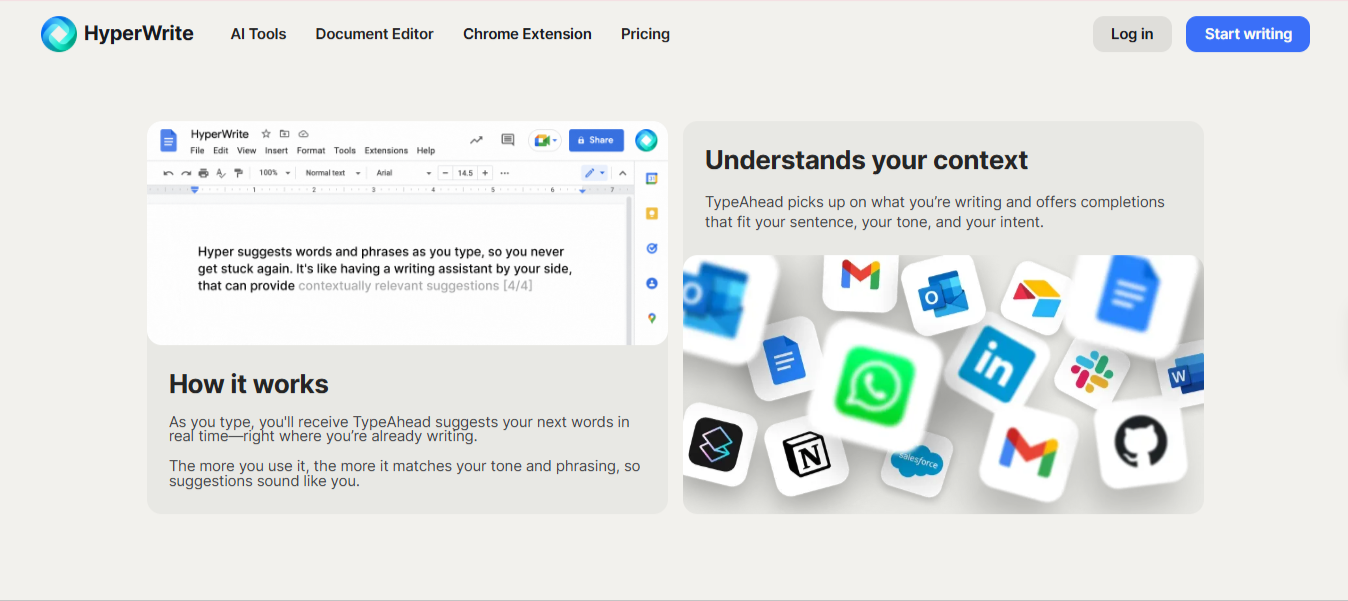
What it does: An AI writing platform that drafts alongside you in your voice, with TypeAhead suggestions that pull context from your other open browser tabs.
Best for: Getting past a stuck paragraph without handing the essay over to something else to write.
HyperWrite does its drafting through two connected features: Personas match your voice from samples of your writing you feed it once, and TypeAhead suggests the next sentence in whatever browser tab you're drafting in, reading context from your other open tabs.
On a research paper, that cross-tab pull means the suggestions already know what's in the source PDF or Google Doc you have open in another window. It's also the only tool here that generates writing at all; every other tool works on writing you've already put down.
Key features
- TypeAhead. Real-time sentence completion in any browser tab, pulling context from your other open tabs.
- AI Writing Assistant. A chat interface for working through an argument or structure.
- AutoWrite. Turns a short prompt into a first pass you shape yourself.
- AI Document Editor. A dedicated space for the full essay as it develops.
- AI Tools Library. Prebuilt tools for outlines, rewrites, and summaries.
Pros and cons
Pros:
✅ A stuck paragraph gets a next line to react to instead of a blank cursor.
✅ Suggestions land closer to how you write, so there's less to undo later.
✅ A free plan and a browser extension mean nothing to install before you start.
Cons:
❌ It doesn't check citations or format a bibliography for you.
❌ Ten free uses is enough to try it, not enough to lean on through a full essay season.
What users say
“It’s helped me tremendously with my schoolwork, assignments, discussion posts, and more.” — Dominique York, Chrome Web Store
“Its ability to search millions of articles, books, and databases far exceeds Google and other search engines.” — Billy Elias, Chrome Web Store
Pricing
- Free plan available
- Premium: $16/month billed annually or $19.99 monthly
- Ultra: $29/month annually or $44.99 monthly
Bottom line
HyperWrite is the app to open when the blank page is what's slowing you down. Pair it with Grammarly or QuillBot for the pass that comes after.
2. Grammarly: Best for grammar, clarity, and tone
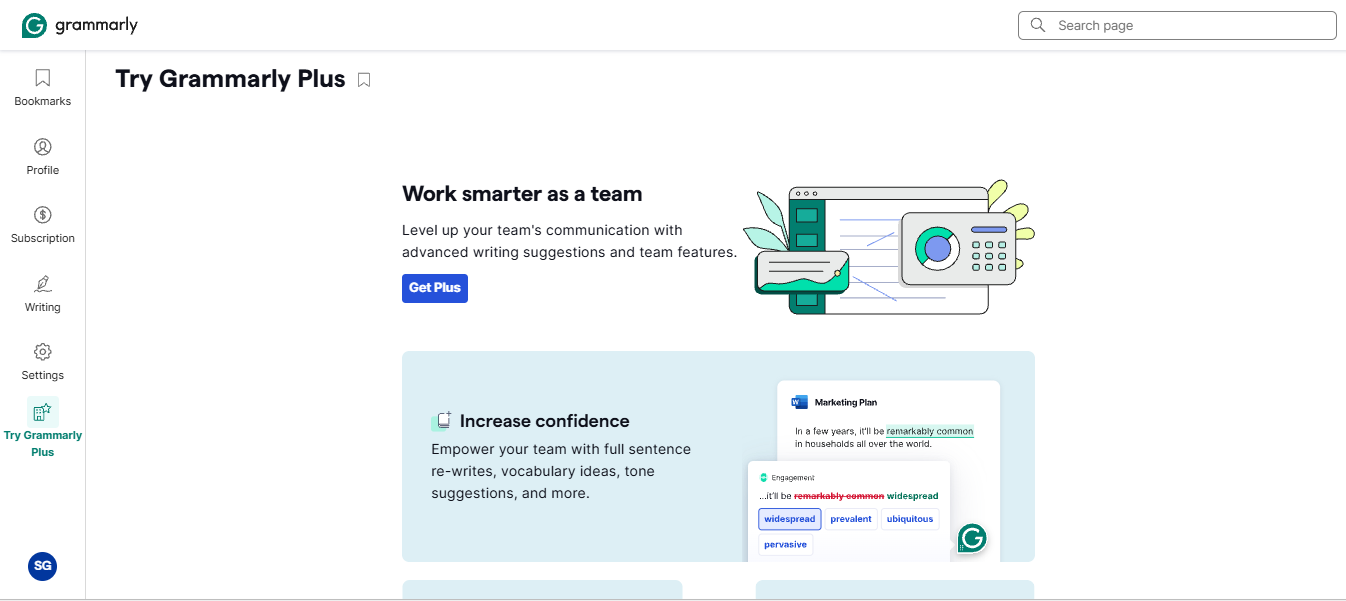
What it does: Checks grammar, spelling, clarity, and tone in real time, wherever you're writing.
Best for: Catching the errors and awkward phrasing that survive your own read-through.
Grammarly does its checking as an overlay: install the extension once, and it flags issues inline wherever you write, whether that's Google Docs, Word, a browser form, or an email.
The tone detector flags when a paragraph reads too casual for an assignment or too stiff for a personal statement, which matters more on a graded essay than most of the comma-splice fixes people install Grammarly for.
Key features
- Real-time correction. Grammar, spelling, and clarity flagged as you type.
- Tone detection. Shows how a passage is likely to read to your teacher or professor.
- Citation-adjacent checks. Flags plagiarism risk on paid plans.
- Cross-platform coverage. Works in Google Docs, Word, and most browsers, including on mobile.
Pros and cons
Pros:
✅ A typo or a dangling modifier gets caught before it costs you a grade point.
✅ Tone flags catch a sentence that reads more casual than the assignment calls for.
✅ The free plan covers real grammar and spelling checks at no cost.
Cons:
❌ Accepting every suggestion can flatten your own sentence style into something generic.
❌ It corrects what you wrote, and does nothing to help you figure out what to write next.
What users say
“It saves me time by preventing the need to dwell on expressions or corrections.” — Jim H., G2
“Sometimes the floating screen gets in the way.” — Mike H., CEO, Capterra
Pricing
- Free plan available (100 AI prompts a month)
- Pro: $12/month billed annually, $20/month billed quarterly, or $30/month billed monthly
- Enterprise: Custom pricing
Bottom line
It’s the safety net worth running on every essay before you submit it. It won't get the draft started for you.
3. ProWritingAid: Best for deep style and structure feedback
What it does: Runs 25+ in-depth writing reports on a full draft, covering grammar, style, readability, sentence structure, and repetition.
Best for: Diagnosing style patterns across a long draft, like repetition and sentence-length variation, that surface-level grammar tools miss.
ProWritingAid does its work through named report passes, each targeting one specific pattern in your writing. Sentence Length flags stretches of similar-length prose that read monotonous even when the grammar is fine. Sticky Sentences catches prose weighed down by unnecessary words that make an argument harder to follow.
It earns its place on essays because none of the other tools here run that kind of structural check.
Key features
- 25+ writing reports. Named passes for Grammar, Style, Readability, Sticky Sentences, Sentence Length, Repeats, Pacing, Dialogue, Sensory, and more.
- Grammar checker. Catches grammar, spelling, punctuation, and consistency issues alongside the deeper style reports.
- Rephrase. Alternative phrasings to fix awkward sentences, shift tone, or improve clarity.
- Cross-platform integration. Works in Microsoft Word, Google Docs, Scrivener, and browser extensions for Chrome, Firefox, and Edge.
- Plagiarism checker. Separate paid add-on that checks against over a billion web pages, published works, and academic papers.
Pros and cons
Pros:
- ✅ Structural problems like uneven sentence rhythm and word overuse get diagnosed at the pattern level, one report at a time.
- ✅ Free plan gives grammar and spelling checks plus limited daily access to each writing report, capped at 500 words per pass.
- ✅ Native integrations with Word, Google Docs, and Scrivener mean feedback lands wherever you're actually writing.
Cons:
- ❌ Running every report at once is overwhelming, so it takes a few uses to figure out which two or three matter for your writing.
- ❌ Plagiarism checking is a separate paid purchase, sold in bundles starting at $10 for 10 checks.
What users say
“Gives me useful suggestions that make me sound smarter.” — Patrick Bone, Trustpilot
"They price up the good features." — Tami B., author, G2
Pricing
- Free plan available (500-word check limit per pass)
- Premium: $30/month, or $10/month billed annually ($120/year)
- Premium Pro: $36/month, or $12/month billed annually ($144/year)
- Lifetime Premium: $399 one-time payment
- 20% student discount available through studentappcentre.com
Bottom line
It’s the right tool when the essay reads correct but flat, and you want to know where the flat parts are. Skip Premium Pro unless you're writing fiction outside coursework.
4. QuillBot: Best for paraphrasing and citations
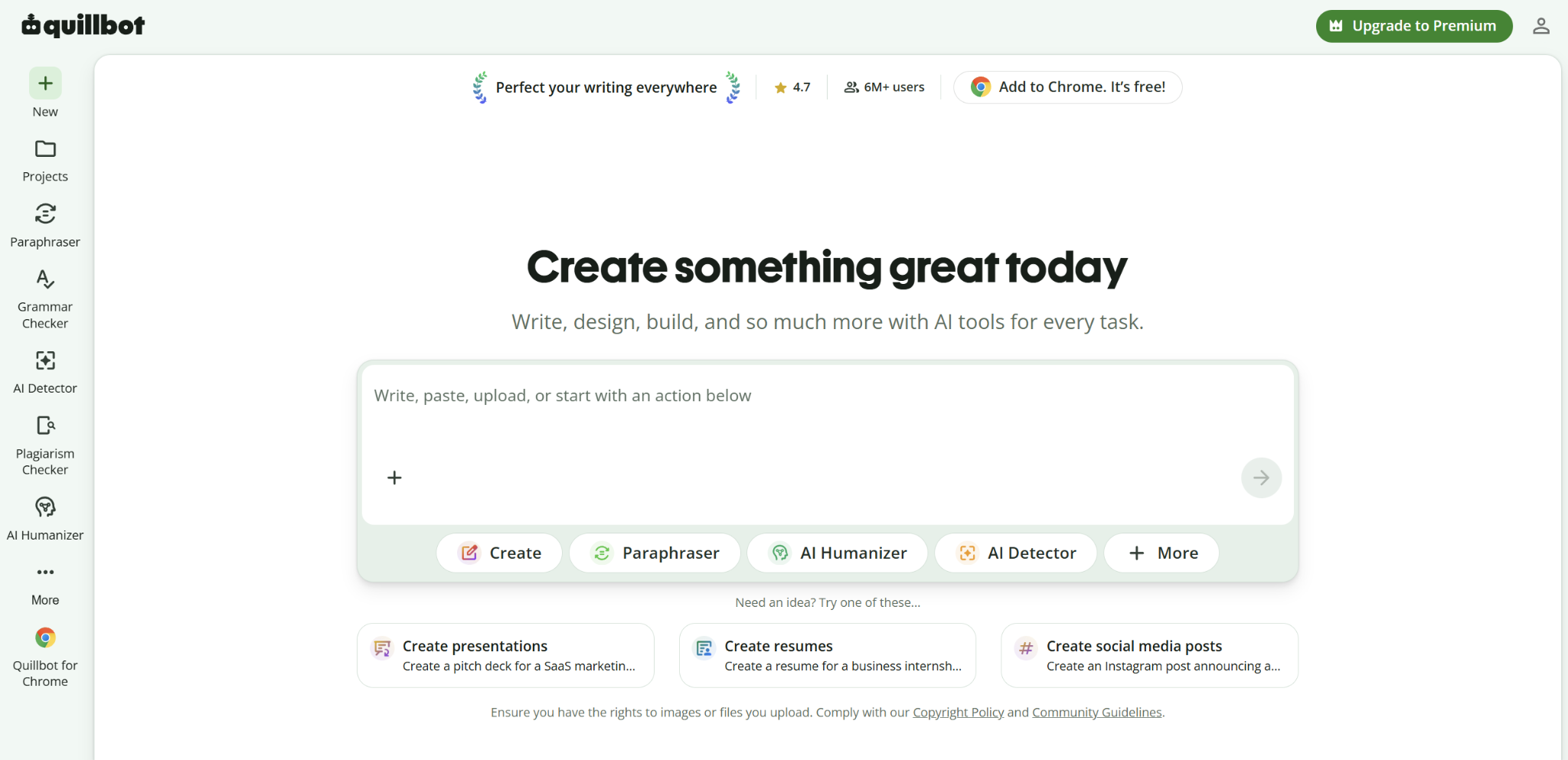
What it does: Rewrites text you've already written and generates citations in APA, MLA, and Chicago format.
Best for: Reworking a clunky sentence in your own words and building a bibliography without doing it by hand.
QuillBot's paraphraser rescues sentences that read fine in your head but land clunky on the page. You feed it an awkward sentence and pick a rewrite mode; QuillBot returns a smoothed-out version to work from.
The citation generator is where the tool actually shines on a bibliography-heavy paper. It turns a URL or DOI into a formatted APA, MLA, or Chicago reference in seconds, which saves the time you'd otherwise spend hand-formatting each reference from the source page.
Key features
- Paraphraser with modes. Standard, Fluency, Formal, and Academic, with a synonym slider.
- Citation generator. Builds references in APA, MLA, and Chicago automatically.
- Summarizer. Condenses a long source into key points for your notes.
- Grammar checker. Catches surface errors alongside the rewriting tools.
Pros and cons
Pros:
✅ A citation gets formatted correctly without you memorizing the style guide.
✅ A rewritten sentence keeps your original point while reading more naturally.
✅ Summarizing a long source saves time before you even start writing.
Cons:
❌ It has nothing to work with until you've written a sentence yourself.
❌ Pushed to aggressive settings, a rewrite can drift from what you meant.
What users say
“It helps track the percentages of AI generated content.” — Kylel, Trustpilot
“Sometimes the rewritten text sounds a little unnatural.” — Priyanshu K., video editor and social media manager, G2
Pricing
- Free plan available
- Premium: $10/month billed annually ($119.95/year), $13.31/month billed quarterly, or $19.95/month billed monthly
- Team plan starts at $7.50/user/month (2-seat minimum)
Bottom line
It’s worth having for the citations alone, and a solid second pass on sentences you've already drafted.
5. Google Docs: Best for writing anywhere for free
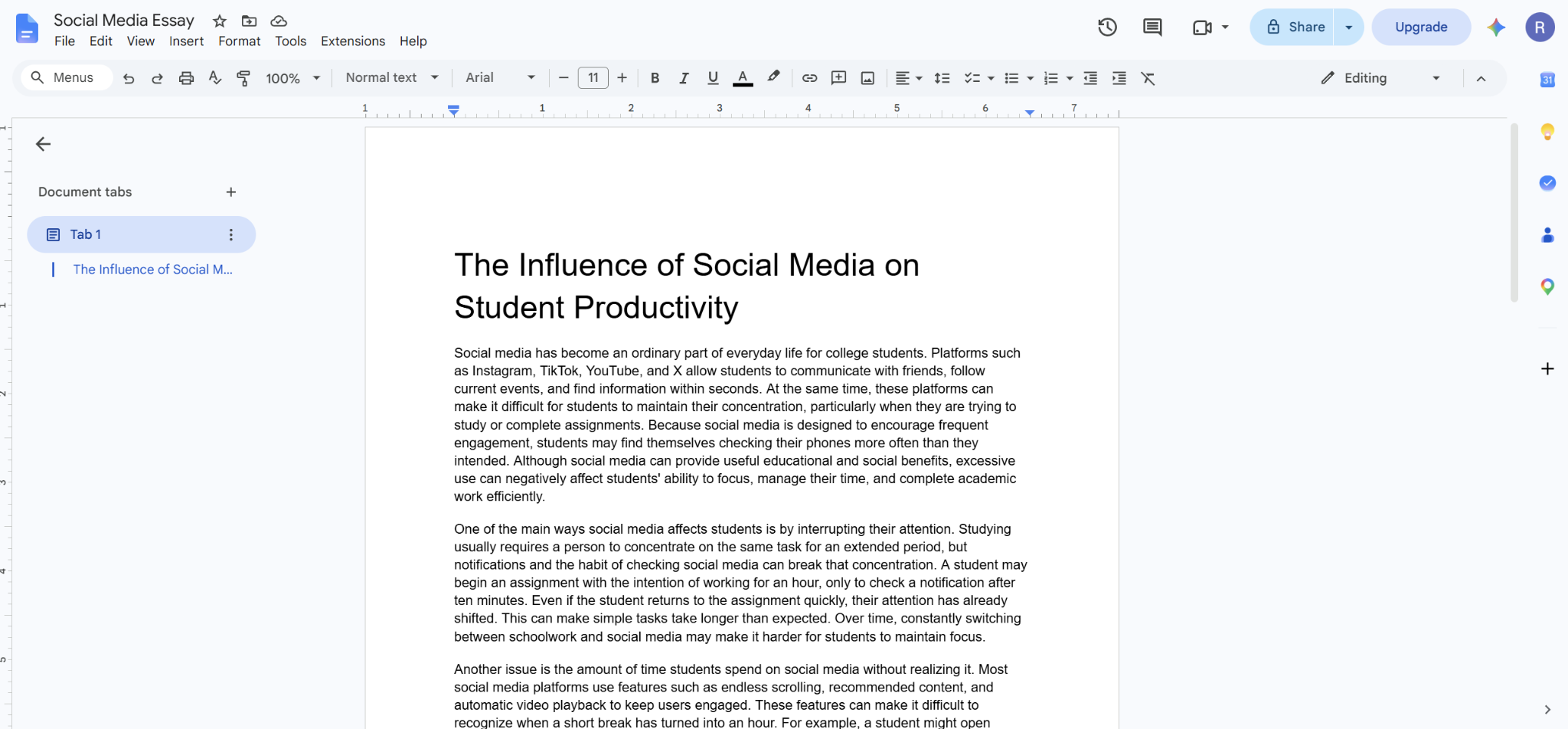
What it does: A free word processor with real-time collaboration, automatic saving, and a full mobile app for iPhone and Android.
Best for: Writing an essay anywhere, on any device, without paying for software.
Google Docs is the writing surface most students already use, and other tools on this list can layer on top of it. It opens on a phone during a bus ride and picks up on a laptop that night, with every keystroke already saved to the cloud. What Docs won't do is catch much beyond a misspelling, so pair it with one of the grammar or style tools above for a final pass.
Key features
- Real-time collaboration. A teacher or classmate can comment directly on your draft.
- iPhone and Android apps. Full editing on a phone, beyond simply viewing a document.
- Version history. Every previous draft stays recoverable.
- Offline mode. Keeps working without a connection and syncs once you're back online.
Pros and cons
Pros:
✅ A Google account is the only setup required, and it costs nothing.
✅ Starting a paragraph on your phone and finishing it on a laptop works without exporting anything.
✅ Teacher feedback lands directly on the sentence it's about.
Cons:
❌ A long essay in one file can start to feel sluggish on an older phone.
❌ There's no built-in grammar or style checking beyond basic spell-check.
What users say
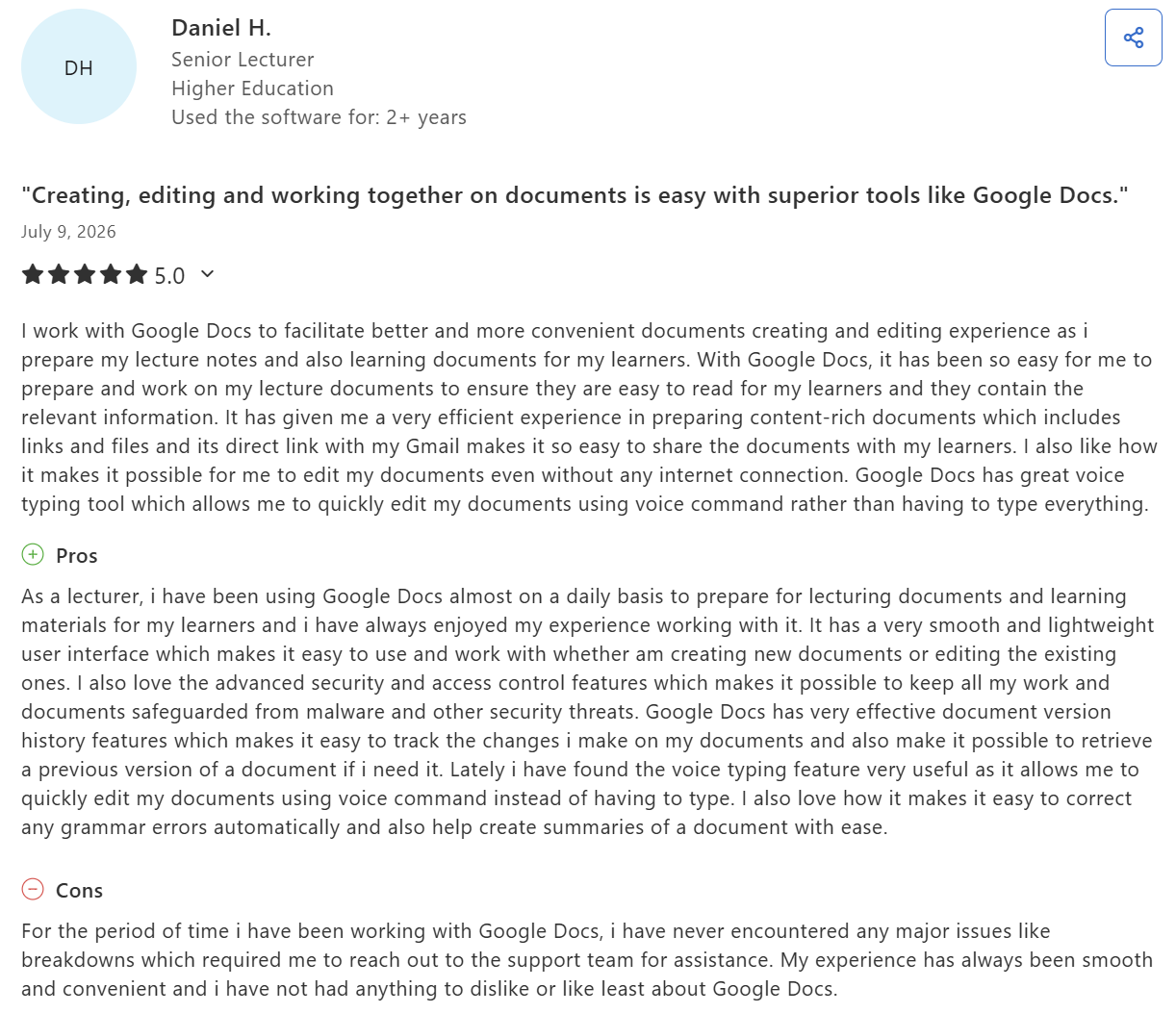
“It has given me a very efficient experience in preparing content-rich documents.” — Daniel H., senior lecturer in higher education, Capterra
“It also relies heavily on internet access, which can be challenging for students with unreliable connectivity.” — Jennifer R., teacher, Capterra
Pricing
- Free with a Google account
- Google Workspace business plans start at $7/user/mo for teams that need more storage or admin controls
Bottom line
It’s free, and likely the surface your teacher expects the essay to arrive in. Just don't rely on it for grammar checking.
6. Hemingway App: Best for tightening readability
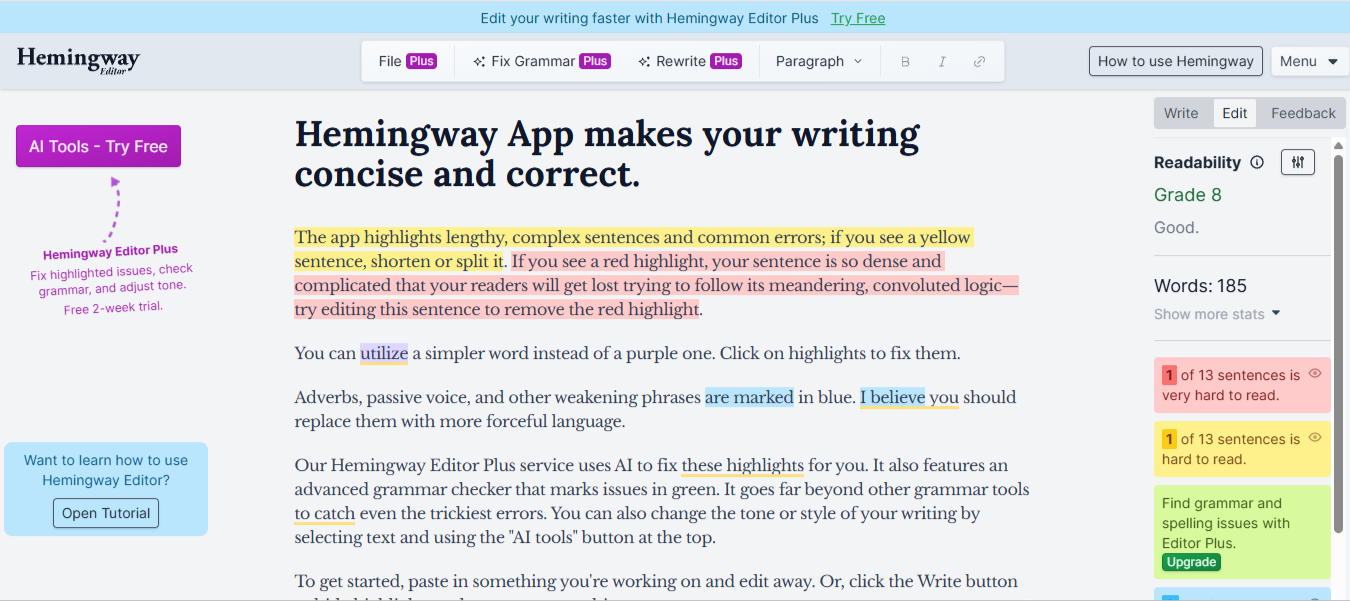
What it does: Highlights complex sentences, passive voice, and unnecessary adverbs, and scores your writing at a reading grade level.
Best for: Spotting the sentence that's technically correct but hard to follow anyway.
Hemingway finds the sentences that are grammatically fine but still lose the reader. Paste your draft into the web editor and it color-codes hard sentences yellow, very hard ones red, and blue underlines the adverbs and passive constructions that soften your point.
A grade-level score in the sidebar updates live, so you can see whether the essay reads at grade 10 or grade 16. Watch the trap of trusting every red flag: Hemingway pushes toward short, punchy sentences that read great in a blog post and stiff in academic prose.
Key features
- Color-coded highlights. Yellow for hard sentences, red for very hard, blue for adverbs and passive constructions, purple for wordy phrases with simpler alternatives, and green for grammar issues.
- Grade-level score. Rates your writing against a reading level in real time.
- Free web editor. Full analysis with no account and no word limit.
- Offline desktop app. A one-time purchase that adds export and distraction-free writing, without AI features.
Pros and cons
Pros:
✅ A sentence that reads fine in your head shows up red the moment it gets too dense to follow easily.
✅ The free web version handles a full essay with no signup and no limit.
✅ You catch every dense sentence in one visual pass, no line-by-line re-read needed.
Cons:
❌ It barely checks grammar, so pair it with something that does.
❌ Hemingway can push your writing toward short, choppy sentences at the cost of your own style.
What users say
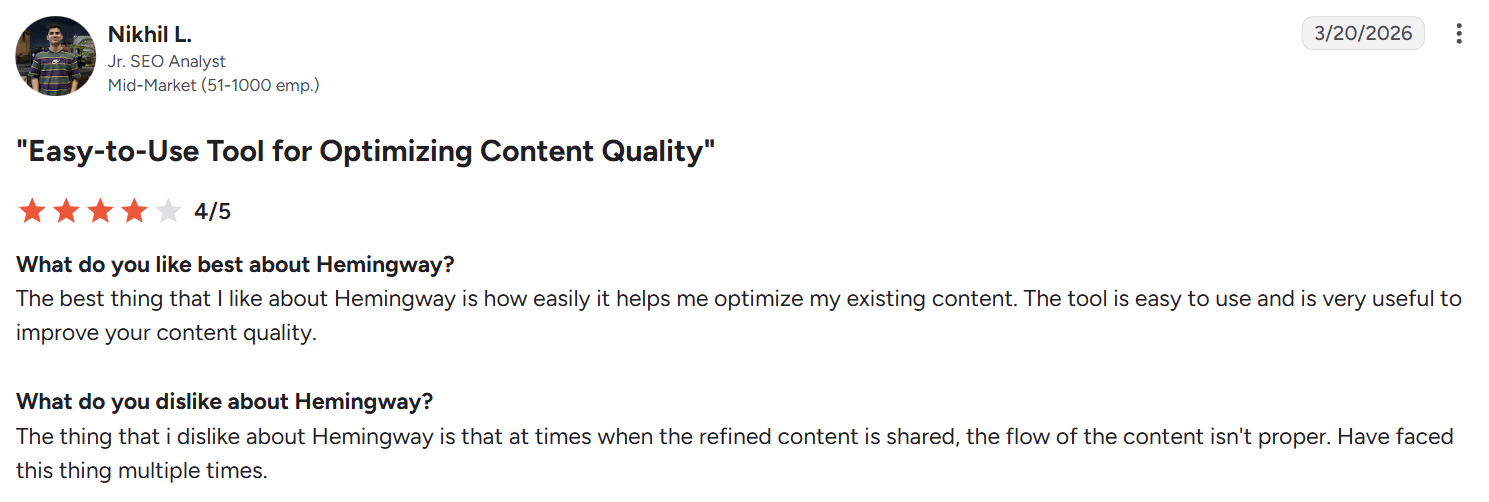
“The tool is easy to use and is very useful to improve your content quality.” — Nikhil L., junior SEO analyst at a mid-market company, G2
“When it highlights a sentence [it’s] hard to read.” — Tracie B., executive director at a non-profit organization, Capterra
Pricing
- Free plan available (web editor, unlimited use)
- Individual 5K Plan: $8.33/month billed annually ($100/year) or $25 billed monthly
- Individual 10K Plan: $12.50/month billed annually ($150/year) or $30 billed monthly
- Team 10K Plan: $12.50/user/month billed annually ($150/user/year) or $30/user billed monthly
- Enterprise: Custom pricing
- Editor 3 desktop app: $19.99 one-time purchase for Mac or Windows
Bottom line
It only takes a five-minute pass to catch what grammar checkers miss. Skip Editor Plus unless you're already reaching its rewrite limit elsewhere.
Which essay writing app should you choose?
Choose HyperWrite if you:
- Get stuck on the blank page more often than on grammar or citations.
- Want AI suggestions in your own voice, matched to samples of your writing.
- Do research-heavy essays where source PDFs live in a browser tab beside your draft.
Choose Grammarly if you:
- Want a reliable grammar, clarity, and tone check across every place you type (Docs, Word, browsers, email).
- Care whether a paragraph reads too casual or too stiff for the assignment's register.
- Already have a drafting tool and need the polish overlay for the last pass.
Choose ProWritingAid if you:
- Write long essays where structural problems like repetition, pacing, and monotonous sentence rhythm tend to sneak in.
- Want each style problem on its own report page for focused review.
- Already draft in Word, Scrivener, or Google Docs and want the analysis to land there.
Choose QuillBot if you:
- Need citations formatted in APA, MLA, or Chicago without doing the mechanical work by hand.
- Want a second pass on sentences that read clunky in your draft.
- Regularly summarize long sources for notes before writing.
Choose Google Docs if you:
- Write across a phone and a laptop and want it free.
- Need teacher or classmate feedback landing directly on the sentence it's about.
- Don't have or don't want dedicated software installed.
Choose Hemingway App if you:
- Want to know which sentences are hard to read even when they're grammatically correct.
- Care about a live grade-level score as a target.
- Write for general audiences where short, punchy prose beats density.
Skip a dedicated app entirely if you:
- Write short enough essays that a plain document and a careful read-through already work.
If it's the opening line specifically where you keep freezing, our guide to the best ways to start an essay covers the strategies that get you past sentence one.
Final verdict
HyperWrite is where the workflow starts because it's the only app here that helps generate the essay itself. Google Docs is the free surface underneath. From there, add whichever polish, citation, or readability tool fits the stage that's slowing you down; the choose-if guide above names the specifics.
For craft-side guidance that doesn't require any tool, these essay writing tips for students cover the fundamentals.
Write the essay, then let the checkers catch up
Whichever apps you assemble from the list, the essay still has to exist before any of them can help. Our guide on how to speed up writing school essays using AI covers where a drafting tool fits in the process without losing your own voice.
Sick of staring at a blank page an hour before the deadline? Try TypeAhead free with the HyperWrite Chrome extension and get the next sentence suggested to you, in your voice, as you type.
Frequently asked questions
What is the best app for writing essays?
The best app for writing essays depends on the stage that's slowing you down. HyperWrite helps with the blank page, Google Docs and Grammarly cover most of the basics for free, QuillBot handles citations and rewording, and Hemingway catches dense, hard-to-read sentences.
What is the best free essay writing app?
Google Docs is the best free essay writing app overall, since writing, saving, and collaborating cost nothing. Grammarly, QuillBot, and Hemingway all offer usable free tiers too, each covering a different part of the process.
Is there a good essay writing app for iPhone?
Yes. Google Docs is the strongest essay writing app for iPhone, with a full mobile app that handles real editing, beyond a view-only screen. Grammarly's keyboard also works on iPhone for real-time grammar checks wherever you're typing.
What is the difference between Grammarly and Hemingway?
The main difference between Grammarly and Hemingway is what each one checks. Grammarly focuses on grammar, spelling, and tone, while Hemingway focuses on readability, flagging passive voice, adverbs, and sentences that are technically correct but hard to follow.

HyperWrite is the AI writing assistant that learns your style. It handles drafting, editing, and researching so you can focus on ideas.
- Autocompletes sentences as you type
- Works inside Google Docs & Gmail
- Adapts to your personal writing style
- 500+ AI tools for any writing task

Powerful writing in seconds
Improve your existing writing or create high-quality content in seconds. From catchy headlines to persuasive emails, our tools are tailored to your unique needs.