
8 Best AI Tools for Academic Writing and Research in 2026


A literature review, a citation list, and a first draft are three separate jobs, and most AI tools are only built for one of them. Ask a general chatbot to summarize 40 papers, and it will happily do it, sources it never read included.
Fabricated citations are the real risk in this category, and they show up across nearly every general-purpose tool. The eight AI tools for academic writing below are sorted by the job each one is built for, so you're not asking a drafting tool to do a literature search or a citation manager to write your introduction.
8 best AI tools for academic writing: TL;DR
- HyperWrite: Best for drafting sections in your own voice.
- Elicit: Best for literature discovery and systematic review.
- Zotero: Best free reference manager.
- Paperpal: Best for academic language polish and submission readiness.
- ChatGPT: Best for brainstorming and outlining, with sources checked by hand.
- Jenni: Best for source-grounded drafting straight from your own PDFs.
- SciSpace: Best for citation-backed answers across 280M+ papers.
- NotebookLM: Best for synthesizing a stack of sources you've already collected.
How these AI tools for academic writing were reviewed
Academic writing breaks into distinct stages, finding sources, organizing references, drafting, and polishing, and no single tool here does all of them well. Each was assessed on four things.
- The job it does. Literature search, reference management, drafting, and polish are different problems with different winners.
- Whether it cites real sources. Some tools link every claim to a real paper. Others generate confident-sounding text that still needs independent verification.
- What the free tier covers. Several tools are usable for real academic work at no cost, others cap out fast.
- Price against the job. A one-time or free tool solves the same problem differently than a monthly subscription.
Every one of these stages eventually funnels into the same moment: turning notes and sources into an actual drafted section.
8 best AI tools for academic writing: Quick comparison
Pricing verified as of September 2026.
1. HyperWrite: Best for drafting sections in your own voice
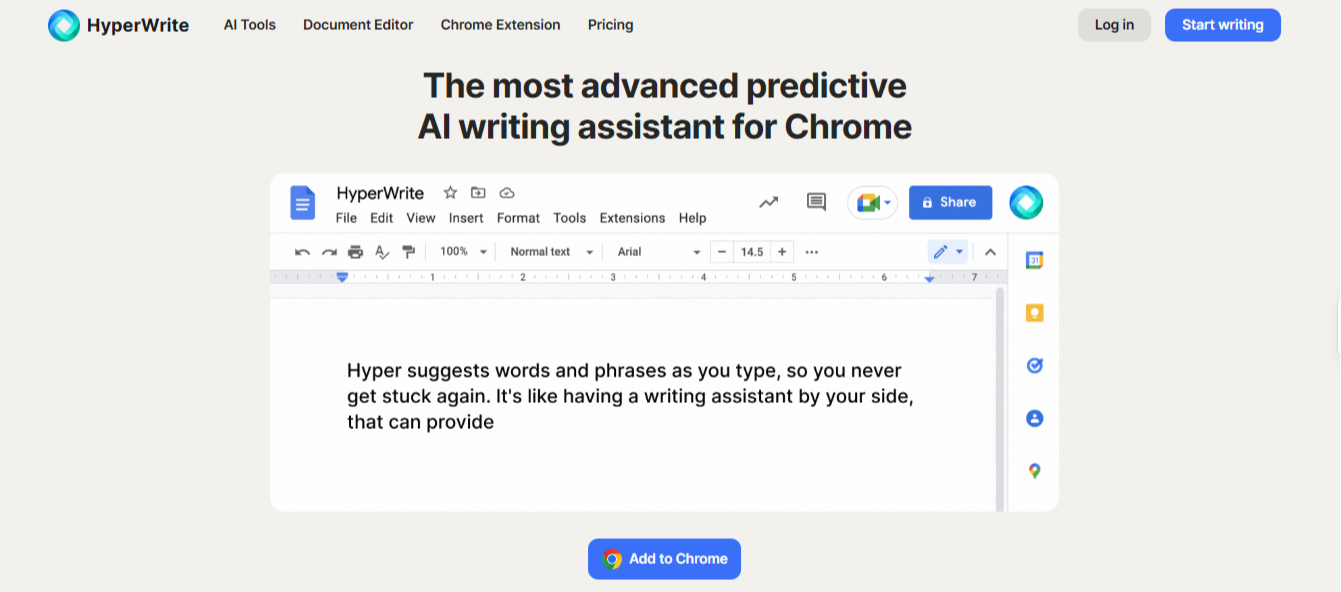
What it does: A full writing platform that turns your notes and outline into a drafted section in your own voice.
Best for: Getting a section drafted in your own voice once the research and outline already exist.
HyperWrite is not built to search literature, verify a citation, or manage references. What it does is turn your own notes and outline into a drafted section that still sounds like you, in whatever tab you're already working in.
Key features
- TypeAhead. Real-time sentence completion in any browser tab, pulling context from your open tabs.
- AI Writing Assistant. A chat interface for working through a section's argument.
- AutoWrite. Turns a short prompt into a first pass you shape yourself.
- AI Document Editor. A dedicated space for a section as it develops.
- AI Tools Library. Prebuilt tools for outlines, rewrites, and summaries.
Pros and cons
Pros:
✅ A section drafted from your own notes still sounds like your writing, not a generic academic voice.
✅ A stuck paragraph gets a next line to react to instead of a blank cursor.
✅ A free plan and a browser extension mean nothing to install before you start.
Cons:
❌ Research and referencing stay entirely on you, since this is a drafting tool, not a research one.
❌ Ten free uses are enough to try it, not enough to draft a full paper section by section.
What users say
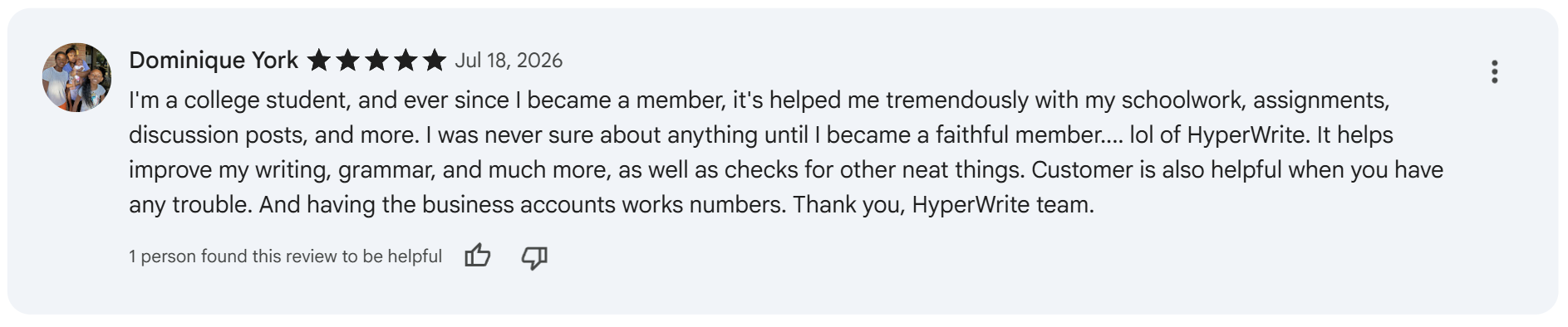
“Helps improve my writing, grammar, and much more, as well as checks for other neat things.” — Dominique York, Chrome Web Store
“t makes writing prompts easier, smoother and quicker.” — Nashwa Nashaat, Chrome Web Store
Pricing
- Free plan with 10 uses
- Premium runs $16 a month billed annually or $19.99 monthly
- Ultra runs $29 a month billed annually or $44.99 monthly
Bottom line
HyperWrite is the pick once research and outline are done and the section needs to get written. Pair it with Elicit and Zotero for everything upstream of that.
2. Elicit: Best for literature discovery and systematic review
What it does: Searches more than 138 million academic papers and extracts structured data into evidence tables, with citations linked to the source.
Best for: Researchers running a literature review or systematic review who need results grounded in real papers.
Elicit's own evaluation across 994 Cochrane systematic reviews put its search recall at 95%, abstract-screening sensitivity at 96.9%, and full-text screening recall at 99.5%.
Those numbers come from testing against a methodology researchers already trust, a different bar than a general chatbot summarizing a topic from memory.
Key features
- Semantic search. Finds relevant papers by meaning, beyond keyword matching alone.
- Automated data extraction. Pulls specific fields, sample size, methodology, findings, into a structured table.
- Systematic review workflow. Supports PRISMA-style screening across large paper sets.
- Zotero import and export. Moves sources directly into a reference manager.
Pros and cons
Pros:
✅ Every summary links to the actual paper, so a claim can be checked in seconds.
✅ Screening hundreds of papers by hand turns into reviewing a structured table instead.
✅ The free tier handles real literature searches, beyond a limited demo.
Cons:
❌ It only searches peer-reviewed literature, so news, grey literature, or web sources need a different tool.
❌ The systematic review workflow assumes you already know that methodology, and the interface can overwhelm a first-time user.
What users say

“The killer feature is that you can add custom columns to the table.” — u/rduke79, Reddit
“Does not seem reliable enough for any type of formal meta-research.” — u/Lit-Rev-Pro, Reddit
Pricing
- Free plan available
- Pro: $49/user/month, billed as $588 annually, or $75/user/month
- Scale: $169/user/month, billed as $2,028 annually, or $279/user/month
- Enterprise: Custom pricing
Bottom line
Elicit is the right starting point for any literature review, since it's built to search a real corpus instead of guessing from memory.
3. Zotero: Best free reference manager
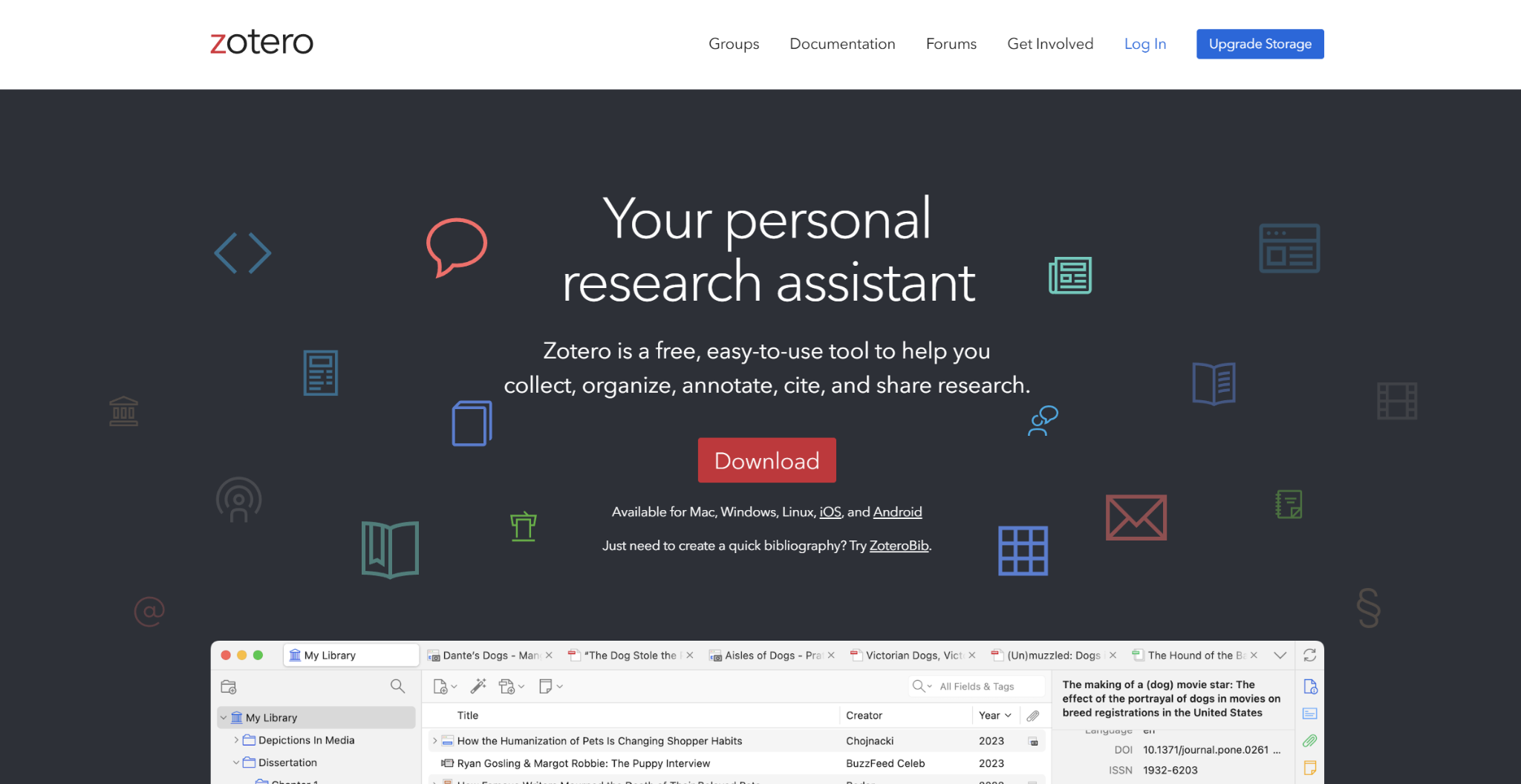
What it does: Collects, organizes, and cites sources, with browser and word processor integration for inserting citations directly into a draft.
Best for: Anyone building a bibliography who wants it free and permanent, not a subscription.
Reference managers usually gate the core function behind a paid tier eventually. Zotero's library, tags, notes, and collections all sync free with no cap, and only file attachments draw against a small storage quota.
Key features
- One-click capture. Saves a citation directly from a browser tab or PDF.
- Word processor plugins. Inserts formatted citations into Word and Google Docs as you write.
- Group libraries. Shares a reference collection with co-authors or a research team.
- Thousands of citation styles. Covers essentially any style guide a journal or institution requires.
Pros and cons
Pros:
✅ A citation gets captured in one click instead of typed out by hand.
✅ The core library has no size limit or paywall, ever.
✅ Co-authors share one library at no cost; only attached files draw on the owner's storage quota.
Cons:
❌ The 300MB free storage fills up fast if you attach full PDFs to every source.
❌ It only manages references, without drafting, literature search, or grammar checking.
What users say
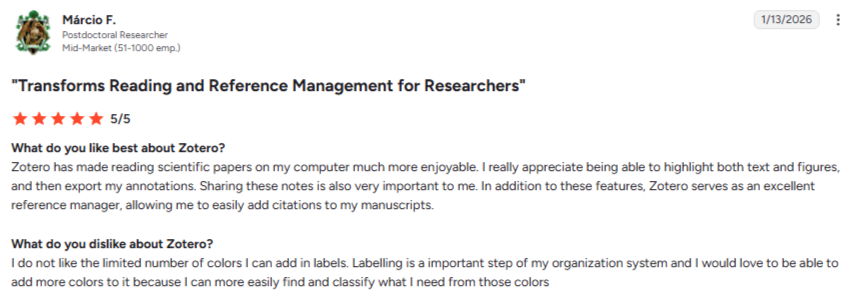
“I really appreciate being able to highlight both text and figures, and then export my annotations.” — Márcio F., postdoctoral researcher, G2
“Not always intuitive.” — Felicity R., graduate student/teacher, G2
Pricing
- 300 MB: Free
- 2 GB: $20/year
- 6 GB: $60/year
- Unlimited: $120/year
Bottom line
It’s the default reference manager unless you have a specific reason to pay for something else.
4. Paperpal: Best for academic language polish
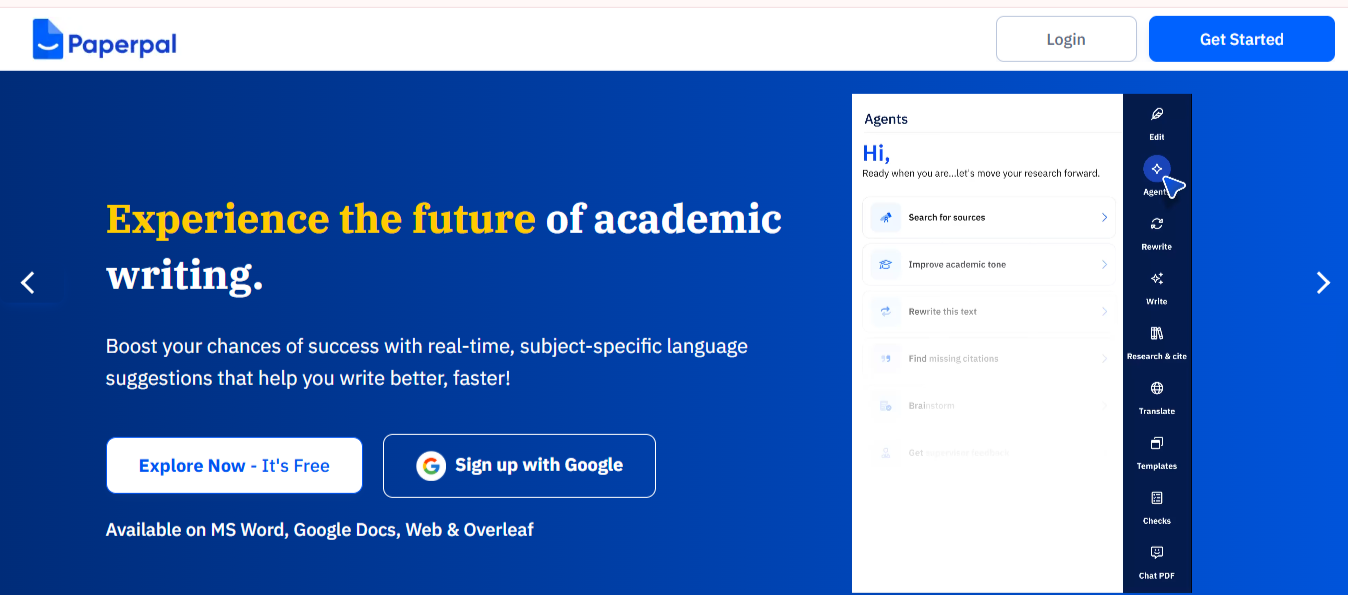
What it does: Checks grammar, academic tone, and journal submission readiness, with integrated plagiarism detection on paid plans.
Best for: Non-native English writers and anyone preparing a manuscript for journal submission.
A methods section written entirely in active voice can read strangely to a reviewer who expects the field's usual conventions. Paperpal was built by people who've published in that world, so it checks against what a journal expects, not a generic style guide.
Key features
- Academic-specific language checks. Tuned to scholarly conventions instead of general prose.
- Submission readiness checks. Flags formatting and structural issues journals reject.
- Integrated plagiarism detection. Checks originality alongside language, on paid plans.
- MS Word, Google Docs, and Overleaf support. Works inside the tools researchers already draft in.
Pros and cons
Pros:
✅ A passive construction that's standard in your field doesn't get flagged as an error.
✅ Plagiarism and language checks happen in the same pass instead of two separate tools.
✅ Sorting out formatting and structure before submission spares you a desk reject and another submission cycle.
Cons:
❌ The word allowance on lower tiers runs out fast during a full manuscript pass.
❌ It checks and polishes existing writing, but won't help you find sources or draft a section from scratch.
What users say
“It really helps you in drafting your research if you get stuck while writing.” — Binoy Krishna Nath, Trustpilot
“Powerful and efficient app, only if the price can be reduced [a] little.” — Ahmed Hashim, Trustpilot
Pricing
- Free plan available
- Prime: $12/month ($144 billed annually) or $25 monthly
- Pro: $29/month ($348 billed annually) or $59 monthly
Bottom line
Paperpal is worth it specifically for journal submission and non-native English polish. Skip it if everyday grammar checking is all you need.
5. ChatGPT: Best for brainstorming and outlining
What it does: Drafts, brainstorms, and restructures text from a chat interface, covering everything from an outline to a rough argument.
Best for: Thinking through structure and argument before you write.
ChatGPT is useful for the thinking-through stage, testing an argument, restructuring a messy outline, explaining a concept back to yourself in plain language. Where it stops being reliable is the moment a citation appears in the output.
Key features
- Open-ended brainstorming. Works through an argument or structure conversationally.
- Outline generation. Turns a rough idea into a structured section plan.
- Custom GPTs. Saves a setup that holds your discipline's conventions and tone.
- Deep Research. Returns a sourced report, still worth verifying independently.
Pros and cons
Pros:
✅ Talking through a weak argument out loud gets it into shape faster than staring at it alone.
✅ A messy outline turns into a structured one in minutes.
✅ The free tier covers most brainstorming without ever needing to pay.
Cons:
❌ A reference it generates might not exist at all, with no way to tell from reading it alone.
❌ It has no academic-specific formatting or citation-style awareness built in.
What users say
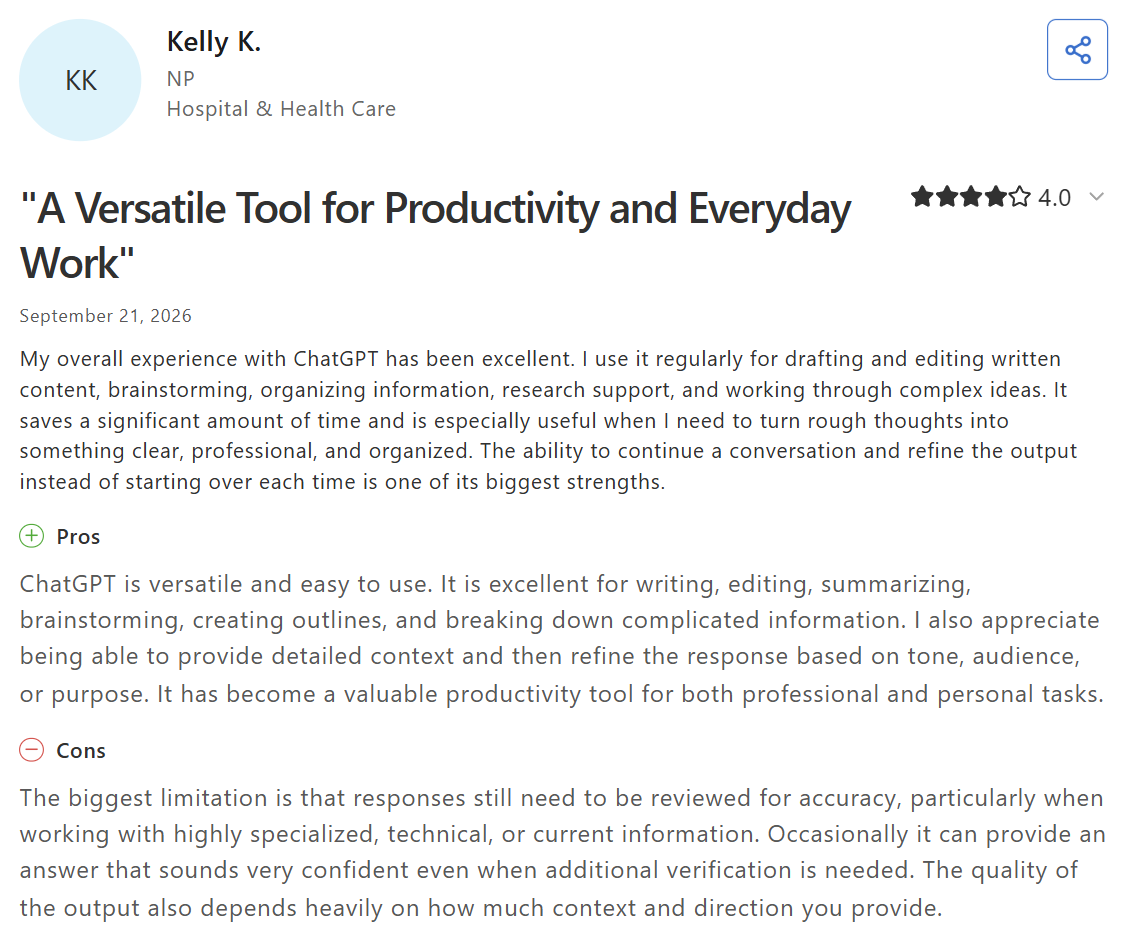
“It … is especially useful when I need to turn rough thoughts into something clear, professional, and organized.” — Kelly K., Capterra
“The model often fabricates niche details or drops context during complex, multi-turn projects.” — Verified reviewer, executive assistant, Capterra
Pricing
- Free tier available
- Go: $8/month
- Plus: $20/month (no annual discount)
- Pro: $100/month (5x usage) or $200/month (20x usage)
- Business: $20/user billed annually or $25/user monthly (2-user minimum)
Bottom line
ChatGPT is excellent for shaping an argument. Treat any citation it hands you as a claim to check, not a fact.
6. Jenni: Best for source-grounded drafting straight from your own PDFs
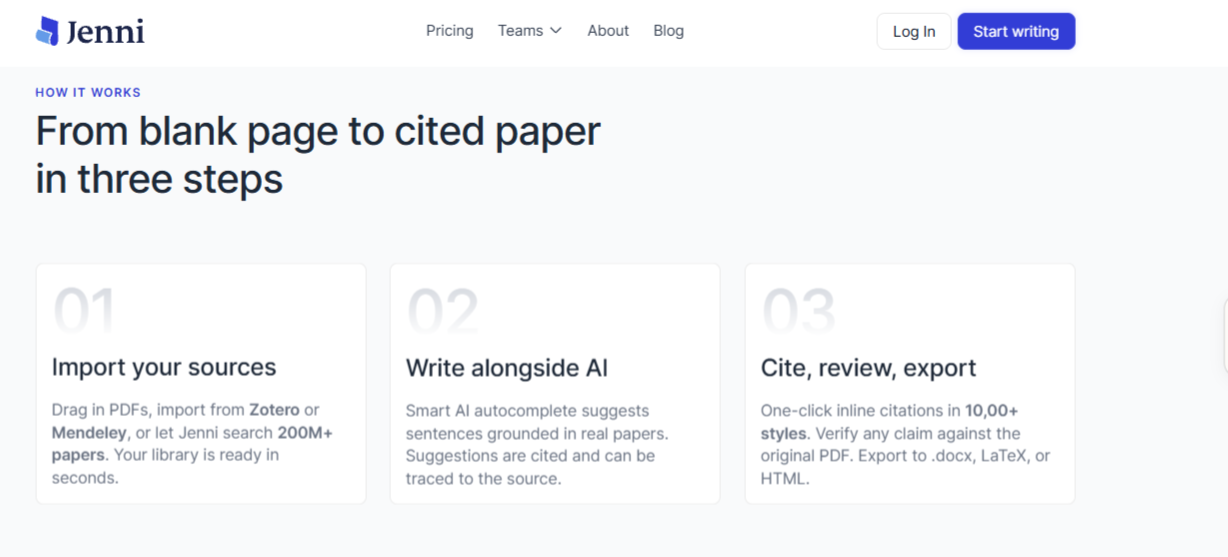
What it does: An academic writing assistant that drafts from your own uploaded sources rather than a general model's memory.
Best for: Writers who want drafting suggestions tied to their own uploaded sources, beyond a general model's memory.
A literature review section is where Jenni pays off most, when a claim needs specific findings cited without breaking the writing flow to search for them by hand.
Key features
- In-context autocomplete. Suggests sentences pulled from your own uploaded PDFs, beyond general training data.
- Citation generation. Formats references across 10,000+ styles as you write.
- PDF chat library. Asks a question against your uploaded sources and gets an answer tied to them.
Pros and cons
Pros:
✅ An advisor reviewing a draft can check a claim against the source in seconds, instead of taking the citation on faith.
✅ Citation formatting happens inline, without a separate export step to a reference manager.
✅ The free plan is enough to trial the tool before committing to a paid tier.
Cons:
❌ The free plan's 10 AI autocompletes a day run out fast in a real writing session.
❌ Its raw output can read as AI-generated to detection software, so a manual voice pass matters more here than with a tool that only checks or organizes.
What users say
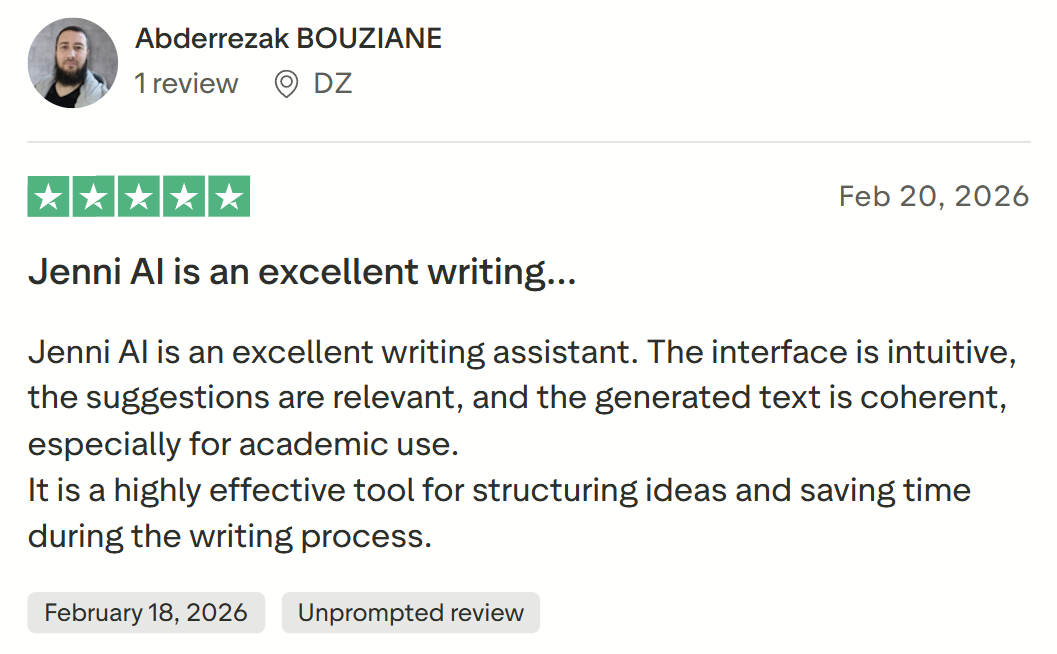
“The generated text is coherent.” — Abderrezak Bouziane, Trustpilot
“Once in a writing flow, the same citation is inserted over and over.” — Leonardo Lovričić, Trustpilot
Pricing
- Free plan available
- Plus: $12/month billed annually or $30 monthly
- Pro: $29/month billed annually or $73 monthly
Bottom line
This is the pick when your drafting needs to stay tied to the sources you've already gathered rather than a general model's memory. The free plan is enough to trial it, not to draft a full paper.
7. SciSpace: Best for citation-backed answers across 280M+ papers
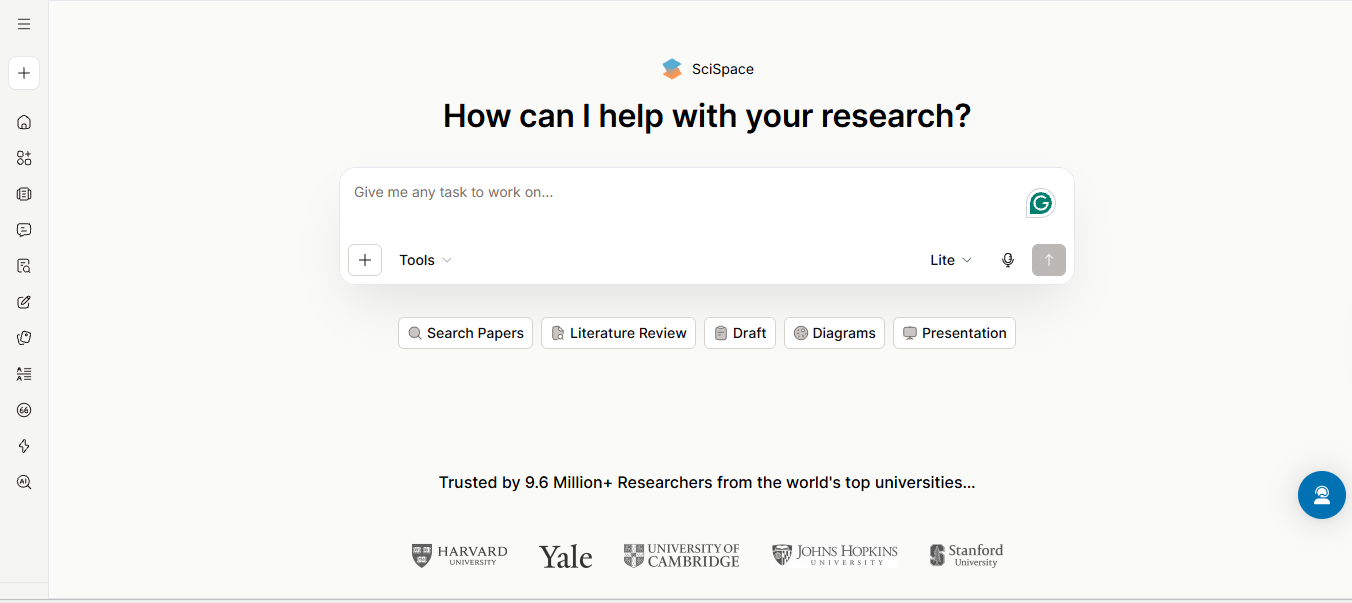
What it does: A research platform searching 280+ million papers, answering questions in plain language with every claim linked back to a retrievable source.
Best for: Getting a research question answered with a citation attached, instead of a confident-sounding paragraph with nothing to check it against.
SciSpace answers a plain-language question first and lets the paper trail follow from the answer. That fits an open-ended research question, where you don't yet know exactly what you're screening for.
Key features
- 280M+ paper search. Answers a plain-language question with citations linked to retrievable sources.
- Deep Review. Synthesizes findings across multiple papers at once for a systematic-style comparison.
- AI Writer. Drafts an outline or section with citations pulled from your own research library.
Pros and cons
Pros:
✅ A niche question is less likely to come back empty, with 280 million papers behind the search instead of a narrower index.
✅ Deep Review handles a multi-paper comparison that would otherwise mean reading each one separately.
✅ You can run a full question-and-answer search on the free plan before deciding whether the paid credits are worth it.
Cons:
❌ Coverage is limited to indexed academic literature, so a question needing news or web sources needs a different tool.
❌ Accuracy can drop outside well-covered disciplines, worth a manual double-check on a niche topic.
What users say
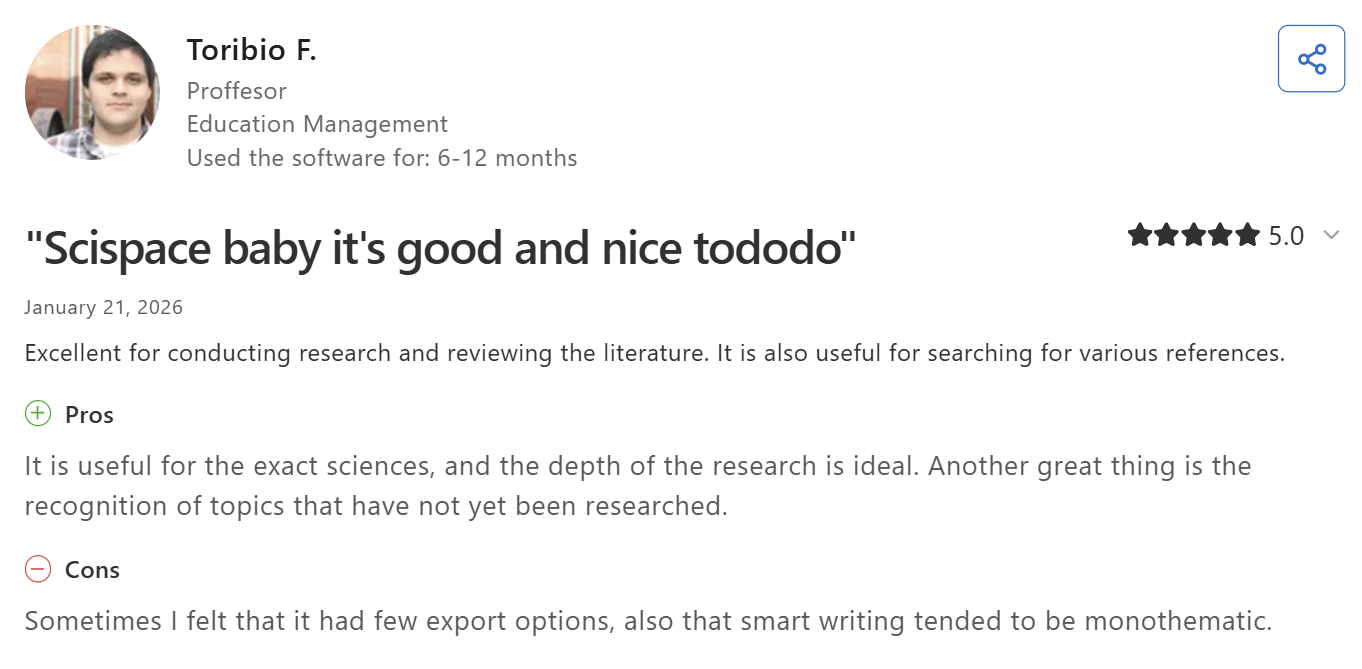
“Excellent for conducting research and reviewing the literature.” — Toribio F., profesor, Capterra
“The file storage and library needs to be a bit more intuitive.” — Bill B., president in packaging and containers business, Capterra
Pricing
- Premium: $12/month billed annually or $20 monthly
- Advanced: $70/month billed annually or $90 monthly
- Max: $160/month billed annually or $200 monthly
Bottom line
It’s the one to reach for when you want a plain-language answer with its sources attached. Pair it with Elicit when the job is a formal systematic review.
8. NotebookLM (now Gemini Notebook): Best for synthesizing a stack of sources you've already collected
What it does: A research tool that speaks only from what you've given it (documents, PDFs, or links uploaded directly), rather than from a broader model's training data.
Best for: Writers combining a stack of already-gathered sources, before deciding what to write next.
NotebookLM, renamed Gemini Notebook in July 2026, functions as an analyst. It never types inside your main document draft. It can draft paragraphs, but it only outputs them as chat replies or isolated notepad cards, meaning you must still copy, paste, and integrate them into your final paper yourself.
Key features
- Source-linked chat. Answers only from uploaded documents, with citations pointing to the exact passage.
- Audio and Video Overviews. Turns a stack of sources into a podcast-style or slide-style summary.
- Large context window. Holds roughly a million tokens, enough for dozens of papers in one notebook at once.
Pros and cons
Pros:
✅ A study session built from lecture notes and readings stays limited to the course material itself, without outside content a general chatbot might pull in.
✅ The free tier covers real synthesis work, 100 notebooks and 50 sources each, before any payment is needed.
✅ Audio Overviews turn a dense stack of papers into something to review while doing something else.
Cons:
❌ It only works from what you've uploaded, so it does nothing for finding new sources in the first place.
❌ Paid limits come bundled inside a Google AI subscription instead of sold standalone, which makes the real cost harder to isolate.
What users say
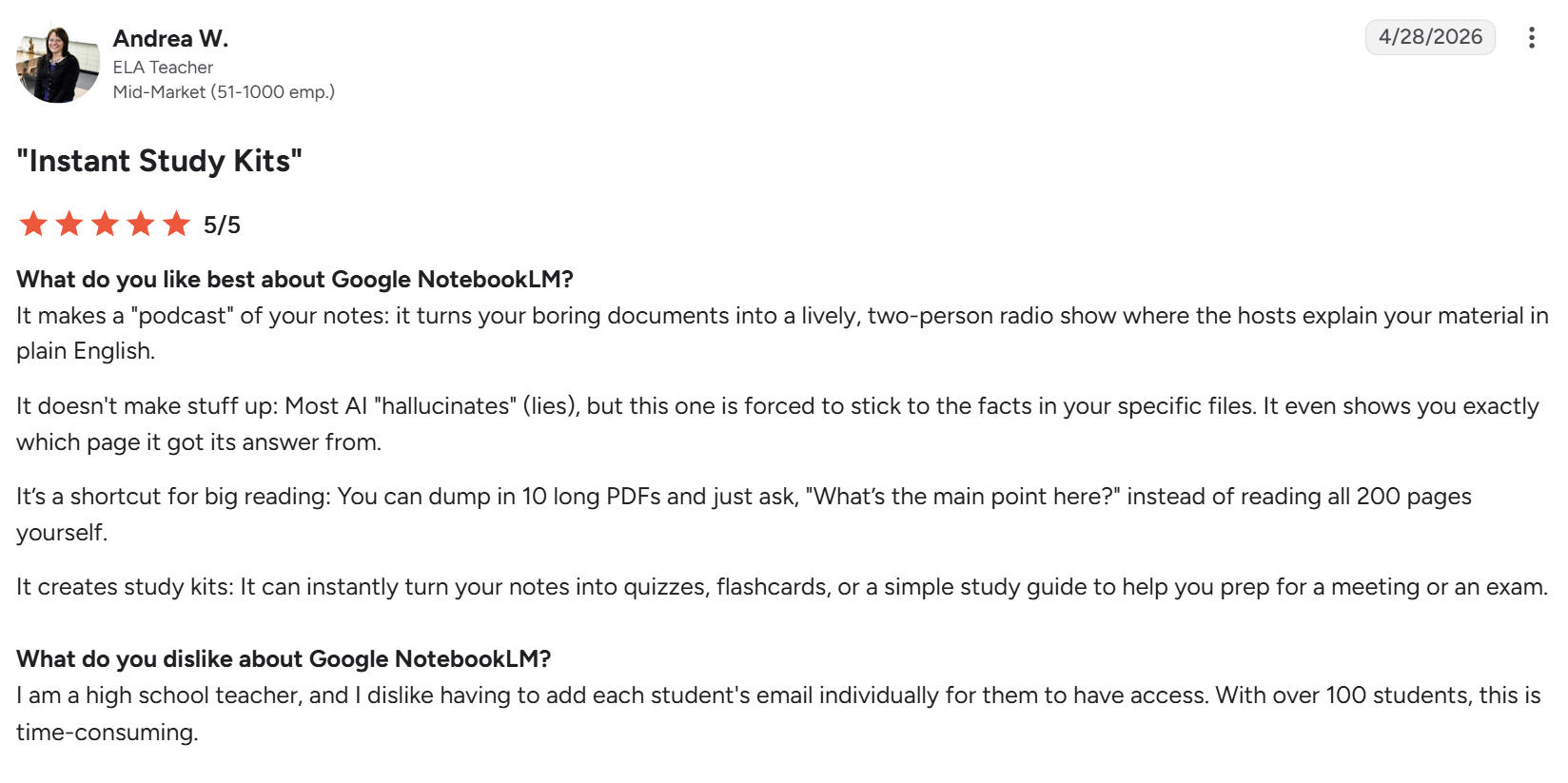
“It can instantly turn your notes into quizzes, flashcards, or a simple study guide.” — Andrea W., ELA teacher, G2
“Usage caps and performance limits make it hard to rely on for heavier workloads.” — Bindu Madhuri J., graduate assistant, G2
Pricing
- Free with a Google account
- Google AI Plus: $4.99/month, 200 notebooks max (100 sources per notebook)
- Google AI Pro: $19.99/month, 500 notebooks max (300 sources per notebook)
- Google AI Ultra: From $99.99/month, 500 notebooks max (500–600 sources per notebook)
Bottom line
It’s the synthesis step for sources you've already collected, with a free tier generous enough for most coursework. Look elsewhere to find the sources in the first place.
Which AI tool for academic writing should you choose?
Choose HyperWrite if you:
- Have the research and outline done and need the section itself written.
- Want drafts that hold your own voice instead of a generic academic tone.
- Draft across browser tabs and want sentence completion where you already work.
Choose Elicit if you:
- Are running a literature review or systematic review.
- Need every finding linked back to a real, checkable paper.
- Want to screen and extract from large paper sets as a structured table.
Choose Zotero if you:
- Want a free reference manager with no cap on your library.
- Need citations inserted straight into Word or Google Docs.
- Share a bibliography with co-authors or a research team.
Choose Paperpal if you:
- Are preparing a manuscript for journal submission.
- Want plagiarism and language checks in a single pass.
Choose ChatGPT if you:
- Need to think through structure and argument before you draft.
- Want to turn a messy outline into a structured one quickly.
Choose Jenni if you:
- Want drafting suggestions grounded in your own uploaded PDFs.
- Need citations formatted inline as you write.
- Are drafting a literature review that leans on specific sources.
Choose SciSpace if you:
- Want a plain-language answer with its sources attached.
- Are searching a niche topic that needs deep paper coverage.
- Need to compare findings across several papers at once.
Choose NotebookLM if you:
- Already have your sources gathered and need to synthesize them.
- Want answers limited to your own uploads, not the open web.
- Like reviewing material as an audio or video overview.
Skip a dedicated tool entirely if you:
- Are writing something short enough that a careful read-through already catches what matters.
Using AI responsibly in academic work
These tools help you write, cite, and organize research. None of them should write your argument for you.
- Verify every citation by hand. A general chatbot can generate a confident, plausible reference to a paper that doesn't exist. Check it against the actual source before it goes in your paper.
- Check your institution's or journal's AI policy first. Disclosure requirements vary, and using undisclosed AI-generated text can count as academic misconduct regardless of how the text was produced.
- Use AI for structure and polish, never for the argument itself. Let it gather and organize sources the way a research assistant would, and keep the claims and the reasoning yours.
- Know the difference between summarizing and paraphrasing. A summary condenses a source in your own structure, while a paraphrase rewords one passage and still needs a citation to avoid a plagiarism flag.
- Fact-check anything AI helped you write before it goes in. Open every cited source and confirm the claim is actually there, because a fluent sentence is no proof the reference exists.
Final verdict
The eight tools above cover four different jobs: finding sources, managing references, drafting, and polishing. No single one does all four well, so the strongest setup pairs a specialist for each stage instead of forcing one tool to stretch across them.
HyperWrite's edge is the drafting stage itself. Once Elicit or SciSpace has surfaced the sources and Zotero has them organized, it turns your notes into a section in your own voice. It works best alongside these research tools, not in place of them.
Draft the section once the research is done
Finding sources and organizing citations is one job. Turning your own notes into a section that sounds like you is another, and it's the one most tools in this space skip entirely.
HyperWrite's Personas match your voice, so a drafted section starts in your tone instead of a generic academic one, and TypeAhead delivers it inside whatever tab you're working in.
Before you draft, you can summarize a stack of sources in a few clicks to pull out what each one actually says, and the wider set of AI websites for students covers the research and study tools that sit around the writing.
Research done and still staring at a blank section? Try TypeAhead free with the HyperWrite Chrome extension and get your first draft down in your own voice.
Frequently asked questions
What is the best AI tool for academic writing?
The best AI tool for academic writing depends on the stage: HyperWrite for drafting in your own voice, Elicit for literature review, Zotero for references, and Paperpal for journal-ready polish. Among AI writing tools for students specifically, the free tiers on HyperWrite, Zotero, and NotebookLM cover most coursework without a subscription.
What is the best AI tool for literature review?
Elicit is the strongest AI tool for a literature review, since it searches more than 138 million real papers and links every claim to its source. Elicit's evaluation across 994 Cochrane reviews put its search recall at 95% and its full-text screening recall at 99.5%.
Can AI generate fake citations?
Yes. General-purpose chatbots can generate confident, plausible-sounding citations to papers that don't exist. Every source an AI tool produces needs independent verification before it goes into an academic paper.
Is it ethical to use AI for academic writing?
Yes, when used for structure, polish, and organization, never to generate the argument itself. Institutions and journals increasingly require disclosure of AI use, and submitting AI-generated writing as entirely your own can count as academic misconduct.
Is Zotero free to use?
Zotero's core reference management is free permanently, with no trial period involved. The only limit is cloud storage for file attachments, which starts at 300MB free and can be expanded starting at $20 a year.

HyperWrite is the AI writing assistant that learns your style. It handles drafting, editing, and researching so you can focus on ideas.
- Autocompletes sentences as you type
- Works inside Google Docs & Gmail
- Adapts to your personal writing style
- 500+ AI tools for any writing task

Powerful writing in seconds
Improve your existing writing or create high-quality content in seconds. From catchy headlines to persuasive emails, our tools are tailored to your unique needs.