


I've run blog posts, ad copy, and email campaigns through Writesonic long enough to see where it breaks down. Once the templated voice, credit limits, and editing overhead start eating your time, these are the best Writesonic alternatives built for real content teams.
Why look for Writesonic alternatives?
Writesonic handles blog posts, ad copy, social captions, and SEO content in one place, with a free plan that's easy to get started with. It works well for solo creators, but issues start to show when working on a larger scale, which is why users look for alternatives.
Once you start generating content at volume, drafts start sounding the same. Credit limits force you to ration words on the work that matters. And the voice rarely matches your brand without heavy edits, so the time saved drafting gets lost in editing. That's when content teams start looking.
TL;DR: Which Writesonic alternative should you choose?
Choose Jasper AI if you run a marketing or content team that needs brand voice training, team collaboration, and integrations with your existing stack.
Choose Copy.ai if you want pre-built marketing workflows and GTM automation built into the platform.
Choose Surfer SEO if your content production is SEO-first and you want writing tied directly to SERP analysis and on-page scoring.
Choose Frase if you need SEO research, content briefs, and AI writing in one tool without paying enterprise pricing.
Choose HyperWrite if your team writes across multiple tools and tabs (Gmail, Docs, CRMs, briefs) and needs an assistant that stays in context and matches your voice.
Choose Anyword if you write performance-driven copy for ads, landing pages, and email and want predictive scoring before you publish.
Choose Rytr if you need a budget option for short-form content and don't need a full content platform.
Stick with Writesonic if breadth still matters more than voice consistency or workflow fit.
Top 7 Writesonic alternatives: Quick comparison
Pricing based on monthly billing; correct as of May 2026.
7 best Writesonic alternatives
These are the Writesonic alternatives I'd switch to when the templated voice and credit ceilings start slowing your team down.
1. Jasper AI: Best for enterprise content and marketing teams
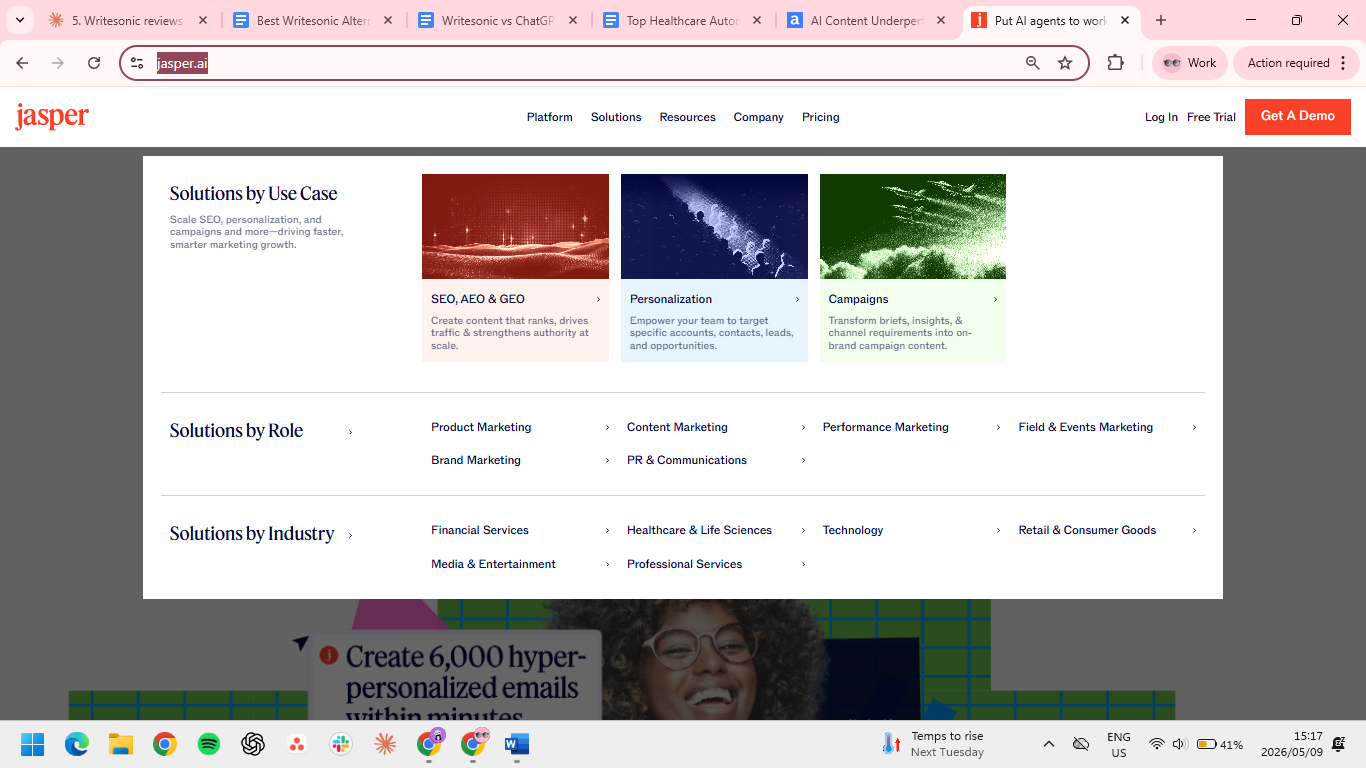
Jasper is the heavyweight option for teams that need brand voice management, multi-user collaboration, and integrations with their marketing stack. If your team is producing volume across brands, channels, and contributors, Jasper handles the structure and governance, which Writesonic doesn't.
Key features
- Brand voice training: Train Jasper on your existing content so output matches your tone across writers and projects.
- Templates and workflows: Use pre-built templates for blog posts, ads, emails, and social, and chain them into repeatable workflows.
- Integrations: Connect Jasper to Surfer SEO, Grammarly, Google Docs, and other tools your team already uses.
Pros
- ✅ Brand Voice cuts the editing pass that kills content velocity.
- ✅ Knowledge Assets keep product specs and positioning in every generation; no re-pasting context.
- ✅ Seat-level tracking and approvals built in for teams that need governance.
- ✅ Direct plugins for Webflow, Docs, WordPress, and HubSpot skip the copy-paste step.
Cons
- ❌ Claims, numbers, and personality moments still need human discretion.
- ❌ Real ROI takes weeks; voice setup needs hours of sample uploads before the output gets sharp.
- ❌ Long-form drafts past 1,500 words start repeating.
Best for
- Marketing teams at mid-size and enterprise companies that need brand voice control, team workflows, and integrations.
Pricing
- Pro $69/month/seat or $59/month/seat (billed annually)
- Business: Custom pricing
Find more tools like Jasper in this alternatives roundup
2. Copy.ai: Best for marketing workflows and GTM automation
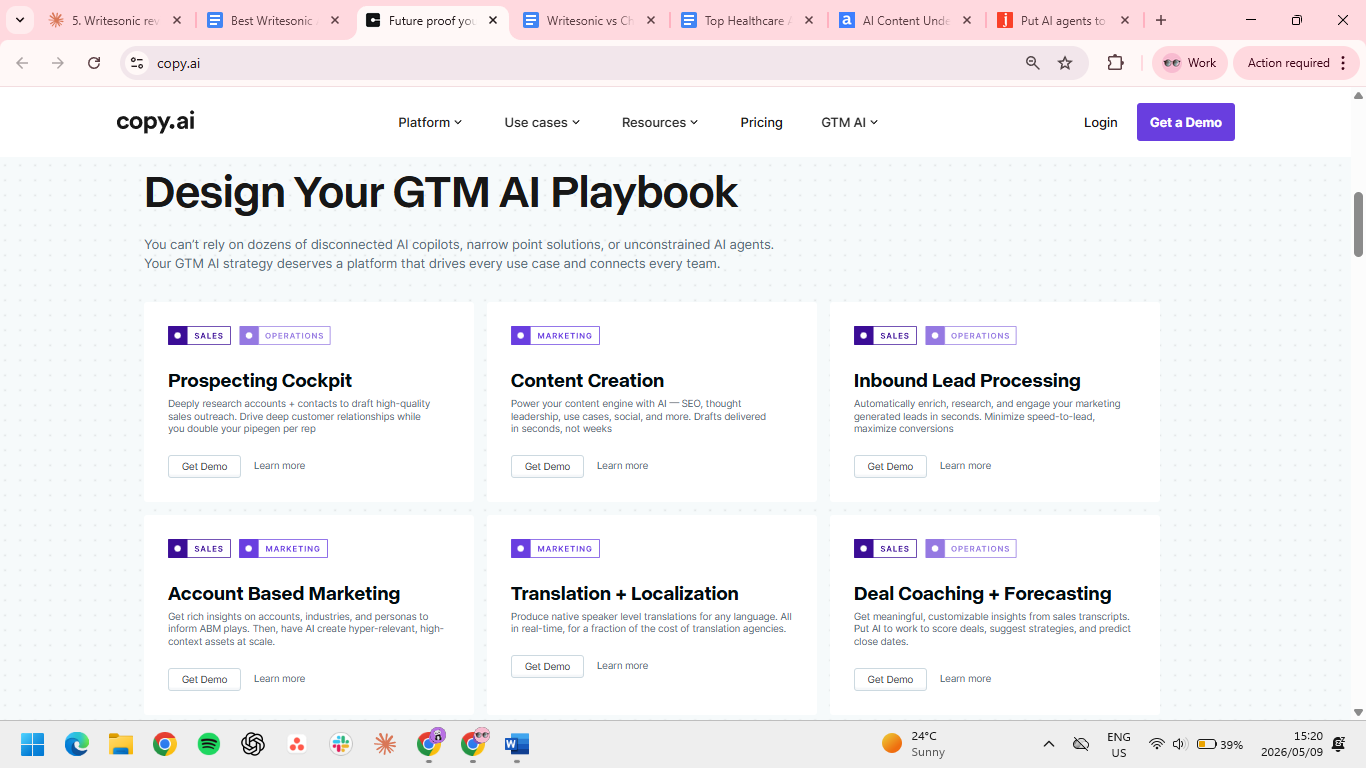
Copy.ai is a go-to-market (GTM) AI platform. The tool is built around workflows that automate marketing tasks (lead enrichment, account research, content generation) instead of just generating one-off copy. Copy.ai handles the connective work between content generation and the rest of your GTM stack.
Key features
- Pre-built workflows: Run automated workflows for tasks like content briefs, lead enrichment, and competitor research without writing them from scratch.
- Template library: Generate short-form copy (ads, emails, product descriptions) with templates tuned for marketing use cases.
- Free plan: Lets teams test the workflow approach before committing to a paid tier.
Pros
- ✅ One trigger runs a full GTM sequence: scrape a prospect's site, draft outreach, push to your CRM.
- ✅ AI output lands in Salesforce, HubSpot, or Slack directly.
- ✅ 90+ templates cover most marketing copy on day one.
- ✅ Voice holds across emails, ads, and content, which is rare at this price point.
Cons
- ❌ Solo writers find the workflow setup heavier than they need.
- ❌ Drafts read as competent but not optimized and miss the personal detail that converts; needs to be paired with Surfer or Frase for SEO content.
Best for
- Marketing and growth teams that want content generation tied to broader GTM workflows.
Pricing
- Chat $29/month or $24/month billed annually
- Enterprise: Custom pricing
Learn how Copy.ai compares with Jasper and HyperWrite
3. Surfer SEO: Best for SEO-first content production
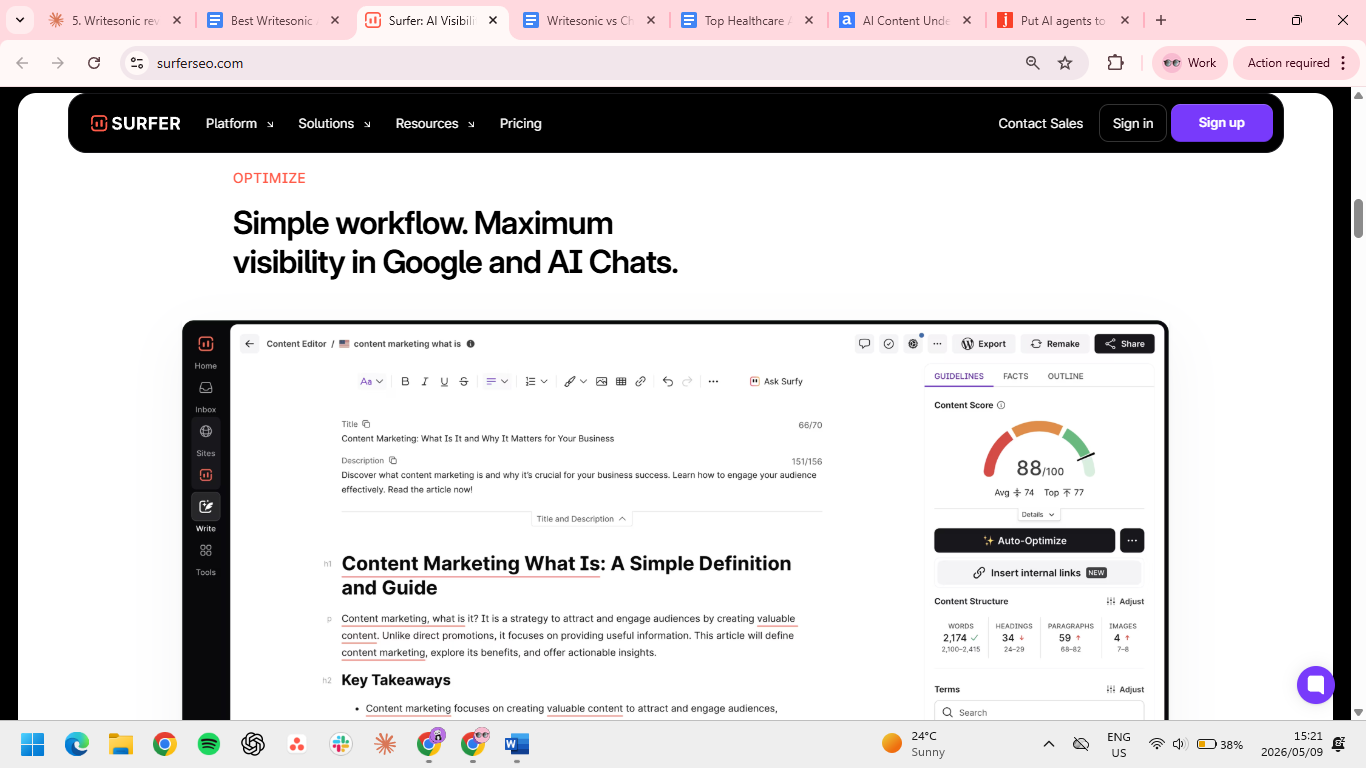
Surfer is built for teams whose content depends on search rankings. It pairs an AI writer with SERP analysis, on-page scoring, and content briefs, so writing happens against a real benchmark instead of in a vacuum.
Key features
- Content Editor with SEO scoring: Write or paste drafts and get real-time scoring against the keywords, terms, and structure ranking pages use.
- SERP analysis: See what's working in the top results for your target keyword before you start writing.
- AI writer plus humanizer: Generate articles tied to SEO data, then run them through a humanizer to soften AI patterns.
Pros
- ✅ Live scoring shows exactly where your draft sits against ranking pages as you write.
- ✅ Freelancers can write from a Surfer brief without their own research pass.
- ✅ Audits surface optimization gaps on existing content, where most SEO ROI actually sits.
- ✅ Full workflow from keyword to optimization in one tool.
Cons
- ❌ Document and audit quotas are separate, but both reset on a fixed cycle. A heavy month can leave you short on either before the next reset.
- ❌ Overkill for non-SEO copy; Anyword or Rytr fit ads, emails, and product descriptions better.
- ❌ Most teams use Surfer for research and write elsewhere.
Best for
- SEO and content teams whose primary KPI is organic traffic and search rankings.
Pricing
- Standard $119/month or $99/month billed annually
- Pro $219/month or $182/month billed annually
- Peace of Mind $359/month or $299/month billed annually
- Discovery plan $59/month or $49/month billed annually
- Enterprise $999/month
4. Frase: Best for SEO research plus AI writing
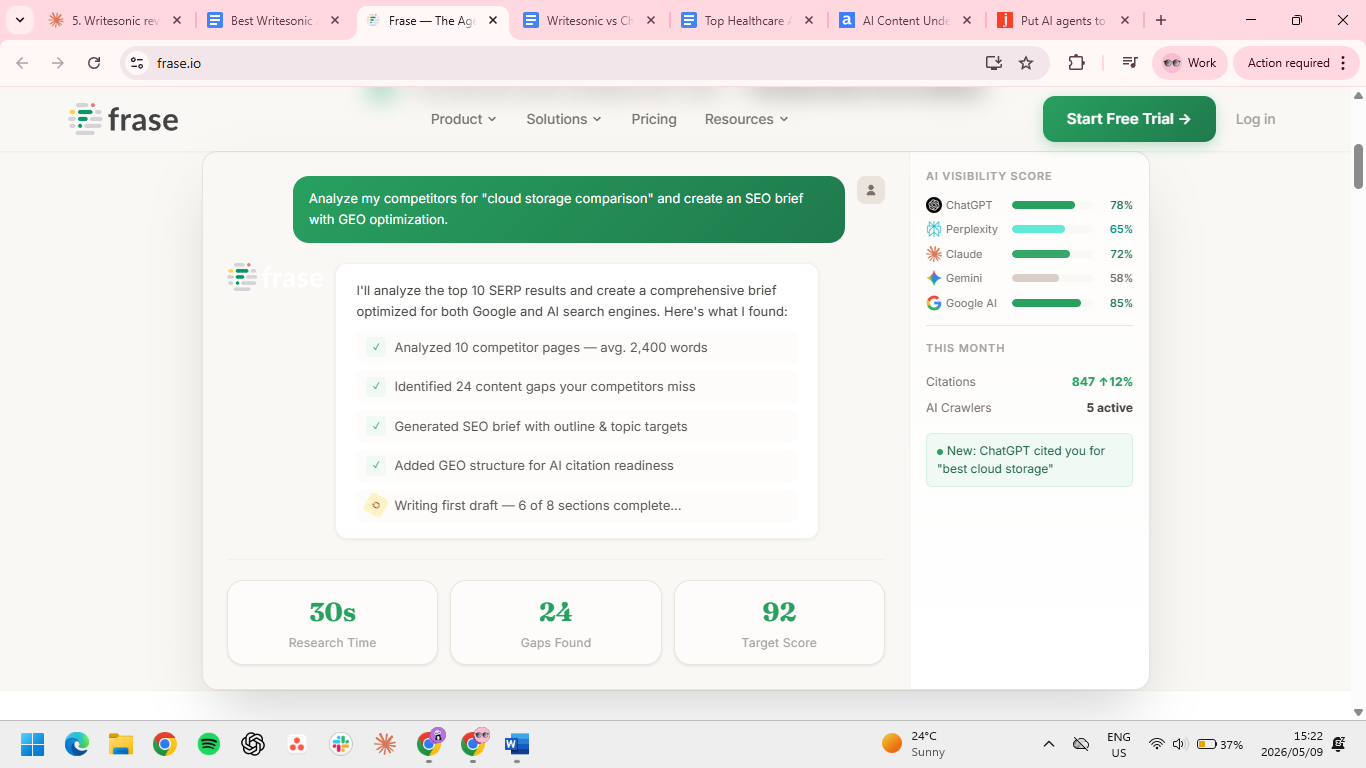
Frase combines SEO research and AI writing in one tool. Point it at a keyword, and it pulls the top 20 ranking pages, extracts their headings, questions, and topic coverage, and turns the analysis into a content brief you can hand to a freelancer or write against yourself in the built-in editor. Topic scoring updates as you draft, showing what's missing before you publish.
Key features
- SERP-based content briefs: Generate briefs from the top results for any keyword in minutes, including headings, questions, and topics to cover.
- AI writer tied to research: Writing happens against the brief, so drafts stay grounded in what's actually ranking.
- Question research: Pull questions from People Also Ask, Quora, and Reddit to shape FAQ sections and content angles.
Pros
- ✅ Cuts SERP research from hours to minutes by pulling the top 20 ranking pages automatically.
- ✅ Briefs are ready to hand to a freelancer: word count, structure, questions, and coverage in one doc.
- ✅ Topic Score updates as you write, so you see what's missing before you publish.
Cons
- ❌ Editor slows down on long documents; running brief, scoring, and AI writing at once strains the interface.
- ❌ Chasing a high Topic Score can hurt the draft, sometimes leading to awkward keyword stuffing.
Best for
- Solo SEOs and small content teams that need SEO research and AI writing in one tool without paying enterprise pricing.
Pricing
- Starter $49/month or $39/month (billed annually)
- Professional $129/month or $103/month (billed annually)
- Scale $299/month or $239/month (billed annually)
5. HyperWrite: Best for writing-heavy work across tools
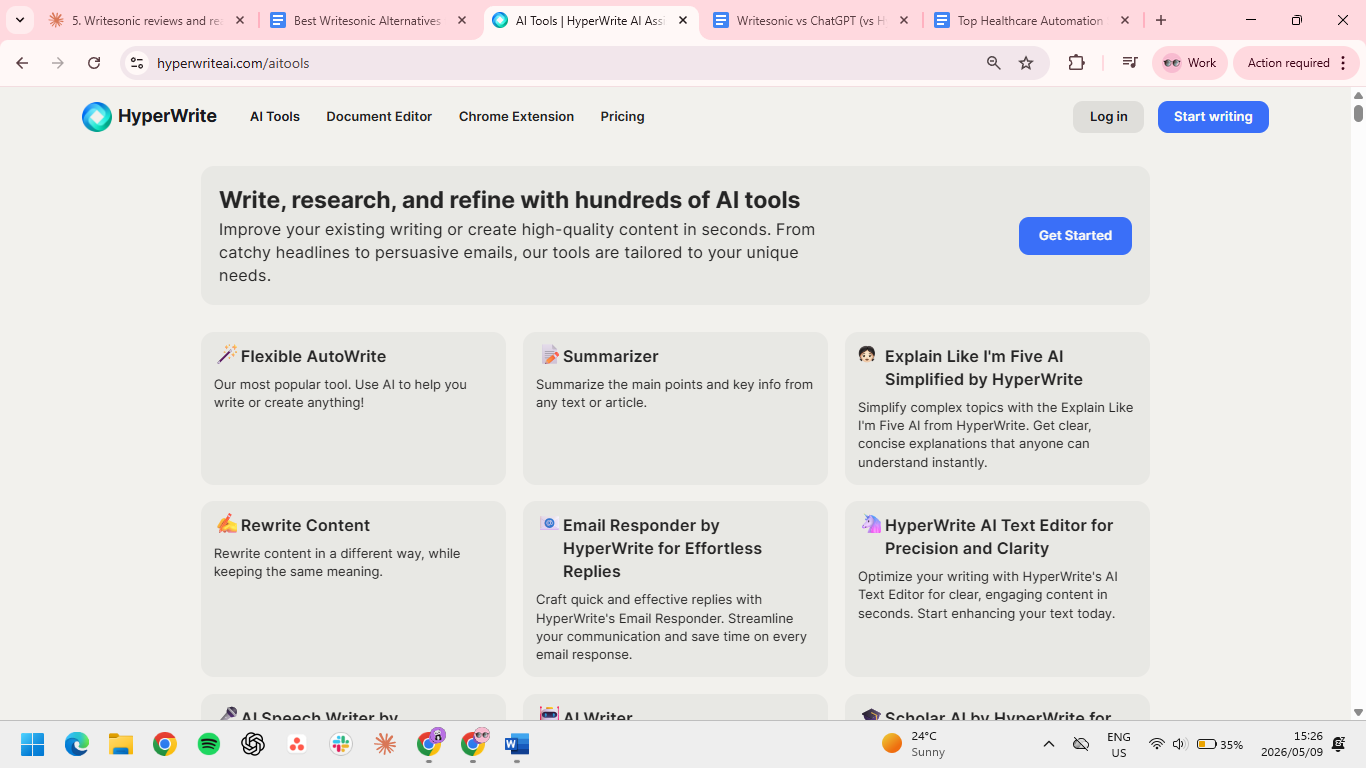
HyperWrite is a writing co-pilot. TypeAhead is its context-aware writing assistant that reads your open tabs, completes sentences in your voice, and works across the rest of your browser. Behind the extension is a full writing stack for the repetitive work on a content team (rewrites, summaries, email replies, briefs, and SOPs).
Key features
- Real-time writing across tabs: TypeAhead completes sentences as you write across Gmail, Docs, your CMS, and any other browser tool, using context from what you already have open.
- Voice consistency through Personas: Create custom profiles for different writers, brands, or channels so every draft matches the exact voice and style you need.
- Optimized prompts and tools: The AI Tools library run on prompts refined through years of A/B testing, so output needs less rewriting than raw chatbot drafts.
Pros
- ✅ TypeAhead is free to test before committing to a paid plan.
- ✅ Cuts the tab-switching and copy-pasting that fragments most content workflows.
- ✅ Voice and argument hold across long pieces because the editor reads what you've already written.
Cons
- ❌ No SEO scoring or SERP analysis. For ranking on Google, pair HyperWrite with Surfer or Frase.
- ❌ Personas need real writing samples to work well.
- ❌ High-stakes copy, such as investor updates and legal language, still needs a final human edit.
Best for
- Content teams that draft across multiple tools every day and want output that sounds like them, not like a template.
Pricing
- Free plan available
- Premium $19.99/month or $16/month (billed annually)
- Ultra $44.99/month or $29/month (billed annually)
6. Anyword: Best for performance-driven copy
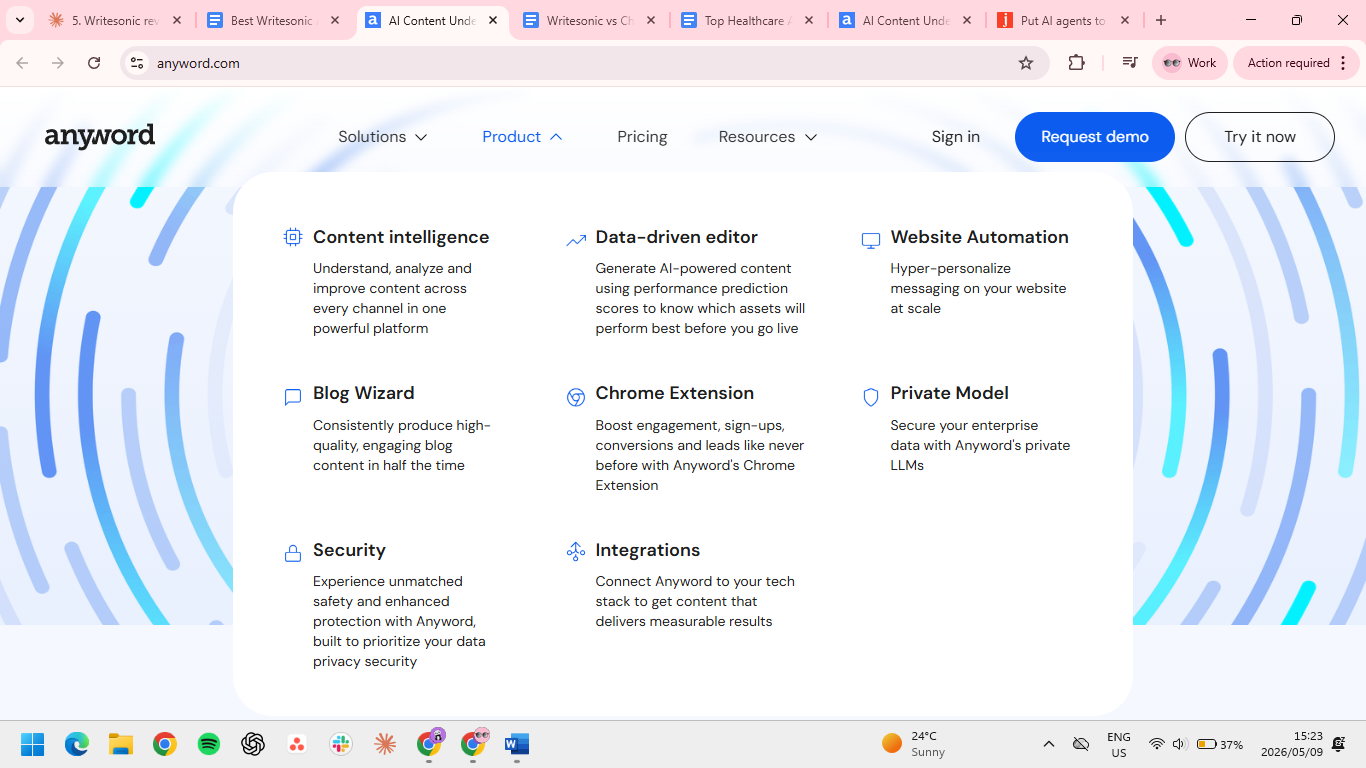
Anyword scores generated copy against predicted performance for your channel and audience before you publish. Instead of guessing which version of a headline or CTA will work, you get a number tied to expected engagement. The scoring layer is what Writesonic doesn't have.
Key features
- Predictive Performance Score: Every piece of copy gets a score based on how it's likely to perform with your target audience and channel.
- Brand voice and audience targeting: Train Anyword on your brand voice and segment by audience so output is tuned to who's reading it.
- Channel-specific generators: Built-in tools for ads (Meta, Google, LinkedIn), landing pages, email, and social.
Pros
- ✅ You know which copy will perform before you spend a dollar on it.
- ✅ Templates built for Google, Meta, LinkedIn, email, and landing pages, so output fits each channel's format.
- ✅ Brand voice holds across formats, which most AI writers fail at.
- ✅ Connect your CRM or analytics and scoring uses your customers, not industry averages.
Cons
- ❌ Built for short-form copy only.
- ❌ Scores predict performance but don't guarantee it. A 95-rated headline can lose to a 70 in real campaigns.
- ❌ Drafts can still be read as machine-written; a final human pass is worth the time.
Best for
- Performance marketing and growth teams writing copy for paid channels, landing pages, and email.
Pricing
- Starter $49/month or $39/month (billed annually)
- Data-Driven $99/month or $79/month (billed annually)
- Business and Enterprise: custom pricing
7. Rytr: Best for budget short-form content
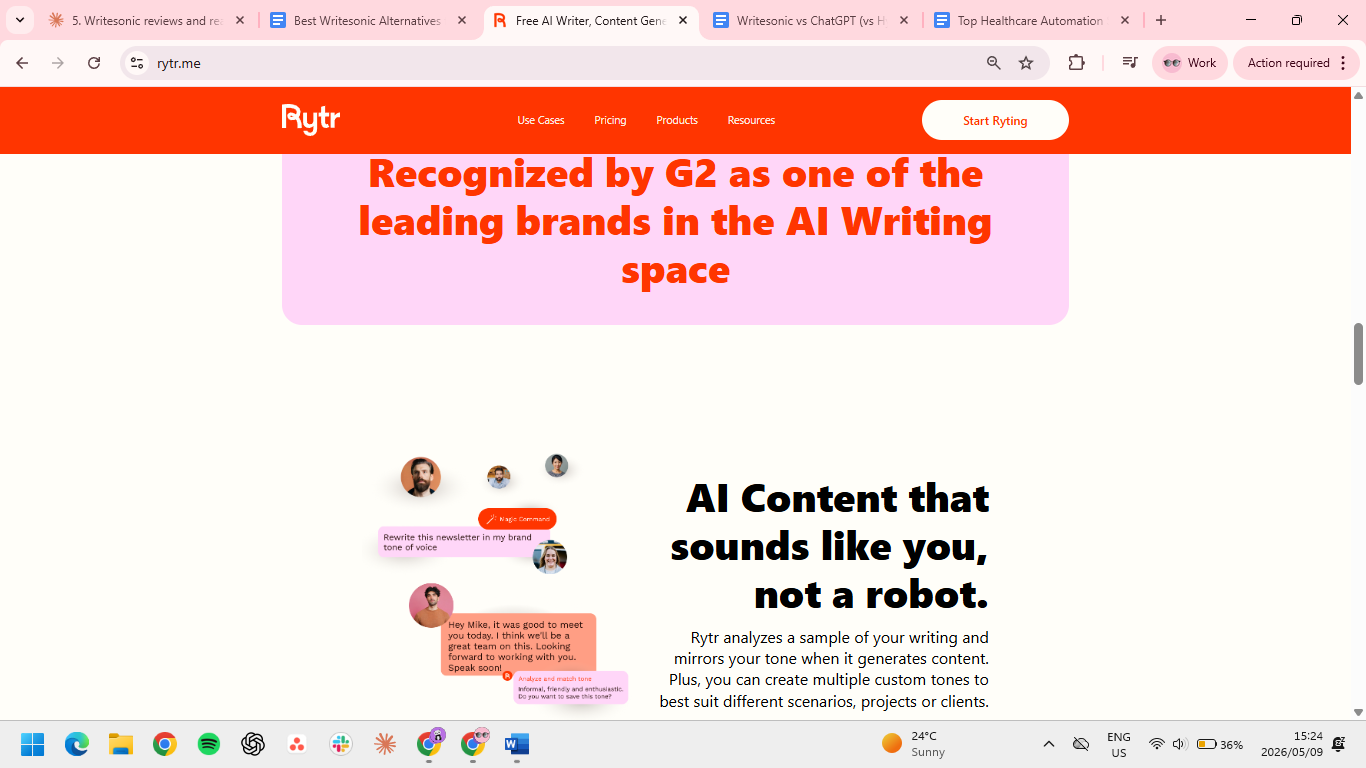
Rytr is the Writesonic alternative to look at when the budget is the main constraint. It covers most short-form use cases (emails, social, product descriptions, and blog ideas) and starts at a price most other tools can't match.
Key features
- 40+ use cases: Pre-built templates for emails, social posts, product descriptions, blog ideas, and more.
- Tone library: Choose from a range of tones to match the channel or audience you're writing for.
- Plagiarism checker: Built-in checker on paid plans helps catch issues before publishing.
Pros
- ✅ 40+ templates let you skip the blank page entirely on the copy types you write most.
- ✅ Client voice switches in seconds, not rewrites.
- ✅ Plagiarism checker bundled; saves a separate Copyscape subscription.
- ✅ Cheapest paid tier in the category at $9/month.
Cons
- ❌ Output starts to make less sense after the 800-word mark.
- ❌ Tone drifts after a few paragraphs; consistency across longer pieces isn't reliable.
- ❌ No brand voice training. You can set a tone, but can't feed it your writing samples.
- ❌ Free plan's 10,000-character limit is too thin to properly evaluate it.
Best for
- Solo creators and small teams that need short-form AI copy without paying for a full content platform.
Pricing
- Free plan available
- Unlimited at $9/month or $7.50/month (billed annually)
- Premium at $29/month or $24.16/month (billed annually)
The right Writesonic alternative fits your actual bottleneck
Writesonic spreads thin across blog posts, ads, social, and SEO, which is why it stops feeling sharp at scale. The right replacement depends on where you actually lose time.
For SEO-heavy teams, Surfer and Frase do the research and scoring work better. For performance copy, Anyword adds the predictive layer. For mid-size and enterprise marketing teams, Jasper handles brand voice and team controls.
For most professionals, the slowdown isn't the writing tool itself but the writing context. You draft in Google Docs, reply in Gmail, update the CRM, write a Slack message, and paste into the CMS. Every generator window is another tab to manage and another voice to edit back into your own.
HyperWrite works inside the tools you already use, completing sentences in your voice as you type. Personas handle the voice problem, so you're not editing AI phrasing back into your own. Install the Chrome extension and TypeAhead starts working in every tab.
Frequently asked questions
What is the best Writesonic alternative for content teams?
The best Writesonic alternative for content teams depends on the bottleneck. HyperWrite fits teams writing across multiple tools and tabs, Jasper fits enterprise marketing teams, and Surfer fits SEO-focused content production.
What is the best free Writesonic alternative?
The best free Writesonic alternatives are HyperWrite, Copy.ai, and Rytr. Each one offers a free plan with enough usage to test the tool before paying.
Is Jasper better than Writesonic?
Jasper is better than Writesonic for teams that need brand voice training, team collaboration, and marketing stack integrations. Writesonic is more affordable for solo creators or small teams that don't need those features.
Is HyperWrite a good alternative to Writesonic?
Yes, HyperWrite is a strong alternative to Writesonic for teams whose main pain is writing speed and voice consistency across tools. It's built around TypeAhead, which works across every browser tab and matches your voice, instead of generating content in a separate window.
Why do content teams switch from Writesonic?
Content teams switch from Writesonic because the templated voice, credit limits, and editing overhead start eating their time at scale. More focused tools like HyperWrite, Surfer, or Jasper solve specific bottlenecks better than a general generator.

HyperWrite is the AI writing assistant that learns your style. It handles drafting, editing, and researching so you can focus on ideas.
- Autocompletes sentences as you type
- Works inside Google Docs & Gmail
- Adapts to your personal writing style
- 500+ AI tools for any writing task

Powerful writing in seconds
Improve your existing writing or create high-quality content in seconds. From catchy headlines to persuasive emails, our tools are tailored to your unique needs.