
7 Best Cotypist Alternatives for Windows and Mac in 2026


Cotypist is a strong AI autocomplete tool if you happen to own a recent Mac and don't mind paying for hardware to run the software. Anyone outside that setup needs a different option, and there are several Cotypist Alternatives worth considering.
Why look for Cotypist alternatives?
Cotypist has real strengths. Local processing keeps your text private, sentence completions appear in real time across most Mac apps, and the autocomplete-via-Tab workflow feels native once you get used to it.
The problem is that it can be a narrow fit:
- It's Mac-only and Apple Silicon-only. Windows users can't run it at all. Older Intel Macs are also blocked. If your team has mixed hardware, Cotypist won't cover everyone.
- It's subscription-priced once you scale past casual use. The Free tier caps you at 100 completed words per day; unlimited use requires Plus ($6/mo annual, one Mac) or Pro ($9/mo annual, up to three Macs).
- It's resource-heavy. Local processing eats RAM. The team recommends at least 16 GB for a smooth experience, which rules out older or lower-spec machines even on Apple Silicon.
- AI output varies, by design. For repetitive writing (templates, signatures, customer support replies), a deterministic text expander produces the same output every time. Cotypist's AI predictions are useful for original writing, but inconsistent for content you type the exact same way.
Most Cotypist competitors solve at least one of these gaps, either by moving to the browser, supporting Windows natively, or dropping the hardware requirement entirely.
TL;DR: Which Cotypist alternative should you choose?
Choose Grammarly if you want cross-app editing, light drafting, and AI suggestions across Mac and Windows.
Choose HyperWrite if you want AI autocomplete that sounds like you, working across every browser tab on any operating system.
Choose Compose AI if you want a lightweight autocomplete tool for Gmail and Google Docs and don't need voice matching.
Choose Raycast if you're a Mac power user who wants snippets, AI commands, and a launcher in one tool.
Choose Text Blaze if your writing is mostly repetitive and you need consistent output across Mac, Windows, and the browser.
Choose Typinator if you want the fastest, most Mac-native text expander available.
Choose Espanso if you want a free, open-source text expander that runs locally like Cotypist and works on every platform.
Stick with Cotypist if you're a privacy-focused writer on Apple Silicon with at least 16 GB of RAM who wants system-wide AI autocomplete across every Mac app.
7 best Cotypist alternatives: At a glance
| Platform | Best for | Price | Platforms |
|---|---|---|---|
| Grammarly | Cross-app editing and AI suggestions | Free, from $12/month | Mac, Windows, browser, mobile |
| HyperWrite | Voice-matched AI autocomplete in any browser tab | Free, from $16/month | Browser (any OS) |
| Compose AI | Lightweight AI autocomplete for Gmail and Google Docs | Free, from $9.99/month | Browser only |
| Raycast | Mac power users wanting snippets and AI in one tool | Free, from $8/month | Mac (Windows in beta) |
| Text Blaze | Cross-platform text expansion with dynamic templates | Free, from $2.99/month | Mac, Windows, Chrome |
| Typinator | Fastest Mac-native text expander | $29.99/year | Mac, iOS |
| Espanso | Free, open-source, truly cross-platform | Free | Mac, Windows, Linux |
Pricing based on annual pricing; accurate as of June 2026.
The 7 best Cotypist alternatives
1. Grammarly
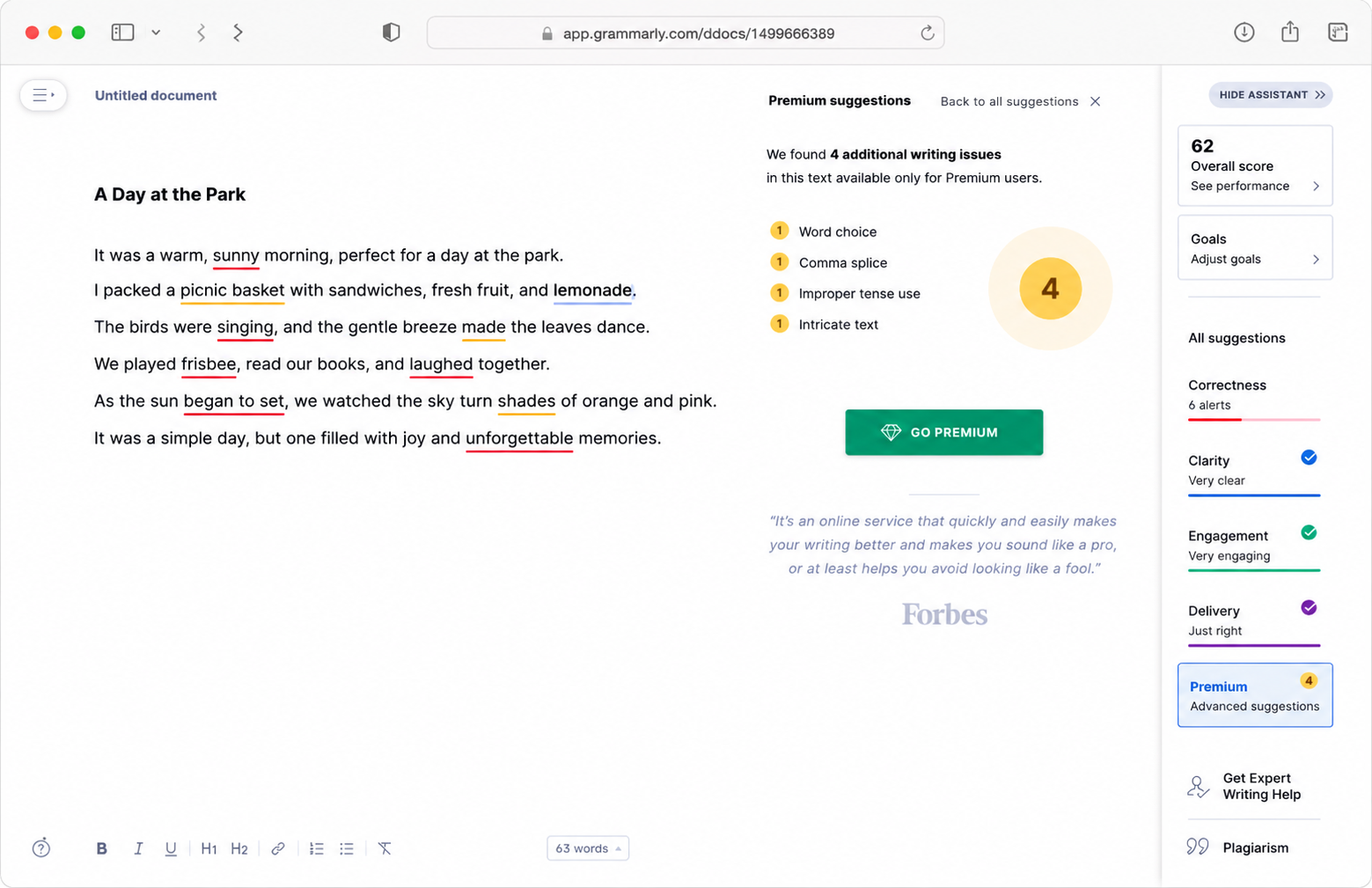
Grammarly is the most familiar name on this list, and for cross-platform users it's often the most useful. It runs on Mac, Windows, mobile, and inside almost every browser-based app you write in. The platform has generative AI features (drafting emails, brainstorming openings, rewriting paragraphs) on top of the grammar layer it's known for.
Best for: Professionals on Mac or Windows who want a single editing tool that works inside every app they write in.
Key features
- Cross-app editing layer. Suggestions appear inline in Gmail, Slack, LinkedIn, Word, Google Docs, and almost any text field. Zero copy-paste between tools.
- Generative AI suggestions. Pro tier drafts emails, rewrites paragraphs, and pulls in agents like citation finder and plagiarism checker, putting Grammarly closer to a full writing assistant.
- Authorship view. Shows what's human-written versus AI-generated inside a document, which matters for professionals submitting work where AI usage needs to be transparent.
Pros
- ✅ Works inline across nearly every app you draft in.
- ✅ Generative AI features extend the tool past correction into light drafting.
- ✅ The free plan handles enough volume that most professionals can run it indefinitely.
Cons
- ❌ Generative AI feels bolted onto the editor rather than built in. Dedicated drafting tools still produce stronger output.
- ❌ Default rewrites lean toward polished and corporate, so casual or creative writing often needs a manual pass.
- ❌ Suggestions can be pushy and make you lose your own voice if you accept too many.
Pricing
- Free plan available
- Pro: $30/month, $20/month billed quarterly, or $12/month billed annually
- Enterprise: custom pricing
Here’s what real users say in Grammarly reviews
2. HyperWrite
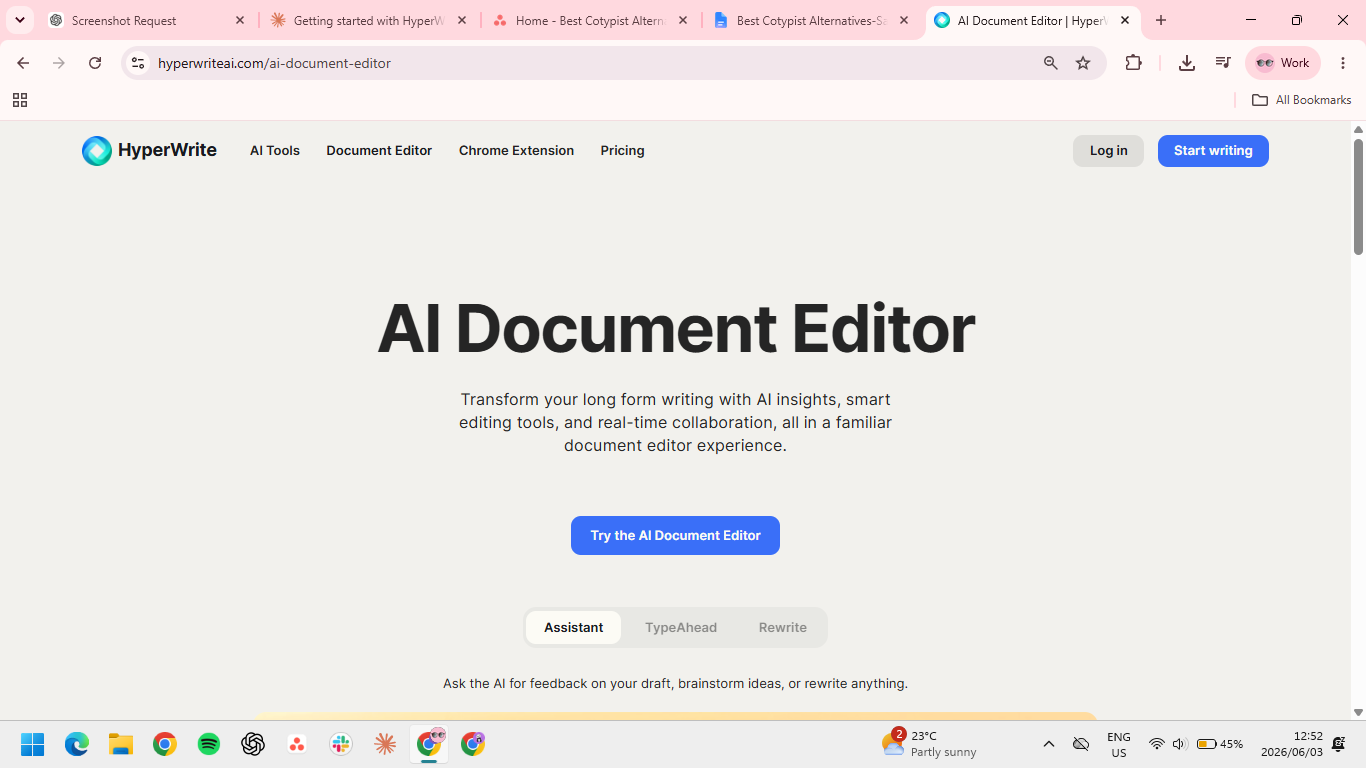
HyperWrite takes Cotypist's autocomplete-while-you-type idea and applies it to browser-based work across any operating system. TypeAhead reads context from your open browser tabs, including multiple tabs at once, and completes sentences in real time. Personas trained on samples of your past writing retain your voice across every tool you write in.
Best for: Founders, marketers, recruiters, and executives who write across browser-based tools daily and need AI suggestions that match their voice, not a generic professional default.
Key features
- TypeAhead. Real-time sentence completions inside any browser tab, pulling context from everything you have open, so a reply in Gmail can draw on the document, thread, or brief open in another tab.
- Personas. Voice-matched AI trained on your past writing samples, so output sounds like you across every draft.
- AI Tools Library. Pre-built tools for common writing tasks (rewrites, hooks, summaries, outlines) plus the option to build your own tools for repeat workflows.
Pros
- ✅ Browser-native suggestions match Cotypist's workflow without the Mac-only hardware requirement.
- ✅ Personas produce output closer to your actual voice than tone presets can manage.
- ✅ Premium unlocks unlimited TypeAhead, the core feature, for $16/mo annual without a usage cap.
- ✅ Used daily by professionals at Google, Netflix, LinkedIn, and Spotify, which signals where it sits on the market.
Cons
- ❌ Most of the value lives inside the Chrome extension, so it's a weaker fit if you write mostly in desktop apps.
- ❌ Persona training needs a handful of samples to dial in. Day-one output isn't representative of what the tool can do once tuned.
Pricing
- Free plan available
- Premium: $19.99/month or $16/month billed annually
- Ultra: $44.99/month or $29/month billed annually
3. Compose AI
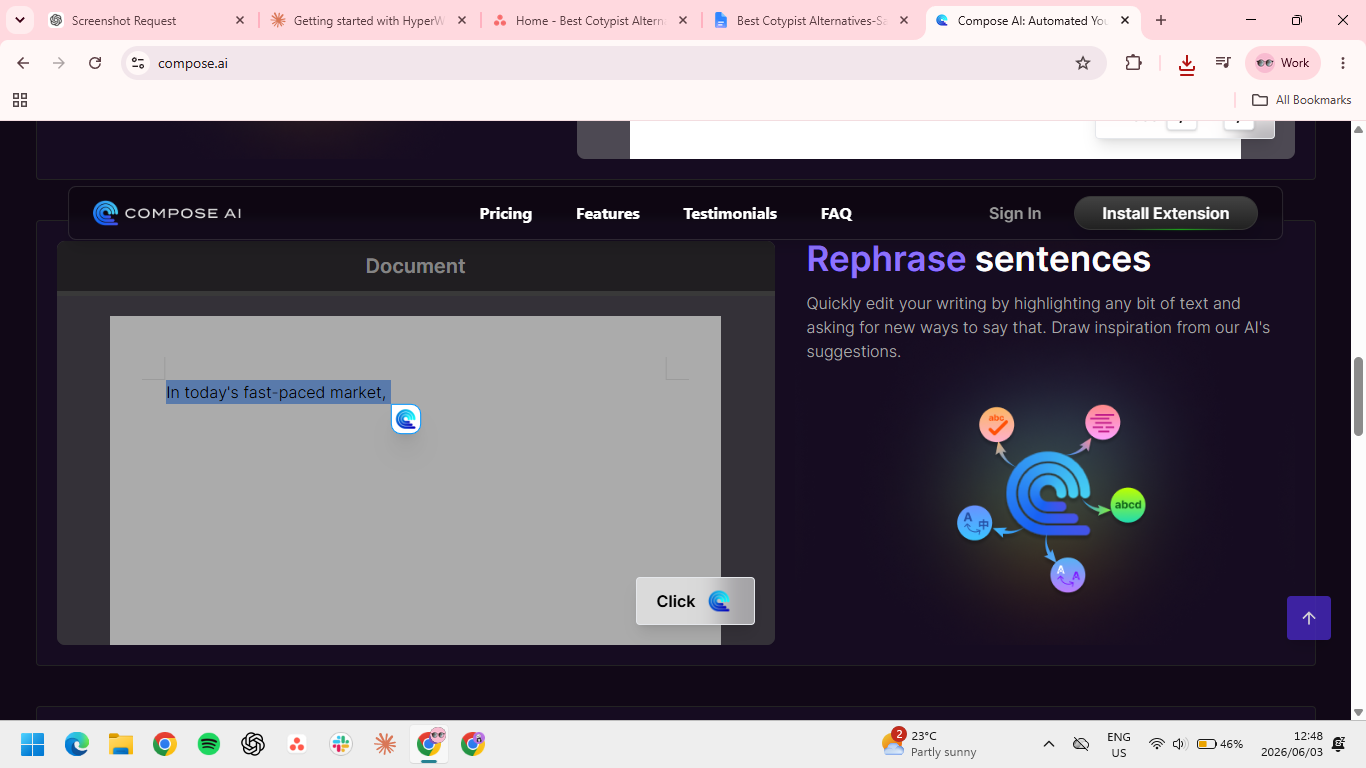
Compose AI is a lightweight browser-based option for writers who want AI autocomplete without a full platform commitment. It runs as a Chrome extension and autocompletes your sentences in real time inside the tools you already use.
The trade-off is scope. It only works where Chrome does, so it won't follow you into desktop apps, and it processes your text in the cloud rather than locally.
Best for: Writers whose work happens mostly in browser-based apps and who want AI autocomplete without buying into a full writing platform.
Key features
- Autocomplete in browser tabs. Suggestions appear as you type across most browser-based writing tools.
- One-click email replies. Generates a full reply to any message in your inbox with a single click.
- Highlighted text rephrase. Rewrites selected sentences without leaving the page you're working on.
Pros
- ✅ Free plan includes 1,500 words per month, enough to test the tool on real work.
- ✅ Works inside the apps most professionals already use daily.
- ✅ Cloud-based, which means it runs the same way regardless of operating system or hardware.
Cons
- ❌ Browser-only, so it won't help inside desktop apps like Notion's desktop client.
- ❌ Cloud-based processing means your text leaves your device, which matters if you're working with sensitive or confidential content.
- ❌ The free plan's word cap hits fast for daily writers.
Pricing
- Basic: free
- Premium: $14.99/month or $9.99/month billed annually
- Ultimate: $44.99/month or $29.99/month billed annually
4. Raycast

Raycast is a keyboard-driven launcher for Mac that includes snippets, clipboard history, window management, and AI commands. Snippets support dynamic placeholders for different details, and the Pro tier adds AI commands powered by LLMs.
Best for: Mac power users who already live in keyboard shortcuts and want snippets, AI, and a launcher in one tool.
Key features
- Snippets with dynamic placeholders. Insert saved text with baked-in variables like dates, names, and clipboard content, combining text expansion with launcher productivity.
- AI commands. Pro includes Raycast AI, which lets you run prompts directly from the launcher without switching tabs. Frontier models sit behind the Advanced AI add-on (+$8/mo on top of Pro).
- 2,000+ extensions. Community-built tools cover everything from Jira to Spotify to GitHub inside one keyboard-driven interface.
Pros
- ✅ The free tier already includes the launcher, snippets, clipboard history, and the full extension library, so most Mac users get real daily value without paying.
- ✅ It frees up three menu-bar utilities on your Mac by combining your launcher, clipboard manager, and snippet tool into one app.
- ✅ Pro's cloud sync keeps your snippets and settings identical across machines, so anyone switching between a desktop and a laptop stays in sync.
Cons
- ❌ Snippet expansion lags behind dedicated expanders like Typinator, which you'll feel if high-volume text expansion is your main use case.
- ❌ It's Mac-first, with the Windows version still in beta as of 2026, so it's not a safe pick for a mixed-hardware team.
- ❌ AI commands are locked to the Pro tier, so the free version doesn't compete with Cotypist on autocomplete at all.
Pricing
- Free plan available
- Pro: $10/month or $8/month billed annually
- Pro + Advanced AI: $20/month or $16/month billed annually
5. Text Blaze

Text Blaze is a cross-platform text expander. Instead of predicting what you might write, it inserts the exact snippet you've saved, triggered by a keyboard shortcut. For repetitive writing like support replies, sales emails, and onboarding messages, that consistency is the whole point.
Best for: Anyone whose writing is mostly repetitive content that should produce the same output every time. Strong fit for customer support, recruiting, and sales teams.
Key features
- Dynamic templates. Snippets support logic, forms, and variables, which go well past simple copy-paste text expansion. One template can handle dozens of variations.
- Cross-platform reach. Works on Mac, Windows, and in Chrome, making it usable across mixed-hardware teams.
- Shared team templates. Multiple writers can use the same library, which keeps messaging consistent across a team.
Pros
- ✅ The free plan realistically covers a solo writer's whole snippet library, so most individuals never hit a paywall.
- ✅ Identical behavior across Mac, Windows, and Chrome means a mixed-hardware team can standardize on a single tool and share a single snippet library.
- ✅ Every expansion produces the same output, so brand language and compliance wording stay consistent no matter who types it.
Cons
- ❌ Not AI autocomplete; if you want suggestions for original writing, this won't work.
- ❌ Building a snippet library takes upfront effort before the tool starts saving time.
- ❌ Advanced features (forms, logic, business plans) sit behind paid tiers.
Pricing
- Free plan available
- Pro: $3.49/month or $2.99/month billed annually
- Business: $8.39/month or $6.99/user/month billed annually
- Enterprise: custom pricing
6. Typinator
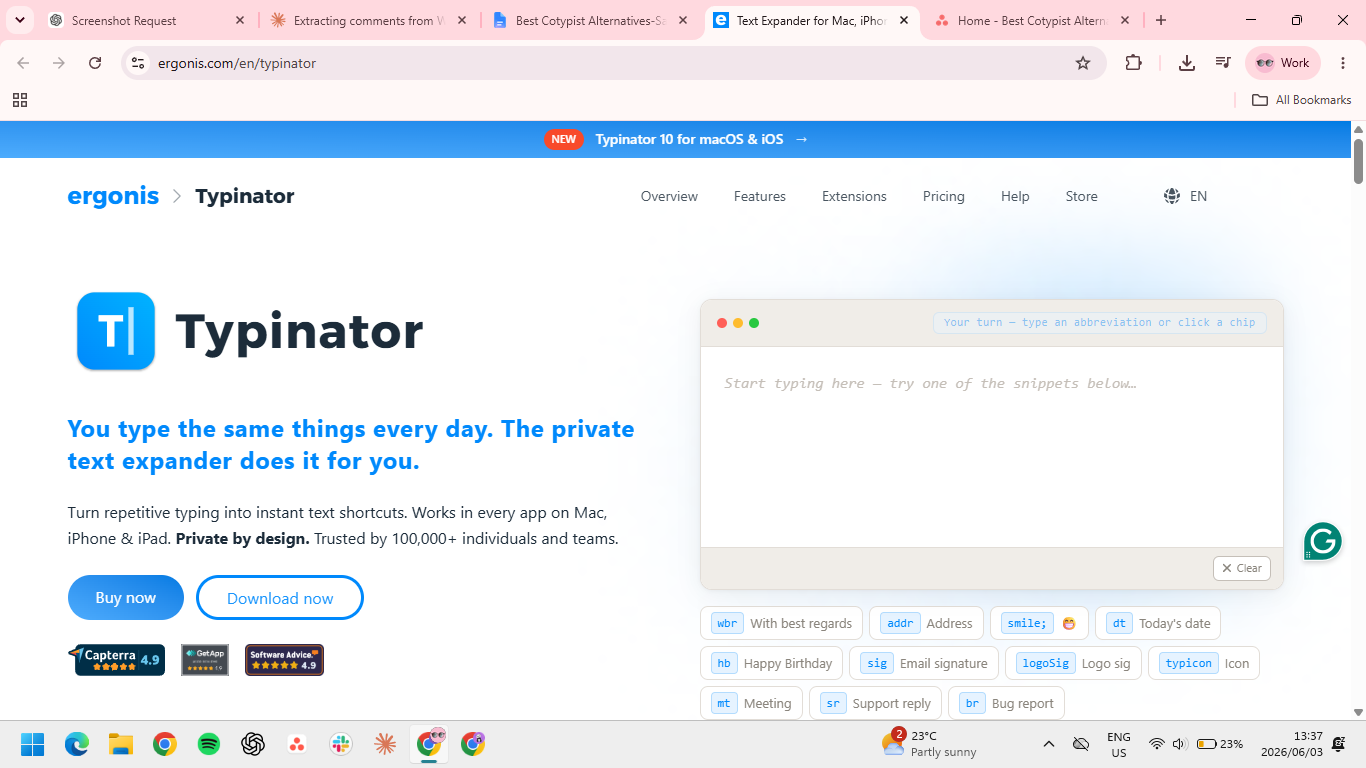
Typinator is a Mac-native text expander built around speed and reliability. Recent versions added Apple Intelligence integration, a redesigned interface, and an iOS companion app.
Best for: Mac users who want the most reliable, fastest text expander available, with no AI autocomplete in the mix.
Key features
- Fast expansion. Zero noticeable lag, even on busy machines. The snippets feel instant, which matters when you're typing at speed.
- Formatted text and images. Snippets aren't limited to plain text. Useful for email signatures, formatted templates, and visual content.
- Apple Intelligence integration. Newer versions tie into Apple's on-device AI for smarter snippet handling on Apple Silicon Macs.
Pros
- ✅ Among the fastest text expanders for Mac, with no lag even on heavy use.
- ✅ One-time license option avoids ongoing subscription costs.
- ✅ iOS companion app extends snippets to iPhone and iPad.
Cons
- ❌ Mac and iOS only. No Linux support; Windows still “coming soon”
- ❌ Interface leans toward power-user features, which can feel dense for casual users.
- ❌ Not AI autocomplete, so it doesn't replace Cotypist for original writing.
Pricing
- Basic: $49.99 one-time (Mac only, 2 devices)
- Advanced: $29.99/year (Mac + iOS, 3 devices)
- Business: $59.99/year (Mac + iOS, 5 devices)
- Enterprise: custom
7. Espanso
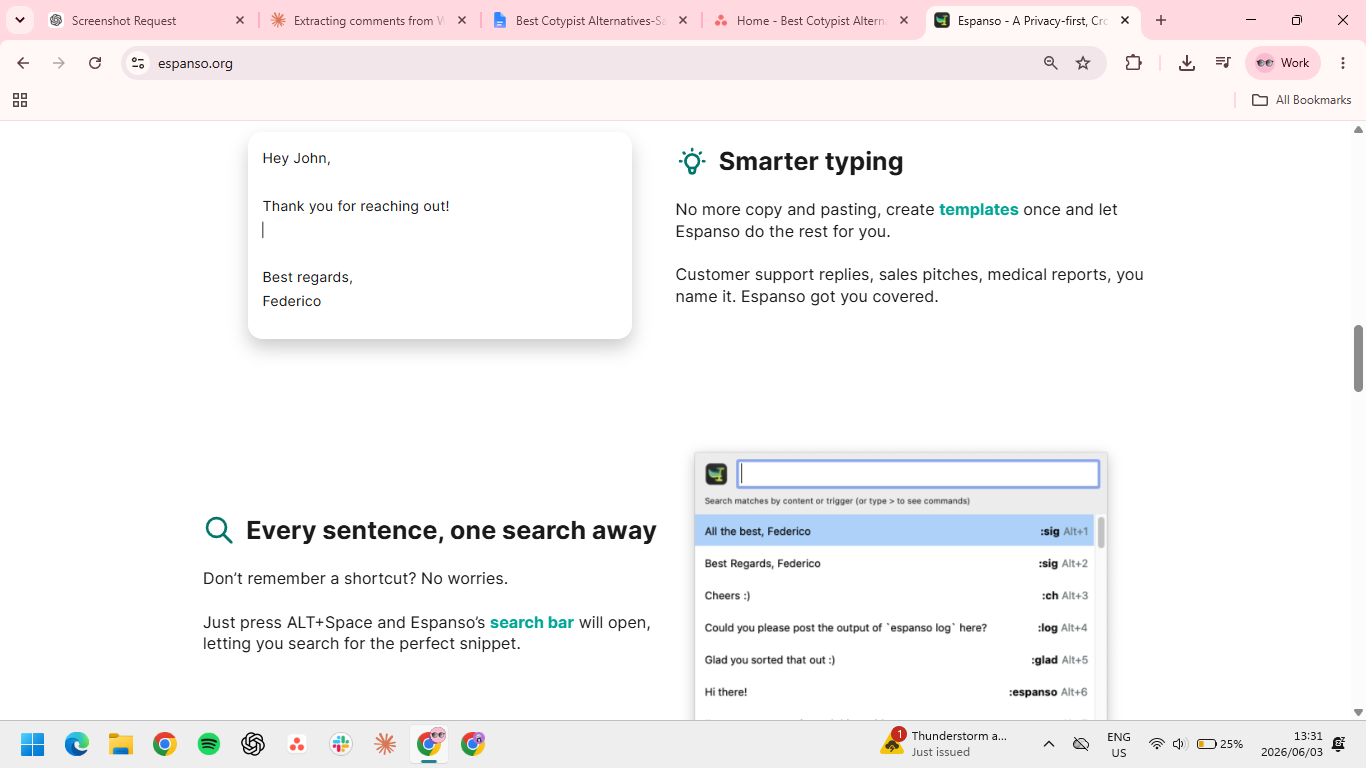
Espanso is a close Cotypist match in terms of privacy and platform reach. It's a free, open-source text expander written in Rust that runs entirely locally on Mac, Windows, and Linux. Setup uses YAML config files rather than a GUI, which limits the audience but rewards anyone comfortable editing text files.
Best for: Developers and technical users who want a free, locally-running text expander that works on every operating system.
Key features
- Truly cross-platform. Mac, Windows, and Linux support from one tool. It's the only Cotypist alternative with full Linux coverage.
- Local processing. Runs entirely on your device, like Cotypist, which makes it the privacy-equivalent option.
- YAML configuration. Snippets, regex triggers, scripts, and packages all live in editable config files, which makes the tool extremely customizable.
Pros
- ✅ Free and open-source under GPL-3.0.
- ✅ Runs locally on every major operating system.
- ✅ Highly extensible through community-built packages and custom scripts.
Cons
- ❌ Setup requires editing text files manually; there's no visual interface for adding or managing snippets.
- ❌ No built-in team management, sync, or cloud features.
- ❌ Not AI autocomplete. Like other text expanders, it inserts what you saved rather than predicting what you'd say next.
Pricing
- Free and open-source
How to evaluate Cotypist alternatives
Before comparing tools, get clear on what you need them to do. Choose them based on how they fit your workflow:
- Platform: Cotypist is Mac-only, and if you're looking for a Cotypist alternative for Windows, that rules out Typinator and Raycast too. Grammarly, Compose AI, HyperWrite, Text Blaze, and Espanso all work beyond Mac.
- Autocomplete or text expansion: These solve different problems. Text expansion inserts exactly what you saved (Text Blaze, Typinator, and Espanso), while autocomplete predicts what comes next (HyperWrite, Compose AI, and Grammarly).
- Data sensitivity: Cotypist's main draw is local processing, and among these tools, only Espanso matches it. The rest runs your text through the cloud, so it's worth checking before you use any of them for work in a regulated industry.
- Budget: Subscriptions add up. One-time license costs less over time, but skip the AI features, and free open-source options exist if you don't mind some setup.
Which alternative is right for you?
Cotypist works best for one specific user: a privacy-focused Mac power user on Apple Silicon who mostly writes original content. If that's you, stay put.
For everyone else, the right pick depends on what Cotypist was actually solving for you.
If it’s the autocomplete-while-you-type workflow, HyperWrite is the closest replacement: voice-matched, browser-native, and available on any OS. If it’s the local processing and privacy, Espanso is the only free option that matches that. If your writing is mostly repetitive content, Text Blaze or Espanso will serve you better than any AI autocomplete tool.
Grammarly works if you want a single editing layer across Mac and Windows without committing to a new workflow. Compose AI fits if your writing is mostly Gmail and Google Docs and you want something lightweight. Typinator and Raycast are worth considering if you're staying on Mac and want to consolidate tools.
Stop switching contexts to finish a sentence
Cotypist keeps everything on your Mac. HyperWrite gives you that same autocomplete in-your-voice feel everywhere else you write, across every browser tab, on any OS. Try TypeAhead free with the Chrome extension and see how it fits your actual writing setup.
Frequently asked questions
Is Cotypist worth using in 2026?
Cotypist is worth using in 2026 if you own an Apple Silicon Mac with at least 16 GB of RAM, value local processing for privacy, and mostly write original content rather than repetitive templates. It's not worth using if you're on Windows or run an older Intel Mac.
Does Cotypist work on Windows?
No, Cotypist does not work on Windows. The app runs only on Apple Silicon Macs (M1 and newer) with macOS 14 or later. Windows users looking for similar AI autocomplete should consider HyperWrite, Compose AI, or Grammarly, all of which work cross-platform.
What is the best Cotypist alternative for Windows?
The best Cotypist alternative for Windows depends on what you need. For most users, HyperWrite and Grammarly together cover what Cotypist does and then some: HyperWrite handles voice-matched suggestions as you type, Grammarly catches errors and tone after the fact. If you only want one tool, HyperWrite is the stronger pick for voice-matched autocomplete.
What is the best AI autocomplete for Mac?
The best AI autocomplete for Mac depends on your workflow. Cotypist is the strongest system-wide option if you have the hardware. HyperWrite is the best choice if your writing happens inside browser tools and you want suggestions that match your voice. Compose AI is a lighter browser-only alternative with a free tier.
Can I use Cotypist and a text expander together?
Yes, many users run Cotypist and a text expander like Text Blaze or Espanso together. Cotypist handles AI suggestions for original writing, and the text expander handles repetitive content that should produce the same output every time. The two tools solve different problems and don't conflict in practice.

HyperWrite is the AI writing assistant that learns your style. It handles drafting, editing, and researching so you can focus on ideas.
- Autocompletes sentences as you type
- Works inside Google Docs & Gmail
- Adapts to your personal writing style
- 500+ AI tools for any writing task

Powerful writing in seconds
Improve your existing writing or create high-quality content in seconds. From catchy headlines to persuasive emails, our tools are tailored to your unique needs.