


Plagiarism checkers aren't interchangeable. Turnitin reads student papers, Copyscape reads the open web, and Copyleaks is really an AI detector with plagiarism attached. Which one gets the right answer depends on who's judging the work: a professor, a search engine, or an editor.
In 2026, whether a checker also flags AI-generated writing stacks another axis on top, so a tool that scored well two years ago may not screen for what your work is actually being tested on now.
The best plagiarism checker is the one whose database matches the judge you're up against. The five below cover both ends of that spread, from the system your university runs to the one that catches the sites republishing your work.
5 best plagiarism checkers: TL;DR
- Turnitin: best for students at schools that require it.
- Scribbr: best for checking a thesis without Turnitin access.
- Copyleaks: best for catching plagiarism and AI content together.
- Grammarly: best for writers who want plagiarism and editing in one place.
- Copyscape: best for web publishers and SEO teams.
How these plagiarism checkers were compared
We assessed each checker against its own official documentation, pricing pages, and published database disclosures because what a tool scans determines what it can catch.
Five factors separate a checker you can trust:
- Database coverage. Web pages, academic journals, and student papers are different sources, and academic work needs journal and repository depth that a web-only index can't match.
- AI-content detection. Many checkers now flag machine-generated text, which matters when your work will be screened for AI as well as plagiarism.
- Accuracy and false positives. No tool is perfect, and AI detection in particular misfires, so treat a score as a guide rather than a verdict.
- Privacy. Some tools keep your uploads, which can flag your own work as a match later.
- Pricing. A subscription suits frequent checks, while pay-per-document suits a one-off thesis.
5 best plagiarism checkers: Quick comparison
1. Turnitin: Best for academic institutions
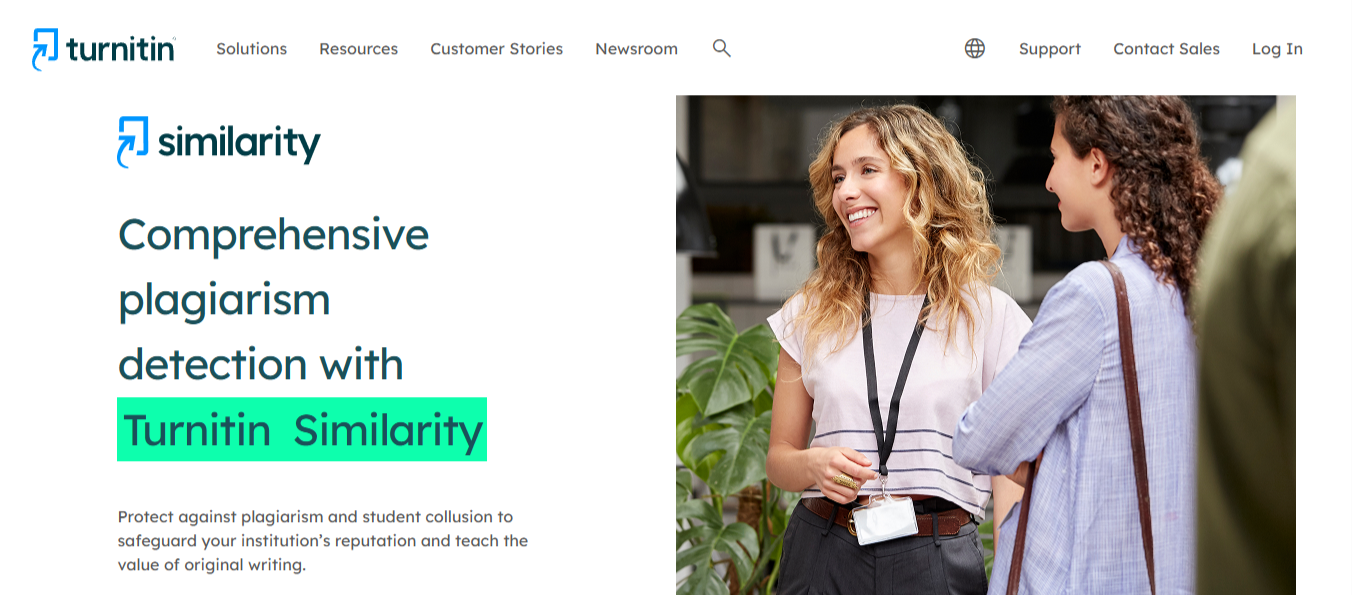
What it does: Scans academic submissions against a database of student papers, scholarly articles, and web content, and flags likely AI-generated writing.
Best for: Students and educators at institutions that run Turnitin as their integrity check.
Turnitin checks submissions against student papers, archived web pages, and subscription articles from major publishers in 170 languages. Since most universities run submissions through it, that report is the verdict that counts.
Key features
- Institutional archive. Holds past student submissions going back years, so a paper reusing a fraternity-brother's 2019 essay surfaces the match.
- AI-writing detection. Available as the Turnitin Originality add-on, it reports likely machine-generated passages next to the similarity score.
- Manipulation flags. Spots white text, swapped characters, and similar tricks used to game a scan.
- LMS integration. Runs inside Canvas, Moodle, D2L, and Sakai via LTI 1.3.
- Retention policy. Submissions become part of the institutional archive, so a paper checked once can surface as a match on a later scan.
Pros and cons
Pros
✅ Your rehearsal check runs on the exact system your professor will use, so what you see is what they see.
✅ Catches accidental self-plagiarism; reusing your own earlier assignment surfaces as a match.
✅ Scales cleanly to a class of 200, since instructors work through flags in a queue rather than opening each submission cold.
Cons
❌ No route to an individual account. Turnitin sells to institutions only.
❌ The AI detector sometimes marks human writing as machine-written, and that flag is hard to argue against once it lands.
What users say
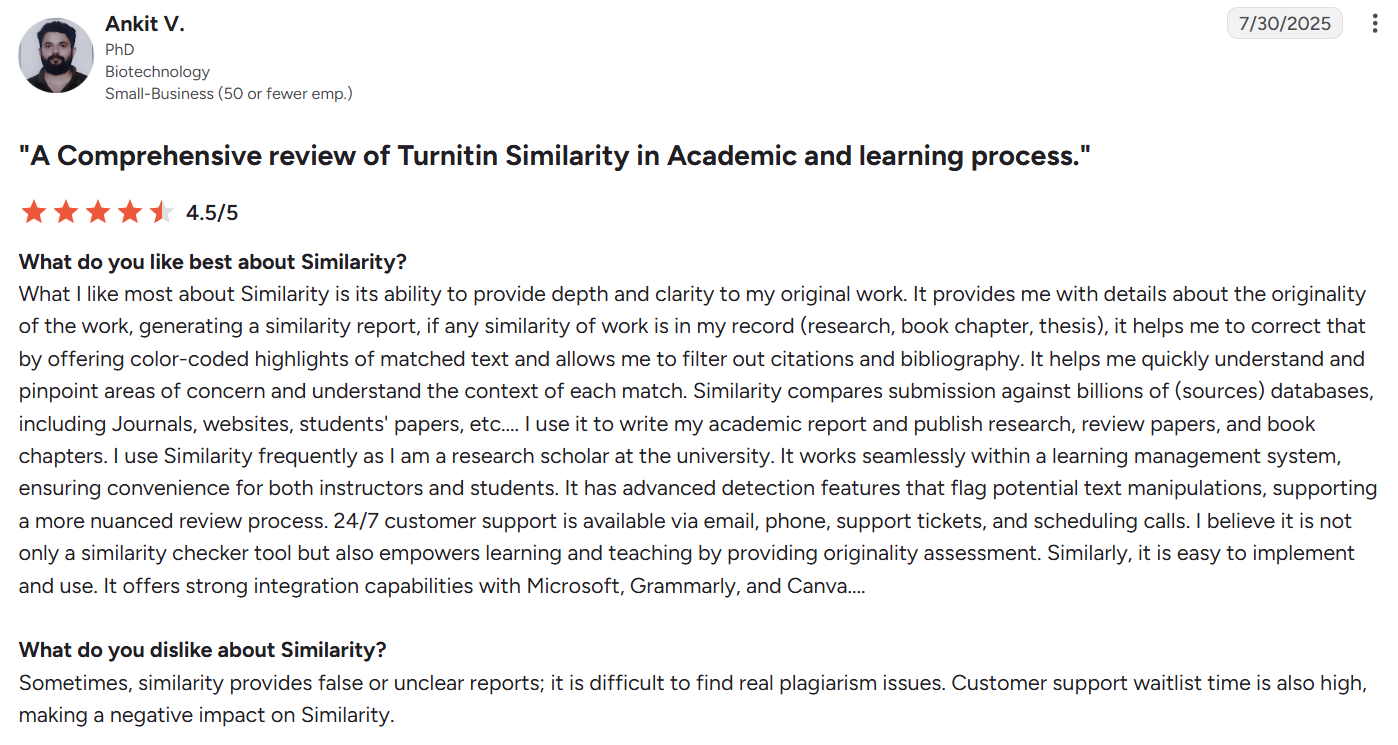
“[It offers] color-coded highlights of matched text and allows me to filter out citations and bibliography.” – Ankit V., PhD, G2
“The user interface doesn't always make it easy to understand.” – Verified user in higher education, G2
Pricing
Turnitin doesn’t publish standard pricing. Costs depend on your institution type, number of users, and the products or features you need, so you’ll need to contact its sales team for a custom quote.
Bottom line
If your school runs Turnitin, that's the verdict that matters, so use your institutional access and treat any outside check as a rehearsal.
2. Scribbr: Best for students without Turnitin access
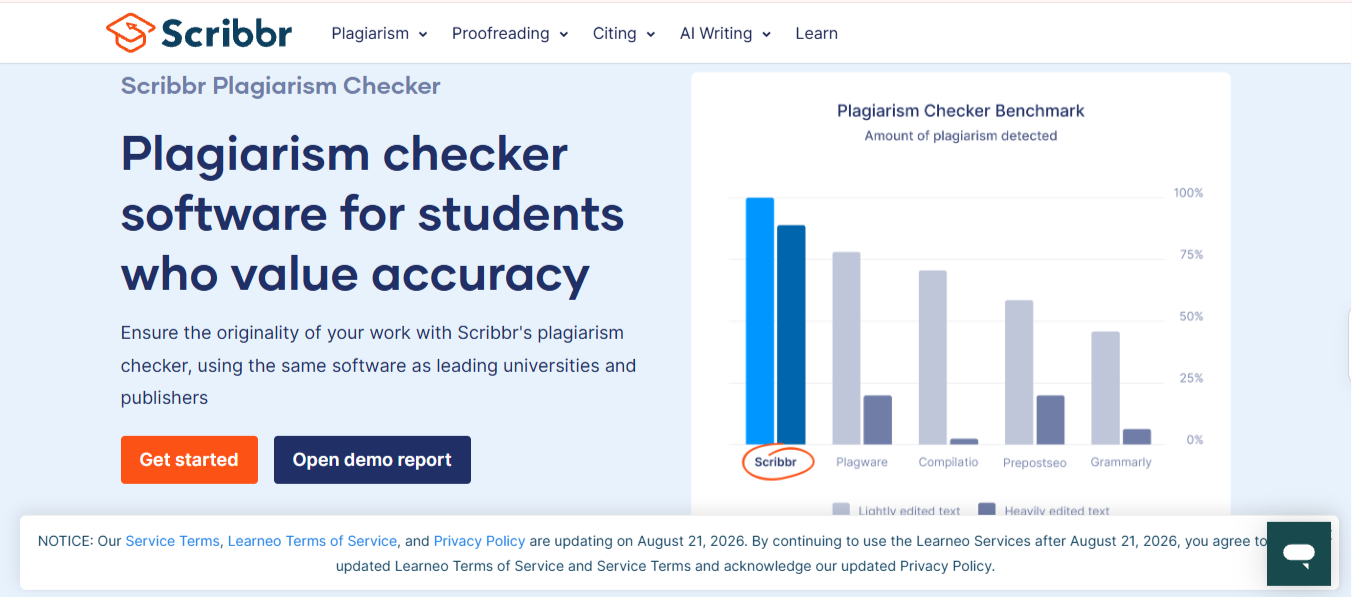
What it does: Sells individual, per-document checks that use the same detection software most universities run.
Best for: Students checking a thesis or dissertation without institutional Turnitin access.
Scribbr’s plagiarism checker uses detection software similar to what most universities run, scanning 99.3 billion web pages and 8 million publications across 20 languages so a student gets the same or very similar result before they submit.
It never adds your submission to its content database, which matters more than it sounds: upload a draft to a tool that keeps it, and your own thesis can come back flagged as a match when the final version gets checked.
Key features
- University-grade detection. Draws on the scholarly and web sources behind institutional checks.
- No document retention. Your submission is never added to Scribbr's content database, so no other checker sees it.
- Source-linked report. Each match points to where the text came from.
- One-off purchase. Buy a single check without signing up for a plan.
Pros and cons
Pros
✅ Reports come back in about 10 minutes even on a 50,000-word draft, so a check the night before submission is still an option.
✅ Nothing is stored; an early version can't resurface as a match against your final one.
✅ Pay-per-check, no lock-in.
Cons
❌ Checking several chapters separately costs more than a month of most subscriptions.
❌ Match highlights sometimes catch common phrases and standard method language, so the raw percentage always needs a human read.
❌ Academic use only; a marketer chasing scraped blog posts gets nothing here.
What users say
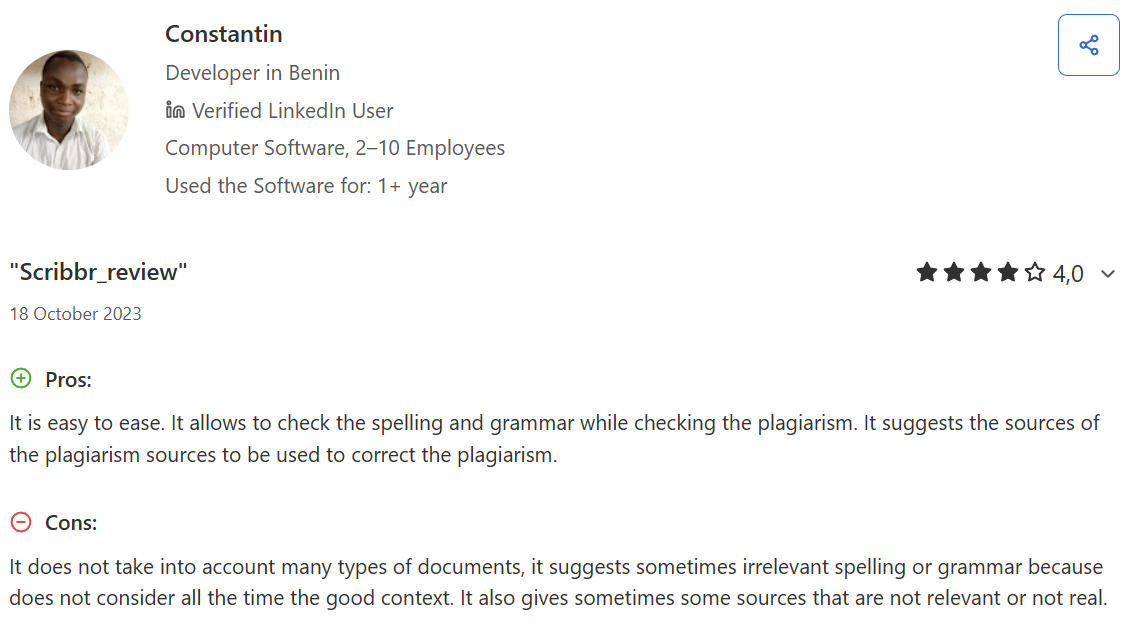
“It allows to check the spelling and grammar while checking the plagiarism.” – Constantin, Developer, Capterra
“Used the free plagiarism checker and was led to believe there was moderate plagiarism.” – Deedee Cee, Trustpilot
Pricing
Charged per document through Scribbr, no subscription required. Longer documents cost more, so price it against your word count.
- Free plagiarism risk check (no purchase)
- $19.95 Small document (up to 7,499 words)
- $29.95 Normal document (7,500–49,999 words)
- $39.95 Large document (50,000+ words)
Bottom line
Worth the per-document fee for a thesis you've poured months into. For frequent checks, a subscription tool works out cheaper over time.
3. Copyleaks: Best for plagiarism and AI detection together
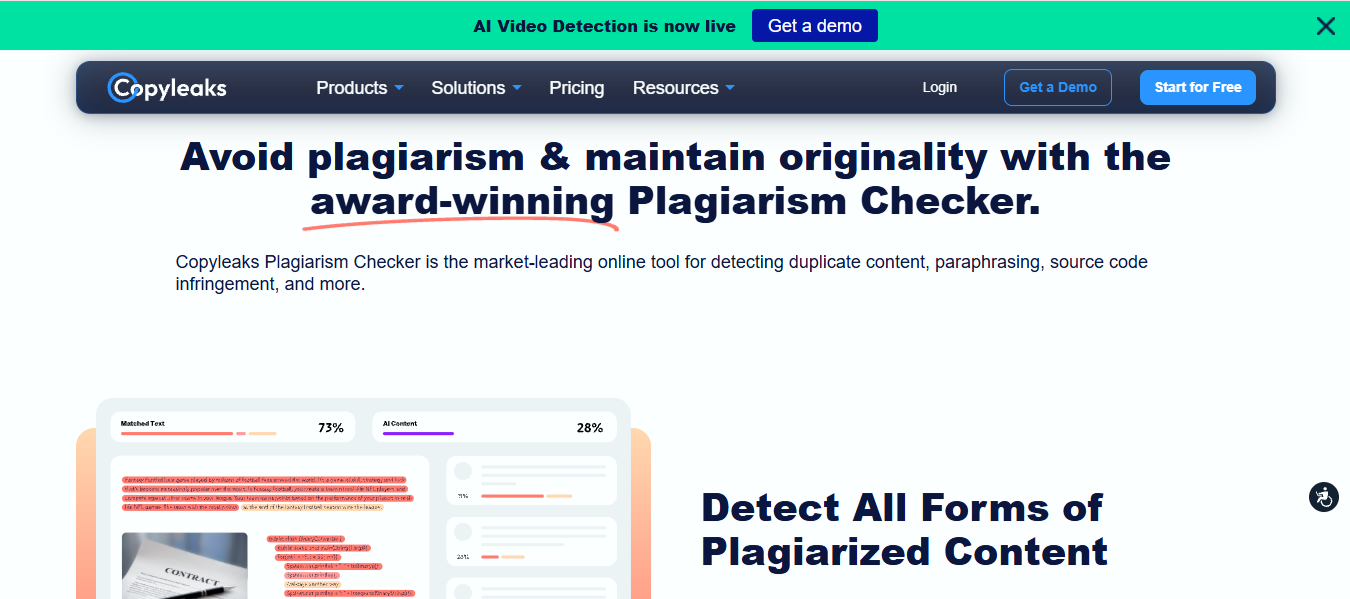
What it does: Runs a plagiarism scan and an AI-content scan in the same pass and returns both in one report.
Best for: Writers, businesses, and educators screening AI-assisted work on both fronts.
Copyleaks runs plagiarism and AI detection in the same scan, which is useful now that so much submitted writing is AI-assisted. It scans 16,000+ open-access journals, 60 trillion web pages, and 20+ code repositories across more than 100 languages.
Key features
- Dual-layer report. Plagiarism matches and AI-likelihood scores arrive together.
- Multilingual scanning. Covers 100-plus languages, including cross-language matches.
- Source code checking. Compares code as well as prose, useful for technical courses.
- API and LMS connections. Plugs into existing systems for teams and classrooms.
- Zero-retention option. Enterprise plans let admins turn off document storage; consumer tiers retain uploads to power future scans.
Pros and cons
Pros
✅ AI verdict lands with evidence. Reports highlight the specific spans flagged as machine-written, so a writer knows which paragraphs to rewrite.
✅ Real multilingual coverage catches matches that English-first tools miss entirely.
✅ Bulk submissions can push through automatically, no one-at-a-time uploads.
Cons
❌ Much of what justifies the price is built for teams, so a solo writer pays for scale they won't use.
❌ AI detection over-flags heavily edited human writing, particularly in academic prose where formal register looks machine-like.
What users say
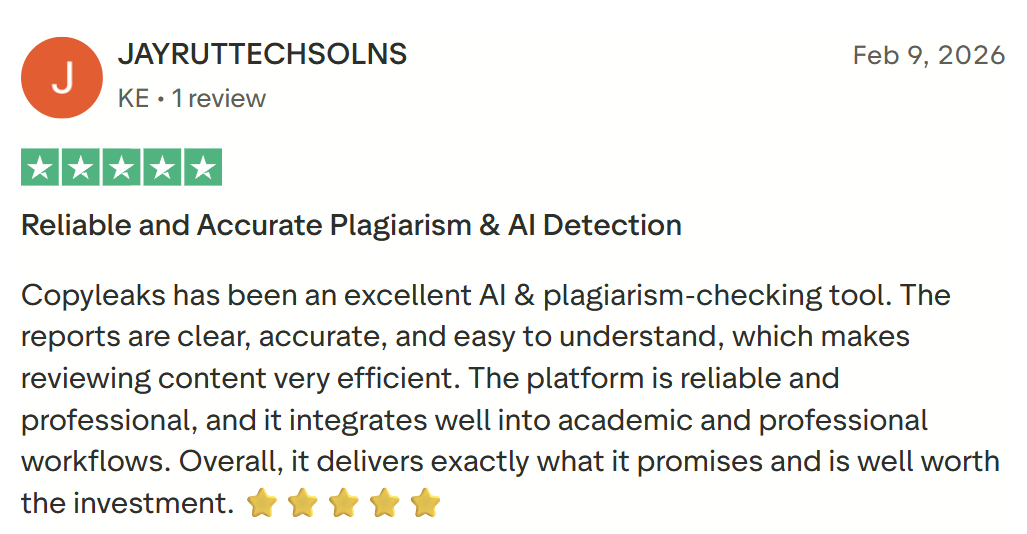
“The reports are clear, accurate, and easy to understand.” – Jayruttechsolns, Trustpilot
“If you need to scan a lot of content, it is going to cost some money.” – SaaS writer, Capterra
Pricing
Individual:
- Personal $16.99/month (monthly) $13.99/month (annually)
- Pro $99.99/month (monthly) $74.99/month (annually)
Enterprise and Education plans are custom-priced and require a sales call for a quote.
Bottom line
The pick when your work will face both a plagiarism scan and an AI detector. Overkill if you only need a quick check on a short post.
4. Grammarly: Best for everyday writing
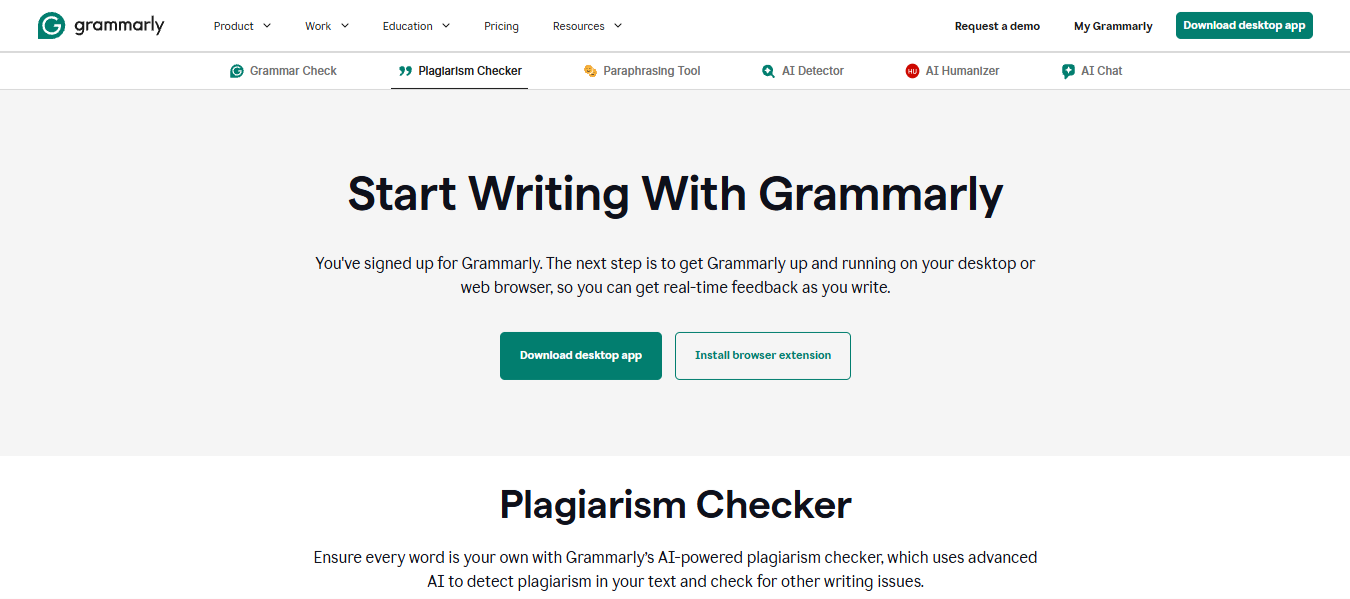
What it does: Bundles an originality check into its Pro plan, alongside grammar and tone suggestions.
Best for: Writers who already use Grammarly and want originality checks in the same place.
Grammarly folds originality checking into the editor you already draft in, comparing your text against 16 billion web pages plus ProQuest's academic databases. For anyone who lives in Grammarly, a plagiarism check is one click away instead of a second tool.
Key features
- In-editor scanning. Checks originality without moving your text to another tool.
- ProQuest access. Adds scholarly sources on top of web coverage.
- Cross-platform coverage. Works in the browser, your CMS, and desktop apps.
- Retention policy. Grammarly stores documents on its servers for editing continuity; deletion is manual through account settings.
Pros and cons
Pros
✅ Unattributed lines get caught mid-draft rather than after you've finished.
✅ Instant, without a separate upload. Grammarly checks the doc where it already lives.
✅ Polish and originality happen in the same pass instead of two.
Cons
❌ Thin for graded work. The database doesn't reach the student-paper archives a university scan uses.
❌ The plagiarism percentage weights web matches heavily, so widely-quoted phrases like study titles can inflate the score.
❌ Originality checks sit behind Pro entirely, so the free plan won't do it.
What users say
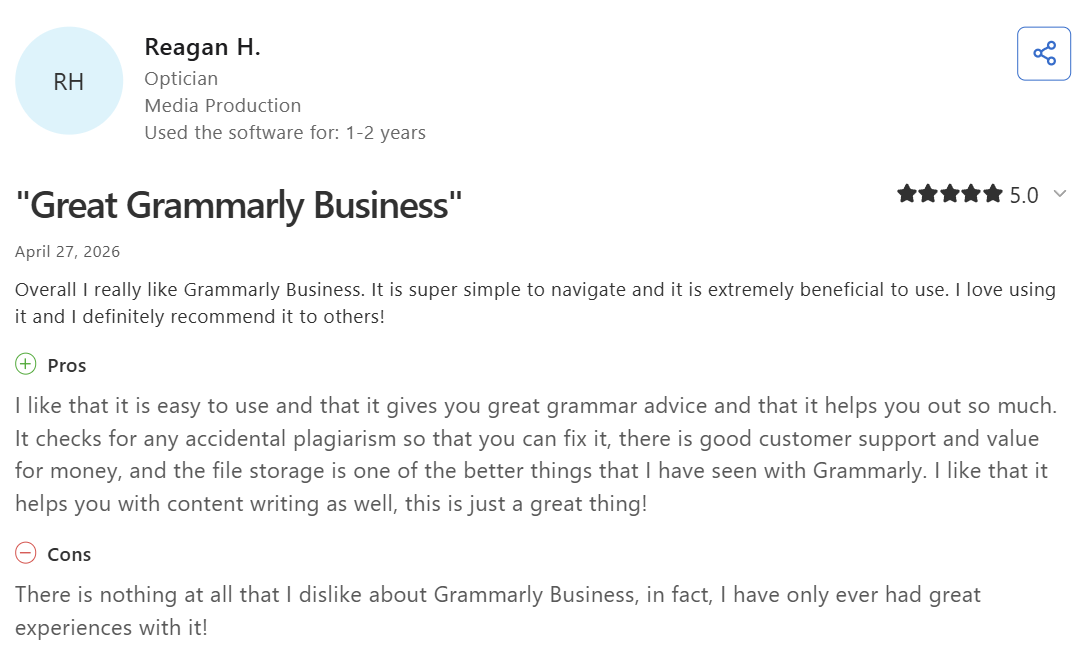
“It checks for any accidental plagiarism so that you can fix it.” – Reagan H., optician, Capterra
“The activated plugin icon is very irritating to remove while working as it does not move easily.” – Digital marketing analyst, Capterra
Pricing
- Pro $30/month (monthly)
- $20/month (quarterly)
- $12/month (annually)
If you're weighing whether Pro is worth it for the plagiarism check alone, our full breakdown of Grammarly's pricing plans walks through what Free, Pro, and Enterprise actually include in 2026.
Bottom line
Convenient if you already write in Grammarly. Reach for a dedicated academic tool when the stakes are a graded submission.
5. Copyscape: Best for web and SEO duplication
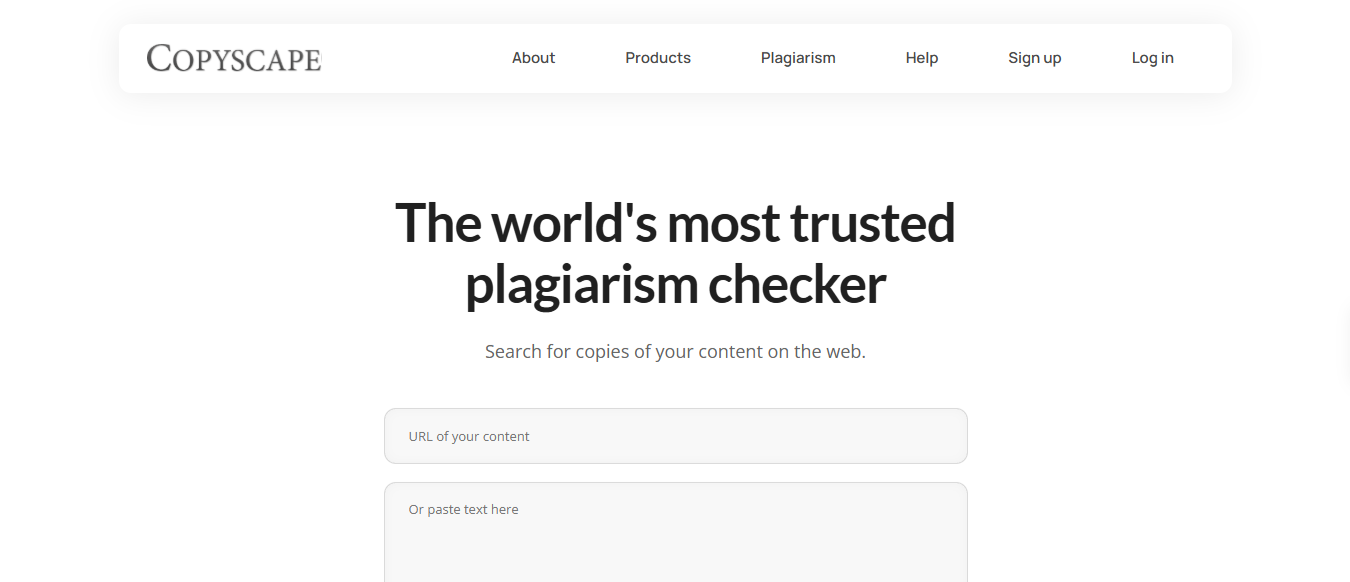
What it does: Searches the open web for pages that duplicate content you've published.
Best for: Publishers, agencies, and SEO teams protecting content they own.
Copyscape searches the open web for pages that duplicate content a publisher has already put online, then delivers the URLs so the owner can act on them. Publishers have relied on it for over two decades because the job of finding scrapers, not screening submissions, hasn't been solved better since.
Key features
- URL and text search. Check a live page or paste text you haven't published yet.
- Batch scanning. Run a whole site's pages in one go rather than one at a time.
- Ongoing monitoring. Get alerted when new copies of your pages appear.
- Case-tracking dashboard. Every match keeps a record so a takedown or DMCA follow-up has the URL, date, and duplicated span in one place.
- Public-web only. Copyscape searches published pages, so nothing you upload gets archived against future authors.
Pros and cons
Pros
✅ Scrapers stop being invisible; you get the URL of whoever republished your article and can act on it.
✅ Catching a duplicate early keeps the copy from ranking against your original.
✅ No monthly commitment; a handful of checks costs pennies.
Cons
❌ Boilerplate that legitimately repeats across a site (product specs, author bios) shows as duplication and needs manual filtering.
❌ No academic coverage. Students submitting coursework get nothing useful here.
❌ Per-search pricing adds up fast across a library of hundreds of pages.
What users say
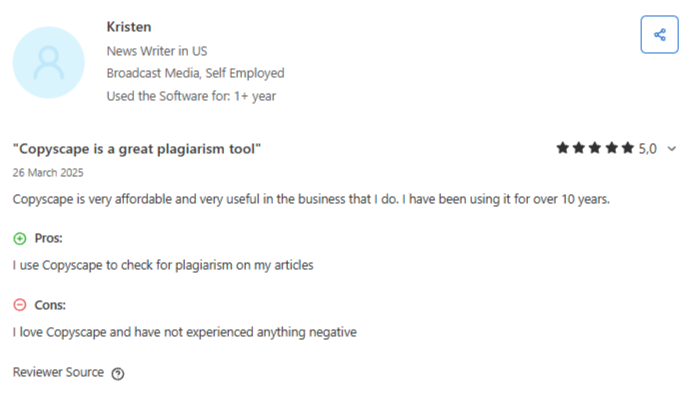
“Copyscape is very affordable and very useful.” – Kristen, news writer, Capterra
“It is a bit costly and unsuitable for small businesses or personal purposes.” – Divyanshi T., G2
Pricing
3c per search (up to 200 words), plus 1c per extra 100 words or part thereof.
Bottom line
The specialist for protecting published content. Students should look at Turnitin or Scribbr instead.
Which plagiarism checker should you choose?
The right pick comes down to what you're protecting and who's checking it.
Choose Turnitin if you:
- Attend or teach at a school that already runs it.
- Need the result your institution will act on.
Choose Scribbr if you:
- Are submitting a thesis and want a preview of the university's check.
- Want your submission kept out of any plagiarism database.
Choose Copyleaks if you:
- Work with AI-assisted text and need plagiarism and AI results together.
- Screen writing in more than one language.
Choose Grammarly if you:
- Already pay for Pro and write mostly blog posts, emails, and reports.
- Want originality checks inside your editor.
Choose Copyscape if you:
- Publish web content and want to know who's copying it.
- Manage a site large enough that duplicates threaten your rankings.
Skip a paid checker entirely if:
- You're checking short, low-stakes writing, where a free allowance is plenty.
Final verdict
You almost never need more than one of these plagiarism checkers. Match a single checker to whoever is judging your work, pay for that one, and skip the rest.
Then do the part no tool does for you: open the report and read the flagged passages yourself, because a plagiarism percentage only tells you where to look.
Write original in the first place
Even the best plagiarism checker is a safety net, and the surest way to pass one is to write original content from the start. For content teams producing at volume, the easy trap is reaching for what's already ranking and rewording it, which is exactly what these tools flag.
HyperWrite helps you draft from your own notes, so the words are yours before a checker ever sees them. Set up a Persona to match your voice, and TypeAhead completes your sentences as you write. Your own ideas become the copy, instead of a reworded version of someone else's.
Tired of reworking what's already ranking just to clear a plagiarism scan? Try TypeAhead free with the HyperWrite Chrome extension and get your next draft down in your own voice.
Frequently asked questions
What is the best plagiarism checker?
The best plagiarism checker depends on your use case. Turnitin is the standard for academic institutions, Scribbr is the top choice for students without Turnitin access, Copyleaks leads for catching plagiarism and AI content together, and Copyscape is built for web publishers protecting their own pages.
What is the best free plagiarism checker?
No major plagiarism checker offers a full free plan. Copyleaks includes a limited free allowance that handles short pieces, and Scribbr offers a free plagiarism-risk assessment before you commit to a paid check. Grammarly's plagiarism scan is Pro-gated with no free tier, so for anything at thesis length or frequency, a paid tool is the only reliable route.
Do plagiarism checkers detect AI writing?
Some do. In 2026, tools like Turnitin and Copyleaks include AI-content detection alongside plagiarism scanning, while Grammarly keeps the two as separate tools. Accuracy is improving but imperfect, and AI detectors still produce false positives, so treat their scores as a signal rather than proof.
Is it safe to upload your document to a plagiarism checker?
It depends on the tool. Some checkers store uploaded documents, which can later flag your own work as a match. Scribbr, for example, states it never adds submissions to its content database, so check each tool's policy before uploading sensitive work.
Can you use AI to avoid plagiarism?
Yes, AI writing tools can help you draft original content from your own ideas rather than copying sources, which lowers the risk of accidental plagiarism. They don't replace a plagiarism check, though, and AI-generated text can itself be flagged by AI detectors, so review and verify anything high-stakes before you submit or publish.

HyperWrite is the AI writing assistant that learns your style. It handles drafting, editing, and researching so you can focus on ideas.
- Autocompletes sentences as you type
- Works inside Google Docs & Gmail
- Adapts to your personal writing style
- 500+ AI tools for any writing task

Powerful writing in seconds
Improve your existing writing or create high-quality content in seconds. From catchy headlines to persuasive emails, our tools are tailored to your unique needs.