
8 Best Book Writing Apps for Authors in 2026


Ctrl+F only helps if you remember what you're looking for, and twenty thousand words into a manuscript, you rarely do. That's the time a plain word processor stops being enough. The right book writing app specializes in one part of that problem.
The eight below cover the specific jobs that make a book hard to finish: drafting, structural organization, worldbuilding, formatting for publication, and putting words on the page when the blank one keeps winning.
8 best book writing apps: TL;DR
- HyperWrite: Best for drafting faster in your own voice.
- Reedsy Studio: Best free path from draft to a formatted book.
- Scrivener: Best for organizing structurally complex manuscripts.
- Atticus: Best for self-publishing, writing, and formatting in one place.
- Dabble: Best novel writing app for plotting before drafting.
- Campfire: Best for worldbuilding and series bibles.
- Novelist: Best free novel writing app on mobile.
- Google Docs: Best for first-time authors starting with zero setup.
How these book writing apps were reviewed
Writing a book breaks into distinct jobs, and a single tool rarely covers them all well. The best apps for writing books below each got assessed on four things.
- The job it solves. Drafting, organizing, worldbuilding, and formatting for publication are different problems with different winners.
- What the free tier covers. A search for book writing apps free of charge turns up plenty of options that cap the tool until it's unusable for a real manuscript, so this checks what stays usable once you're past chapter one.
- Where the manuscript lives. Locally on your device, in the cloud, or locked into one platform's format.
- Price against the job. A one-time purchase and a subscription solve the same problem differently over a multi-year project.
8 best book writing apps: Quick comparison
Pricing based on annual billing; accurate as of September 2026.
1. HyperWrite: Best for drafting faster in your own voice
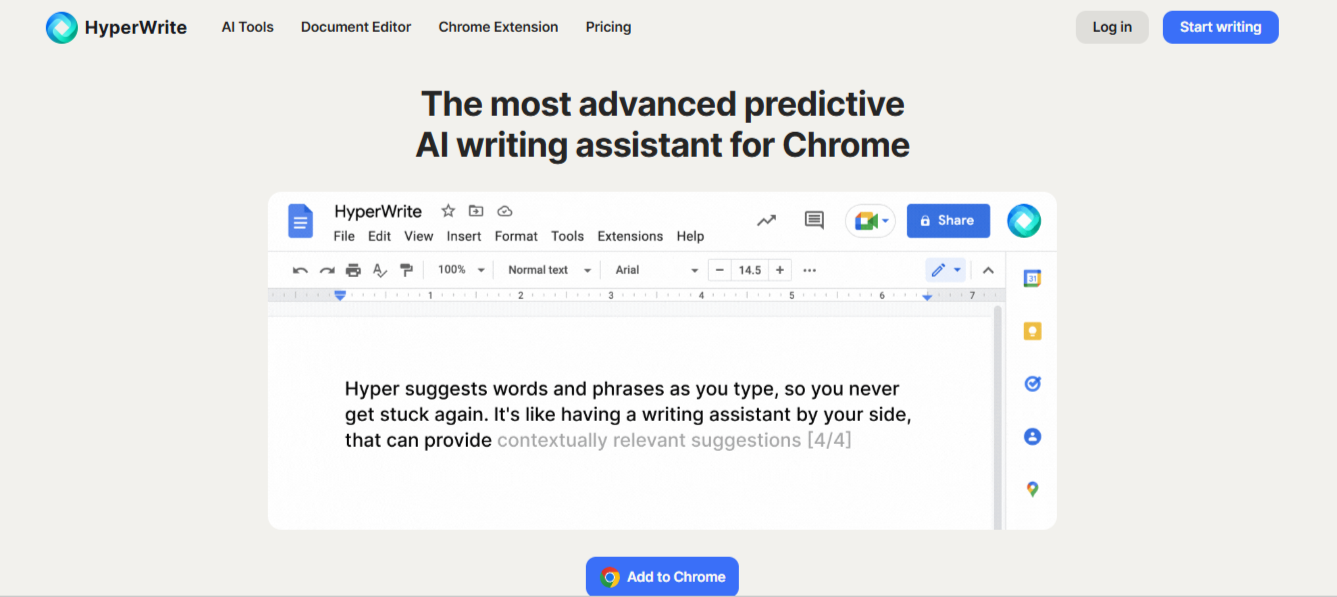
What it does: A browser-native AI writing platform with TypeAhead for real-time sentence suggestions, Personas for voice-matched drafting, and a suite of AI tools for longer pieces.
Best for: Authors who want help getting words down in their own style, with the plot and story decisions staying entirely theirs.
HyperWrite fills the slot in this roundup that structural and formatting tools don't touch: it helps you actually generate sentences when the outline is done and the blank page is winning.
What makes it work is Personas, a voice profile you set up once so the AI's suggestions read like your own drafts from the first line. TypeAhead runs where you're already writing (any browser tab), which matters because switching apps to get a suggestion is friction that kills momentum.
The story architecture stays with you: HyperWrite generates no plot points and builds no character bibles.
Key features
- TypeAhead. Real-time sentence completion in any browser tab, pulling context from your other open tabs.
- AI Writing Assistant. A chat interface for drafting and research.
- AutoWrite. Generates a full first draft from a short prompt to shape.
- AI Document Editor. A dedicated workspace for longer pieces.
- AI Tools Library. Prebuilt tools for outlines, rewrites, and summaries.
Pros and cons
Pros:
✅ A drafted query letter or chapter reads in your register, with Personas matching your voice profile.
✅ The same voice-matched help extends to synopses and newsletters, beyond the manuscript itself.
✅ You draft in the browser tab you're already using; nothing to configure before you start writing.
Cons:
❌ There's no binder or corkboard, so a novelist still needs a separate home for the book itself.
❌ The free plan's monthly credits cover a test drive, but daily drafting means going Premium.
What users say
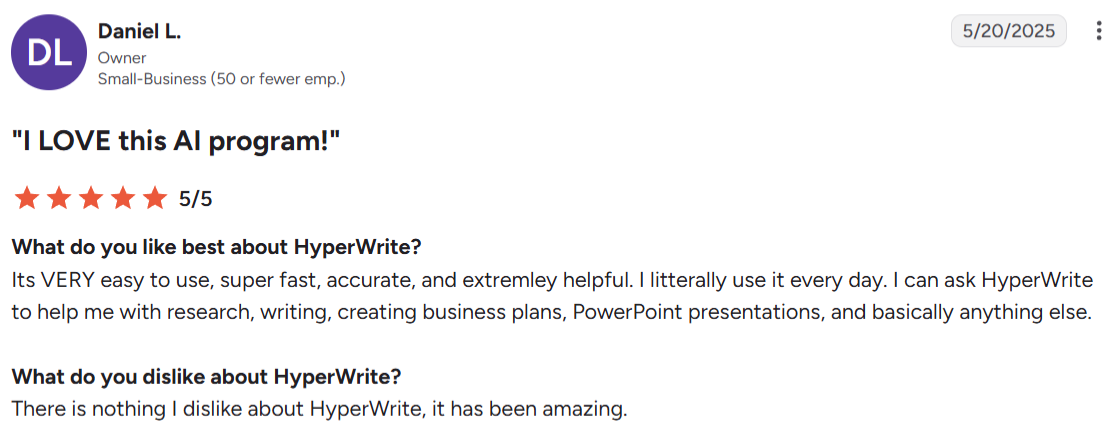
“I can ask HyperWrite to help me with research, writing, creating business plans, PowerPoint presentations, and basically anything else.” — Daniel L., small business owner, G2
“I wish it had the ability to store novel canon notes so you don't have to keep repeating yourself every time.” — Erin Johnson, Chrome Web Store
Pricing
- Free plan available
- Premium: $19.99 monthly or $16 a month billed annually
- Ultra: $44.99 monthly or $29 a month billed annually
Bottom line
HyperWrite is the pick for drafting faster in your voice with TypeAhead. Pair it with a dedicated structure tool like Scrivener or Dabble to handle the parts of a book HyperWrite doesn't.
If you also write blog content, our roundup of the top AI writing tools for bloggers covers where HyperWrite fits into a marketing content workflow.
2. Reedsy Studio: Best free book writing app
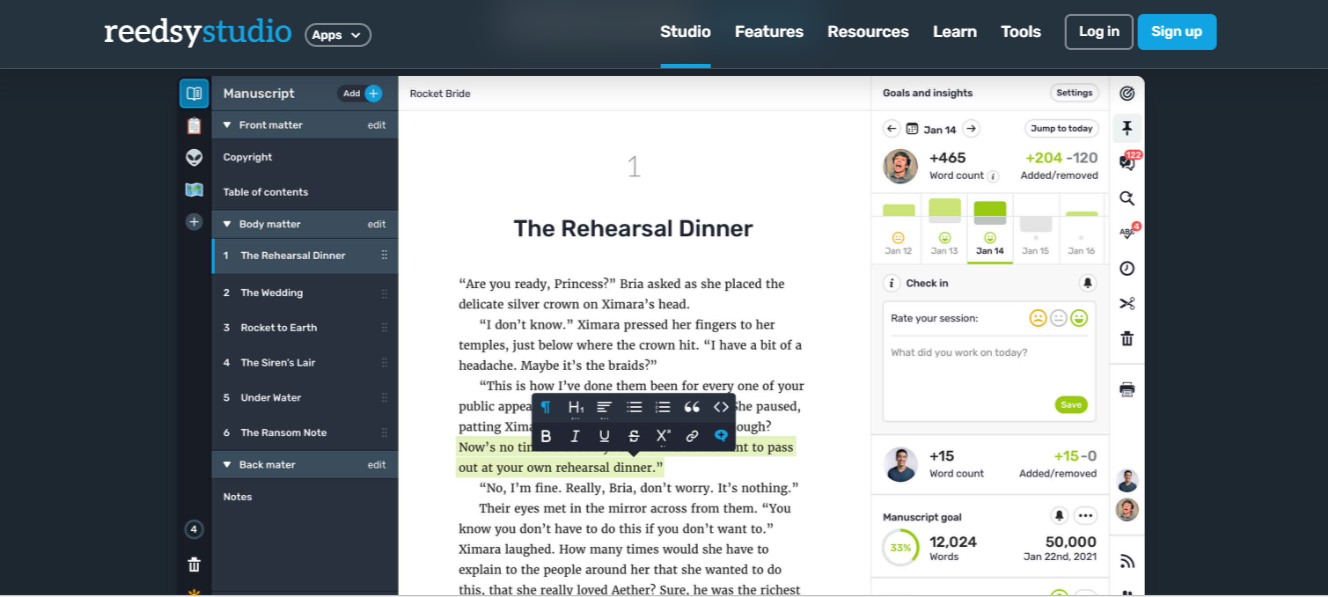
What it does: A free, browser-based tool for writing, editing, and formatting a book, with real-time collaboration and one-click export to EPUB and print-ready PDF.
Best for: Authors who want a free path from first draft to a professionally formatted book.
Reedsy Studio's free plan covers the whole path from first draft to a formatted book: the manuscript editor is unrestricted, EPUB and print-ready PDF export is included, and outside editors can collaborate in-line without either party paying. Paid add-ons layer optional planning tools on top for authors who want them.
Key features
- Free typesetting. Exports EPUB and print-ready PDF files at no cost, formatted for major print-on-demand distributors.
- Live collaboration. Invite an editor or co-author to comment and revise in real time.
- Writing Timeline. Automatically saves version snapshots you can restore or compare.
- Optional planning add-ons. Paid tiers add outlining boards, writing goals, and advanced stats.
Pros and cons
Pros:
✅ Nothing about the free tier expires, so there's no trial clock pushing you toward a paid plan.
✅ A finished draft comes out publish-ready, with no second tool needed to format it.
✅ Even collaborative reviews stay free, so an editor's time is the only cost of getting outside eyes on the manuscript.
✅ Recent edits are easy to walk back on the free tier, though the 30-day rolling history means older versions eventually drop off.
Cons:
❌ Writing requires a live connection, since there's no offline mode or dedicated app.
❌ The free planning tools stay basic next to a dedicated worldbuilding or plotting app.
What users say

“The site is easy to navigate and offers plenty of amazing resources.” — Angie Collie, Trustpilot
“Reedsy currently doesn’t offer an audiobook production service.” — Davu S., associate manager in marketing and advertising,G2
Pricing
- Free tier available
- Craft add-on: $4.99/monthly or $59.88/year
- Outlining add-on: $7.99/montly or $95.88/year
Bottom line
For a first book without a real budget behind it, Reedsy Studio covers writing through formatting on the free plan alone.
3. Scrivener: Best for organizing a long manuscript
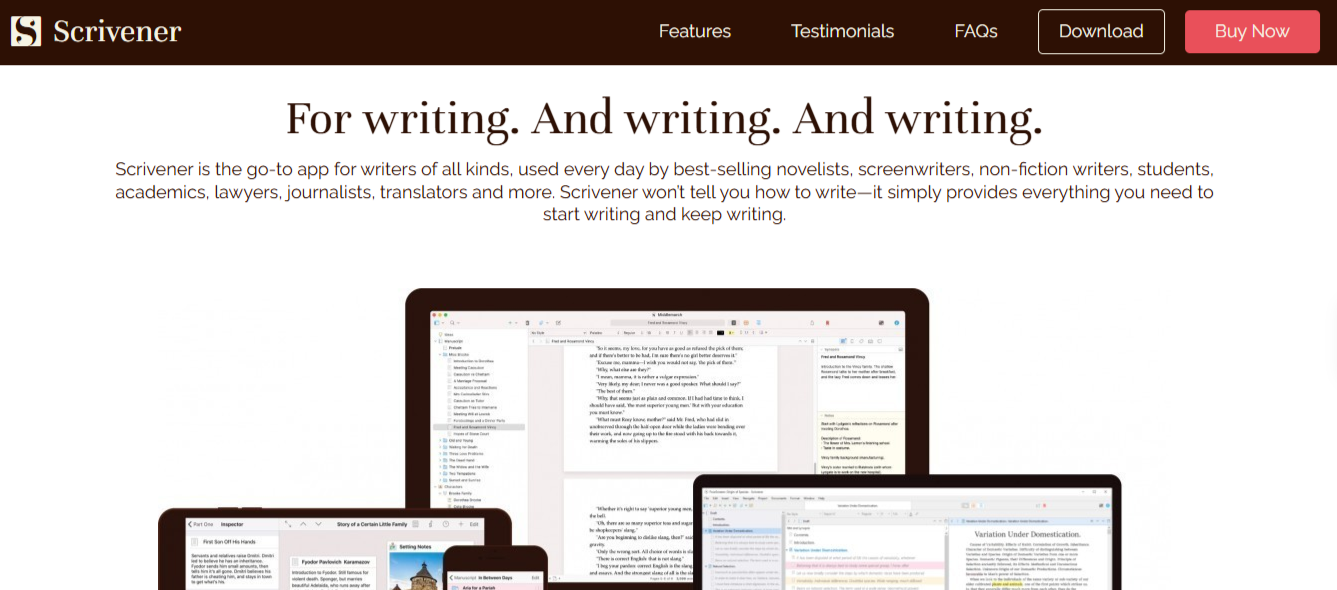
What it does: Breaks a manuscript into scenes and chapters you can view, reorder, and annotate individually, with research and notes stored in the same project.
Best for: Novelists and nonfiction authors whose book is too complex to manage in a single scrolling document.
Scrivener is the app most manuscripts eventually need, once a book gets too large to hold together in your head. The binder is the feature everyone talks about, and for good reason: it's a sidebar hierarchy of scenes and chapters you can drag to reorder, which reduces mid-draft restructuring to a five-minute drag.
Research, notes, and reference material live in the same project as the manuscript, so nothing has to sit in a separate folder waiting to be lost.
Key features
- The binder. A sidebar hierarchy of chapters and scenes, rearranged by dragging.
- Corkboard and outliner. Two structural views of the same manuscript.
- Research folder. Notes, images, and reference material stored inside the project.
- Compile. Exports the finished manuscript into submission or ebook formats.
Pros and cons
Pros:
✅ The binder pays for itself the first time you have to move a subplot mid-draft.
✅ Research and notes stay attached to the manuscript instead of scattered across separate files.
✅ A single payment covers the software for good, with no renewal to track.
Cons:
❌ Most new users need the built-in tutorial before the interface makes sense.
❌ A finished manuscript still needs a dedicated formatting tool for polished ebook output.
❌ Cross-device sync isn't built in; Scrivener needs Dropbox or a manual transfer between devices.
What users say
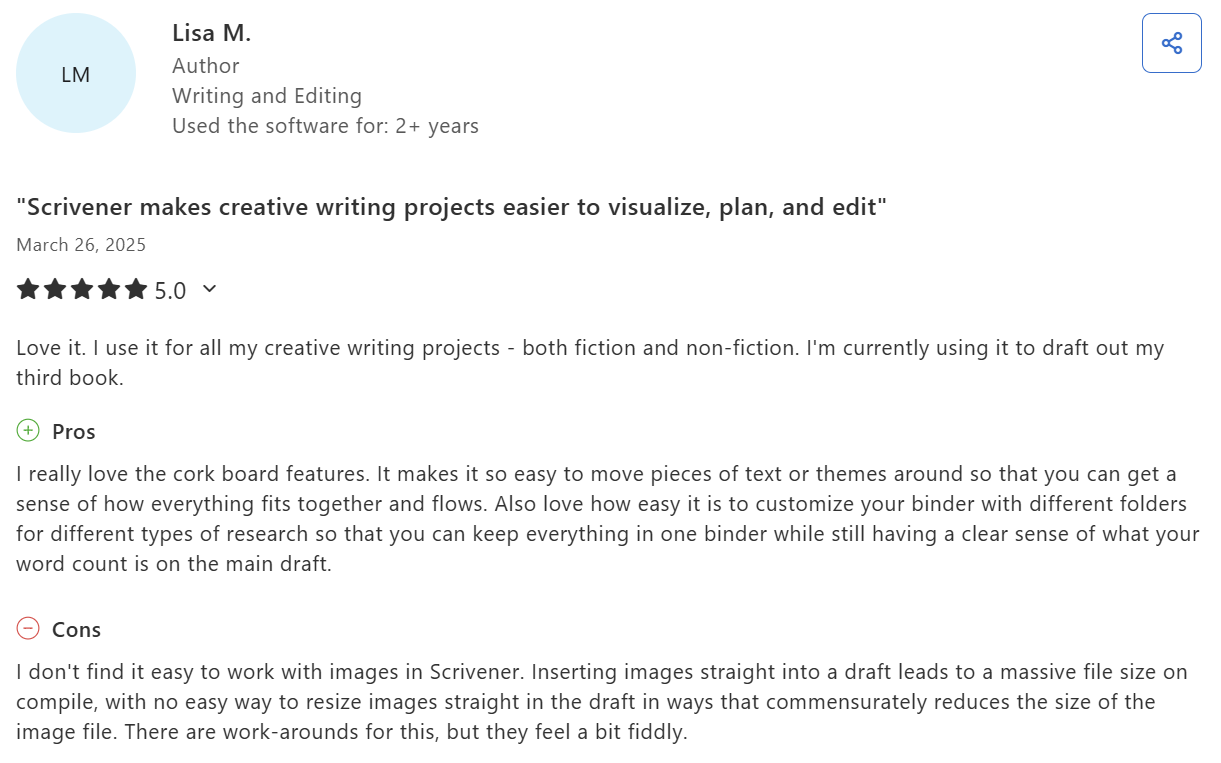
“It makes it so easy to move pieces of text or themes around so that you can get a sense of how everything fits together and flows.” — Lisa M., author, Capterra
“The Dropbox integration is very clunky.” — Lexi K., senior media strategist, G2
Pricing
A one-time purchase for a full license:
- Scrivener 3 for Windows: $59.99
- Scrivener for macOS: $59.99
- Scrivener for iOS & iPadOS: $23.99
- Scrivener for both macOS and Windows at a discounted bundle price: $95.98
Bottom line
It’s worth the learning curve for a book with real structural complexity. Budget for a separate formatting tool when it's time to publish.
If the sentences themselves need work alongside the structure, our professional writing tips cover the craft habits that pay off in long drafts.
4. Atticus: Best for self-publishing
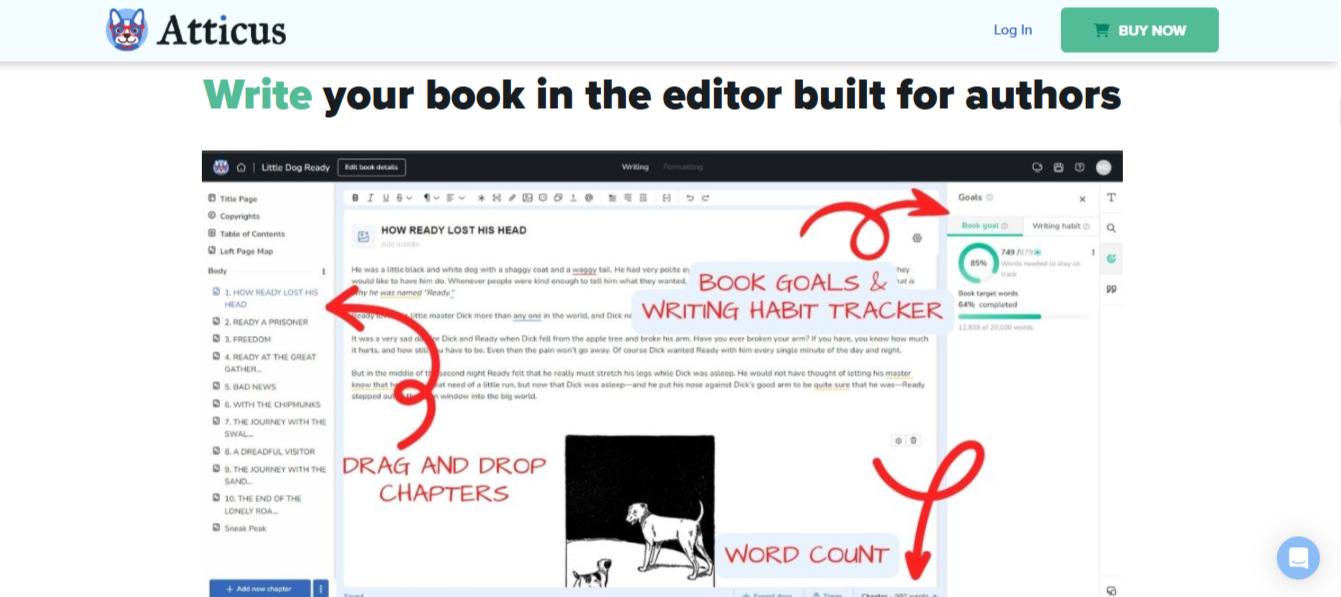
What it does: Combines a manuscript editor with book formatting, letting you write, organize chapters, and export a finished ebook or print file from one platform.
Best for: Self-publishing authors who want to avoid moving a manuscript between a writing tool and a separate formatting tool.
For self-publishers, Atticus's appeal comes down to keeping writing and layout in the same environment. As you draft, a live preview shows exactly how each page will render as an ebook or print book, so the format is decided while the words are still moving.
That’s important because most self-pub workflows leave the formatting step for after the manuscript is done, which turns every late revision into a re-format.
Key features
- Combined writing and formatting. Draft and format for Amazon, IngramSpark, and other retailers in one tool.
- Live preview. See how a page will look as an ebook or print book while you write.
- Templates. Preset formatting styles for different genres and trim sizes.
- Cross-platform. Runs on Windows, macOS, and Linux from one license.
Pros and cons
Pros:
✅ Late revisions to a formatted book don't force a second round of layout work in a separate tool.
✅ The software costs once, with nothing recurring afterward.
✅ Skipping a second formatting purchase pays back part of the price immediately.
Cons:
❌ The organizational depth stays lighter than a tool built specifically for structuring long manuscripts.
❌ Paying $147 up front is a bigger commitment than a monthly plan for a workflow you haven't tested yet.
What users say
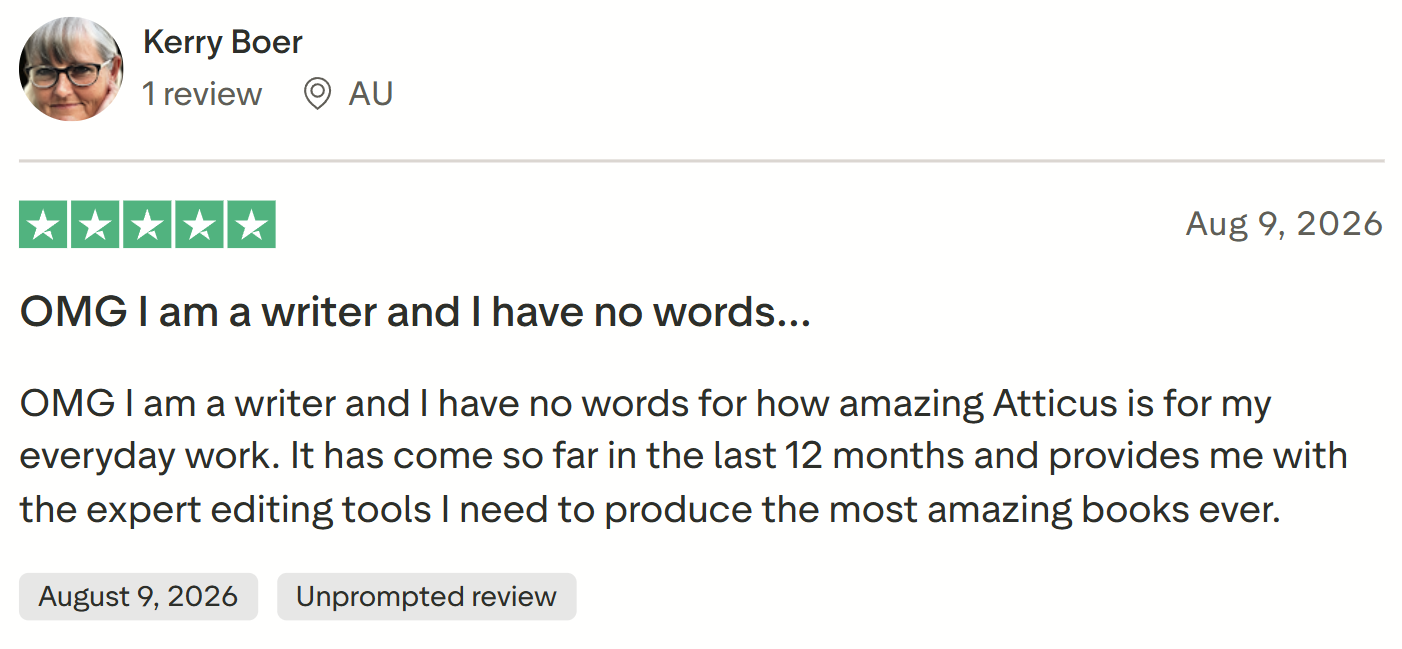
“Provides me with the expert editing tools I need to produce the most amazing books.” — Kerry Boer, Trustpilot
“There is a small learning curve.” — Julia, Trustpilot
Pricing
- A one-time purchase of $147, with no recurring fee.
Bottom line
If you already know you're self-publishing, Atticus is the shortest path from draft to a print-ready file. A structurally complex manuscript may still need Scrivener or a similar organizer first.
5. Dabble: Best novel writing app for plotters
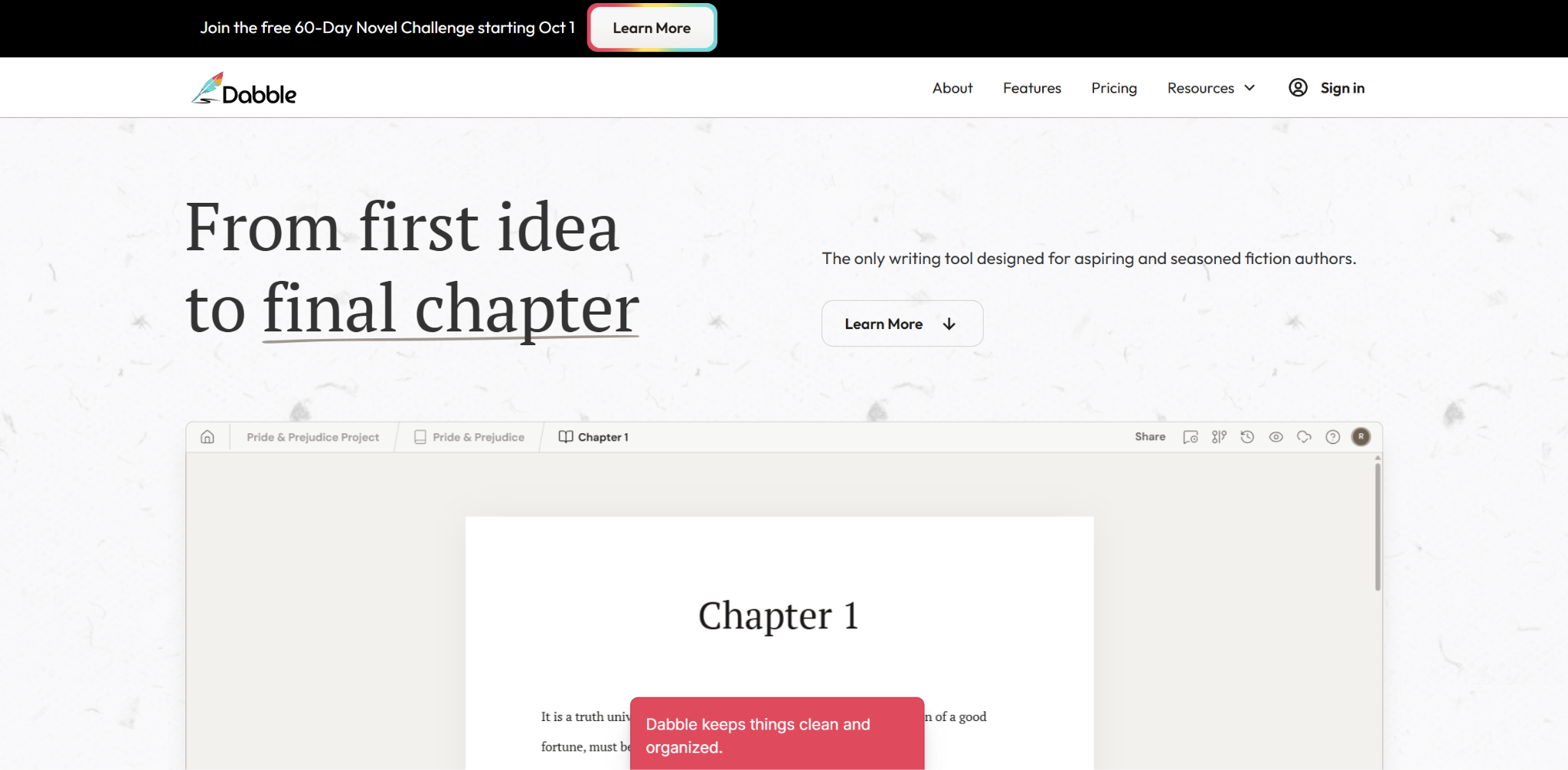
What it does: Pairs a clean manuscript editor with a visual Plot Grid that maps storylines and beats on cards beside your chapters, syncing automatically across devices.
Best for: Novelists who plot before drafting and want that structure visible while they write.
For plotters, Dabble is a story writing app whose appeal is the Plot Grid: a visual card system that sits beside the manuscript, letting you see the beat sheet while you write the scene it maps to. Cards drag around to reorder beats, which keeps the structural work from becoming a separate file to sync with.
Dabble is also cloud-native across browser, desktop, and mobile, so you can pick up drafting on a phone without configuration. The UI is noticeably gentler than Scrivener's binder, which is why it lands here for plotters who bounced off that learning curve.
Key features
- Plot Grid. Visual story planning linked directly to manuscript chapters.
- Automatic sync. Browser, desktop, and mobile stay current without configuration.
- Goal tracking. Daily word targets that recalculate against your deadline.
- Focus mode. Strips the screen back to the page alone while you draft.
Pros and cons
Pros:
✅ Your plan sits next to the scene you're writing instead of in a separate document.
✅ An account is ready to write in within minutes, with nothing to set up first.
✅ A missed target shows up right away, while there's still time to adjust before the deadline.
Cons:
❌ The subscription cost outruns a one-time purchase across a project measured in years.
❌ A finished manuscript still needs a separate tool for print-ready formatting.
What users say
“Easy to use and intuitive with practically no learning curve.” — Elizabeth S., Trustpilot
“Pricing is [a] bit on high end.” — Mugdha S., G2
Pricing
- Writer: $19/monthly
- Author: $29/monthly
- Bestseller: $49/monthly
- Up to 20% savings on annual billing
- Lifetime Author Access: $699
Bottom line
Plotters get the shortest onboarding on this list, with the Plot Grid ready to use inside the first hour. Over the life of a multi-year project, the subscription will run more than a one-time Scrivener license.
6. Campfire: Best for worldbuilding and series bibles
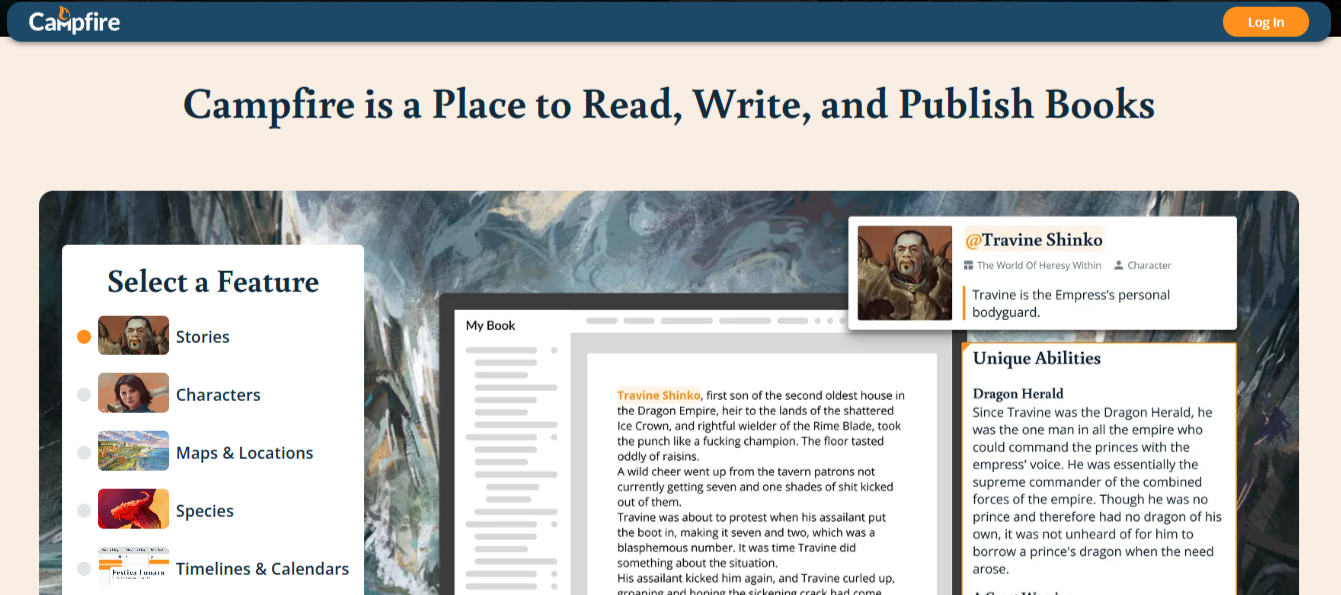
What it does: A modular worldbuilding platform for tracking characters, locations, timelines, and lore, sold as separate modules you buy only if you need them.
Best for: Fantasy and sci-fi authors, or anyone writing a series that needs consistent continuity across books.
For fantasy and sci-fi authors, Campfire treats worldbuilding as work that deserves its own dedicated environment. The platform is built as 18 separate modules (Characters, Timeline, Magic, Languages, Encyclopedia, and so on), and you buy only the ones your project actually uses.
That modularity is rare in the category. A standalone novel author avoids paying for the multi-book-series machinery, and a ten-book epic gets tools deep enough to keep continuity straight across a decade of writing. Constructed language and magic-system modules go deeper than Scrivener's freeform notes ever would.
Key features
- Modular structure. Buy only the worldbuilding tools your project needs, not a bundled suite.
- Relationship webs. Visual maps of how characters connect to each other.
- Interactive timeline. Tracks story and world events across a series.
- Constructed language tools. Builds and stores an invented language's dictionary and grammar.
Pros and cons
Pros:
✅ A single-book author never pays for tools built for a multi-volume series.
✅ Contradictions between book one and book four get caught before a reader finds them.
✅ Modules cover the depth points a series usually breaks on, from magic systems to multi-book timelines.
Cons:
❌ The manuscript itself still needs its own app, since Campfire only organizes the world around it.
❌ Some modules go deeper than others, so results vary depending on which one you buy.
❌ A series needing several modules pays for each one on top of the others.
What users say
“Amazing at keeping ideas, characters, locations, religions, magic, and everything else organized for your story!” — Kevin Braun, Google Play
“There also doesn't appear to be a way to set it to offline mode without disconnecting the network.” — u/williamwgant, Reddit
Pricing
- Free tier: 25,000 manuscript words, 10 characters, 20 timeline events, plus capped elements across Maps, Encyclopedia, Magic, Languages, Locations, Arcs, Relationships, Items, Species, Cultures, Philosophies, Religions, and Systems
- Standard Monthly: $12/month (discounted from $19/month)
- Annual and Lifetime plans available at a further discount, purchased per module or as the full Standard bundle
Bottom line
Once a story world outgrows a notes document, Campfire is where it lives. The prose belongs somewhere else.
7. Novelist: Best free novel writing app on mobile
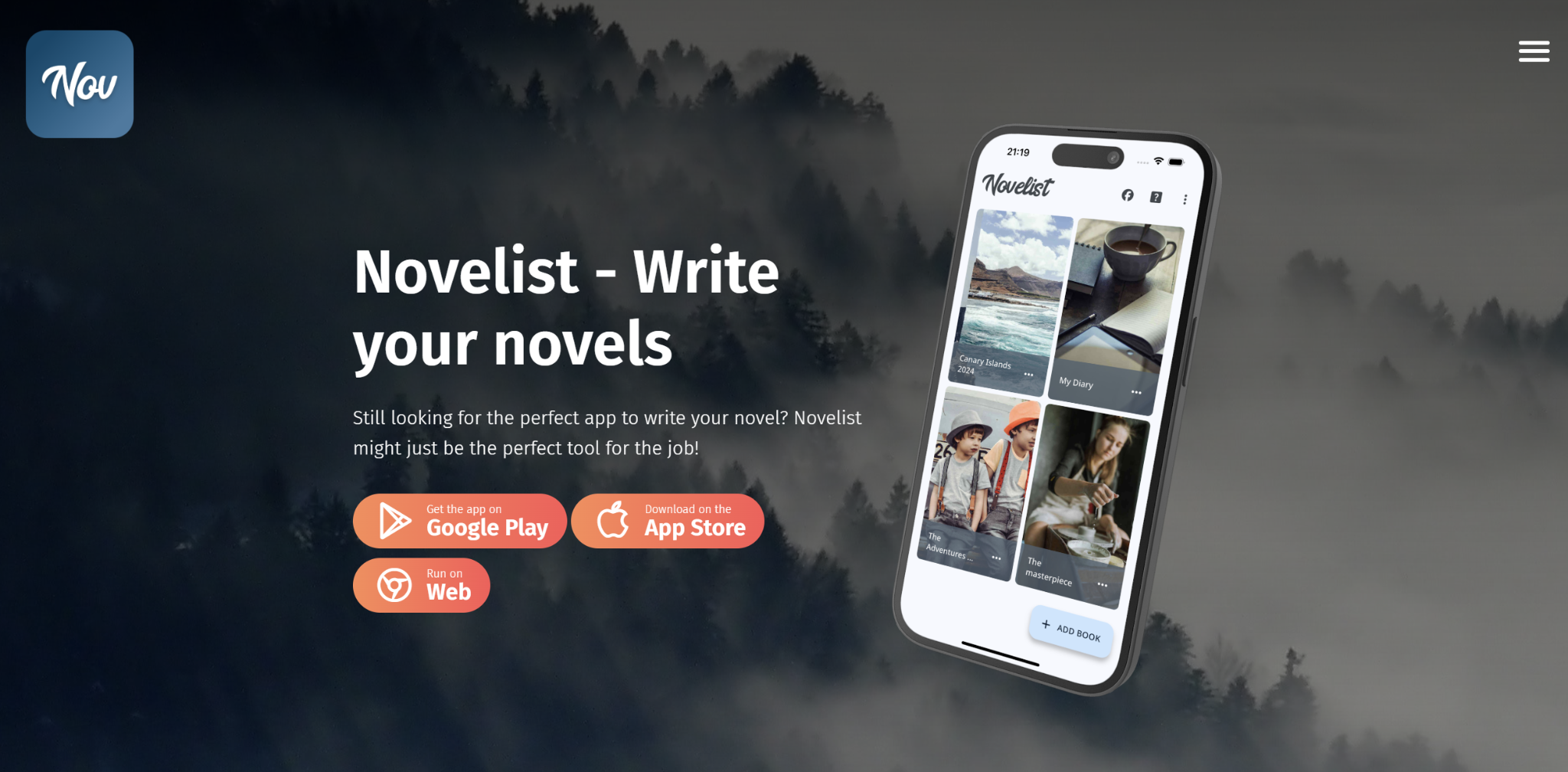
What it does: A free, ad-free novel-writing app for Android, iOS, and web, with plot boards, chapter organization, goal tracking, and export to multiple formats.
Best for: Novelists who want a genuinely free, cross-device app they can draft on from their phone.
Novelist is actually free, with no ads, no in-app purchases, and no premium tier locked behind a subscription. It's a small-team app from an Italian developer, and the UI reflects that: mobile-first, clean, with plot boards and chapter organization sitting one tap away from the editor.
Autosave and revision history run in the background, and export formats cover both ebook readers and word processors, so a draft written on a phone can move to a desktop later without conversion pain.
Key features
- Plot boards. Organize story elements by category, with tags, notes, and status.
- Rich text editor. Autosave, revision history, comments, and word counters.
- Backup and restore. Local, external, or cloud storage; nothing locked to Novelist's servers.
- Output compilation. Export drafts in formats suitable for ebook readers or word processors.
- Goal setting. Word-count or due-date targets with chapter-by-chapter progress tracking.
Pros and cons
Pros:
✅ Fully free with no in-app purchases, ad-supported tiers, or upgrade prompts.
✅ Cross-device drafting stays useful for authors who write in the margins of a commute or a lunch break.
✅ Local backups mean the manuscript isn't hostage to a subscription.
Cons:
❌ Mobile-first UX limits the depth a desktop-native tool would offer for long-form structural work.
❌ Feature updates ship slowly, since it's a small-team product.
What users say
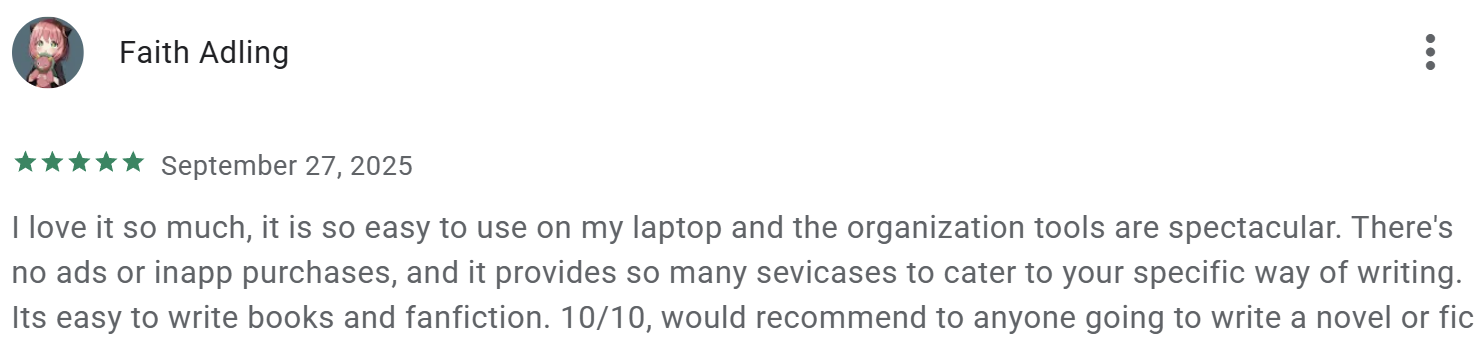
“It is so easy to use on my laptop and the organization tools are spectacular.” — Faith Adling, Google Play
"‘Normal’ mode is a bit difficult when it comes to the actual writing aspect of it.” — Honestly nahhh, Apple App Store
Pricing
- Free, with no purchase costs, in-app purchases, or ads.
Bottom line
Novelist is the free-mobile pick when the phone is where the drafting actually happens. Desktop authors will hit its ceiling faster.
8. Google Docs: Best free book writing app for beginners
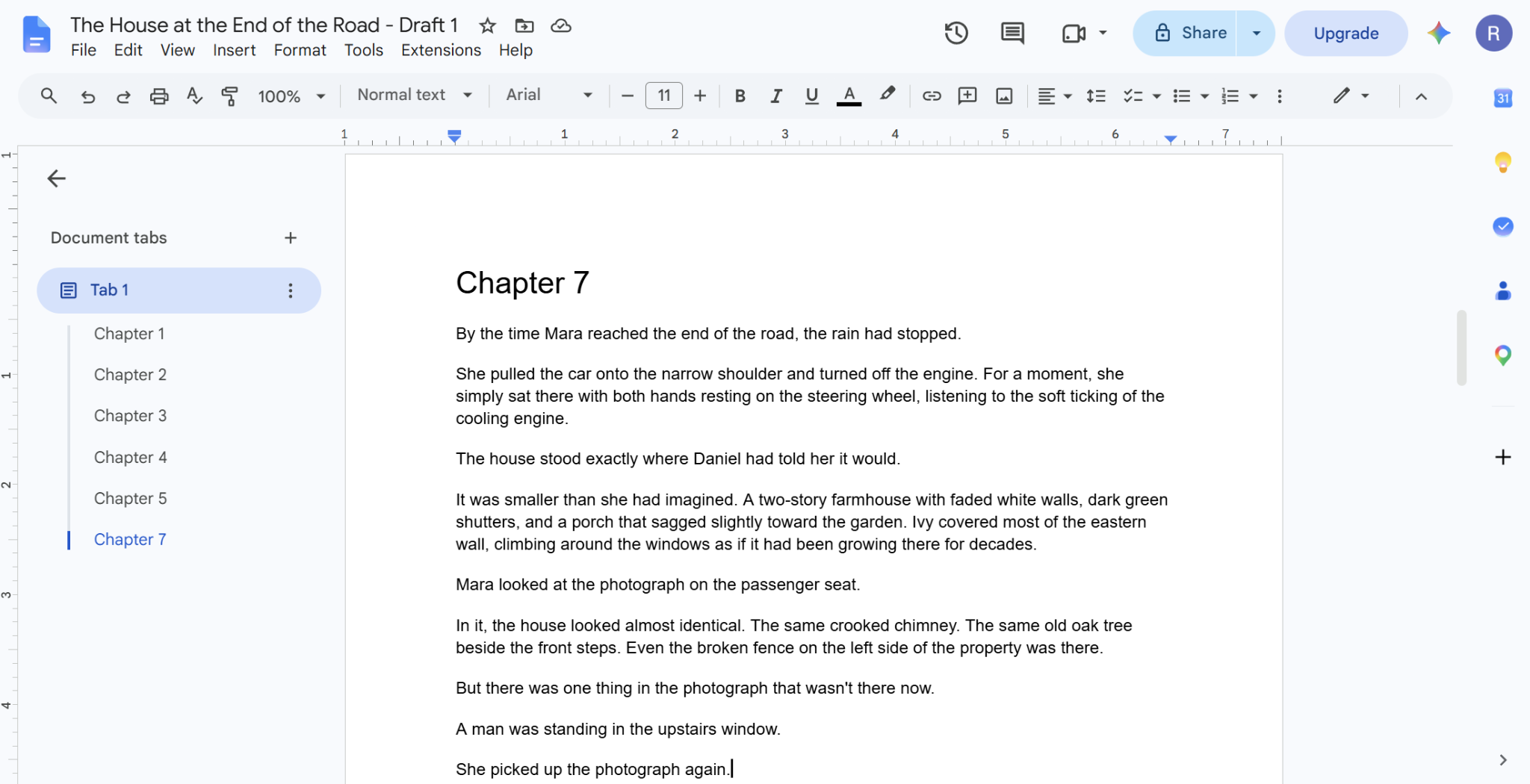
What it does: A full word processor in the browser, with real-time collaboration, automatic saving, and no cost to use.
Best for: First-time authors who want to start writing today without learning new software.
For a first book, the case for Google Docs comes down to momentum. Setup is a Google account and one new-document click: no install, no configuration, no purchase, and no learning curve to negotiate.
Real-time collaboration is useful once the manuscript reaches beta-reader stage, since anyone with a link can leave suggestions without either party paying or exporting a file. Nearly every editor and publisher accepts .docx export too, so nothing about the workflow forces a later conversion.
Key features
- Real-time collaboration. Editors and beta readers comment and suggest directly in the document.
- Version history. Every change is recoverable, going back months.
- Offline mode. Drafts stay editable without a connection and sync when you reconnect.
- Universal access. Works on any device with no dedicated app to install.
Pros and cons
Pros:
✅ A Google account is the entire setup, with nothing else standing between you and starting.
✅ A shared link replaces exporting and emailing files back and forth.
✅ Cloud sync makes device failures a non-event for the manuscript.
Cons:
❌ A full manuscript in one file slows the editor down noticeably as it grows.
❌ There's no binder, corkboard, or chapter view, only one long document.
What users say
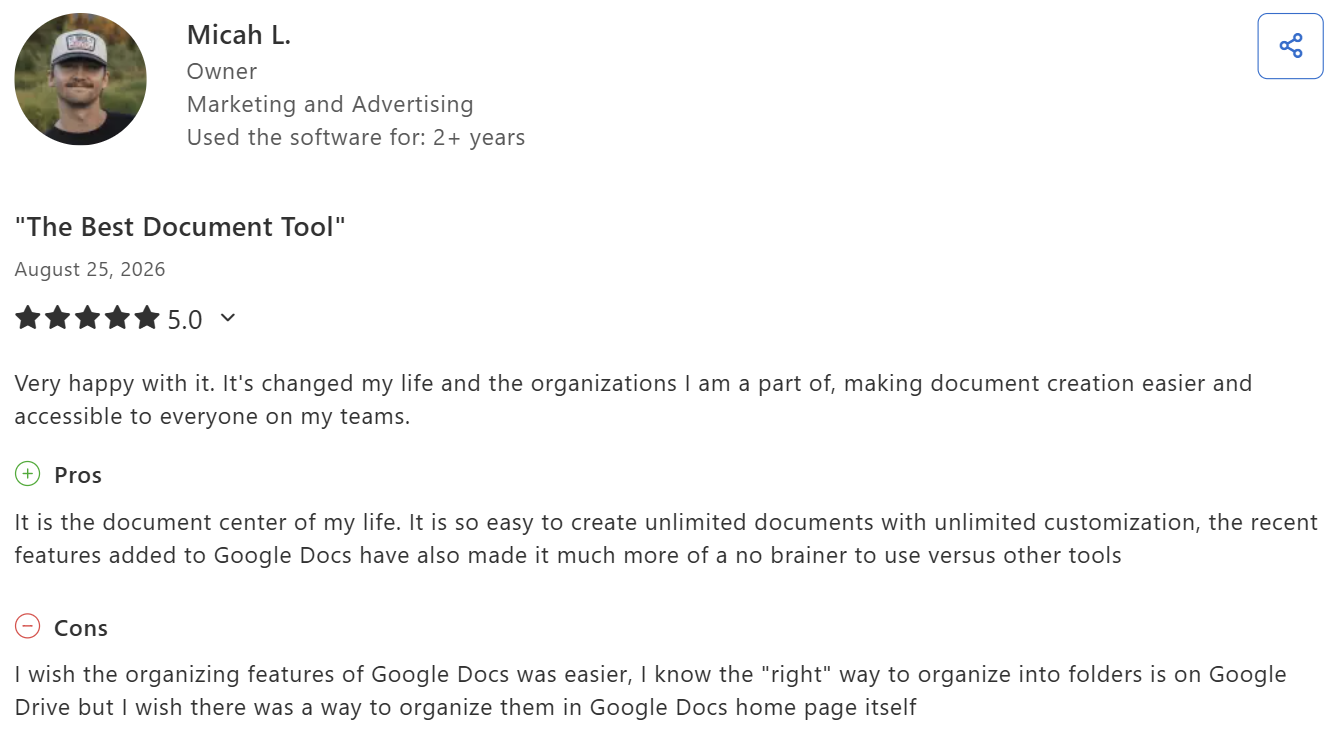
“It is so easy to create unlimited documents with unlimited customization.” — Micah L., marketing and advertising business owner, Capterra
“Formatting can break unexpectedly, especially in large documents.” — Andre Reindeer, Trustpilot
Pricing
- Free with a Google account
- Google Workspace Business Starter at $7/user/month for teams that need more storage or admin controls
Bottom line
First-time authors get from decision-to-write to actually-writing in minutes here, faster than any dedicated tool on this list. Move to something with structural depth once the manuscript outgrows a single scrolling document.
If AI assistance inside the Docs surface is what you want alongside the writing, these AI tools for Google Docs cover those options.
Which book writing app should you choose?
Match the tool below to whichever part of writing a book is slowing you down most right now.
Choose HyperWrite if you:
- Want help drafting faster in your own voice, while every plot and story decision stays yours
- Need TypeAhead's real-time suggestions inside whatever tab you're already writing in
- Are pairing an AI drafting tool with a separate app for structure or formatting
Choose Reedsy Studio if you:
- Want a free path from draft to a formatted, publish-ready file
- Need to collaborate with an editor or co-author without either of you paying
- Are writing a first book without a budget for paid software
Choose Scrivener if you:
- Are writing something long and structurally complex, like a nonfiction book or an epic
- Prefer a one-time purchase over an ongoing subscription
- Want your research and notes in the same project as the manuscript
Choose Atticus if you:
- Are self-publishing and want writing and formatting in one tool
- Don't want to shuttle a manuscript between a writing app and a separate formatter
- Have $147 for a tool you'll use across multiple books
Choose Dabble if you:
- Plot before you draft and want the outline visible while you write the scene
- Draft on multiple devices and want cloud sync without configuration
- Prefer a shorter learning curve than Scrivener asks for
Choose Campfire if you:
- Write fantasy, sci-fi, or a series that needs consistent worldbuilding across books
- Want to pay only for the worldbuilding modules you actually use
- Are tracking large casts, constructed languages, or multi-book timelines
Choose Novelist if you:
- Want a fully free novel-writing app that runs on your phone
- Draft in short sessions between other commitments
- Don't need the depth of a desktop-native writing tool
Choose Google Docs if you:
- Are writing a first book and want to start today with zero setup
- Need something anyone can open from any device with a link
- Aren't ready to commit to a dedicated writing tool yet
Skip a dedicated app entirely if you:
- Are drafting something short enough that a plain document already works fine.
Final verdict
Most authors only need two core tools to finish a book: one to actually get the words down, and one to organize or format them. A plain word processor covers the first job, and Reedsy Studio covers both on a free plan.
You only need to add a specialized tool when a specific challenge demands it. HyperWrite adds voice-matched AI drafting when the words themselves are what's slow, Scrivener earns its price on structurally complex manuscripts, and Atticus removes the export-and-reformat cycle for self-publishers.
Get the words down, then worry about the folders
A binder full of empty scene cards is still a blank page. The harder job is filling it in your own voice, chapter after chapter. HyperWrite's Personas trains on your own writing, so drafts start in your register from the first line. TypeAhead delivers them inside whatever app you're already using to write.
If the blank page is what's stopping you most days, our guide on overcoming writer's block covers the rest, and the trick to writing faster breaks down the habits that add up over a whole manuscript.
Does the blank page win most days, even when the outline is done and the scene is mapped? Try TypeAhead free with the HyperWrite Chrome extension and get real-time sentence suggestions that already sound like you.
Frequently asked questions
What is the best book writing app?
The best app for writing a book depends on the job. Reedsy Studio is the strongest all-around choice, since it's free and covers writing, editing, and formatting. Scrivener suits complex manuscripts, Atticus suits self-publishing, and HyperWrite suits drafting faster in your own voice.
What is the best free book writing app for beginners?
Reedsy Studio and Google Docs are the best free options for beginners. Reedsy Studio adds formatting and export at no cost, while Google Docs offers the simplest possible starting point with nothing to learn. Both work without any payment.
What is the best novel writing app for plotters?
Dabble is the best novel writing app for authors who plot before drafting, thanks to its Plot Grid sitting beside the manuscript editor. Scrivener's corkboard and outliner offer a similar structural view for those who don't mind a steeper learning curve.
Do I need a separate app for worldbuilding?
You don't always need a separate app for worldbuilding, but it helps for a complex series. Campfire and similar tools track characters, timelines, and lore across multiple books, which catches contradictions a notes document easily misses. A standalone novel usually doesn't need one.
Can AI write my book for me?
AI can generate a book manuscript from a prompt, but the result rarely reads like a finished book without heavy editing. HyperWrite takes a different approach: TypeAhead speeds up drafting sentence by sentence while Personas keeps every suggestion in your voice, so the story decisions stay yours.

HyperWrite is the AI writing assistant that learns your style. It handles drafting, editing, and researching so you can focus on ideas.
- Autocompletes sentences as you type
- Works inside Google Docs & Gmail
- Adapts to your personal writing style
- 500+ AI tools for any writing task

Powerful writing in seconds
Improve your existing writing or create high-quality content in seconds. From catchy headlines to persuasive emails, our tools are tailored to your unique needs.