
7 Best Paraphrasing Tools I Tested in 2026 (Free and Paid)
A side-by-side look at the best paraphrasing tools of 2026 on rewording depth, meaning, and tone control, with free and paid picks for professionals.


For most professionals, paraphrasing is about reusing your own material fast: turning a board update into an all-hands email, a job description into a LinkedIn post, or a clunky draft into something a person would actually want to read. Dodging a plagiarism checker is the least of it.
So I compared the best paraphrasing tools I could find on one question: which ones reword hard without wrecking the meaning, and which just swap in a thesaurus and call it a day? Below you'll find the quick picks, then what each tool is built for, what it costs, and what its users complain about.
If your real goal is writing faster at work, the right pick depends less on "best" and more on what you're rewriting.
The 7 best paraphrasing tools: TL;DR
- HyperWrite: Best for founders, HR teams, and marketers who rework their own writing every day.
- QuillBot: Best for writers who want precise control over how much each rewrite changes.
- Scribbr: Best for researchers who need to check a rewrite against published sources before submitting.
- Wordtune: Best for polishing emails and posts right where you write them.
- Smodin: Best for teams that write in languages beyond English.
- Scribens: Best for turning dense copy into plain language on a budget.
- Ref-n-Write: Best for academics writing papers inside Microsoft Word.
How I chose these paraphrasing tools
I focused on the rewriting professionals do most, where keeping the point intact matters more than sounding different. I compared each tool on five things, using vendor docs, official pricing pages, and user reviews from 2025 and 2026:
- Rewording depth: does it restructure a sentence, or only swap a few synonyms?
- Meaning preservation: does the point survive the rewrite?
- Tone and mode control: can you aim for formal, casual, plainer, or shorter on purpose?
- Workflow fit: does it work where you already write (browser, Word, Google Docs, email)?
- Free tier and price: what do you get before a paywall, and what does the first paid plan cost?
A couple of popular tools didn't make the cut. Spinbot shuffles big chunks of text for low-stakes drafts, and Phrasly is built around beating AI detectors, which is a different job (see the humanizing section below).
Best paraphrasing tools: quick comparison
Pricing and free limits were checked in November 2026. Vendors change these often, so confirm before you buy.
1. HyperWrite: best for professionals who rework their own writing
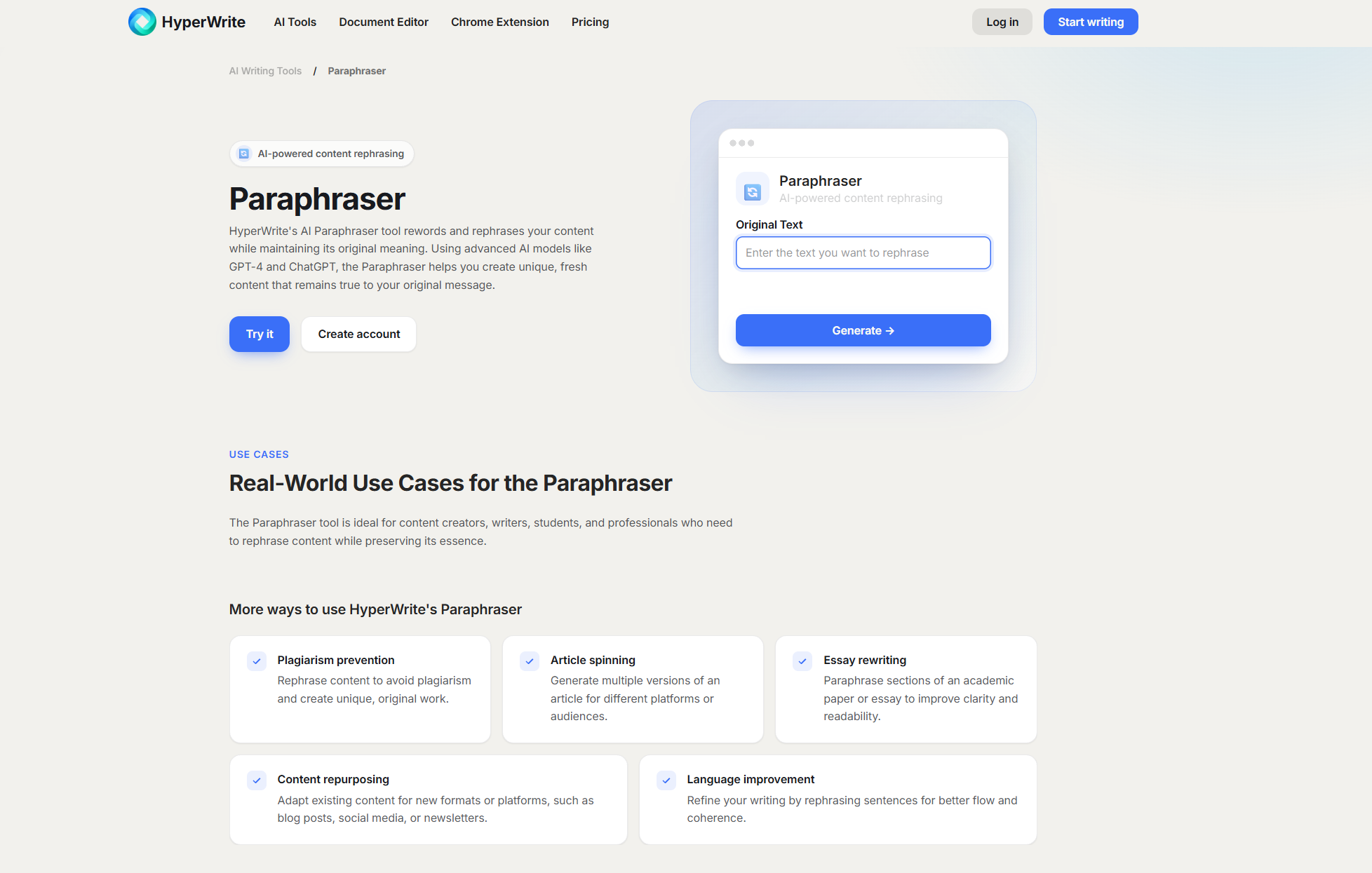
What it does: HyperWrite is a writing co-pilot for people who write a lot, and its Paraphraser rewords a passage while keeping its original meaning.
Best for: founders, HR teams, and marketers who reuse their own material, like turning an investor update into a team email.
What sets it apart is what surrounds the rewrite. A Persona keeps your rewrites in your voice, and when a paragraph needs more than a reword, you can hand it to AutoWrite, the AI Writing Assistant, or the AI Document Editor.
Key features
- Paraphraser: paste a passage and get a reworded version that keeps the point.
- Personas: keep every rewrite in your voice (3 on Premium, 10 on Ultra).
- AI Writing Assistant: ask for a paragraph tighter, warmer, or more formal. It runs faster than ChatGPT-style thinking models, on prompts built from years of A/B testing.
- Citations (Premium): pull current, properly cited sources into a draft.
Pros and cons
Pros:
- ✅ Rewording, drafting, research, and editing live in one place.
- ✅ Personas keep the output sounding like you, even on a quick reword.
- ✅ The free plan lets you try the Paraphraser before you pay.
Cons:
- ❌ The Paraphraser has no mode picker or synonym slider, so QuillBot gives you more dials.
- ❌ Unlimited Paraphraser use needs Premium at $19.99/mo, while the free plan runs on limited monthly credits.
What users say
"Amazingly accurate and genuinely helpful. This extension has saved me so much time." (Scott Mallonee, Chrome Web Store)

"lots of wrong spellings ,the fact that it recalls previous information is impressive but is not executed properly ,this tool has some serious potential" (Shardul Patekar, 3 stars, Chrome Web Store)

Pricing
- Free: limited monthly credits.
- Premium: $19.99/mo, or $16/mo billed annually. Includes 250 AI messages a month and 3 Personas.
- Ultra: $44.99/mo, or $29/mo billed annually. Unlimited messages, 10 Personas.
Bottom line
If your rewriting is one step in a bigger writing day, HyperWrite earns the top slot. Try HyperWrite's Paraphraser free on your next update or announcement.
2. QuillBot: best for writers who want precise control
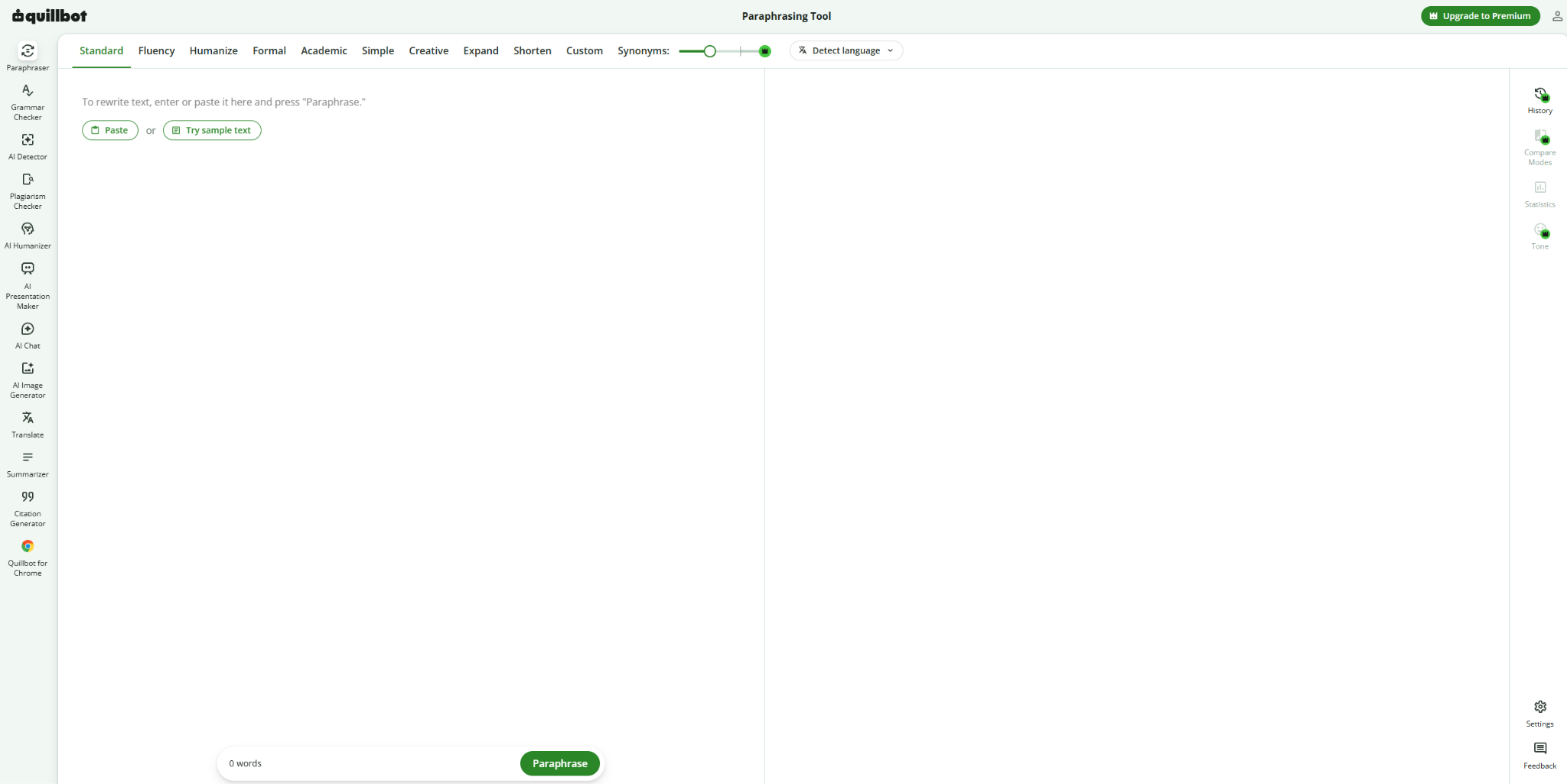
What it does: QuillBot is a dedicated paraphraser with 10 rewriting modes and a slider that sets how much of your text changes.
Best for: content and comms writers who need to reword copy without touching the facts, like refreshing a press release or a product page.
QuillBot's edge is control over the size of the change. Slide the Synonym Slider left, and you get a light, accurate rephrase; slide it right, and you get a looser, more creative rewrite. A compare view lets you see how the same paragraph reads in Formal, Simple, or Shorten before you pick one.
Key features
- 10 modes: Standard, Fluency, Humanize, Formal, Academic, Simple, Creative, Expand, Shorten, and Custom, where you describe the style you want.
- Synonym Slider: decide how many words change, from a near-copy to a full rework.
- 23 paraphrasing languages: rewrite non-English drafts without translating them first.
- Works where you write: Chrome, Edge, and Safari extensions, a Word add-in, plus Mac, Windows, and mobile apps.
Pros and cons
Pros:
- ✅ The mode bar plus the slider gives you the finest control in this group.
- ✅ It works almost everywhere you write, from browser extensions to a Word add-in and mobile keyboards.
- ✅ Premium bundles a plagiarism checker with 25,000 words a month.
Cons:
- ❌ The free paraphraser stops at 125 words and two modes (Standard and Fluency).
- ❌ Some users find the AI-detector prompts pushy while they use other tools.
What users say
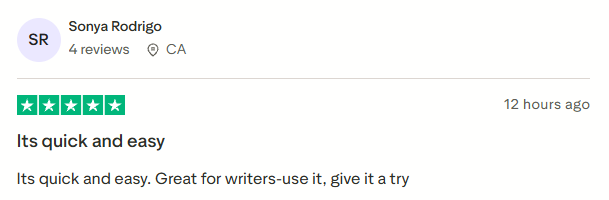
"Its quick and easy. Great for writers-use it, give it a try" (Sonya Rodrigo, Trustpilot)
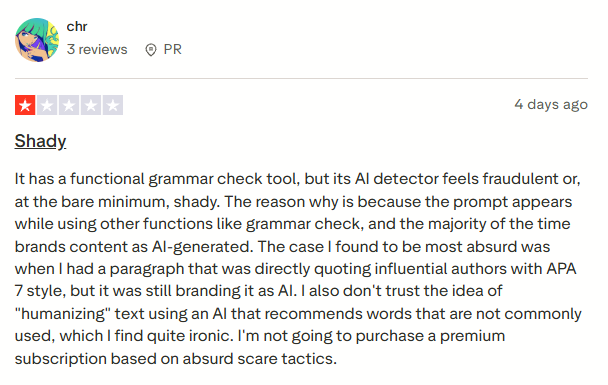
"its AI detector feels fraudulent or, at the bare minimum, shady... I'm not going to purchase a premium subscription based on absurd scare tactics." (chr, 1 star, Trustpilot)
Pricing
- Free: 125 words per paraphrase, Standard and Fluency modes.
- Premium: $9.95/mo billed annually, with unlimited paraphrasing and all modes.
Bottom line
Pick QuillBot when you want to steer every rewrite yourself. If you'd rather the tool handle the whole draft, look higher up this list or at these QuillBot alternatives.
3. Scribbr: best for researchers checking rewrites before they submit
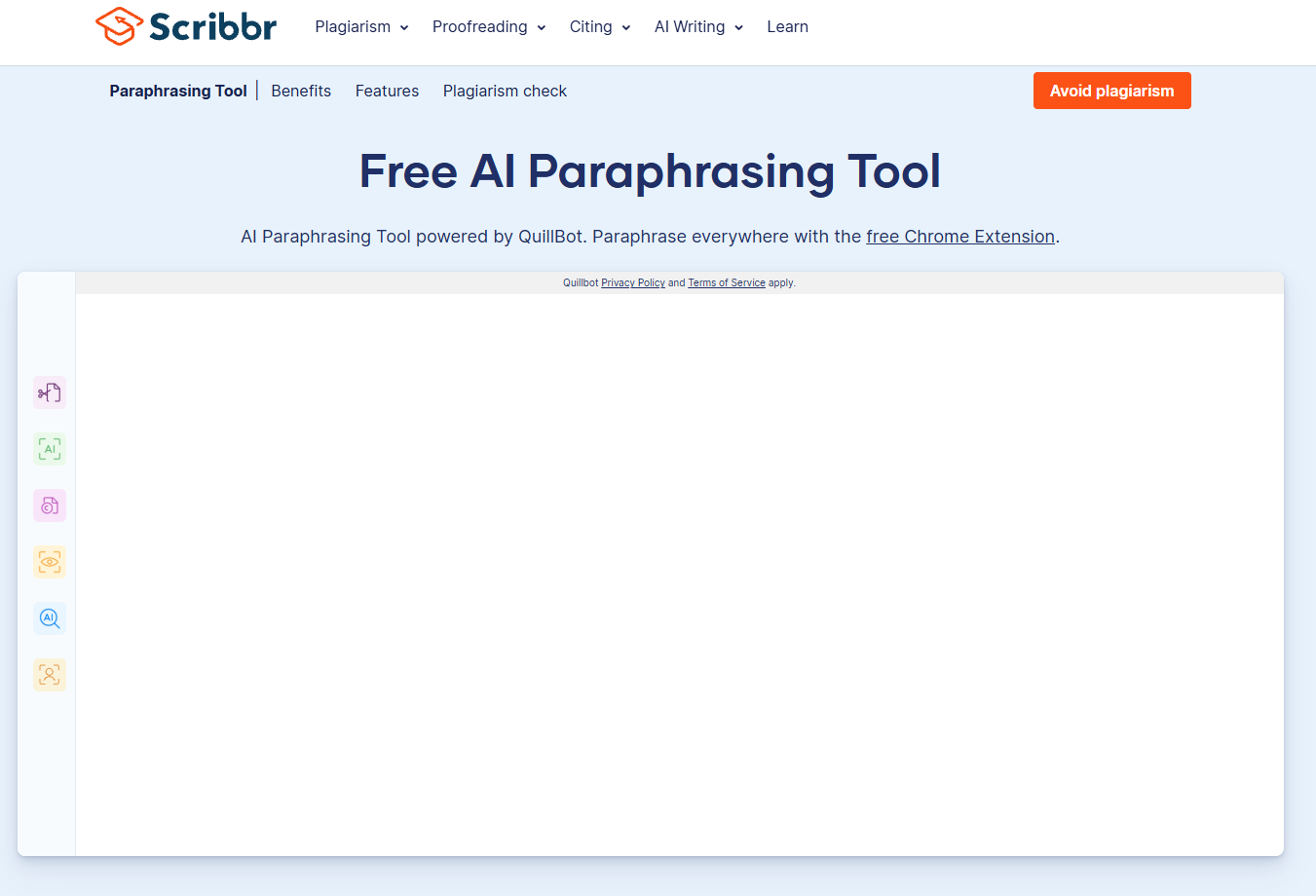
What it does: Scribbr offers a free paraphraser that runs on QuillBot's engine, next to a plagiarism checker, citation generator, and proofreading service.
Best for: grad students, researchers, and anyone publishing in a journal who paraphrase sources and then have to prove the result isn't too close to the original.
The paraphraser itself is QuillBot's free version: 125 words per input, Standard and Fluency modes, no sign-up, and no ads.
The reason to choose Scribbr is the check that comes after. Its plagiarism checker uses similar software to most universities and compares your text against 99.3 billion webpages and 8 million publications from over 1,700 publishers, including Springer, IEEE, and Elsevier.
Key features
- Free paraphraser: reword up to 125 words at a time in English, French, Spanish, German, and more.
- Plagiarism checker: a free risk assessment, or a full report with a precise similarity percentage and side-by-side matches.
- Citation generator: APA, MLA, Chicago, AMA, IEEE, and ACS citations for the sources you paraphrased.
- AI and human proofreading: a final pass on the whole paper before you submit.
Pros and cons
Pros:
- ✅ The paraphrase-then-check workflow suits academic work, where similarity scores carry real consequences.
- ✅ No account needed for the paraphraser.
- ✅ The citation generator covers every major style in one place.
Cons:
- ❌ Only two modes, so there's no formal or shorter option for professional copy.
- ❌ The full plagiarism report costs $19.95 to $39.95 per document, depending on length.
What users say
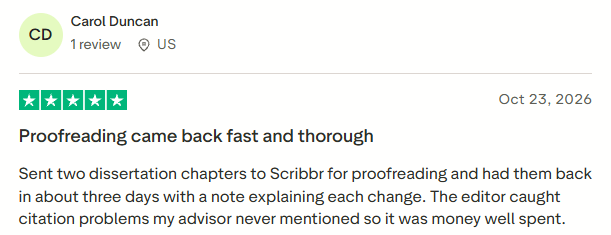
"Sent two dissertation chapters to Scribbr for proofreading and had them back in about three days with a note explaining each change. The editor caught citation problems my advisor never mentioned so it was money well spent." (Carol Duncan, Trustpilot)
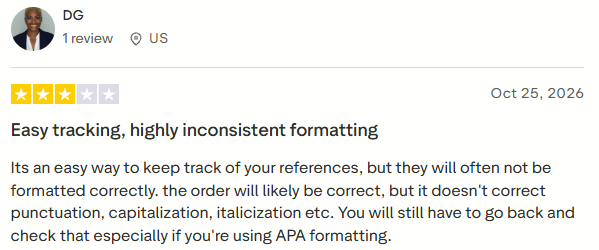
"Its an easy way to keep track of your references, but they will often not be formatted correctly." (DG, 3 stars, Trustpilot)
Pricing
- Paraphraser: free.
- Plagiarism check: free risk assessment. Full reports cost $19.95 (up to 7,500 words), $29.95 (7,500 to 50,000 words), or $39.95 (50,000+ words).
Bottom line
Scribbr makes sense when the rewrite is headed for a thesis or a journal. For business copy, the two-mode paraphraser is too limited.
4. Wordtune: best for polishing emails and posts in place
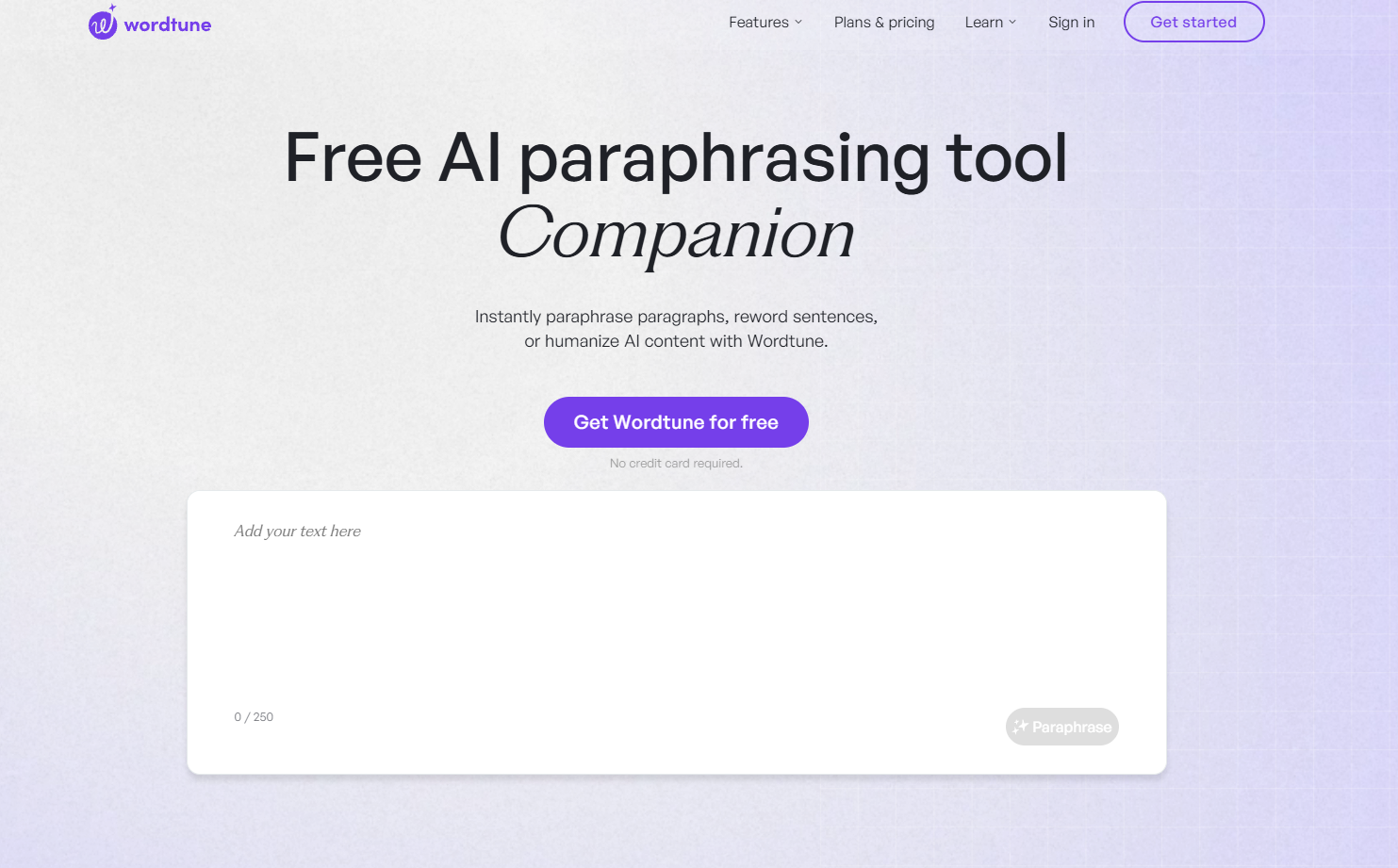
What it does: Wordtune rewrites the text you highlight, offering several alternatives plus one-click formal, casual, shorter, and longer versions.
Best for: recruiters, account managers, and anyone who sends a lot of email or LinkedIn messages and wants a cleaner version without leaving the page.
You highlight a sentence, click Paraphrase, and choose from a list of suggestions, then nudge the tone or length. It also flags typos and grammar slips as it goes, so a quick reword doubles as a proofread.
Key features
- Rewrite menu: rewrite, make formal, make casual, expand, or shorten the selected text.
- Multiple suggestions: choose the rewrite that fits from several options.
- Synonyms: swap a single word without rewriting the sentence.
- Extensions and apps: Chrome and Edge extensions plus an iOS app.
Pros and cons
Pros:
- ✅ Rewriting in place keeps you inside your email or post.
- ✅ The tone buttons make a formal-to-casual switch one click.
- ✅ Paid plans start at $4.89/mo billed annually.
Cons:
- ❌ The free plan allows 10 rewrites a day, and Advanced still caps you at 30.
- ❌ Wordtune doesn't offer refunds, so cancel before the 3-day trial ends if it isn't for you.
What users say
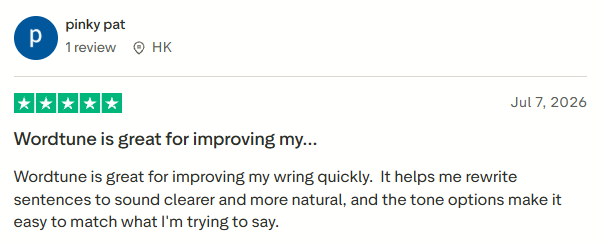
"It helps me rewrite sentences to sound clearer and more natural, and the tone options make it easy to match what I'm trying to say." (pinky pat, Trustpilot)
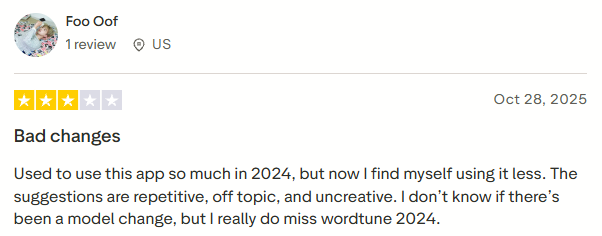
"The suggestions are repetitive, off topic, and uncreative." (Foo Oof, 3 stars, Trustpilot)
Pricing
- Basic: free, 10 rewrites and AI suggestions a day.
- Advanced: $4.89/mo billed annually ($6.99 monthly), 30 rewrites a day.
- Unlimited: $6.99/mo billed annually ($9.99 monthly), unlimited rewrites.
Bottom line
Wordtune is the one I'd keep running for quick polish on messages. Heavy daily use pushes you to the Unlimited plan fast, so compare these Wordtune alternatives before you upgrade.
5. Smodin: best for teams writing beyond English
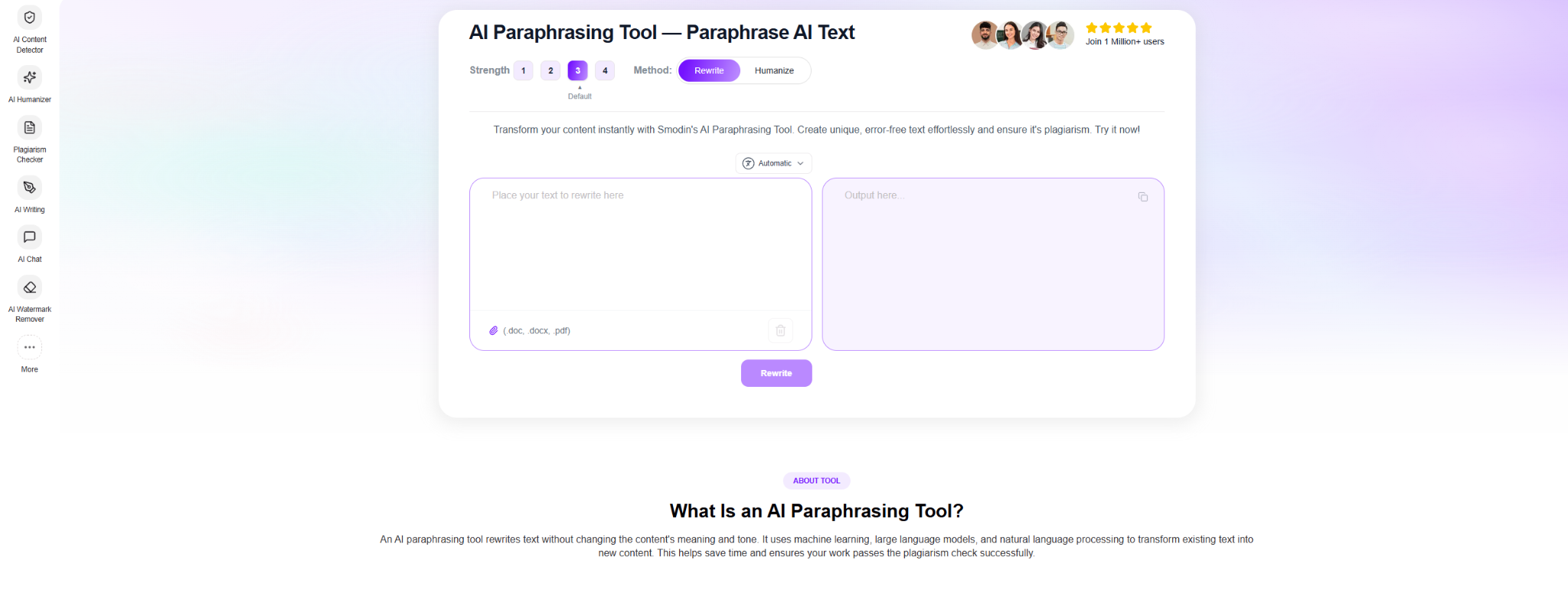
What it does: Smodin is a writing suite whose rewriter works across 100+ languages, alongside an AI writer, summarizer, translator, and plagiarism checker.
Best for: teams that publish in several languages and want to rework a draft in its own language before it goes out.
Smodin gives you two ways to rewrite. Rewriter changes your text at a strength from 1 to 4, where 3 is the balanced default. Recreate rebuilds it in a writing style you name. You can paste text or upload a .doc, .docx, or .pdf file, which helps with long reports.
Key features
- 100+ languages: rewrite drafts in their original language.
- Strength control: four levels, from subtle edits to a heavy rework.
- Document upload: rewrite .doc, .docx, and .pdf files without copying them in.
- Writing suite: draft, summarize, and translate on the same account.
Pros and cons
Pros:
- ✅ It lists 100+ languages, far more than most tools here.
- ✅ File upload saves time on long documents.
- ✅ One subscription covers rewriting, summarizing, and checking.
Cons:
- ❌ There's no free plan, only a short no-signup trial on the rewriter.
- ❌ Its Premium humanizer is sold on getting past AI detectors, the exact goal this article warns against.
What users say
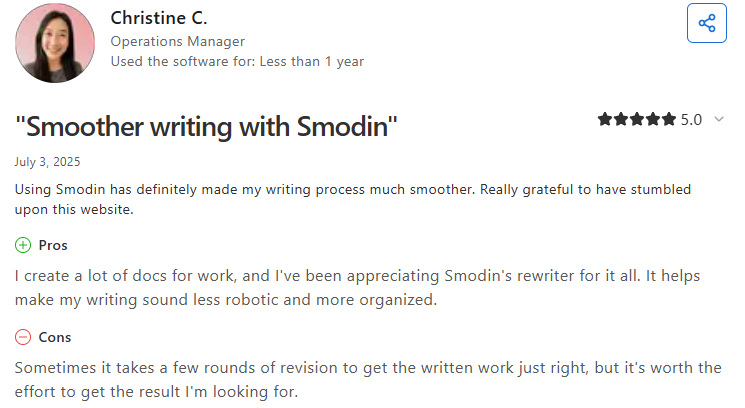
"I create a lot of docs for work, and I've been appreciating Smodin's rewriter for it all. It helps make my writing sound less robotic and more organized." (Christine C., Capterra)
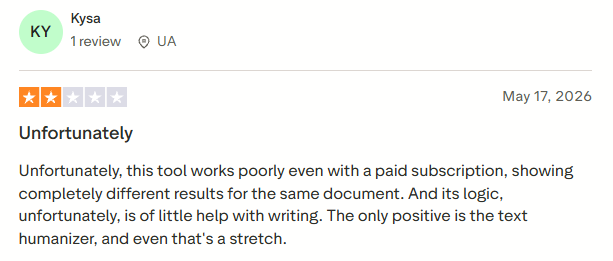
"Unfortunately, this tool works poorly even with a paid subscription, showing completely different results for the same document." (Kysa, 2 stars, Trustpilot)
Pricing
- Starter: $10/mo billed annually.
- Premium: $16/mo billed annually, with unlimited writing output and the Chrome extension.
Bottom line
Smodin is the pick when your drafts aren't all in English. If they are, the tools above give you more control for the money.
6. Scribens: best for plain-language rewrites on a budget
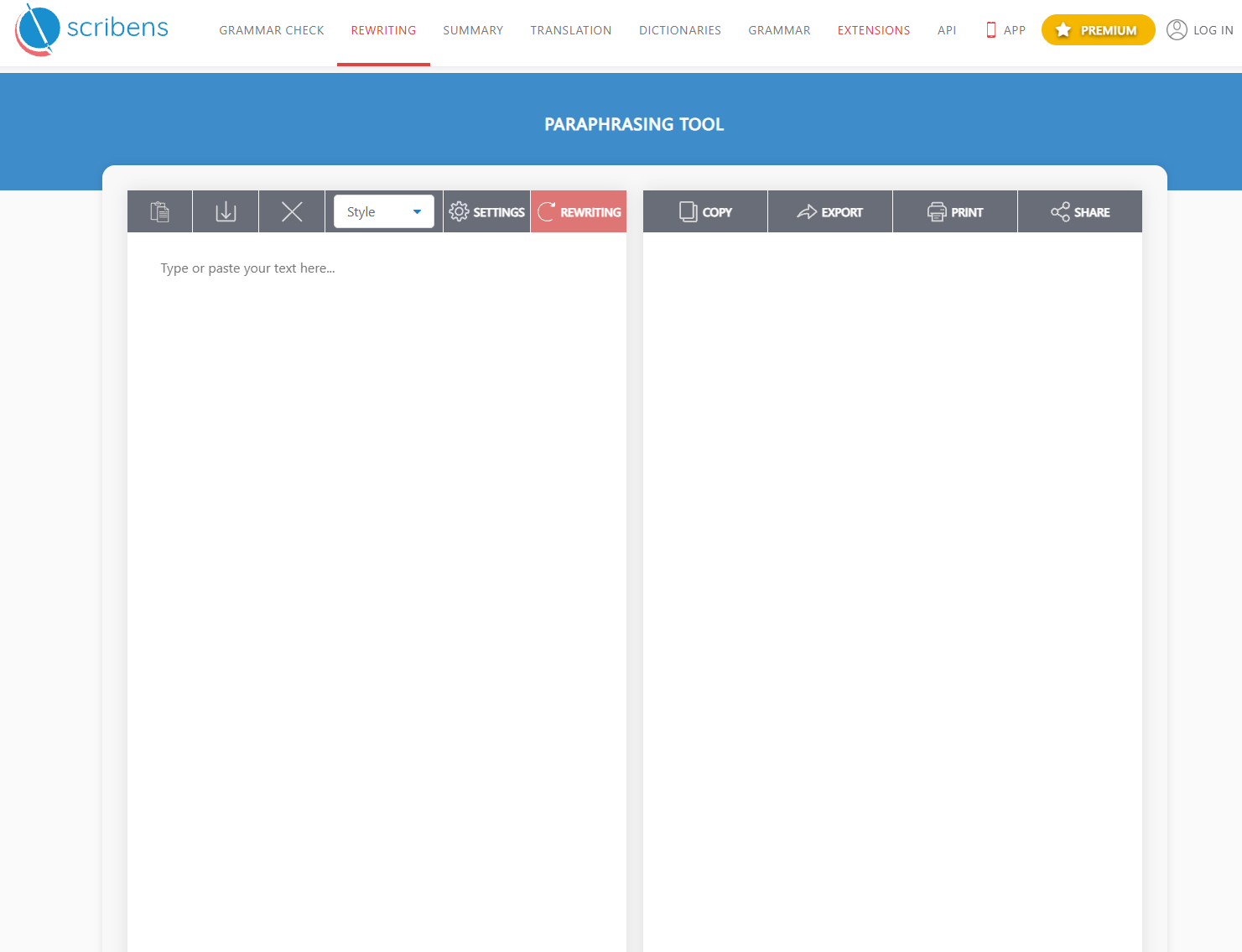
What it does: Scribens pairs a rewriter with a grammar checker and readability statistics, with 20 tone presets to aim the output.
Best for: comms and support teams who turn technical updates into plain-language notices for customers.
Scribens is built for making text easier to read. Its "Simplify" and "Easy to read" options lower the complexity of words and sentences, and the statistics panel scores readability, so you can confirm the new version is easier to follow before you send it.
Key features
- 20 tone presets plus custom tones: from Formal and Professional to Friendly and Direct.
- Readability statistics: Flesch and Gunning Fog scores, reading time, and speaking time.
- Structure and length options: clarify, condense, develop, or turn text into bullet points.
- 40+ languages: rewrite in English, Spanish, German, and more.
Pros and cons
Pros:
- ✅ The readability scores give you a number to check against, beyond a gut feeling.
- ✅ Grammar checking runs in the same window.
- ✅ Custom tones let you describe the exact voice you want.
Cons:
- ❌ The free plan's 4 daily paraphrases run out fast.
- ❌ Even Premium caps each entry at 10,000 characters, so long documents go in pieces.
What users say
"it's a very user friendly app" (V. Shrikumar, Google Play)
"It keeps saying "I've reached the character limit." I use this to edit my books, btw." (Lylly Moreland, 3 stars, Google Play)

Pricing
- Free: 4 paraphrases a day at 1,000 characters.
- Premium: €9.90/mo, or €59.90 billed annually. Includes 3,000 paraphrases a month at 10,000 characters each.
Bottom line
Scribens is the budget pick when clarity matters more than style. Writers who need lots of rewrites a day will outgrow the free plan quickly.
7. Ref-n-Write: best for academic writing in Microsoft Word
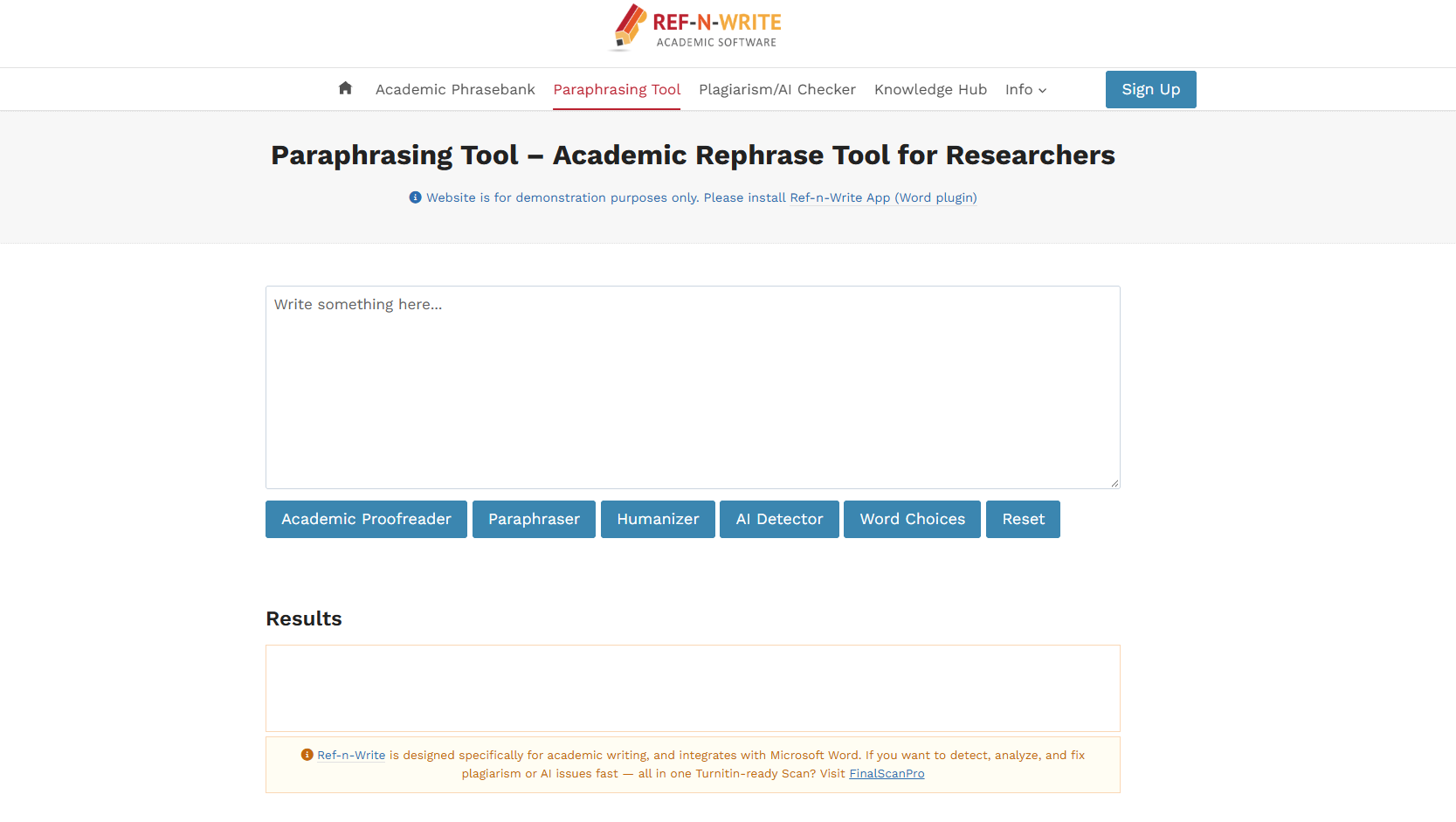
What it does: Ref-n-Write is a Word add-in that combines an academic paraphrasing tool with a 20,000-phrase academic phrasebank.
Best for: researchers and grad students, especially non-native English speakers, who write papers in Word.
The phrasebank is the reason to install it. Its 20,000 phrases are organized by paper section, from Introduction and Literature Review to Results, Discussion, and Acknowledgments, so you can find the standard way to state a research gap or report a result. You can also import your own source papers and search them to check overlap as you write.
Key features
- Academic phrasebank: 20,000 phrases across 17 paper sections.
- Academic paraphraser: rewrites for scholarly tone and flags grammar errors as it rephrases.
- Source-document search: import your reference papers and check your text against them.
- Works in Word: Windows and Mac, with Google Docs and Office online listed at checkout.
Pros and cons
Pros:
- ✅ The phrasebank is a real edge for non-native academic writers.
- ✅ Everything happens inside Word, where the paper already lives.
- ✅ A lifetime license is available.
Cons:
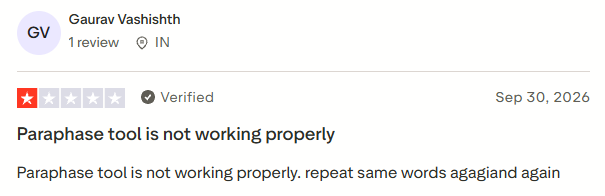
- ❌ A recent reviewer says the paraphraser repeats the same words.
- ❌ Prices are in British pounds, so the dollar cost moves with the exchange rate.
What users say
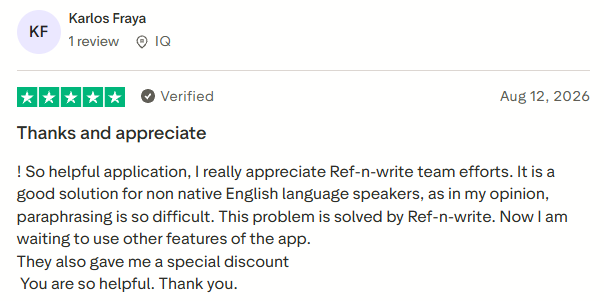
"It is a good solution for non native English language speakers, as in my opinion, paraphrasing is so difficult. This problem is solved by Ref-n-write." (Karlos Fraya, Trustpilot)
"Paraphase tool is not working properly. repeat same words agagiand again" (Gaurav Vashishth, 1 star, Trustpilot)
Pricing
- Trial: 15 days free.
- 1-year license: £29.99 (about $40).
- Lifetime license: £59.99 (about $80).
Bottom line
For research papers specifically, Ref-n-Write does something the general tools don't. Outside academic writing, it's more than you need.
Paraphrasing vs AI humanizing (and how to paraphrase without plagiarism)
A paraphraser and an "AI humanizer" look similar and do different jobs. Paraphrasing restates an idea in new words to make it clearer or reuse it in a new format. AI humanizing rewrites text to fool AI detectors, which is a shakier goal built on a moving target.
Here's the honest part: AI detection is unreliable. A 2026 University of Florida study found commercial detectors' false positive rates ranged from 0.05% to 68.6%, and a simple vocabulary tweak was enough to fool them.
A grammar-and-rewriting tool like the ones in our Grammarly review can make your writing cleaner, but no rewriter guarantees a text passes or fails a detector. If that's your only reason to paraphrase, you're solving the wrong problem.
How to paraphrase without plagiarizing
Good paraphrasing changes the words and keeps the credit.
A few steps keep you honest:
- Read the source, then look away. Rewrite the idea from memory so you're not tracing the original sentence.
- Change the structure, along with the synonyms. Swapping words while keeping the sentence shape is still plagiarism.
- Compare against the original to confirm the meaning held and the phrasing is genuinely yours. For longer pieces, run it through one of the best plagiarism checkers to flag passages that stayed too close.
- Cite the source whenever the idea isn't your own, even after you've reworded it. Purdue's writing lab has a clear guide to paraphrasing and citation if you want the academic version.
Which paraphrasing tool should you choose?
The right tool depends on what you're rewording and why.
Choose HyperWrite if you:
- Rework your own updates, announcements, and job posts every week
- Want rewrites that keep your voice across everything you write
Choose QuillBot if you:
- Want to control exactly how much each sentence changes
- Need modes like Formal, Simple, or Shorten on demand
Choose Scribbr or Ref-n-Write if you:
- Paraphrase sources for a thesis, paper, or journal submission
- Need a plagiarism check or an academic phrasebank next to the rewriter
Choose Wordtune if you:
- Mostly polish emails and messages you've already written
Choose Smodin or Scribens if you:
- Write in languages beyond English (Smodin)
- Want plain-language rewrites with readability scores on a budget (Scribens)
Skip paraphrasers entirely if:
- Your goal is beating an AI detector. That's outside what they reliably do, and you'll spend money chasing a number that keeps moving.
Final verdict: HyperWrite for professional rewriting
The best paraphrasing tool is the one that fits the writing you actually do. For professionals rewording their own work across emails, docs, and posts, HyperWrite is my pick because the rewriting sits inside the rest of your writing day, and Personas keep every rewrite in your voice.
If you'd rather control every word yourself, QuillBot is the stronger dedicated paraphraser.
Start with HyperWrite's Paraphraser free and reword a real draft before you decide. Want autocomplete in every tab too, including ChatGPT and Gemini? Add HyperWrite for Chrome.
Frequently asked questions
What is the best free paraphrasing tool?
The best free paraphrasing tool for most people is QuillBot, because its free tier rewrites up to 125 words at a time in two usable modes. Scribbr's paraphraser runs on the same engine with no sign-up, and Scribens adds tone presets and a readability score to its free daily allowance.
Can paraphrasing tools help you avoid plagiarism?
Paraphrasing tools help you reword text, but they don't guarantee original work on their own. Avoiding plagiarism still takes understanding the source, changing the structure, and citing the idea when it isn't yours. A tool speeds up the rewrite; you still own the judgment.
Is QuillBot the best paraphrasing tool?
QuillBot is the best dedicated paraphraser for everyday use, thanks to its 10 modes and Synonym Slider. Academics often prefer Scribbr or Ref-n-Write for their plagiarism and phrasebank tools, and professionals rewriting across a workflow may get more from HyperWrite. If you're weighing QuillBot against Grammarly, our QuillBot vs Grammarly comparison breaks down where each wins.
Can AI detectors tell if you paraphrased ChatGPT text?
AI detectors can't reliably tell either way. University of Florida researchers tested five commercial detectors in 2026 and found their accuracy swung widely, with fancier vocabulary alone throwing them off. Treat any detector score as a rough signal, and judge a paraphrase on whether it says what you mean.
What is the difference between paraphrasing and summarizing?
The main difference between paraphrasing and summarizing is length and intent. Paraphrasing restates a passage in new words at roughly the same length, while summarizing condenses it to the key points. You paraphrase to reuse an idea; you summarize to shorten one. For more on when to use each, see what's the difference between summarizing and paraphrasing.
Are paraphrasing tools allowed in academic work?
Paraphrasing tools are allowed in some academic settings and restricted in others, so the rule depends on your institution. Check your course or university policy, and always cite the original source.
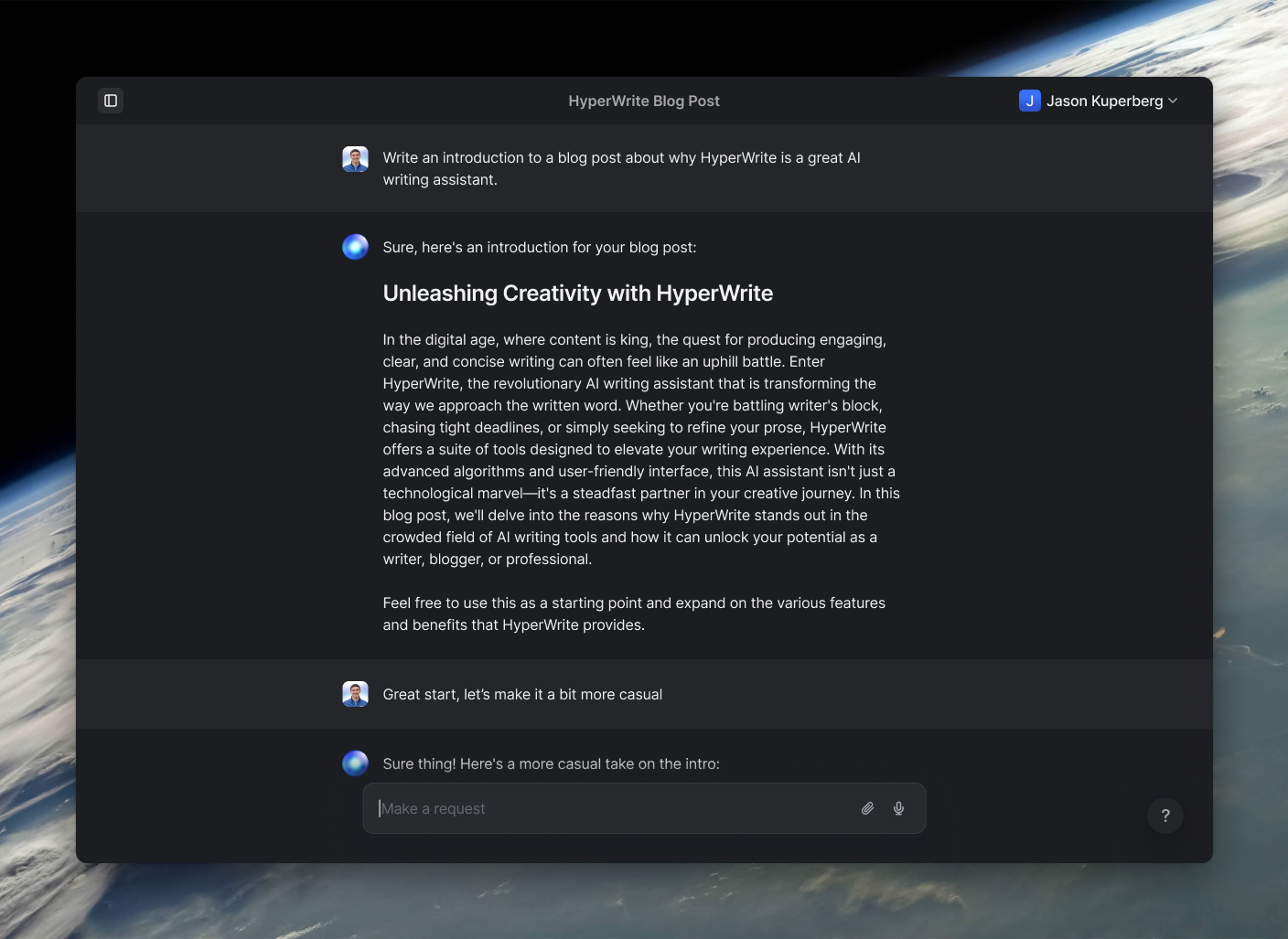
Powerful writing in seconds
Improve your existing writing or create high-quality content in seconds. From catchy headlines to persuasive emails, our tools are tailored to your unique needs.