
9 Best AI Tools for Writing Sales Emails in 2026


Your prospect skims a dozen cold emails before lunch, and most of them read like the same template: a compliment about the company, a vague pain point, and a request for 15 minutes. AI can write that email in seconds, and with the right tool and the right inputs, it can write one that earns a reply.
I compared nine of the best AI tools for writing sales emails on how well they handle cold first touches, follow-ups, and replies, and on how much editing each draft needs before it's sendable. Some of these tools only write. Others also find the prospect, send the sequence, and protect your sending domain.
Below you'll find which is which, what each one really costs, and a prompt template you can paste into any of them today.
9 Best AI Tools for Writing Sales Emails: TL;DR
- HyperWrite: Best for writing sales emails in context inside Gmail, LinkedIn, and browser-based CRMs.
- Lavender: Best for reps who want a live score and coaching on every cold email.
- Copy.ai: Best for a free first draft built from a prospect's LinkedIn URL.
- Jasper: Best for teams that need every rep's outreach to stay on brand.
- ChatGPT: Best for flexible drafting when you're happy to write detailed prompts.
- Snov.io: Best for building sequences around an ideal customer profile on a budget.
- Apollo.io: Best for finding prospects and writing to them in the same platform.
- Instantly: Best for sending cold email at high volume with warm-up built in.
- Saleshandy: Best for automated multi-step follow-ups with a shared inbox.
How I Picked These Tools
Every tool here can write a passable email, so workflow fit is what I judged them on. Five things decided the ranking:
- Outbound-sales fit: does it actually help with cold email and follow-ups, or is it a newsletter tool wearing a sales hat?
- Personalization from real inputs: can it pull from an ICP, a LinkedIn profile, or a buying signal?
- Deliverability awareness: for tools that also send, does it help your email land in the inbox?
- Edit effort: how close is the first draft to sendable?
- Price and free tier: can you try it without a credit card and a sales call?
AI Tools for Writing Sales Emails, Compared
The table below is the fast version. Pricing was checked in October 2026, so verify with each vendor before you buy (plans change constantly in this category).
Standalone AI Sales-Email Writers
These tools focus on drafting and personalizing the email itself. You bring your own sending and sequencing setup.
1. HyperWrite: Best for Writing Sales Emails in Context
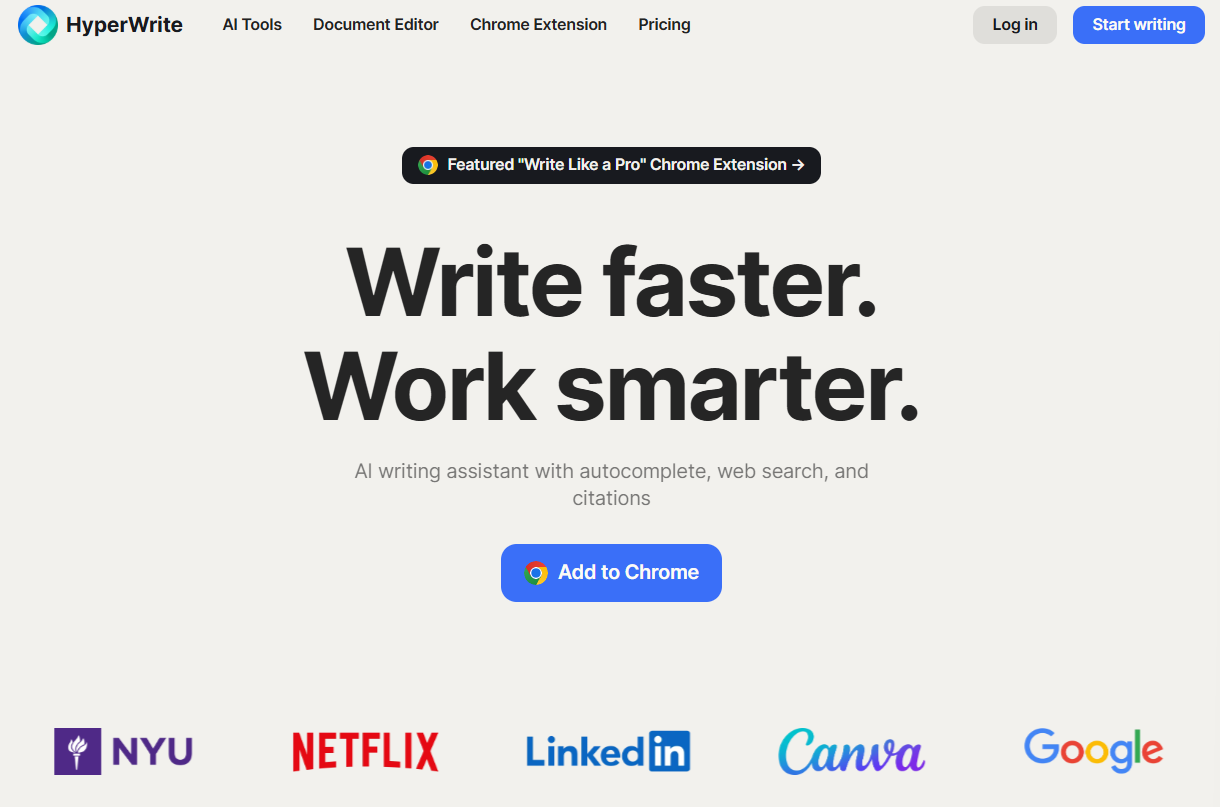
What it does: HyperWrite is an AI writing co-pilot whose Chrome extension includes TypeAhead, which reads your open tabs and suggests your next sentence in your own voice as you type.
Best for: Founders, account executives, and sales leaders who write outreach across Gmail, LinkedIn, and a browser-based CRM all day.
Open the prospect's LinkedIn profile in one tab and Gmail in another, and as you type, TypeAhead suggests a line drawn from what's on screen. Press Tab to accept it. It doesn't send or sequence email, so pair it with a sending tool for warm-up, inbox rotation, or automated follow-ups at volume.
Key Features
- TypeAhead: context-aware suggestions in any browser-based text field, drawn from what you've typed and the tabs you have open, so a reply can reference the prospect's profile without copy-paste.
- Personas: give HyperWrite samples of your past writing and it uses them as a reference for how you sound, so cold emails and follow-ups read like yours.
- AI Writing Assistant and email tools: chat with the assistant to brainstorm an angle or tighten a follow-up, or use the Email Generator, Email Responder, and Email Subject Line A/B Tester for first drafts, replies, and subject-line variants.
Pros and Cons
Pros:
- ✅ Writes inside Gmail, LinkedIn, and browser-based CRMs without tab-switching.
- ✅ Personas keep cold emails and follow-ups in your own voice.
- ✅ Unlimited TypeAheads on both paid plans, so you never ration suggestions mid-thread.
Cons:
- ❌ No sequencing or deliverability tools, so you'll still need a sending platform.
- ❌ Premium caps AI messages at 250 a month, which heavy users outgrow.
What Users Say
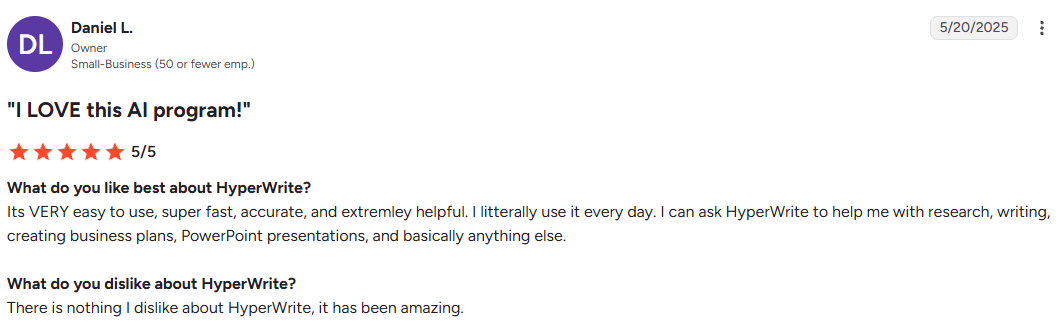
“It's VERY easy to use, super fast, accurate, and extremley helpful. I litterally use it every day. I can ask HyperWrite to help me with research, writing, creating business plans, PowerPoint presentations, and basically anything else.” – Daniel L., G2
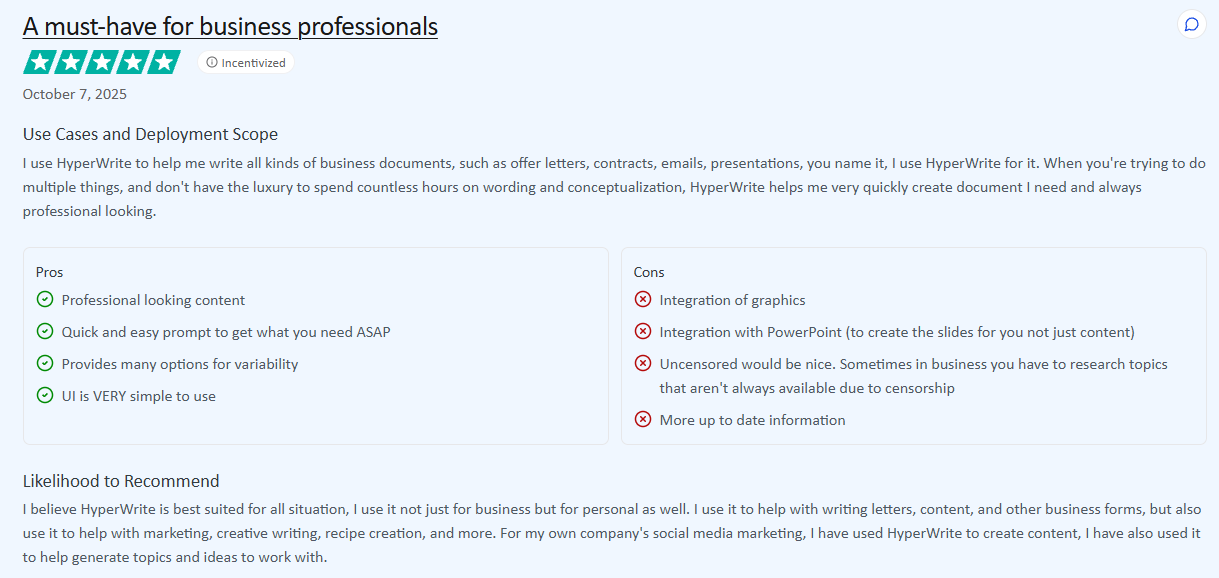
“Uncensored would be nice. Sometimes in business you have to research topics that aren't always available due to censorship.” – Daniel Lopez, TrustRadius
Pricing
HyperWrite has a free plan with limited monthly credits, plus two paid plans:
- Premium: $19.99/month, or $16/month billed annually, with 250 AI messages a month, 3 custom Personas, and unlimited TypeAheads.
- Ultra: $44.99/month, or $29/month billed annually, with unlimited AI messages, 10 custom Personas, and unlimited TypeAheads.
2. Lavender: Best for Real-Time Cold-Email Coaching
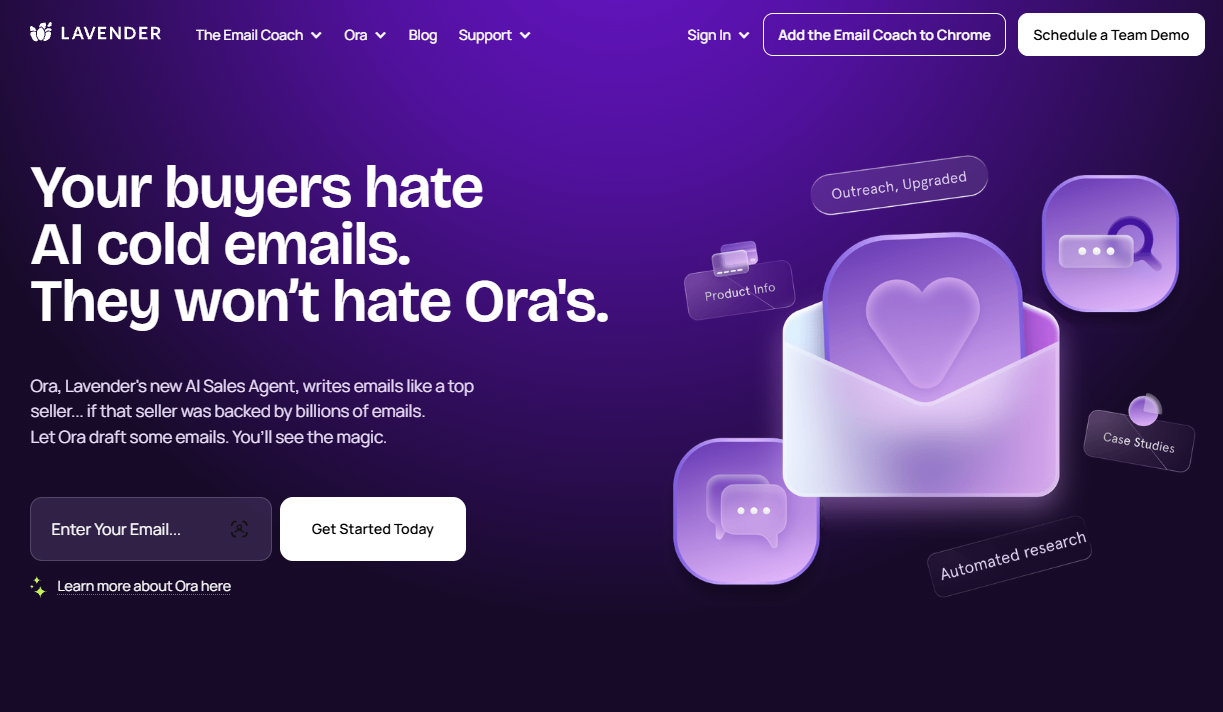
What it does: Lavender is an email coach that scores your draft as you write and lists what to fix before you send.
Best for: SDRs and AEs who write one-to-one cold emails in Gmail or Outlook and want feedback on every send.
Lavender sits in your inbox, and the company says emails scoring 90 or above get more replies. Its Personalization Assistant pulls news, insights, and personality data on the recipient into view while you write, so the first line can reference something real. It's built for one-to-one sales email, which means marketing teams sending campaigns get less out of it.
Key Features
- Email score: grades every draft and lists the necessary fixes first, so you can see what's holding a sub-90 email back.
- Personalization Assistant: surfaces recent news, insights, personality data, and intro suggestions for the recipient.
- Start My Email: turns a few bullet points into draft copy you can edit and personalize.
- Apply All Fixes: makes every flagged change in one click.
Pros and Cons
Pros:
- ✅ Real-time scoring shows what to fix before you send.
- ✅ Recipient research appears right next to the draft.
- ✅ Works in Gmail and Outlook, with integrations for Outreach, Salesloft, and HubSpot.
Cons:
- ❌ AI suggestions can feel generic and still need manual edits.
- ❌ Reviewers report the Chrome extension can be unreliable.
What Users Say
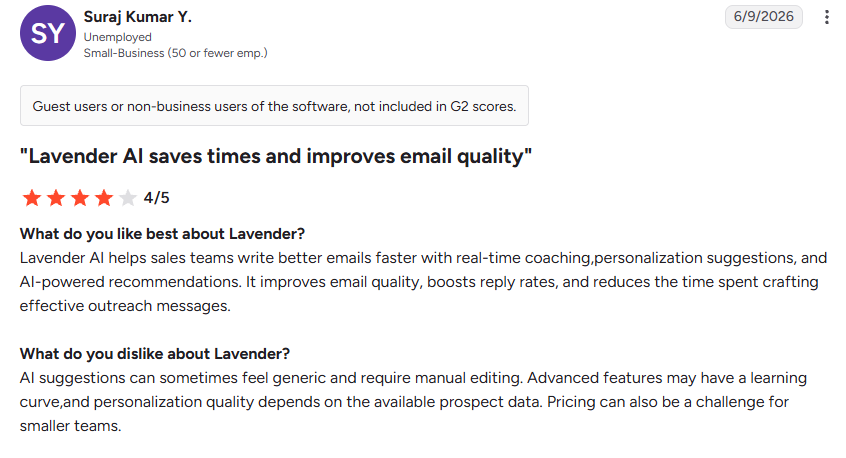
“Lavender AI helps sales teams write better emails faster with real-time coaching,personalization suggestions, and AI-powered recommendations. It improves email quality, boosts reply rates, and reduces the time spent crafting effective outreach messages.” – Suraj Kumar Y., G2
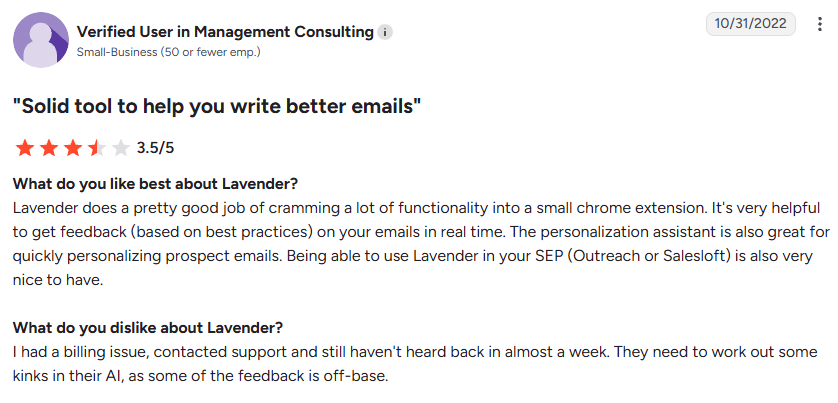
“I had a billing issue, contacted support and still haven't heard back in almost a week. They need to work out some kinks in their AI, as some of the feedback is off-base.” – Verified User in Management Consulting, G2 (Updated June 2024)
Pricing
Lavender offers a 7-day free trial with no credit card required, plus four plans:
- Basic: free, with 5 email analyses and 5 personalizations a month.
- Starter: $29/month, or $27/month billed annually, with unlimited emails and personalization.
- Individual Pro: $49/month, or $45/month billed annually, adding integrations.
- Team: $99 per seat a month, or $89 per seat billed annually, adding a coaching dashboard and team email analytics.
3. Copy.ai: Best for Drafting From a LinkedIn URL
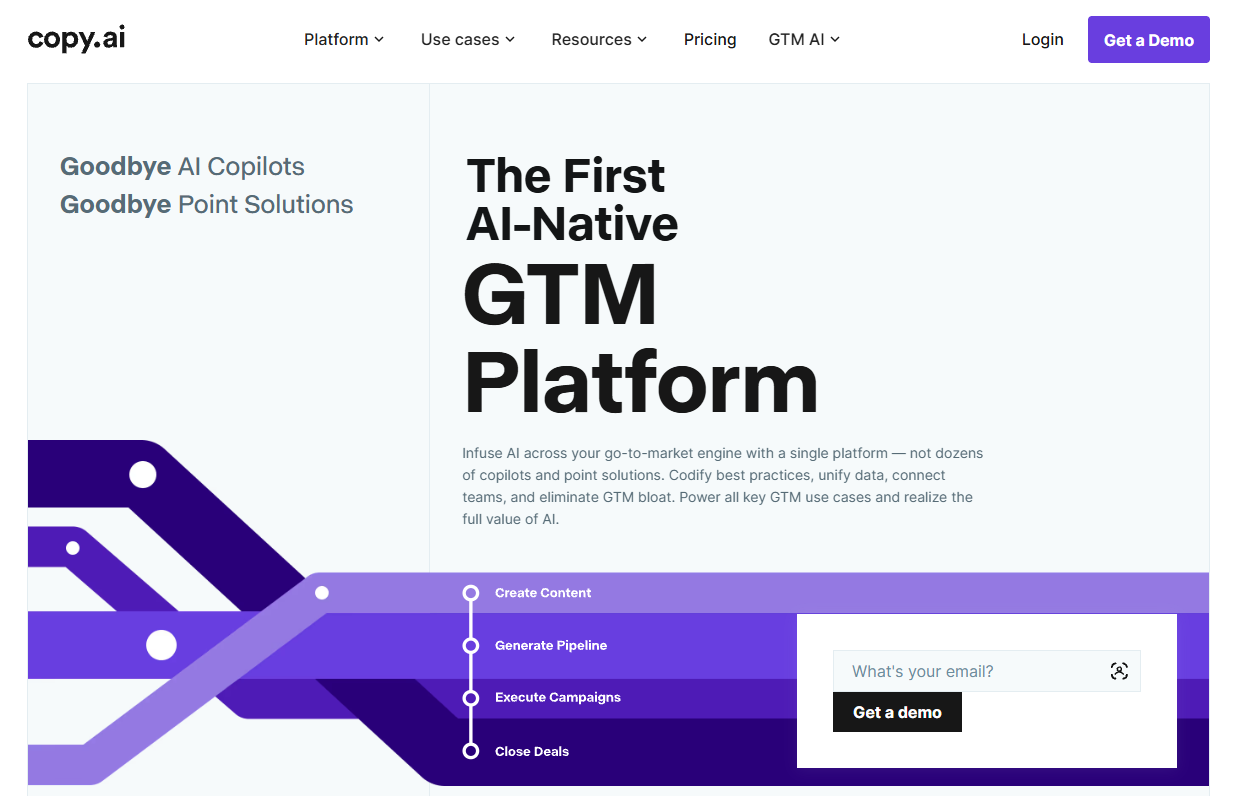
What it does: Copy.ai is a go-to-market AI platform with a free cold email generator that drafts from a prospect's LinkedIn URL and a short description of your offer.
Best for: Reps who want a quick free first draft, and larger teams that want personalized outreach in bulk.
It's a quick route to a first draft when all you have is a prospect's profile, and the paid plans are aimed at revenue teams producing outreach in bulk. Plan to edit, since reviewers often describe the output as generic until you add a detail only you would know.
Key Features
- Free Cold Email Generator: writes a personalized cold email from two inputs, a LinkedIn URL and your offering description.
- Workflows: produces hundreds of personalized outreach messages from prospects' public LinkedIn URLs.
- Brand Voice: analyzes 50 to 500 words of your past writing so drafts in Chat and Workflows match your tone.
- Infobase: stores product descriptions and messaging you can pull into any draft.
Pros and Cons
Pros:
- ✅ Free generator you can try with no credit card.
- ✅ Personalizes a first draft from a single LinkedIn URL.
- ✅ The Chat plan covers 5 seats at one flat price.
Cons:
- ❌ Output often reads generic until you edit it.
- ❌ Workflows, the bulk outreach feature, start at $1,000/month.
What Users Say
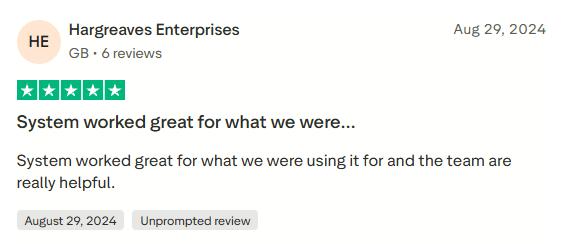
“System worked great for what we were using it for and the team are really helpful.” – Hargreaves Enterprises, Trustpilot
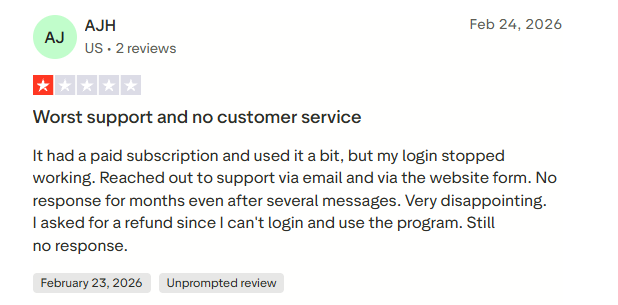
“It had a paid subscription and used it a bit, but my login stopped working. Reached out to support via email and via the website form. No response for months even after several messages. Very disappointing. I asked for a refund since I can't login and use the program. Still no response.” – AJH, Trustpilot
Pricing
Copy.ai no longer offers a free plan for new accounts, though its online generators stay free. Paid plans:
- Chat: $29/month, or $24/month billed annually, for 5 seats and unlimited words in Chat.
- Growth: $1,000/month billed annually, for 75 seats and 20,000 Workflow credits a month.
- Expansion, Scale, and Enterprise: larger plans for more seats and Workflow credits, sold through Copy.ai's team.
4. Jasper: Best for On-Brand Outreach Across a Team
What it does: Jasper is a marketing-focused AI platform with agents for cold emails and email sequences, plus Brand Voice and Knowledge settings that keep drafts on message.
Best for: Sales and marketing teams with several people writing outreach from one playbook.
Jasper makes the most sense when brand consistency is the problem: marketing sets the voice and source material once, and every rep's cold emails and sequences draw on it, in the app or through the Chrome and Edge extension. It's marketing-first, and a solo rep sending cold email will use a fraction of the platform.
Key Features
- Cold Email Agent: writes on-brand cold emails and subject lines aimed at earning replies.
- Email Sequence Agent: turns campaign goals, audience details, and your offer into a multi-step sequence.
- Brand Voice: analyzes your existing content and applies tone and formatting rules to every draft.
- Knowledge: lets Jasper reference your uploaded assets and syncs content from Google Drive and SharePoint.
Pros and Cons
Pros:
- ✅ Keeps messaging consistent when several reps write from the same playbook.
- ✅ Dedicated agents for cold emails, sequences, and follow-ups.
- ✅ The browser extension reaches Gmail, Docs, HubSpot, and LinkedIn.
Cons:
- ❌ Pro includes one seat, and adding users means talking to Jasper's sales team.
- ❌ Reviewers say output can feel robotic and long without strong inputs.
What Users Say
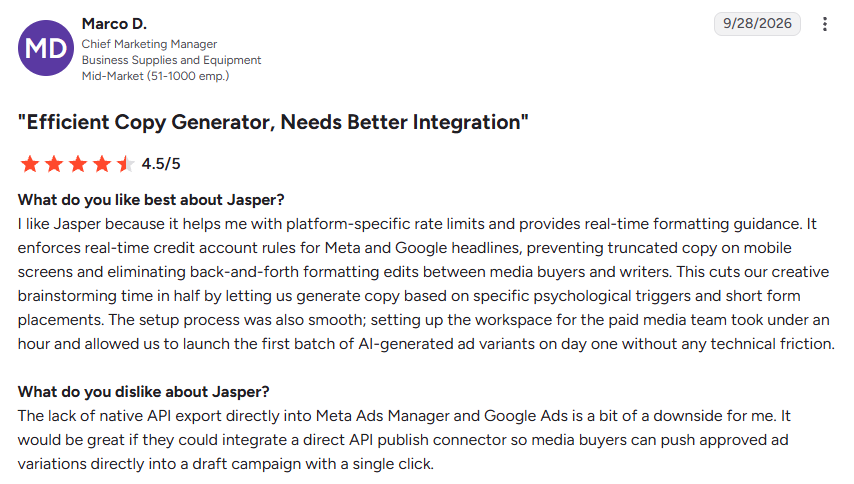
“I like Jasper because it helps me with platform-specific rate limits and provides real-time formatting guidance. It enforces real-time credit account rules for Meta and Google headlines, preventing truncated copy on mobile screens and eliminating back-and-forth formatting edits between media buyers and writers.” – Marco D., G2
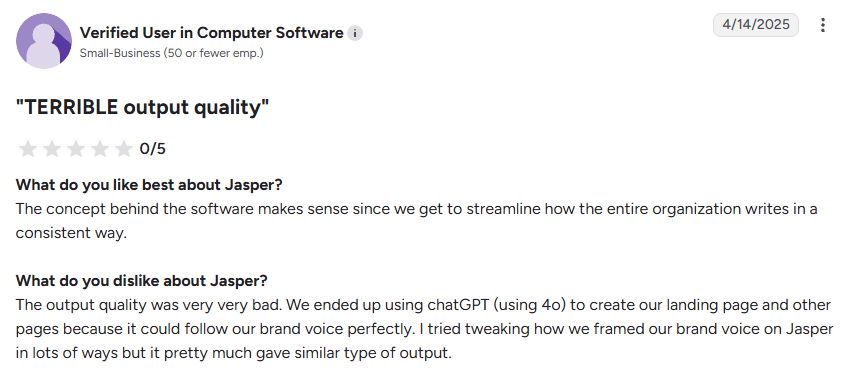
“The output quality was very very bad. We ended up using chatGPT (using 4o) to create our landing page and other pages because it could follow our brand voice perfectly. I tried tweaking how we framed our brand voice on Jasper in lots of ways but it pretty much gave similar type of output.” – Verified User in Computer Software, G2
Pricing
Jasper offers a 7-day free trial and no free plan:
- Pro: $69/month, or $59/month billed annually, for 1 seat, 2 Brand Voices, 5 Knowledge assets, and 3 Audiences.
- Business: custom pricing, with unlimited Brand Voices, Knowledge, and Audiences plus API access.
5. ChatGPT: Best for Flexible Drafting From Detailed Prompts
What it does: ChatGPT is OpenAI's general-purpose assistant. It drafts emails, subject lines, and objection replies from whatever context you give it.
Best for: Reps who send the occasional cold email and don't mind writing detailed prompts.
Ask for ten subject lines, a three-sentence opener, or a reply to a prospect who says the budget is gone, and ChatGPT will draft it. Out of the box it knows nothing about your prospect, so the output depends on the details you paste in. On Plus or Pro, connected apps narrow that gap: the Gmail app can draft replies in your threads, and the HubSpot app can read and update contacts and deals.
Key Features
- Gmail app: summarizes inbox activity, drafts replies, and organizes threads once you connect your account.
- HubSpot app: reads and writes contacts, deals, and companies, and logs calls and emails.
- Projects: keeps related chats, files, and instructions together, so your ICP notes and best emails stay in one place.
- Memory: remembers relevant preferences and details from past chats, like your product and tone.
Pros and Cons
Pros:
- ✅ Handles drafts, subject lines, and objection replies in one chat.
- ✅ A free tier covers occasional drafting.
- ✅ Gmail and HubSpot apps on Plus and Pro let it draft replies and pull deal context.
Cons:
- ❌ No built-in spam or deliverability checking.
- ❌ It can state wrong facts confidently, so check every claim about the prospect.
What Users Say
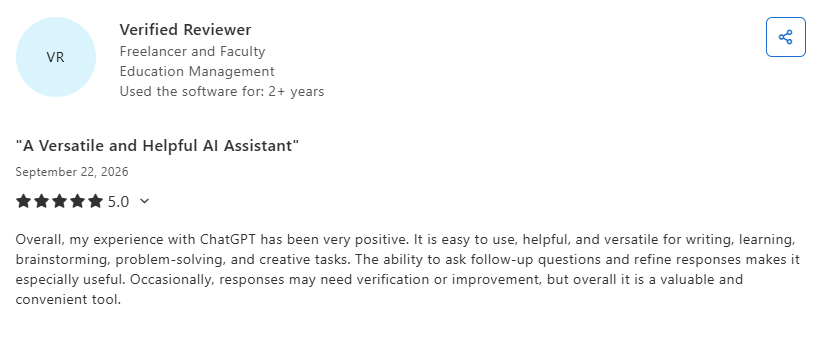
“It is easy to use, helpful, and versatile for writing, learning, brainstorming, problem-solving, and creative tasks. The ability to ask follow-up questions and refine responses makes it especially useful.” – Verified Reviewer, Capterra
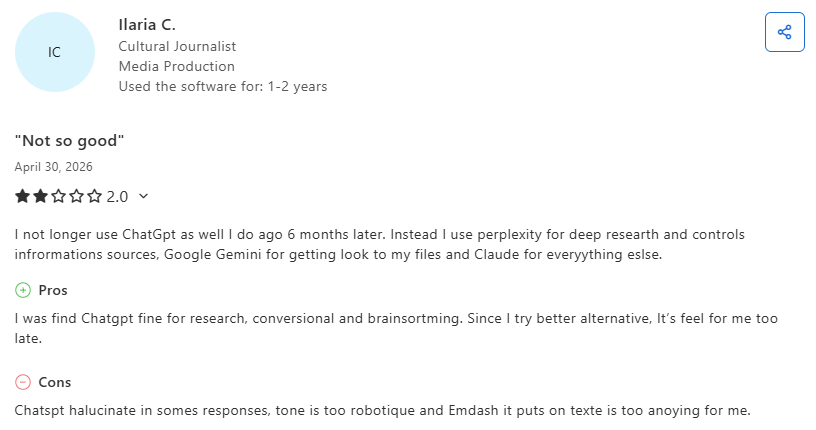
“ChatGPT hallucinates in somes responses, tone is too robotic, and Emdash it puts on text is too annoying for me.” – Ilaria C., Capterra
Pricing
ChatGPT bills its personal plans monthly:
- Free: $0.
- Go: $8/month. OpenAI notes this plan may include ads.
- Plus: $20/month, adding connected apps, Projects, and scheduled tasks.
- Pro: from $100/month.
For teams, ChatGPT Business starts at $25 per user a month, or $20 billed annually, with a two-seat minimum.
Sales Platforms With AI Writing Built In
Here, the AI writer is one feature inside a bigger prospecting engine. You get sending and sequencing alongside the drafting, and some add a contact database or CRM.
6. Snov.io: Best for ICP-Based Sequences on a Budget
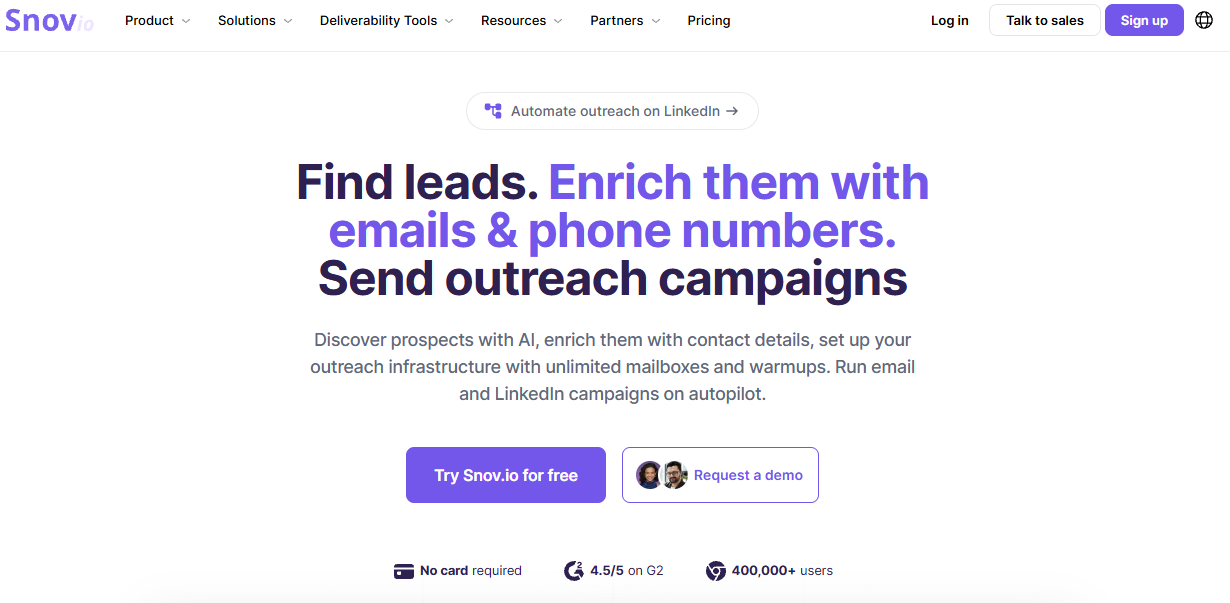
What it does: Snov.io is a sales platform that combines prospect search, an AI email writer, multichannel sequences, warm-up, and a built-in CRM.
Best for: Small teams that want AI drafting, sending, and a CRM in one tool without paying per seat.
A typical flow: build an ICP with the persona generator, pull matching prospects from the database, let the Email Builder draft for that persona, then run the sequence and work replies in order of interest. The AI writer also works in 36 languages, which helps if you prospect outside English-speaking markets.
Key Features
- AI Buyer Persona Generator and Email Builder: builds eight customer profiles from your product details, then writes drafts tailored to the one you choose.
- Multichannel Campaigns: multi-step email and LinkedIn sequences with delays, behavior-based triggers, and A/B tests.
- Email Warm-up: runs automated conversations across a pool of 35,000 inboxes to build sender reputation.
- Sentiment analysis: labels email and LinkedIn replies by interest level.
Pros and Cons
Pros:
- ✅ No per-seat fees once you're on a paid plan.
- ✅ Campaigns pause automatically if the bounce rate gets too high.
- ✅ A free Trial plan that renews every month.
Cons:
- ❌ Persona setup takes a few steps before the drafts get useful.
- ❌ LinkedIn automation is a separate subscription, priced per slot.
What Users Say
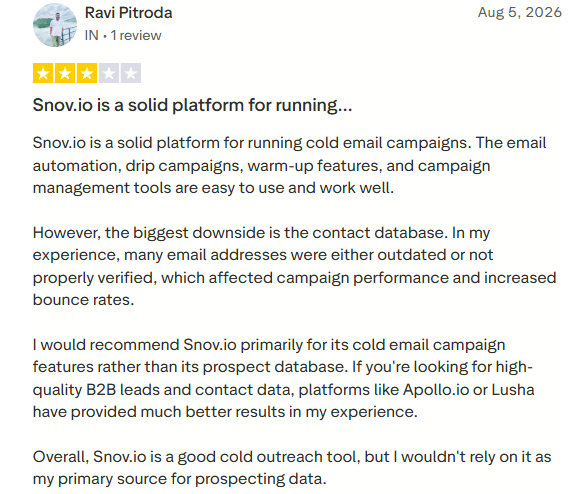
“Snov.io is a solid platform for running cold email campaigns. The email automation, drip campaigns, warm-up features, and campaign management tools are easy to use and work well.” – Ravi Pitroda, Trustpilot
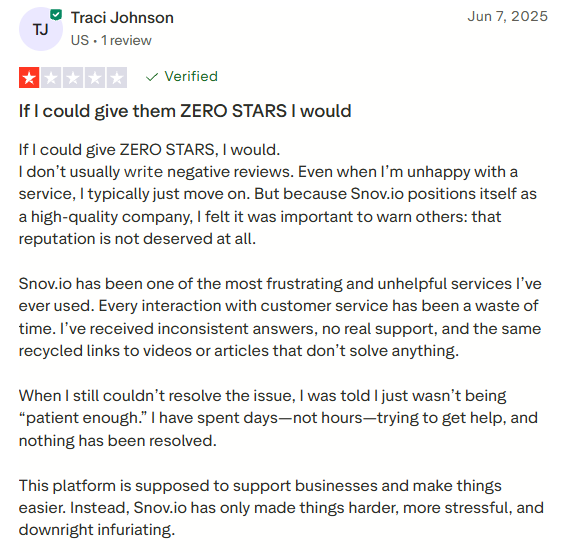
“This platform is supposed to support businesses and make things easier. Instead, Snov.io has only made things harder, more stressful, and downright infuriating.” – Traci Johnson, Trustpilot
Pricing
Snov.io's free Trial plan renews monthly with 50 credits, 100 recipients, and 1 warm-up slot. Paid plans include unlimited seats, with 25% off for annual billing:
- Starter: $39/month, or $29.25/month billed annually, with 1,000 credits, 5,000 recipients, and 3 warm-ups.
- Pro S: $99/month, or $74.25/month billed annually, with 5,000 credits, 25,000 recipients, and unlimited warm-ups.
- Pro M, Pro L, and Ultra: $189 to $738/month for higher credit and recipient limits.
- LinkedIn Automation: $69 per slot a month, or $62 billed annually.
7. Apollo.io: Best for Prospect Data Plus AI Outreach
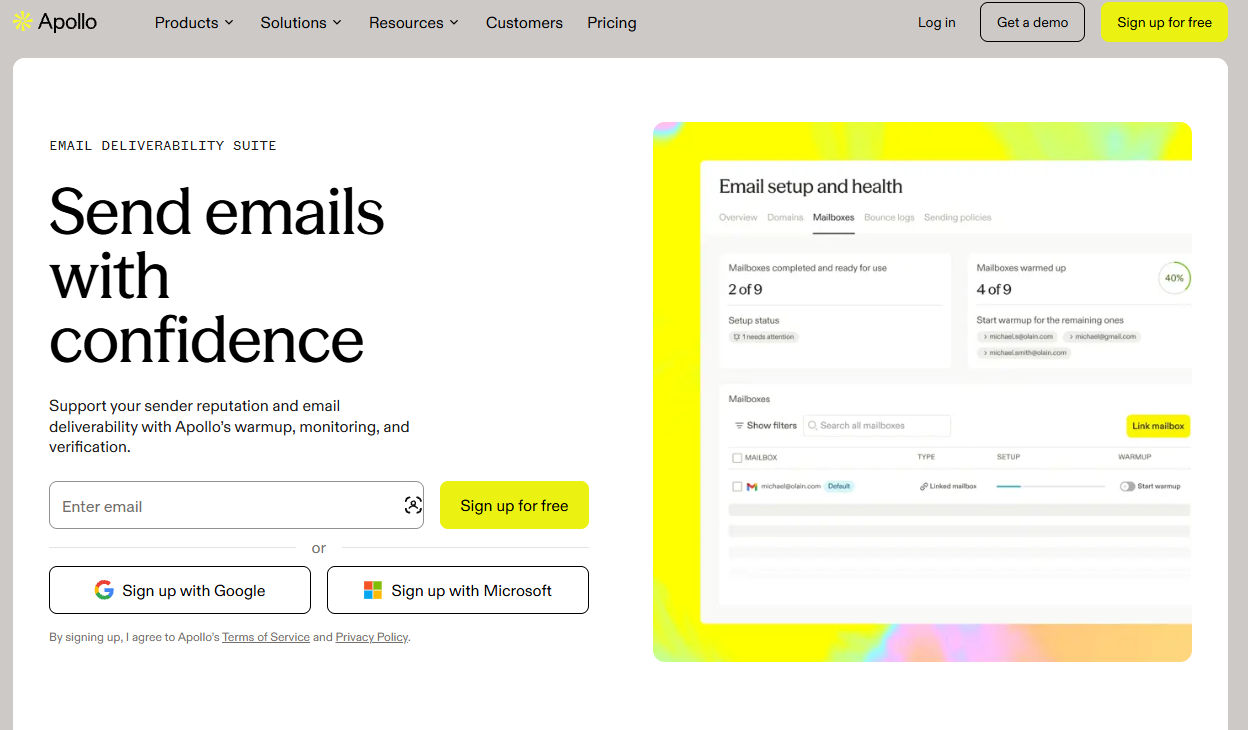
What it does: Apollo.io is a sales platform that pairs a database of 240M+ contacts with AI-written sequences, a dialer, and deliverability tools.
Best for: Teams that need to find prospects and write to them without switching platforms.
Apollo fits teams that would otherwise pay for a data tool and a sequencer separately: search by title, company, and buying intent, then drop prospects straight into a sequence where AI drafts each email.
Reviewers praise the lead-generation workflow and flag data accuracy as the main weakness, so verify a list before you send it.
Key Features
- AI Writing Assistant: generates subject lines, openers, and a custom email for each contact in a sequence, using AI research on that prospect, up to 50 AI email generations per user per day.
- AI Messaging: drafts from real-time contact and account data, with one-click rephrase, shorten, and improve.
- Deliverability Suite: email warm-up for any connected mailbox, plus automatic sequence pauses when bounce rates spike.
- Contact & Account Data: 240M+ contacts and 30M+ accounts with firmographics and buying signals.
Pros and Cons
Pros:
- ✅ Prospect data, sequences, and AI writing under one login.
- ✅ Reviewers rate it easy to use for building lead lists.
- ✅ A permanent free plan, so you can test it on a real list first.
Cons:
- ❌ Reviewers frequently flag outdated or inaccurate contact data.
- ❌ AI research and data lookups draw on credits, which can run short on busy months.
What Users Say
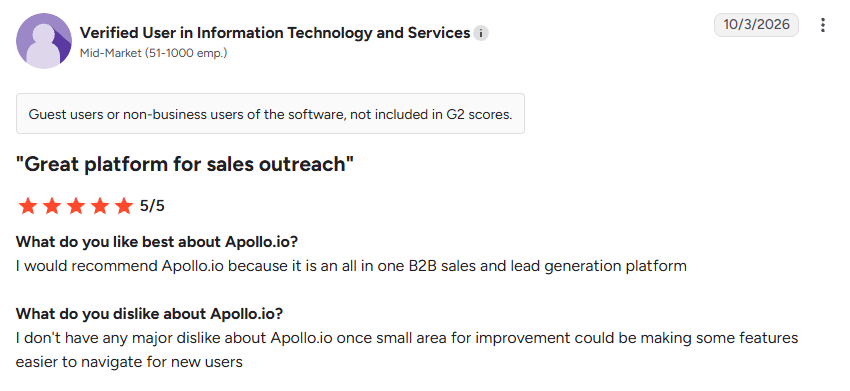
“I would recommend Apollo.io because it is an all in one B2B sales and lead generation platform.” – Verified User in Information Technology and Services, G2
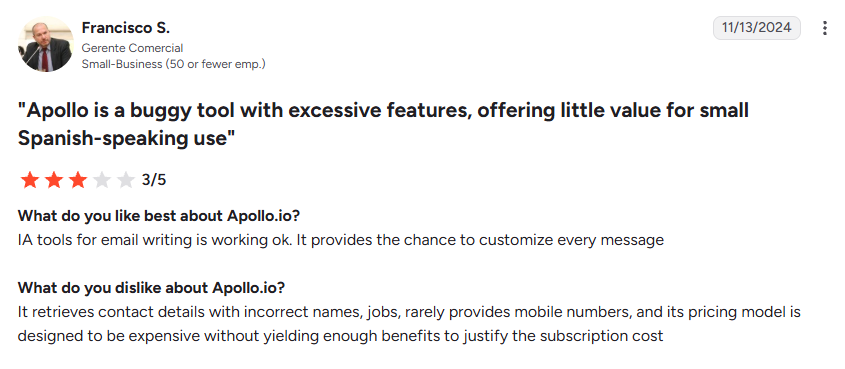
“It retrieves contact details with incorrect names, jobs, rarely provides mobile numbers, and its pricing model is designed to be expensive without yielding enough benefits to justify the subscription cost.” – Francisco S., G2
Pricing
Apollo.io prices paid plans per seat, with a 14-day trial on Basic and Professional:
- Free: $0, with 900 credits per seat a year, 2 sequences, and 5,000 AI words a month.
- Basic: $65 per seat a month, or $49 billed annually, with unlimited sequences and 250,000 AI words a month.
- Professional: $99 per seat a month, or $79 billed annually, adding A/Z testing and 800,000 AI words a month.
- Organization: $119 per seat a month, billed annually only, with a three-seat minimum.
8. Instantly: Best for Cold-Email Automation at Volume
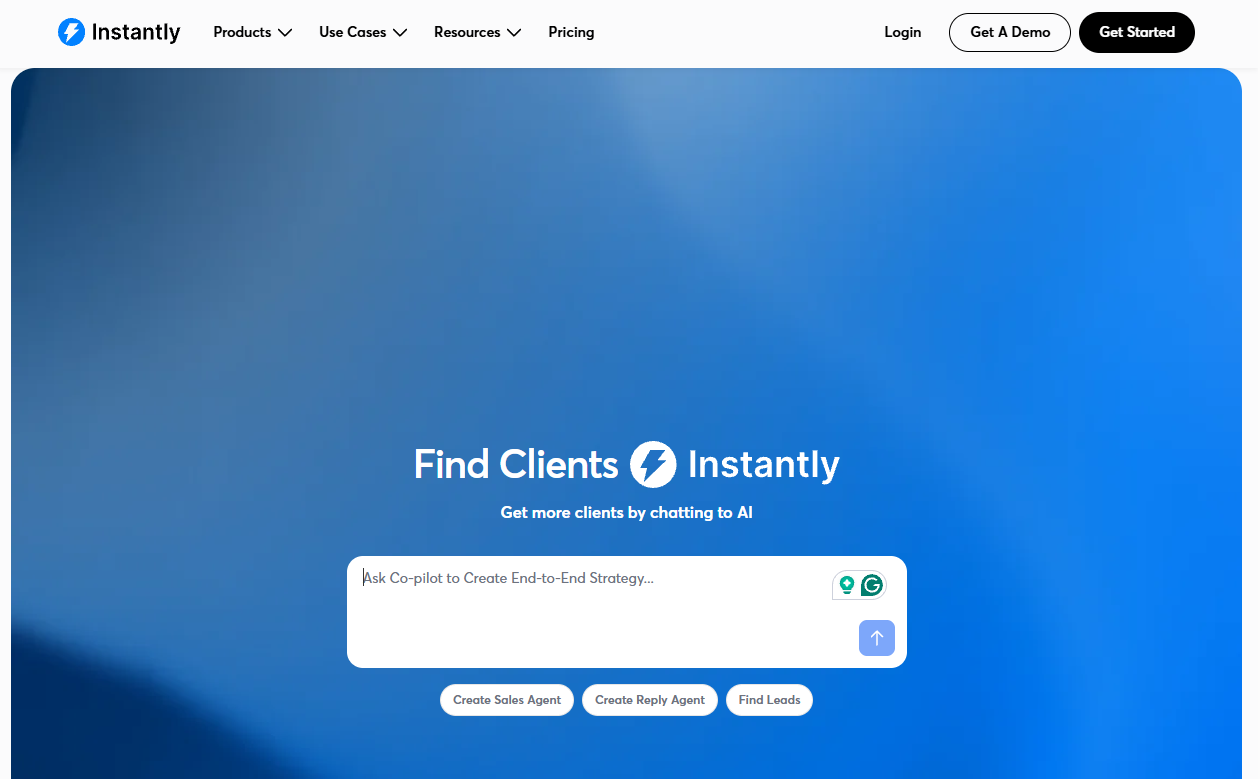
What it does: Instantly is a cold email platform built around sending volume, with an AI Copilot that writes sequences and a large warm-up network.
Best for: Agencies and outbound teams sending thousands of cold emails a week from many inboxes.
Connect as many sending accounts as you need, warm them up, and let Copilot draft the campaign, personalizing each email from recipient signals. Lead data, Copilot, and the AI agents run on a separate Credits subscription, so budget for that on top of the Outreach plan.
Key Features
- AI Copilot: writes cold email campaigns, builds lead lists, and summarizes performance from simple prompts.
- Email Warmup: draws on a pool of over 1,000,000 real accounts to build sender reputation.
- Unibox: one inbox for replies across every sending account, with AI reply labels.
- AI Reply Agent: answers interested prospects in under five minutes, with a mode that lets you approve replies before they send.
Pros and Cons
Pros:
- ✅ Unlimited sending accounts and warm-up on every plan.
- ✅ Reviewers rate it easy to use, though support reviews are mixed.
- ✅ A 14-day free trial with no card required.
Cons:
- ❌ Leads and AI features need a separate Credits subscription.
- ❌ On the Growth plan, the unified inbox is preview-only; full in-app replies start on Hypergrowth.
What Users Say
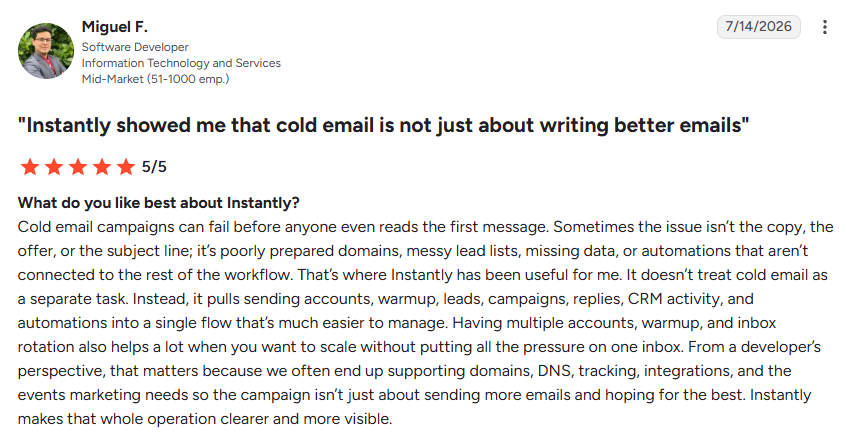
“It doesn’t treat cold email as a separate task. Instead, it pulls sending accounts, warmup, leads, campaigns, replies, CRM activity, and automations into a single flow that’s much easier to manage.” – Miguel F., G2
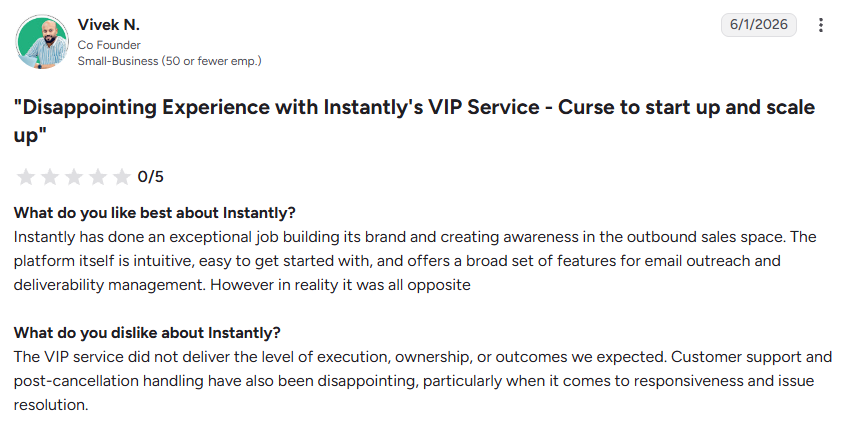
“The VIP service did not deliver the level of execution, ownership, or outcomes we expected. Customer support and post-cancellation handling have also been disappointing, particularly when it comes to responsiveness and issue resolution.” – Vivek N., G2
Pricing
Instantly's Outreach plans are flat-priced per account:
- Growth: $47/month, or $37.60/month billed annually, for 5,000 emails and 1,000 uploaded contacts.
- Hypergrowth: $97/month, or $77.60/month billed annually, for 25,000 uploaded contacts.
- Light Speed: $358/month, or $286.30/month billed annually, for 500,000 emails and 100,000 contacts.
- Credits: a separate subscription for leads and AI, starting at $9/month for 150 credits.
9. Saleshandy: Best for Follow-Up Sequencing at Scale
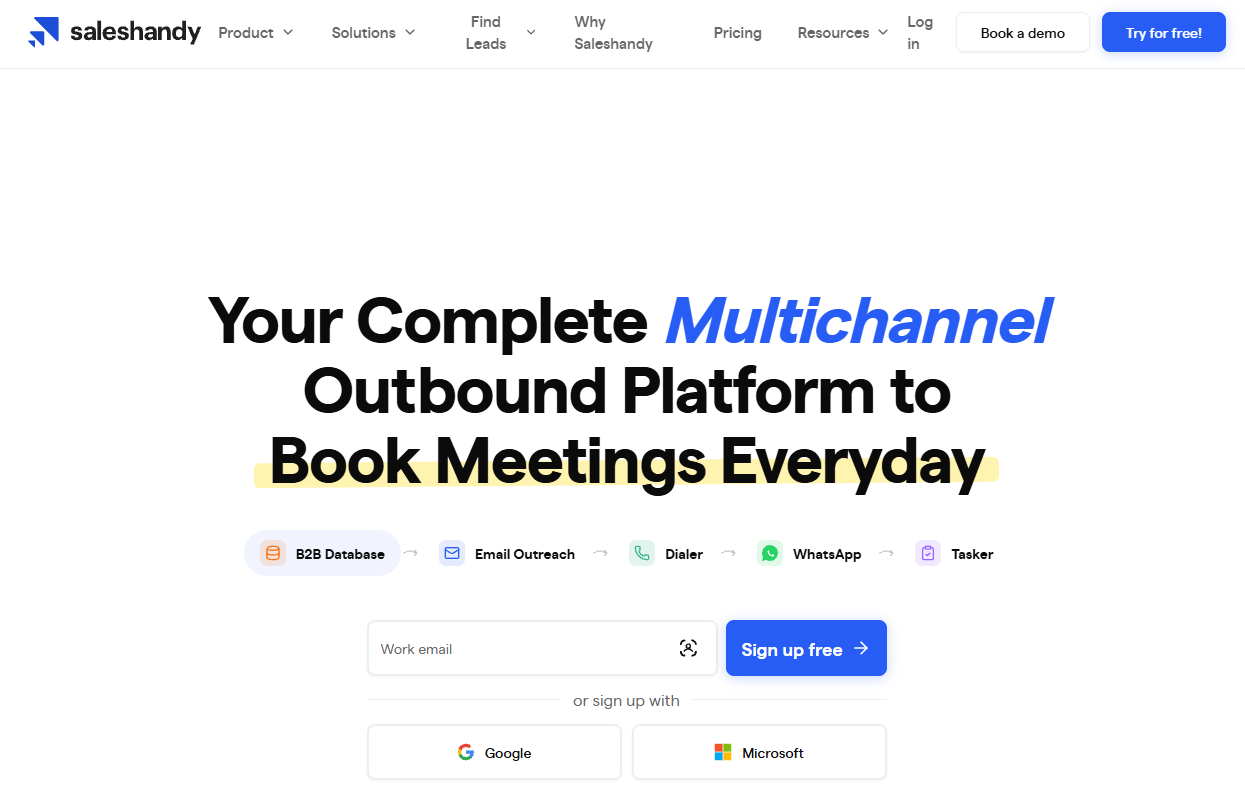
What it does: Saleshandy is a cold email platform for multi-step sequences, with sender rotation, free warm-up, AI-written variants, and a shared inbox.
Best for: Reps who write a solid first email but need the follow-ups to go out on schedule.
Point the Copilot at your website for a starting sequence, add mailboxes as volume grows, and work every reply from one inbox, already tagged as interested, meeting booked, or not interested.
Key Features
- AI Sequence Copilot: scans your website and writes a personalized multi-step sequence.
- AI Variants: writes multiple versions of each email so you can test what converts.
- Sender Rotation: spreads sending across 10, 100, or 1,000 mailboxes, depending on plan.
- Unified Inbox: collects replies from every mailbox and auto-tags them by intent.
Pros and Cons
Pros:
- ✅ Free mailbox warm-up on every plan, with daily limits set by plan.
- ✅ Seats come with the plan and are never billed per user.
- ✅ A built-in Lead Finder with waterfall enrichment.
Cons:
- ❌ Warm-up runs through a separate TrulyInbox account.
- ❌ Starter is a single seat; team seats start on Pro at $99/month.
What Users Say
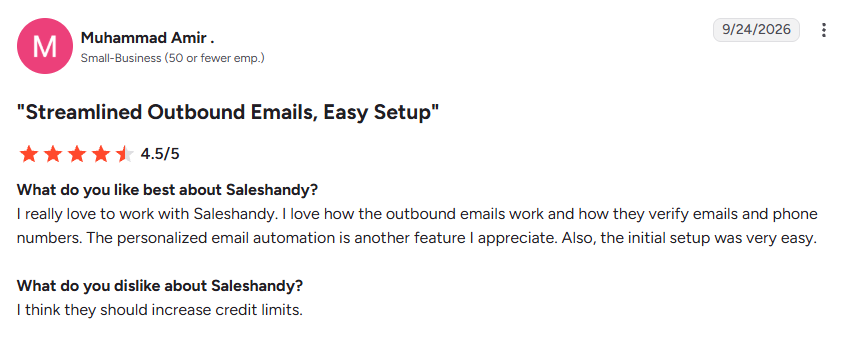
“I really love to work with Saleshandy. I love how the outbound emails work and how they verify emails and phone numbers. The personalized email automation is another feature I appreciate. Also, the initial setup was very easy.” – Muhammad Amir, G2
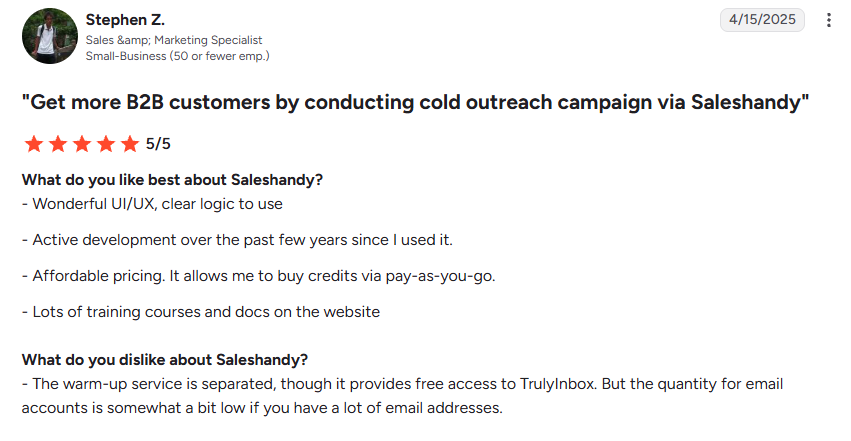
“The warm-up service is separated, though it provides free access to TrulyInbox. But the quantity for email accounts is somewhat a bit low if you have a lot of email addresses.” – Stephen Z., G2
Pricing
Saleshandy offers a 7-day free trial with no credit card, capped at 100 emails:
- Starter: $41/month, or $34/month billed annually, for 1 user, 2,000 active prospects, and 6,000 emails a month.
- Pro: $99/month, or $76/month billed annually, for 10 users, 30,000 active prospects, and 100,000 emails a month.
- Scale: $189/month, or $149/month billed annually, for unlimited users, unlimited active prospects, and 200,000 emails a month.
How to Write a Sales Email With AI (Prompt Template Included)
Use this workflow with any of the tools above:
- Start with a trigger. Pick one specific, current reason to write: a new role, a funding round, a job post, or a LinkedIn post about a problem you solve.
- Give the AI raw inputs. Include the prospect's role and company, the trigger, one pain point, one proof point, and the single action you want them to take.
- Set hard limits. Ask for fewer than 80 words, one call to action, and no pitch in the opening line. Instantly's 2026 cold email benchmark found elite performers average fewer than 80 words per first-touch email, and an analysis of more than 28 million cold emails on Gong's blog found pitching reduces reply rates by as much as 57%.
- Edit before you send. Cut generic openers, check every fact about the prospect, and read the email out loud once.
- Plan the follow-ups. Instantly's data puts the sweet spot at 4 to 7 touchpoints spaced 3 to 4 days apart. Give each follow-up a new angle, such as a short case study, a relevant number, or a one-line question.
A Prompt Template You Can Paste Into Any Tool
Swap in the bracketed details and paste this into HyperWrite, ChatGPT, or any writer above:
Write a cold email to [name], [role] at [company]. Reason for reaching out: [trigger, such as a recent LinkedIn post about long ramp times for new reps]. Their likely problem: [one pain point]. What we offer: [one sentence]. Proof: [one customer result]. Ask: [one low-effort next step, such as a 15-minute call next week]. Subject line: under six words, naming their problem. Rules: fewer than 80 words, an opening line about their situation, one call to action, plain language, and no "I hope this email finds you well."
Before and After: Editing an AI Draft
Here's the kind of draft a generic prompt produces:
Subject: Quick question
Hi Dana, I hope this email finds you well! I came across your company and was really impressed by your growth. At Acme, we help sales teams like yours boost productivity and drive results. Would you be open to a 30-minute call to explore how we can help?
And here it is after feeding in a real trigger and editing:
Subject: Ramp time for your new SDRs
Hi Dana, I saw your post about new SDRs taking four months to book a first meeting. Northwind had the same problem and cut ramp time to six weeks with Acme's call-coaching platform. Would a 15-minute call next Tuesday be useful?
What changed:
- The subject line names her problem, so she knows why the email is in her inbox.
- The opener references something she said publicly, so it can't be sent to anyone else.
- The pitch is one line of proof, and the ask is 15 minutes on a specific day.
- It's three sentences with one ask, and every line gives Dana a reason to keep reading.
Deliverability and Compliance Mistakes to Avoid
A great draft does nothing for you in a spam folder, and cold email has legal rules too. Check these before your first send:
- Skipping the CAN-SPAM basics. The FTC's CAN-SPAM guide makes no exception for business-to-business email. Every commercial message needs an accurate subject line, your valid physical postal address, and a clear way to opt out, honored within 10 business days. Each violating email can cost up to $53,088.
- Ignoring Gmail's sender rules. Google's sender guidelines recommend keeping spam rates in Postmaster Tools below 0.1% and never reaching 0.3%, and senders who send around 5,000 or more messages a day to personal Gmail accounts need SPF, DKIM, and DMARC in place.
- Faking a reply. Google tells senders not to start subject lines with "Re:" or "Fwd:" unless the message really is a reply or forward.
- Sending one AI draft to everyone. Prospects spot a mass template fast, so personalize at least the opening line for each one.
- Spiking volume overnight. Google warns against sudden volume spikes without a sending history, so ramp new mailboxes gradually and warm them up first.
- Mailing unverified lists. Instantly recommends keeping bounce rates below 2%, so verify addresses before they enter a sequence.
Which AI Sales Email Tool Should You Choose?
Pick based on where your outreach breaks down today:
- Choose HyperWrite if you write across Gmail, LinkedIn, and a browser-based CRM all day and want drafts that sound like you.
- Choose Lavender if you want a score and line-by-line coaching on each cold email before you send it.
- Choose Copy.ai or ChatGPT if you write occasional drafts and want to start free.
- Choose Jasper if several people write outreach and brand consistency matters most.
- Choose Apollo.io or Snov.io if you also need prospect data and a CRM.
- Choose Instantly or Saleshandy if your bottleneck is sending volume, warm-up, and follow-up automation.
Many teams pair a writer with a sender: HyperWrite or Lavender for the copy, and Instantly or Saleshandy for the sequence. If you only send a few cold emails a month, HyperWrite's free plan gives you a small monthly allowance to try TypeAhead and the email tools, and the prompt template above works in any of them.
Final Verdict: Write Cold Emails in Gmail With HyperWrite TypeAhead
If you're a founder, account executive, or sales leader, your outreach spans several tabs: the prospect's LinkedIn profile, last quarter's Gmail thread, and your CRM notes. Every draft still has to sound like you.
HyperWrite is built for that setup. TypeAhead reads those open tabs and suggests your next sentence right in the reply box, Personas keep it in your voice, and the LinkedIn Connection Request Composer handles the first touch before the email.
For proposals and longer follow-ups, the AI Document Editor lets you draft, get feedback, and rewrite in one place. It's used daily by professionals at Google, Netflix, LinkedIn, and Spotify.
Try TypeAhead free with the Chrome extension, then open your next prospect's LinkedIn profile beside Gmail and start typing the first line.
Frequently Asked Questions
Which AI is best for writing sales emails?
HyperWrite is best for drafting sales emails where you already work, in Gmail, LinkedIn, or your CRM. Lavender suits reps who want every draft scored before they send it, and Snov.io fits teams that want ICP-based sequences in one platform.
Can I use AI to write my emails?
Yes, you can use AI to write your emails, and many sales teams already do. Treat it as a fast first draft: feed it real details about the prospect, then edit for accuracy and tone before you send. Your edit keeps it from reading like a template.
Can ChatGPT write my emails?
ChatGPT can write your emails and handles drafts, subject lines, and objection replies well. It has no built-in deliverability checks, and it only sees CRM records or LinkedIn profile basics if you connect apps like HubSpot or LinkedIn. For the best results, paste in specifics about the prospect and check every claim before you send.
Which AI tool is best for sales?
For writing sales emails specifically, HyperWrite and Lavender lead. For a full sales platform with AI writing built in, Apollo.io, Snov.io, Instantly, and Saleshandy pair outreach automation with sequencing and deliverability tools, so the right pick depends on whether you need a writer or a whole outbound engine.
Are there free AI tools for writing sales emails?
Yes, several AI sales email tools have free tiers. Copy.ai offers a free cold-email generator; HyperWrite and Lavender both have free plans, and ChatGPT's free tier handles basic drafting. Free plans usually cap usage, so heavy senders will outgrow them fast.
Is cold emailing illegal?
Cold emailing is legal in the US if you follow the CAN-SPAM Act, which requires accurate sender information and subject lines, a clear notice that the message is an ad, your physical postal address, and an opt-out you honor within 10 business days. Consent rules are stricter in some other regions, including Canada and the EU, so check local law before you email prospects abroad.
How long should a sales email be?
Aim for fewer than 80 words in a first-touch cold email, which is what top performers average in Instantly's 2026 benchmark. The cold email analysis on Gong's blog found the highest reply rates come from emails of 3 to 4 sentences.

HyperWrite is the AI writing assistant that learns your style. It handles drafting, editing, and researching so you can focus on ideas.
- Autocompletes sentences as you type
- Works inside Google Docs & Gmail
- Adapts to your personal writing style
- 500+ AI tools for any writing task

Powerful writing in seconds
Improve your existing writing or create high-quality content in seconds. From catchy headlines to persuasive emails, our tools are tailored to your unique needs.