
Top 10 AI Writing Tools for Bloggers in 2026


Bloggers don't need another chatbot that turns a rough idea into 1,200 words of beige. The top AI writing tools for bloggers handle the parts that actually eat your time, from finding the angle to the final polish, without flattening the voice readers come back for.
The trouble is telling them apart. Every tool claims to write like a human and rank on Google, and most deliver neither. Some are research engines that never quite finish the draft. Some spit out copy so generic you rewrite half of it. A few genuinely save hours, once you know what you're using them for.
This guide compares the 10 most-recommended tools on the jobs a blogger cares about: drafting a real intro, expanding a thin outline, holding a long post together, and staying worth the price.
10 Best AI Writing Tools for Bloggers: TL;DR
- Claude: Best for the most natural, human-sounding blog drafts.
- ChatGPT: Best for a flexible all-rounder that researches, outlines, and drafts.
- Jasper: Best for teams keeping a consistent brand voice at volume.
- Koala: Best for one-click SEO articles published straight to WordPress.
- Surfer SEO: Best for optimizing drafts to rank against the SERP.
- HyperWrite: Best for drafting in your own voice across every tab.
- Frase: Best for SERP research and content briefs before you write.
- Perplexity: Best for research-backed writing with cited sources.
- Grammarly: Best for polishing grammar, tone, and clarity.
- Rytr: Best for fast, cheap short-form copy on a budget.
How We Evaluated These AI Writing Tools
We judged every tool against the same blogging jobs: drafting a 200-word intro on an unfamiliar topic, expanding a three-bullet outline into real sections, and holding a 1,500-word post together without repeating itself or drifting into filler.
What decides whether you keep a tool or rage-quit it after a week comes down to a few specific things. A few big names didn't make the cut, Writesonic and Copy.ai among them, because they've drifted toward sales and marketing automation and left everyday bloggers behind.
- Writing quality: Whether the draft reads like a person wrote it or needs a full rewrite to lose the AI sheen.
- Usability: How fast you get from blank page to usable draft, and how much fiddling stands in the way.
- SEO and research: Whether it helps you rank, from SERP data to optimization scoring, or leaves that to you.
- Integrations: How cleanly it fits a real blogging workflow, WordPress, Google Docs, your browser.
- Pricing: What the free tier actually gives you, and whether the paid plan earns its keep.
Weighed this way, the gap gets obvious fast: plenty look sharp on a features page and fall apart the moment you ask them to write something you'd actually publish.
10 best AI writing tools for bloggers: Quick comparison
| Tool | Best for | Job in your stack |
|---|---|---|
| Claude | Natural long-form drafts | Drafting |
| ChatGPT | Research and flexible drafting | Research + drafting |
| Jasper | Brand-consistent content at scale | Drafting |
| Koala | One-click SEO articles | SEO drafting |
| Surfer SEO | On-page optimization scoring | SEO |
| HyperWrite | Drafting in your own voice | Drafting |
| Frase | SERP research and briefs | Research + SEO |
| Perplexity | Sourced, cited research | Research |
| Grammarly | Final editing and polish | Polish |
| Rytr | Budget all-rounder | Drafting |
The 10 best AI writing tools for bloggers
1. Claude
Claude has become the drafting model bloggers reach for when the post has to read as if a person wrote it. It holds tone and argument across long articles. The large context window lets you paste a full outline plus reference notes and write against all of them at once.
Best for: Bloggers who edit hard and want the most natural-sounding first draft to work from.
Key features
- Long-context drafting. Holds a full outline and reference material in a single prompt, so the draft stays on-brief.
- Natural prose. Produces long-form writing that reads less like generated text than most competing models.
- Projects. Groups related posts under shared instructions and files, so context holds across an editorial calendar.
Pros
✅ Pushes back when a brief is thin, asking what angle or audience you mean instead of confidently drafting the wrong post.
✅ Strong at revision, so you can hand it a rough section and direct the rewrite line by line rather than regenerating from scratch.
✅ Fewer factual inventions, because it writes from the transcripts and notes you give it instead of filling gaps with guesses.
Cons
❌ No built-in SEO scoring, so you pair it with an optimization tool to check keyword coverage.
❌ Chat interface, so it forgets prior posts unless you rebuild context in Projects.
❌ No direct publishing, meaning the finished draft still moves to your CMS by hand.
What users say
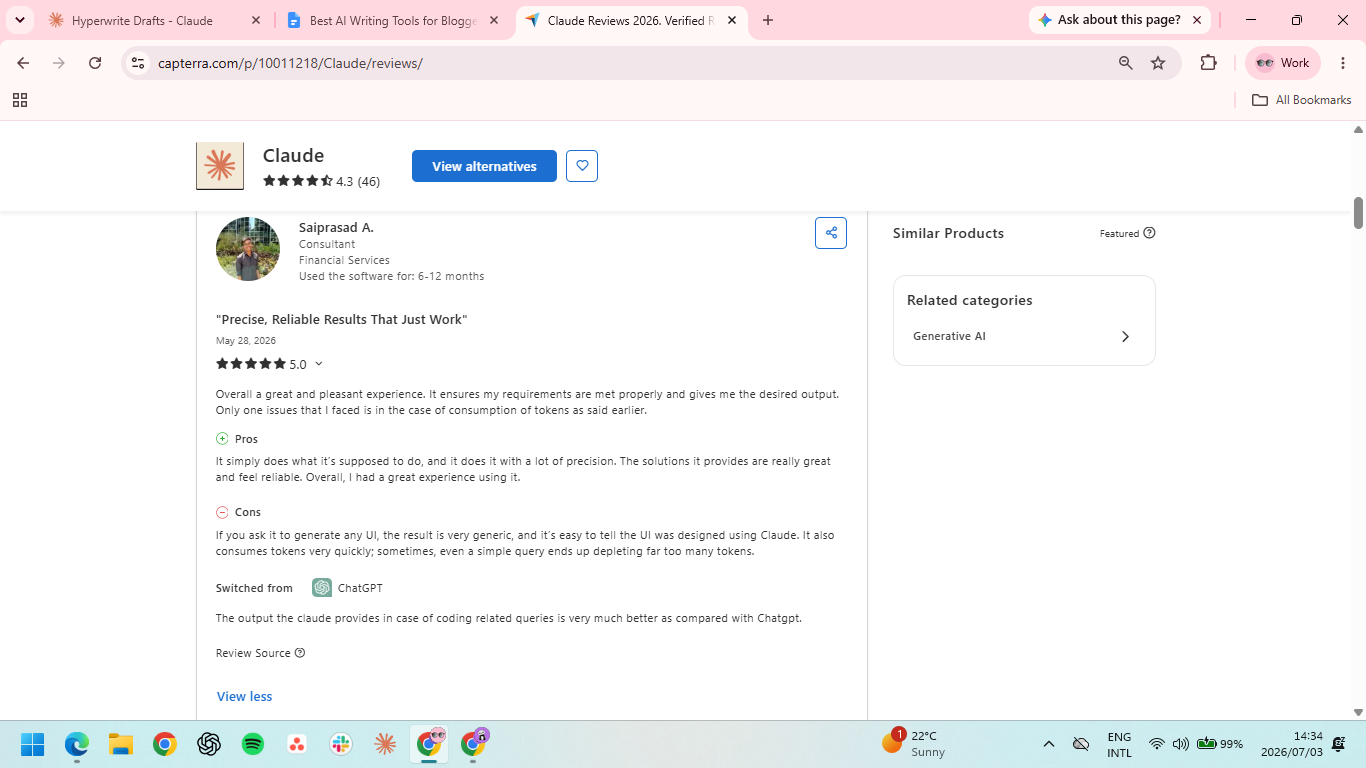
"It ensures my requirements are met properly and gives me the desired output." — Saiprasad A., Capterra
"Sometimes it can get confusing and almost be too much." — Taryn M., G2
Pricing
- Free plan available
- Pro: $17/month billed annually ($200 up front) or $20/month billed monthly
- Max: From $100/month
- Team and Enterprise available
2. ChatGPT
ChatGPT can brainstorm angles, build outlines, draft sections, and, with Deep Research, pull a sourced report on your topic before you write a word. GPT-5.6 handles the range of tasks a blog post demands without switching tools.
Best for: Bloggers who want one flexible tool for research, outlining, and drafting.
Key features
- Deep Research. Runs multi-step web research and returns a cited report, useful for grounding a post in real sources.
- Custom GPTs. Save your blog's style and structure as a reusable setup you don't have to re-explain each time.
- File analysis. Upload a transcript, study, or brief and have it draft from the source material directly.
Pros
✅ Covers entire pre-writing phase, from topic ideas to a researched outline, in one place.
✅ Deep Research surfaces sources you'd otherwise spend an hour hunting, with citations to check.
✅ Massive user base means you get access to more custom GPTs and ready-to-use prompt libraries than any other platform.
Cons
❌ Default output leans generic, so it takes editing and good prompts to avoid the AI-content feel.
❌ Capped deep research on Plus, so heavy research months hit the monthly query limit.
❌ Tone drifts across long articles, so a full-length post wanders without tight, section-by-section prompting.
What users say
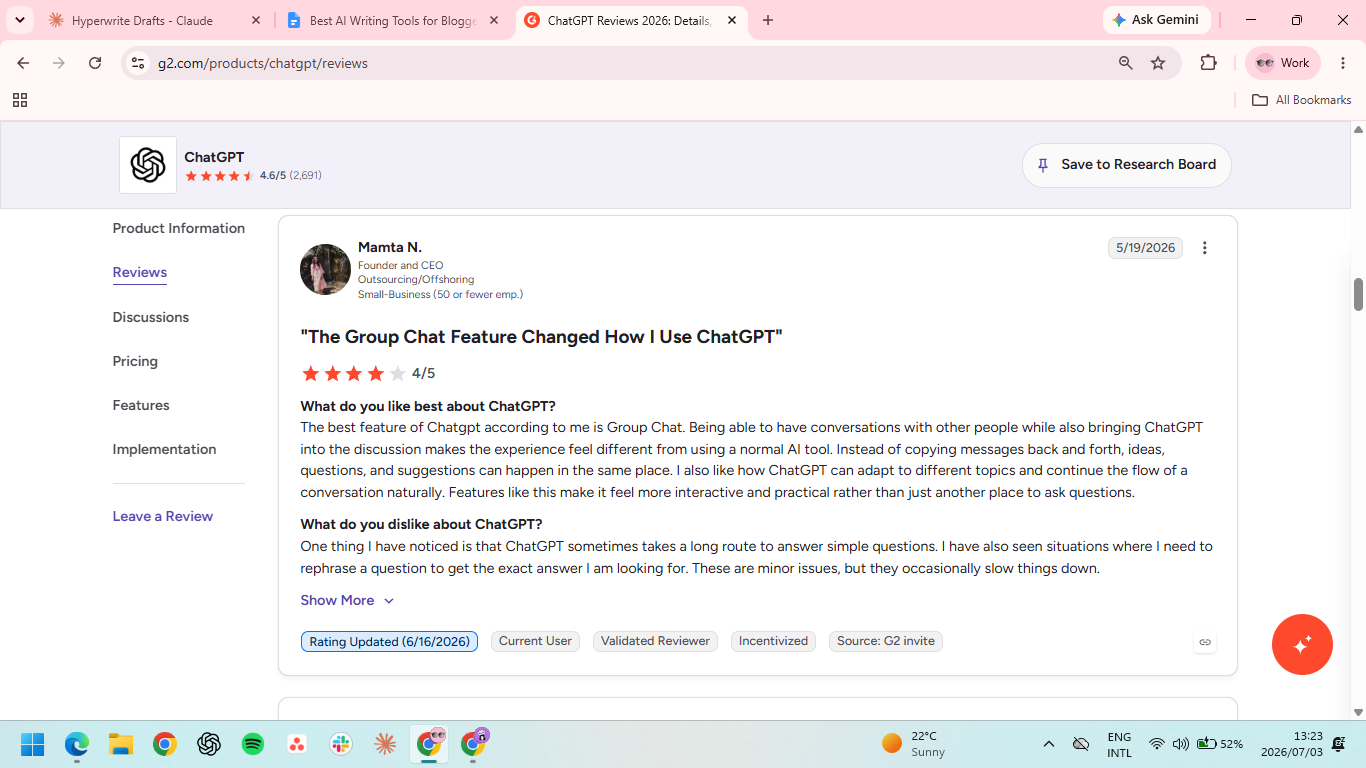
“ChatGPT can adapt to different topics and continue the flow of a conversation naturally.” — Mamta N., G2
“Drift of context when it comes to extremely lengthy dialogue.” — Sourabh, Capterra
Pricing
- Free tier available
- Go: $8/month billed monthly
- Plus: $20/month billed monthly
- Pro: $100/month (5x usage) or $200/month (20x usage)
- Business: $20/user/month
- Enterprise: Custom pricing
3. Jasper
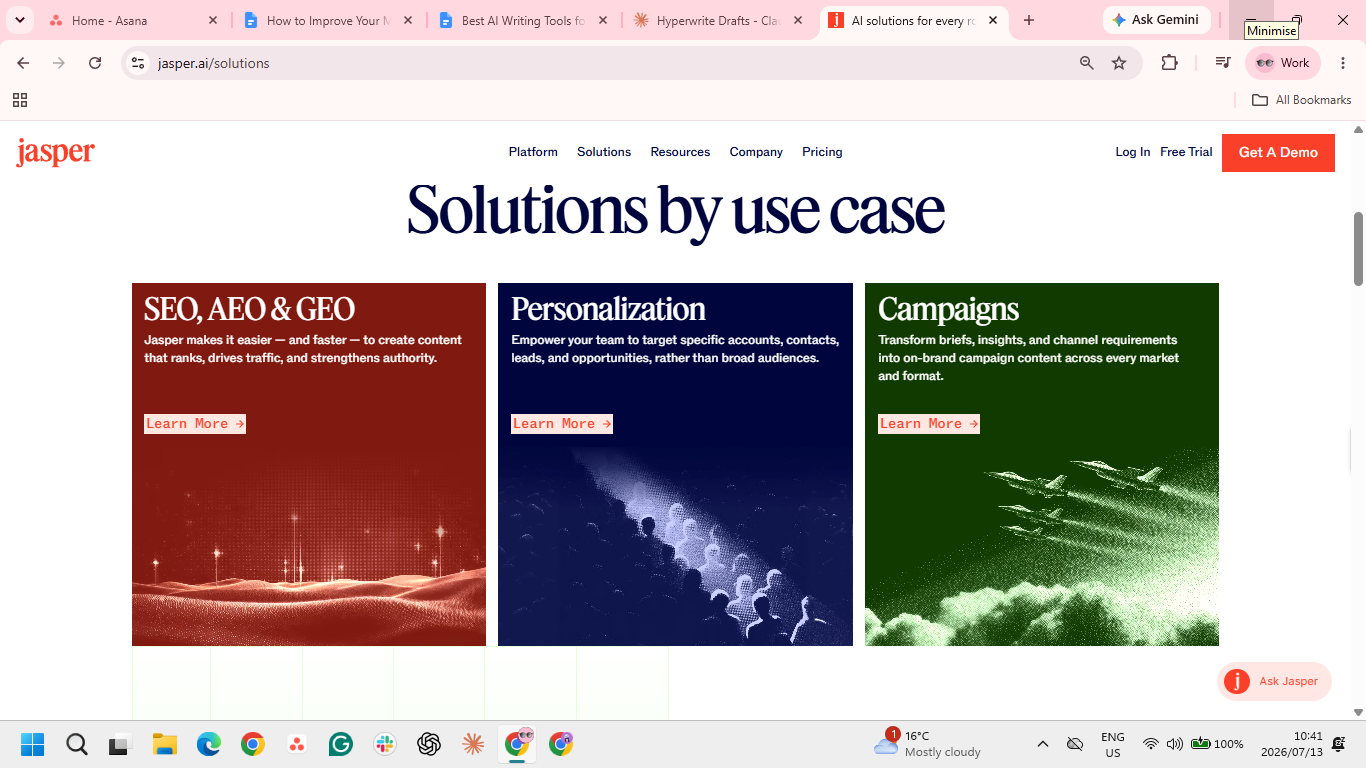
Jasper is built for bloggers who publish on a schedule and need every post to sound like the same brand. Its Brand Voice learns your tone from existing articles and holds it across drafts, and Content Pipelines automate the path from brief to finished post, which is why marketing teams lean on it.
Best for: Professional bloggers and teams producing branded content at volume.
Key features
- Brand Voice. Learns your style from samples and applies it consistently across every generated post.
- Content Pipelines. Automate the steps from brief to draft, handy for a full editorial calendar.
- SEO mode. Works keyword targets into the draft, with built-in optimization guidance as you write.
Pros
✅ Tone stays consistent across dozens of posts, which solo prompting struggles to maintain.
✅ First drafts land close to publishable, so routine posts need only a light edit pass.
✅ Handles more than blogging, so the same tool covers social and email repurposing.
Cons
❌ The price is steep for a solo blogger, since real power arrives at Pro and Business tiers.
❌ Output can read corporate, so personal or opinion-led blogs need a heavier rewrite.
❌ The best features are gated, with Brand Voice depth and integrations behind higher plans.
What users say
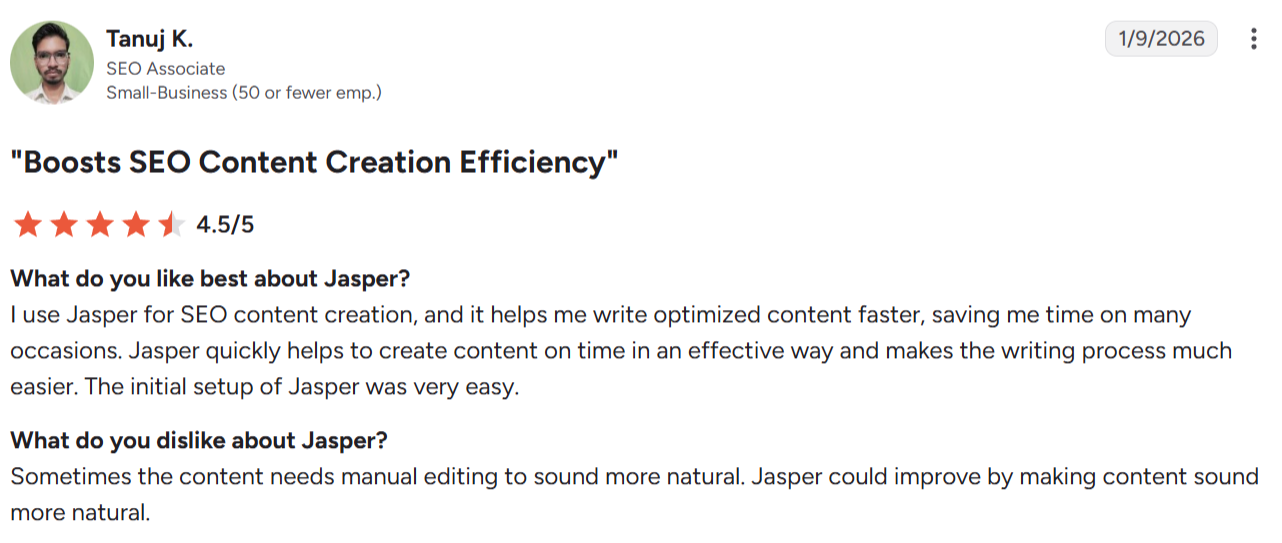
"It helps me write optimized content faster.” — Tanuj K., G2
"With more complex topics… the answers don't quite fit the context or remain too superficial." — Rafael A., G2
Pricing
- Pro: $59/month/seat billed annually or $69/month billed monthly
- Business: Custom pricing
4. Koala
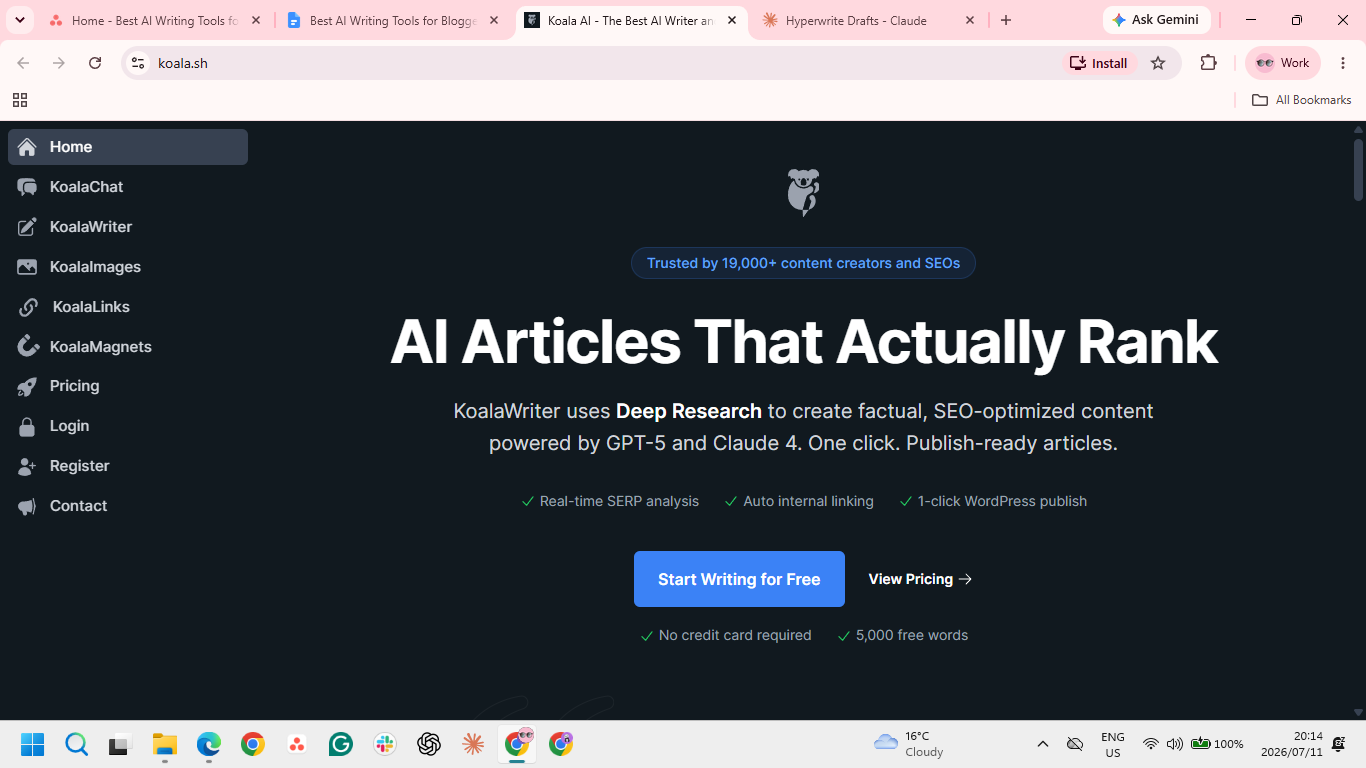
Koala turns a keyword into a finished, SEO-structured article and pushes it straight to WordPress. It reads the current SERP before writing, works in the entities and subtopics Google expects, and pulls live Amazon data for product roundups.
Best for: Affiliate and niche-site bloggers who want rank-ready drafts from a single keyword.
Key features
- SERP-based generation. Analyzes top-ranking pages first, then builds the article around what already ranks.
- One-click WordPress publishing. Sends the finished draft to your CMS without copy-paste.
- Amazon integration. Pulls live product data and pricing for affiliate roundups and reviews.
Pros
✅ A publish-ready draft in minutes, which makes high-volume niche publishing realistic solo.
✅ SERP analysis targets ranking factors you'd otherwise research keyword by keyword.
✅ Live Amazon data keeps affiliate roundups current without manual price checks.
Cons
❌ Output often trips AI detectors, so drafts need an editing pass to read human before publishing.
❌ Premium models cost double the credits, so choosing the better output halves how many words your plan covers each month.
❌ Credits reset monthly with no rollover, so a light month is money left on the table.
What users say
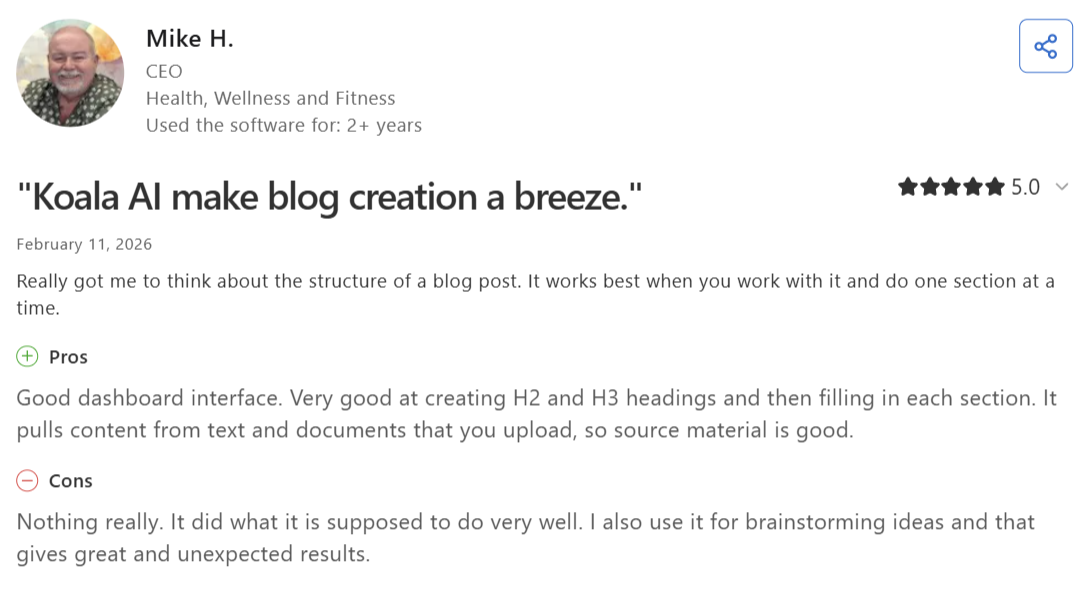
"Very good at creating H2 and H3 headings and then filling in each section." — Mike H., Capterra
"My only concern was the cost." — Rob, Trustpilot
Pricing
- Essentials: $7/month billed $84 annually or $9/month billed monthly
- Professional: $39/month billed $468 annually or $49/month billed monthly
- Boost: $79/month billed $948 annually or $99/month billed monthly
5. Surfer SEO
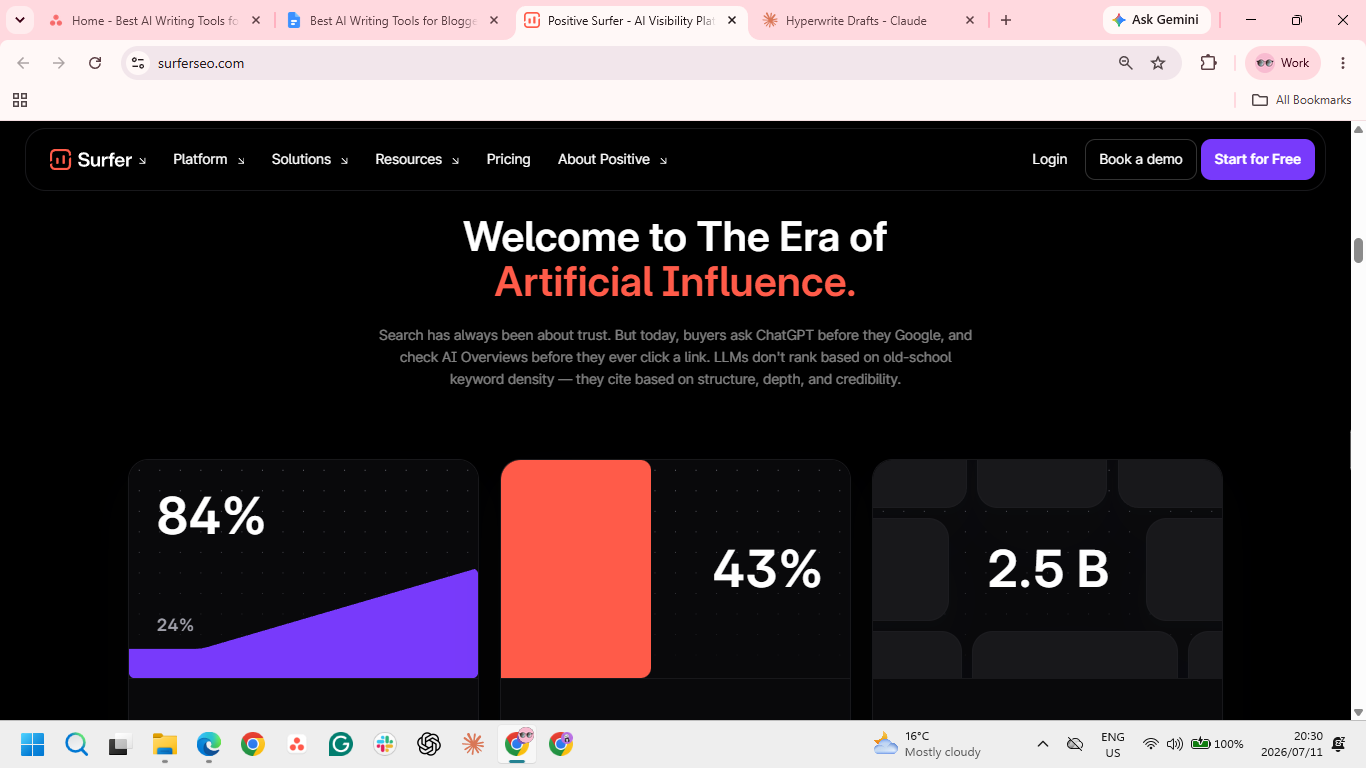
Surfer SEO focuses on the ranking side of blogging. Its Content Editor scores your draft in real time against the top-ranking pages for your keyword, flagging the exact terms, headings, and length that separate page-one content from the rest.
Best for: Bloggers who draft well already and want a data-backed target for optimization.
Key features
- Content Editor. Scores your draft live against the SERP, with concrete targets for terms and structure.
- SERP Analyzer. Breaks down why the top results rank, from word count to semantic coverage.
- Google Docs integration. Runs the optimization scoring inside Docs, so you write where you already work.
Pros
✅ Takes the guesswork out of optimizing; you get a concrete score to work toward.
✅ Teaches you SEO as you use it, since the specific fixes show you what ranking pages actually do differently.
✅ Your voice stays intact, since it scores drafts you've already written instead of generating over them.
Cons
❌ It's one of the pricier tools here, hard to justify for bloggers publishing only a few posts a month.
❌ Monthly credits don't roll over, so light or uneven publishing wastes part of the plan.
❌ A high score isn't a ranking, since optimization can't fix weak authority or thin backlinks.
What users say
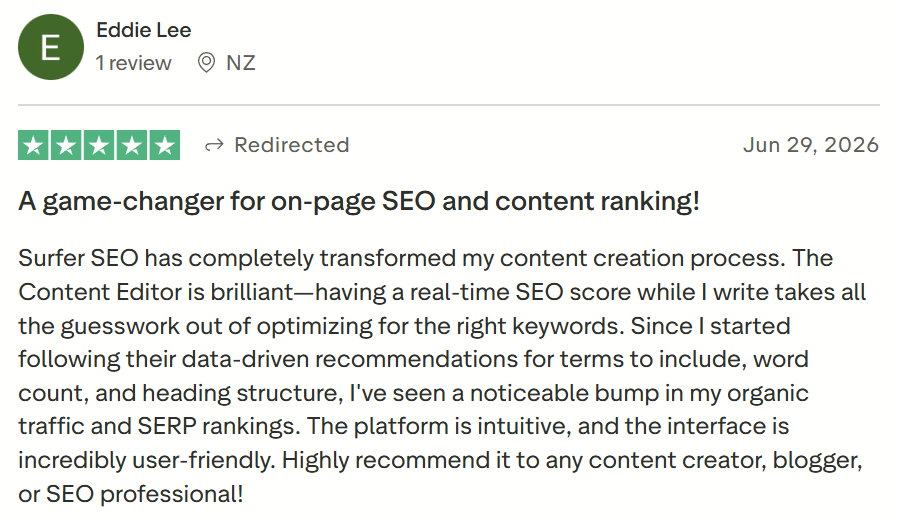
"A real-time SEO score while I write takes all the guesswork out of optimizing for the right keywords." — Eddie Lee, Trustpilot
"Sometimes it can be a bit confused and rank your article very low." — Sophie T., G2
Pricing
- Standard: $99/month billed annually or $119/month billed monthly
- Pro: $182/month billed annually or $219/month billed monthly
- Peace of Mind: $299/month billed annually or $359/month billed monthly
6. HyperWrite
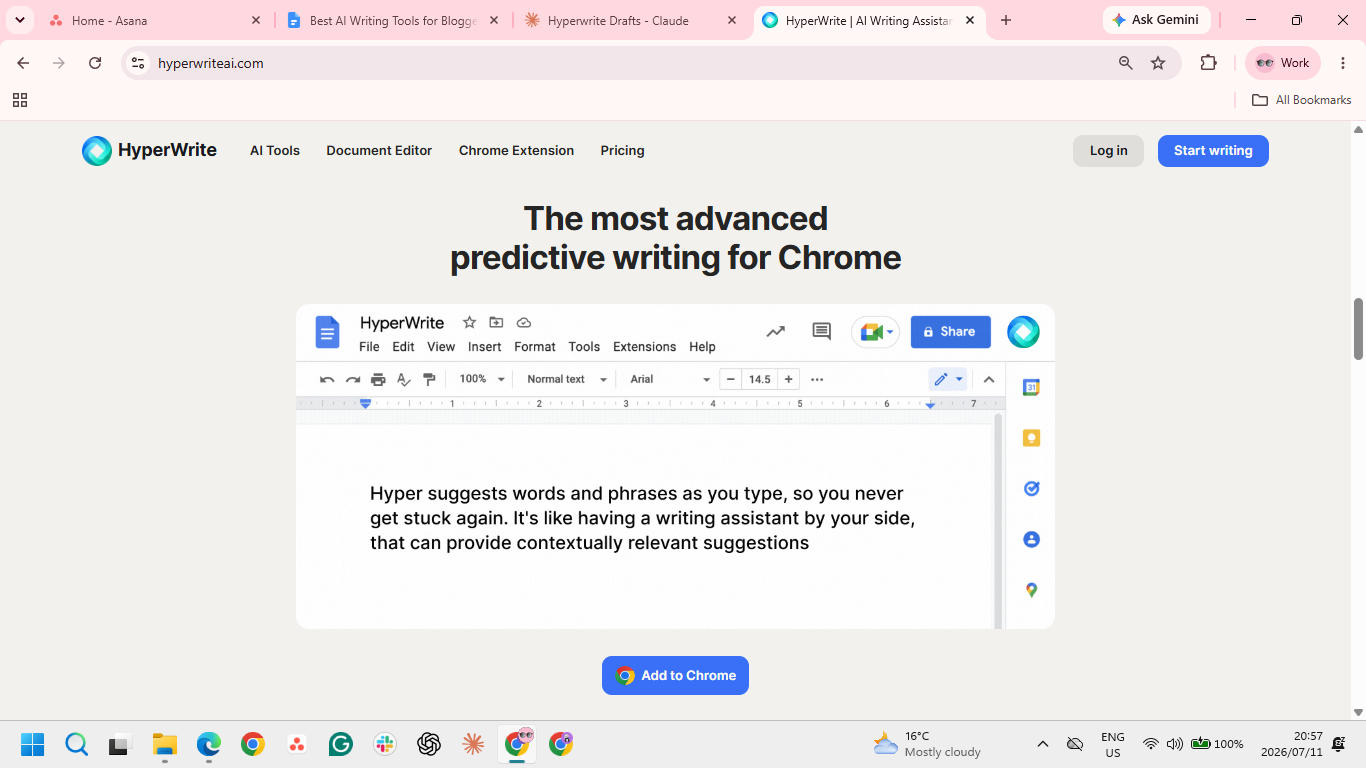
HyperWrite suits the blogger who drafts in their browser. Its TypeAhead Chrome extension works as a context-aware co-pilot, suggesting your next line from the context in other tabs. Over time, it learns how you write, so drafts come out sounding like you instead of a generic AI.
Best for: Bloggers who want AI help in their own voice, wherever they happen to be writing.
Key features
- TypeAhead. Real-time sentence completions in any browser tab; it reads your other open tabs for context, so a draft in your CMS can pull from the research or email open beside it.
- AutoWrite. Generates a full draft from a short prompt, handy when you want a complete first pass to shape rather than a blank page.
- AI Tools Library. Ready-made tools for outlines, rewrites, and summaries, plus custom ones you build.
- Personas. Trained on your past writing, so suggestions match your voice rather than a default.
Pros
✅ Low commitment to try, since a free plan and a browser extension mean no new platform or workflow to adopt.
✅ Less time lost switching tools, because the help comes to your document instead of sending you to a chatbot and back.
✅ Doubles as an everyday writing aid that carries your voice from posts into replies, newsletters, and social captions.
Cons
❌ No built-in SEO or publishing, so drafts still need optimizing and moving to your CMS by hand.
❌ TypeAhead lives in the browser, so if you draft in a native desktop app rather than a web editor, it won't follow you there.
❌ Voice match needs warming up, so early drafts read generic until you feed it a few real posts.
What users say
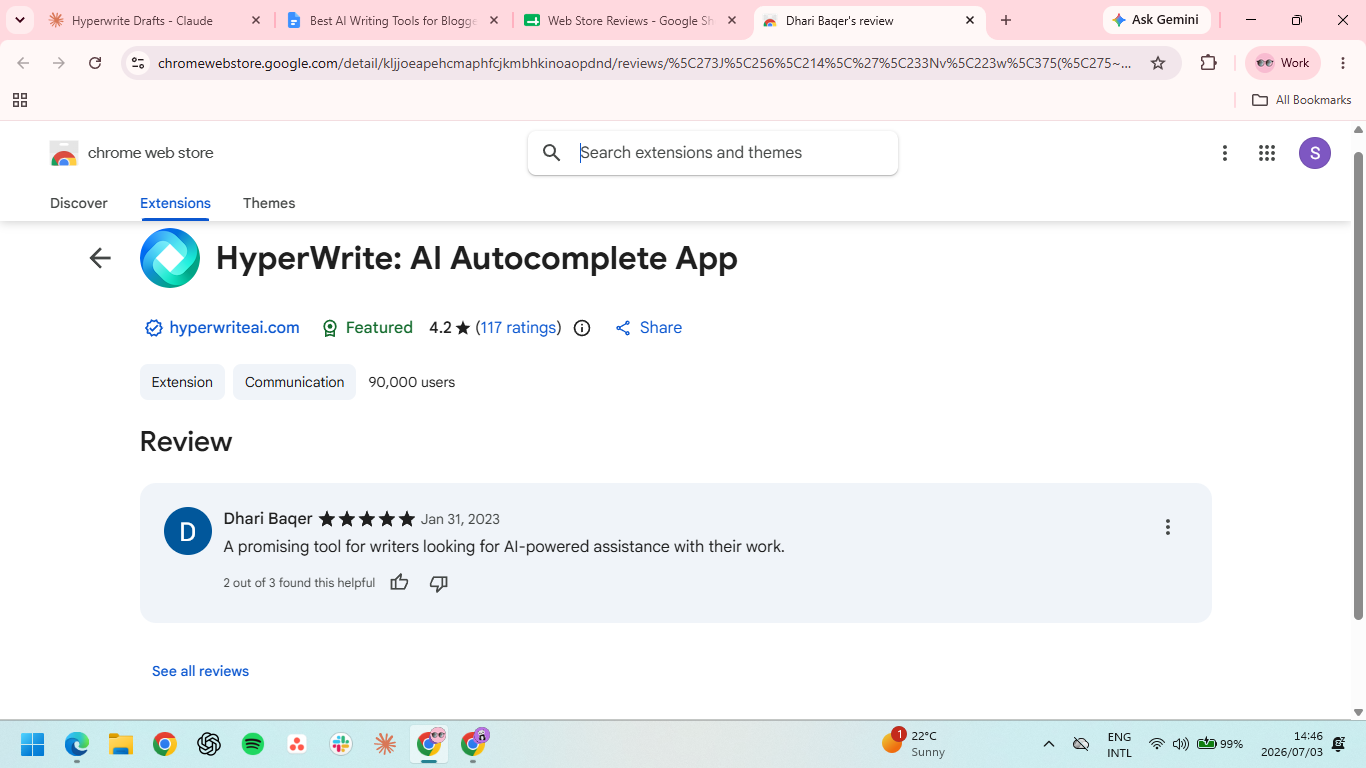
"A promising tool for writers." — Dhari Baqer, Chrome Web Store
"Wish that the integration capability of this platform was better." — Konjengbam M., G2
Pricing
- Free plan available
- Premium: $16/month billed annually or $19.99/month billed monthly
- Ultra: $29/month billed annually or $44.99/month billed monthly
7. Frase
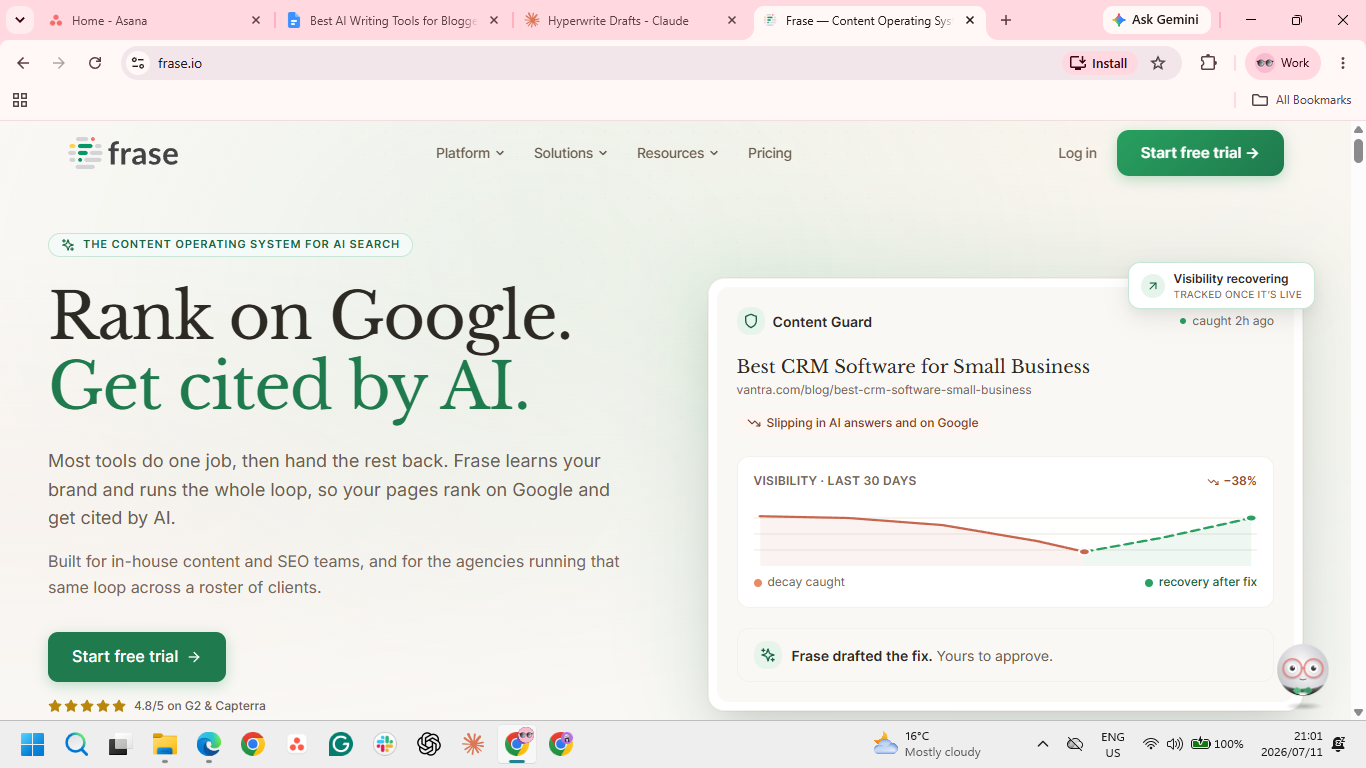
Frase sits between research and SEO, built to turn a keyword into a content brief fast. It pulls the top-ranking results, extracts the questions and topics they cover, and hands you an outline to write against, at a price that undercuts most dedicated optimization tools.
Best for: Budget-minded bloggers who want SERP research and briefs without a premium SEO subscription.
Key features
- SERP research. Summarizes what the top results cover, so your outline addresses the same ground.
- Content briefs. Builds a structured brief with headings and questions to answer from the keyword.
- Optimization scoring. Checks your draft's topic coverage against competitors as you write.
Pros
✅ Replaces a tool stack: research, outlining, and optimization live in one tab instead of three subscriptions.
✅ Briefs come together fast; a keyword becomes a writable outline in a couple of minutes.
✅ Unlimited documents on entry tiers, so heavy brief-building doesn't hit a wall.
Cons
❌ Surface-level SERP analysis delivers a basic checklist instead of deep, actionable SEO guidance.
❌ The AI writer costs extra, an add-on fee on top of the base subscription.
❌ Drafts need heavy editing, since the generated text is a starting point rather than a finished post.
What users say
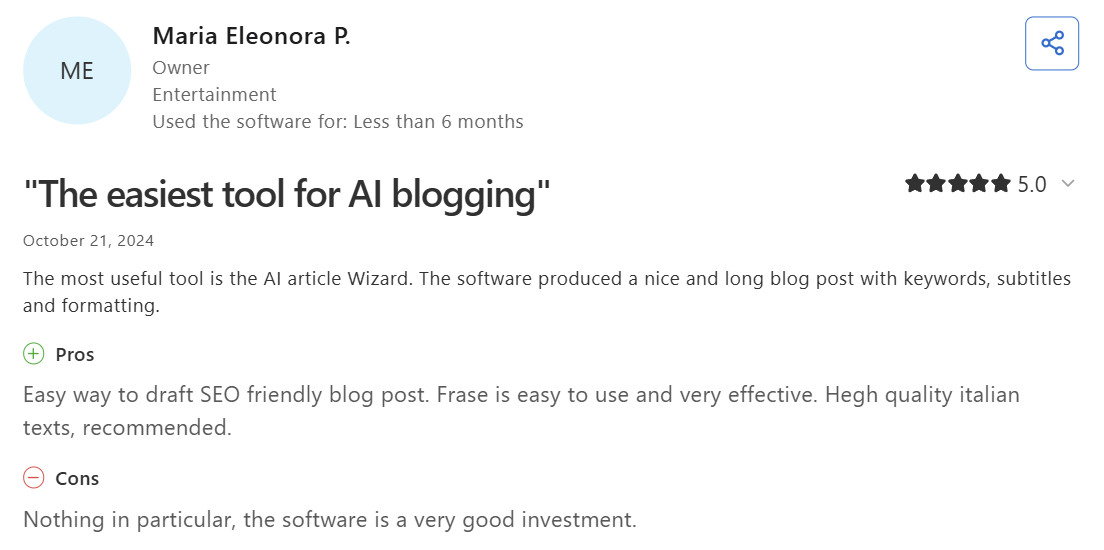
"Easy way to draft SEO friendly blog post." — Maria Eleonora P., Capterra
"Some AI-generated suggestions still need manual editing." — Muzammil M., G2
Pricing
- Starter: $39/month billed annually or $49/month billed monthly
- Professional: $103/month billed annually or $129/month billed monthly
- Scale: $239/month billed annually or $299/month billed monthly
- Enterprise: Custom pricing
8. Perplexity
Perplexity is the research tab a blogger keeps open. Ask it a question, and it answers with cited sources, so you can gather facts, stats, and references for a post and click straight through to verify each one. That beats sifting a page of search results.
Best for: Research-heavy bloggers who want sourced answers they can fact-check quickly.
Key features
- Cited answers. Every response links its sources, so you can verify claims before using them.
- Focus modes. Restricts searches to academic or specific source types for more reliable research.
- Follow-up threads. Refines a research question step by step without starting over.
Pros
✅ Shows its reasoning, so you see how it reached an answer and can judge whether to trust it.
✅ Compresses research into a sourced answer, which is a real time saver for a blogger.
✅ Free tier covers light research, with cited Pro searches to try before anything's paid for.
Cons
❌ Researches but doesn't write, so you'll still need a drafting tool alongside it.
❌ Citations still need checking, since AI research can misattribute or overstate a source.
❌ Pro's unlimited use is chat-only, so API and heavy automated use cost extra.
What users say
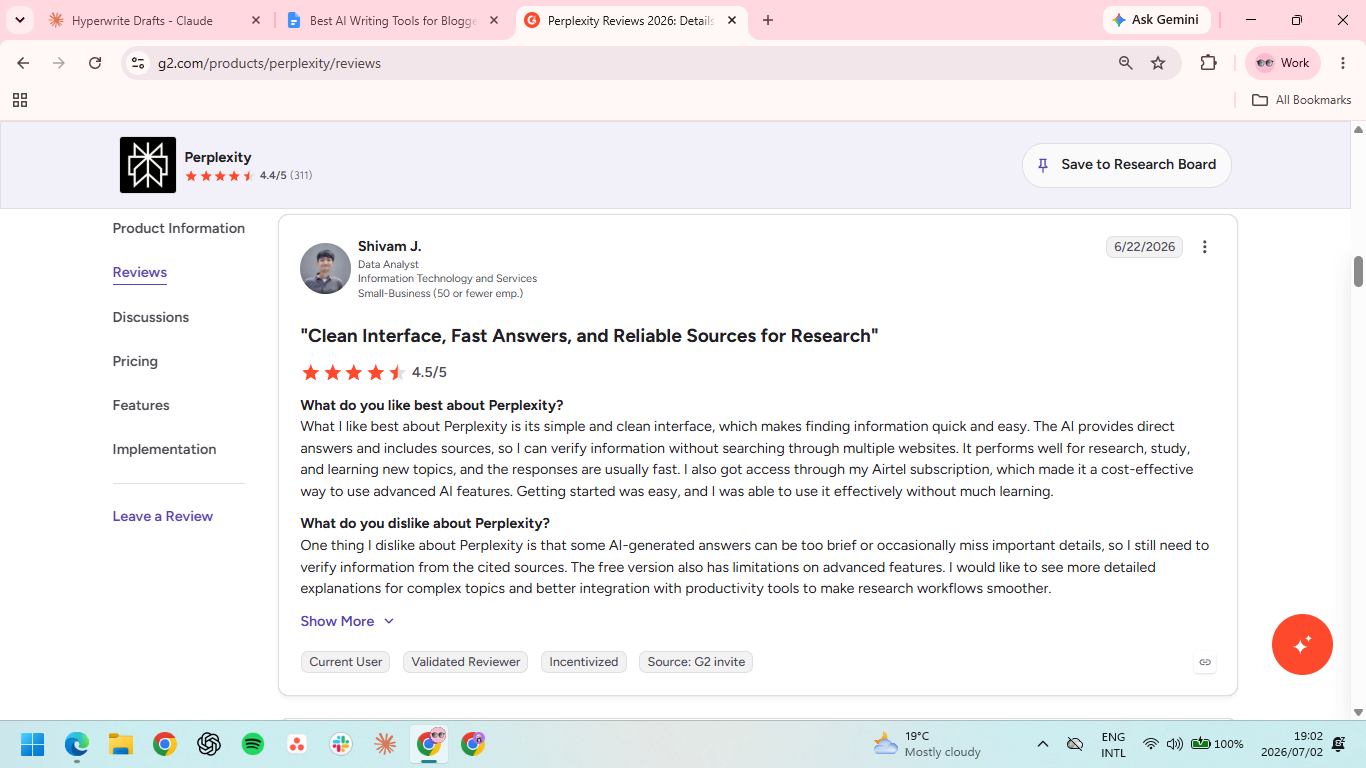
"The AI provides direct answers and includes sources." — Shivam J., G2
"I do not always get the same level of ‘intelligence.’" — José Javier, Capterra
Pricing
- Free plan available
- Pro: $20/month
- Max: $200/month
- Enterprise pro: $34/seat/month, billed annually
- Enterprise max: $271/seat/month, billed annually
- Enterprise custom pricing available
9. Grammarly
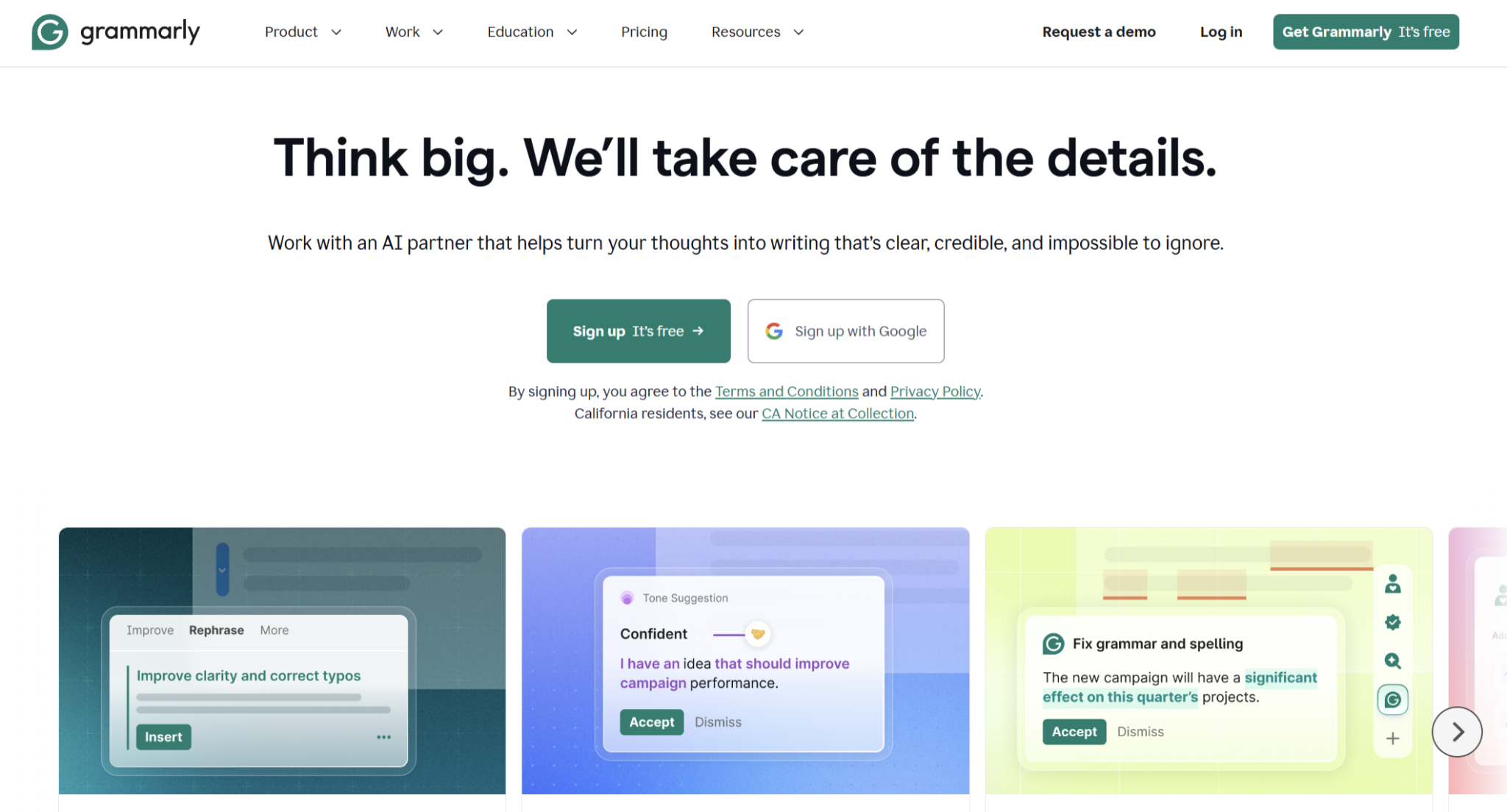
Grammarly is the last pass before a post goes live. It catches the grammar slips, clarity issues, and tone wobbles that survive drafting. It runs inside your CMS and browser, so you can polish a post where you publish it.
Best for: Bloggers who want a reliable final-edit layer across everywhere they write.
Key features
- Real-time corrections. Flags grammar, clarity, and tone issues inline as you edit.
- Tone detection. Shows how a passage reads, so you can match it to your blog's register.
- Cross-platform. Runs in your browser, CMS, and desktop apps from one account.
Pros
✅ Corrections come with quick explanations, so you learn the rule instead of just accepting a fix.
✅ Free tier does real work, covering grammar and clarity well enough that many bloggers never pay.
✅ Setup takes seconds, and it runs in the background rather than being one more app to open.
Cons
❌ Best checks sit behind Pro, so the free plan flags issues it won't always help you fix.
❌ It can homogenize your style, with suggestions that often strip away unique phrasing in favor of a safe, standard tone.
❌ Weak generative features mean it lacks the drafting depth of dedicated AI writers, so lean on it for final editing.
What users say
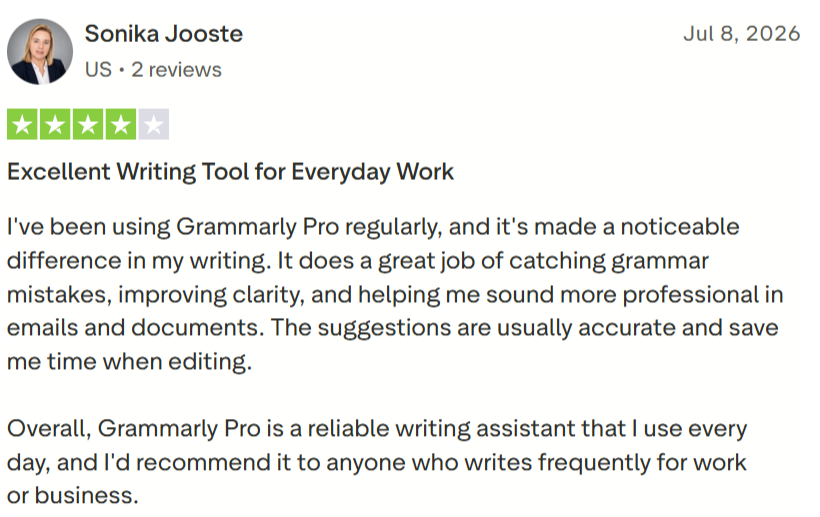
"The suggestions are usually accurate and save me time when editing." — Sonika Jooste, Trustpilot
"Grammarly can be a bit too aggressive with its suggestions." — Mohammed Taha, G2
Pricing
- Free plan available
- Pro: $12/month billed annually or $30/month billed monthly
- Enterprise: Custom pricing
10. Rytr
Rytr is the entry-level pick for hobby bloggers and anyone testing AI writing without committing a budget. It generates short-form drafts, intros, sections, and outlines from a template and a tone, with a Chrome extension and a free tier that make it easy to start.
Best for: Hobby and beginner bloggers who want cheap AI drafting to build a habit around.
Key features
- Template drafting. Generates intros, sections, and outlines from a use case and tone in seconds.
- My Voice. Mirrors a sample of your writing to keep short pieces closer to your style.
- Chrome extension. Brings rewriting and generation into your browser and CMS.
Pros
✅ The cheapest way in, with a free tier and paid plans starting at $9/month.
✅ No learning curve; sign up and create a draft in minutes using ready-made templates.
✅ The free tier is usable, enough to test it on live posts before paying.
Cons
❌ Long posts fall apart; past a few paragraphs they turn repetitive and generic.
❌ Output leans predictable, since template patterns limit originality on distinctive topics.
❌ Detectors often flag it, so anything you publish needs a human rewrite pass first.
What users say
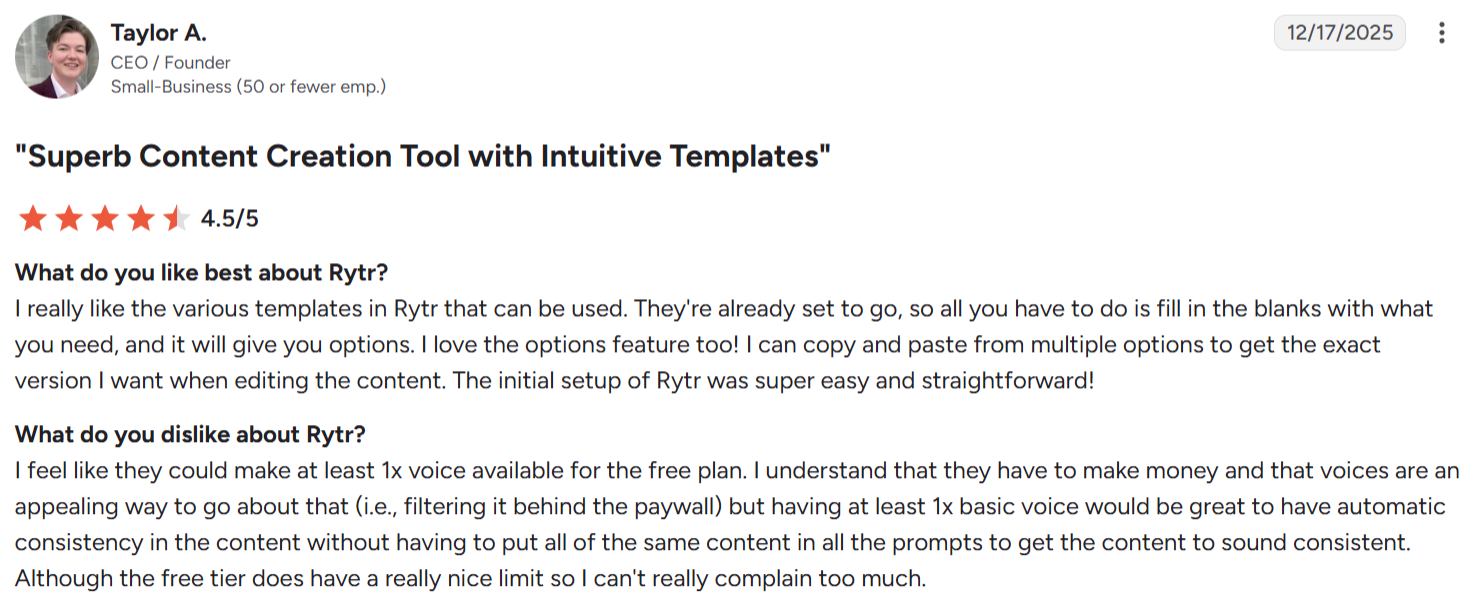
"I can copy and paste from multiple options to get the exact version I want." — Taylor A., G2
"On occasion it can be repetitive." — Barrie, Capterra
Pricing
- Free plan available (10,000 characters a month)
- Unlimited: $7.50/month billed annually or $9/month billed monthly
- Premium: $24.16/month billed annually or $29/month billed monthly
Which AI writing tool should you choose?
The right pick depends on which part of the writing process is slowing you down most.
Choose Claude if you:
- Write long-form posts and want a first draft whose tone and argument survive a hard edit
- Care more about tone and argument holding up than about built-in SEO
- Feed the AI outlines, notes, and transcripts and want it to write from your material
Choose ChatGPT if you:
- Want one tool for brainstorming, research, and drafting rather than a separate app per job
- Lean on Deep Research to gather sourced material before you write
- Already build custom GPTs or prompt setups you reuse
Choose Jasper if you:
- Publish on a schedule and run a brand where every post has to sit in the same voice
- Run a team or calendar where tone consistency across writers matters
- Repurpose posts into social and email from the same tool
Choose Koala if you:
- Publish high-volume niche or affiliate content and want rank-ready drafts fast
- Want one-click publishing straight to WordPress
- Build product roundups that need live Amazon data
Choose Surfer SEO if you:
- Already draft well and want a concrete score to optimize toward
- Publish enough each month to use the credits without waste
- Want to learn what ranking pages do differently as you write
Choose HyperWrite if you:
- Draft across your browser, in your CMS, email, and docs, rather than one platform
- Want suggestions that carry your own voice into every post
- Want AI help inside the editors you already use, not a new app to log into
Choose Frase if you:
- Want SERP research and content briefs without a premium SEO subscription
- Build a lot of outlines and need unlimited documents
- Prefer research, outlining, and optimization in one tab
Choose Perplexity if you:
- Write research-heavy posts and need sourced answers you can verify fast
- Cover timely topics that need current information
- Want a research tool to pair with a separate drafting one
Choose Grammarly if you:
- Want a reliable final-edit pass across everywhere you write
- Need grammar and clarity fixes more than content generation
- Want a free tier that handles most everyday polishing
Choose Rytr if you:
- Are starting out and want the cheapest way into AI drafting
- Write mostly short-form pieces, intros, sections, and outlines
- Want to test AI writing on real posts before paying
Skip AI writing tools entirely if you:
- Publish rarely enough that your own writing keeps up with your calendar; the subscription would cost more than the few hours it saves.
- Blog primarily on your personal voice or lived experience, which any AI draft would only dilute.
- Work in a niche where accuracy is non-negotiable (medical, legal, or financial), so every AI claim needs fact-checking that can take longer than writing the post yourself.
- Mostly need editing, not drafting, in which case a grammar checker or a human editor is a better spend than a generation tool.
Final verdict
The right pick depends on where your process breaks down. If a natural first draft is the bottleneck, Claude is hard to beat. Reach for Surfer or Frase when SEO is the priority, Rytr when budget is, and HyperWrite when you'd rather draft in your own voice without leaving the tools you already write in.
Write in your own voice, wherever you blog
Most tools here ask you to write inside their platform. HyperWrite works the other way: its Chrome extension is a context-aware co-pilot that drafts alongside you in WordPress, Google Docs, or wherever your posts take shape, and it pulls from your other open tabs so each suggestion fits what you're working on.
Tired of rewriting every AI draft to sound like you again? Add the HyperWrite Chrome extension and draft your next post in your own voice, right where you write.
Frequently asked questions
Can AI writing tools get my blog penalized by Google?
No, AI writing tools won't get your blog penalized by Google on their own, since Google judges quality, not how content is made. The real risk is publishing generic, unedited, or inaccurate output. Research it, edit for accuracy, and add your own perspective.
What is the best free AI writing tool for bloggers?
The best free AI writing tools for bloggers are Claude and ChatGPT for drafting, Perplexity for research, and Grammarly for polish. Rytr and HyperWrite have free drafting plans too. Free tiers cap usage, so heavy bloggers usually upgrade one or two.
Do AI writing tools work inside WordPress?
Yes, several AI writing tools work inside WordPress. Koala publishes to it in one click, and HyperWrite's Chrome extension and Grammarly run in the editor as you write. Claude and ChatGPT work separately, so you paste the draft in by hand.
How many AI tools does a blogger really need?
Most bloggers need three or four: one each for research, drafting, SEO, and polish. More than that adds cost and overlap for little gain. One strong tool per job beats a crowded toolkit.

HyperWrite is the AI writing assistant that learns your style. It handles drafting, editing, and researching so you can focus on ideas.
- Autocompletes sentences as you type
- Works inside Google Docs & Gmail
- Adapts to your personal writing style
- 500+ AI tools for any writing task

Powerful writing in seconds
Improve your existing writing or create high-quality content in seconds. From catchy headlines to persuasive emails, our tools are tailored to your unique needs.