
QuillBot Reviews 2026: Features, Pricing, Pros & Cons


QuillBot is one of the most widely used AI writing tools, built around paraphrasing with grammar, summarizing, and citation features layered on top. Its reputation is strong, but the day-to-day experience has real trade-offs worth knowing before you pay.
We weighed what QuillBot actually does against QuillBot reviews from long-term users on G2, Capterra, and SoftwareReviews, so you can judge whether Premium is worth it for the way you write.
What is QuillBot?
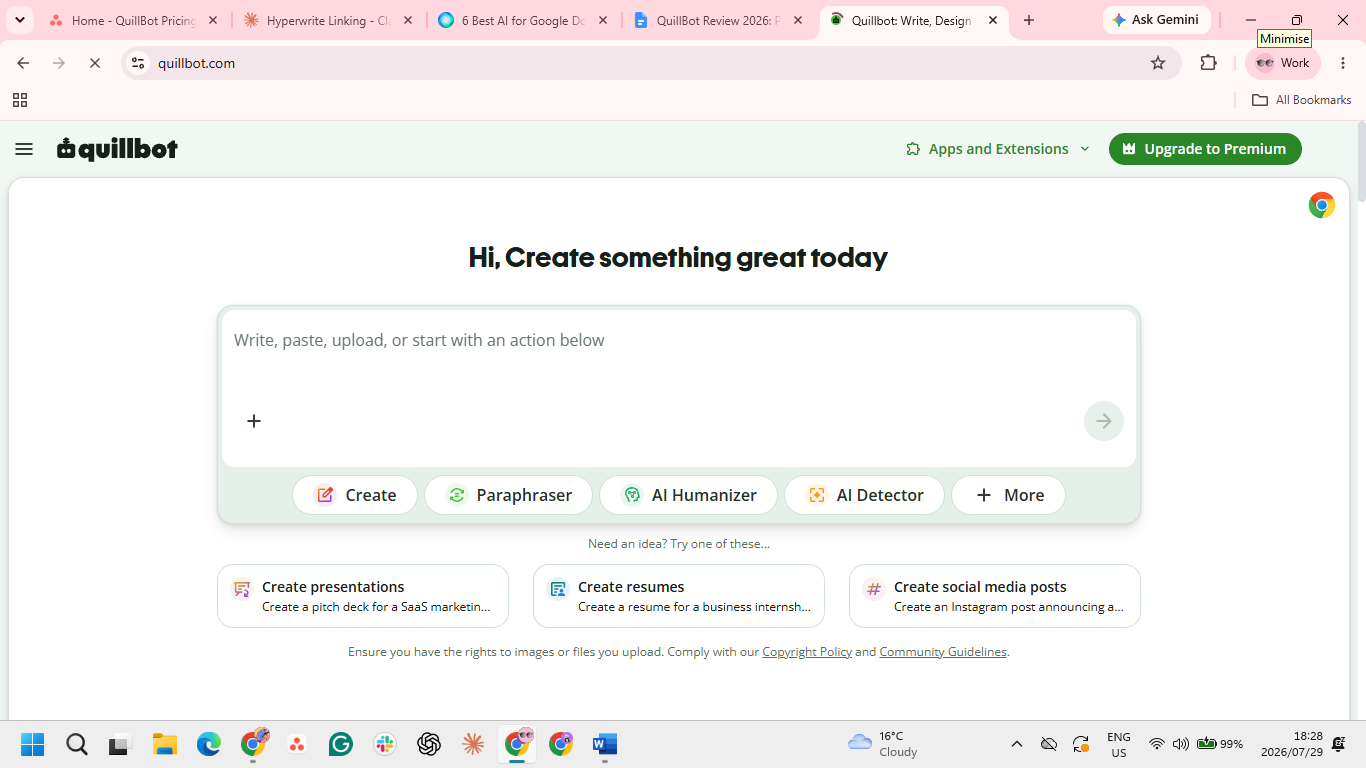
QuillBot is an AI writing platform centered on paraphrasing. It launched in 2017 as a single rewording tool and is now operated by Learneo, Inc., with an AI toolkit and tens of millions of registered users worldwide.
Alongside the paraphraser are a grammar checker, summarizer, plagiarism checker, citation generator, AI detector, translator, and AI humanizer, all available on the web, in Microsoft Word, and through browser extensions that also work in Google Docs.
QuillBot features
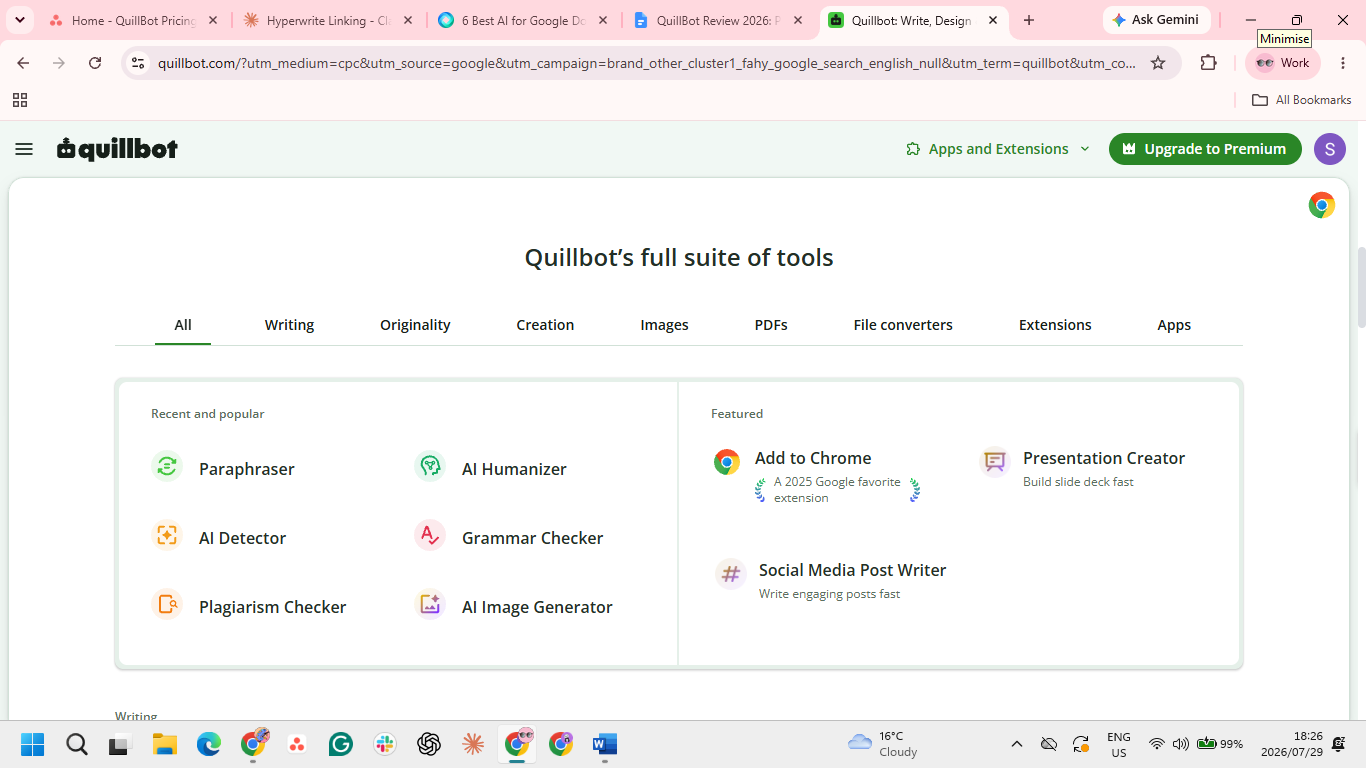
QuillBot bundles several tools into one platform. Here's what each does, and where the limits are.
- Paraphraser: Rewrites text in modes like Standard, Fluency, Formal, and Academic, with a synonym slider to control how much changes. The free plan is capped at 125 words per run and two modes.
- Grammar checker: Catches spelling, punctuation, and grammar across several languages, though it's lighter than a dedicated grammar tool.
- Summarizer: Condenses text up to 1,200 words on free and 6,000 on Premium.
- Plagiarism checker: Scans up to 25,000 words a month and is Premium only.
- AI detector and humanizer: Flag AI-written text and rewrite it to read more naturally, though detection results are inconsistent.
- Citation generator and translator: Both free, covering APA, MLA, and Chicago citations and 50+ languages.
QuillBot reviews: What real users say
Across G2, Capterra, and SoftwareReviews, the pattern is consistent. QuillBot reviews praise the tool's fast paraphrasing, easy interface, and value for the toolset; the recurring complaints are the free word cap, a strict refund policy, and rewrites that need a second look.
Pros
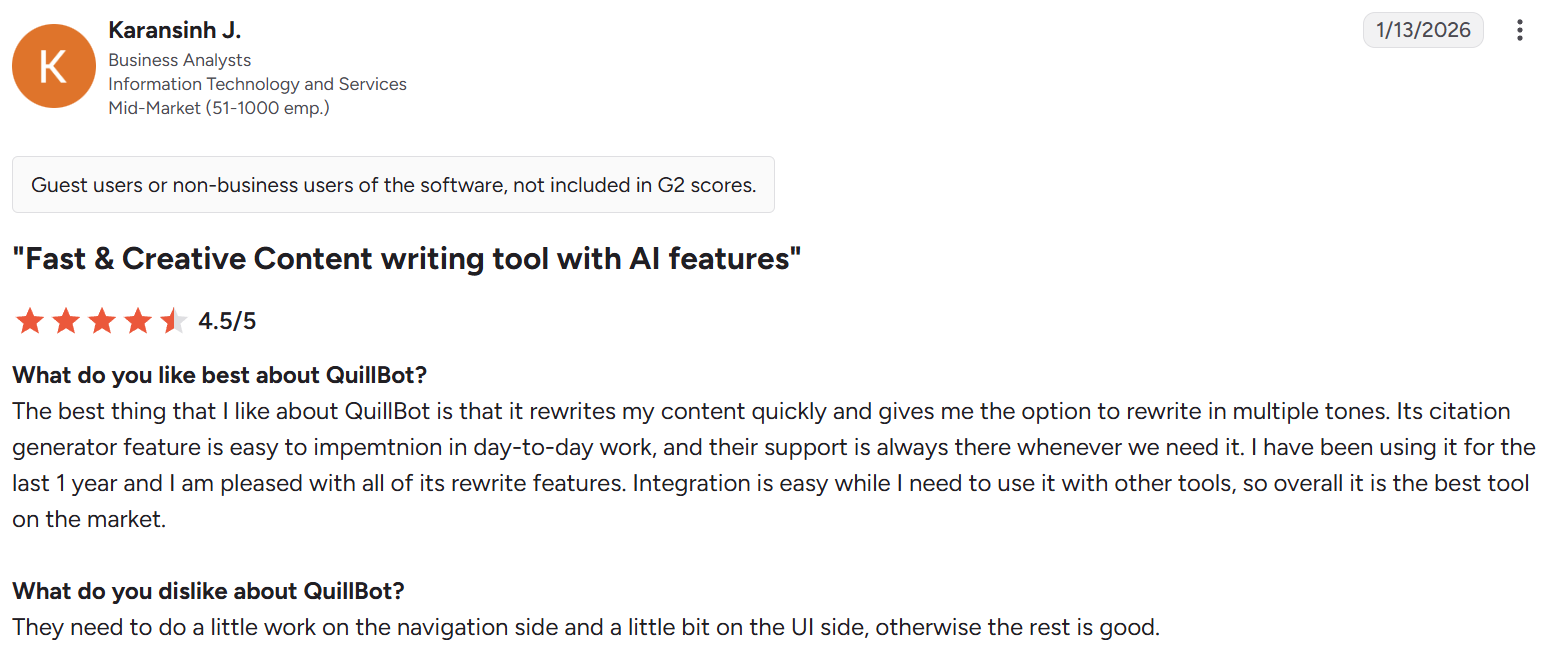
✅ Fast turnaround. QuillBot returns rewrites almost instantly, so it fits into a working session without breaking your flow. As G2 reviewer Karansinh J., a business analyst, puts it, "it rewrites my content quickly."
✅ Works with whole documents. You can upload a file and check it in place, which saves copying text back and forth for longer pieces. "The files can be uploaded and checked in this platform," notes Konjengbam M., a BDR reviewing on G2.
✅ Almost no learning curve. The layout is clean enough that first-time users can paraphrase or check text without hunting for features. Software engineer Samwel D. writes on Capterra that "it is simple to use and can be easily picked up by new users."
✅ Rewording is the core strength. Paraphrasing was QuillBot's first tool and stays its most developed one, with several modes and a synonym slider that control how far a rewrite strays from the original, enough for SoftwareReviews user Vanetta R. to call it "the best tool for paraphrasing."
✅ A useful originality safeguard. The built-in AI detector lets teachers and editors spot likely AI-written passages before they pass work along. One teacher notes on Capterra that "it is helpful in the detection of AI use in student work."
✅ Covers more than grammar. It checks tone, flow, cohesion, and readability alongside spelling and grammar, so a draft gets a fuller polish rather than only error fixes. As Capterra reviewer Mercy E. sums it up, "QuillBot does it all for me, from paraphrasing to the grammar."
Cons
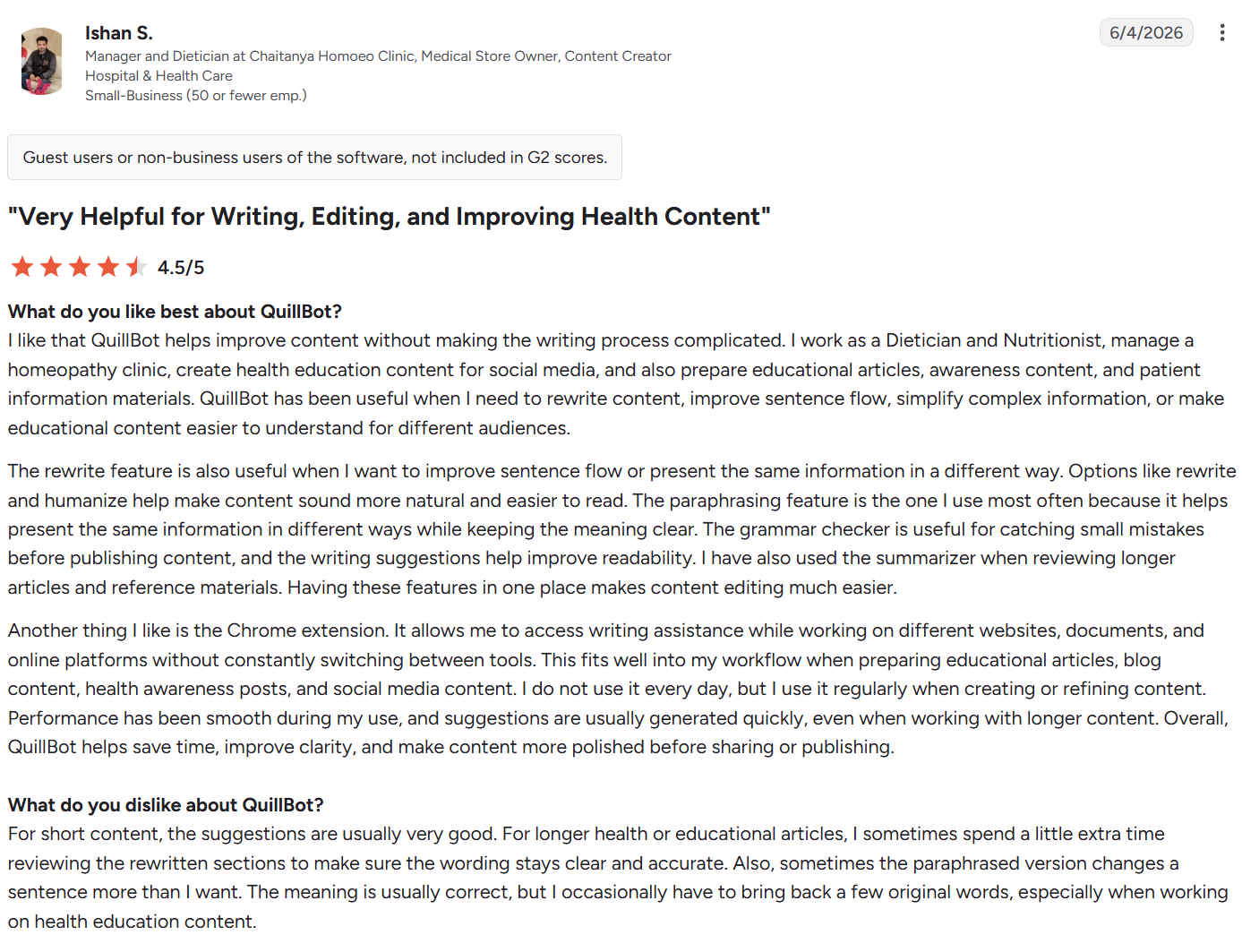
❌ Output isn't always hands-off. On longer passages the rewrite can need a second pass, so it saves less time than a straight paste-and-go. As G2 reviewer Ishan S., a manager and dietician, puts it: "I sometimes spend a little extra time reviewing the rewritten sections."
❌ Getting your money back is hard. The refund terms are strict and the window is short, so a mistaken renewal is tough to reverse. Killrain L., an administrator, describes a "rigid and customer-unfriendly refund policy."
❌ Accuracy can slip on autopilot. Aggressive auto-rewrites sometimes shift the meaning of a sentence, which matters most for precise or technical text. As one senior associate notes, "auto rephrase sometimes changes the essense of the sentence."
❌ The interface carries ads. Ads appear on the page, which can clutter the workspace and nudge you toward upgrading. A SoftwareReviews user in operations, Elizabeth A., flags that it "allows display of ads in site page."
QuillBot pricing: Is it worth it?
QuillBot keeps pricing simple. The Free plan is $0 and covers the core tools with limits. Premium is $8.33/month billed annually ($99.95/year) or $19.95 month-to-month, about 58% cheaper on the annual plan. Every tool and unlimited paraphrasing come in that one plan.
At around $8 a month annually, QuillBot is worth it if you paraphrase, summarize, or rewrite often enough to run into the free plan's limits. One Premium plan unlocks every tool and unlimited words for less than most writing assistants charge.
If you only need it now and then, the free plan handles short tasks well enough that paying is hard to justify.
Who QuillBot is right for
QuillBot is a great fit if you:
- Rewrite or summarize text as a regular part of your work.
- Do academic or research writing and want plagiarism checks and citations together.
- Write in English as a second language and want smoother phrasing.
Look elsewhere if you:
- Mainly need deep grammar and tone correction rather than rewording.
- Need to draft long content from scratch quickly.
If QuillBot isn't the right fit for how you write, it's worth weighing the best QuillBot alternatives for pro writers before you commit.
Final verdict
Across QuillBot reviews, the same picture emerges: it earns its reputation for paraphrasing, summarizing, and originality checks. It's fast, easy to use, and fairly priced. The trade-offs are a short list: the free word cap, occasional meaning drift, and a strict refund policy.
For reworking text you already have, QuillBot is one of the best-value tools available. For deep grammar or fast drafting, a tool built for that job may be a better fit.
Draft faster with HyperWrite + refine in QuillBot
When drafting is the slow part, HyperWrite is a writing co-pilot built for that job. Its TypeAhead feature finishes your sentences in your own voice across browser tabs, so first drafts of emails and reports come together faster.
Its Personas feature keeps that voice consistent, learning from your writing samples so drafts sound like you instead of generic AI.
The two tools pair well: draft with HyperWrite, then reword or tighten with QuillBot.
Staring down a blank draft? Add the HyperWrite Chrome extension and let TypeAhead finish your next sentence in your voice.
Frequently asked questions
Is QuillBot worth it?
QuillBot is worth it for anyone who paraphrases, summarizes, or rewrites text regularly. Premium costs about $8.33/month billed annually and unlocks unlimited paraphrasing, all modes, and the plagiarism checker. For occasional use, the free plan is usually enough.
Is QuillBot legit and safe to use?
Yes, QuillBot is a legitimate writing tool used by tens of millions of people. Reviews across Trustpilot, G2, and Capterra are largely positive, with most complaints about pricing and free-tier limits rather than trust or security.
Is QuillBot free?
Yes, QuillBot has a permanently free plan with no credit card required. The free plan includes paraphrasing up to 125 words per run, two modes, the grammar checker, summarizer, AI detector, citation generator, and translator. Unlimited paraphrasing and the plagiarism checker require Premium.
Can teachers detect QuillBot?
Sometimes, yes. AI and plagiarism detectors can flag paraphrased or AI-generated text, and QuillBot's own humanizer doesn't reliably beat them. Rewording your own writing is lower risk than passing off generated text as original.
Is QuillBot better than Grammarly?
QuillBot and Grammarly are better at different jobs. QuillBot leads on paraphrasing and summarizing, while Grammarly leads on grammar accuracy and real-time corrections.

HyperWrite is the AI writing assistant that learns your style. It handles drafting, editing, and researching so you can focus on ideas.
- Autocompletes sentences as you type
- Works inside Google Docs & Gmail
- Adapts to your personal writing style
- 500+ AI tools for any writing task

Powerful writing in seconds
Improve your existing writing or create high-quality content in seconds. From catchy headlines to persuasive emails, our tools are tailored to your unique needs.