
7 Best Quillbot Alternatives for Pro Writers in 2026


Quillbot paraphrases well and stops there. Once your writing needs original drafts, a consistent voice, or tools that follow you across apps, you need a Quillbot alternative built for real work.
Why look for Quillbot alternatives?
Quillbot's strongest pitch is still the price and the simple sentence-level rewrite. The free tier is usable with the paraphraser handling short blocks well, and the grammar checker doing a low-level cleanup.
The problem starts when your writing gets professional.
- Rewriting isn't drafting. Quillbot rewrites what you already wrote. It doesn't help you start a draft, develop an angle, or extend an idea. Once you're producing original content like newsletters and client deliverables, the rewrite-only workflow becomes the bottleneck.
- Voice control is shallow. Quillbot's tone modes (Standard, Fluency, Formal, Simple) are presets, not voice matching. Run the same sentence through it three times and you'll get different forms of generic. Professional writing needs to sound like a specific person, not a tone slider.
- The workflow is single-purpose. Quillbot's strength is one sentence at a time inside its own interface. If your writing spans Gmail, Google Docs, LinkedIn, Notion, and a CRM, copy-pasting back and forth across the interface becomes tedious.
- You outgrow the value quickly. Quillbot is the right tool when you mostly need paraphrasing. Once you're drafting, editing, optimizing, and publishing professional writing daily, the price advantage disappears because you're paying for one feature in a workflow that needs five.
TL;DR: Which Quillbot alternative should you choose?
Choose Grammarly if grammar and clarity feedback inside every app you write in matters more than drafting power.
Choose Wordtune if you want better rewrites and a better selection of writing tools for more creative tasks.
Choose HyperWrite if you need writing that sounds like you, generated inside the browser tools you already use daily.
Choose Claude if long-form drafting and back-and-forth refinement are where you actually lose time.
Choose Jasper if you're running a content team, and consistency across writers and channels matters as much as speed.
Choose ProWritingAid if you write at length and want serious editing and analysis that goes beyond grammar.
Choose TextCortex if you want voice-trained rewrites without paying for a full writing platform.
Stick with Quillbot if you mostly paraphrase short sentences and the free tier already covers your needs.
7 best Quillbot alternatives: At a glance
Pricing accurate as of June 2026, based on annual plans.
The 7 best Quillbot alternatives
1. Grammarly
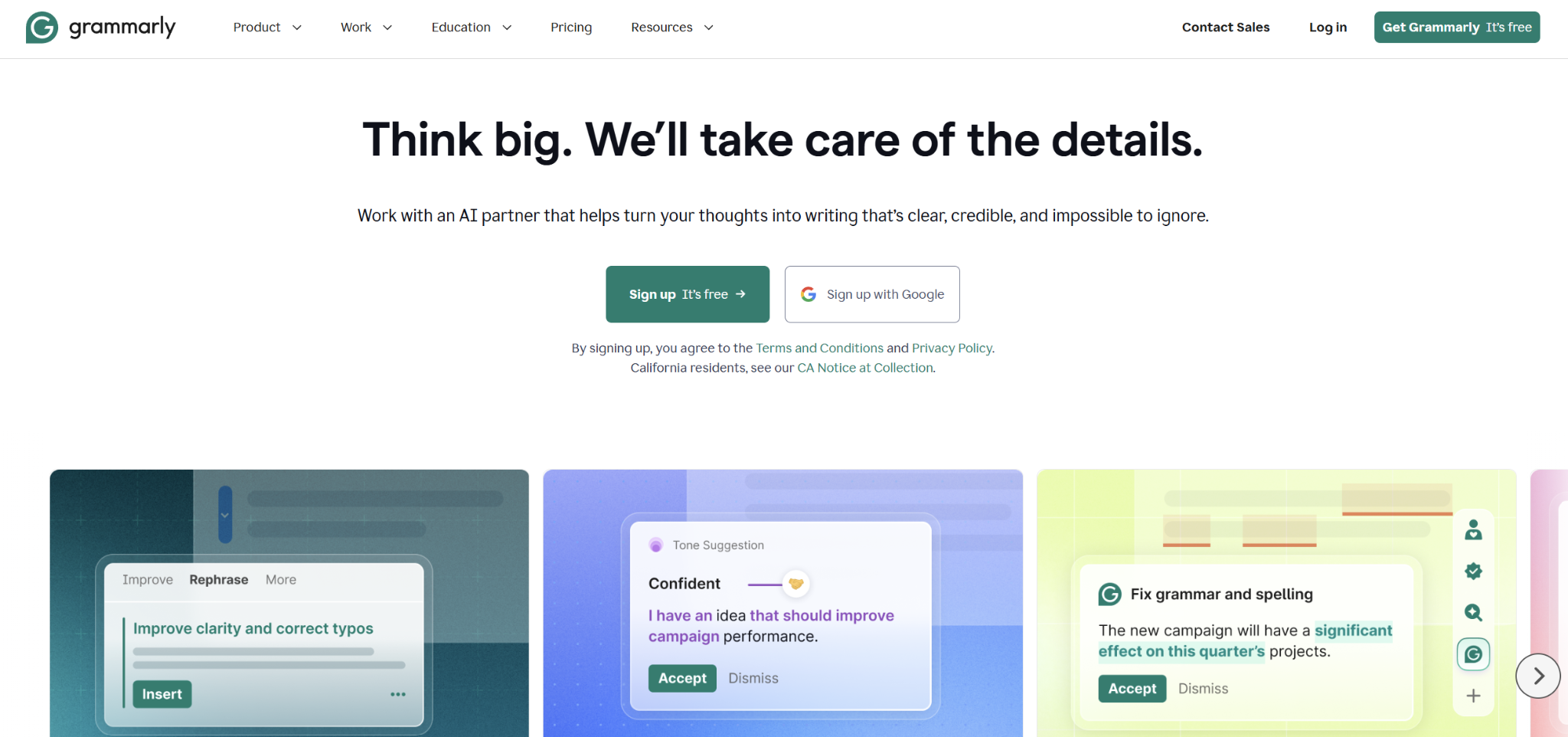
Grammarly is what most writers reach for first when they realize Quillbot's reach is too narrow. It runs in browser tabs, desktop apps, and mobile. The tool offers real-time grammar, clarity, tone, and lightweight rewriting. It can also generate text from scratch with its built-in AI prompts.
Best for: Professionals who write across many apps daily and want grammar, tone, and clarity suggestions built into every interface they touch.
Key features
- Editing layer that follows you everywhere. Suggestions appear inline in Gmail, Slack, LinkedIn, Word, Google Docs, and almost any text field.
- Tone detection. Reads the context (formal email vs. casual Slack reply) and flags when your tone is off, with rewrite options that match the channel.
- Context-aware rewrites. Where Quillbot rewrites isolated sentences, Grammarly considers the surrounding text. The suggestions read more naturally as a result.
Pros
- ✅ Works inline across nearly every app you’re drafting in.
- ✅ Tone detection catches mismatches before you send any draft or message.
- ✅ Generative AI features draft emails, brainstorm openings, rewrite paragraphs, and pull in agents like citation finder and plagiarism checker.
- ✅ The free plan is fully usable on its own. You can run it for months before deciding whether Premium pulls its weight.
Cons
- ❌ Premium can over-correct, so sharp, casual writing sometimes gets sanded into something blander.
- ❌ Plays badly with other writing extensions and causes occasional conflicts in browser tabs.
Pricing
- Free plan available
- Pro: $30/month or $12/month if billed annually
- Enterprise: Custom pricing
2. Wordtune
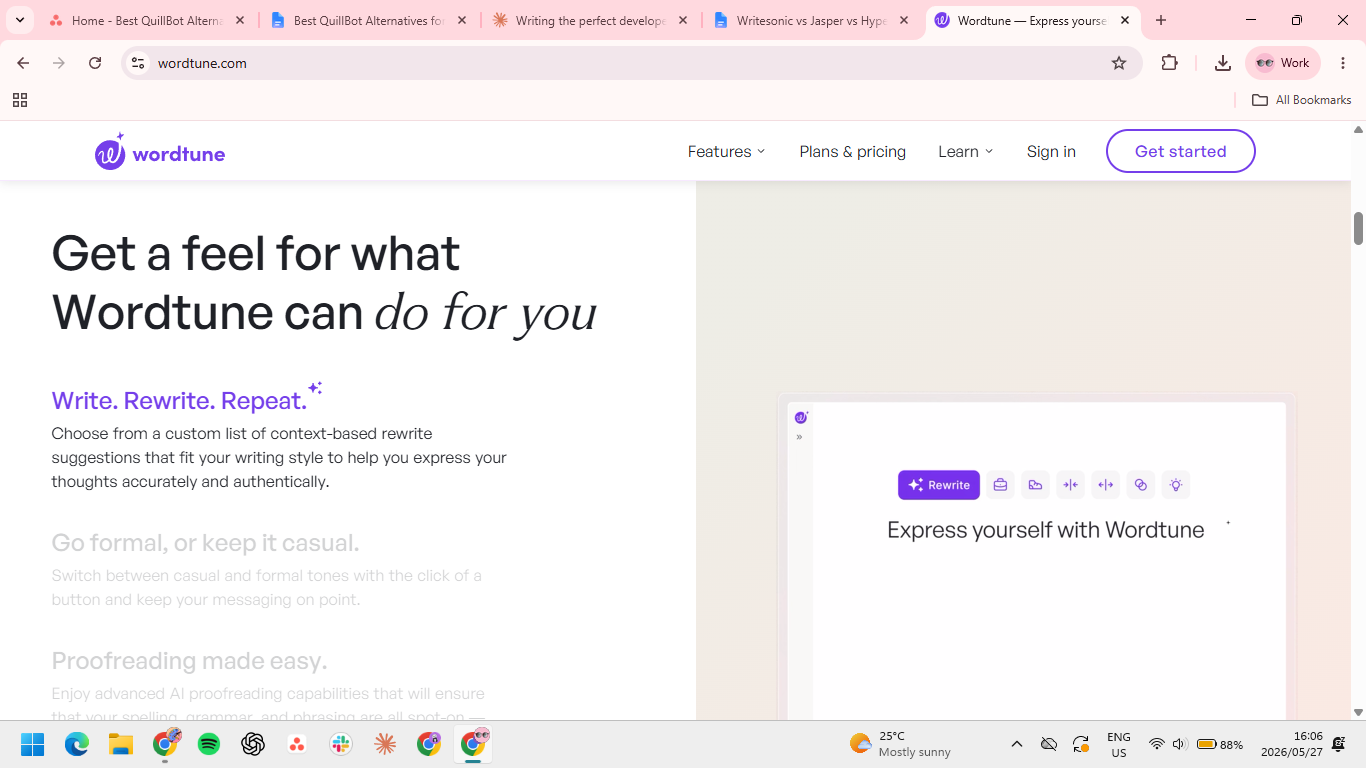
Wordtune is the most like-for-like swap on this list. Highlight a sentence, get a column of rewrites that actually vary, and pick the one that fits. The tone shifts and the AI prompt feature give it more flexibility than Quillbot's preset modes, without forcing you to learn a whole new platform.
Best for: Writers whose main frustration is that Quillbot's rewrites feel repetitive, and who want more options on the same workflow.
Key features
- Multiple rewrite variations per sentence. Six to ten distinct options instead of Quillbot's one-per-mode. It leads to fewer rounds of regenerating to find a version that fits.
- Tone and length shifts. Casual, formal, shortened, expanded, all from a single highlight. Useful when adapting one message for different channels.
- AI prompt input. Tell Wordtune what kind of rewrite you want in plain language ("make this less corporate") instead of selecting a preset.
Pros
- ✅ Gives six to ten distinct rewrites for any sentence.
- ✅ Understands plain-language prompts. Type "make this sound less corporate," and it works.
- ✅ Costs a fraction of full platforms like Jasper while giving you more rewrite control than Quillbot's preset modes.
Cons
- ❌ Word caps on lower plans hit fast for daily writers.
- ❌ It tackles rewrites only, so drafting from scratch, research or workflow features are not present.
- ❌ Rewrites trend short and punchy. Long-form writers may need to pull suggestions in a different direction.
Pricing
- Basic: free
- Advanced: $13.99/month, or $6.99/month billed annually
- Unlimited: $19.99/month, or $9.99/month billed annually
3. HyperWrite
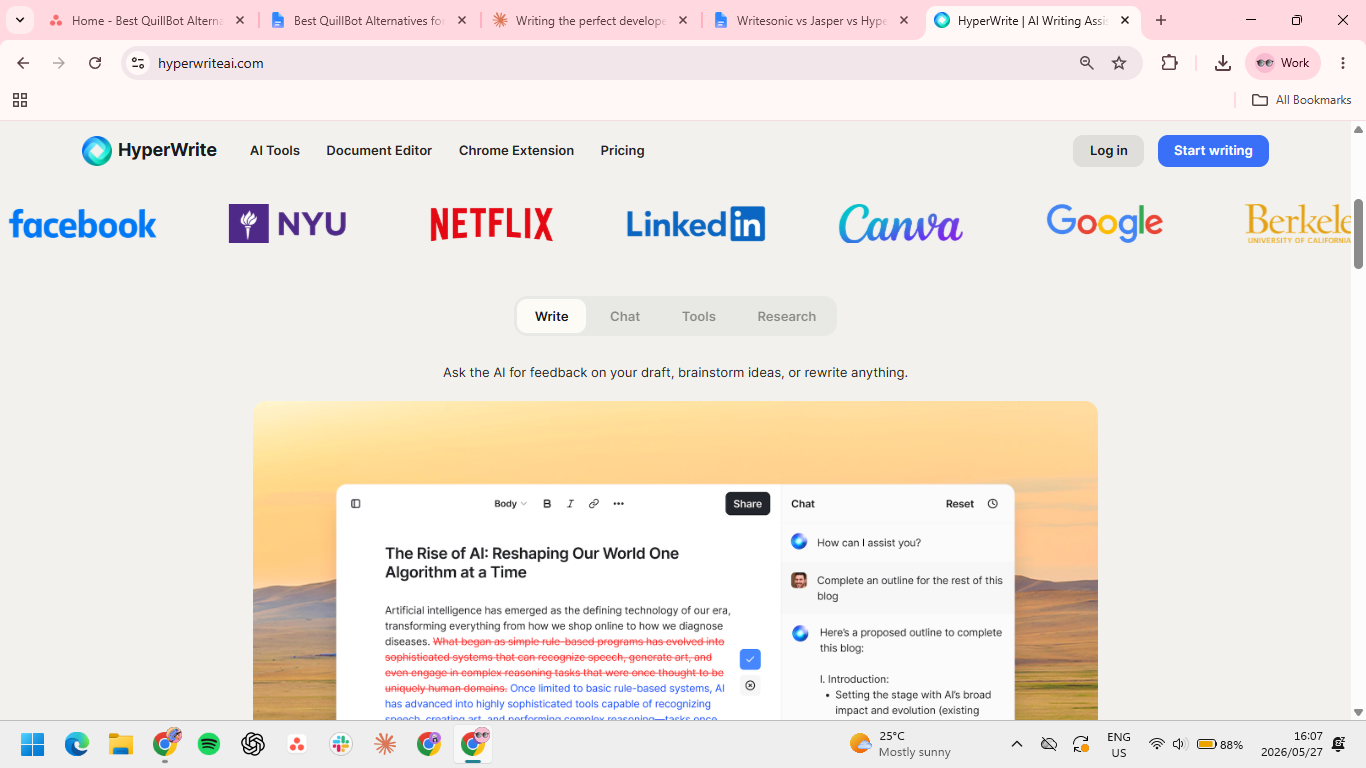
HyperWrite is built for daily professional writing that needs to sound like a specific person. TypeAhead is a Chrome extension that suggests sentence completions in real time inside any browser tab. It reads context from your open tabs and matches your voice through a Persona.
Best for: Founders, HR and recruiting professionals, marketers, and solo creators who draft across tools all day and want their writing to stay in their voice without rewrites.
Key features
- TypeAhead. Context-aware sentence completions inside Gmail, Google Docs, LinkedIn, a CRM, or any browser tab. It reads your open tabs so the suggestion fits the message you're actually writing. This is a writing co-pilot, not phone-keyboard autocomplete.
- Personas. Trained on samples of your past writing so every draft sounds like you, not generic AI. It closes the gap Quillbot's tone presets leave open.
- AI Tools Library. Hundreds of pre-built tools for common tasks (email replies, rewrites, summaries, outlines), plus the option to build your own for workflows you repeat.
Pros
- ✅ Drafts come out in your voice instead of generic AI, since Personas train on your own writing.
- ✅ No copy-paste loop; TypeAhead completes your sentences in context across Gmail, Docs, and any tab.
- ✅ Prompts are tuned from years of A/B testing, so output comes back faster and more human than a general chatbot's.
- ✅ Build custom tools once and reuse them for repeat work like offer letters or campaign copy.
Cons
- ❌ Not purpose-built for paraphrasing, so it's more platform than you need for quick rewrites.
- ❌ Most of the value lives in the browser, which limits offline and desktop-only use.
- ❌ It can still get facts wrong, so check anything high-stakes before sending.
Pricing
- Free plan available
- Premium: $19.99/month or $16/month billed annually
- Ultra: $44.99/month or $29/month billed annually
4. Claude
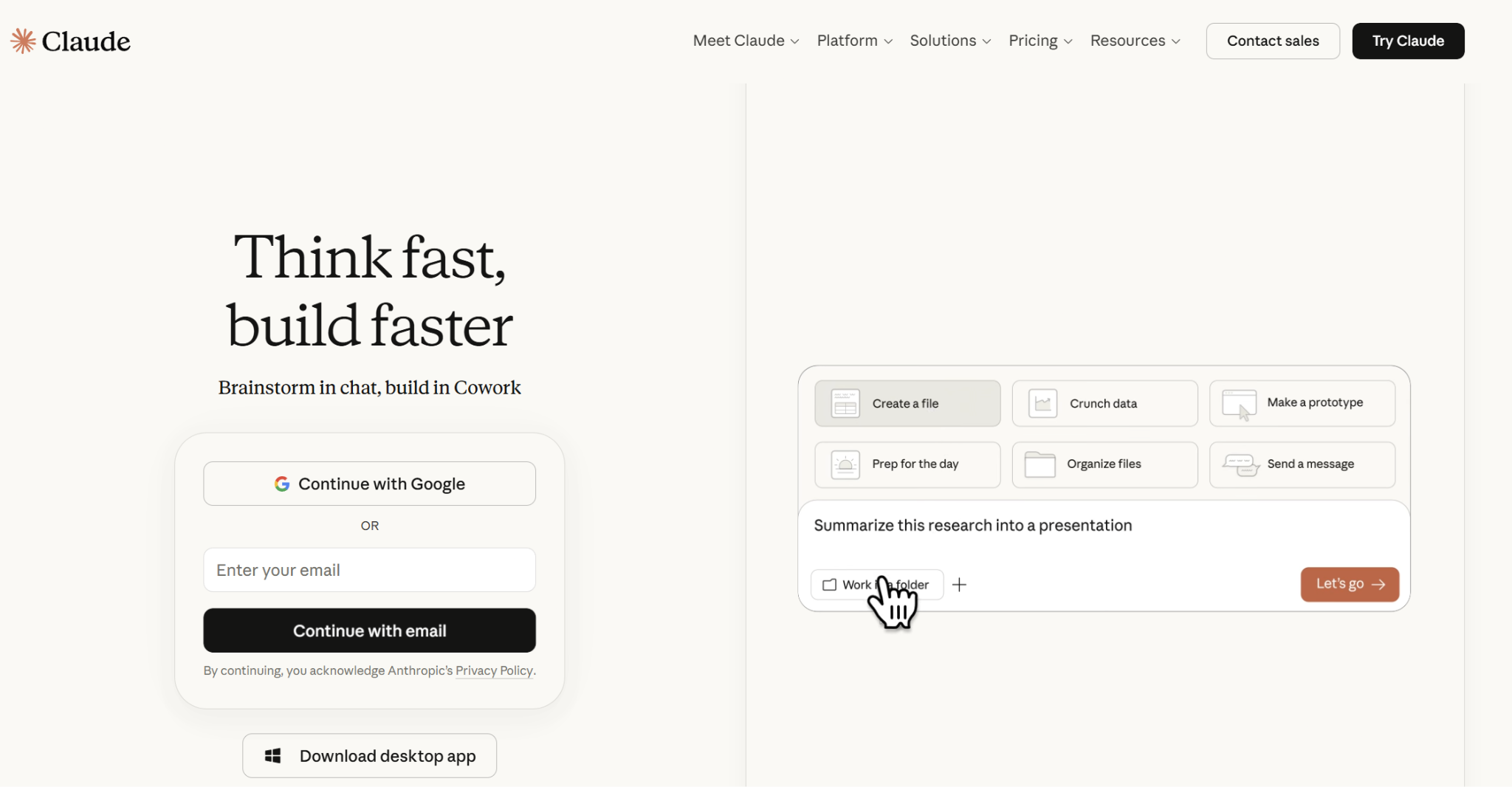
Claude has a massive context window, which allows it to digest entire books, lengthy reports, complex codebases, or even messy notes without losing coherence. It's effective for transforming rough ideas into polished content while maintaining logical flow, factual consistency, and adhering to brief requirements.
Best for: Newsletter writers, long-form content creators, and professionals who develop arguments, briefs, or scripts in multiple passes.
Key features
- Long-context drafting. Handles large input documents and produces clean first drafts. It replaces the "rewrite each section in Quillbot" loop with one structured pass.
- Iterative refinement. Strong at multi-round work on the same piece, which is how professional writing actually gets developed.
- Project workspaces. Claude Projects keep related chats, uploaded files, instructions, and background context together (useful for recurring client work).
Pros
- ✅ It handles the tedious drafting, structuring, and research, turning raw ideas into ready-to-use short or long-form pieces.
- ✅ Holds context across long conversations, so revision five still understands what revision one was trying to do.
- ✅ Format flexibility adapts to whatever you're producing without forcing template constraints.
Cons
- ❌ An open-ended interface requires clearer direction than template-based tools.
- ❌ No browser-native writing layer or SEO features.
Pricing
- Free plan available
- Pro: $20/month or $17/month annual billing
- Max: from $100/month
5. Jasper

Jasper works when you transition from being a solo writer to working with a team or multiple clients. Brand voice controls, campaign workflows, and approval steps keep quality and consistency steady as output scales.
Best for: Agencies, in-house content teams, and creators turning one campaign brief into a full set of channel-specific assets.
Key features
- Brand Voice. Captures tone, banned phrases, product terms, and preferred phrasing so output stays consistent regardless of which writer produced it.
- Campaigns. One brief produces a coordinated set of assets across blog, email, social, and ads without rebuilding each prompt.
- Approval and team workflows. Built-in collaboration, comments, and review steps that Quillbot has no equivalent for.
Pros
- ✅ Cross-channel asset generation from a single brief.
- ✅ Brand voice settings are shared across multiple writers, preventing the drift you get when a team shares an AI tool.
- ✅ Approval and review steps are built in, which removes the Slack-and-email cycle most teams run by default.
Cons
- ❌ Pricing is high for solo or low-volume writing.
- ❌ Excessive for anyone whose work is mostly short-form or one-off projects.
Pricing
- Pro: $69/month/seat or $59/month/seat (billed annually)
- Business: Custom pricing
6. ProWritingAid
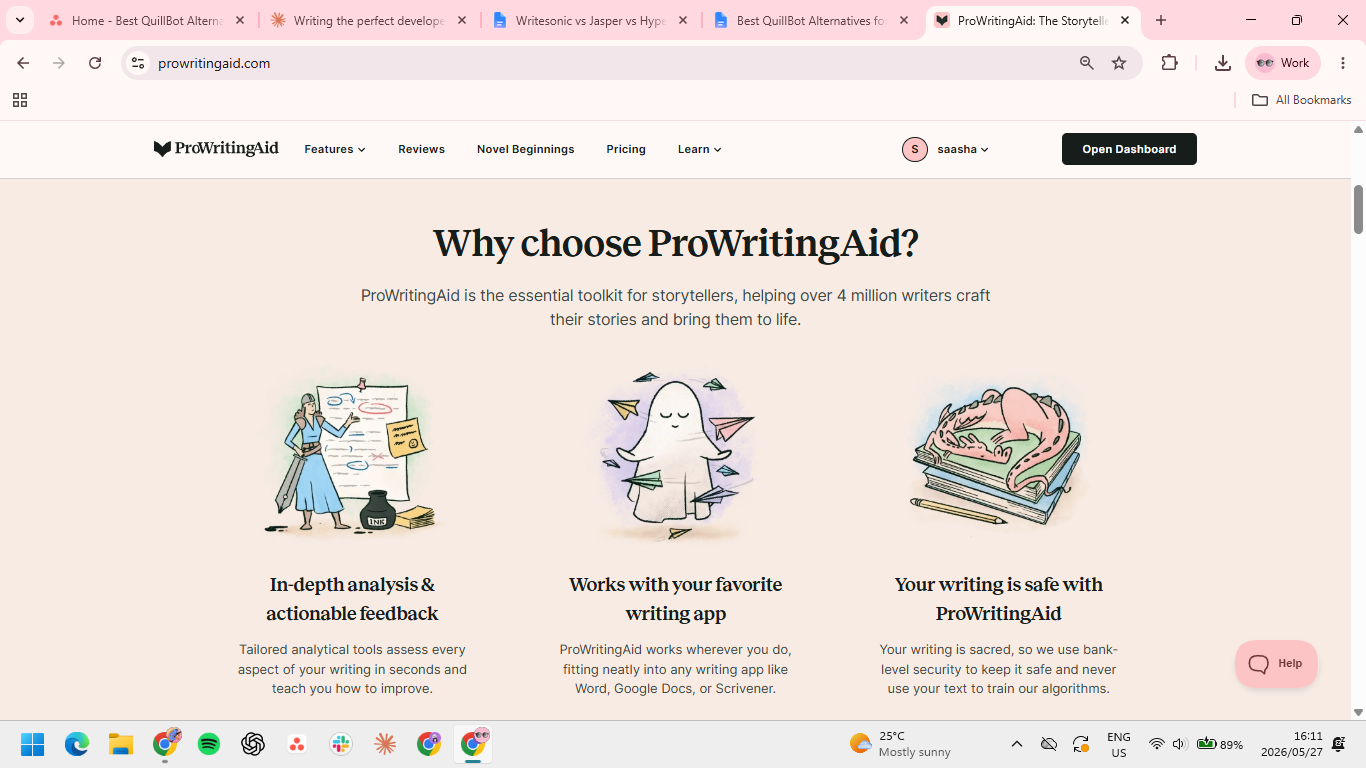
ProWritingAid covers Quillbot's core use cases (rewriting, grammar) and goes much further on document-level editing, with deeper feedback aimed at long pieces.
Best for: Long-form writers (book authors, journalists, in-depth content writers) who edit their own work and want analysis that goes deeper than grammar.
Key features
- 20+ writing reports. Pacing, repetition, readability, dialogue, sentence variety, and more. It handles the kind of structural editing that usually requires a separate developmental pass.
- Integrations across writing surfaces. Works inside Google Docs, Word, Scrivener, and most browsers.
- Genre presets. Adjusts feedback based on whether you're writing fiction, academic, business, or web content.
Pros
- ✅ Adjusts feedback by genre; for example, academic notes look different from fiction notes.
- ✅ Reports help you spot structural problems across the whole draft, which is useful for long-form editing
Cons
- ❌ Reading the reports takes work; faster writers may find it heavier than a real-time tool.
- ❌ Slower than Grammarly in the browser. Real-time suggestions feel laggy in the same apps.
- ❌ Built for long-form writing only. Short-form writers will leave most features untouched.
Pricing
- Free plan available
- Premium: $30/month or $10/month billed annually
- Premium Pro: $36/month or $12/month billed annually
7. TextCortex
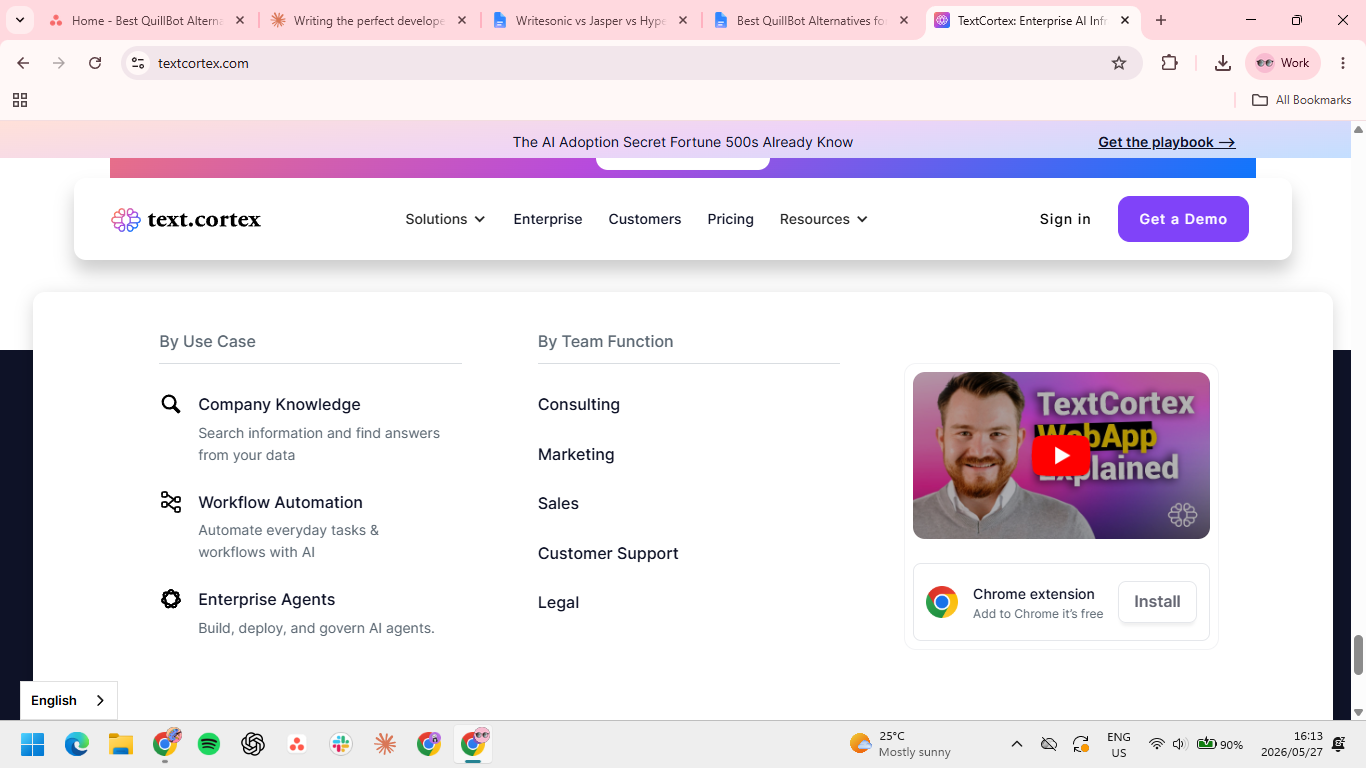
TextCortex sits between a paraphraser and a full writing platform. People mostly use it for rewriting, summarizing, and tone shifting. Like Quillbot, it has persona-based voice training stacked on top. It's the right choice for writers who want rewrites with some voice control, without paying for the broader feature set.
Best for: Writers who want stronger paraphrasing with light voice training and don't mind paying more than Quillbot for it.
Key features
- AI personalization through knowledge bases. Upload your past writing, product docs, or reference materials so the AI Agent draws on your actual context rather than generic AI assumptions.
- 25+ language support. Native multilingual rewriting, translating, and grammar correction across more than 25 languages, which most competitors at this price tier don't offer.
- Email and helpdesk support. The browser extension puts drafting help right inside Outlook, Gmail, Zendesk, and Freshdesk, so support reps and customer-facing teams write where the work happens.
Pros
- ✅ Enterprise plans run a strict no-data-collection policy with European servers, which matters for teams in regulated industries or working with sensitive client work.
- ✅ Free plan covers core features (knowledge bases, custom agents, and limited model usage), enough to test the tool on real work before paying.
- ✅ ZenoChat lets you summarize, rewrite, or expand in the same window where you're researching, without switching tabs.
Cons
- ❌ Hallucinations, weak arithmetic reasoning, and limited broader-context understanding of data-heavy work or numbers-driven content.
- ❌ Voice training is functional but relatively light. Tone-critical work still needs a human editing pass.
Pricing
- Free plan available
- Premium: $29.99/user/month/ or $23.99/user/month billed annually
- Enterprise: Custom pricing
How to evaluate Quillbot alternatives
The right Quillbot alternative solves the specific limitation you keep running into. For most professional writers, the bottleneck falls into one of four categories:
- Where the writing happens. If your day spans five apps, a tool locked inside its own interface costs you time. Tools that live in your browser (Grammarly, HyperWrite, and Wordtune) eliminate the need for constant copy-pasting.
- Drafting vs. polishing. Quillbot improves what's already on the page. If your real need is to produce the page from scratch, a paraphraser won’t help much. Drafting tools (HyperWrite, Jasper, and Claude) are a better fit.
- Voice consistency. Tone presets aren't voice. If your writing needs to sound like a specific person across every channel, look for tools with actual voice training (HyperWrite and TextCortex).
- Editing depth. For long-form writers, sentence-level rewrites are surface work. ProWritingAid's report-driven approach catches structural issues that Quillbot doesn't even look for.
- Price matters. Quillbot is cheap because it does one thing. If you're paying for one feature inside a workflow that needs four, the price advantage isn't real.
Pick the tool that fixes your actual bottleneck
Quillbot remains a fine choice for paraphrasing and casual grammar work. But when professional writing demands more, whether that's a specific voice, original drafts, document-level editing, or workflows that span multiple tools, a Quillbot alternative becomes the next logical step.
For grammar and clarity across every app, Grammarly is the most natural fit. Long-form writers who self-edit reach for ProWritingAid. For teams producing content at scale, Jasper is the platform built for that level.
For solo professionals and creators who write daily and want every draft to sound like them, HyperWrite is the most direct fit. The TypeAhead Chrome extension installs in under 10 minutes and starts working in all browser tabs where writing is already happening.
Frequently asked questions
What are the best free Quillbot alternatives?
The best free Quillbot alternatives depend on what you need. Grammarly's free plan is the most useful for grammar and editing, Wordtune's free tier handles sentence rewrites well, and Claude's free tier covers light drafting. HyperWrite's free plan is the best all-around option for writers who want browser-wide writing support.
Is Quillbot still worth using in 2026?
Quillbot is still worth using in 2026 for short-form writing where paraphrasing or basic grammar correction is the main need. It becomes a weak value once your work requires original drafting, voice control, or integration with the apps you already write in.
Is HyperWrite better than Quillbot?
HyperWrite is better than Quillbot for professionals who need to draft original writing in their own voice. Quillbot is better if your main need is paraphrasing existing sentences or running a quick grammar check on a budget.
Which Quillbot alternative is best for professional writing?
The best Quillbot alternative for professional writing is HyperWrite for solo professionals working across browser tabs, Jasper for content teams, and Grammarly for cross-app grammar and editing. The right pick depends on whether your bottleneck is drafting, team workflow, or polishing.

HyperWrite is the AI writing assistant that learns your style. It handles drafting, editing, and researching so you can focus on ideas.
- Autocompletes sentences as you type
- Works inside Google Docs & Gmail
- Adapts to your personal writing style
- 500+ AI tools for any writing task

Powerful writing in seconds
Improve your existing writing or create high-quality content in seconds. From catchy headlines to persuasive emails, our tools are tailored to your unique needs.